A:AnswerWe apologize for any inconvenience caused. It’s normal with newer Dell laptops that you won’t find a traditional printed manual in the box. Dell has largely moved to digital documentation. In your package, you should have received a small piece of paperwork that includes a QR code.
This paper typically doesn’t look like a full manual; it’s just a quick-start or regulatory leaflet.
Scan the QR code using your phone.
The QR code takes you directly to your Dell product support page, where you’ll find:
User manuals (PDF downloads),
Drivers & BIOS updates,
Setup guides and troubleshooting articles,
Full product details for your exact model.
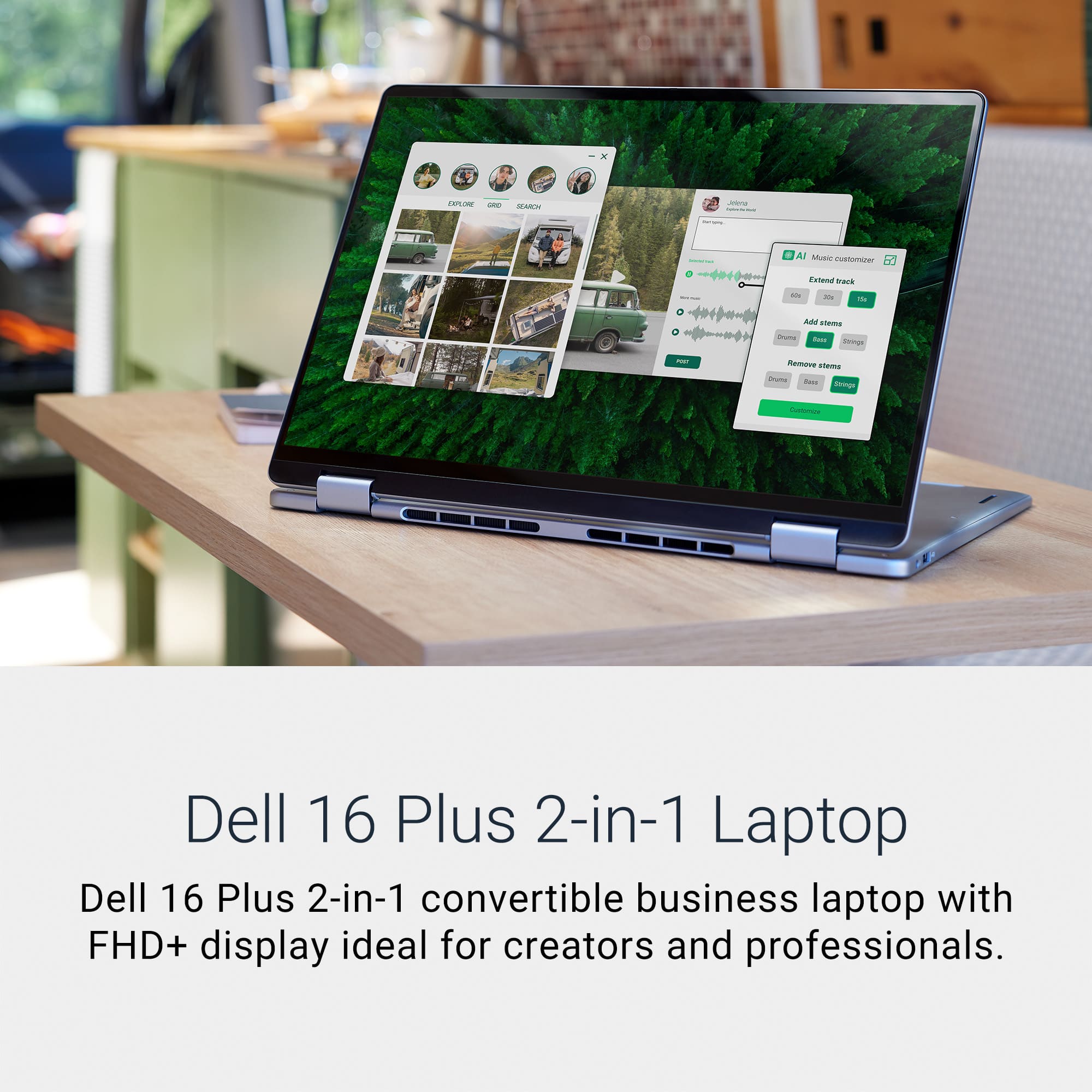
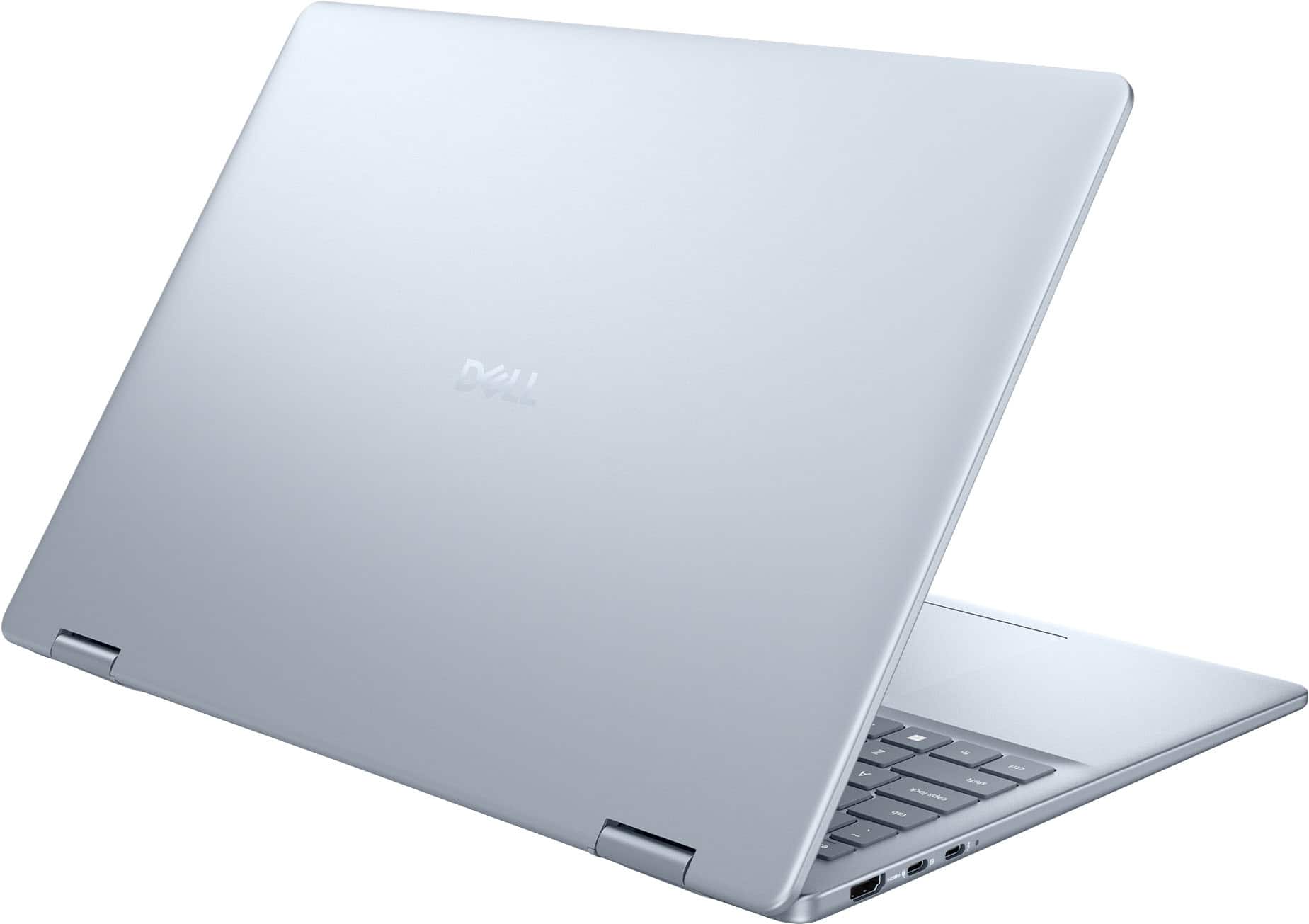
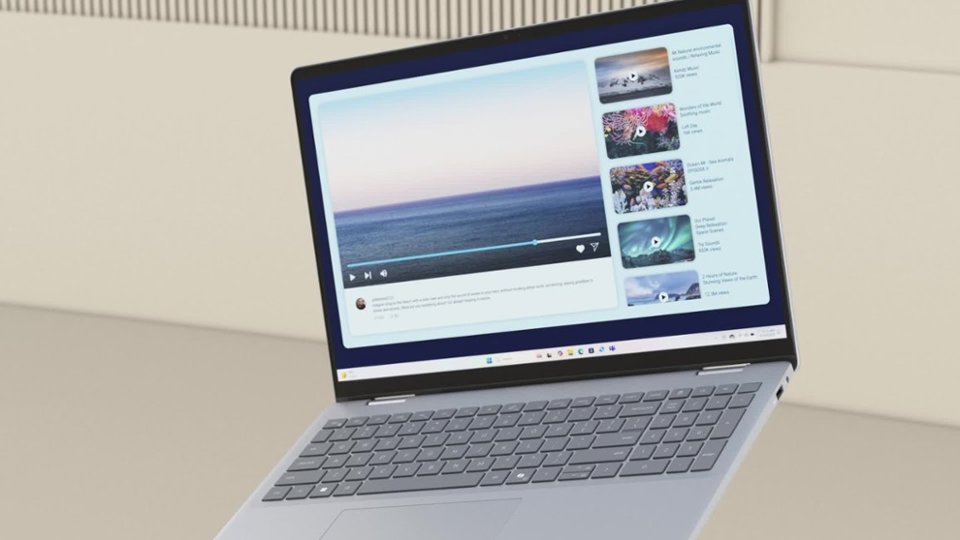
A:AnswerNo it does not detach. The two in one is talking about how the screen is not only a touchscreen or you can use the traditional mouse built-in the laptop or a Bluetooth plug in mouse .
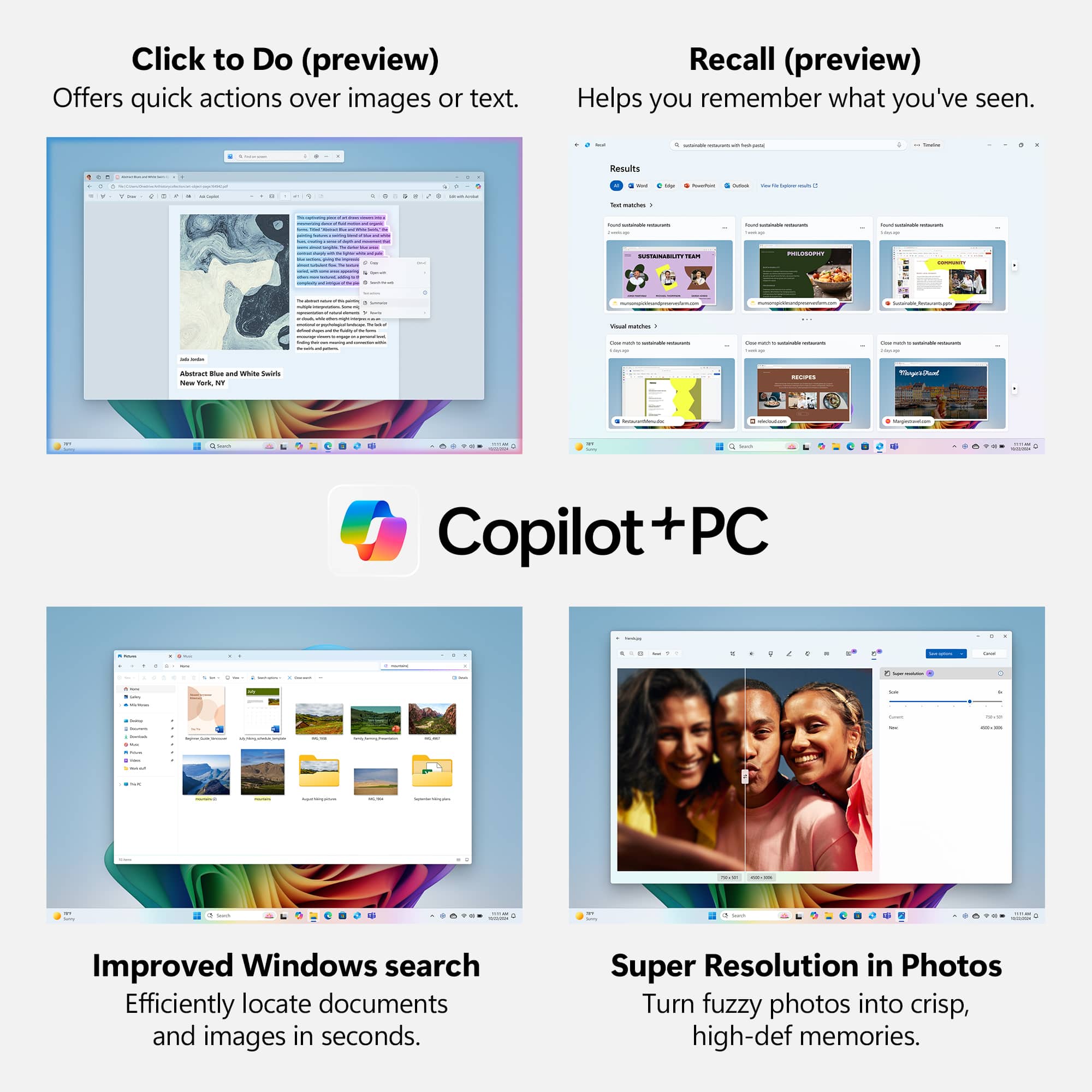
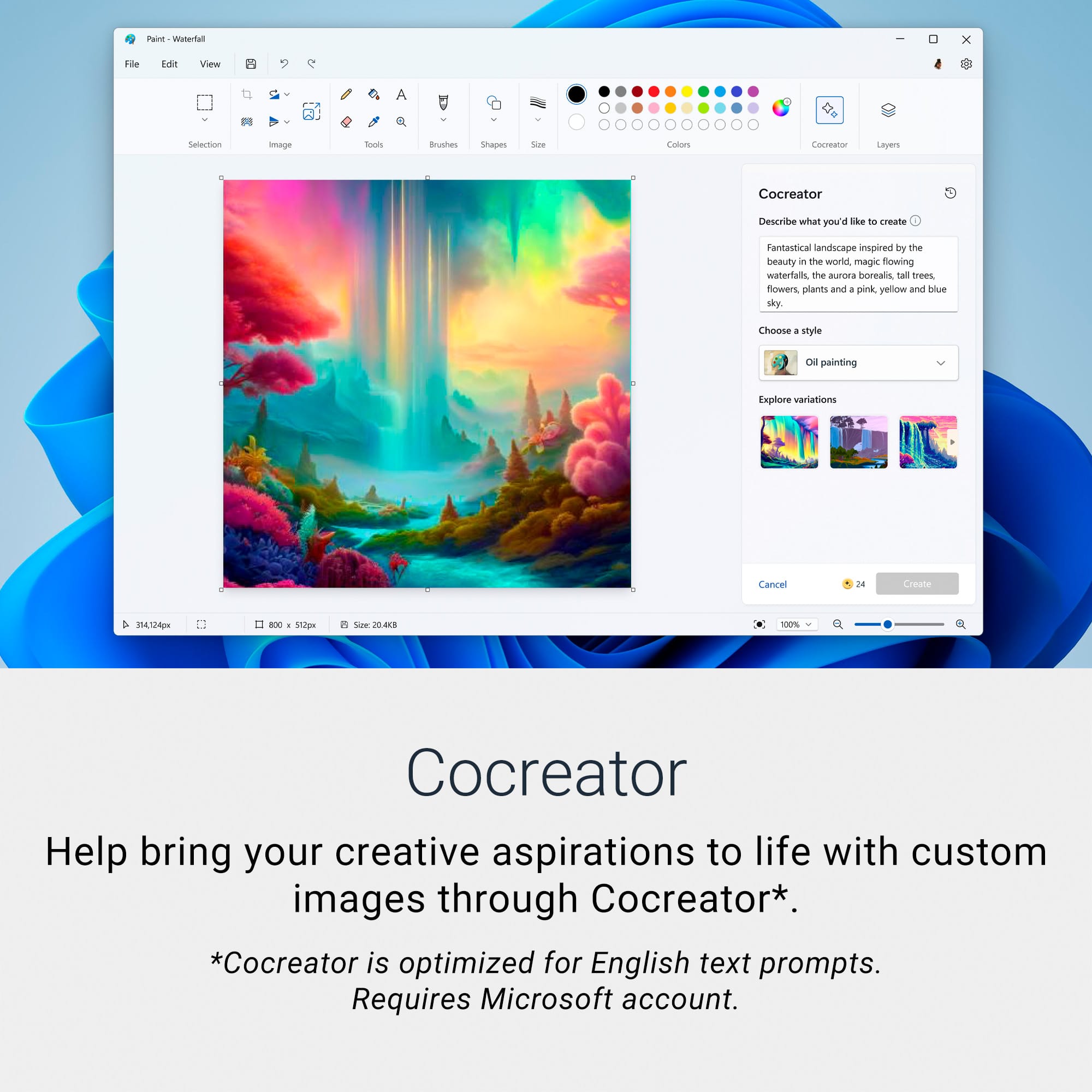
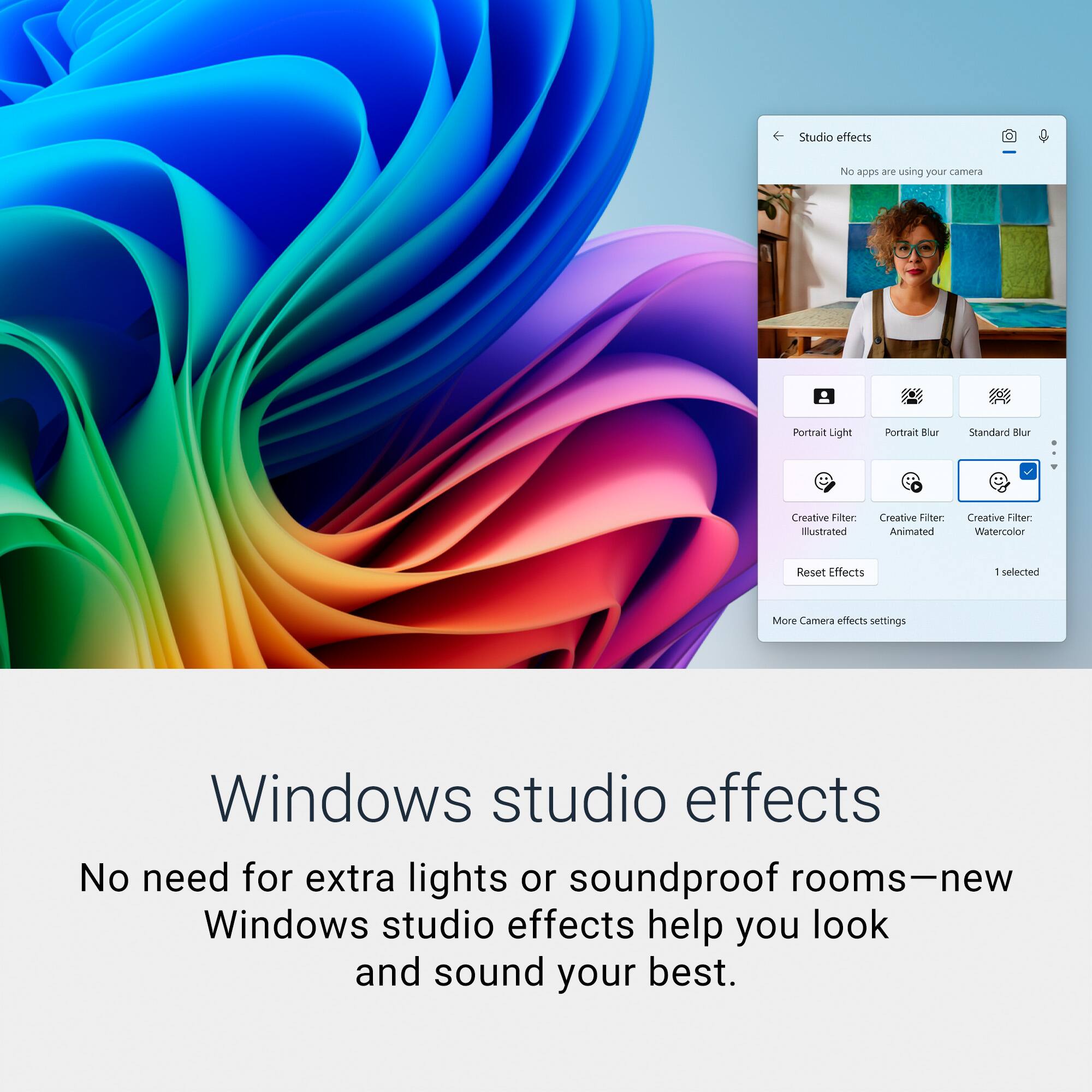
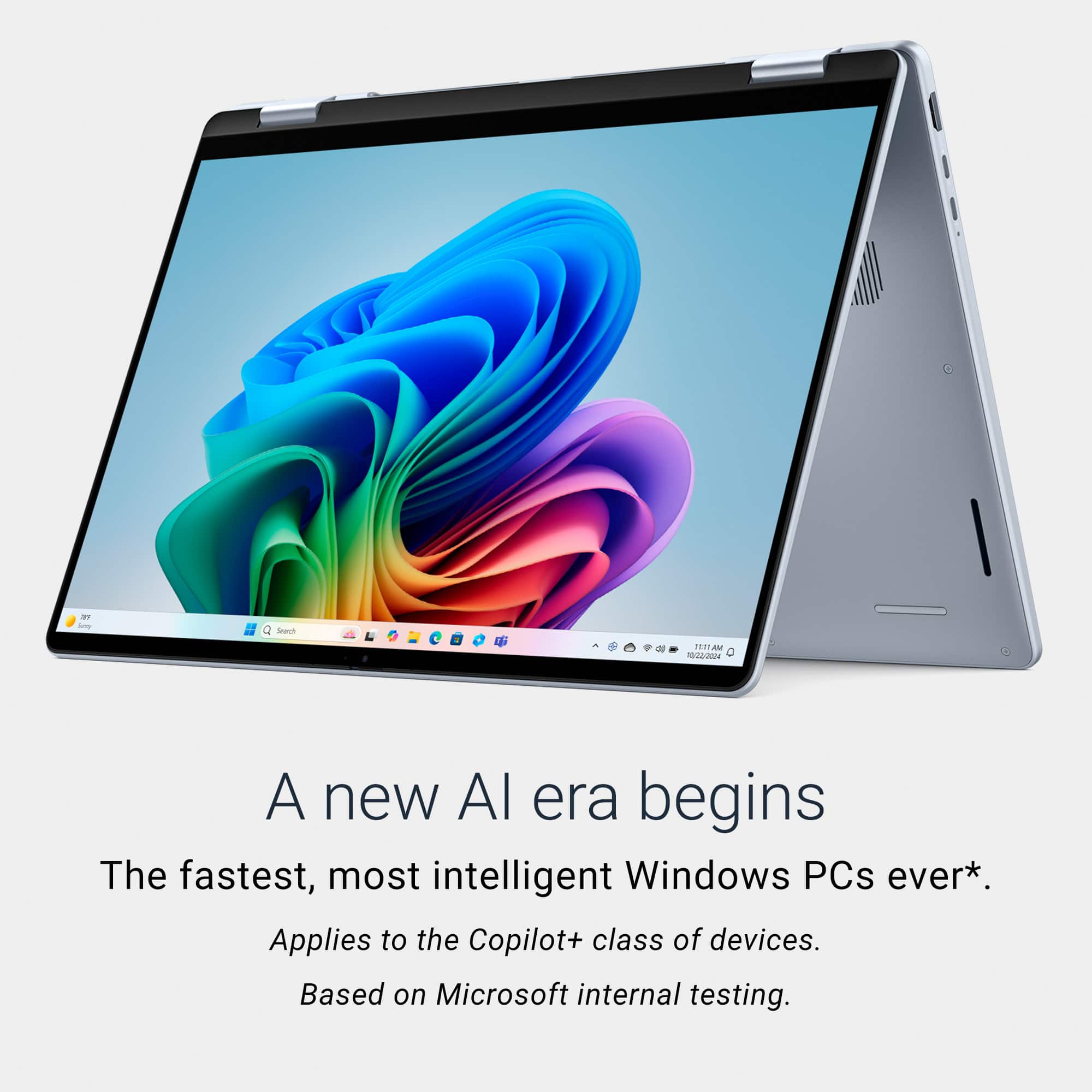
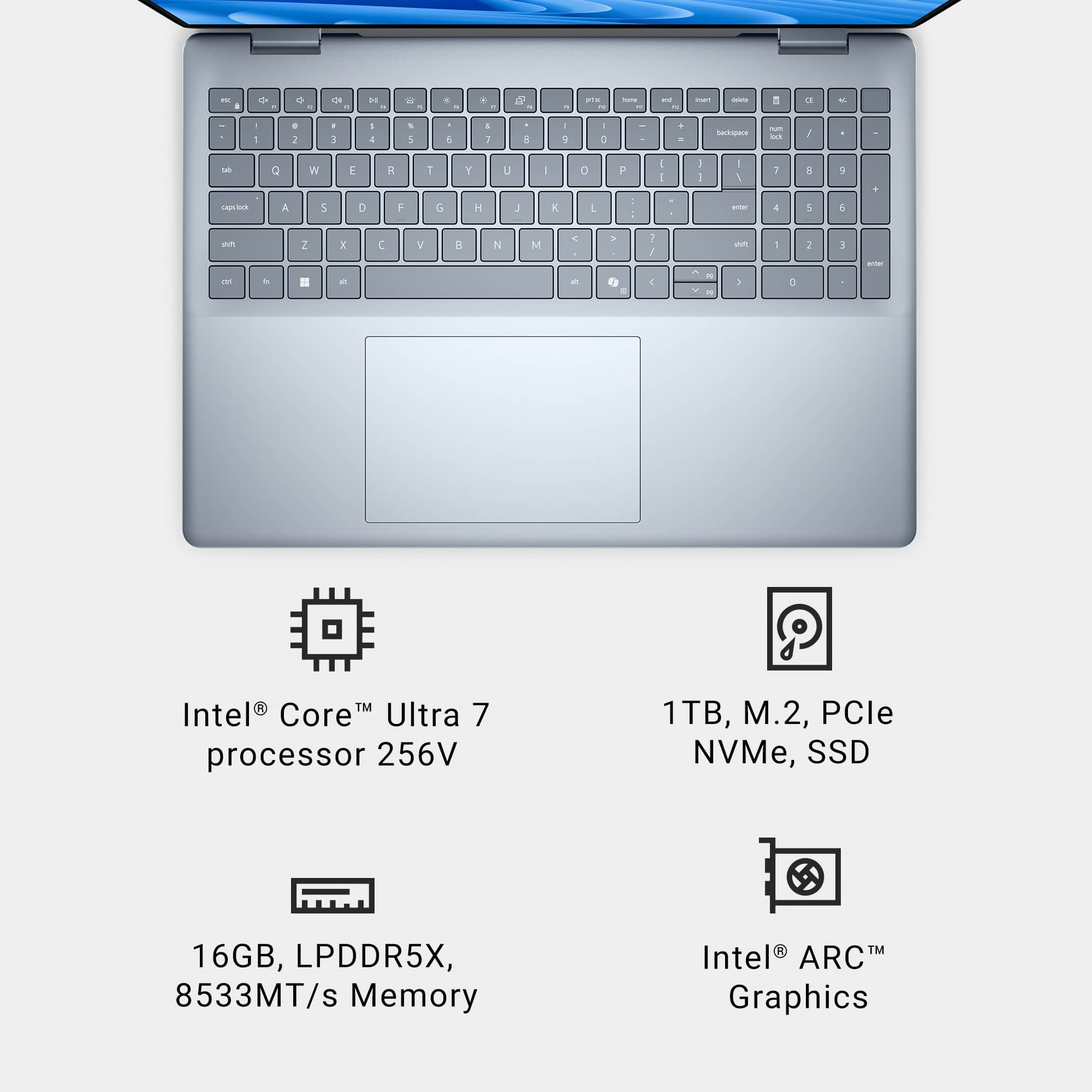
A:AnswerThis model usually has soldered RAM, so it cannot be upgraded. However, since it is a Copilot+ PC with the new Intel Core Ultra processor, it is specifically designed to run AI programs very efficiently.
A:Answer1 and 2. Dell provides the warranty. Depending on the nature of the problem, it may be treated remotely or you may be asked to mail or take it there.
3. Industry standard 1 year parts and labor.