A:AnswerYes, this monitor comes with the feature to optimize eye comfort with a flicker-free screen and ComfortView feature which minimizes blue light emission.
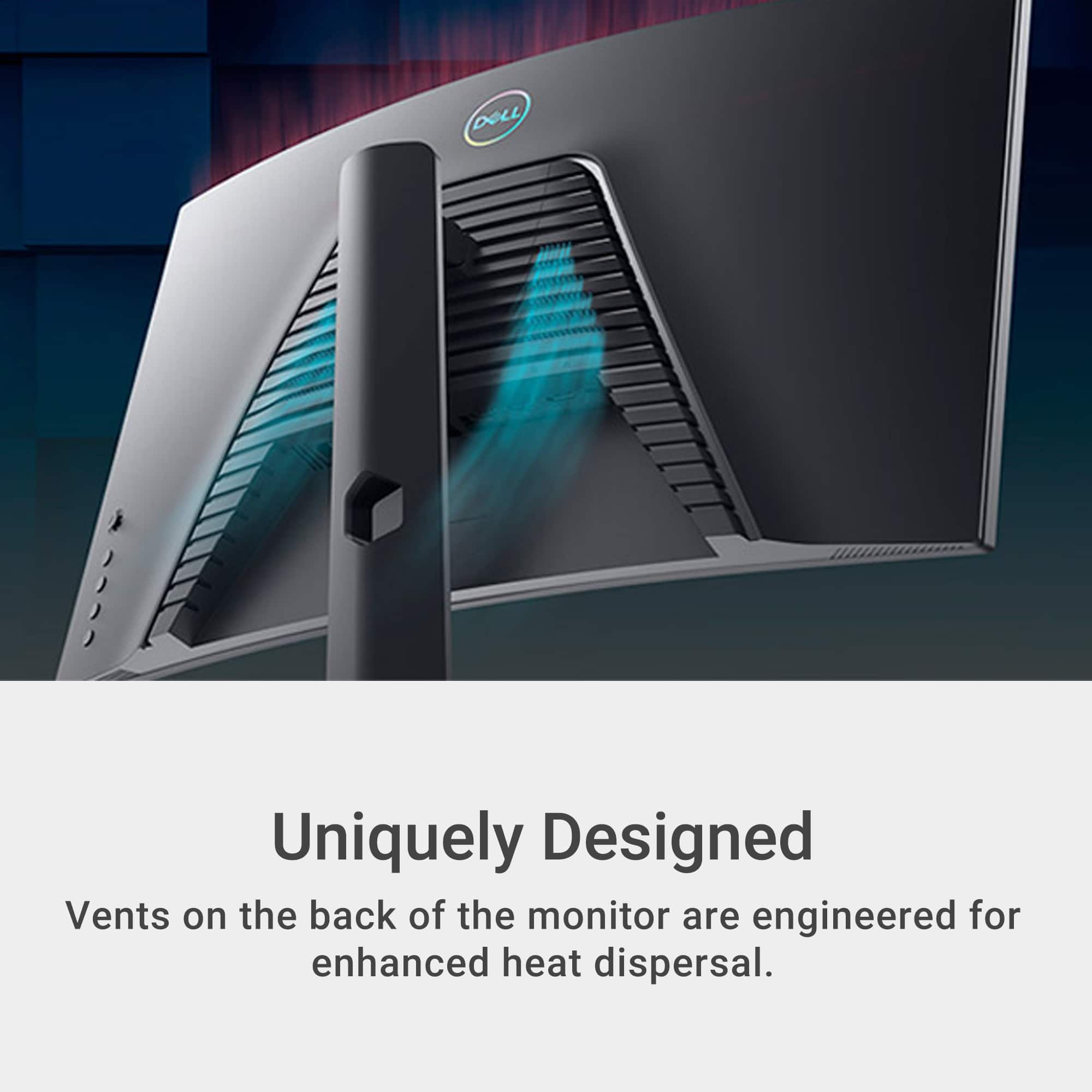
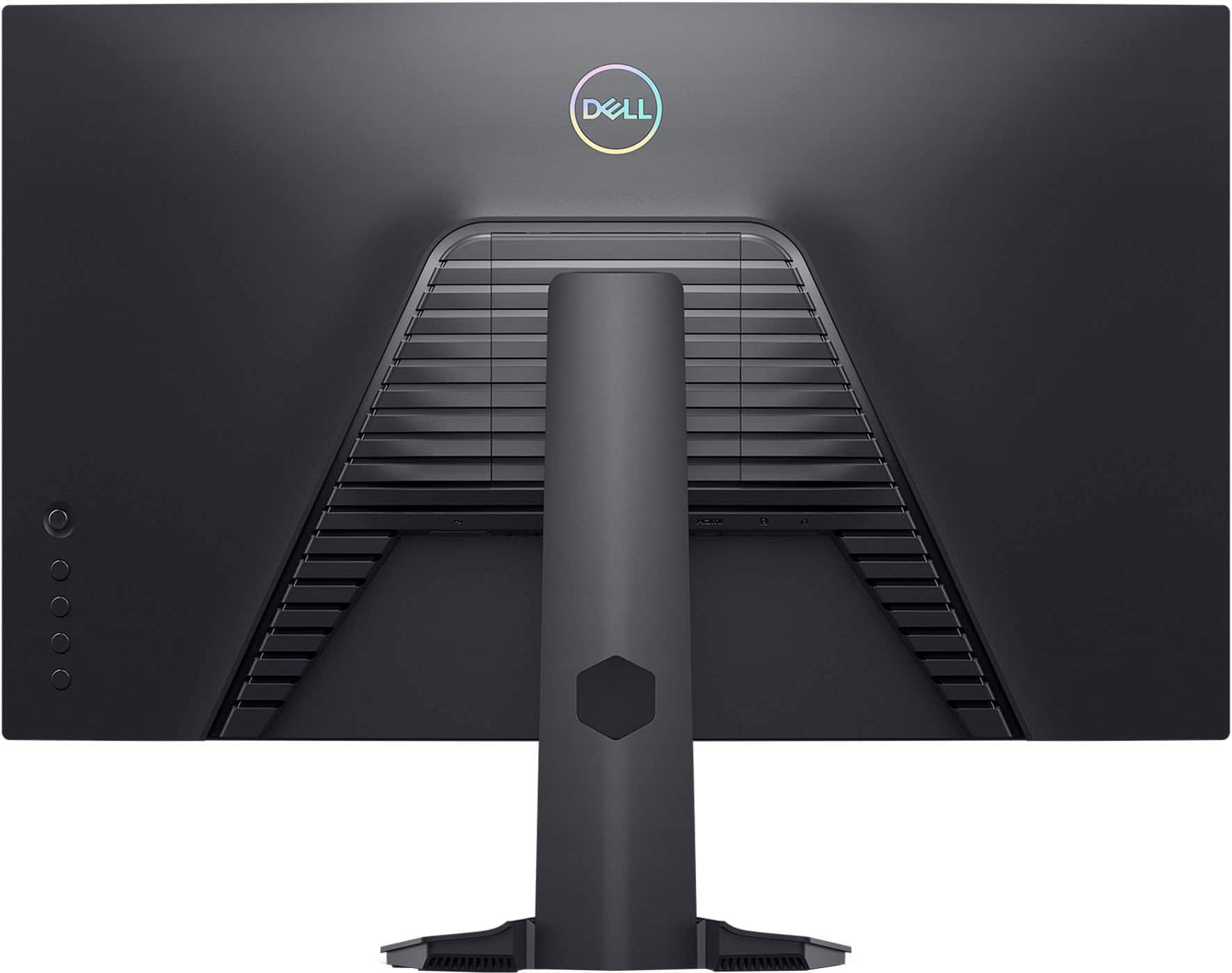
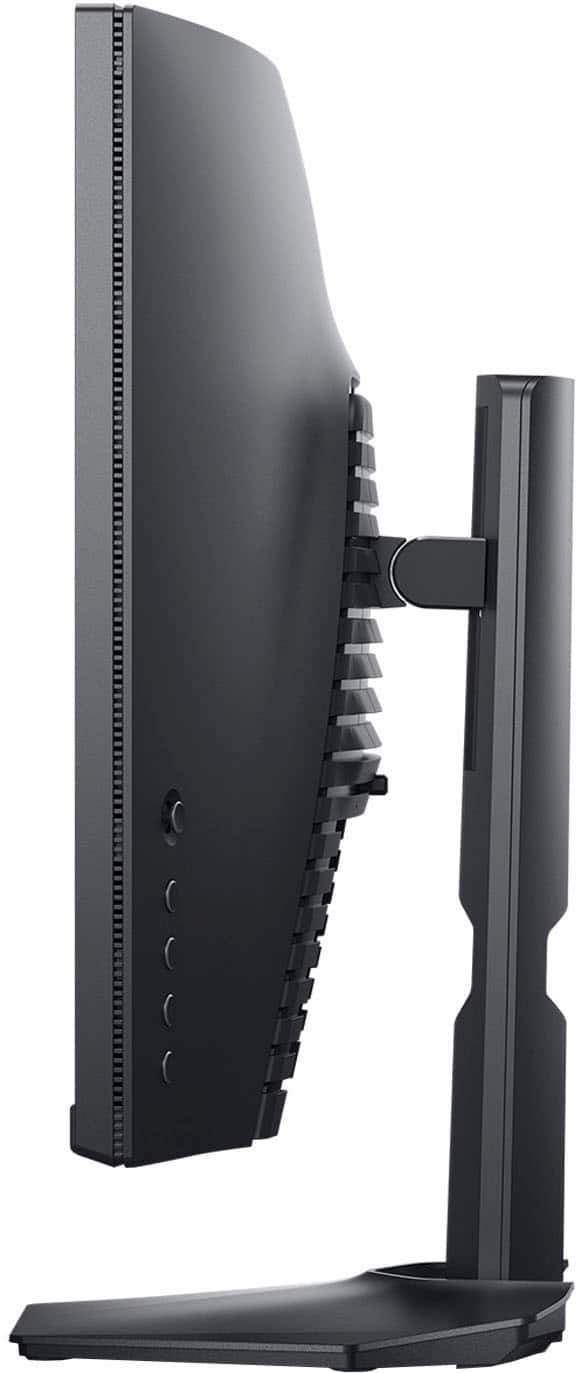
A:AnswerI dont think small led strips on the back would hurt it, just dont block any open areas that might be for cooling. Also i would not press hard when attaching stuff as to not damage the components inside the case.
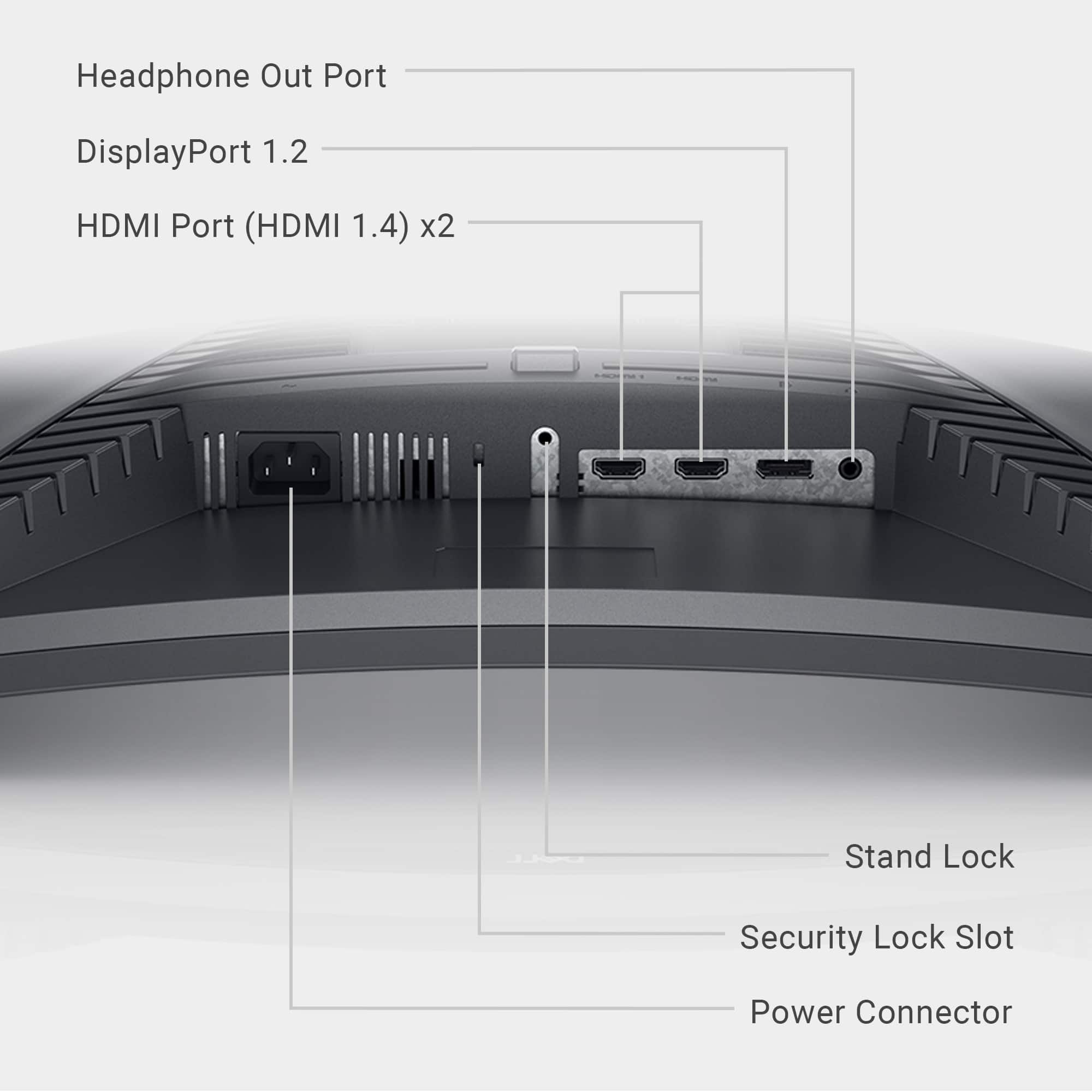
A:AnswerThis monitor has a headphone port and not an audio in, you can use headphones with this system or have any speaker that connects to the headphone port.
A:AnswerI use this as a regular monitor as I have a 3 screen setup. No issues with it and is a nice monitor. Not my primary monitory, so do not game on, but use it for various things as I do stream on twitch casually.,
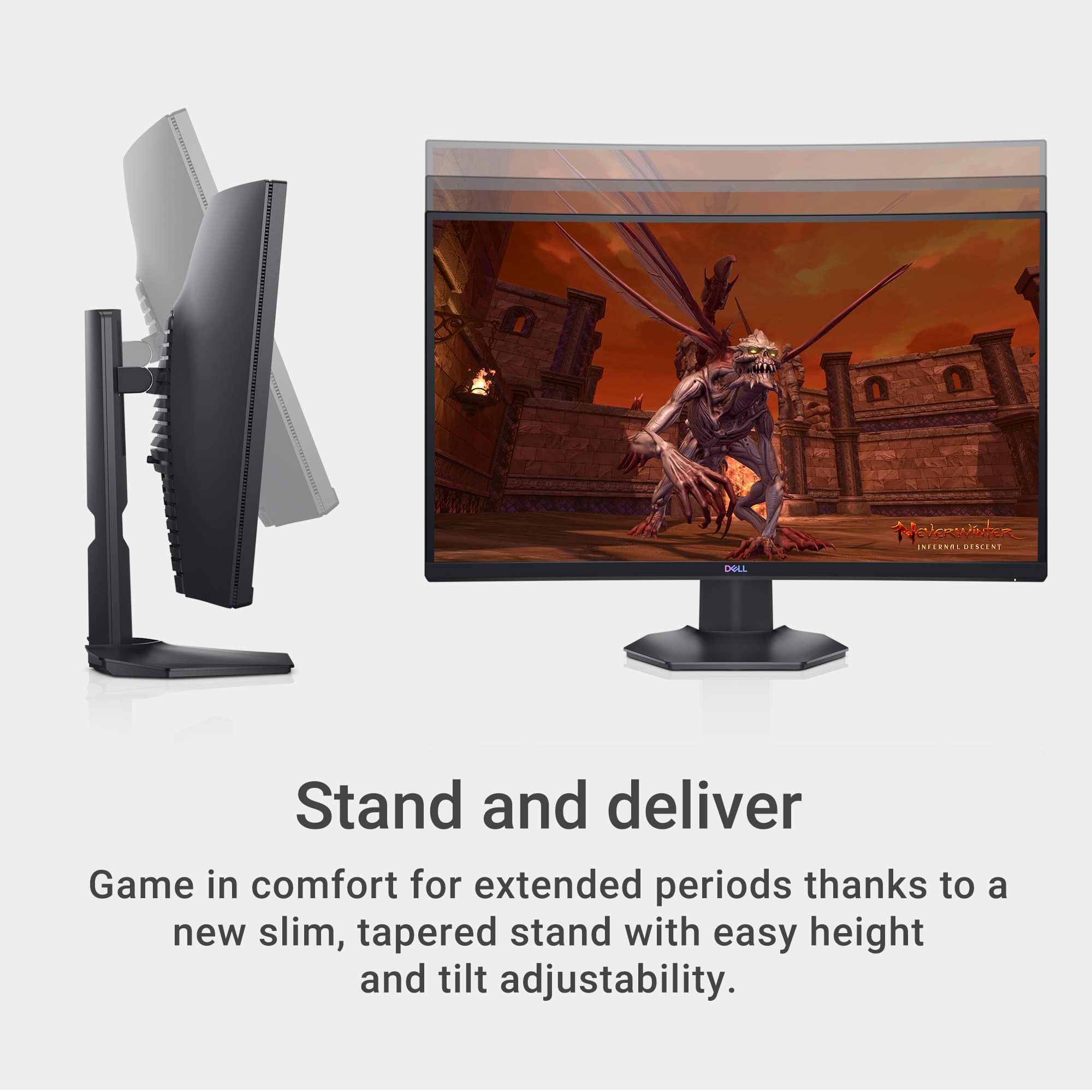
A:AnswerThis model typically uses M4 screws for VESA mounting. The length of the screws can vary depending on the specific monitor arm, but common lengths are between 10mm to 20mm. Always check the monitor arm's instructions to ensure compatibility, and make sure not to use screws that are too long, as they could damage the monitor.