A:AnswerDepends on the game and the resolution you're using.
Most games do not cap the framerate.
Now, you won't be able to run graphics-heavy games at 1440p. with resolution around 165 with a 1060, but likely can if you bump the resolution down to 1080p (I highly recommend maximizing frame rate over resolution for game performance for smooth gameplay).
This is a terrific monitor especially for when you upgrade that 1060 but won't be spending $800+ for a GTX 3080 or better.
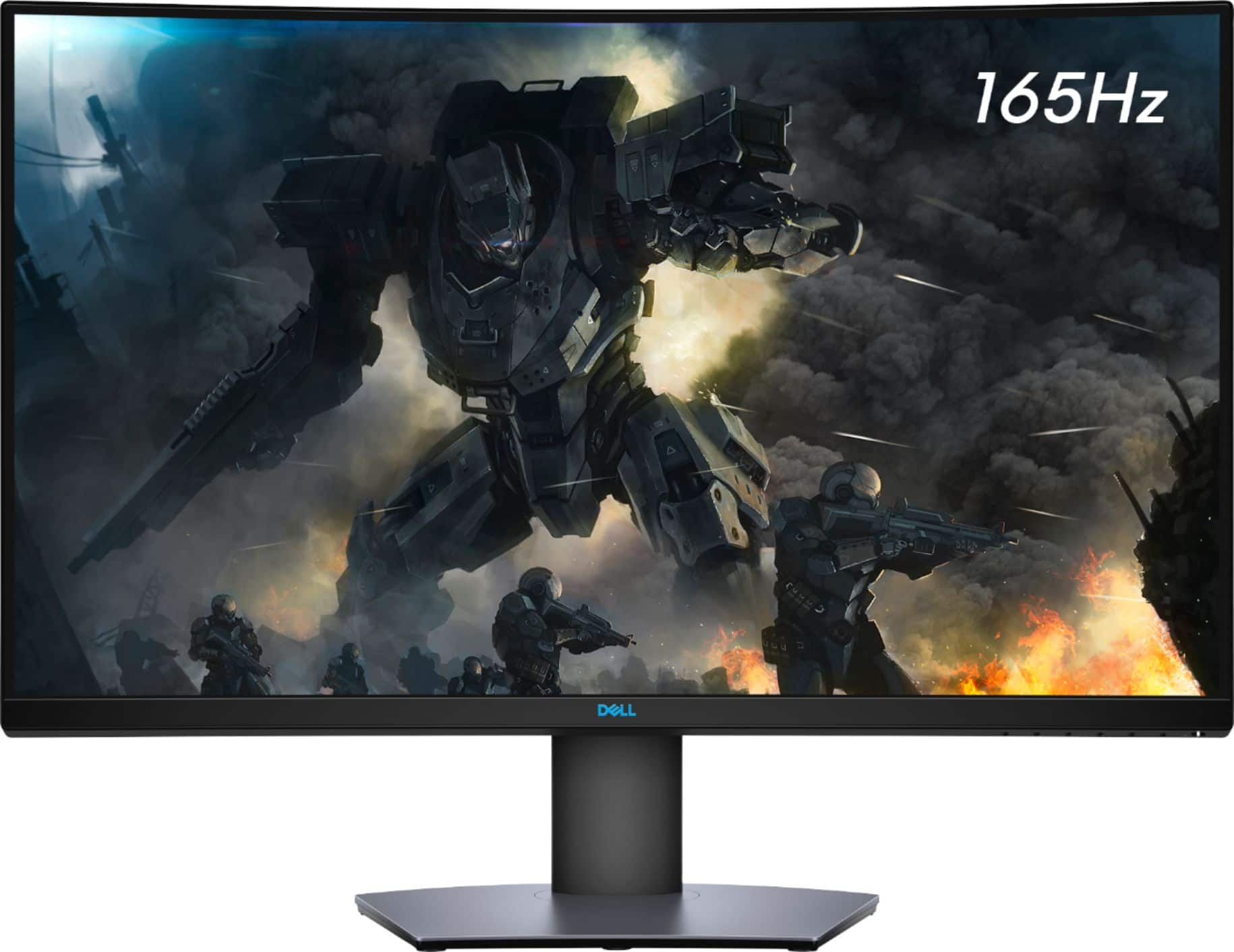
1440 at 165Hz, sitting a couple of feet away, is a world-class experience for anything less than spending extravagantly for a gaming setup.
A:AnswerIf you have it connected to a computer, yes, you can cast to it like you would cast any media. I cast my phone and laptop screen to it all the time via the desktop it's connected to.
A:AnswerWe recommend you to reach out to the Dell technical support team They will review and assist you to sort out any issues with Dell monitor. They are available 24/7 on Facebook and Twitter(@Dellcares).
A:AnswerWe recommend you to reach out to the Dell technical support team to review this concern and get it sorted. They are available 24/7 on Facebook and Twitter(@Dellcares).
A:AnswerWe recommend you reach out to the Dell technical support team, to review the display issue and get it sorted. The team is available 24/7 on social media platforms, Facebook, and Twitter(@Dellcares).
A:AnswerThank you, I did but he wasnt very knowledgeable about this screen or much help. I reached out to Best buy tech support, and they weren't either. Told it it might be my software and that i would have to sign up and pay their Geek Squad to look.
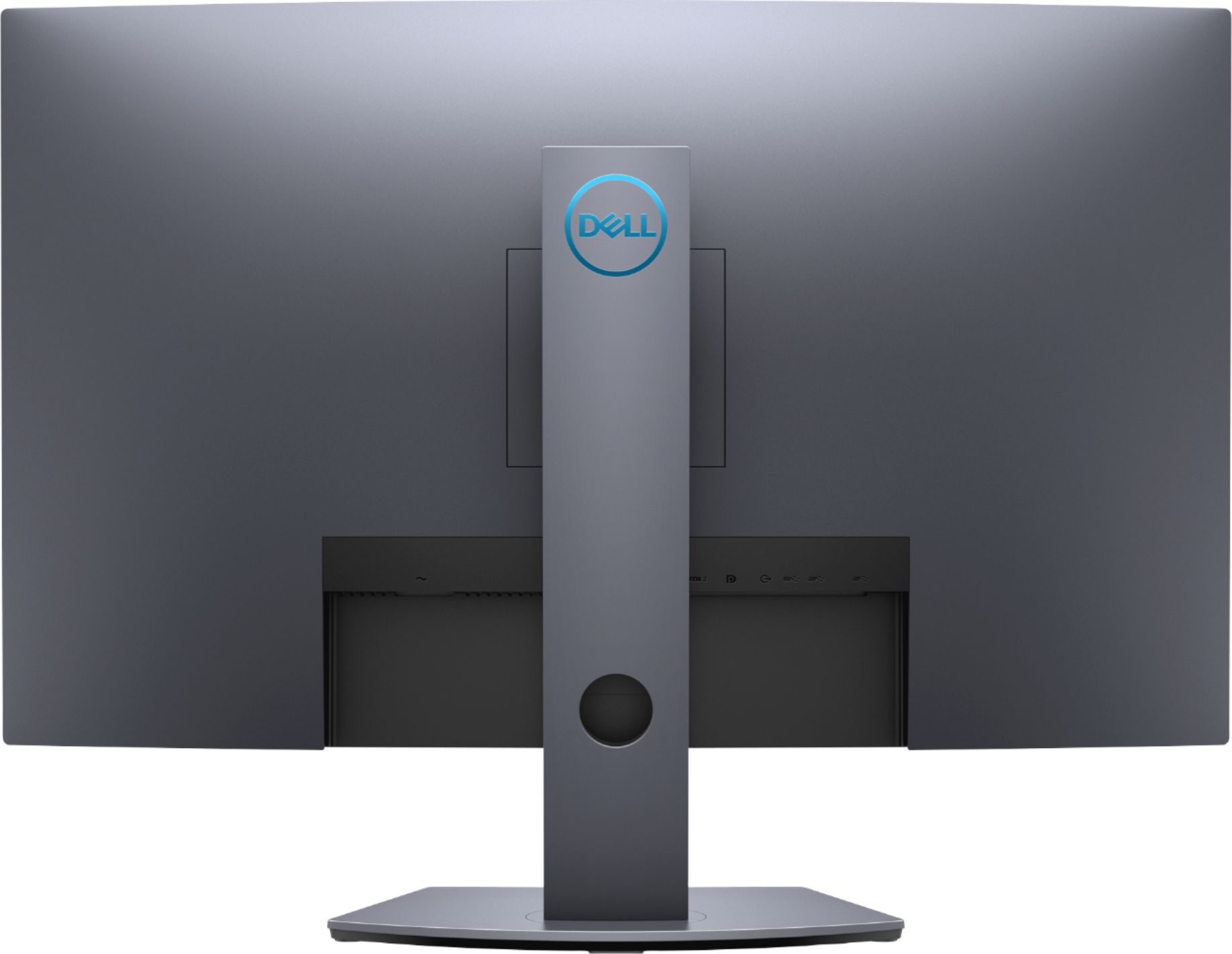
A:AnswerThis monitor comes with HDMI 2.0 port. This HDMI interface supports up to 2560 x 1440 at 144 Hz. Hence, you might get 120 Hz while still running HDR on PS5.
A:AnswerWe recommend you to set the refresh rate to 165 HZ through the system connected to the monitor and connect the DisplayPort cable to the graphics card connector. Should you still experience the same, do reach out to the Dell technical support team to get this sorted.
A:AnswerYes, you could use this monitor along with another monitor with your laptop. However, please ensure that necessary connecting cables and the ports are available.