A:AnswerUse a USB external optical drive (CD/DVD/Blu-ray).
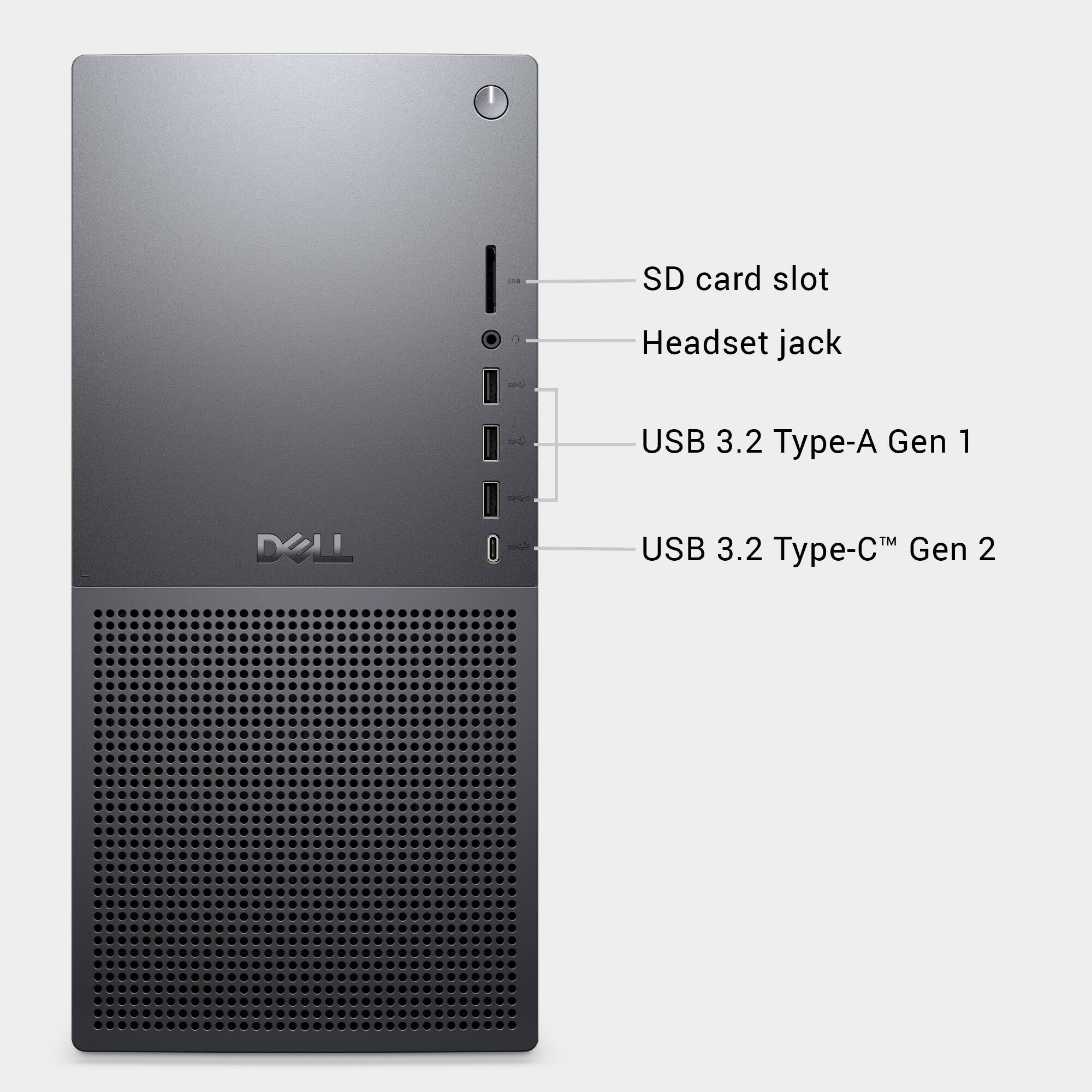
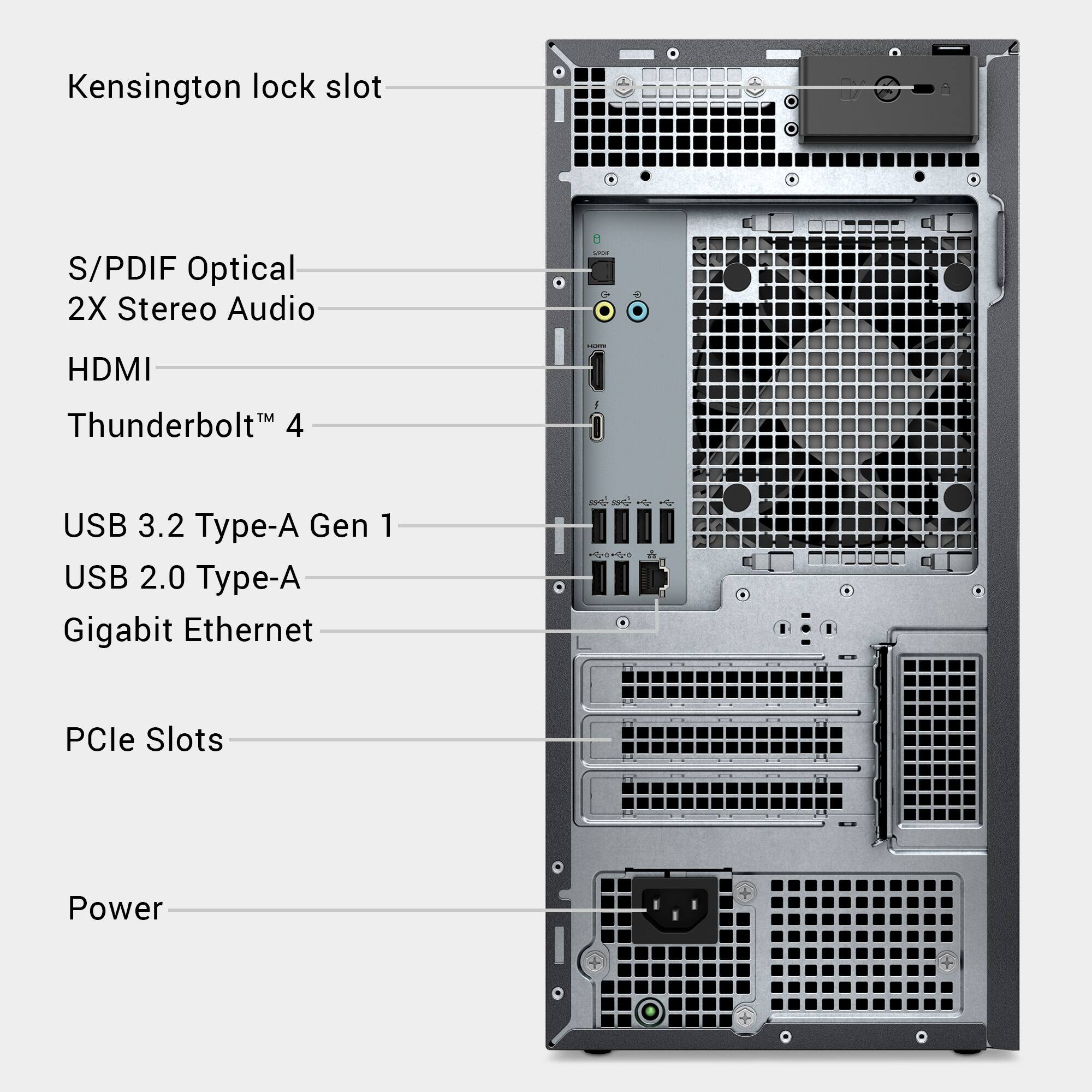
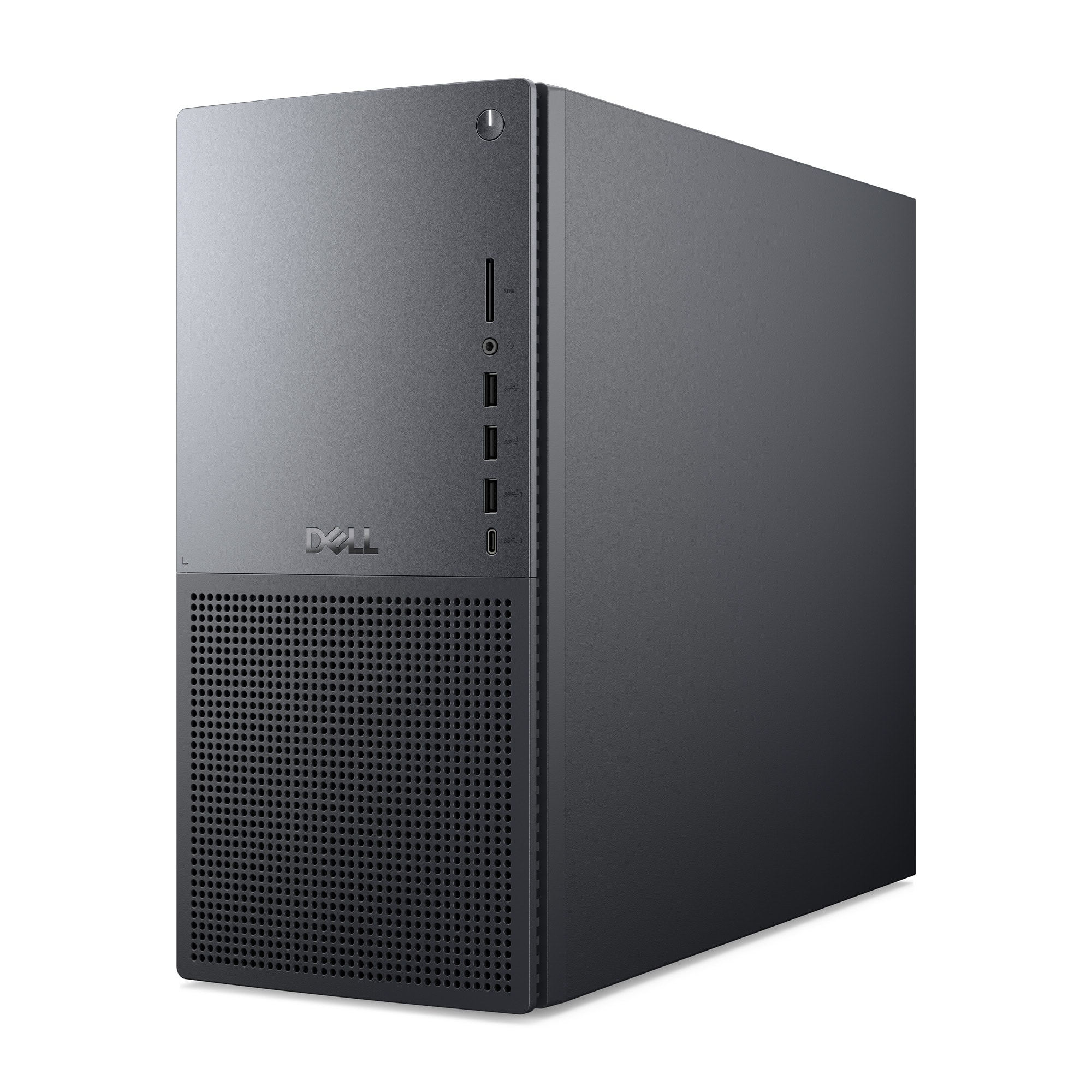
Simply plug it into any USB-A or USB-C port on the desktop.
It’s plug-and-play for most operating systems.
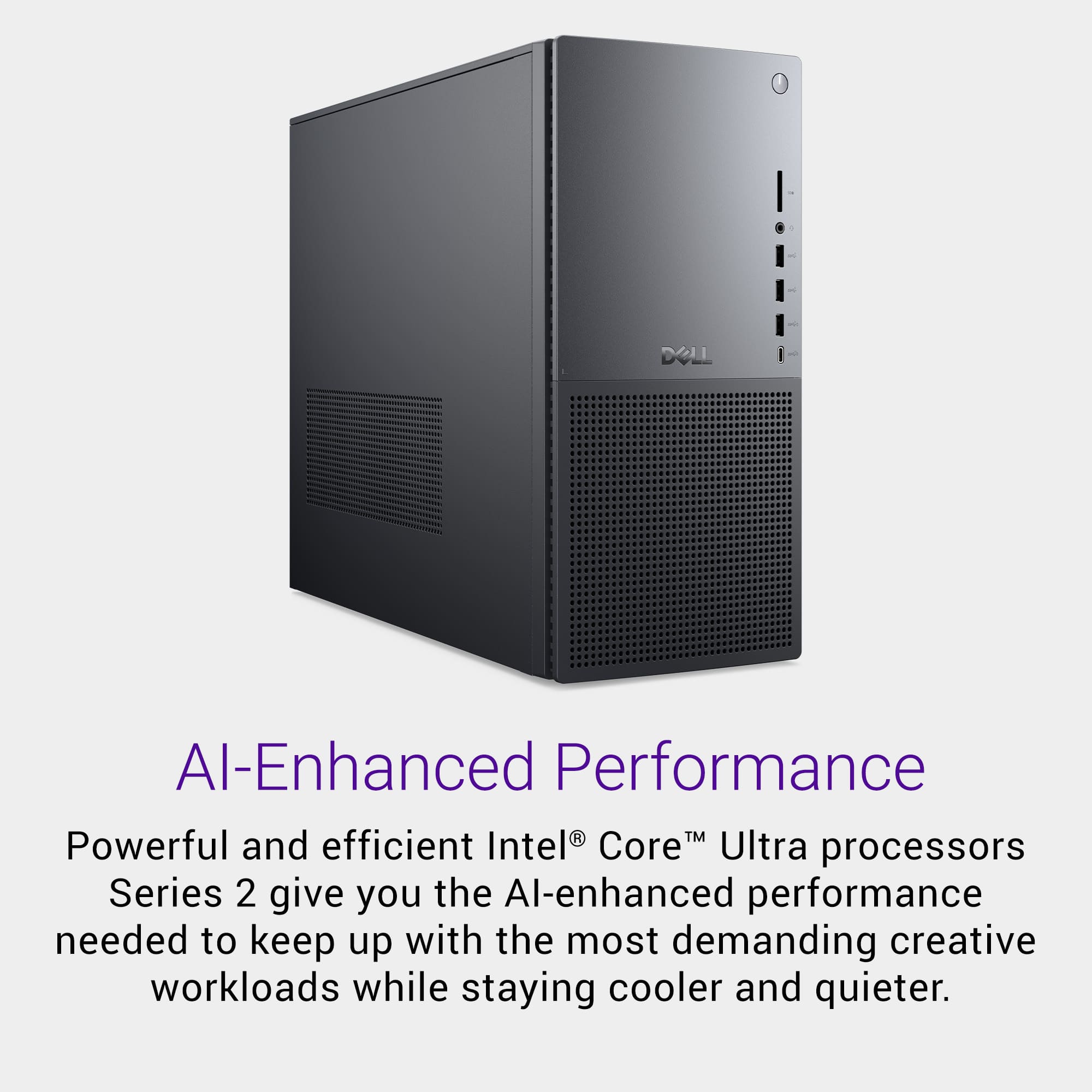
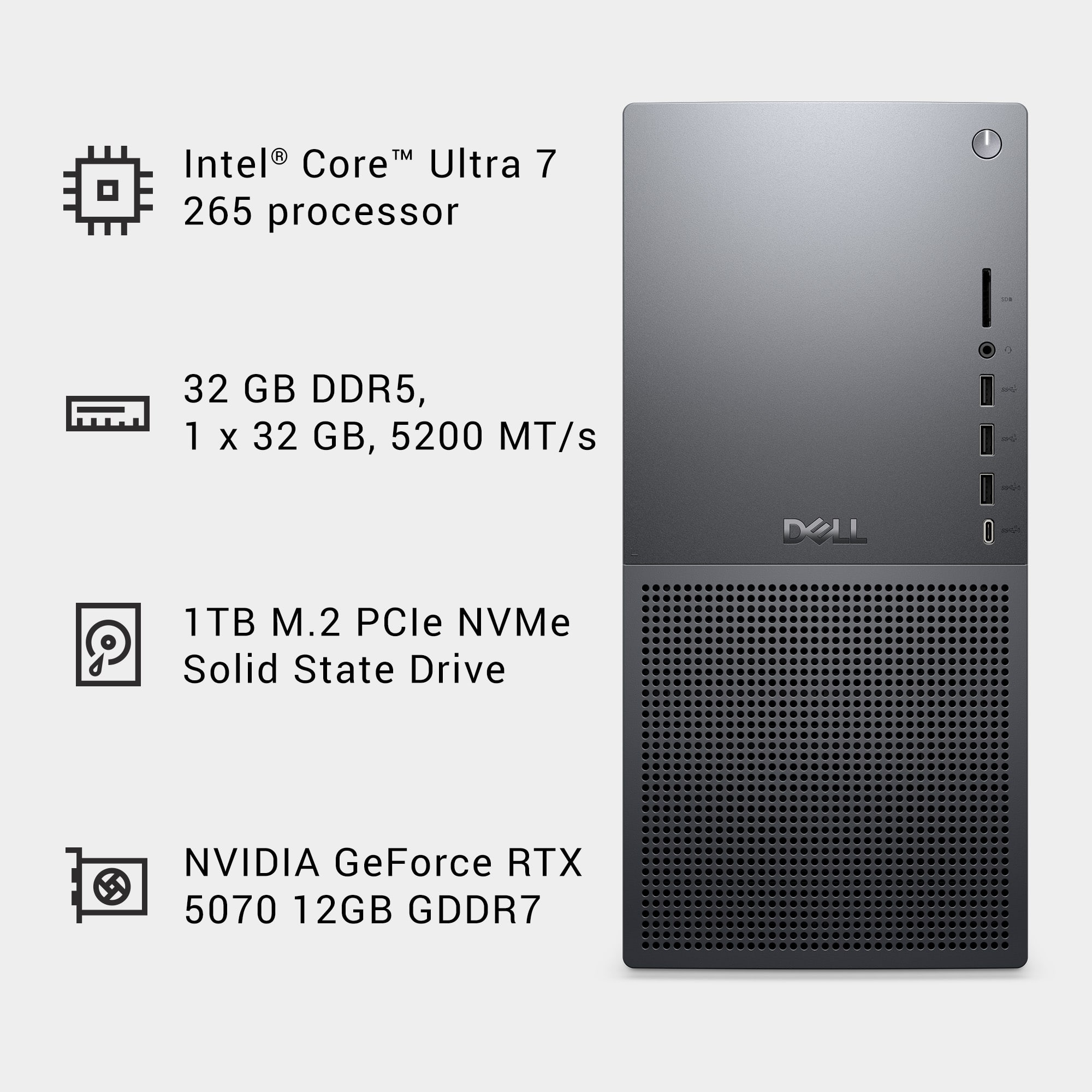
A:AnswerGreat question! Let’s break this down based on your system specs: This CPU includes an NPU (Neural Processing Unit) for AI acceleration.
Intel claims up to 10 TOPS (Trillions of Operations Per Second) for the NPU alone.
Combined with CPU and GPU, the total system AI performance can exceed 100+ TOPS, depending on workload.
A:AnswerYes, the computer can absolutely support two Dell S2719DGF 27" HDMI monitors in a stretched (extended) display configuration, just like you're using now.
A:AnswerYes, Here’s a detailed breakdown of your Dell Tower Plus EBT2250 Desktop and its support for additional storage and expansion cards: The system includes:
1× PCIe Gen5 x16 slot (occupied by your NVIDIA GeForce RTX 5070).
2× PCIe Gen3 x4 slots (available for expansion).Yes, you can install a SATA PCIe controller card in one of the available PCIe Gen3 x4 slots. The device includes:
At least 2 SATA power connectors.
You may need SATA power splitters or Molex-to-SATA adapters if you plan to power more than two SATA drives. Please be informed any 3rd party products added to the original configuration will not be supported by Dell Warranty.