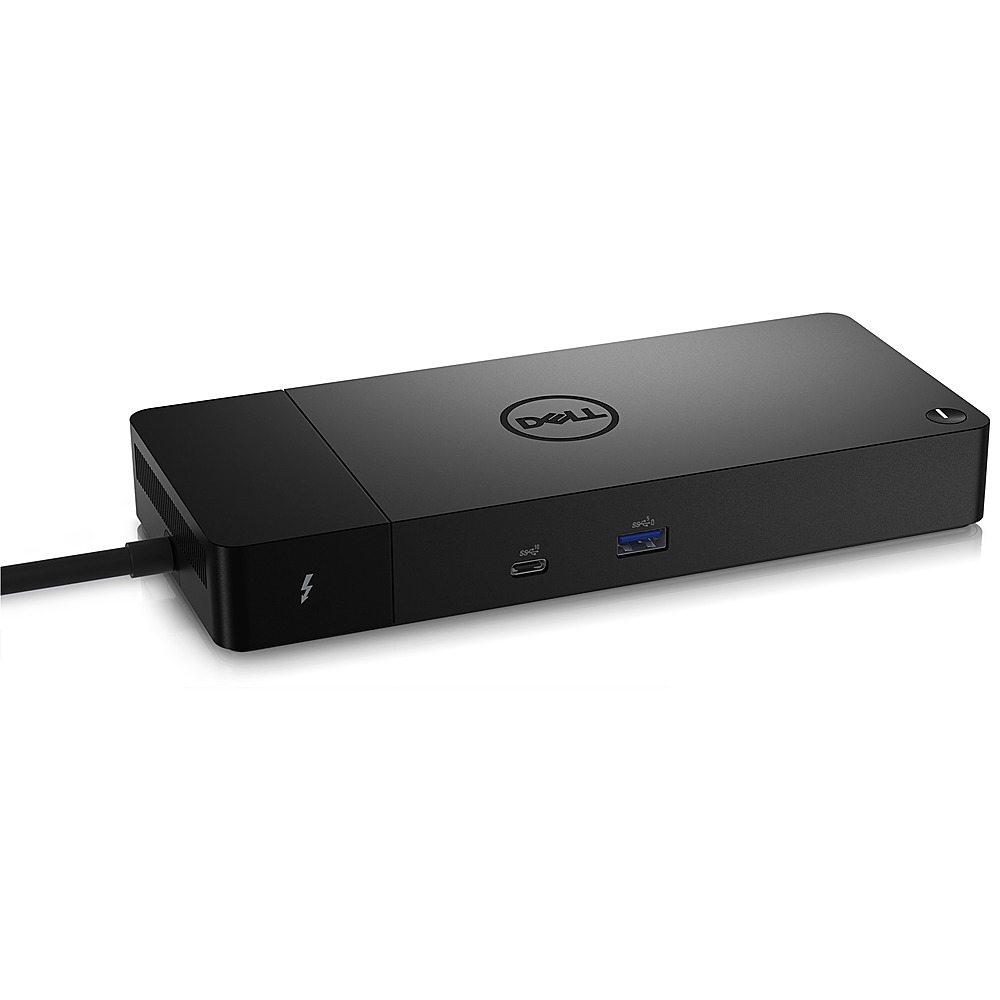
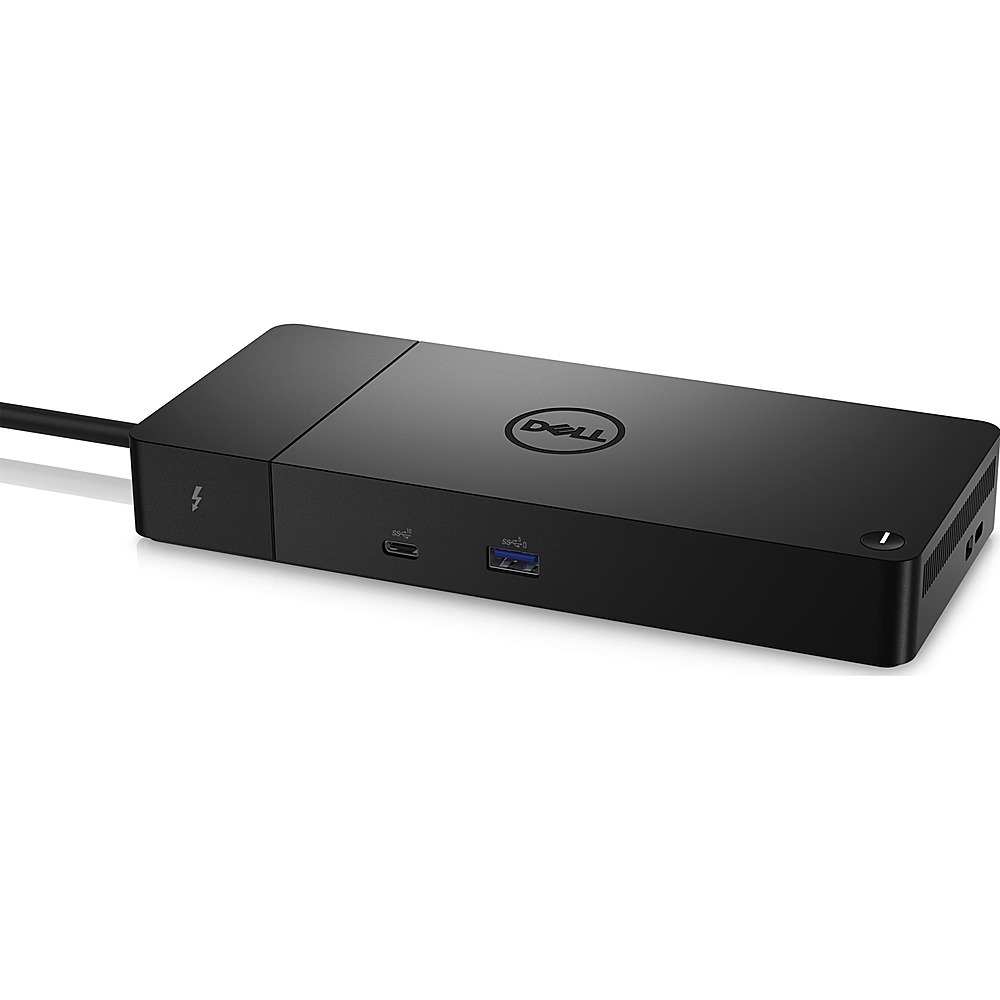
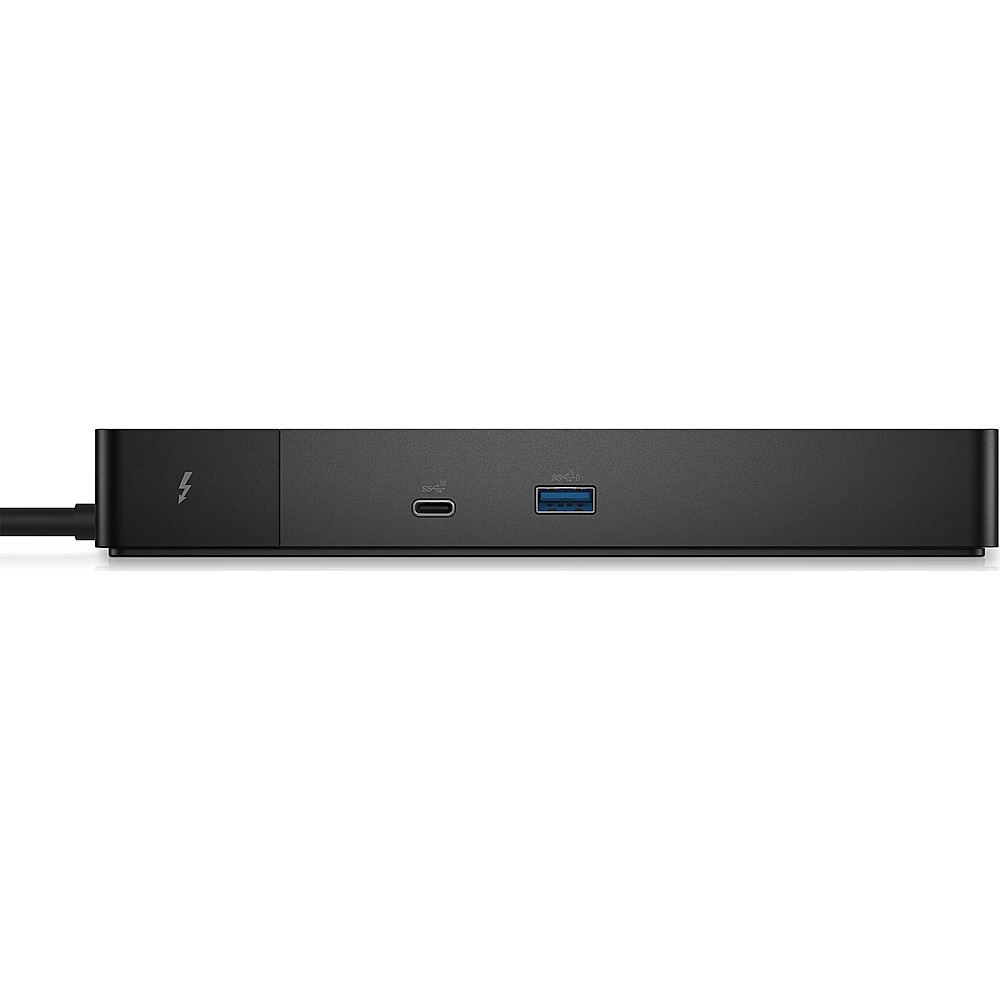
A:AnswerYes, if you have the GeForce RTX 3060 laptop GPU, it has a Thinderbolt 4 port, the other GPU's available for this laptop only have the USB C adapter. The USB C and Thunderbolt use the same plug connector, you can tell if it's Thinderbolt as there will be a lightening bolt symbol next to the port
A:AnswerWe did not find any details on the Dell Latitude 5502. We would need the complete Dell laptop model name to check its compatibility with the Dell - WD22TB4 Thunderbolt 4 docking station.
A:AnswerWe would require the complete model number of your Dell Inspiron laptop to check the compatibility with the Dell - WD22TB4 Thunderbolt 4 Docking Station.
A:AnswerThe model number and the specifications of the laptop are required to confirm the compatibility of this docking station. Please check in the Dell support site with the laptop specifications to check the compatibility.
A:AnswerThere are two answers for this question:
1) No there isn't a list of compatible laptops for this docking station.
2) There is however a list of laptops that have a Thunderbolt4 USB-C connection. All of these are compatible with the Dell WD22TB4.
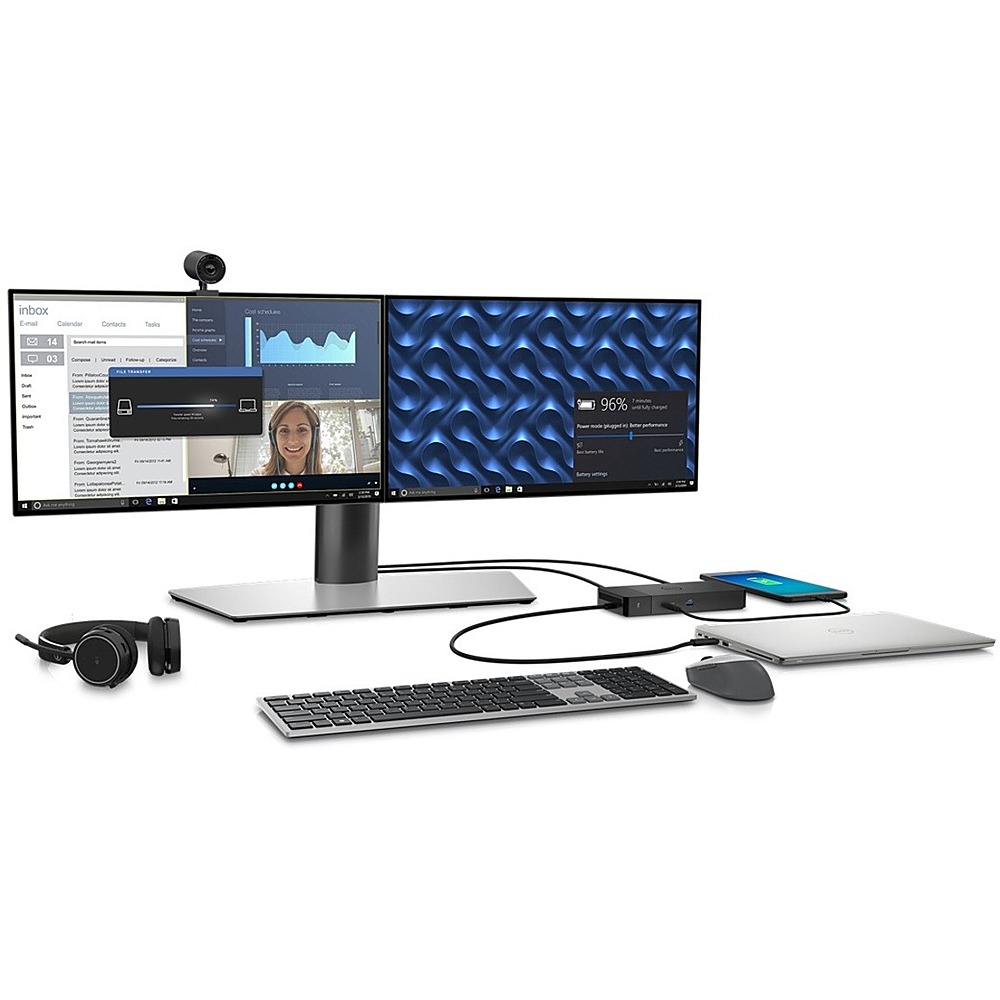
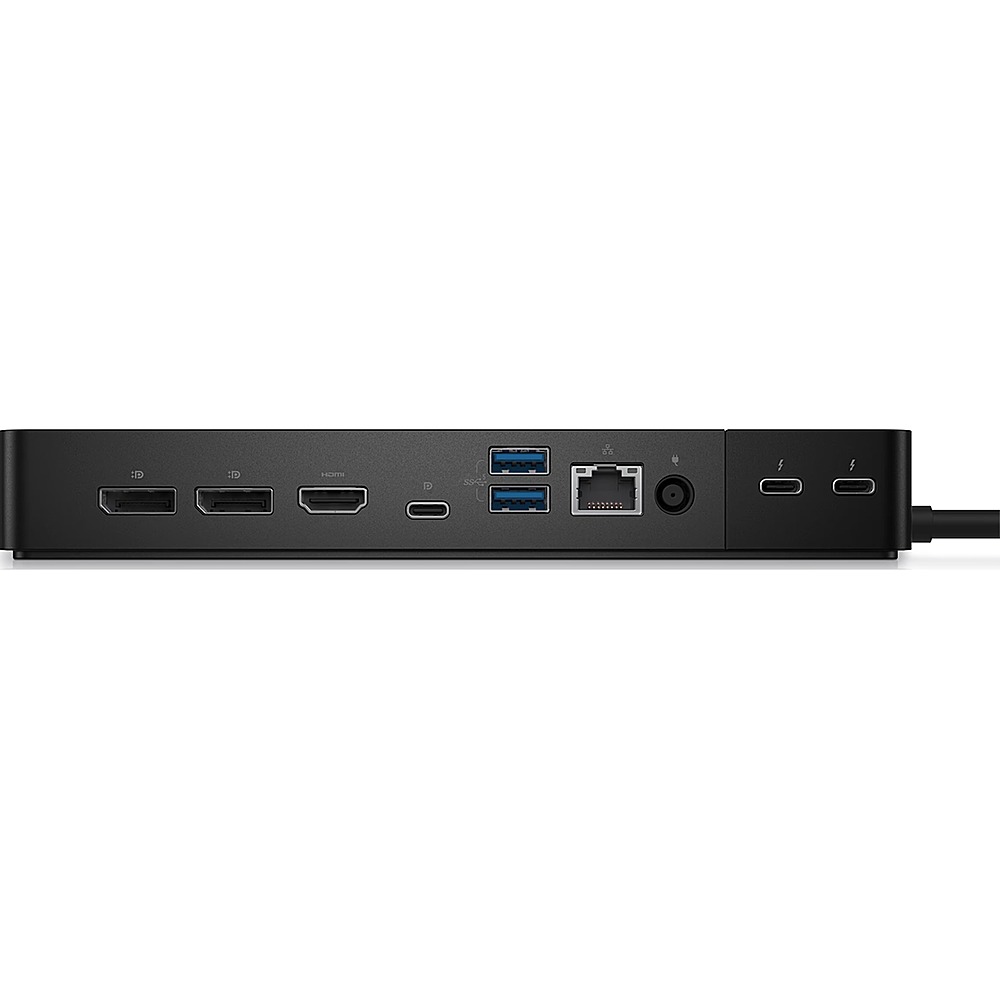
A:AnswerThis dock will support laptops that have a USB Type-C with DisplayPort Alt Mode (supported) or Thunderbolt port (recommended) over USB Type-C. This dock can support one HDMI-compatible monitor. This dock has 2 x Type-C with Thunderbolt 4 ports that can be used to connect USB-C speaker and USB-C video bar. This dock has 2 x USB 3.2 Gen1 that can be used to connect compatible USB mouse and keyboard.