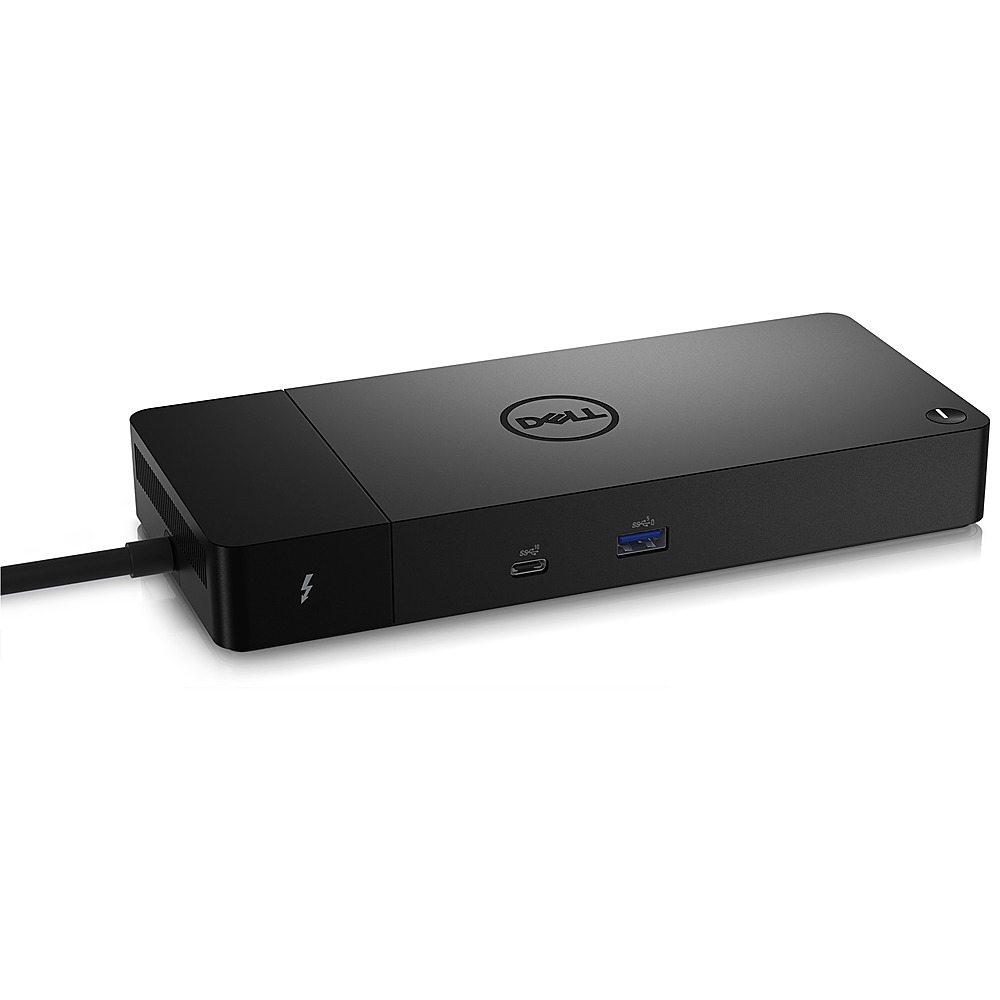
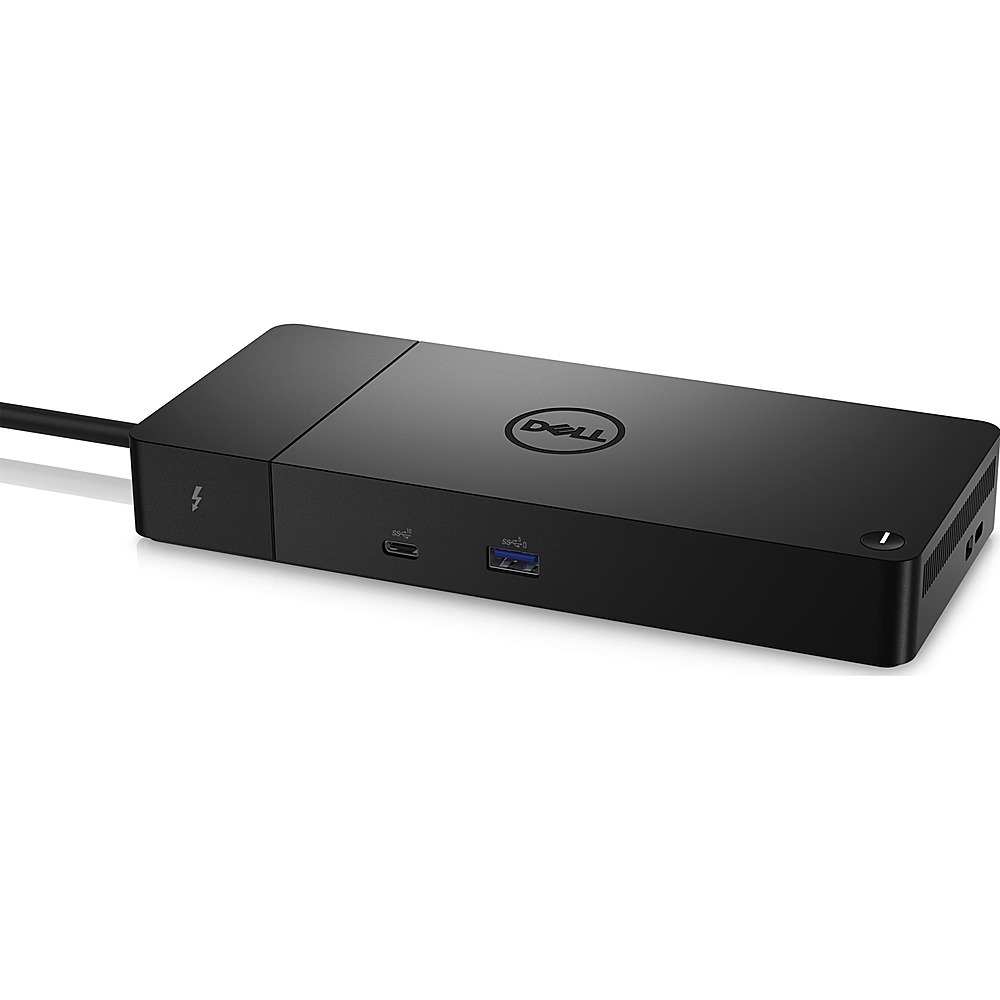
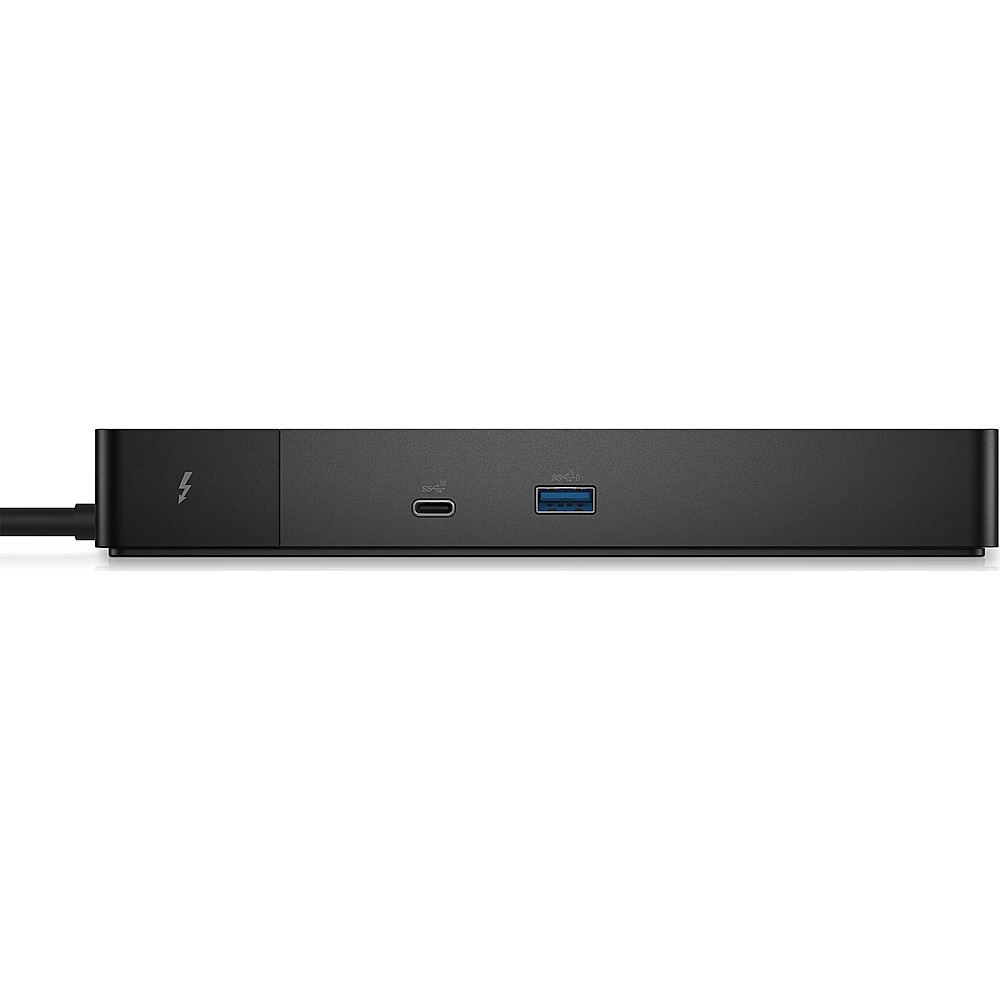
A:AnswerPlease contact the Best Buy sales support team or the Lenovo support team to check on the compatibility of the WD22TB4 Thunderbolt 4 Docking Station.
A:AnswerThis docking station is compatible with a Latitude 5420 laptop. This dock supports up to 130W power delivery to Dell systems and up to 90W power delivery to non-Dell systems.
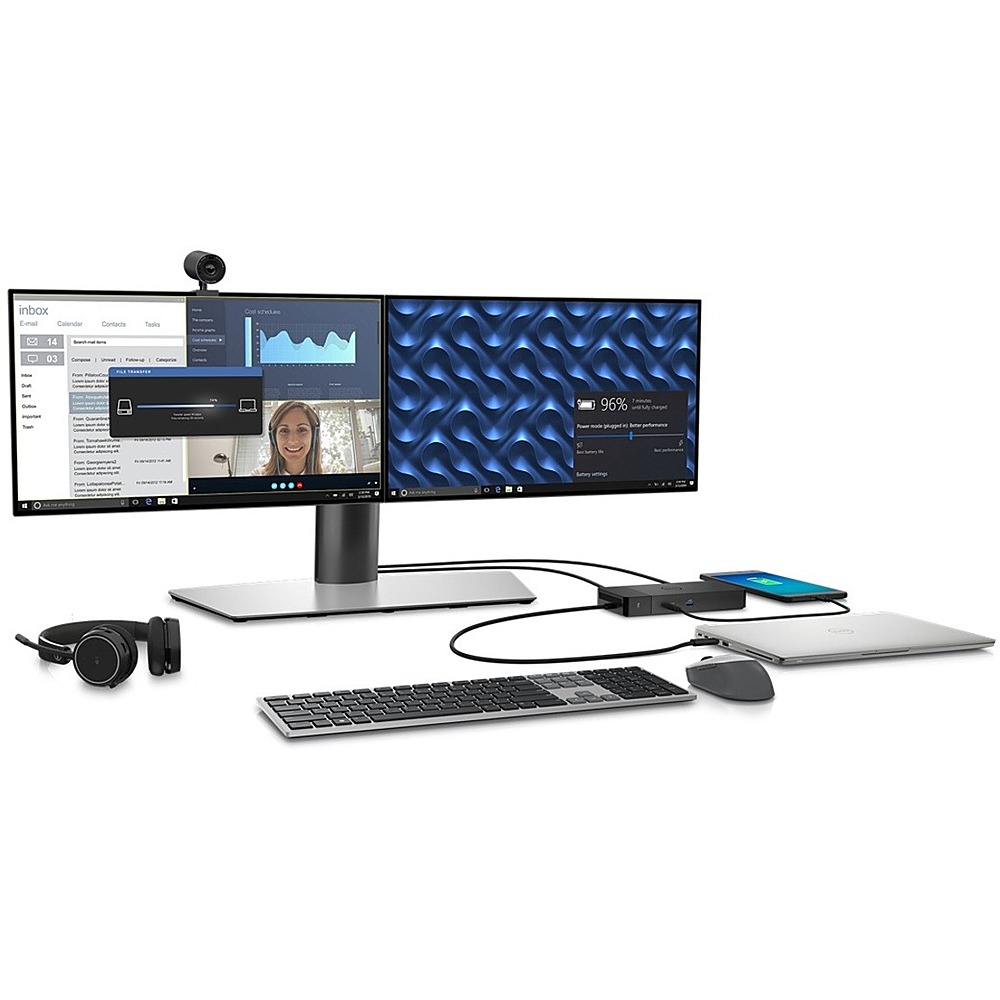
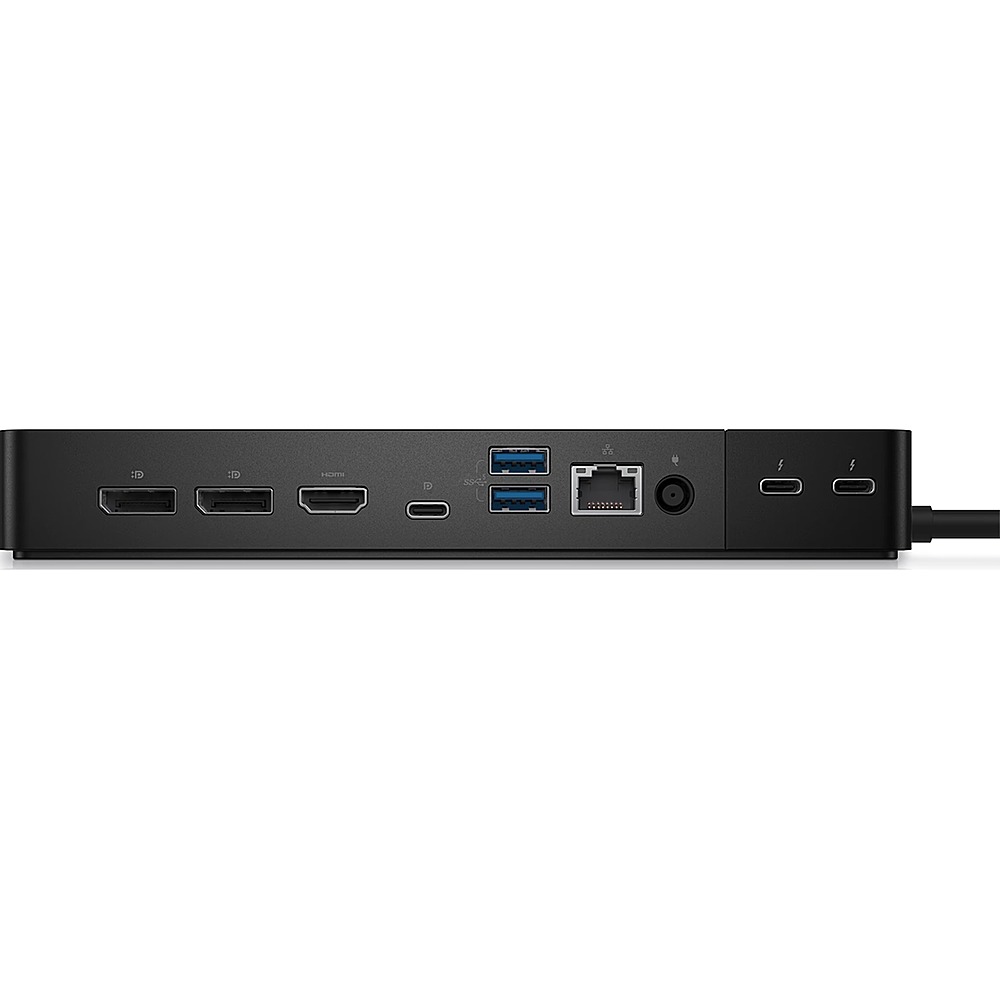
A:AnswerThis docking station comes with the following video ports: ● 1 x USB 3.2 Gen2 Type-C with DisplayPort 1.4 Alt Mode ● 2 x DisplayPort 1.4 ● 1 x HDMI 2.0 ● 2 x Type-C with Thunderbolt 4 port (connected to a
Thunderbolt 4 host). For details on multiple display setups supported by this docking station, please refer to the Dell Thunderbolt Dock WD22TB4 User Guide on the Dell support site. For technical assistance on this docking station, we recommend contacting Dell Technical Support team after the purchase. They are available on Facebook and Twitter(@Dellcares).
A:AnswerThe Dell WD22TB4 Thunderbolt 4 docking station is not compatible with the Dell G16 7620 laptop. You can use the Dell Universal Dock - UD22 with the Dell G16 7620 laptop.