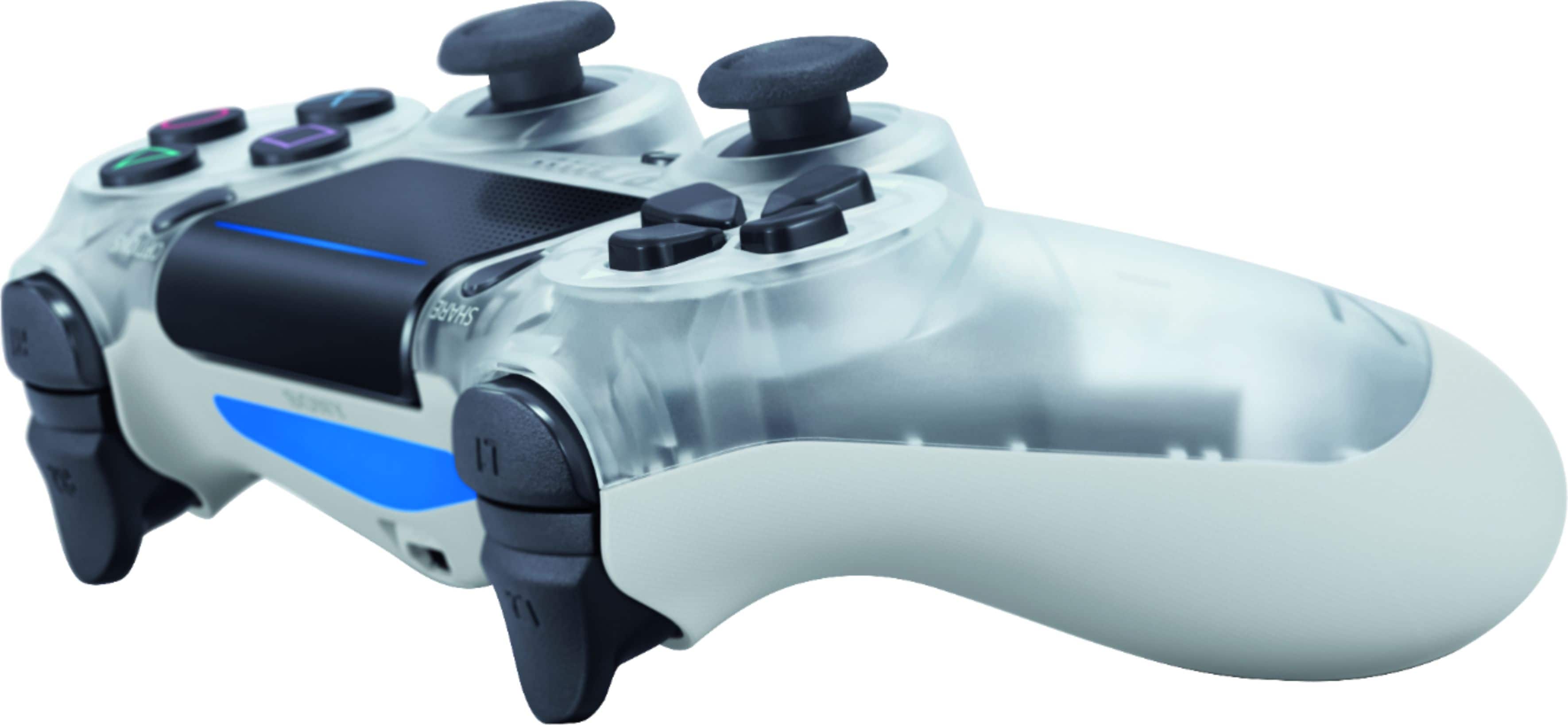
A:AnswerOn the main menu screen when you plug-in the controller a icon on upper left or right corner will show how much battery you’ll have.. or By pressing the PS button will show the icon (only while you have the application or game playing).. Plugging in the controller with will also change colors, red meaning needs to be charged and blue is done charging..