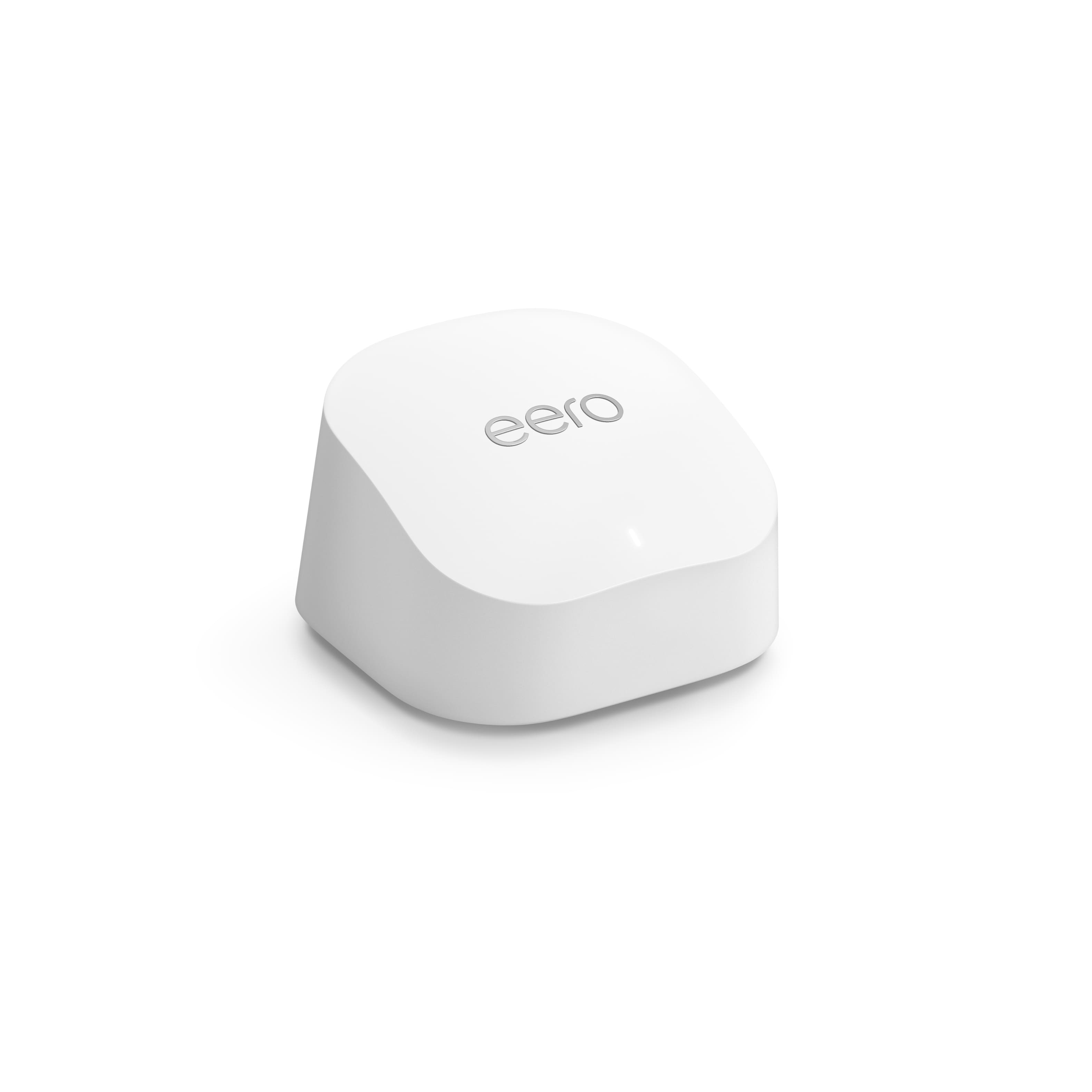
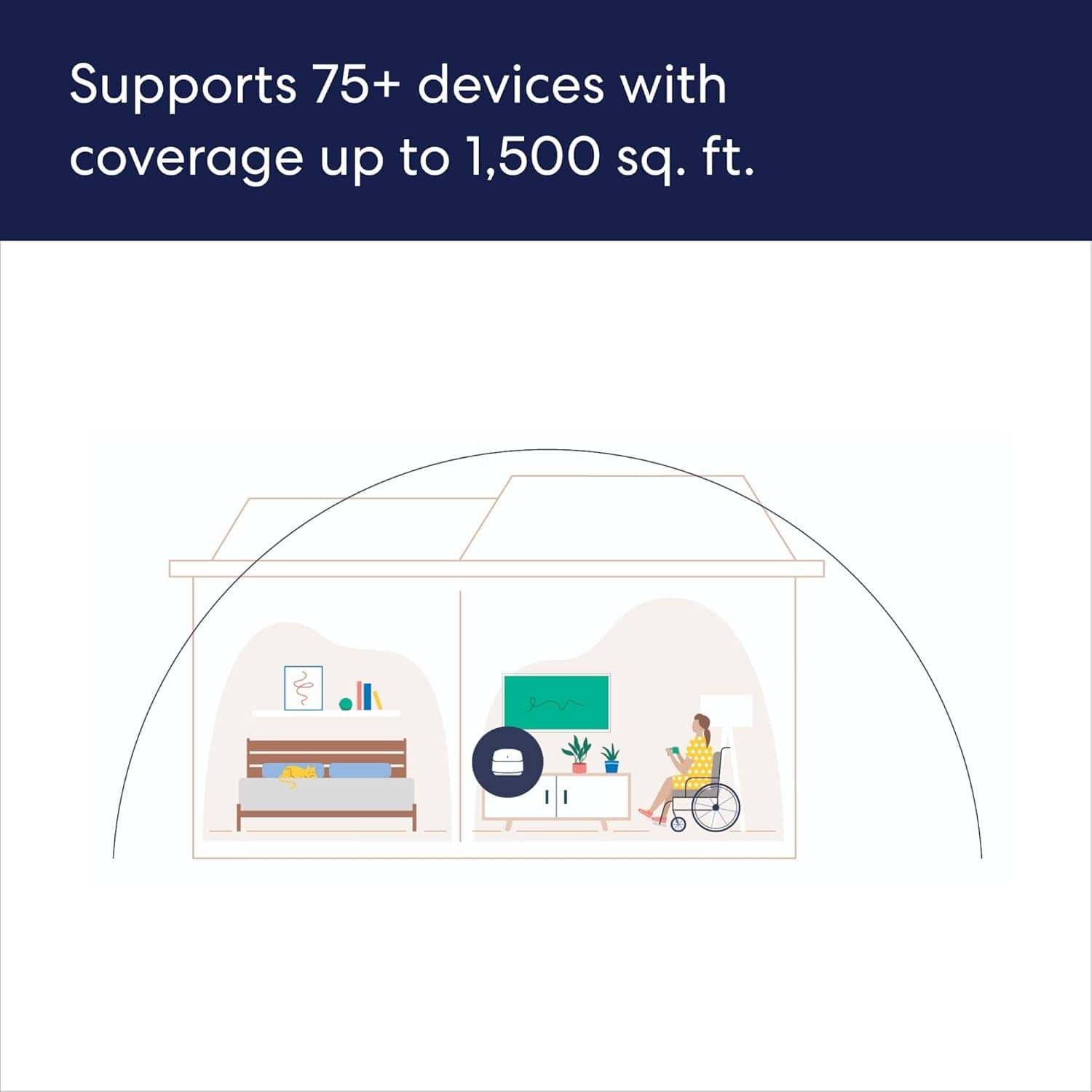
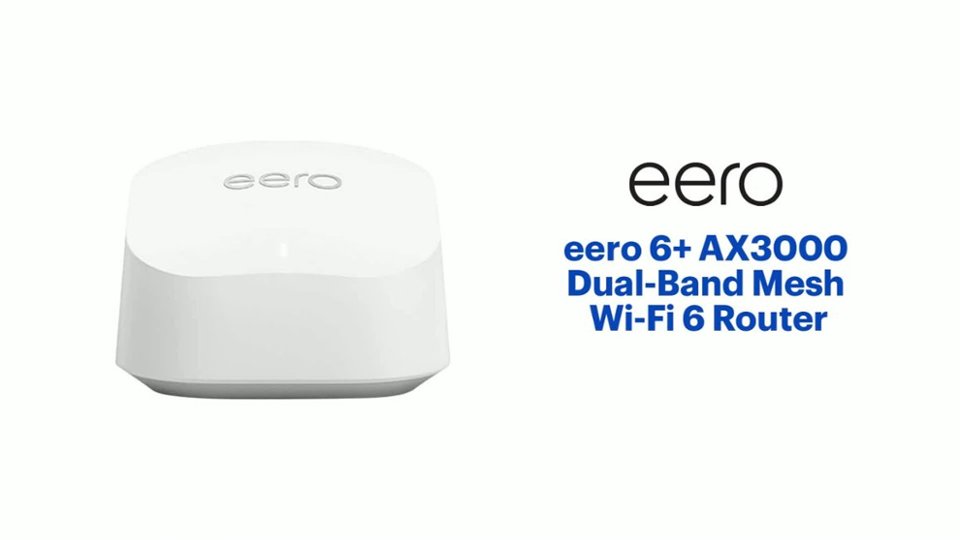
A:AnswerThis is a wifi router. It is designed so that if you give it internet access via an ethernet cable (this would be via the modem your Internet Service Provider provides you) it will create wifi network for your devices to connect to. The neat thing about eero is if you have additional eero (like the other two in this pack) those can connect to the head/gateway eero (the one hardwired to the modem) either wirelessly or wired and those additional ones will broadcast the same wifi network, giving much greater range and speed for your devices.
A:AnswerThat is fine. You will want to make sure to follow topology requirements, one eero has to be upstream of any other eero for everything to work right. For example you do not want to go internet/router->switch->multiple eero, you want to go internet/router->gateway eero->switch->other eero, even if using bridge mode on the eero.
A:AnswerIf you have a LAN connection on the back of your internet modem. Sometimes they are a yellow plug in the back
The eero would connect up to it and provide wifi to your place.
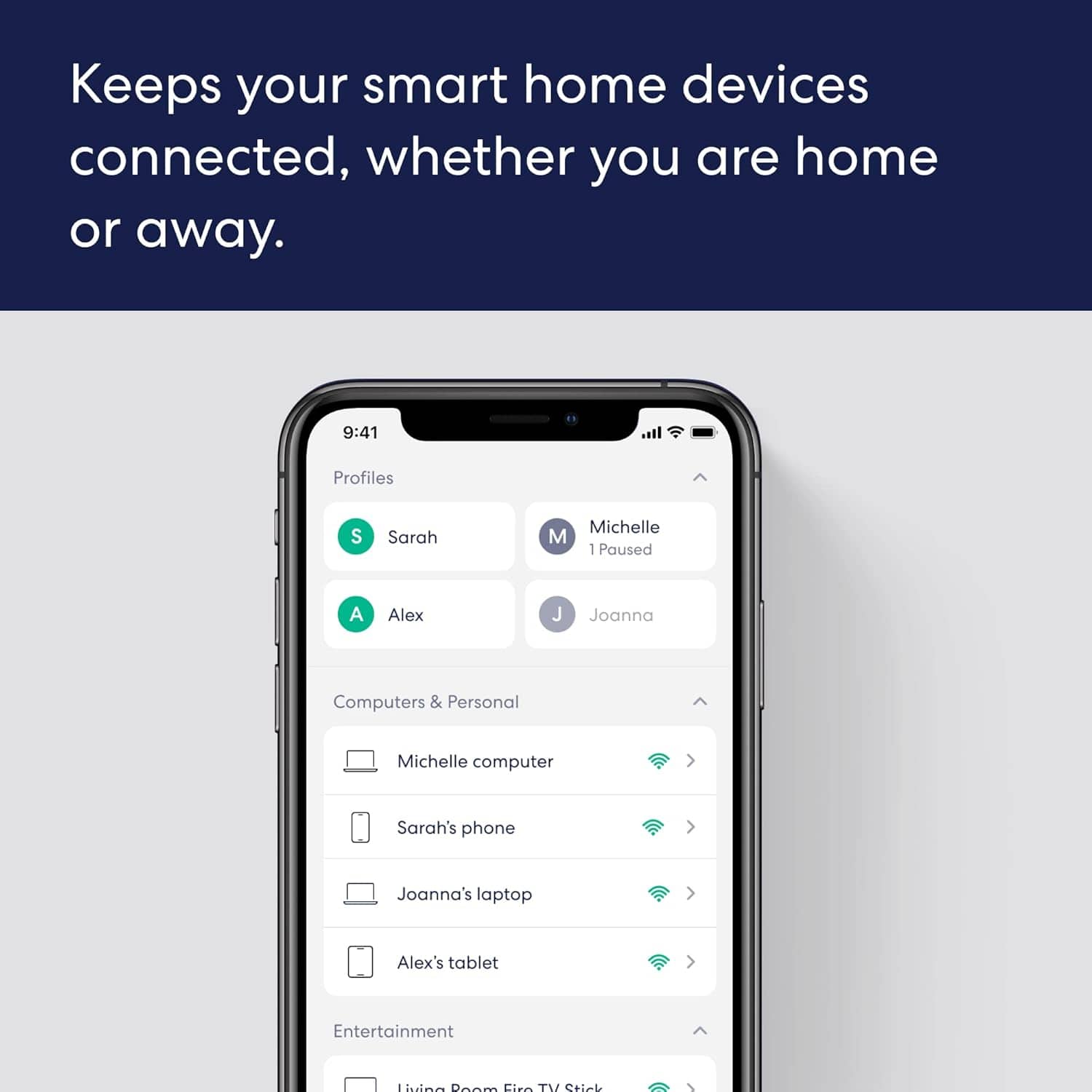
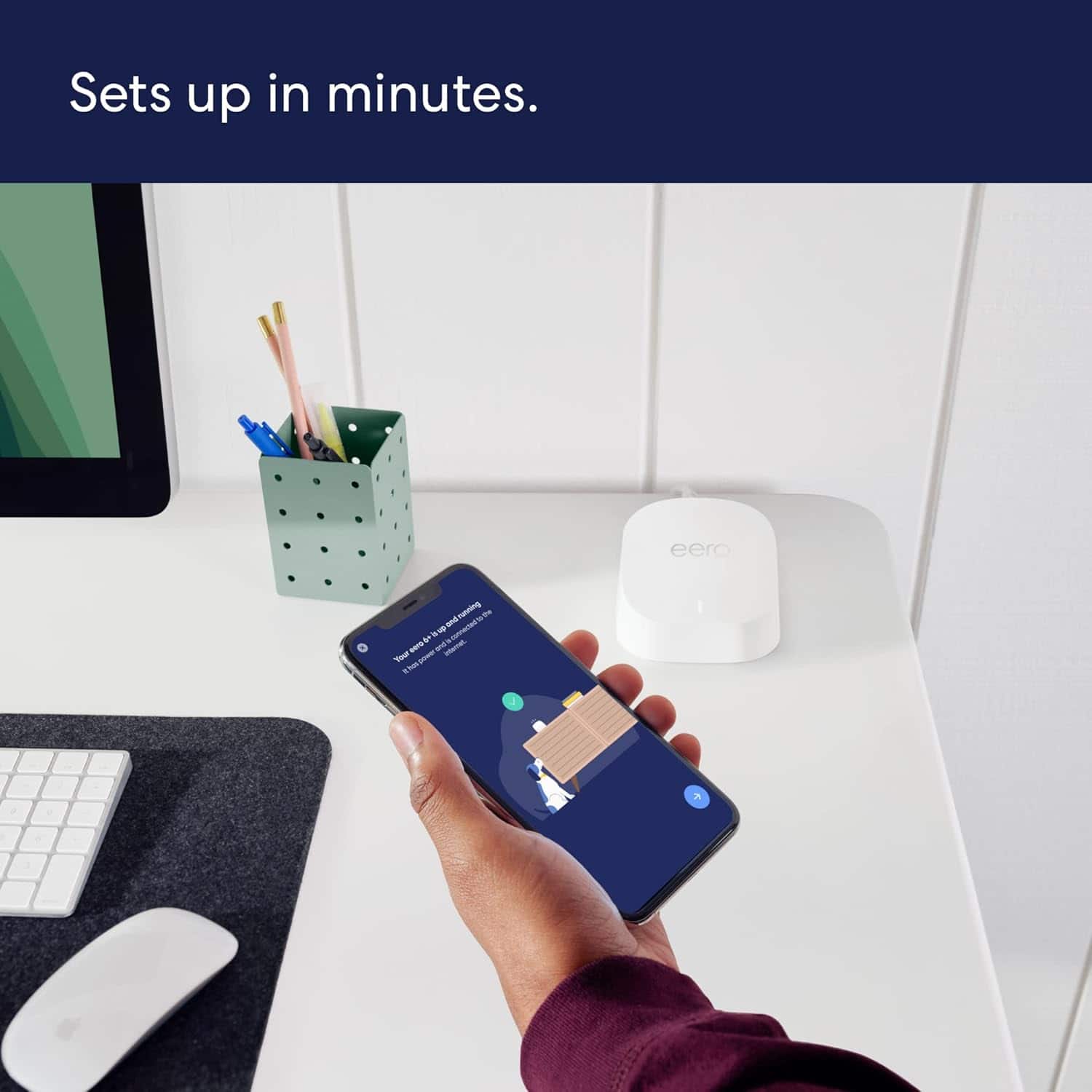
A:AnswerVery easy, they have an app you download onto your phone and it will walk your step by step with pictures on what needs to be done, it takes about 5 minutes to setup
A:AnswerWe purchased 3 basic eeros about a year ago. We have a 1250 sqft house. Modem and first eero are located in front office. Second is located downstairs in living room. Third is located in a detached studio located about 50 ft from the house. Considering our experience, I’d say a mirrored wall wouldn’t be a problem. About a month ago, the unit in the studio started having some issues. I’m assuming it was an isolated issue with that particular unit. Upgraded that one unit to an eero+6 and it’s been working great
A:AnswerEach of these devices can be a router or extender. The first one you setup that is connected to your modem will be the router and extender. The rest will be extenders. I have found if possible to place the extenders where they can have a wired connection to the router however, it areas where that is not possible, you can use wifi connectivity but you need to make sure there is a good signal between the devices when using wifi connectivity. Line of sight is the best option. The app will tell you if the connection is good or not when using wifi to connect an extender to a router.
A:AnswerYes, you should be able to. As a reminder the eero is not designed for outdoor use and using it outdoors may void the warranty on that one eero, but your plan sounds good. If you don't get good performance out of that setup you will want to look into either running a wire between the two or using a point to point wireless bridge (go gateway eero->PtP wireless bridge 1(--wireless--)PtP wireless bridge 2->eero in remote building).
A:AnswerYes, it will work for both. It also gives you the option to temporarily turn off the 5.0 signal so that you can ensure devices that only work with 2.4 can establish that connection prior to turning back on.
A:AnswerYes, any device hardwired to an eero will get access to the internet and network. From the device's perspective it will be a hardwired connection (even if that eero is wirelessly connecting to the head/gateway eero).
A:AnswerWell, some form of Internet access is required to get WiFi. I assume you are asking for WiFi in your own home. You would require either cable internet, phone line DSL internet, 5G wireless internet (if available in your area), or a satellite internet such as Starlink. Many, if not all, internet providers include WiFi access point capabilities within their routers, although you can supplement your network with separate WiFi access points if the single router WiFi access doesn't provide sufficient coverage.
A:AnswerAs long as the head/gateway eero gets access to the internet via an ethernet cable it will work with any kind of modem/router. It is recommended to at least disable the wifi up the Arris in this example, having two wireless networks being generated in close proximity makes it very likely that they will interfere with each other, not to mention the confusion of which device is connected to which network. We cannot assist with logging into that that Arris though, there should be guides online on how to reset it or you can call the ISP/Manufacturer you got the modem from.
A:AnswerIt will work with any internet provider. However, if the modem that you get from your provider has a router function you will need to turn that off so the eero can act as the router. In many cases, people buy a simple modem what doesn't have a router built in to use with a mesh wifi system like this.