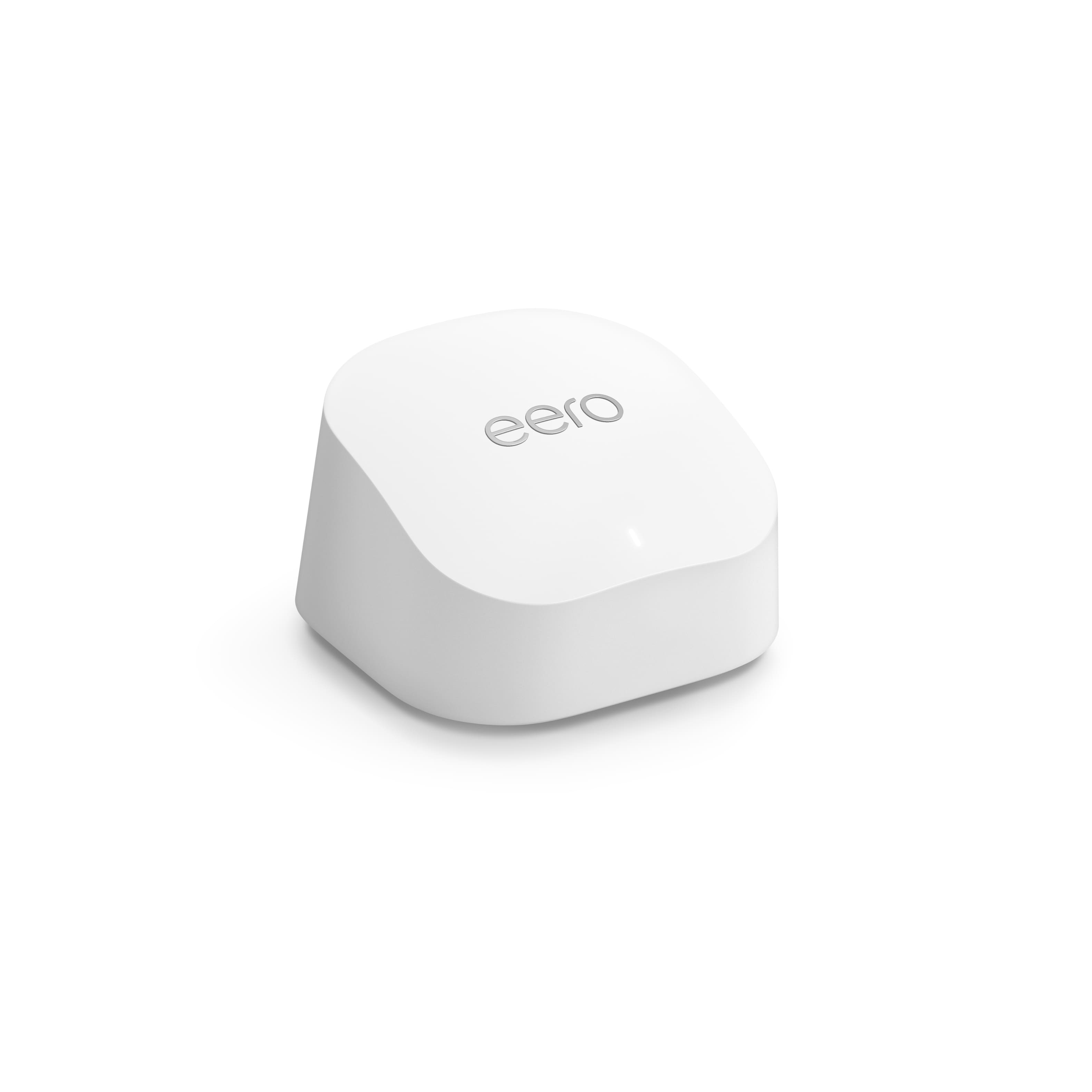
A:AnswerTo be honest this would depend more on your internet provider and speeds you are getting. These are great for speeds up to 1 gigabit. I currently have the eero pro and am upgrading to the eero 6 because I am upgrading my internet speeds up to 1Gig. Before I was running 350Mbps and am upgrading to these because of the lost potential I am not getting out of my old ones.
A:AnswerAre you looking for better signal strength or better bandwidth (speeds)? If signal strength, adding more access points will give you that, but won’t necessarily increase your network speeds.
A:AnswerYou can add additional eero 6+ router at a later time, however, the price for the 3 pack is cheaper than buying a 3rd one later one. I wish I bought the three pack instead of just two.
A:AnswerThe way this would have to work is let’s say you have 3 Eero at home. One of them is functioning as a router, so you technically have 2 access points out of 3. Then, you want to take one of those access points to your RV and take it with you. You’d have to factory reset that AP, put your RV modem in bridge mode, then add the Eero as a router to your RV setup.
So yes, technically what you are asking would work.
But Eero is not made to swap AP in and out dynamically (meaning it just works bringing AP in and out or hot swappable).
A:AnswerHomeKit is a completely different technology and use case from what Eero does. It’s NOT a home hub of any kind. Because it’s owned by Amazon, there is some compatibility with their products and linkages, but other devices not so much, despite what their advertising states.
I use HomeBridge on my NAS that supports just about everything, including HomeKit.
A:AnswerIt's my understanding that all broadband wi-fi is pretty much the same. The modem may need to be compatible with the carrier's system, but from there any router should be able to produce the wi-fi for the house.
If there is a concern you can ask anyone at Best Buy.
A:AnswerThere are two cat connectors on the back of all of the units. They are all the same, since none of them was designated to serve as the connector to the modem.
A:AnswerNot sure I understand what you mean by 'all of my Spectrum equipment'. I have Spectrum internet and all equipment is provided by them. No point in getting your own modem because their modem comes with the package. Their once was a rental fee to use a Spectrum modem so you could save a little by buying your own.
A:AnswerI bought the 6+ax3000 do not have wi-fi by my pool or in my pool shed will this fix my problem, to work Alexa and add some wi- fi cameras . and my phone and outdoor speakers ? thanks Karl
A:AnswerBest placement will be open area at the higher point
I just replaced my AirPort Extreme AC and I’m really happy ( my average speed was 300 mb, now is 900 mb)
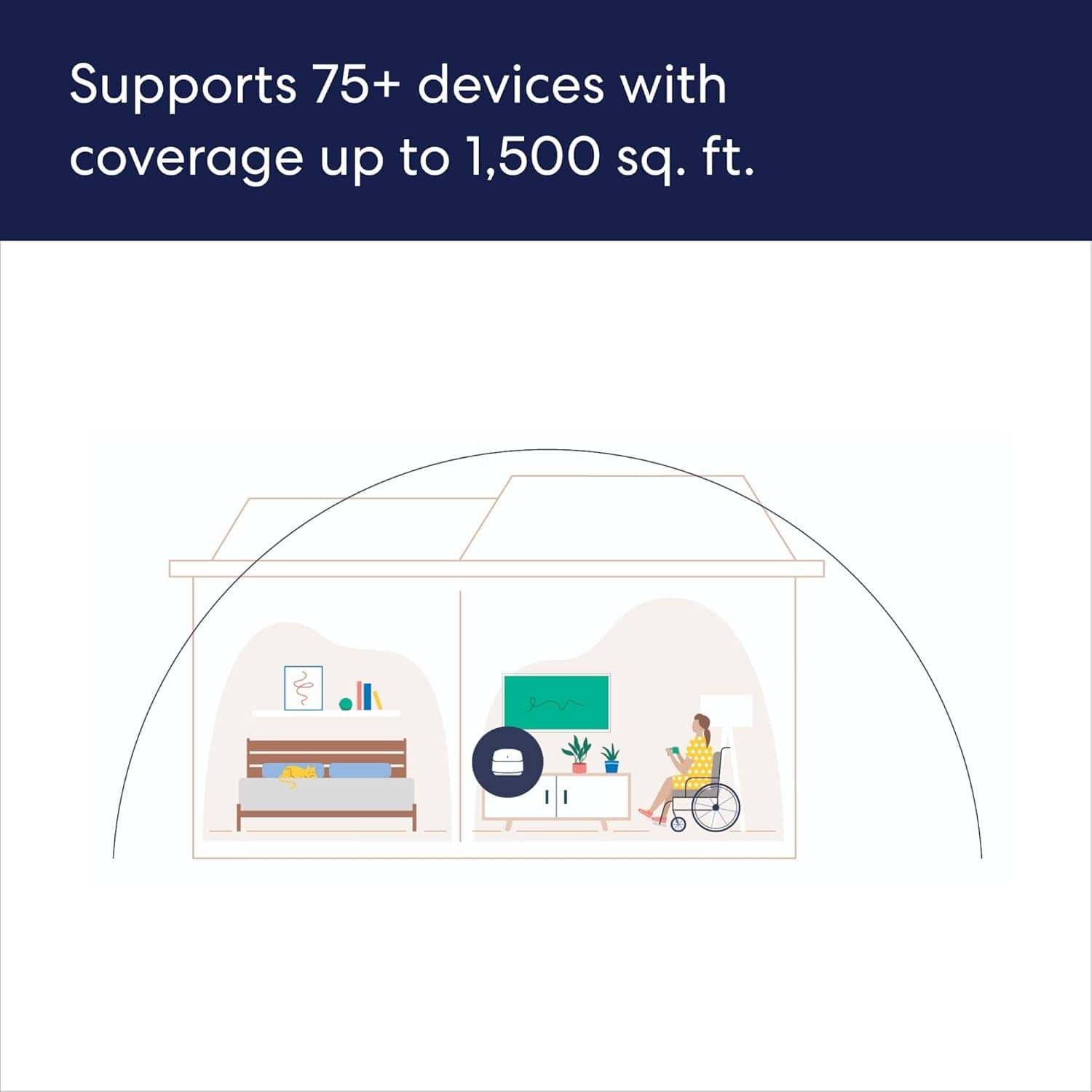
One unit covered entire house (2000 square feet)
I’m using XFINITY and my own modem ( Motorola 7621)
And using Ethernet cable that is at least class 6 would help