A:Answereero does have an option, client steering, which you can enabled, eero app->Settings->Network Settings. That option will have the eero suggest which access point a device should connect to, but it cannot require the device to comply. At the end of the day the device itself decides which access point to use.
A:AnswerHi Broly, thanks for reaching out. There are a few ways to set up eero’s while using Comcast/ Xfinity. You can set up your eeros behind your existing router, in either double NAT or bridged mode (if using either of these methods, it’s recommended to disable the wifi broadcast on the Xfinity gateway, unless you are also subscribed to Xfinity’s TV service). Alternatively, you can bridge your Xfinity gateway, and only use eero for all of your devices (if you choose to do this, only the Gateway eero can be connected to the Xfinity gateway with an ethernet cable). Hopefully this will help with your decision. Have a great day!
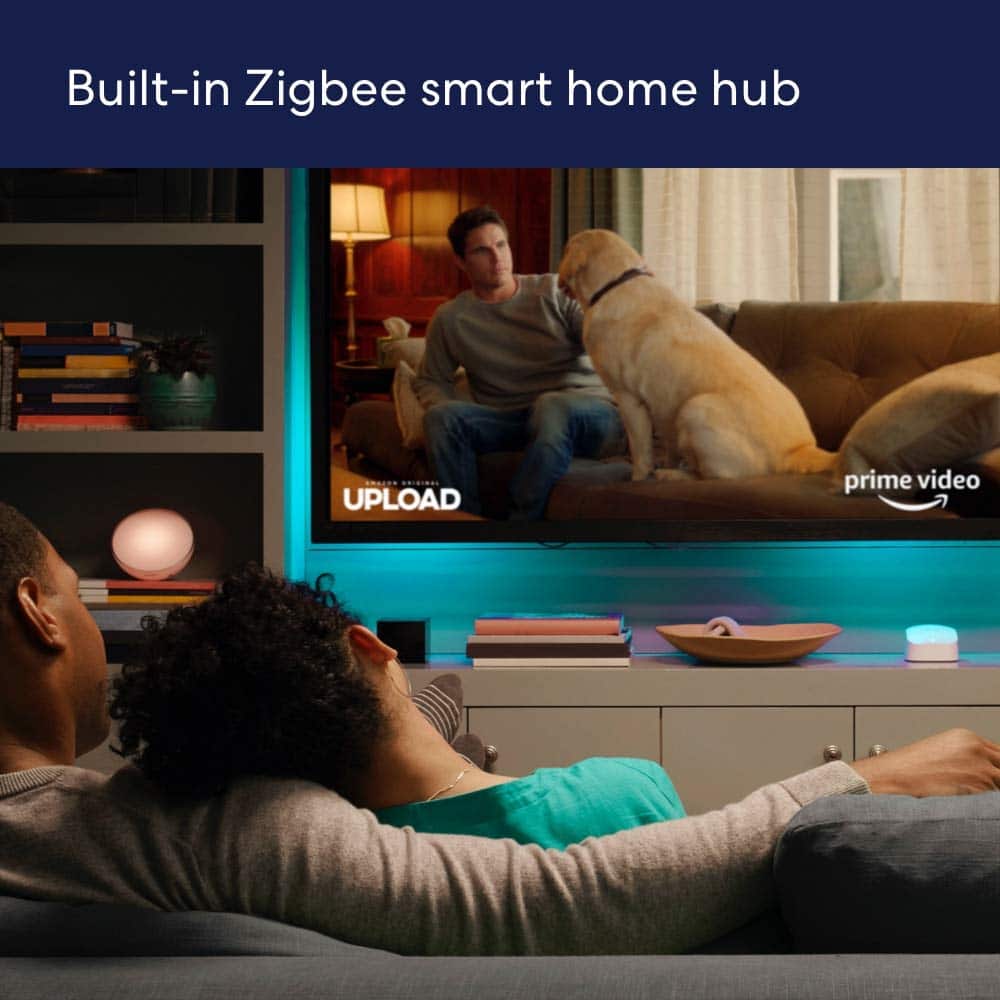
A:AnswerHi Mike, thank you for your question. At this time, eero 6+ has a built-in smart home hub for supported Thread and Zigbee devices. Hopefully this answers your question. Have a great day!
A:AnswerNo. The 2 pack is only good for "up to 1500 sq ft." I would go with the 3 pack or consider going up to the 6E size Router. Look at the specifications on each router to see the max area
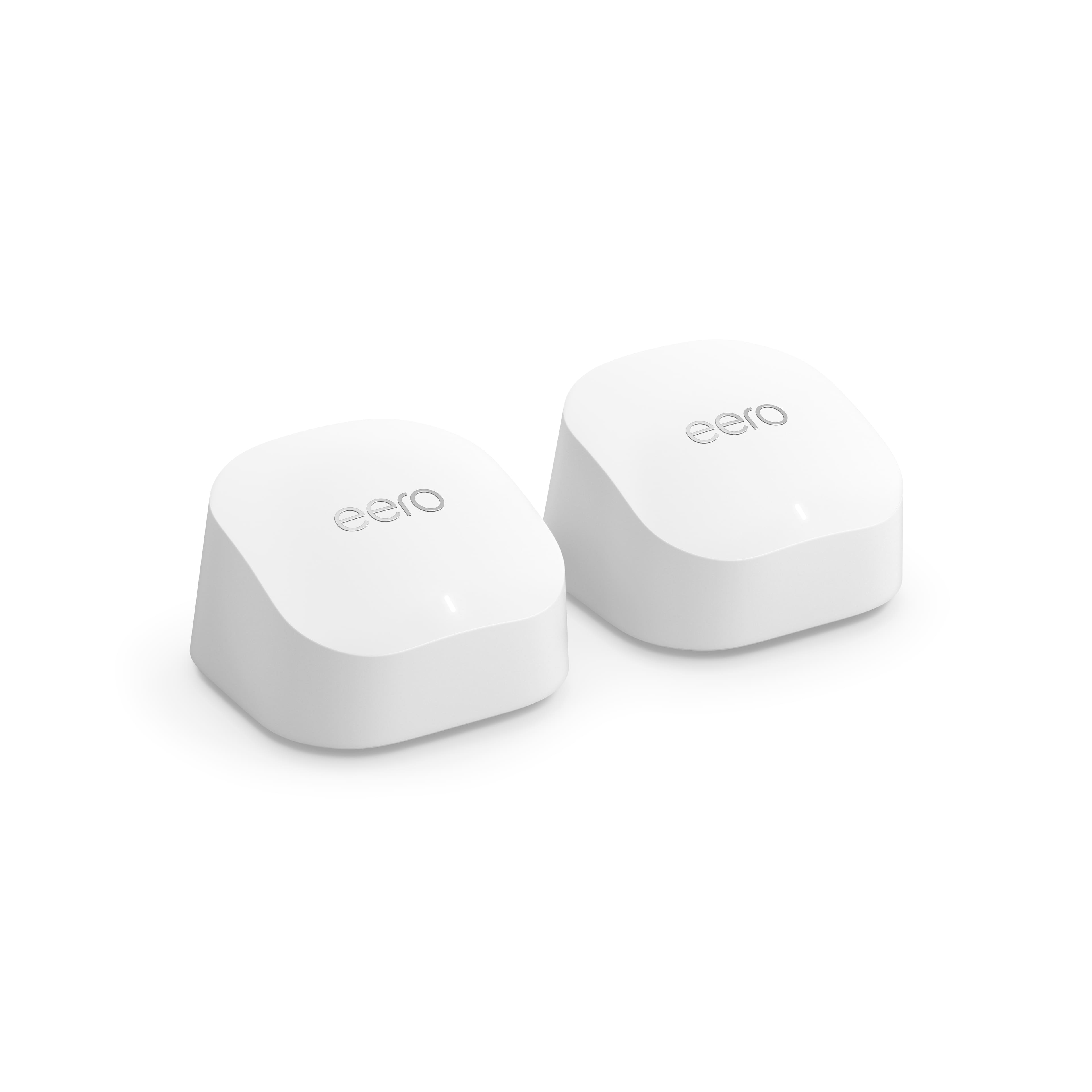
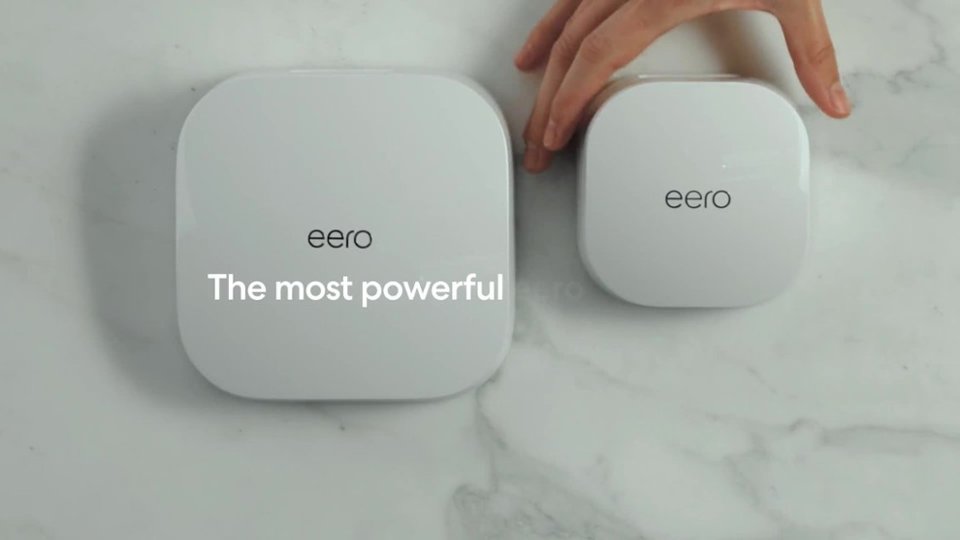
A:AnswerYes, they look the same until you look at the back of them. The one with the ethernet port on the back is your router and the one without is your extender.
A:AnswerI use one in the living room on one end of the house, and one in the kitchen closet to get to the other end of the house. It also reaches outside to my garage door opener and camera outside a brick wall.
A:AnswerTo be perfectly honest I do not know. However, I do know that I am getting faster and better service from all of my internet systems in all areas of my house including the patio area.