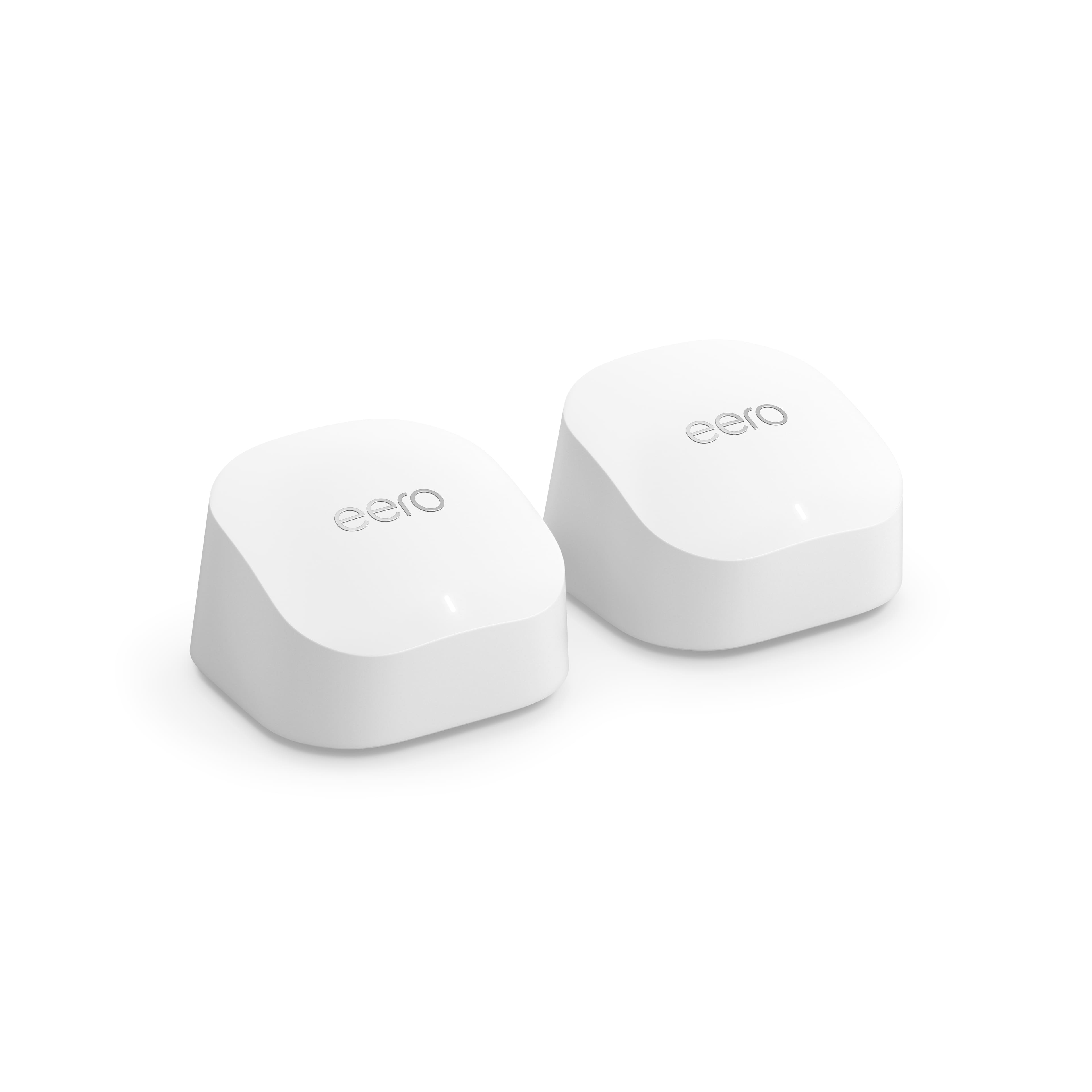
A:AnswerYou can do either one. If your original router will still be broadcasting its wifi it is strongly recommended to give the eero a different wifi name (so your devices can tell which wifi is which) but you can use the same password.
If the old wifi is disabled/removed then feel free to use the same name/password, most, if not all, devices should just automatically connect. A few might need to be manually reconnected in this scenario.
A:AnswerIf you hard connect the first eero, and use the wifi connect for the others, i would turn off the wifi on the main router so only the eero is broadcasting.
A:AnswerAs long as that Cox modem provides access to the internet via ethernet cable (which the main/gateway eero would plug into), eero should work fine. That modem does generate its own wifi network so you will want to disable that if possible, having two devices generating wifi networks in close proximity will almost guarantee that they will interfere with each other.
A:AnswerNot sure what you mean by (Nodes) but what’s nice about these it has a dual band so if ur not sure on what band any devices use it will connect automatically!
A:AnswerYes you can. One eero needs to be hardwired to the internet/modem but other wireless eero (With ethernet ports, make sure to not get the Beacon or the eero 6 extender, those two models do not have ethernet ports) can use their ports to connect devices or a switch to.
A:AnswerYes, the eero works with any internet provider. It just requires that the gateway/head eero have a hardwired/ethernet connection to the internet/modem.