A:AnswerI tried, it says you need to disconnect any extenders, they will mix up signal, I went through a head ache trying to extend my wifi to reach my detached garage to connect to ring camera. After purchasing, returning, and frustrated finally spoke to someone that was more knowledgeable that past. He recommended the Motorola modem, the wifi signal actually reached my detached garage better than the extender. Not only did I take back the other modem, eero, wifi extender I was refunded almost $600.
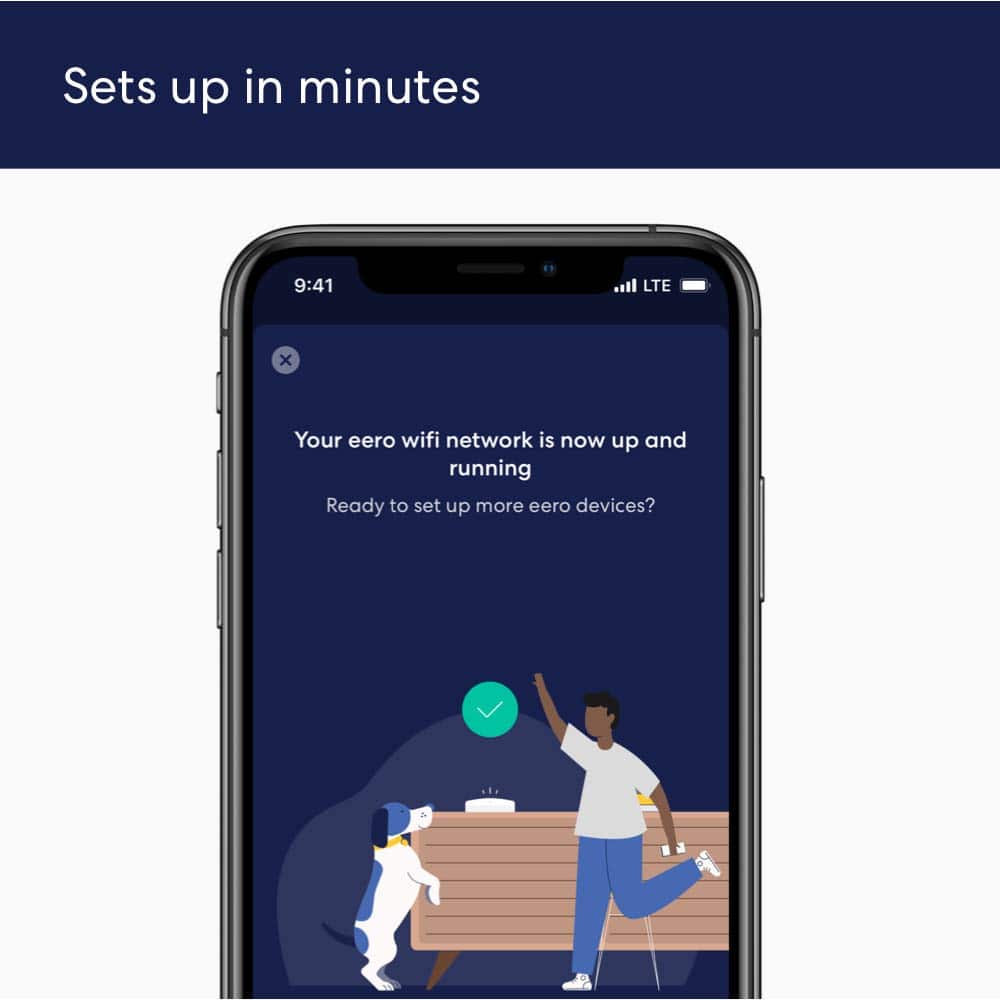
A:AnswerYes. Plug the main hub into the FIOS router, and you are all set. The eero app will walk you through the necessary steps (which are quite straightforward).
A:AnswerYes It will work perfectly fine. Make sure you disable your ATT internet the one that comes with the modem/router this way your not causing interferance with the new system. Basically turning off your router part and utilizing the ethernet out to the new system.
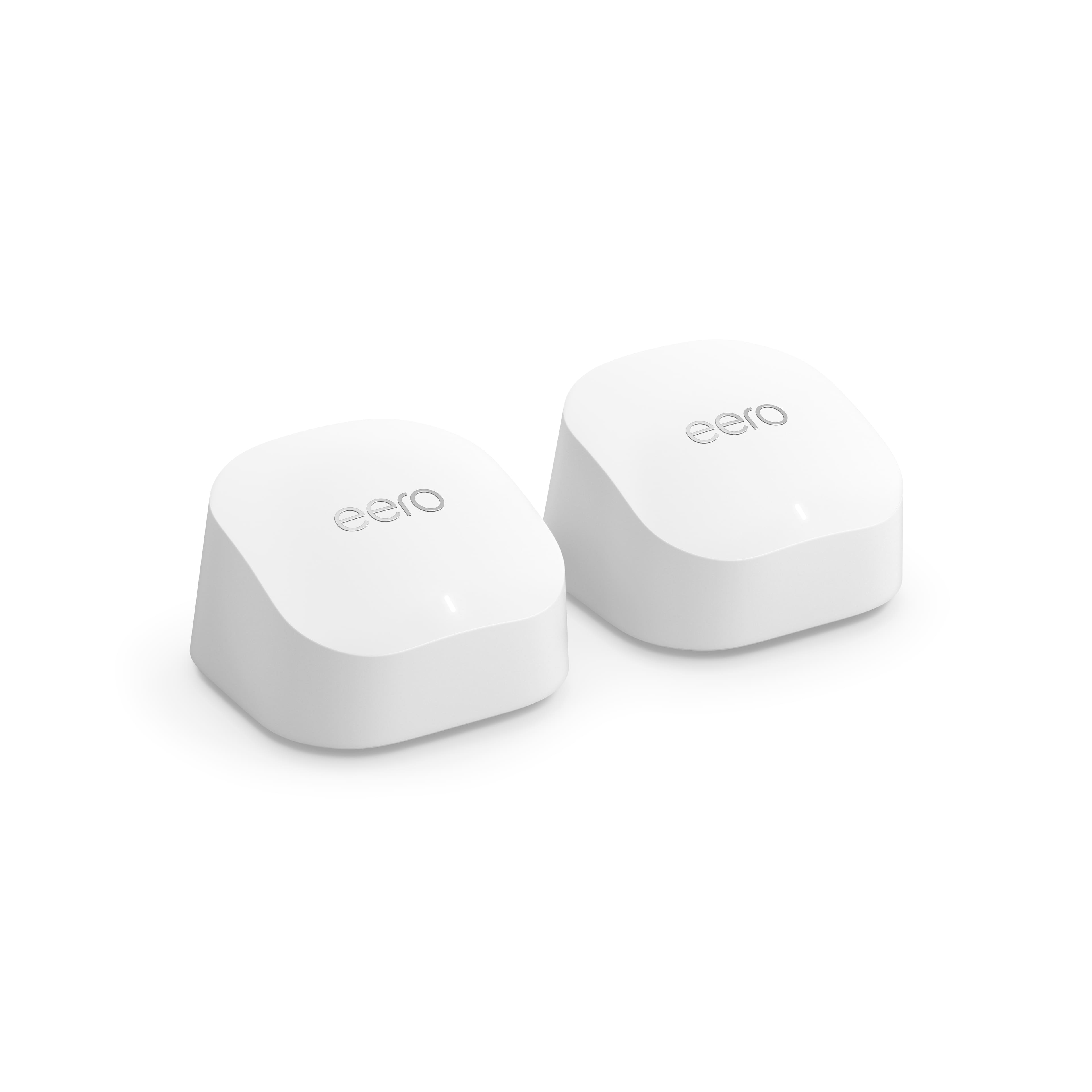
A:AnswerEERO is a wireless router so it would not work as a Wi-Fi extender. The EERO satellites are made to work with the EERO hub router only. I would recommend getting a wi-fi extender vs trying to make the EERO work.
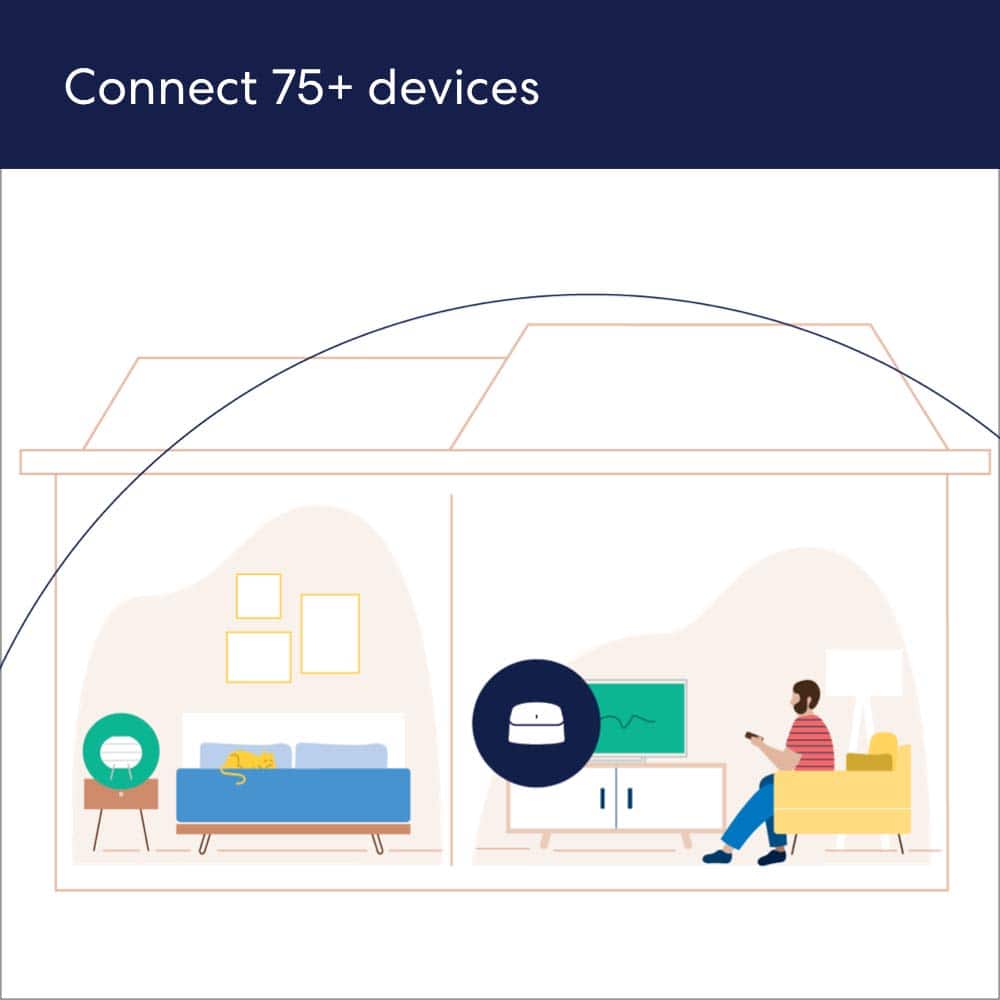
A:AnswerMine goes thru 2 block walls and 30 feet. I place a EERO unit in my office location (2 block walls between here) and a EERO unit at the Modem. Then the 3rd EERO unit at the complete other end of my house next floor up and works great. I'm no expert but possibly make sure your Modem is strong. I also paid to have Best Buy tech install mine to insure it worked.
A:AnswerThe 2 additional units can be set up all over the house based on how much coverage area you need. The main unit has to plug into your cable modem, because it is the actual router. It then sends the signals to the satellite units. My Erro router is connected to the modem on one end of the house and the additional units are 30 ft and 90 ft away from the Erro router. I get another 75 ft coverage outside my house in the backyard.