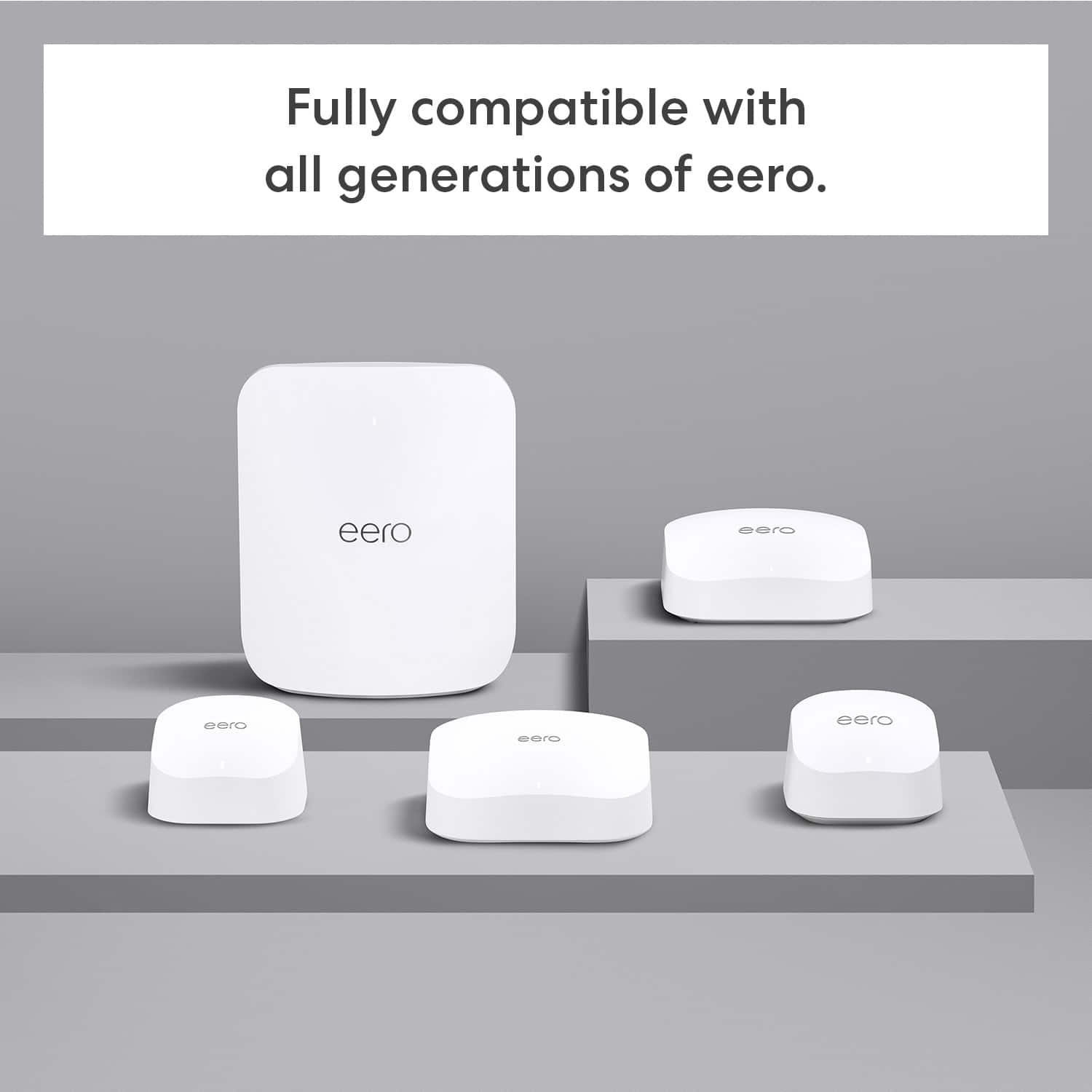
A:AnswerAbsolutely! I have #3, #6e, & #7 units hooked together in my home. They are all compatible and makes it easier to expand your network as needed
A:AnswerHi carmstr835,
Yes, you can add an eero 6 node to an existing eero 7 system. All eero devices are compatible with each other, regardless of their generation. You can easily add a eero 6 to your network using the eero app.
I hope this answers your question!
A:AnswerHi G,
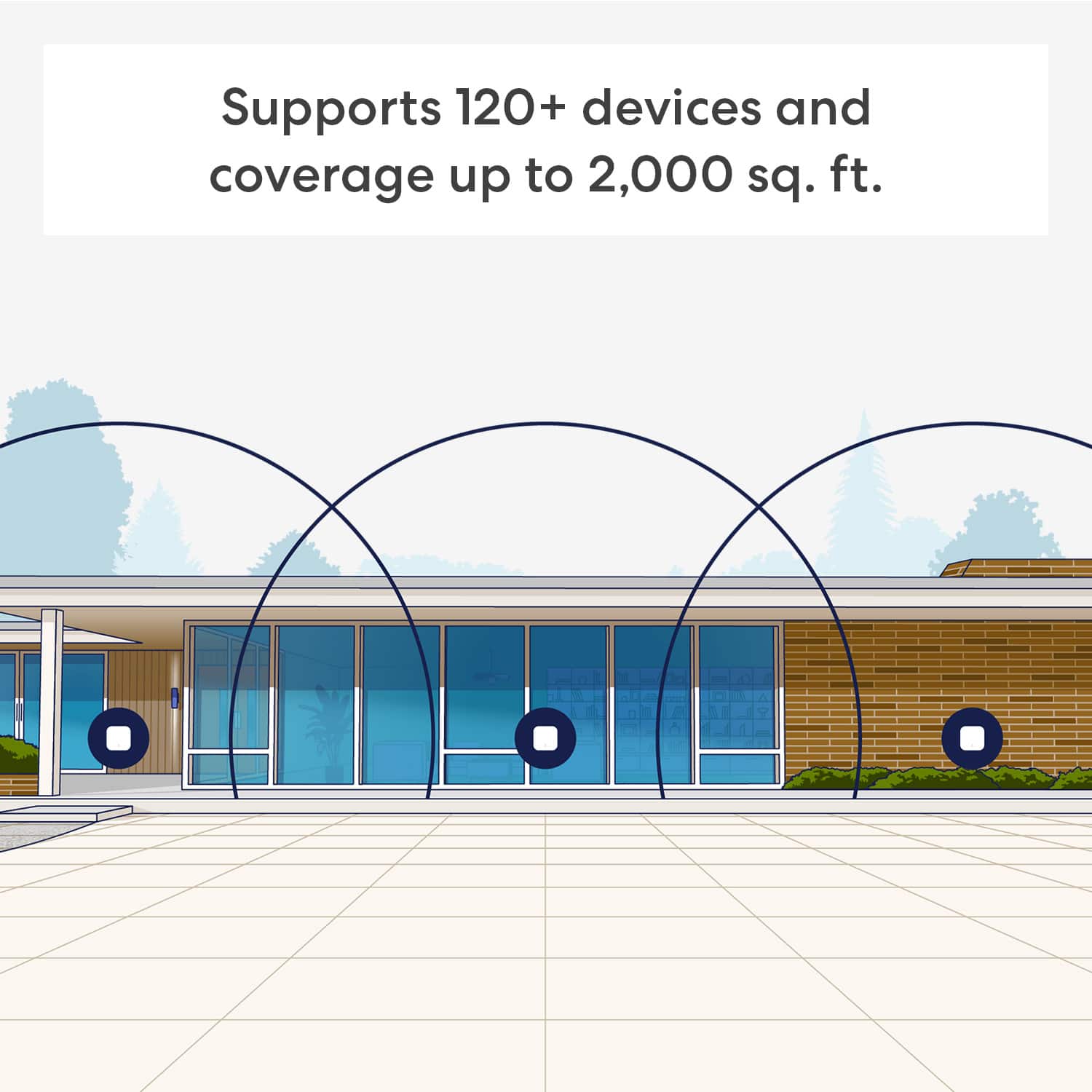
The best placement for your eero 7 devices in a wide house with bedroom connectivity issues is to position your eeros in a central location between the primary eero connected to your modem and the furthest bedrooms.
Place the additional eeros about 20-50 feet away from each other, optimizing for open space and minimal obstructions like metal objects or dense walls.
I hope this answers your question!
A:AnswerHi Manny! Yes, the eero 7 mesh WiFi system will work with a Verizon router in bridge mode. The eero 7 can also function as a standalone router with Verizon Fios internet service. Hope this helps. Have a great day!
A:AnswerHi Ped, thank you for your question. Eero 7 Mesh Wifi Systems can be connected through an active internet service provider modem, or fiber optic cable. I hope this helps, have a great day!
A:AnswerHello!
The Eero 7 Dual-band Mesh WiFi router does support WiFi 7. However if you are looking for even more power I would suggest you look at the Eero Pro 7 Tri-band Router. I hope this information helps. Have a great day!
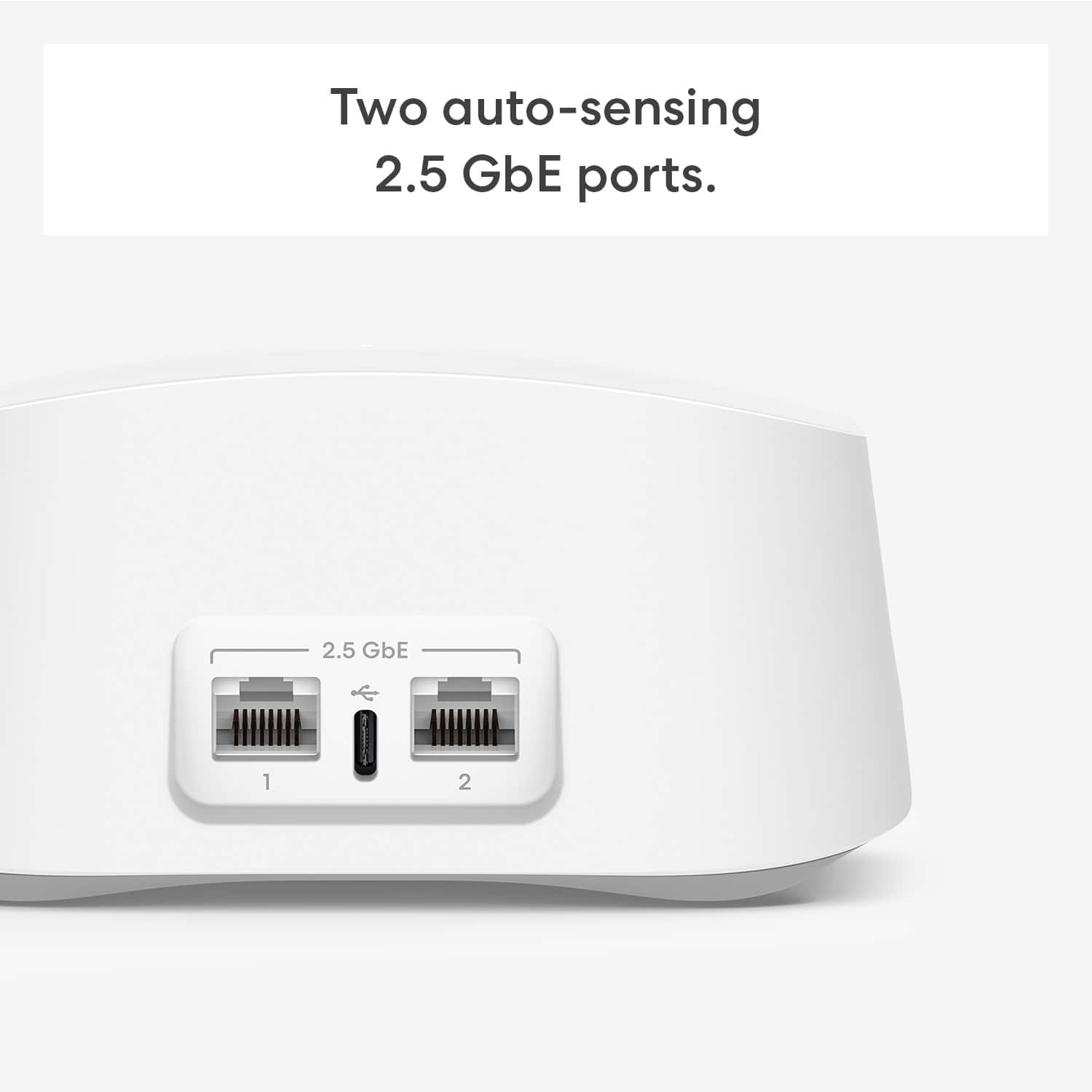
A:AnswerHi Power, Thanks for reaching out! The eero 7 system does not support PoE. The eero 6 PoE, eero PoE Gateway, and eero Outdoor 7 are the eero devices that are fully compatible with PoE. I hope this helps. Have a great day!