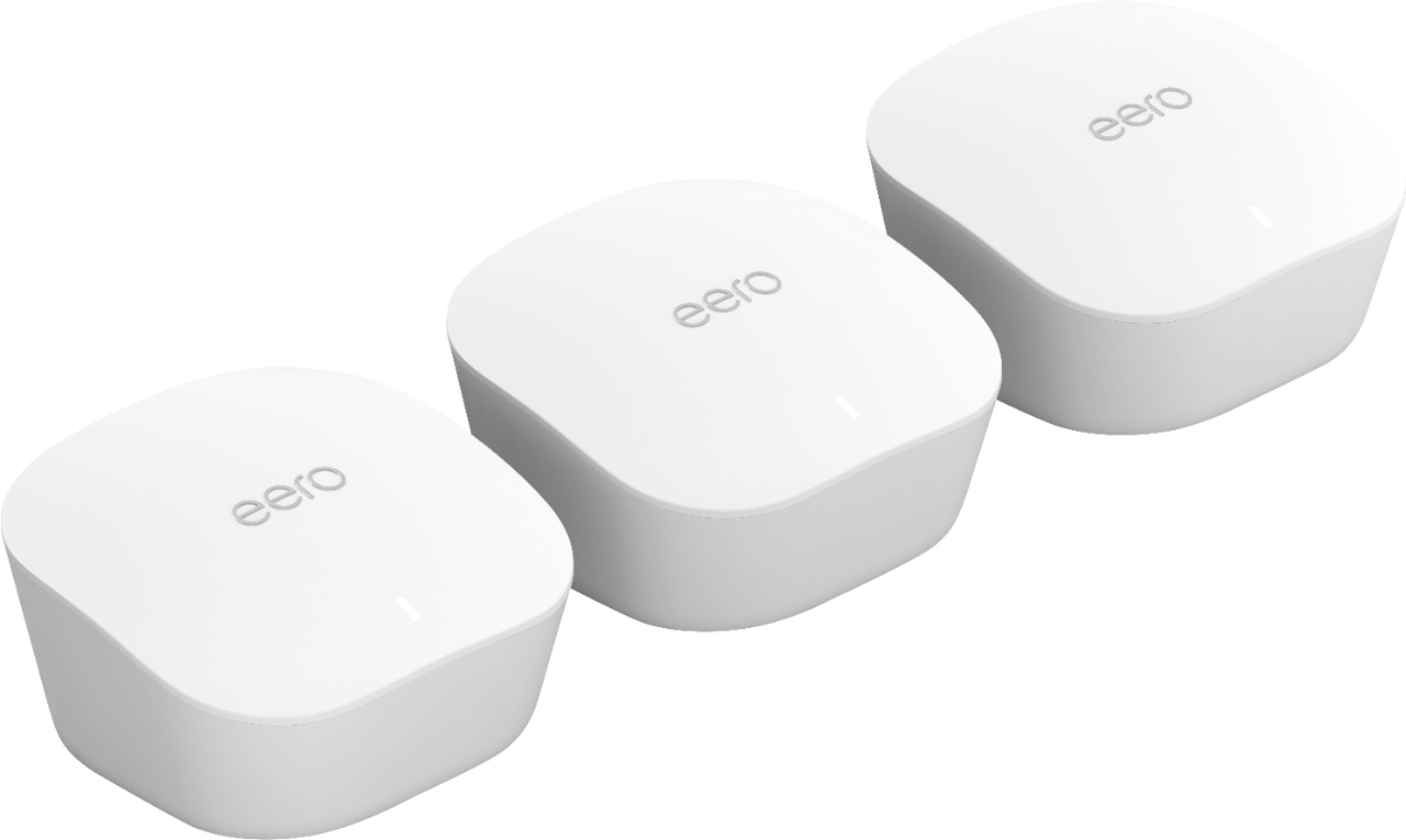
A:AnswerI have a house that is less than 1,500 square feet and the system work fine. I had to buy 1 extra plugins because I wanted to make sure that the front balcony had WiFi bc I notice that we were spending a lot of time in this area and I wanted to make sure we had a good connection. My recomendation is to start with the normal set of plugins and if you need to buy an extra one...you can return to the store and buy another one.
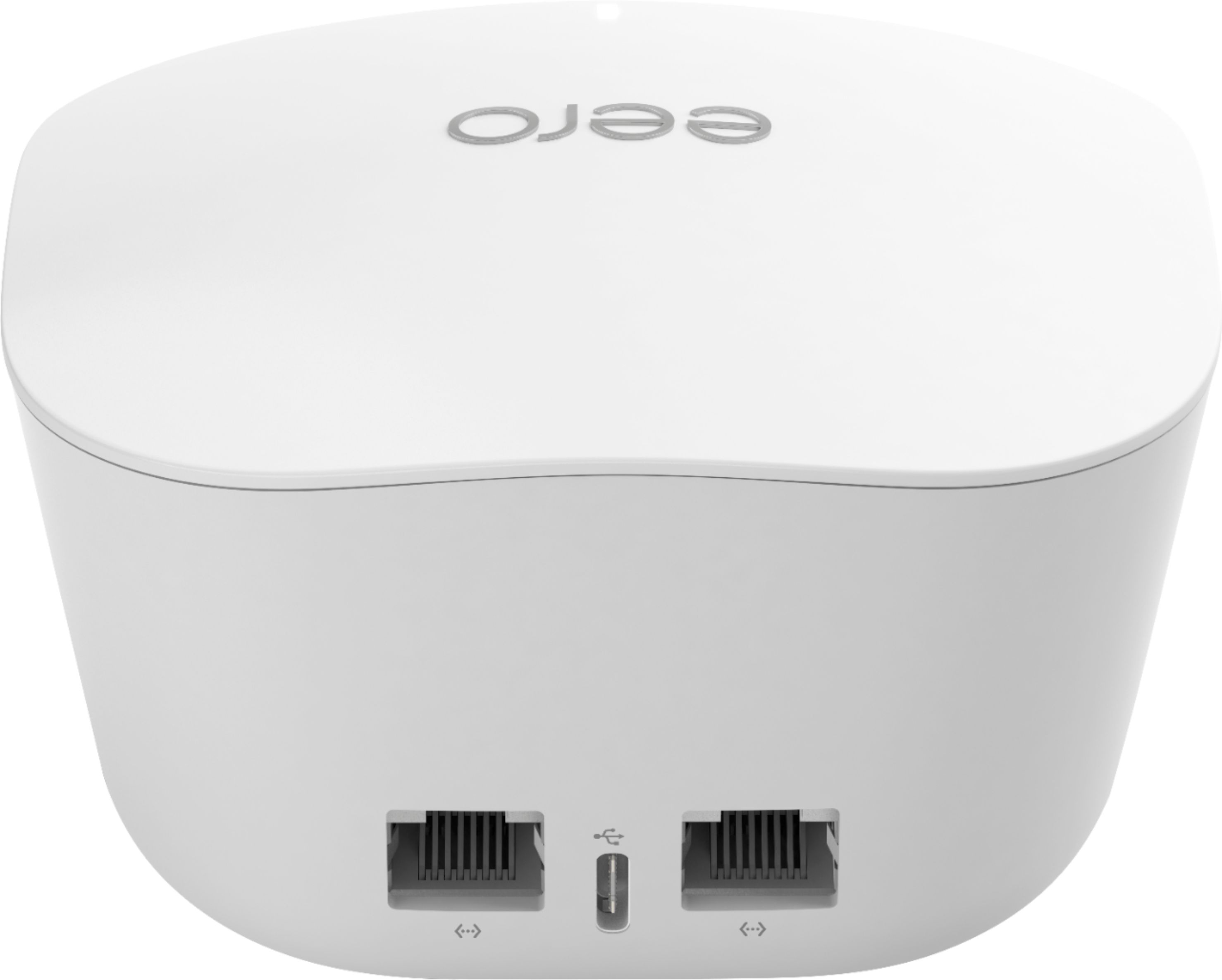
A:AnswerYou will need a modem. I have an Arris combo (modem & router). They recommend you turn the wireless router functions off after final setup of the EERO mesh system. I had both going for a couple of days but nothing was connected wirelessly to my Arris network. It become a modem only, but the EERO worked so much quicker and covered my house and backyard. I think if you use an extender for your TP router, you can extend coverage but that normally drops a little bandwidth. Meshes work so much quicker and seem to route network data so much more efficiently.
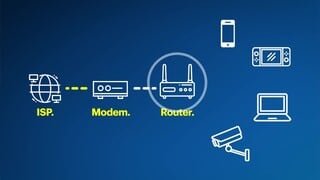
A:AnswerAs long as you have a modem for your Internet, eero should be able to work with Hughes.net. ... Eeros is basically a 3-piece router that connects to your modem, regardless of the source of your internet.
A:AnswerYou’re describing using the eero as a wired access point. eero supports this, though you’ll be double-NATing. The first eero must be a router, so it will NAT. So will your Quantum Gateway router.
If you don’t intend to use more than one eero, you’d be better off just putting a good wired access point in the end of your 200 foot Cat7 cable, such as a Ubiquiti AP LR, AP Pro, etc.
A:AnswerThat depends. It's unlikely that it will unless you are connecting through a router that isn't your modem (the main device that brings internet into house) If, as I suspect, your modem is also a wifi router and your connecting straight from said modern. Then bandwidth during peak hours is your problem and you'll need to call your internet service provider to see what can be done.
A:AnswerSo, technically, no you can not use one eero as an extender to a non-eero network. You may be able to set up one eero as your primary router and use your existing router as a repeater unless it’s a combo unit (modem & router). Your existing router would need to have the features to do this or be compatible with DD-WRT firmware. Your best option is to just spend a little bit more and get the 3 pack. This will allow you to set up a proper mesh system. Hope this helps!