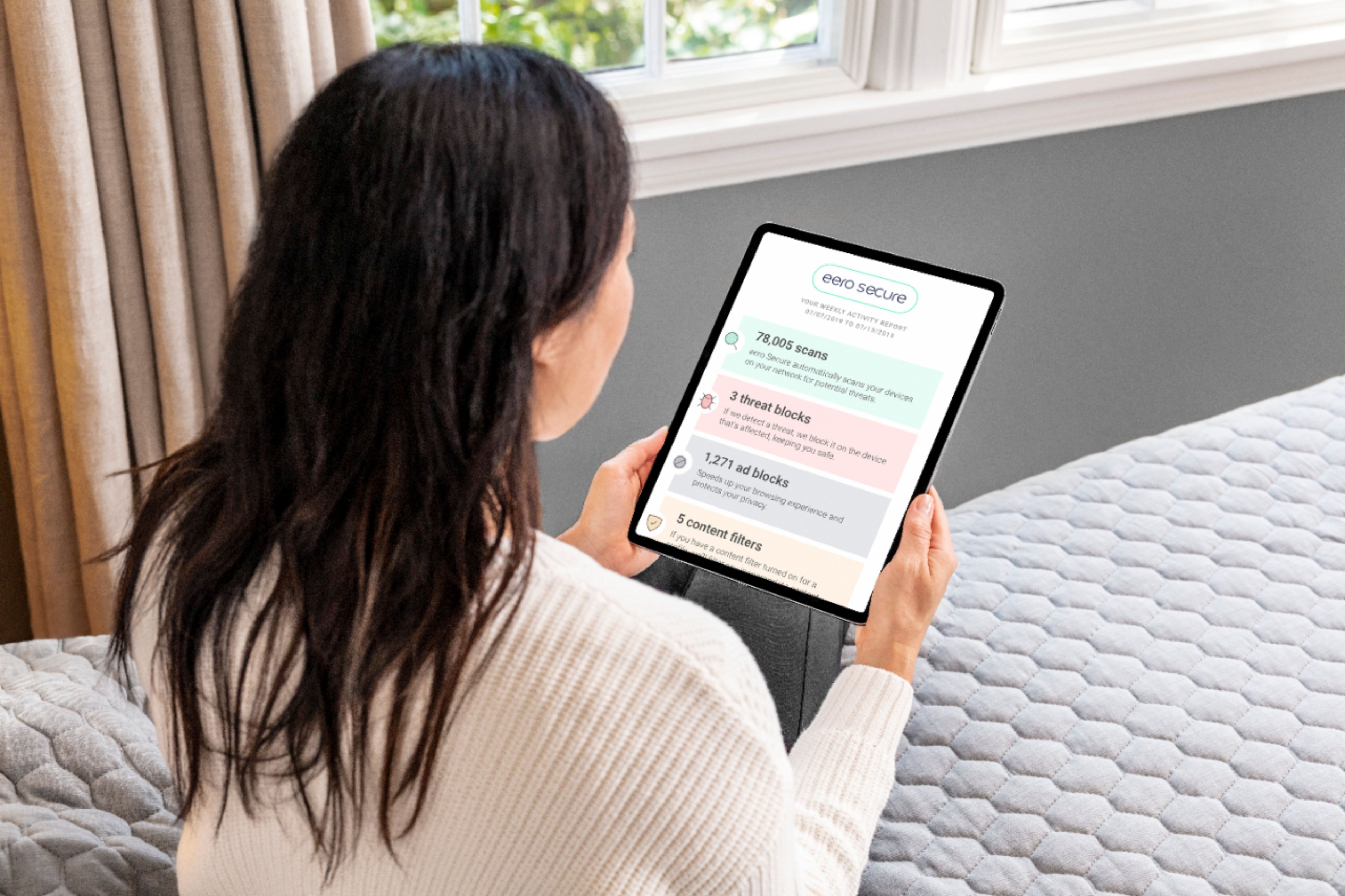
A:AnswerThere is a security service that comes with it. It’s a 30-day trial and afterward it’s either $29.99 / year for the basic and $99.99 / year for the plus. It’s up to you if you want to get it - it’s NOT required.
A:AnswerIt automatically picks 5G, so it you have a device that only works on 2.4G, it may not connect. You may have to call Eero to see if they can temporarily disable 5G to connect to 2.4G. It is a major flaw. Really bad design to not consider 2.4G devices.
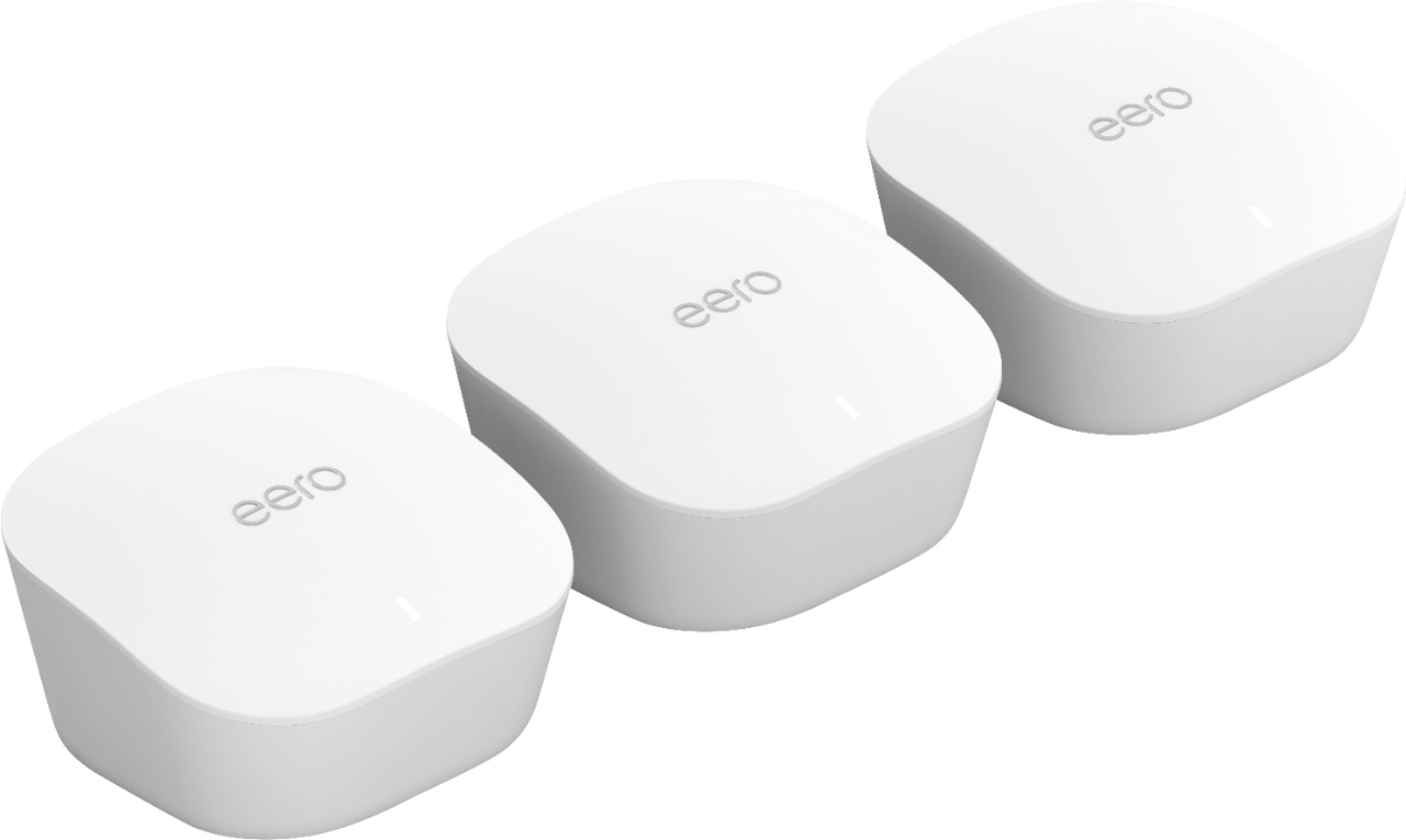
A:AnswerThis eero system will replace your weaker U-verse Wi-Fi. One of the three eero Nodes will be located near the modem. The other two Nodes will be placed where there is a need for a good signal, like your office and maybe a kid's game room or a teenager's bedroom.
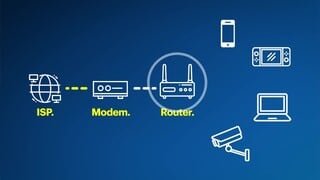
A:AnswerYou should be able to use it with a modem/router. Most of these devices allow you to turn the WiFi router function off. You can also use these in bridge mode as an extension of your modem/router network.
A:AnswerI have the optimum modem and separate router. By plugging the ethernet cable directly into the modem I could unplug and get rid of the router. Works well
A:AnswerThis provides improved coverage throughout your house. It would depend on the speed of the internet connection. You can test the internet speed by hooking a PC directly to your modem with an ethernet cable and using your browser go to www.speedtest.net and run a test. It will tell you your upload and download speed. It should be whatever you are paying for from your service provider. Assuming you have a good internet speed, this product will then provide you with wifi access throughout the house. By using a PC and ethernet, it will allow you to see your internet speed without wifi. This product would help if you find the wifi coverage good in some places (near the modem/router) but bad as you get farther away from the modem/router.
A:AnswerJust connect this to your modem using an ethernet cord and then place the other two using bluetooth around the house for max coverage. Instructions are eaay!
A:AnswerOne of the units connects to the modem via the enclosed Ethernet cable. That acts as a base station. The other two units can then be placed in different locations.
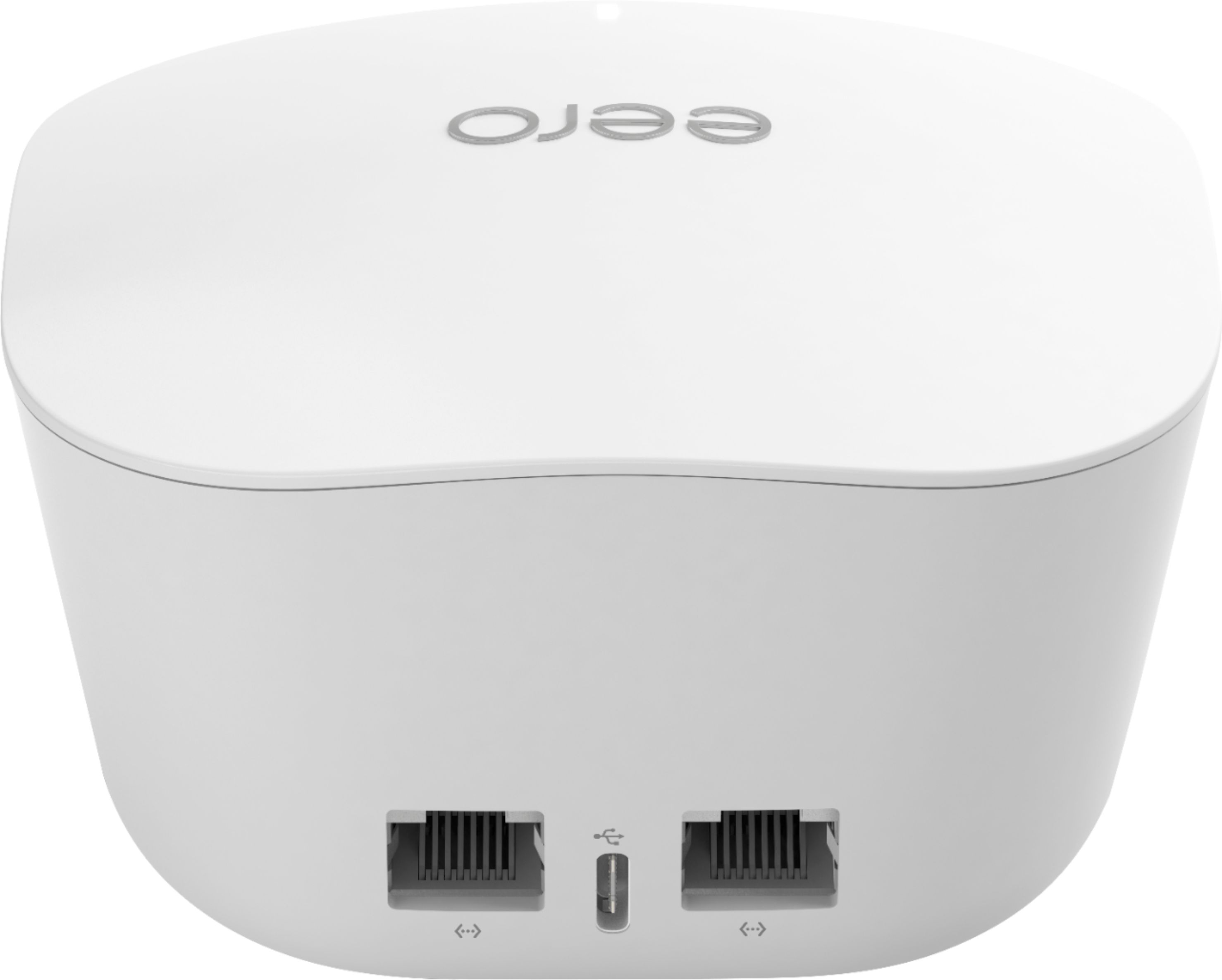
A:Answereach of the individual eeros have 2 LAN ports for cabling in. If you have more than 2 devices then you will need an Ethernet switch. I use a $30 Netgear switch that was plug and play with no issues. Also remember that the eero closes to your router will need to plug into one of the LAN ports on that device.
A:AnswerNot sure what generation this is. I do know it’s two bands not three. I looked at the three band product and it was significantly higher in cost. The geek squad tech I talked to said this would cover my house (2600 sq feet including a basement and outside deck) fine. He was right.