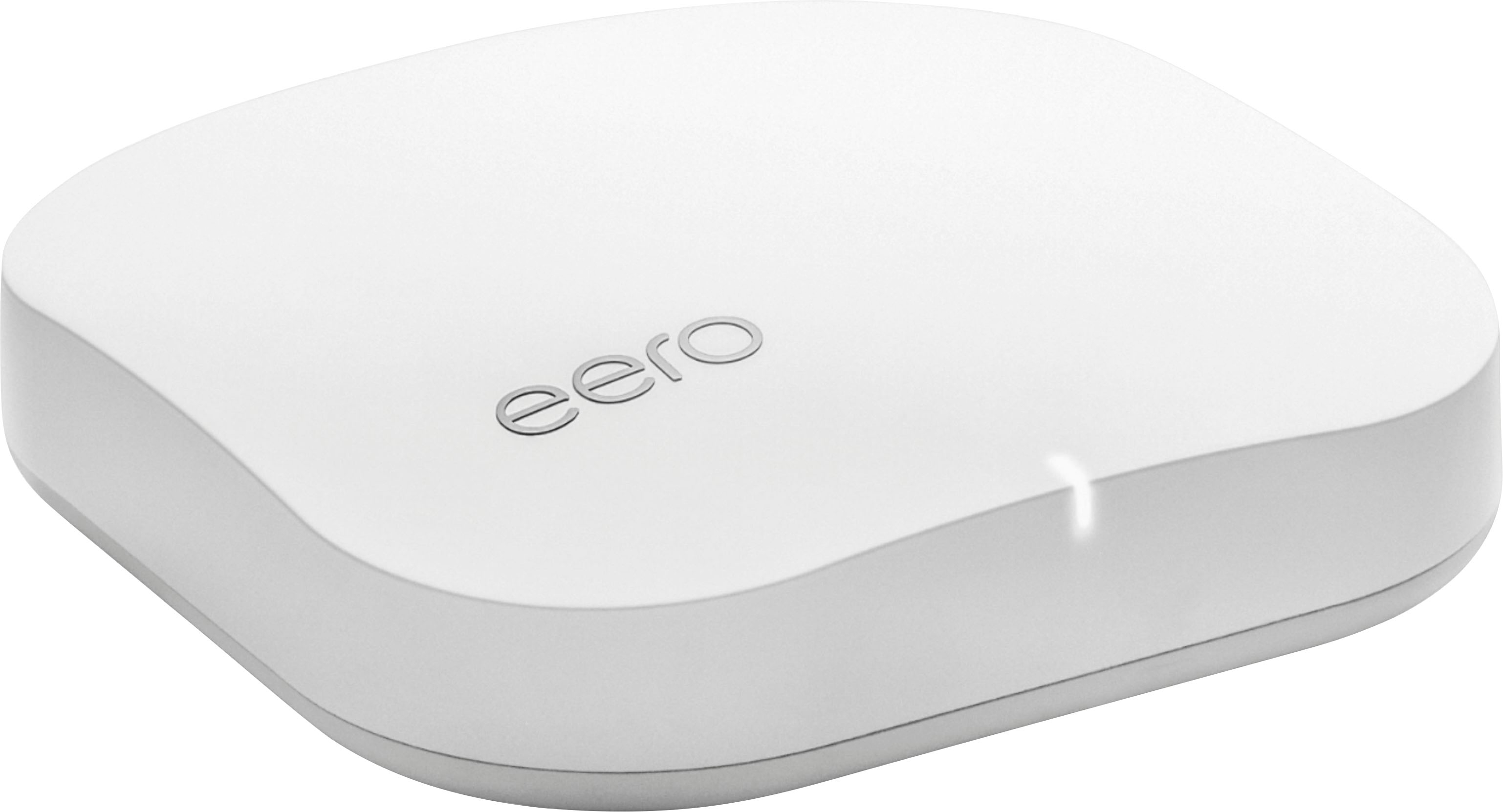
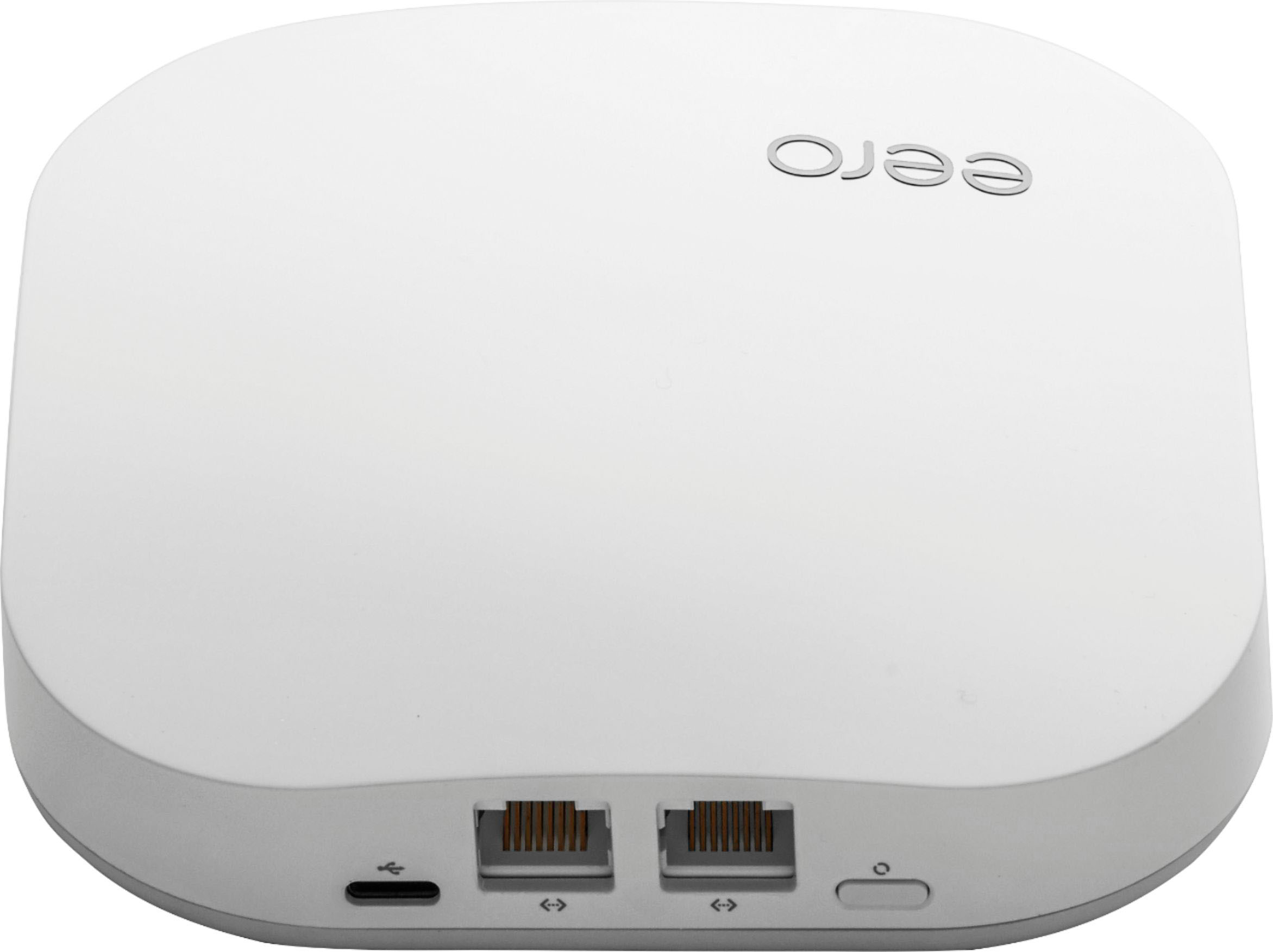
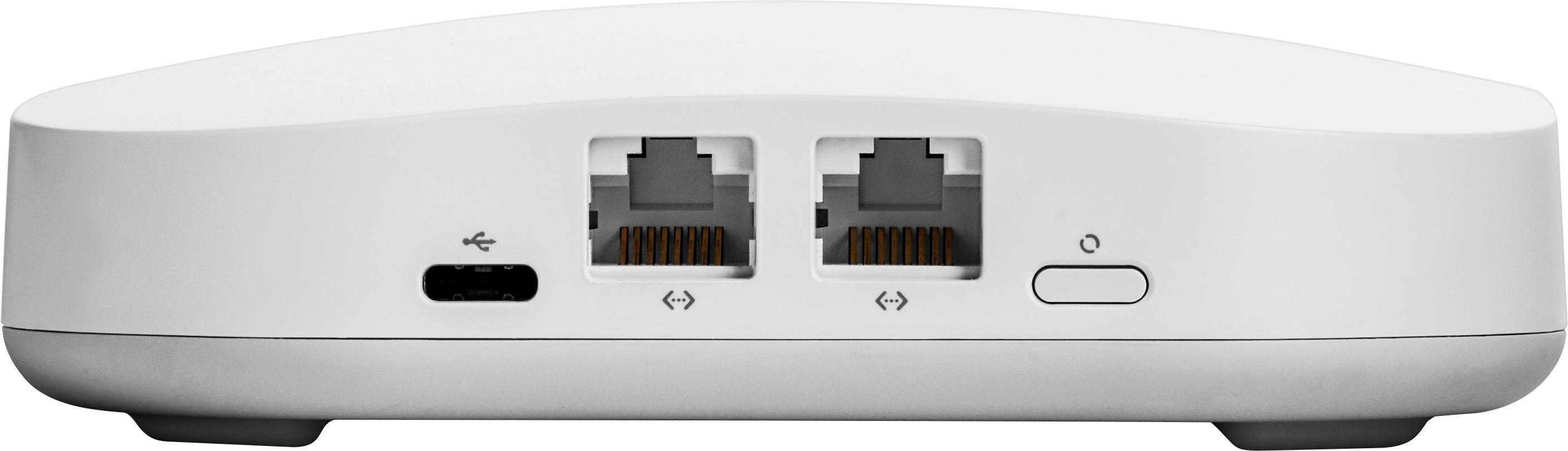
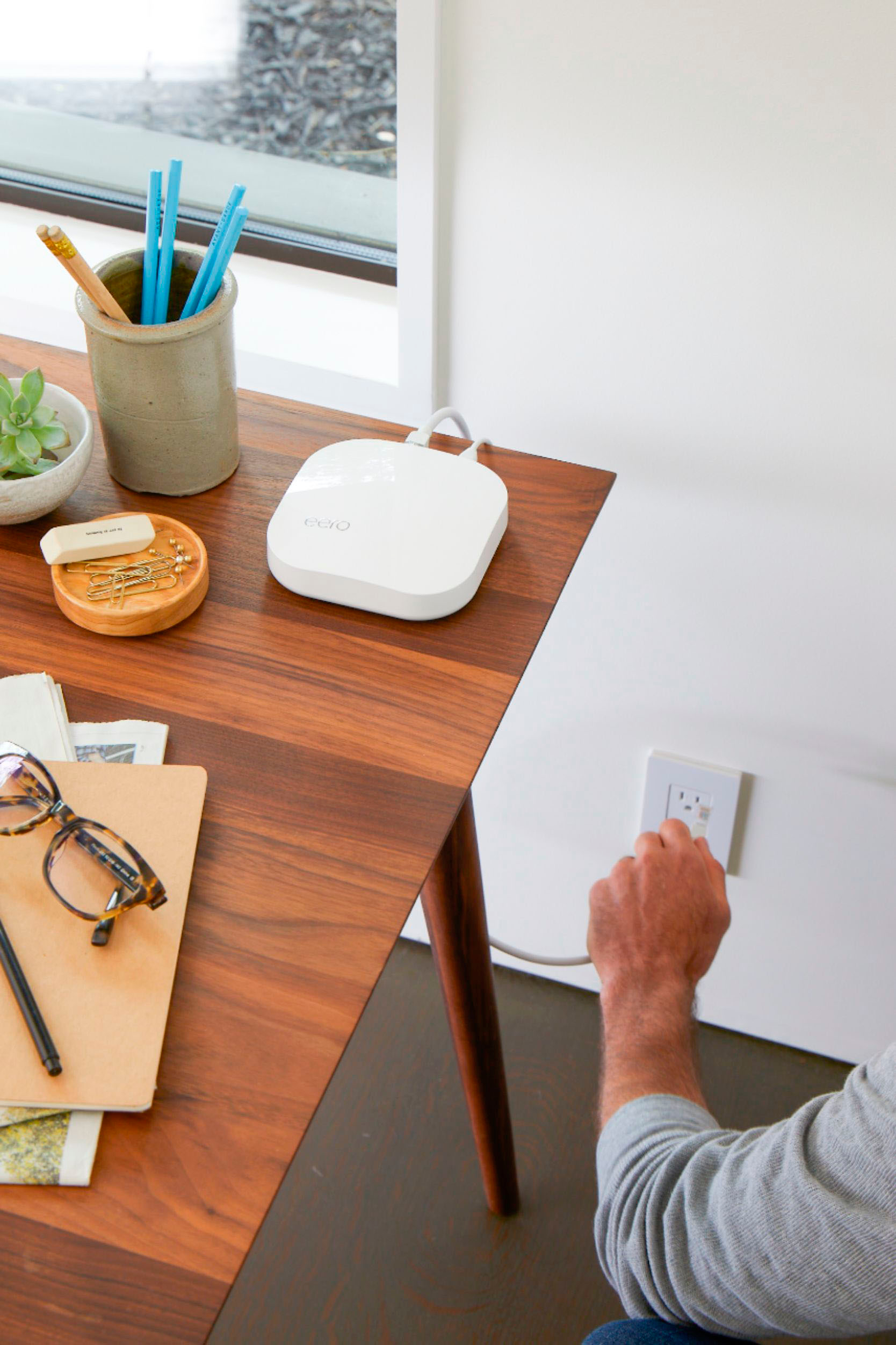
A:AnswerYes. These are not devices that share their signal through a home’s wiring; they only get power to operate their wired (in the eero Pro) and wireless services from the outlets. The outlet type is immaterial to operation.
A:AnswerIt still uses the modem. Most modems have wifi built into them, which you would turn off. Whether you will need two or three depends on how your place is constructed.
A:AnswerWiFi speeds will be far less than the 1Gbps the device receives from your fiber service. The actual speeds depend on many factors not related to the eero itself and some that are. For example, the eero’s communicate with each other on WiFi and generate a surprisingly large amount of their own traffic. In addition, any/all of the following reduce your WiFi speeds, some dramatically: number of connected WiFi devices, distance from the eero device, walls or other signal obstructions between the eero and the device, how much of the bandwidth other WiFi connected devices are using, conflicting signals from other sources (wireless phones, microwave ovens, other strong networks in the area). If speed is paramount, connect as many speed-hogging devices as you can as wired Ethernet connections.