A:AnswerI have the eero 6 pro in my basement and no other extenders at the moment and on the top floor of my house I am see speeds of anywhere from 450-500mbps sometimes higher. It’s approximately 20-25 feet from the router. I should add I have a 600 mbps plan from xfinity. When I am within 10 to 15 ft of the router I see speeds at or better than the 600 mbps. As I get further from it the speed does drop but no where as bad as the compettion including Netgear.
A:AnswerAs long as the ONT provides the eero with access to the internet via an ethernet port/cable, it should work just fine. Some ISPs will require you to use their own router instead of a 3rd party one, so you should check with the ISP to make sure you can hook an eero directly to their ONT.
A:AnswerYes, but it won't provide faster speeds or lower latency than Hughesnet provides. eero is used to get good signal at distance in that kind of setup.
A:AnswerYes you can! If an eero is getting a wireless connection to the gateway eero you can use both ethernet ports to connect devices or a switch to (if you need more than 2 ports)
A:AnswerThe eero will work just fine with that modem. A Docsis 3.0 modem might limit the overall speed if your ISP is providing more speed than the modem can handle. Some speed upgrades require an upgrade to the modem as well.
A:AnswerYes, but with a caveat. The eero will not extend the existing wifi network from the Altice router. However, you would hardwire one eero into that router using an ethernet cable and the eero would then make its own wireless network. You can use additional eero (wired or wireless) to extend the eero wireless network
A:AnswerPhone app. Subscription for additional security is optional and not required. No ads. Old devices...depends on the wireless connection type. There is a simple way to connect older wifi devices and their telephone support is excellent; they will walk you through the process. For me, they connected to my router, had me connect the older device and then re-set the router. Took about 5 minutes and both my older and new devices work flawlessly.
A:AnswerNot sure which Optimum Cable modem you had before or the one you are paying $50 , I have been running the same DOCSIS 3 "Arris" Optimum cable modem for 5 years+ and recently upgraded to a 3 pack of EERO pro (newest gen) and had 0 issues
Also, if you are a power user or have many devices/family members, I recommend eero PRO (latest gen) not the Eero
The biggest change was eero set my internal ip scheme to 192.168.4.X
BTW, Cablevision was sending out these DOCSIS 3 modems for free YEARS ago, and of course you have to rent it, if you want to purchase you own ARRIS TM1602A, you can, but you'll have to call them so get it authorized
Even if you were running a non mesh router, you'd have issues with speed and uptime if you didn't have docsis 3.....
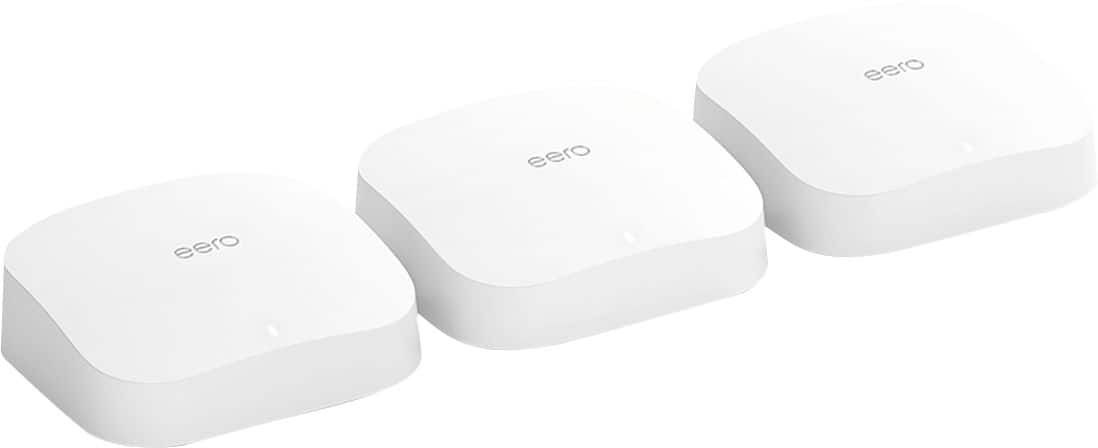
A:AnswerI recently bought this and it was the easiest thing I ever set up. Basically plug and play. Then just change the WiFi in each device’s settings. Shouldn’t need Best Buy to set it up for you, but I’m sure they could if you really want them to! And it works great - all over my 2 story 3500 sq ft house with no problems, I have the set of 3. Very fast and very happy with it.
A:AnswerSupports WPA3 but if your devices are older, like my printers are, they won't hook to the network using wpa3 so you either have to use ethernet connection(which each Eero has 2 ethernet ports) or turn off wpa3 to use older devices on network.
Newer devices will all have wpa3 so it won't be an issue.
Hope that helps.
A:AnswerPersonally, I wouldn't go with Linksys and with Netgear there are extra costs we found for getting support etc after I think even 90 days. Could be wrong but I think its 90 days. We're persevering with Eero. It works really well, just making sure other stuff works with it. Parental controls are ok and we are sure they will get better