A:AnswerHello,
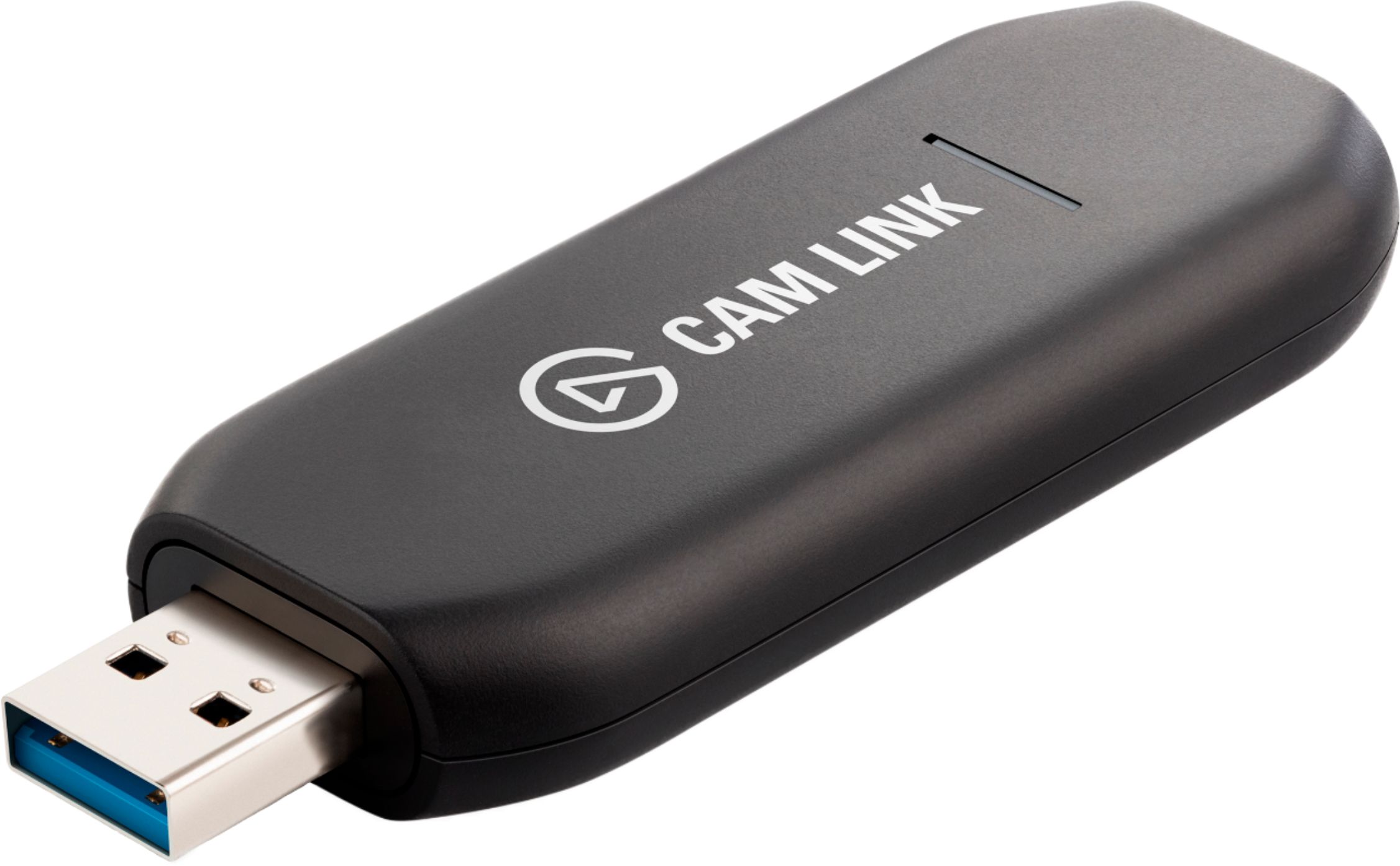
You cannot use Cam Link 4K directly with Playstation, please visit our site's product page for more information or contact our team directly.
-Art
A:AnswerCan't explain why. Electronic devices fail for any number of reasons. I've had 2 for about 3 years and not a fail yet. Get with ElGato. They should make it right.
A:AnswerElgato specifies that the CamLink 4K requires a PC or Mac with a 4th gen Intel i5 or better CPU, NVidia GTX 960, AMD RX 470 or better GPU and a USB 3.x port. According to the published requirements and information you've shared, this product will NOT work with your current computer. You don't necessarily need a dedicated video card, but a decent integrated video card should work. It may be time to consider upgrading your computer if you desire to use this product.
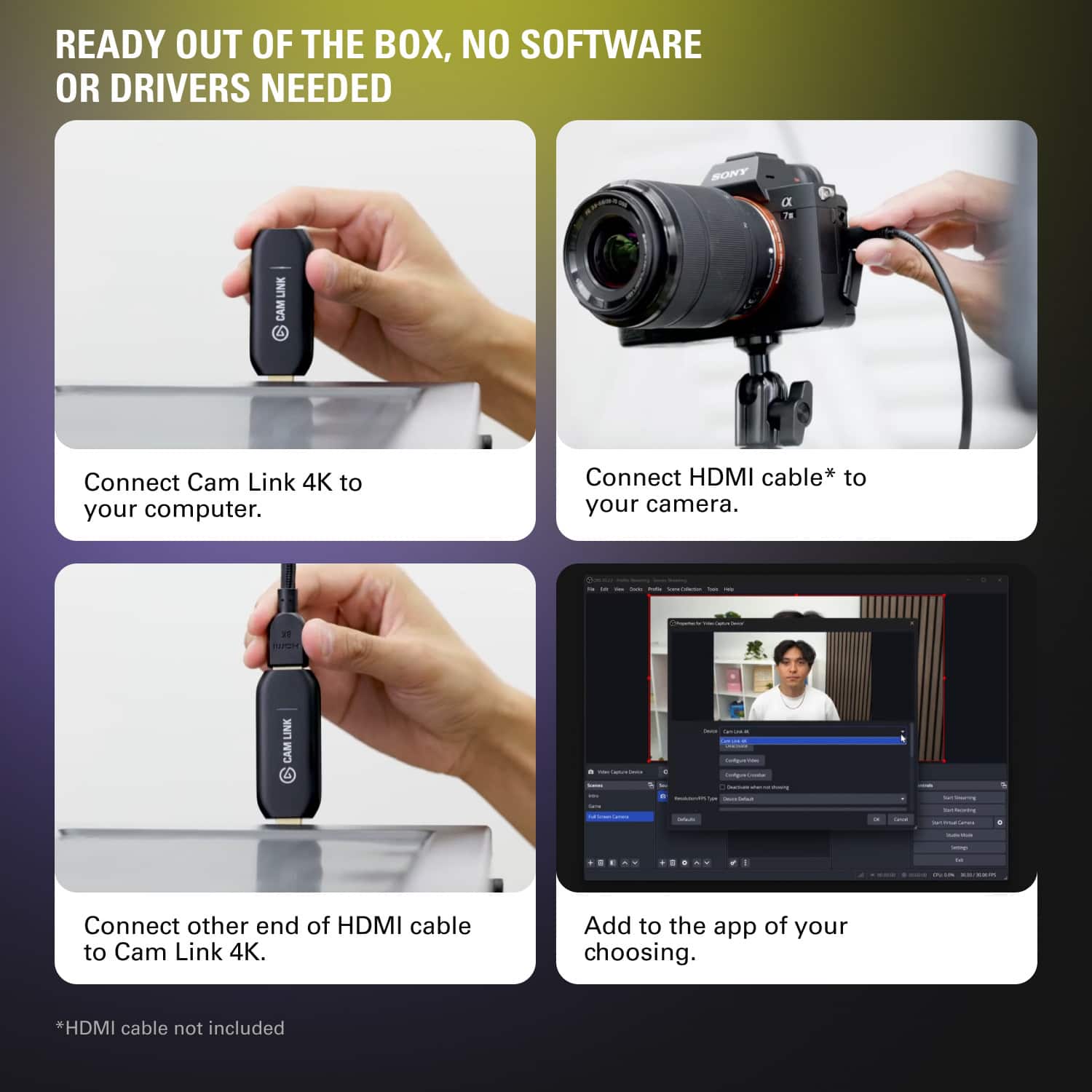
A:AnswerYou can use the Cam Link to directly record your HDMI output to another device over a USB connection. If you want to record the screen of the device you are using on the same device, you should use recording software such as OBS Studio as the capture device is no longer necessary to capture if using only one device.
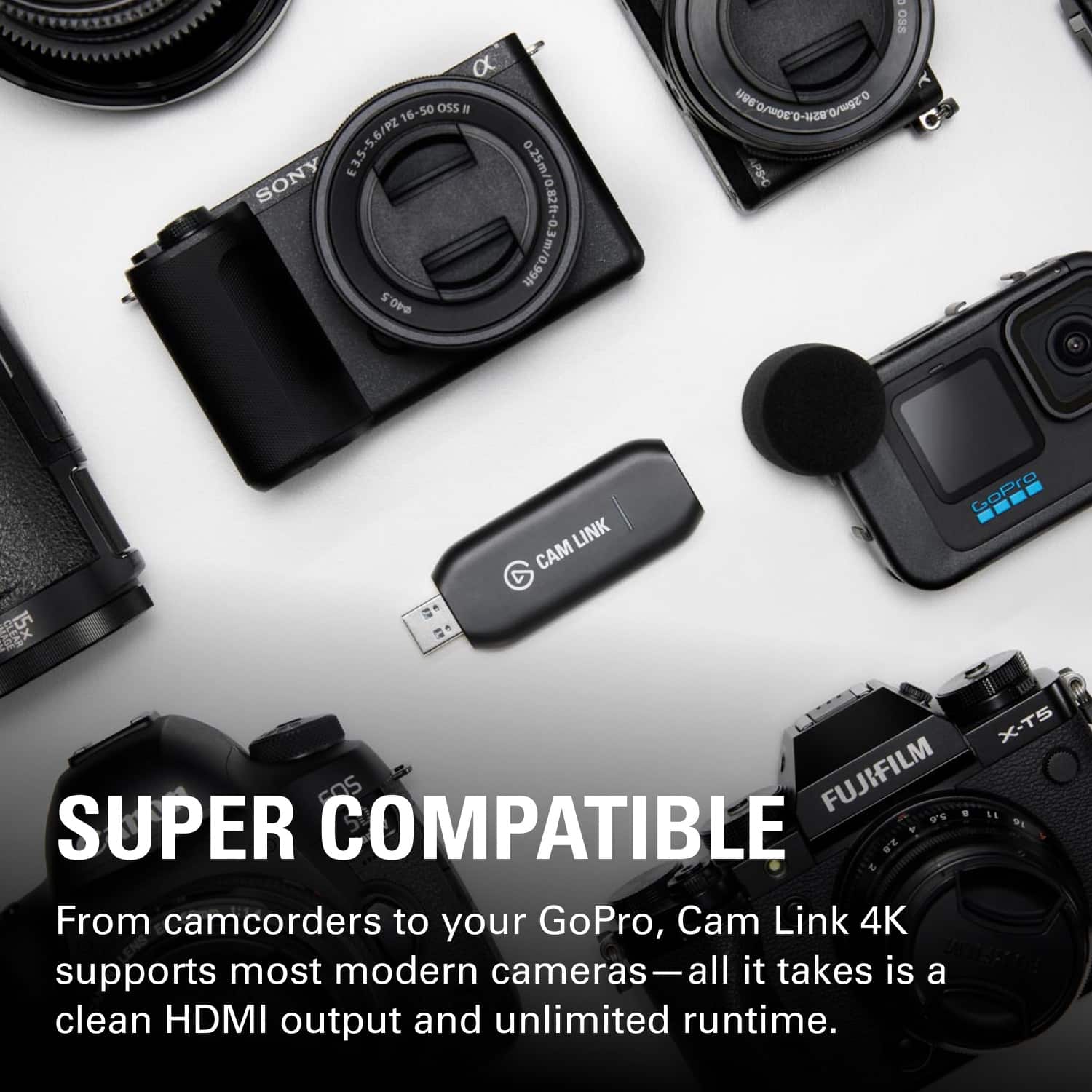
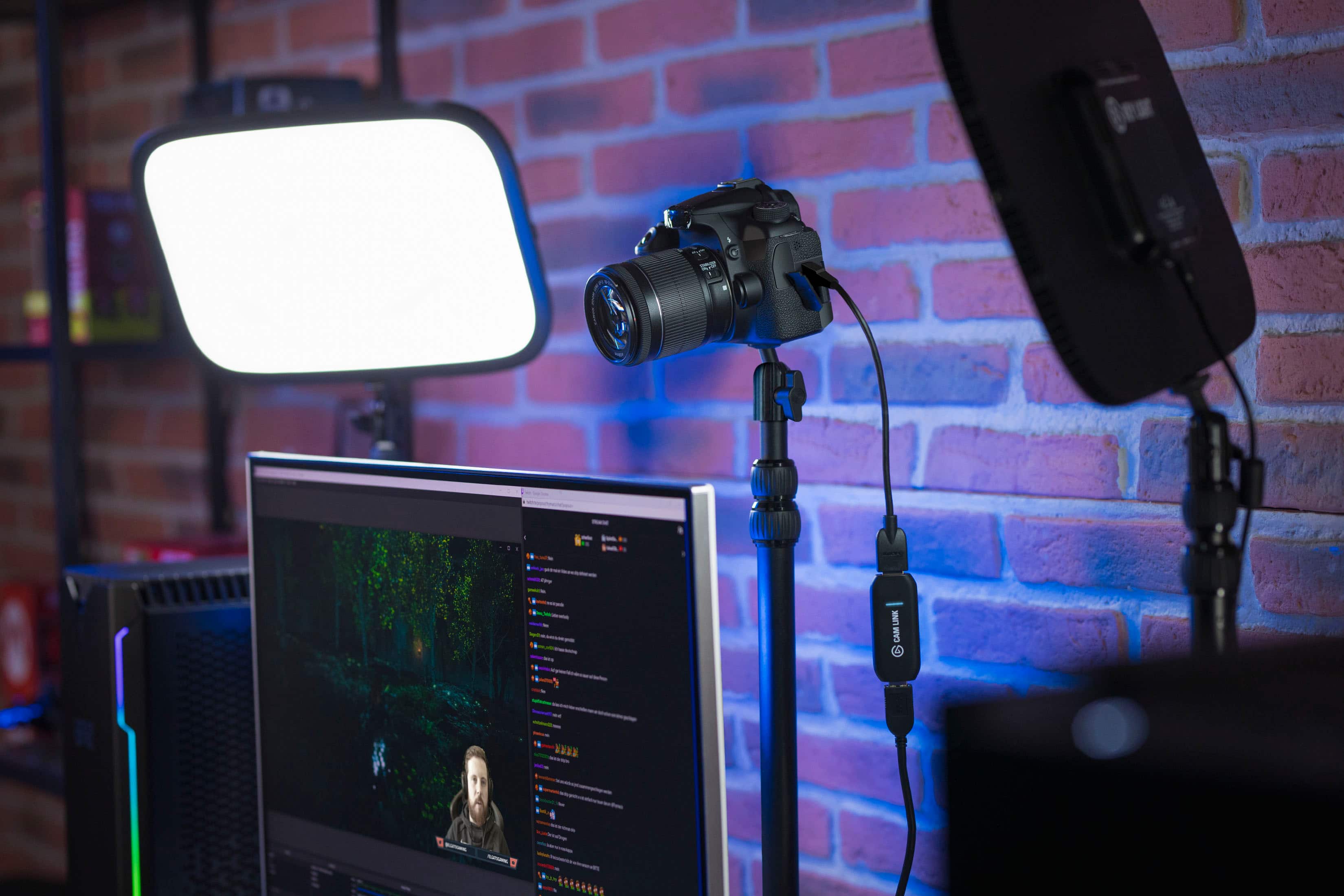
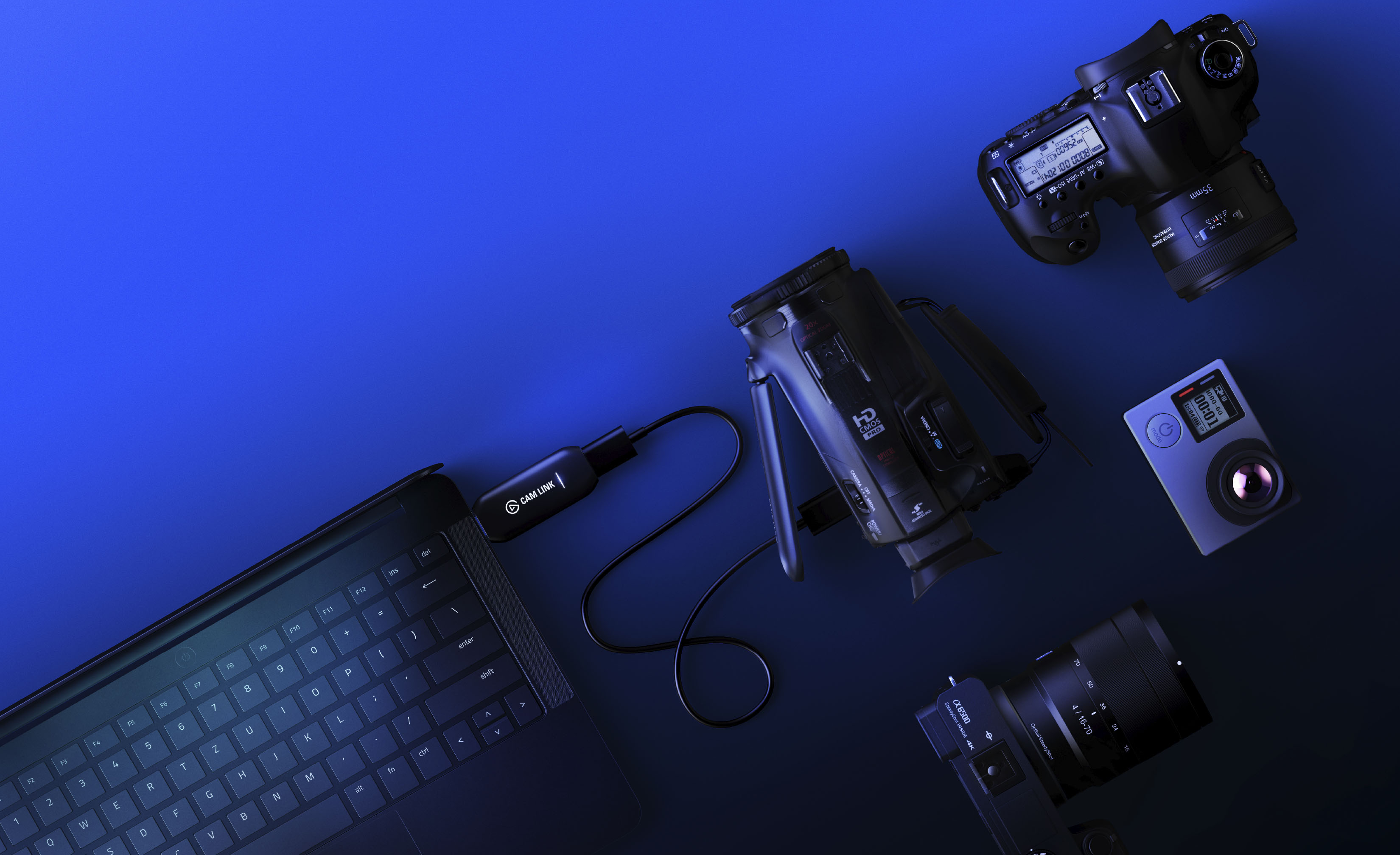
A:AnswerAs long as your Rebel DSLR has an HDMI output port it will work. Make sure you verify what HDMI cable you may need first whether hdmi to hdmi, hdmi mini to hdmi or micro hdmi to hdmi.
A:AnswerHi,
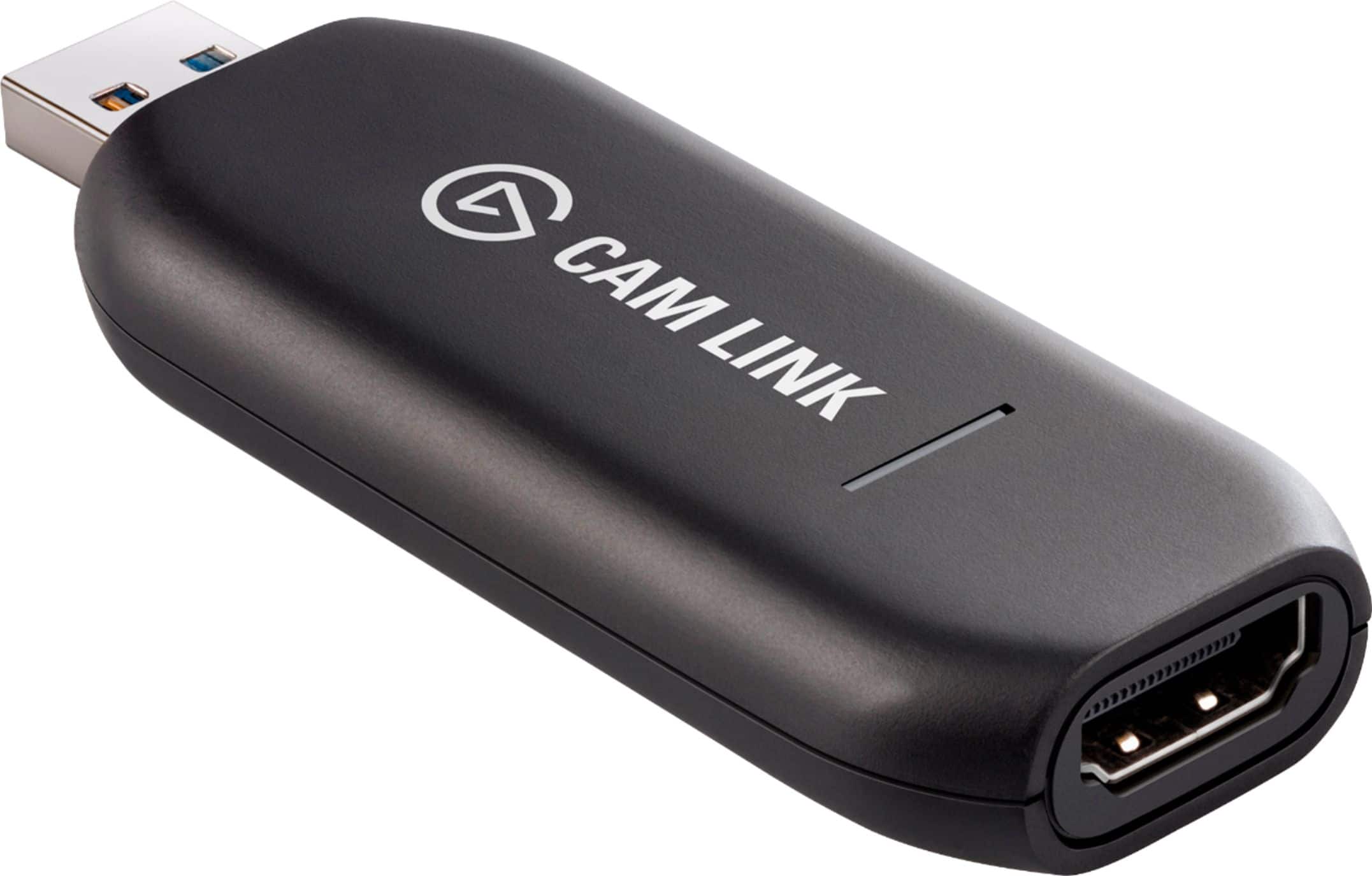
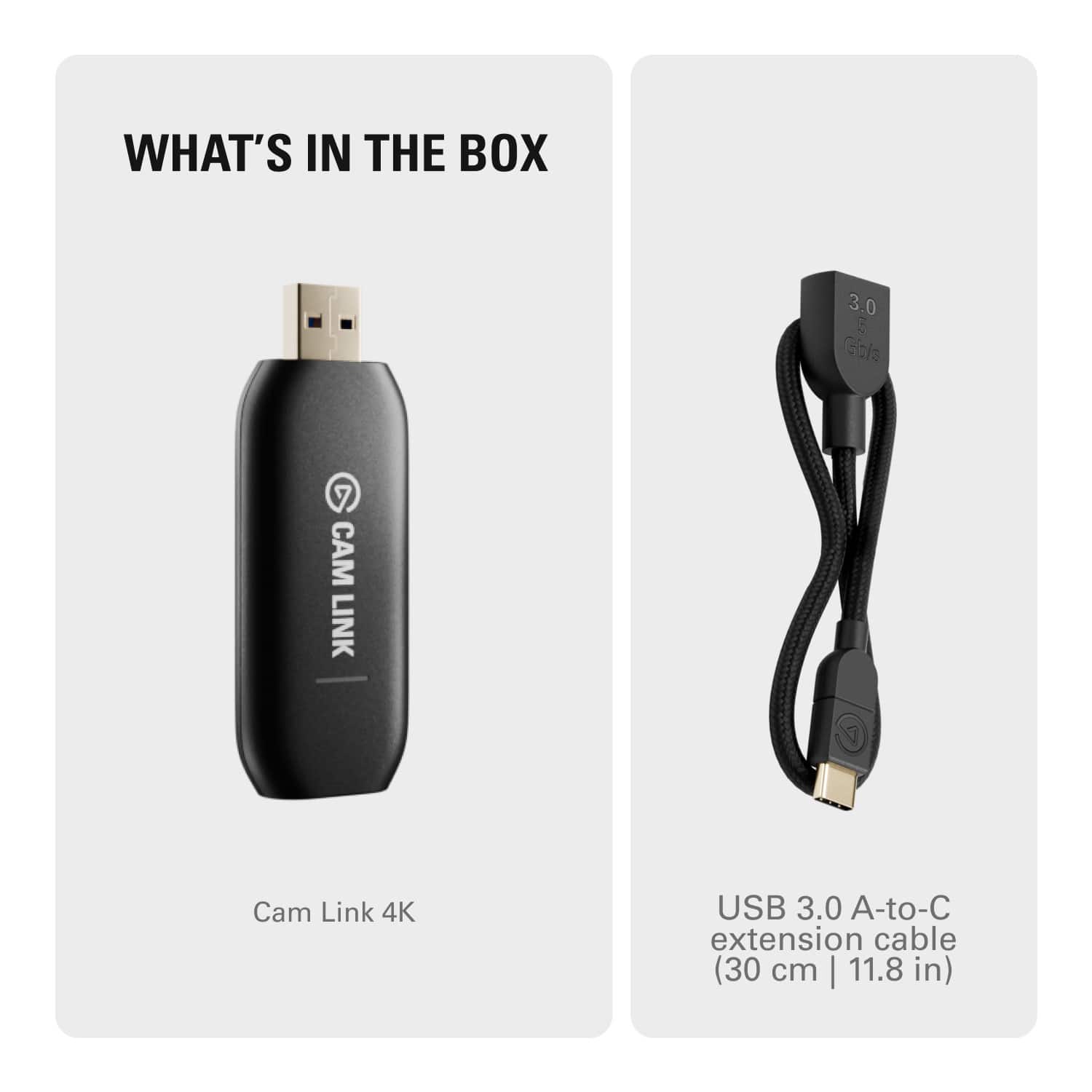
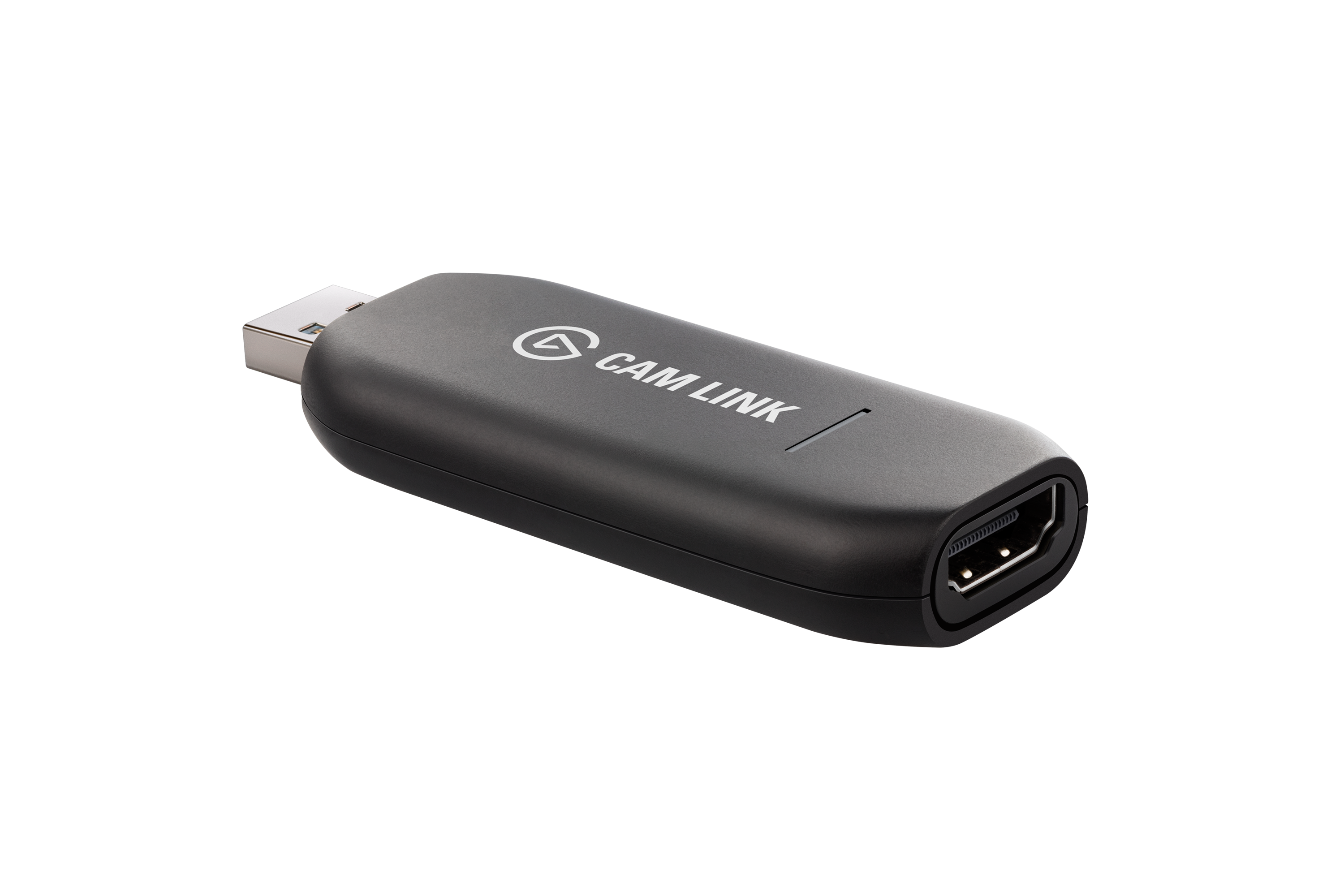
The Cam Link 4K does not have a mini USB port. The only female port is HDMI. Aside from video, audio is also captured through the HDMI port (in most scenarios, the connected camera's microphone). Let us know if you have any other questions: support.elgato.com
-Albert
A:AnswerThe camera needs to have an HDMI port on it (mini, micro, or full size) to connect to the Cam Link. If your DJI Osmos has this, it should work. Check with the company that produces the camera to be sure.