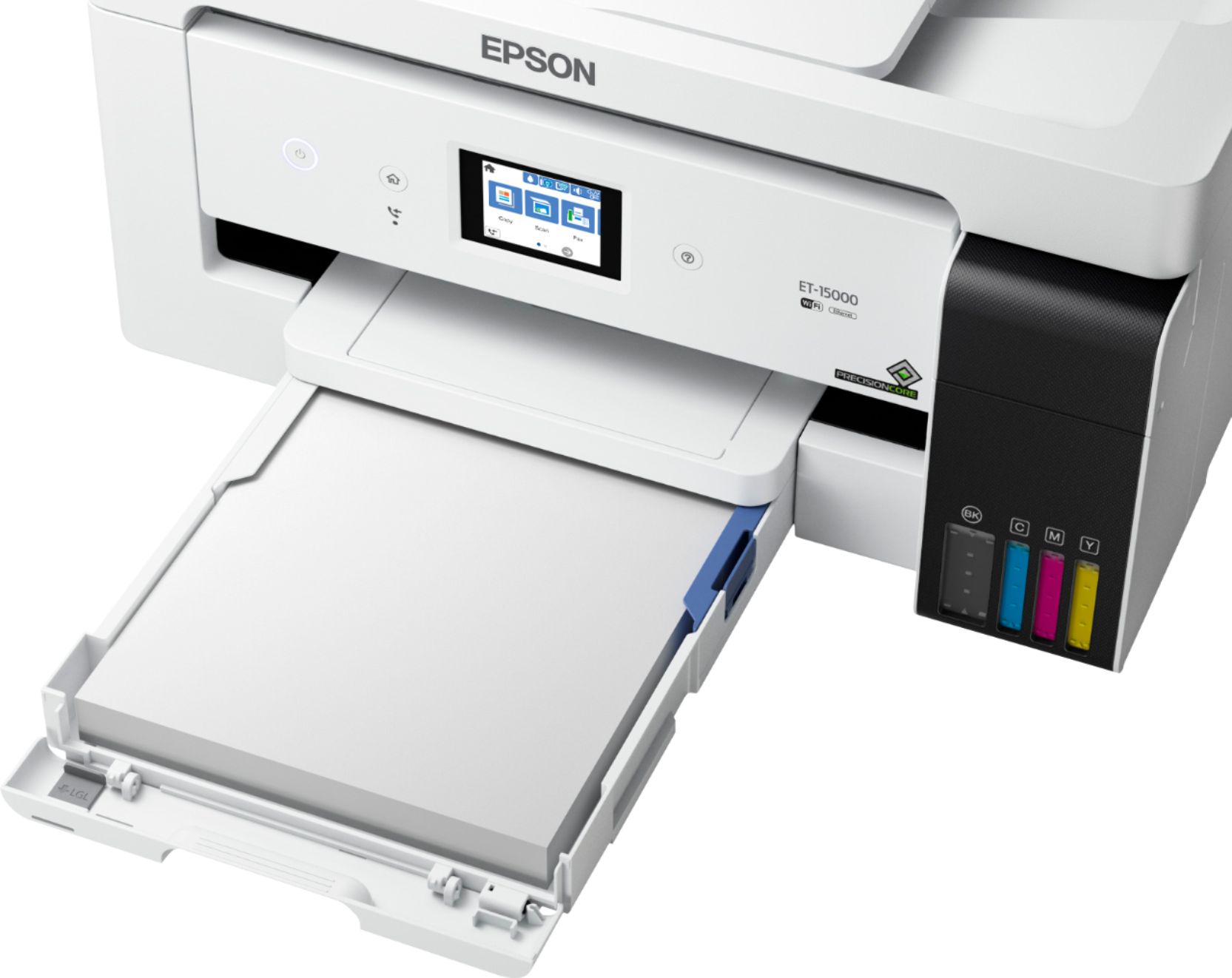
A:AnswerHello PaperPrintSize. Yes, the ET-15000 can automatically select the correct paper size. The option can be enabled from the "Paper Source Settings" on the control panel. Regards, Kevin - The Epson Team.
A:AnswerHello. We recommend only doing print head cleanings from the printer's maintenance menu. Using 3rd party cleaner can potentially damage the print head. For additional assistance, please contact our technical support team to go over different options for your printer. Regards, Kevin - The Epson Team.
A:AnswerHello cord. We would like to confirm if you are referring to the USB connection or power cable. Please contact our official Epson Technical Support team for assistance. Regards, Kevin - The Epson Team.
A:AnswerHello vince227. Unfortunately, the ET-15000 does not have the functionality to print directly onto CDs or DVDs. Regards, Kevin - The Epson Team.
A:AnswerHello ShoreT. Unfortunately, we have not tested "poly bags" on the ET-15000 to confirm compatibility. Please visit our official Epson Support page for a list of supported paper types. Regards, Kevin - The Epson Team.
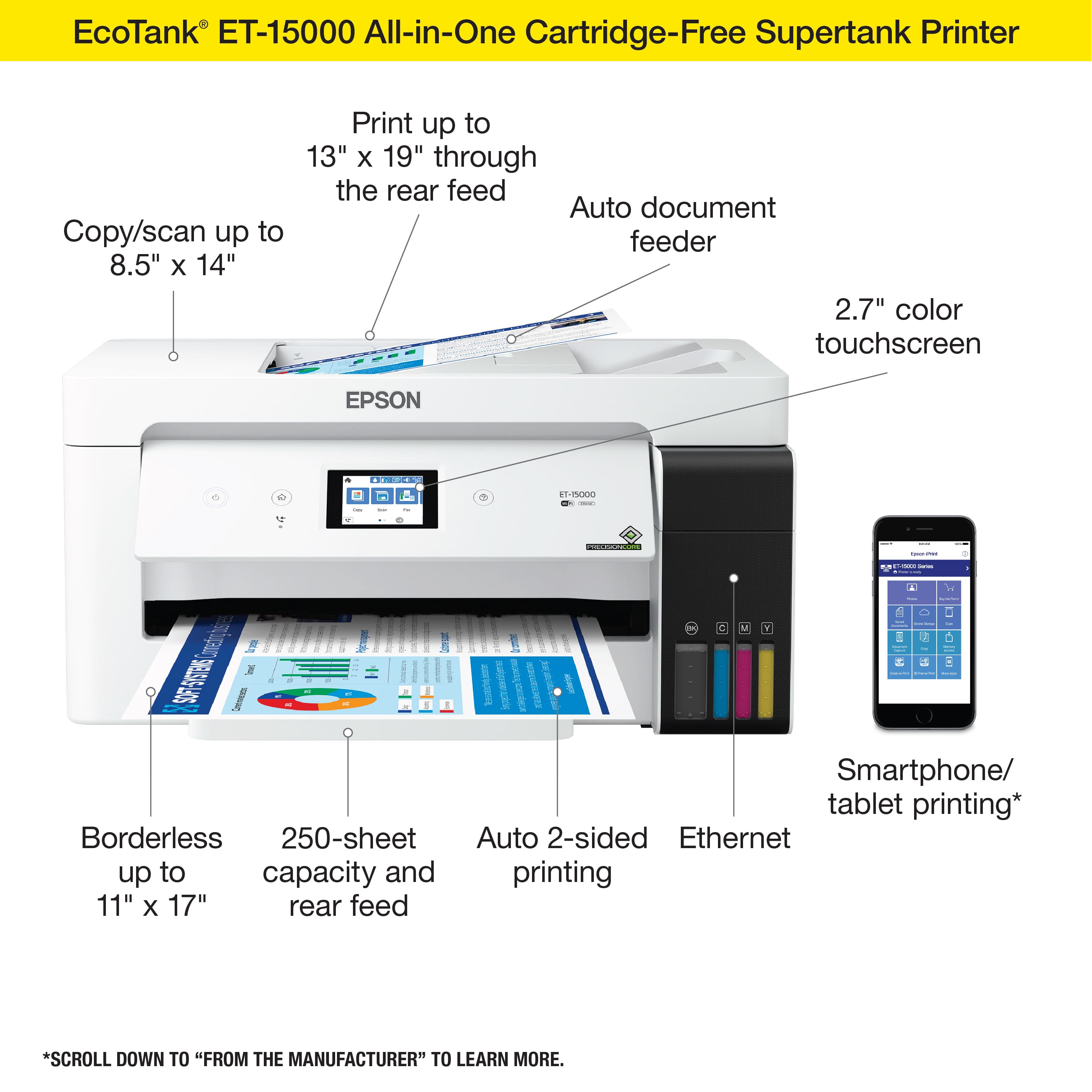
A:AnswerHello. Yes, the ET-15000 can print on 8.5" x 11" paper. The printer supports custom sizes as small as 2.13" x 3.39". Regards, Kevin - The Epson Team.
A:AnswerHello jacks7. Yes, the ET-15000 is compatible to work on macOS 10.6 - 12. Please visit our official Epson Support page to download the latest software. Regards, Kevin - The Epson Team.
A:Answer1/2 true - you need to set the printer on 13x19 and place your copy centered left and right and and up front.
I have been able to print 13x44 on this printer.
Software needs an upgrade as there is NO 11x17 setting.
A:AnswerHello PeggyC. We want to look more into the error code displayed on your ET-15000. Please visit our official Epson Support page to obtain the contact information for our Technical Support team to assist you further. Regards, Kevin - The Epson Team.
A:AnswerHello Dave. Different variables can impact ink longevity, such as paper brand/type, storage and environmental factors. If kept in the most optimal conditions, prints can sometimes last for decades. However, this is purely an estimate, and unfortunately, there isn't a specific timeframe we can provide. Regards, Kevin - The Epson Team.