Everything for Back to School — and then someShop now

Skip to contentGo to Product Search
Main Content

Questions & Answers

Page Showing 641-660 of 741 questions
  • QuestionDoes the software have OCR capabilities?

    Asked by Jimbo.

    • Answer Hi Jimbo, Yes, the software included with the EcoTank ET-2800 has OCR capabilities. It is available for download for Windows and Mac OS X on the Epson support site. Regards, Mark - The Epson Team.

      Answered by Epson

  • QuestionWill the Epson 2800 print "statics" Transparencies?

    Asked by Grover.

    • Answer Hi Grover, We do not test the EcoTank ET-2800 with all third-party media types so cannot guarantee the print quality. Always test a sample before purchasing large quantities or printing large jobs. Regards, Mark - The Epson Team.

      Answered by Epson

  • QuestionDoes it use apple AirPrint software

    Asked by Anonymous.

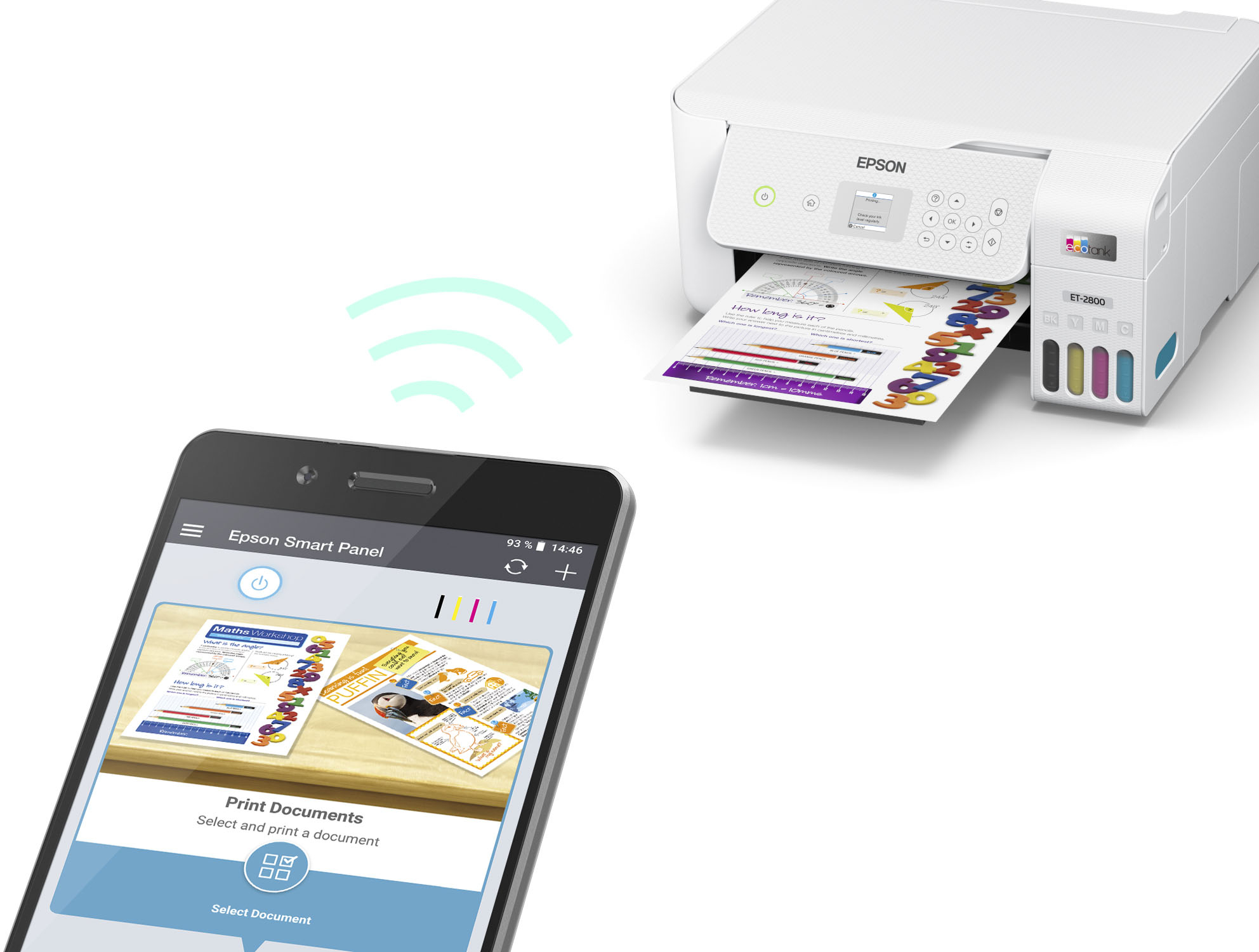
    • Answer Hi, Yes, the EcoTank ET-2800 is AirPrint compatible. Your iPad or iPhone must be connected to the same Wi-Fi network as the ET-2800. Regards, Mark - The Epson Team.

      Answered by Epson

  • Questiondoes this model have wi-fi connection?

    Asked by foxloveer752.

    • Answer Hello foxloveer752. Yes, the ET-2800 can be connected wirelessly via Wi-Fi and directly through a Hi-Speed USB cable. Regards, Kevin - The Epson Team.

      Answered by Epson

  • QuestionEpson - EcoTank ET-2800 Wireless Color All-in-One Cartridge-Free Supertank Printer. Does the printer come with ink?

    Asked by zoro.

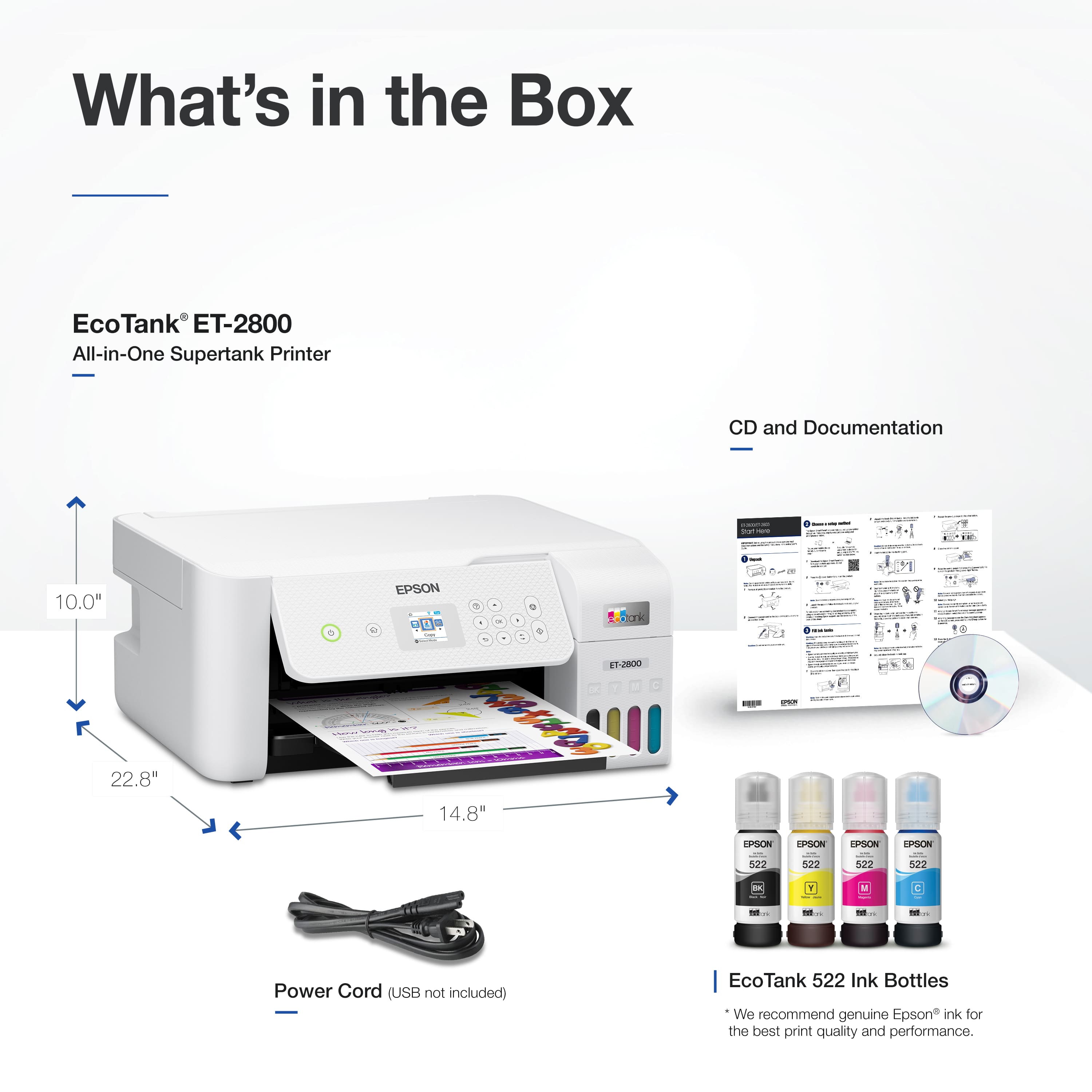
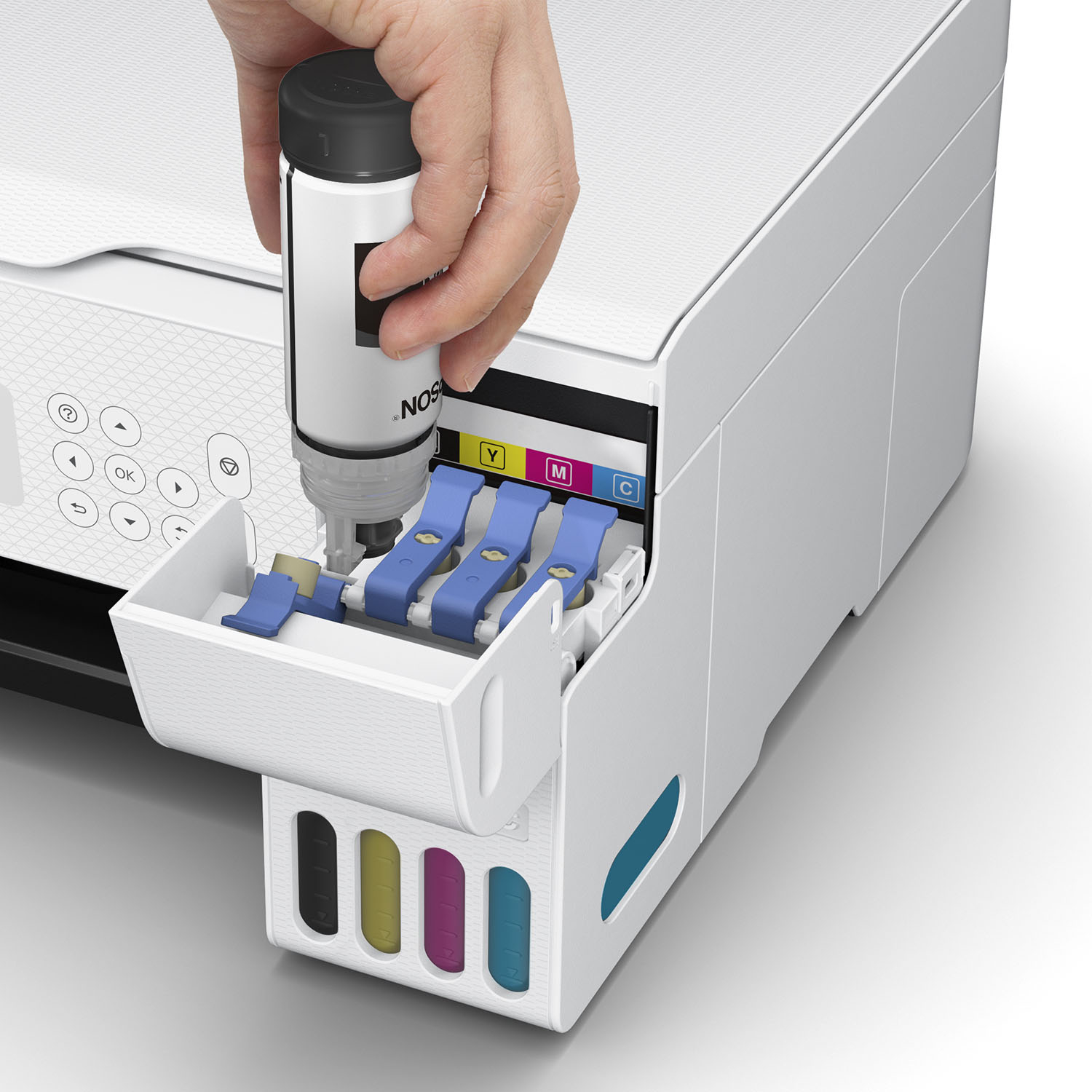
    • Answer Yes, comes with one bottle of each color, including black.Pretty much takes entire bottle to fill initially.

      Answered by ISDN4U

  • QuestionIs it good for both 110 volts and 220 volts?

    Asked by Eric.

    • Answer Hello Eric. The ET-2800 has a power supply rating of 100 to 240v. Regards, Kevin - The Epson Team.

      Answered by Epson

  • QuestionHi, what is the difference between ET-2720 and ET-2803?

    Asked by MarT.

    • Answer Hi MarT, The ET-2720 can print on 8.5" x 11" sheets, the ET-2803 can print on paper up to 8.5" x 47.2"; The ET-2720 is available in black or white, the ET-2803 is available in white-only. Visit the Epson support site for full details. Regards, Mark - The Epson Team.

      Answered by Epson

  • QuestionWhat are the paper sizes I can use for this printer? Preferably, the max size..

    Asked by Anonymous.

    • Answer Hello. You can use paper sizes ranging from 2.2" x 3.4" up to 8.5" x 47.2" on the ET-2800. For more details on all supported paper sizes, please visit our official Epson Support page. Regards, Kevin - The Epson Team.

      Answered by Epson

  • Questiondoes this print ledger paper

    Asked by Anonymous.

    • Answer Hi, No, the EcoTank ET-2800 can print Legal-size sheets, not Ledger. Regards, Mark - The Epson Team.

      Answered by Epson

  • QuestionIs this printer ET2800, considered an INKJET?

    Asked by none.

    • Answer Hello none. Yes, the ET-2800 uses ink-jet printer technology. Regards, Kevin - The Epson Team.

      Answered by Epson

  • QuestionCan this printer print on 11×17 paper

    Asked by Ak47.

    • Answer Hello. Unfortunately, the ET-2800 cannot print on 11" x 17" paper; the maximum supported paper size is 8.5" x 14". Regards, Kevin - The Epson Team.

      Answered by Epson

  • QuestionWill it print card stock

    Asked by Jack.

    • Answer Hello Jack. The heaviest paper the Epson ET-2800 supports is 27 lb (100 g/m2). If the card stock you are planning on using meets this specification, make sure it is inkjet compatible and select Thick Paper in the printer driver when printing. Regards, Kevin - The Epson Team.

      Answered by Epson

  • Questiondo this printer print photos

    Asked by tank.

    • Answer I did. Not the best quality photos. But still good. I bought the epson photo paper for it.

      Answered by Linvegas

  • QuestionDoes this work with a MacBook Air?

    Asked by Anonymous.

    • Answer Hello. The ET-2800 is compatible to work with Apple computers using macOS 10.6 - 12. To download the latest printer software, please visit our official Epson Support page. Regards, Kevin - The Epson Team.

      Answered by Epson

  • QuestionDoes it come with software to edit photos once they are scanned?

    Asked by Debbie.

    • Answer Hello Debbie. You have the option of downloading additional Epson Scan software to use with the ET-2800. Depending on the type of "editing" you are looking to do, the software can do basic editing functions like cropping and enlarging photos. If you are looking for more image-enhancing editing, we recommend 3rd party software. Regards, Kevin - The Epson Team.

      Answered by Epson

  • QuestionCan I print on to heat transfer paper for t-shirt making?

    Asked by Sally.

    • Answer Hi Sally. Unfortunately, we have not tested the ET-2800 with heat transfer paper, so we cannot guarantee print functionality. We would recommend reaching out to the paper manufacturer to confirm compatibility with our All-In-One inkjet printers. Regards, Kevin - The Epson Team.

      Answered by Epson

  • QuestionCan you use sublimation ink for an ET-2760 in an ET-2803 printer? If not, can it cause your prints to be dull? Do you need to flush the printer before putting in another brand of ink?

    Asked by MaryAnn.

    • Answer If you put sublimation ink in your printer. You can not use it with any other ink. So you need to decide which ink you would like to use.

      Answered by Cybdra

  • QuestionWill this printer print photographs

    Asked by Anonymous.

    • Answer Hello. Yes, the ET-2800 is compatible with various Epson photo paper types and can print impressive photographs as the printer uses Micro Piezo Heat-Free Technology. Regards, Kevin - The Epson Team.

      Answered by Epson

  • QuestionIs it necessary to purchase a separate cake to scan to the computer or will it scan via wifi ?

    Asked by Plsmyob.

    • Answer Hello Plsmyob. No cable is required to connect the ET-2800 to your computer. You can set up your device over a Wi-Fi connection and then scan to your computer using the Epson Scan software. To get started, please visit our official Epson Support page to download the latest printer drivers. Regards, Kevin - The Epson Team.

      Answered by Epson

  • Questiondoes this or any of your printers fax?

    Asked by Benson.

    • Answer Hello Benson. Unfortunately, the ET-2800 does not have fax functionality. We recommend looking at the ET-4760 as the printer is an All-In-One printer that includes print, copy, scan, and fax functionality. At the time of this posting, the ET-4760 is currently in stock on BestBuy's website; please be aware that inventory can change. Regards, Kevin - The Epson Team.

      Answered by Epson