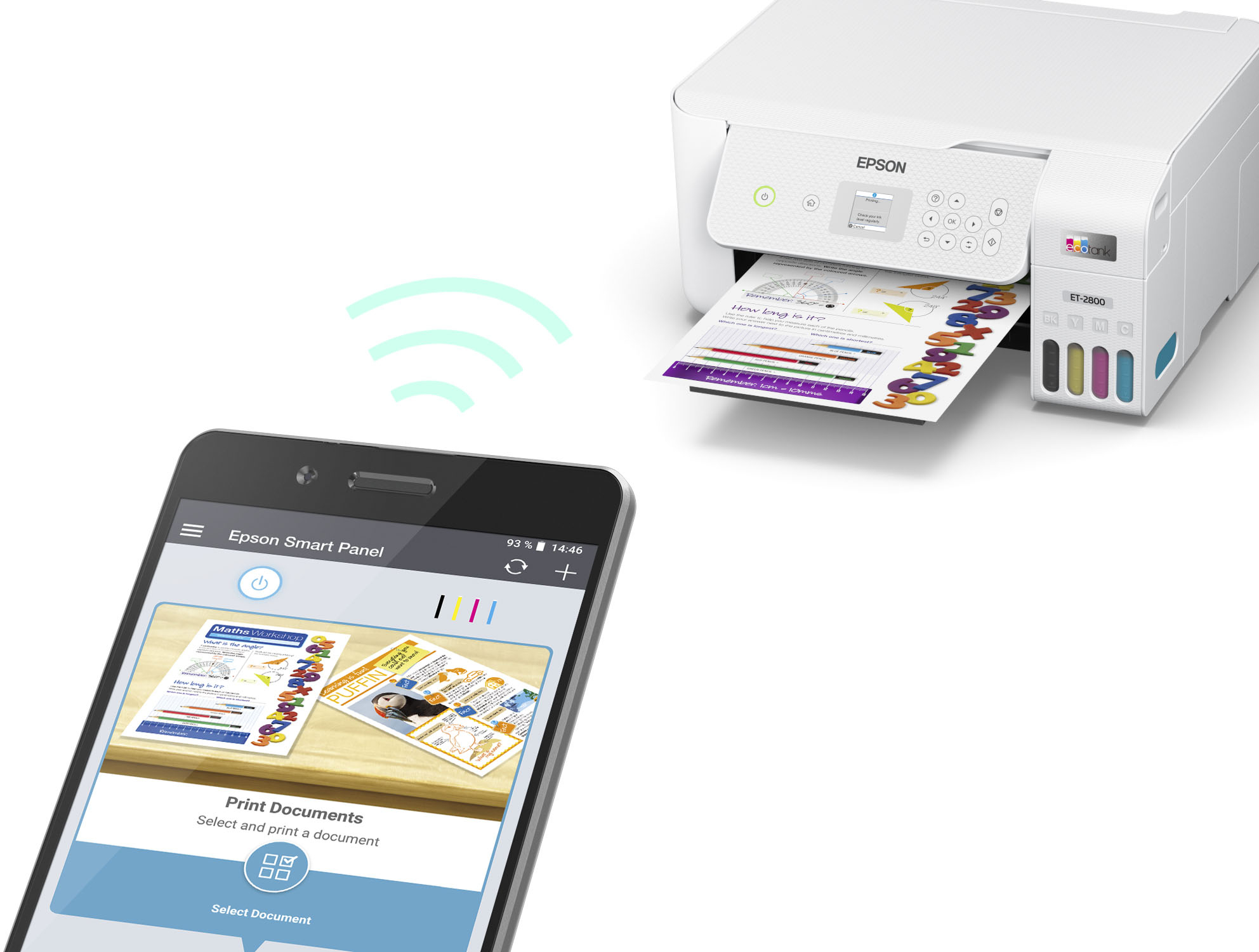
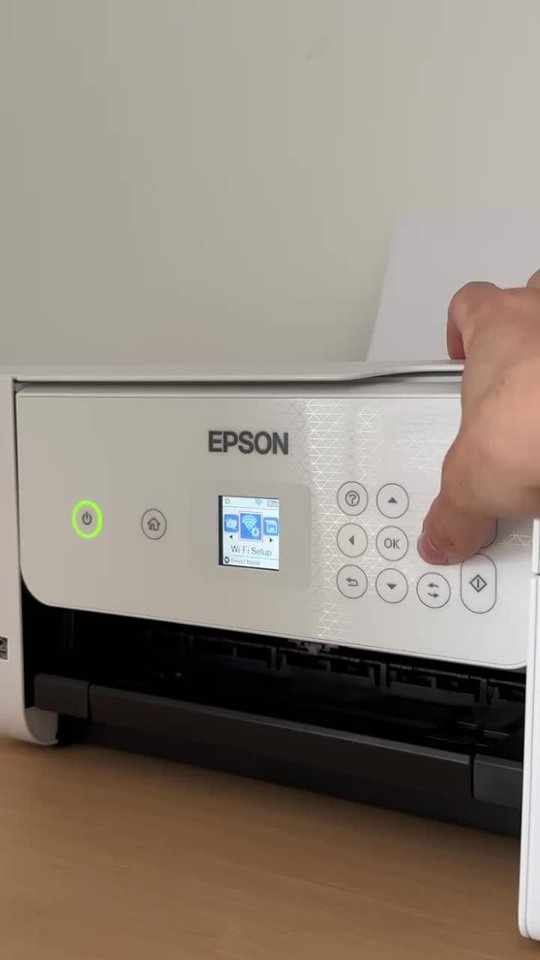
A:AnswerHello Sarah. The ET-2800 is compatible to work with Chromebook computers. You want to ensure that your printer and Chromebook are on the same Wi-Fi network. Please visit our official Epson Chromebook Support page for setup instructions. If you need further assistance, please don't hesitate to reach out to our Technical Support team. Regards, Kevin - The Epson Team.
A:AnswerHello RichT. The ET-2800 can print in Black & White. Unfortunately, the option to print with black ink only when color inks are expended is not available for the printer. Regards, Kevin - The Epson Team.
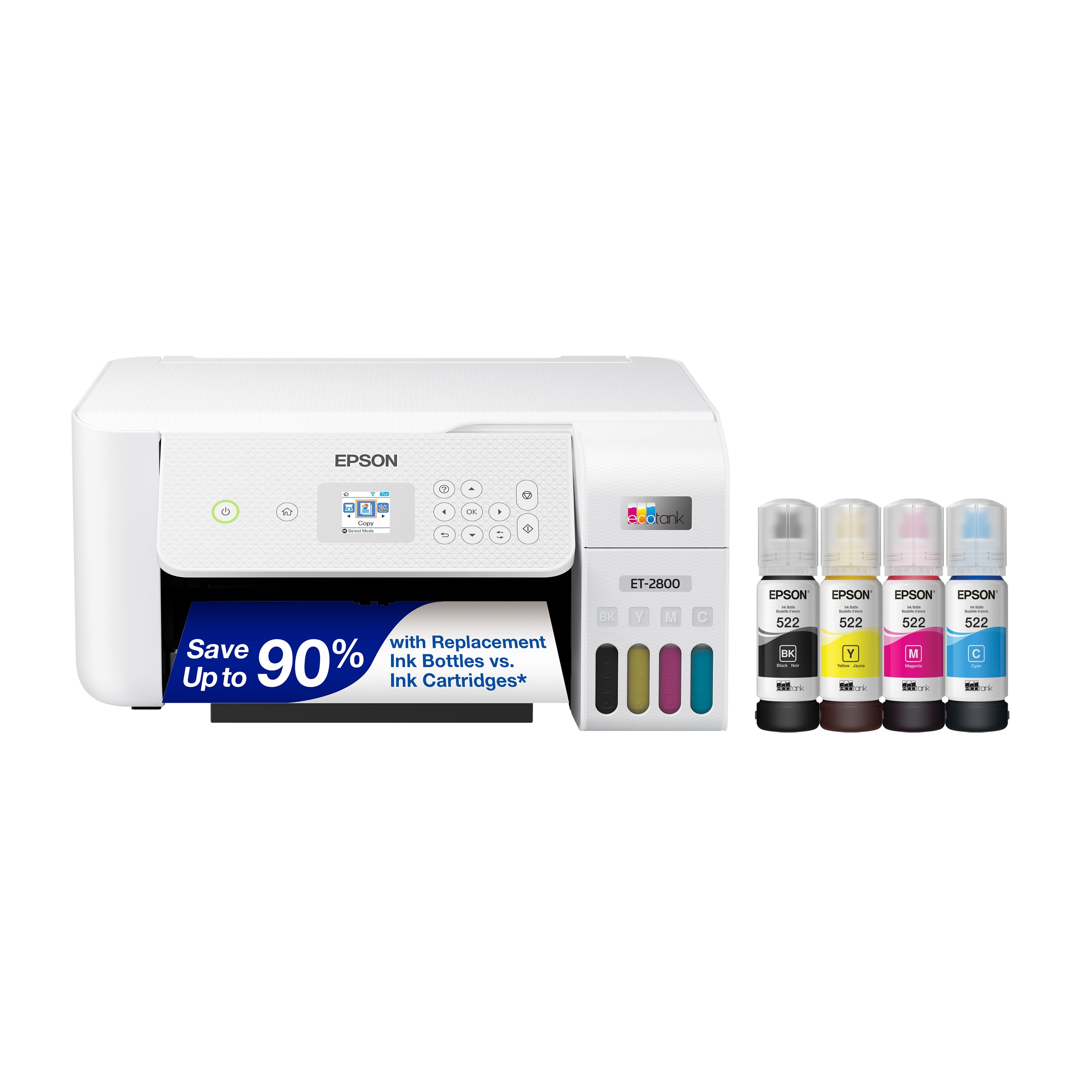
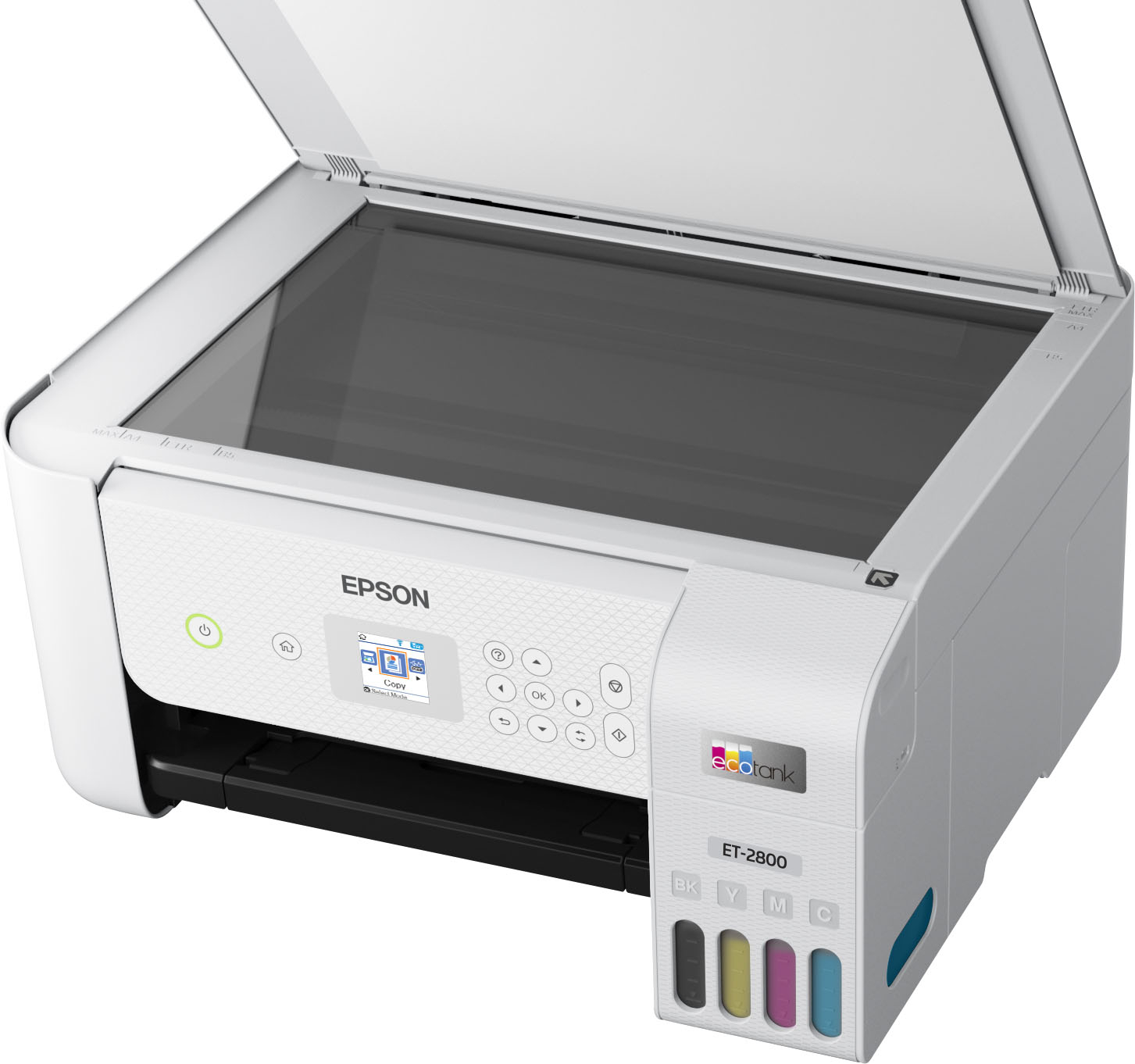
A:AnswerHello. The ET-2800 and ET-2803 are similar printers in design and specifications. The ET-2800 includes a Black or White color option, and both printers are sold at different retailers. Regards, Kevin - The Epson Team.
A:AnswerHi Don, Sorry, the EcoTank ET-2800 does not have Bluetooth capabilities. It does work with Wi-Fi. If you do not have a Wi-Fi network, you can use you can use a Wi-Fi-capable smart phone, tablet, or computer to print and scan using the ET-2800's Wi-Fi Direct feature. Regards, Mark - The Epson Team.
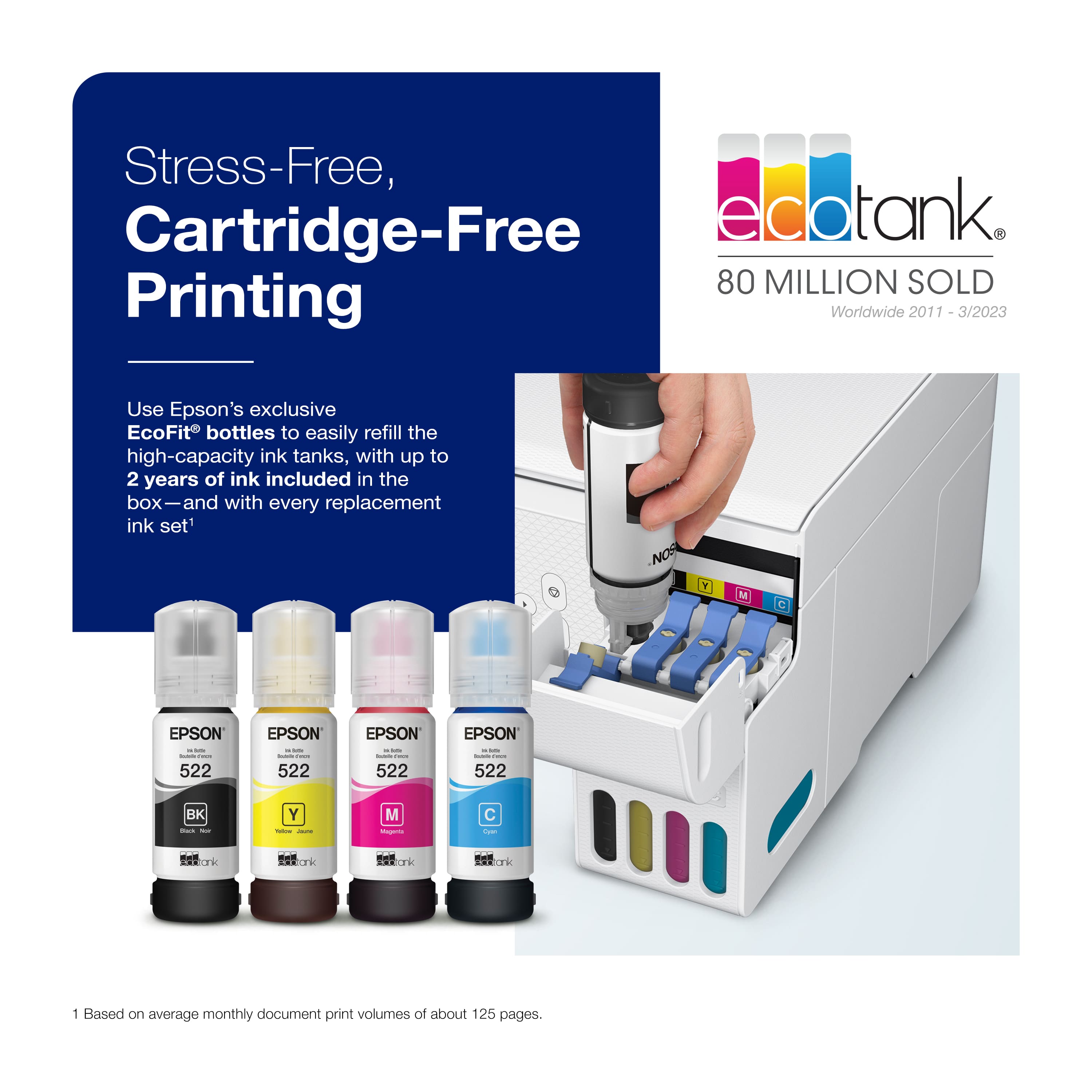
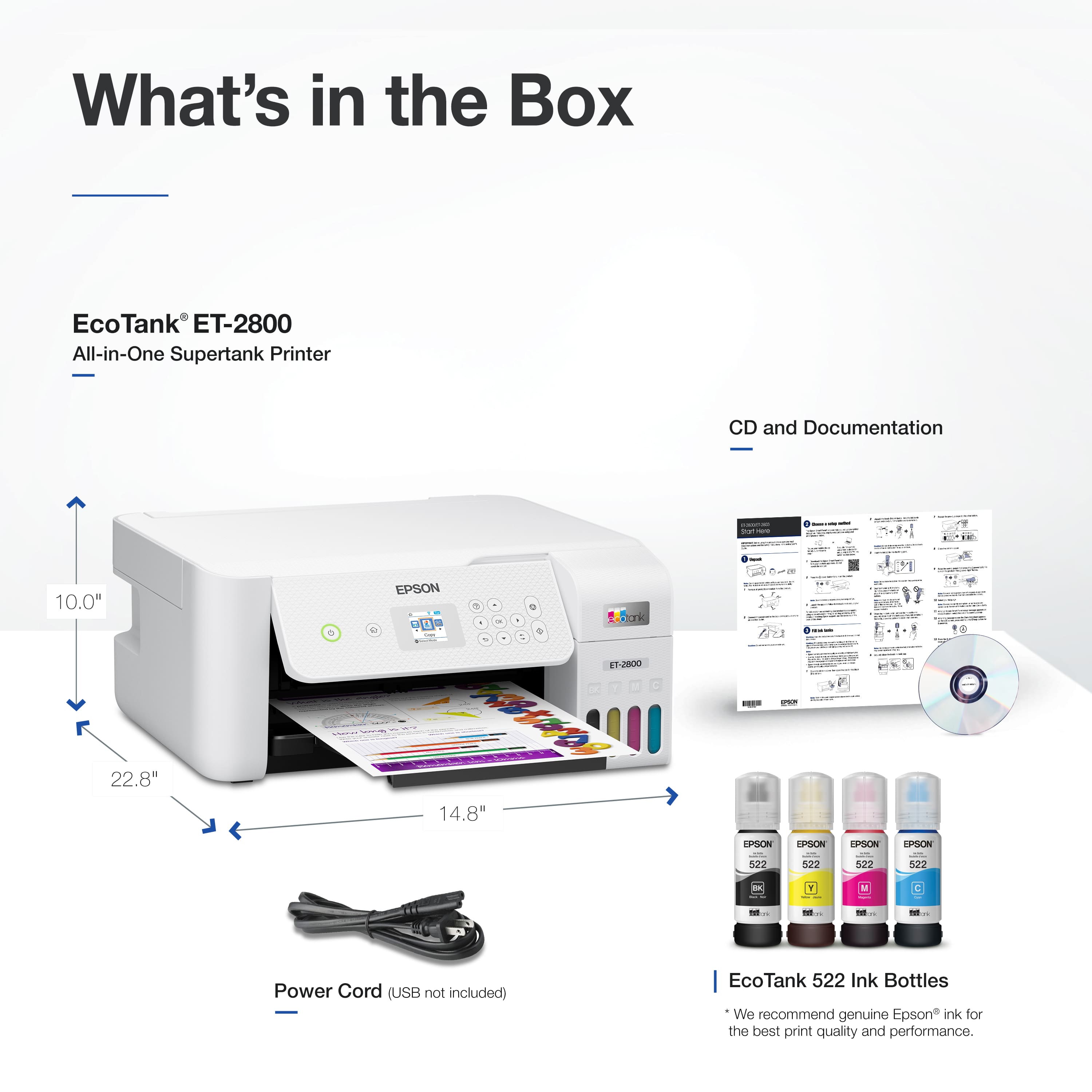
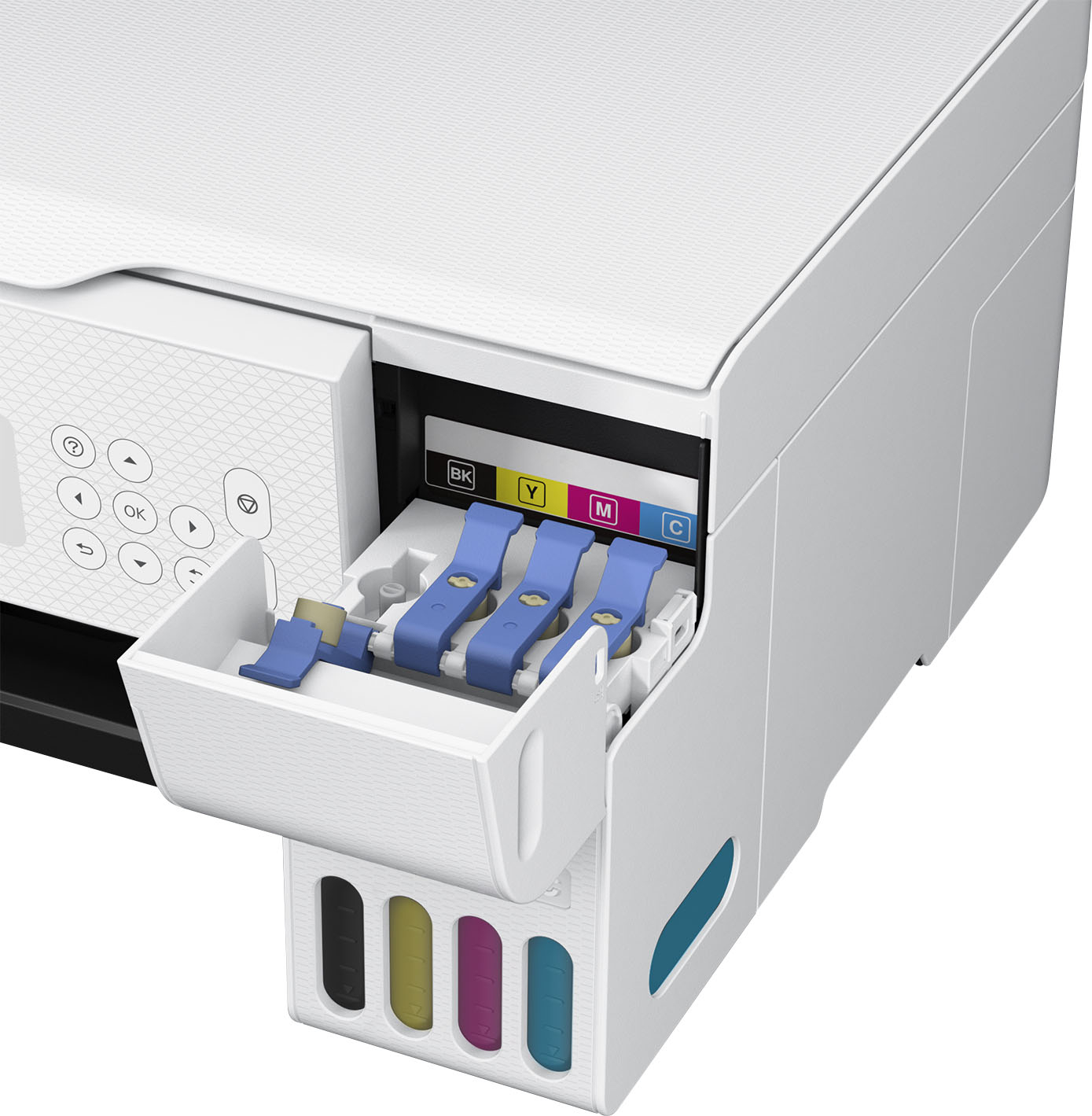
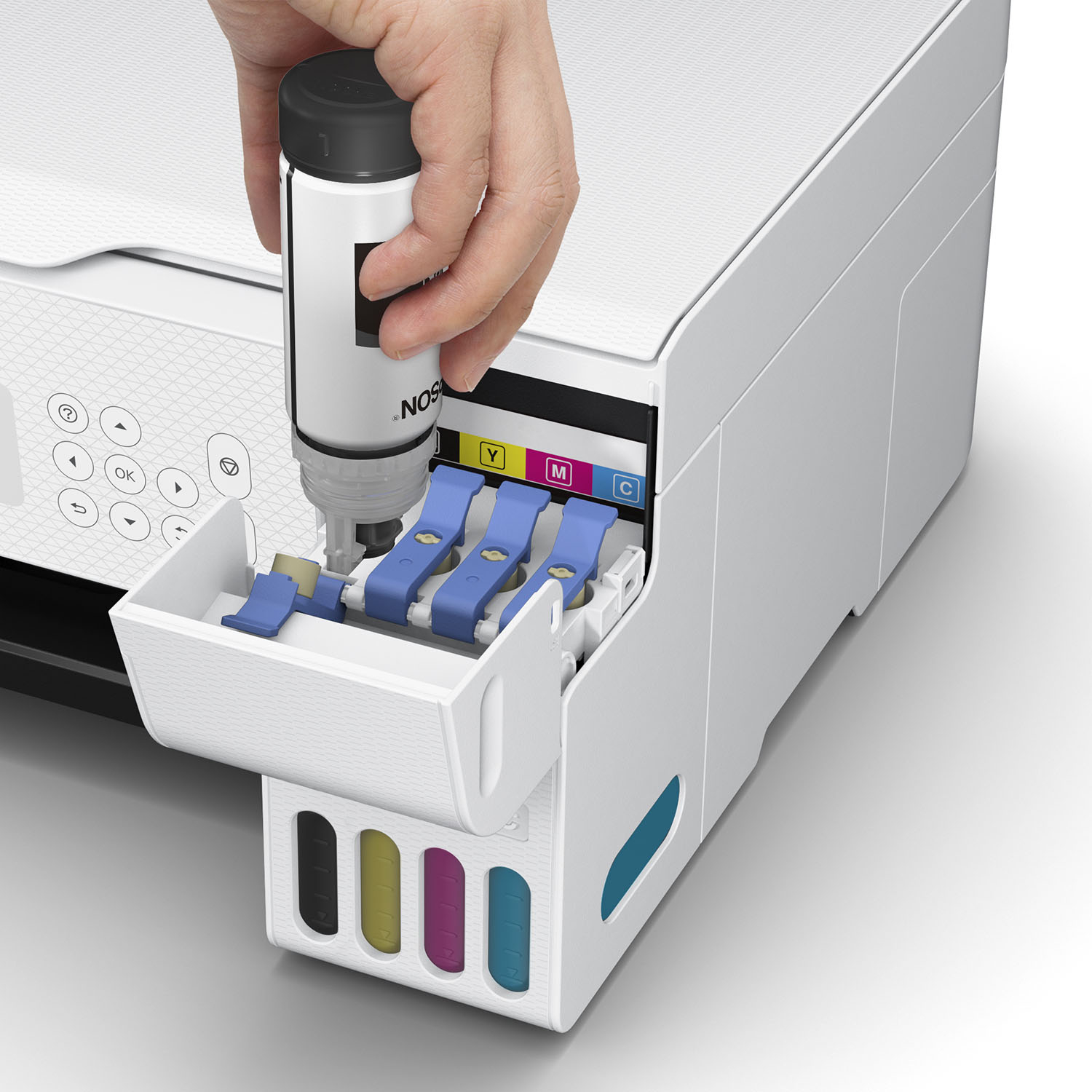
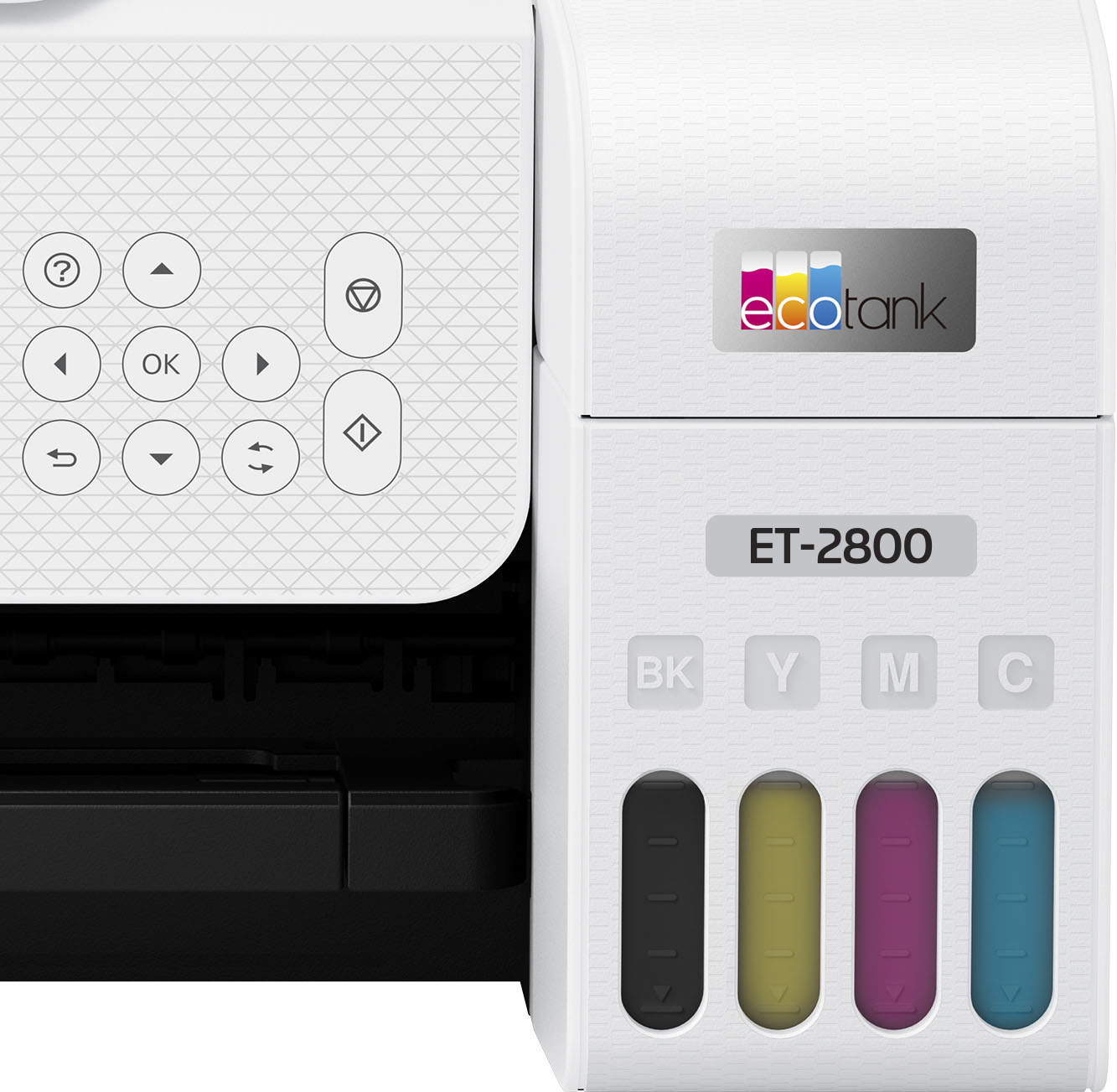
A:AnswerHello Kingreptile. The ET-2800 is designed to only work with Epson 522 Ink Bottles. All colors, including Cyan, Magenta, Yellow, and Black, are dye-based inks. Regards, Kevin - The Epson Team.
A:AnswerHello nocopyreducing. You can reduce/large copies directly from the ET-2800's control panel. When you press Copy on the screen, choose print settings, and you make the changes under "Reduce/Enlarge" or "Custom Size." Regards, Kevin - The Epson Team.
A:AnswerHello. The setup process is relatively straightforward; however, difficulty can vary depending on user experience. We offer setup instructions and printer software downloads available for the ET-2800 directly on our official Epson Support page. Alternatively, you can also contact our Technical Support team if you need any direct assistance setting up your product. Regards, Kevin - The Epson Team.
A:AnswerHello. Yes, the ET-2800 can do full-page printing, also known as "borderless" printing. However, this feature's two supported paper sizes are 3.5 × 5 inches and four × 6 inches. Regards, Kevin - The Epson Team.
A:AnswerHello Katy. Different variables can impact ink longevity, such as paper brand/type, storage and environmental factors. If kept in the most optimal conditions, prints can sometimes last for decades. However, this is purely an estimate, and unfortunately, there isn't a specific timeframe we can provide. Regards, Kevin - The Epson Team.
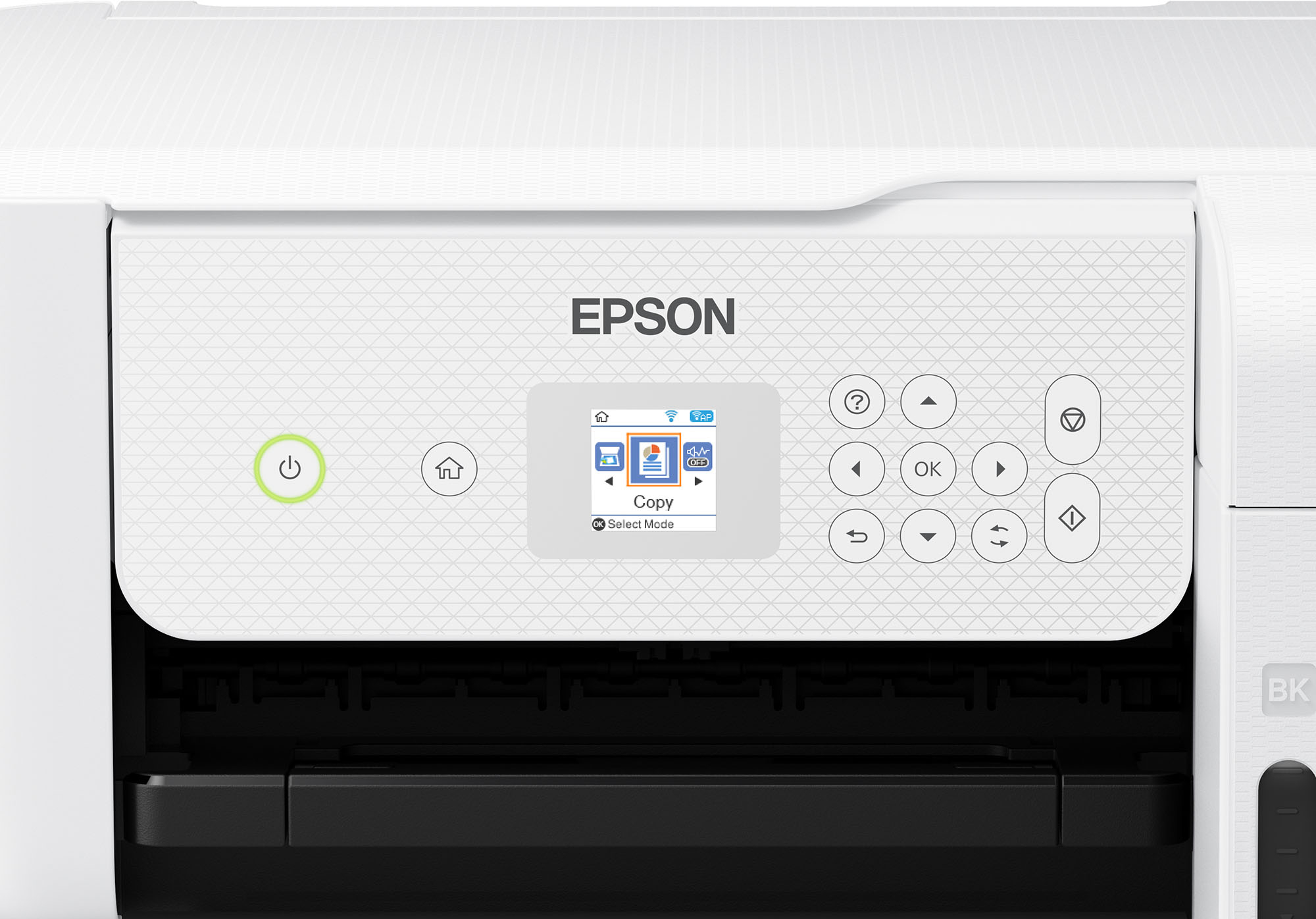
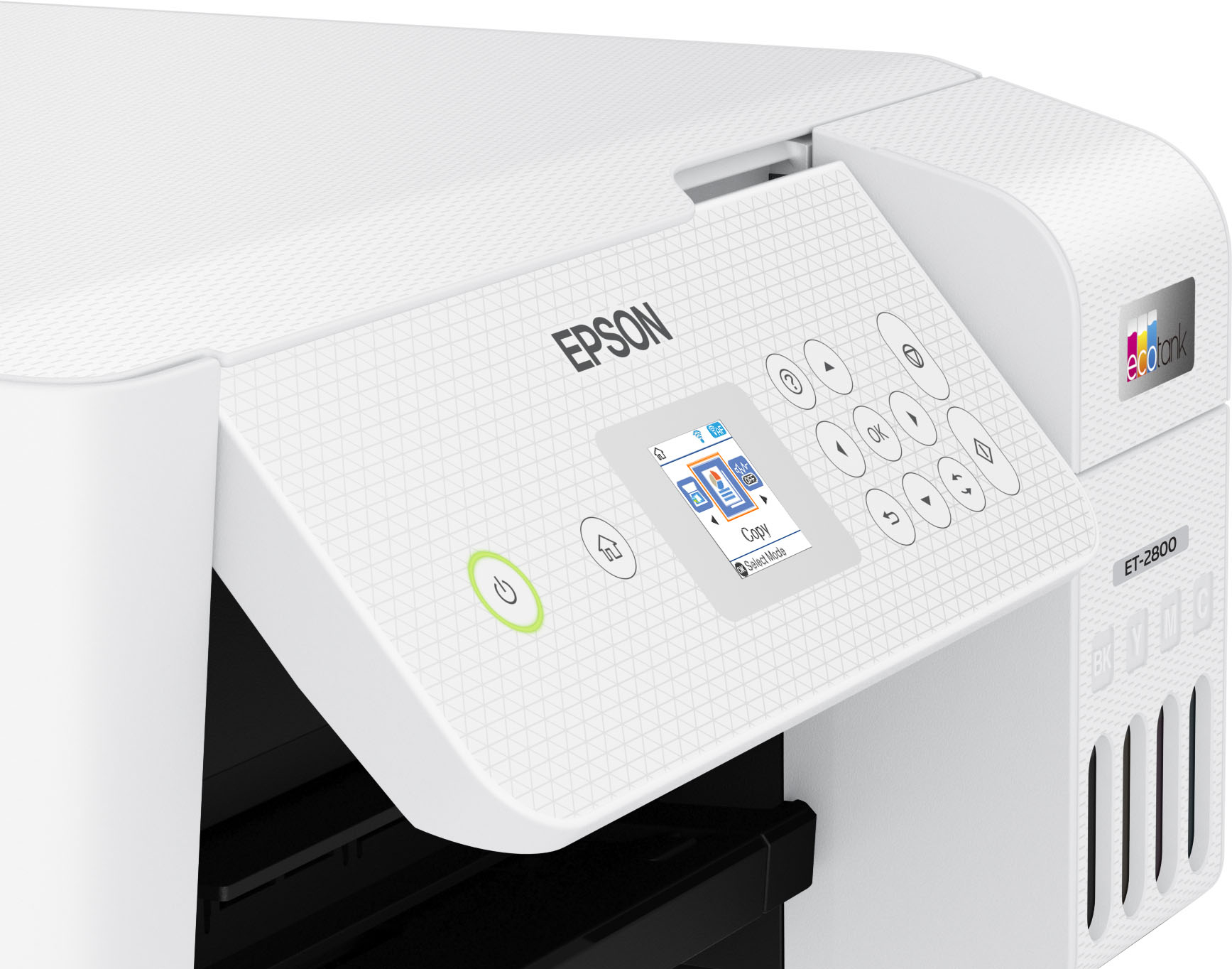
A:AnswerHello Printers. The ET-2720 and ET-2800 are virtually identical in specifications. The only difference is cosmetic, as the ET-2800 includes a textured panel. Regards, Kevin - The Epson Team.
A:AnswerHi. Unfortunately, we have not tested the ET-2800 with transfer paper, so we cannot guarantee print functionality. We would recommend reaching out to the paper manufacturer to confirm compatibility with our inkjet printers. Regards, Kevin - The Epson Team.
A:AnswerYes but Epson won’t support it and doing so will void the warranty. There are Facebook groups that can guide you along but again, it’s still all at your own risk.