Questions & Answers
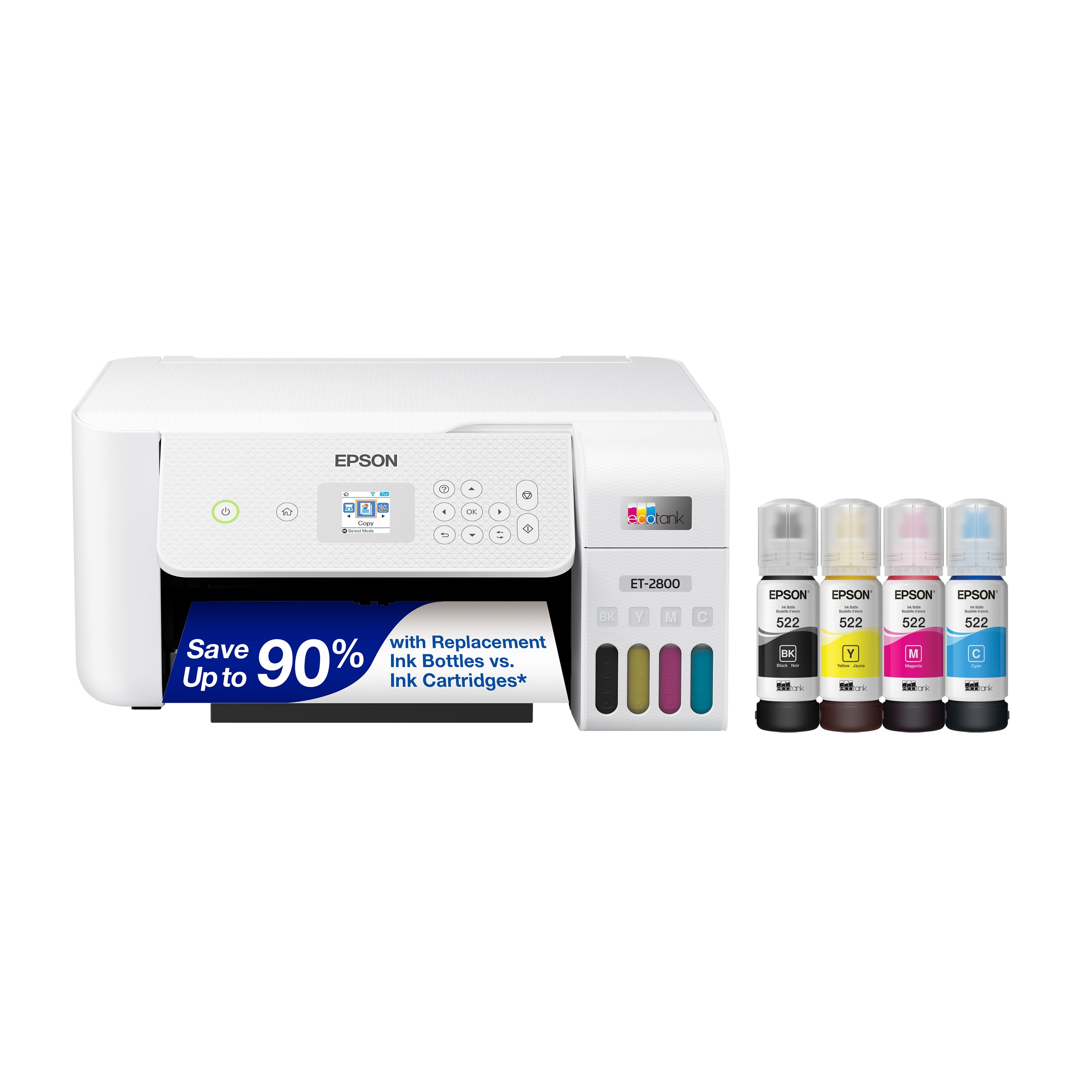
- Model:
- C11CJ66202
- |
- SKU:
- 6469371
Highly rated by customers for: Print Quality, Ease of use, Overall Performance
$239.99$239.99
Page Showing 781-797 of 797 questions
Q: QuestionCan I print from iPhone and/or iPad?
Asked by Bruce.
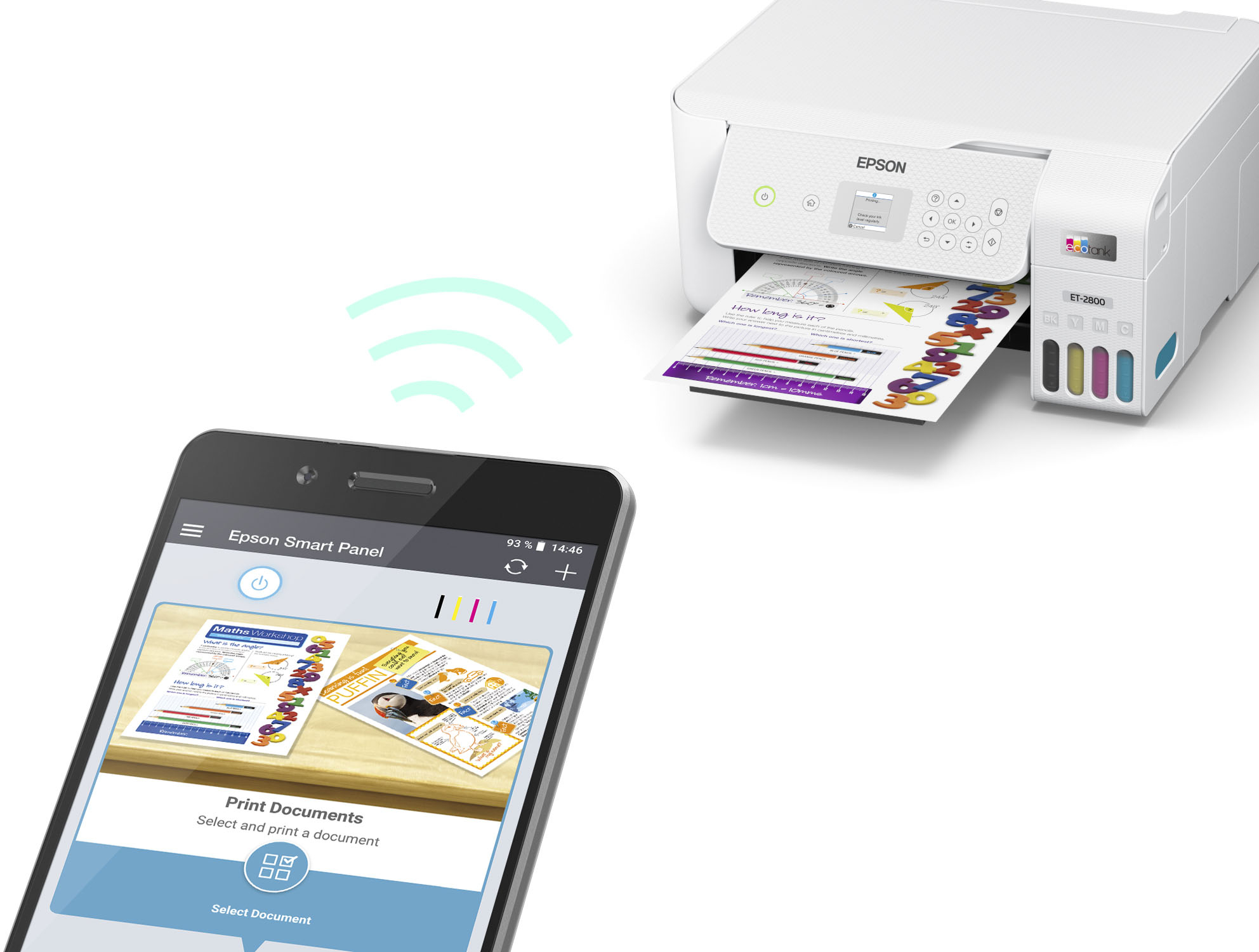
- A:Answer Yes with the app
Answered by Adrimartinez20
Q: QuestionDoes the ET2800 print on card-stock paper/thick paper? I purchased a different model and my sticker paper kept jamming, so wondering go ANY of your eco tank printers do. I have a circuit and want to print materials to run through that-.
Asked by Cardstock.
- A:Answer Hi Cardstock, The EcoTank ET-2800 is not suitable for printing on thick paper or cardstock. The EcoTank ET-3850 can print on paper that is up to 52 lbs. The ET-3850 is currently available at BestBuy.com, but availability may change. Regards. Mark - The Epson Team.
Answered by Epson

Q: QuestionDoes this printer work with any type of sticker paper?
Asked by Allie.
- A:Answer Hi Allie, Sorry, we do not test third-party media with the EcoTank ET-2800. To see a list of supported Epson paper types visit the support site for the ET-2800. Regards, Mark - The Epson Team.
Answered by Epson

Q: QuestionIs this printer compatible with MS Windows?
Asked by Donna.
- A:Answer Hello Donna. Yes, the ET-2800 is compatible with computers running Microsoft Windows 7, 8, 8.1, 10, and 11. To download the latest print driver software, please visit our official Epson Support page. Regards, Kevin - The Epson Team.
Answered by Epson

Q: QuestionCan I enlarge or reduce printed pictures on the scanner
Asked by Foxfire.
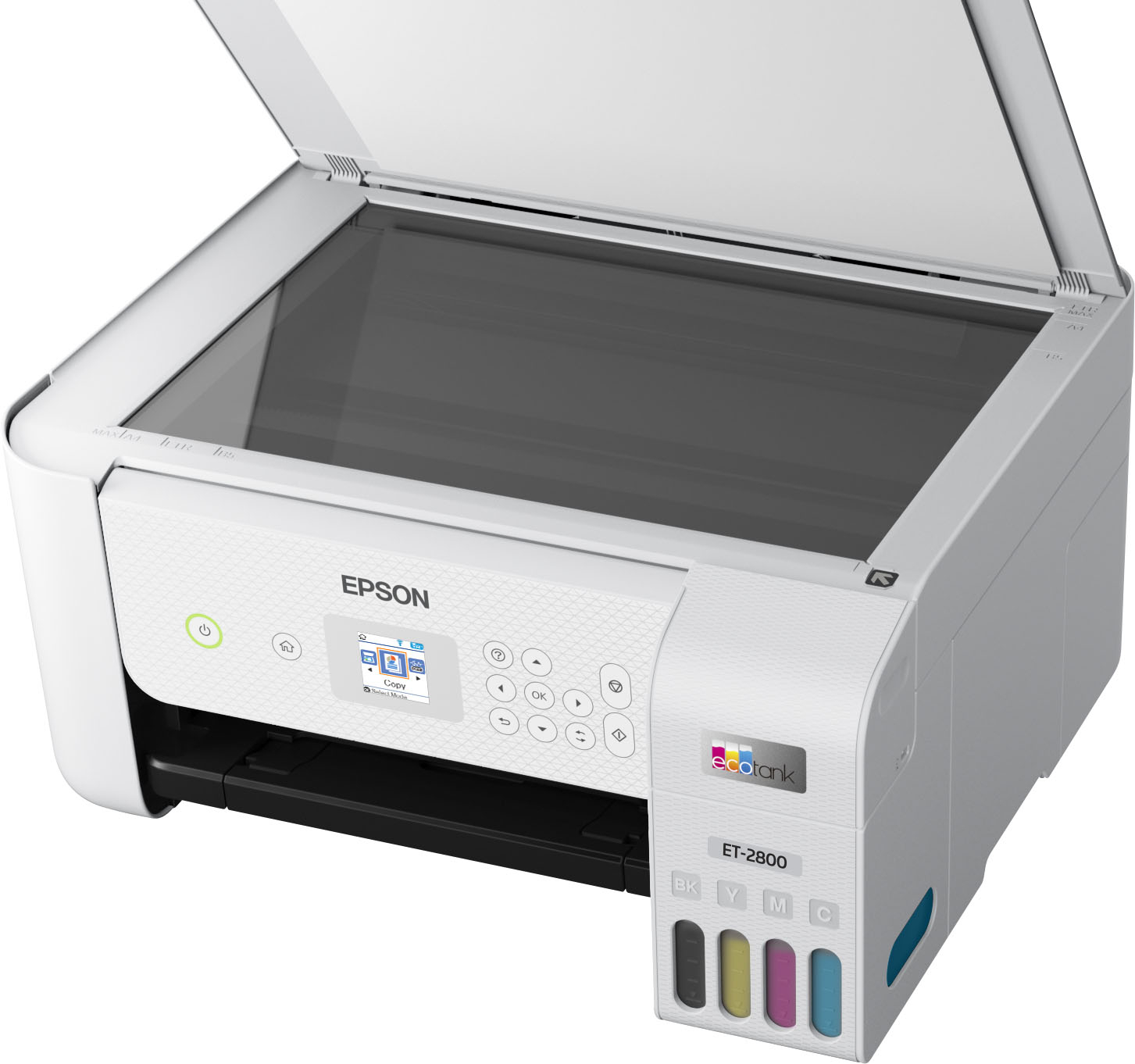
- A:Answer Hi Foxfire, Yes, you can enlarge or reduce images and print them using the EcoTank ET-2800. If you place pictures on the scanner and use the ET-2800 like a copy machine, you can set the range from 25% to 400%. Regards, Mark - The Epson Team.
Answered by Epson

Q: QuestionHow thick paper stock can this printer handle printing? Also is it rear-feed?
Asked by Eli.
- A:Answer How many pages of blank paper does it hold?
Answered by Paper
Q: QuestionThe printer says paused. How do I un pause It?
Asked by Anonymous.
- A:Answer Someone answered this question and it works as follows: In Windows, select Devices and Printers, Printers, or Printers and Faxes and double-click the printer icon. Select the paused job from the list and deselect Pause Printing in the Printer menu.
Answered by Kabbashi
Q: QuestionIs the Epson 2800 similar to 2803 ? also will either take a camera chip to print photos 4x6,5x7 as well as 8.5 by 11. will your phone let you print photos and will you be able to print photos from your laptop.
Asked by Becky.
- A:Answer I haven’t tried to print photos that I took
Answered by Marlene
Q: QuestionWhen I click on Mirror Image, the printer doesn’t mirror it. I have a Epson Ecotank ET-2760 and it does it just fine. PLEASE HELP ME TROUBLESHOOT THIS PROBLEM.
Asked by DanaNicole.
- A:Answer Hello DanaNicole. We recommend checking the Epson ET-2800 print driver is installed correctly and verifying if this issue occurs on different applications you are printing from. If the problem persists, please contact our Technical Support team by phone for additional assistance. Regards, Kevin - The Epson Team.
Answered by Epson
Q: QuestionHow long can the ink stay in the tanks before it drys up?
Asked by Yup.
- A:Answer Hi Yup, The ink in an EcoTank ET-2800 will eventually evaporate. The length of time defends on your environmental conditions. Regards, Mark - The Epson Team.
Answered by Epson

Q: QuestionIs this printer compatible with the Apple MacBook Pro?
Asked by Jersey.
- A:Answer Hi Jersey, As long as your Mac is running OS X 10.5 or higher it will work with the EcoTank ET-2800. Download the drivers from the Epson support site for the ET-2800. Regards, Mark - The Epson Team.
Answered by Epson

Q: QuestionDo you have to buy a printer head once it's worn out
Asked by Anonymous.
- A:Answer Hello. If you encounter a print head failure with the ET-2800, and your printer is under warranty, then Epson will provide options to repair or replace the printer. For more information on warranty coverage, please visit our official Epson Support page. Regards, Kevin - The Epson Team.
Answered by Epson

Q: Questionwill it print to the edge of the paper?
Asked by curious.
- A:Answer Hello curious. Yes, the ET-2800 can produce borderless prints. However, to print borderless, you must use specific paper types and sizes. For a list of compatible paper types, please see the User's Guide, which can be found on our official Epson Support page. Regards, Kevin - The Epson Team.
Answered by Epson
Q: QuestionDoes it print 11✖️17
Asked by Drea.
- A:Answer Hello Drea. Unfortunately, the ET-2800 cannot print on 11" x 17" paper size. The maximum supported size is 8.5" x 47.2". Regards, Kevin - The Epson Team.
Answered by Epson

Q: QuestionHow much does it cost appx, to change the INK PAD of this printer after 1yr at an Epson authorized service provider?
Asked by shawn.
- A:Answer Hello shawn. Please visit our official Epson Service Center locator website for more details on service costs. Regards, Kevin - The Epson Team.
Answered by Epson
Q: QuestionWhat paper sizes does this except
Asked by Anonymous.
- A:Answer Hello. The ET-2800 is compatible and tested with various Epson paper types ranging from plain to photo papers. To review a list of all compatible papers, please visit our official Epson Support page. Regards, Kevin - The Epson Team.
Answered by Epson

Q: QuestionWhat is the difference between the Epson ET 2800 and the ET 2803?
Asked by Steve.
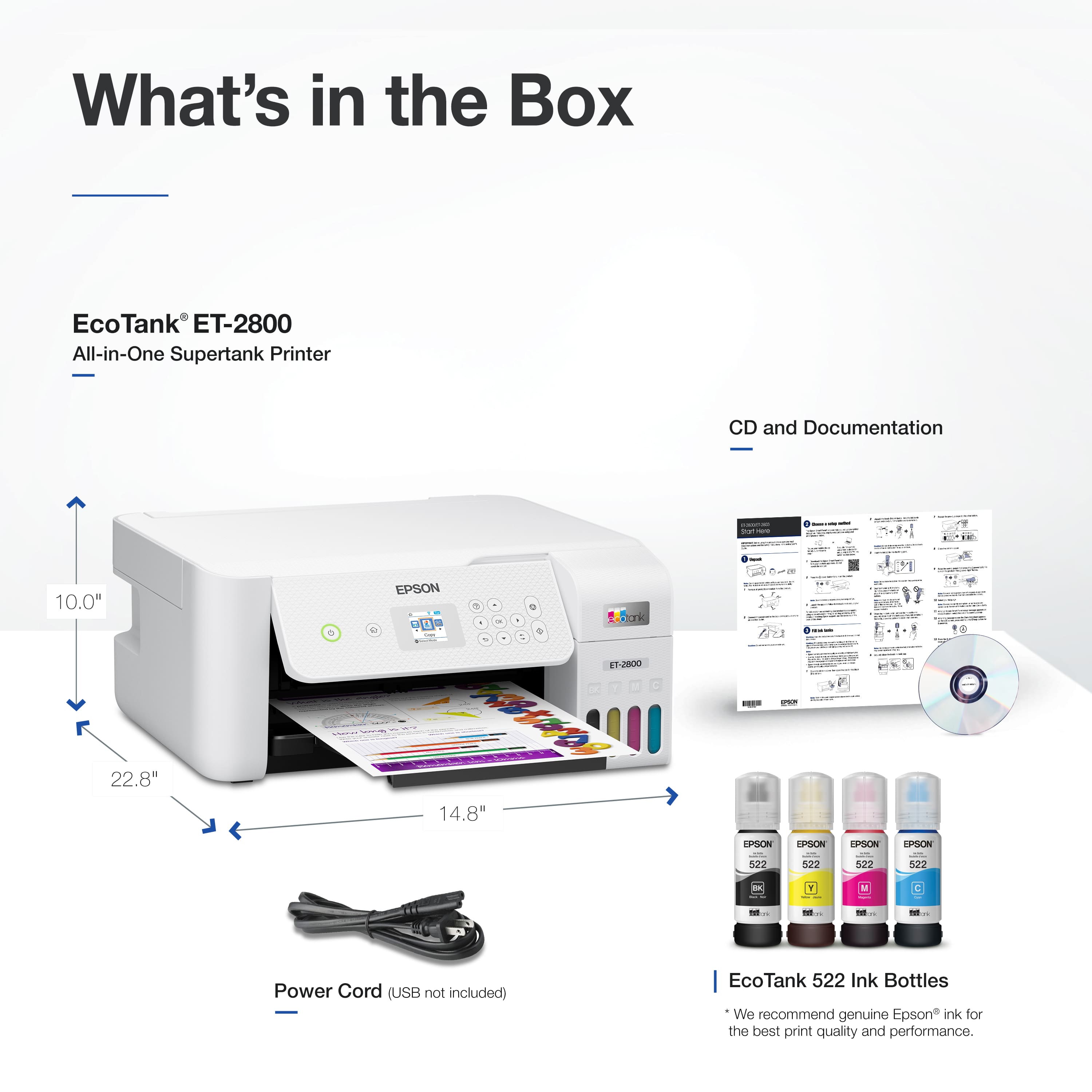
- A:Answer The Epson specification sheets for these two printers are essentially identical. The only differences I found were one mentioned the inclusion of a CD-ROM for setup, and the wording for the warranty. The ET-2803 does not have automatic duplex printing.
Answered by Anonymous
Best-selling supertank printers
- $339.99$339.99The price was $389.99
- $199.00$199.00The price was $323.00
- $229.99$229.99The price was $329.99
- $799.99$799.99The price was $849.99
- $617.69$617.69The price was $699.99


.](https://pisces.bbystatic.com/image2/BestBuy_US/images/products/6b8343ea-50ad-4766-b78d-ebdbb694bc44.jpg;maxHeight=54;maxWidth=54;format=webp)

. 1 Most features require an Internet connection to the printer, as well as an Internet- and/or email-enabled device. For a list of Epson Connect enabled printers and compatible devices and apps, visit [www.epson.com/connect](http://www.epson.com/connect).](https://pisces.bbystatic.com/image2/BestBuy_US/images/products/5bf434fa-75e7-457c-b1f8-67b7b737348f.jpg;maxHeight=54;maxWidth=54;format=webp)