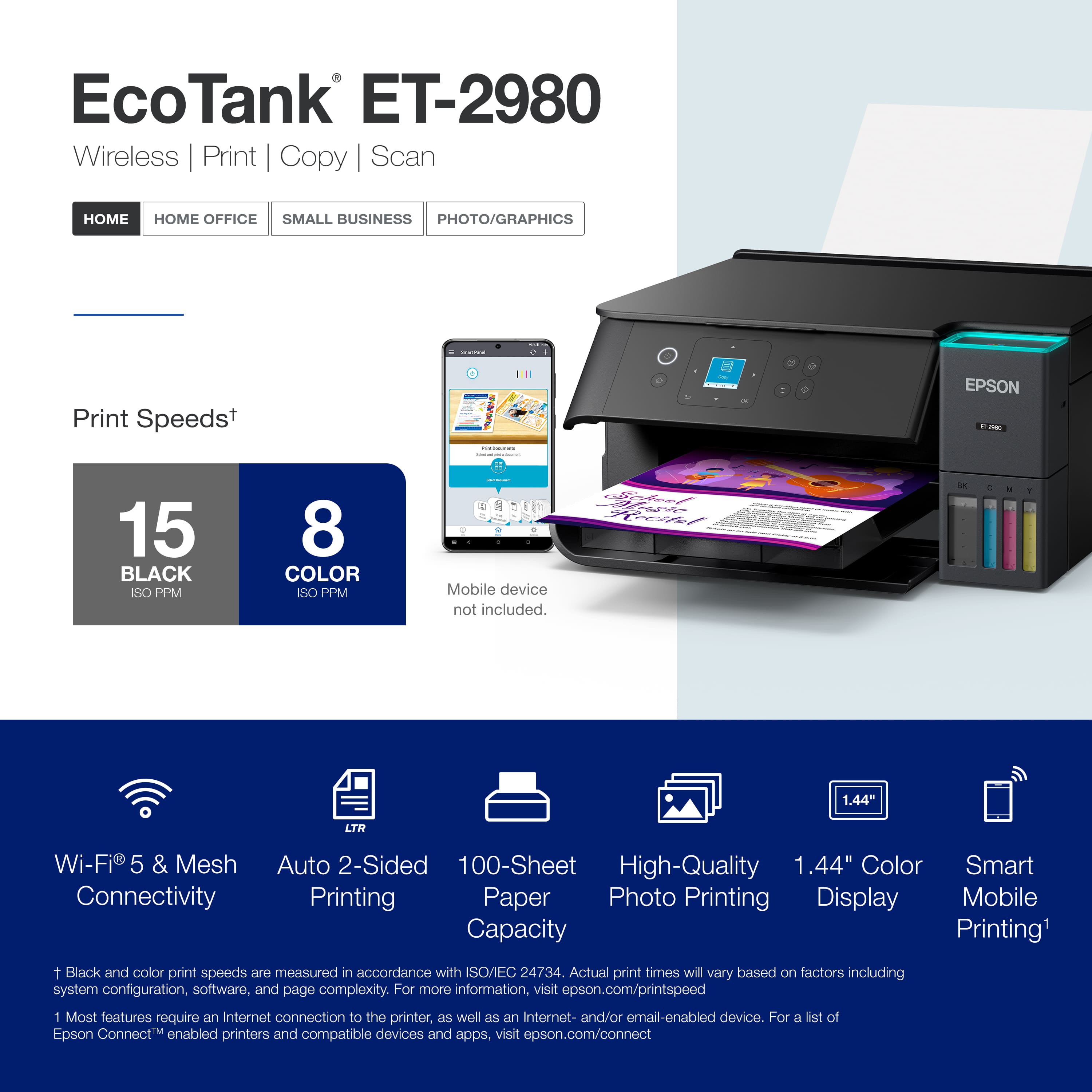
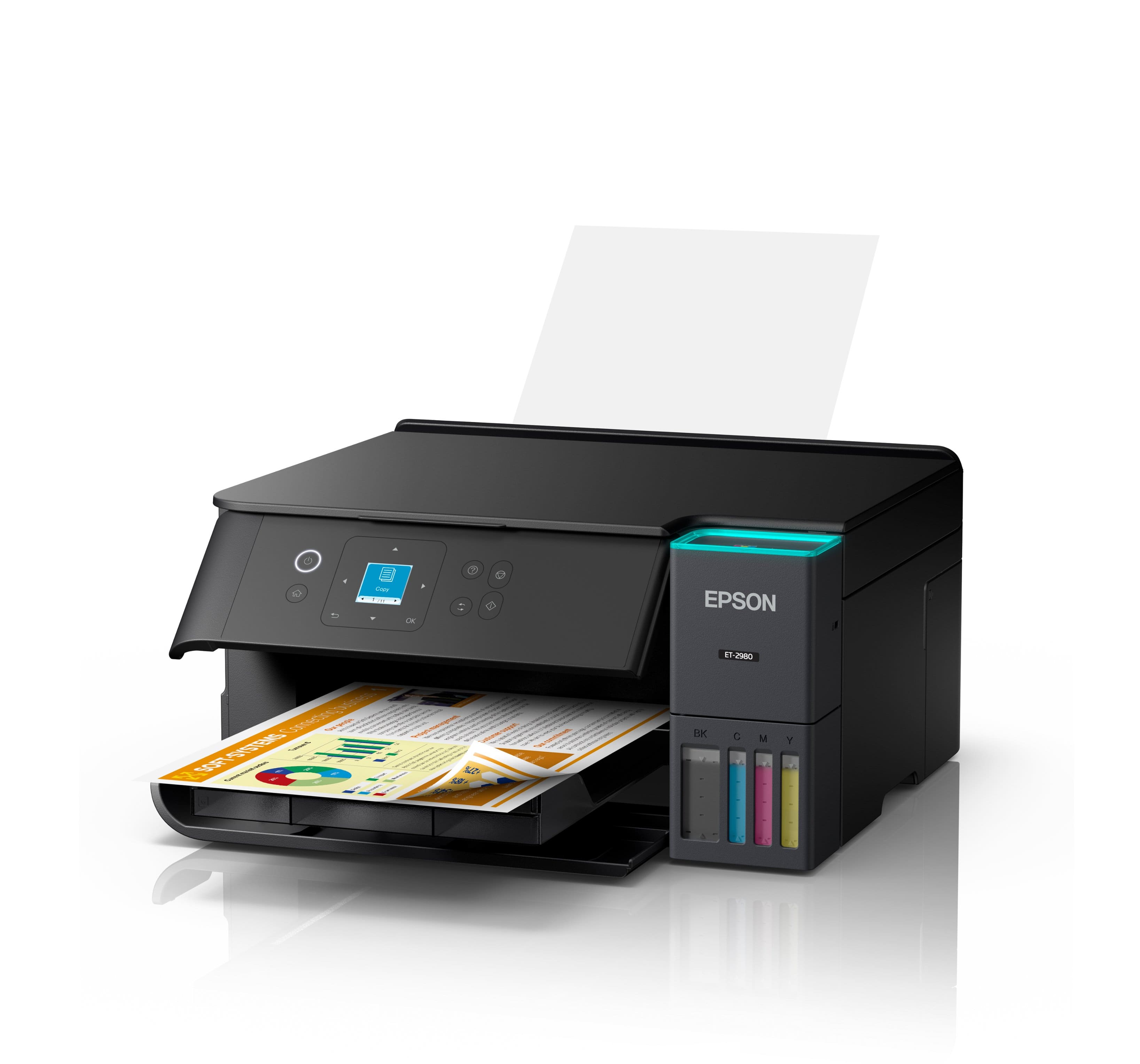
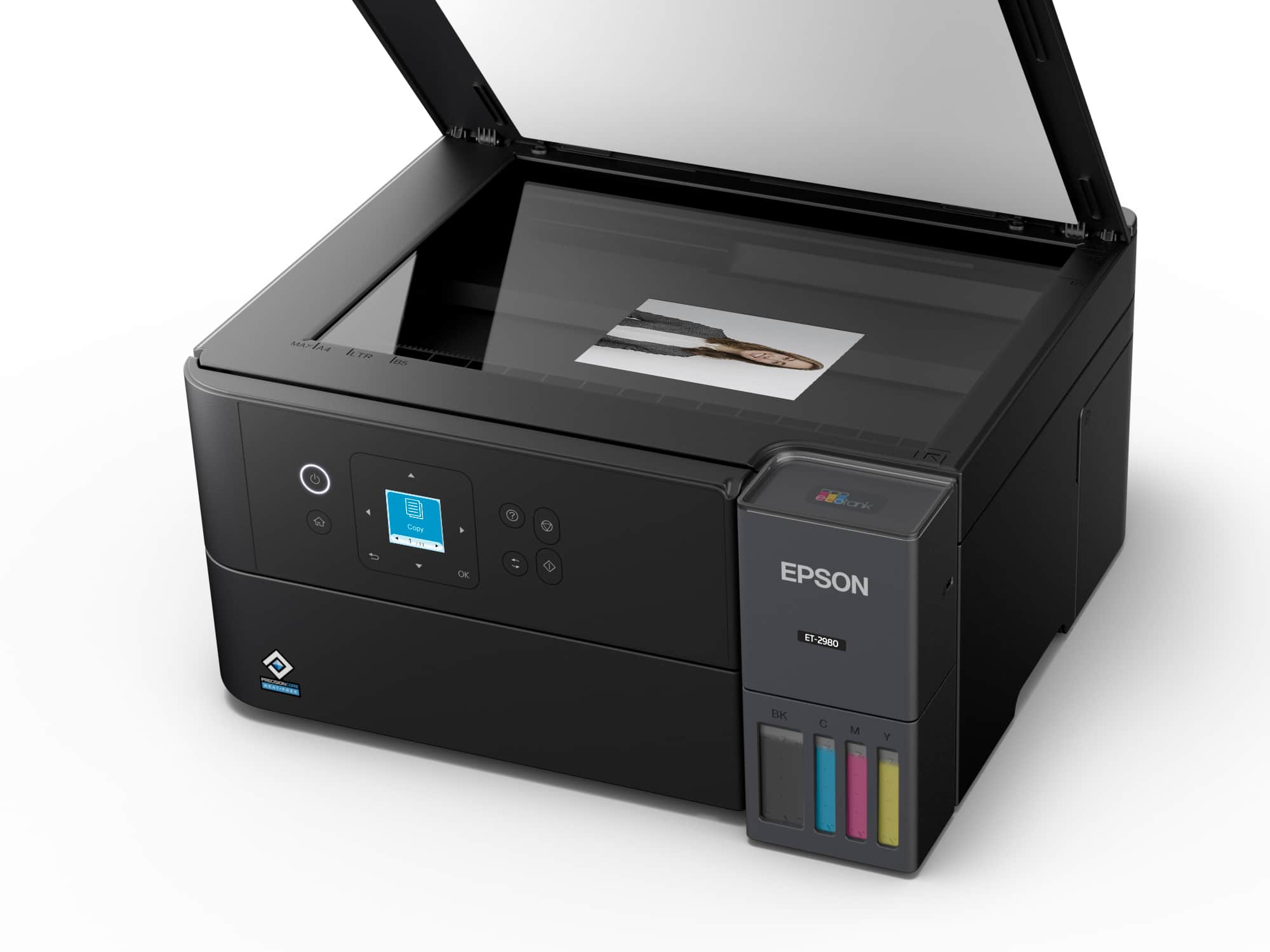
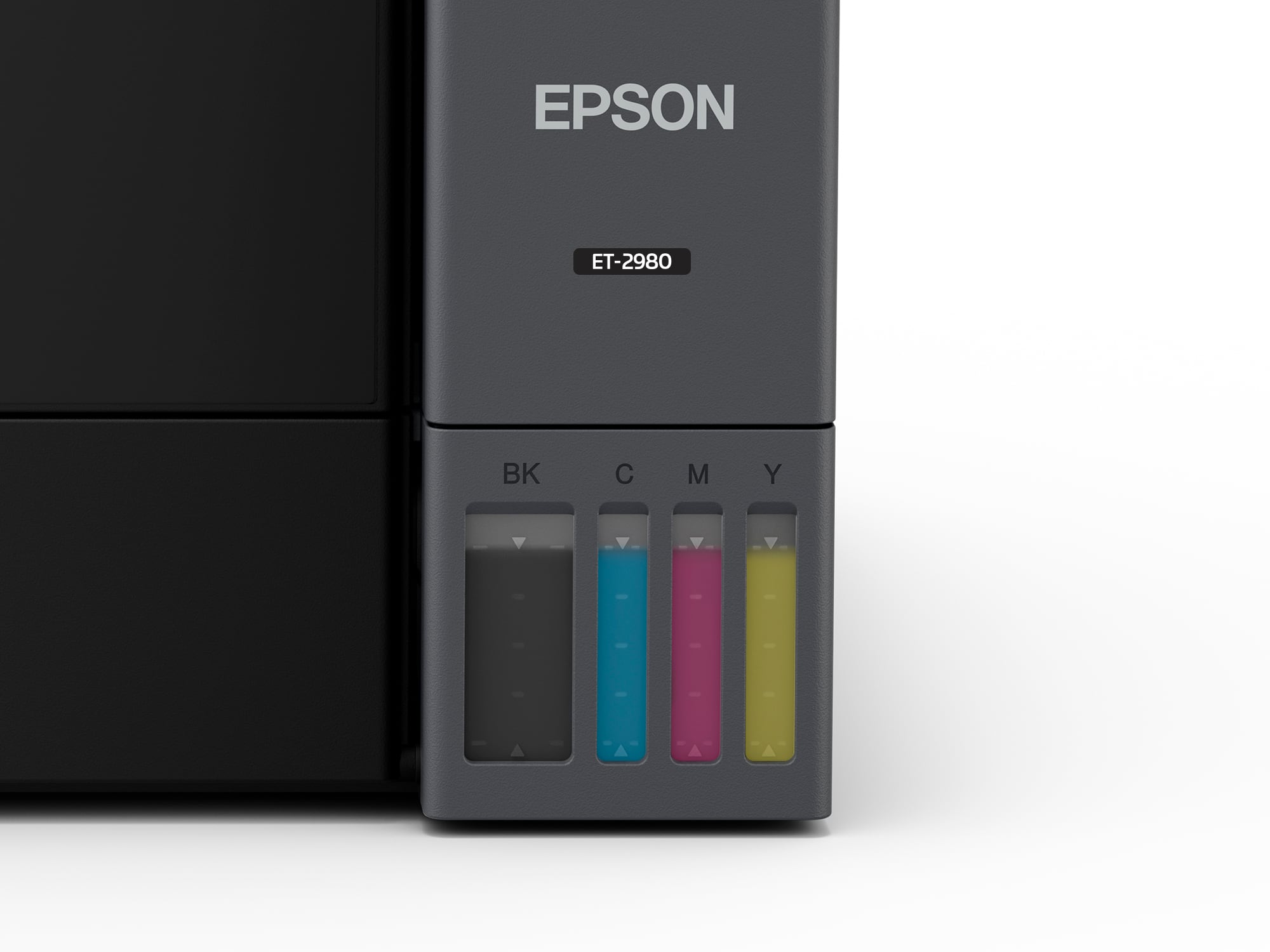
A:AnswerUsing the compare function I find that the 2980 prints 50% faster than the 2800 and the 2980 allows for automatic 2-sided printing but the 2800 does not.
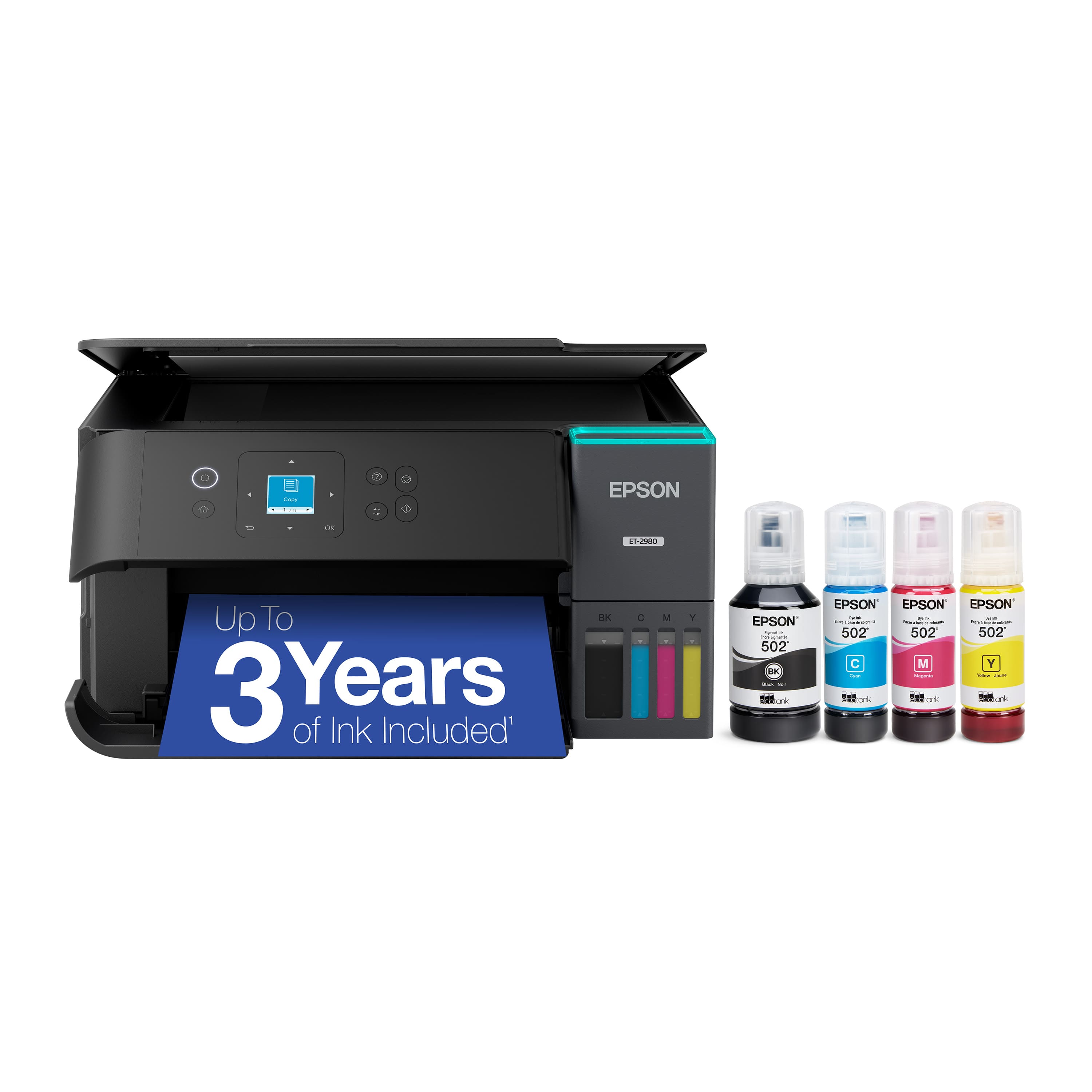
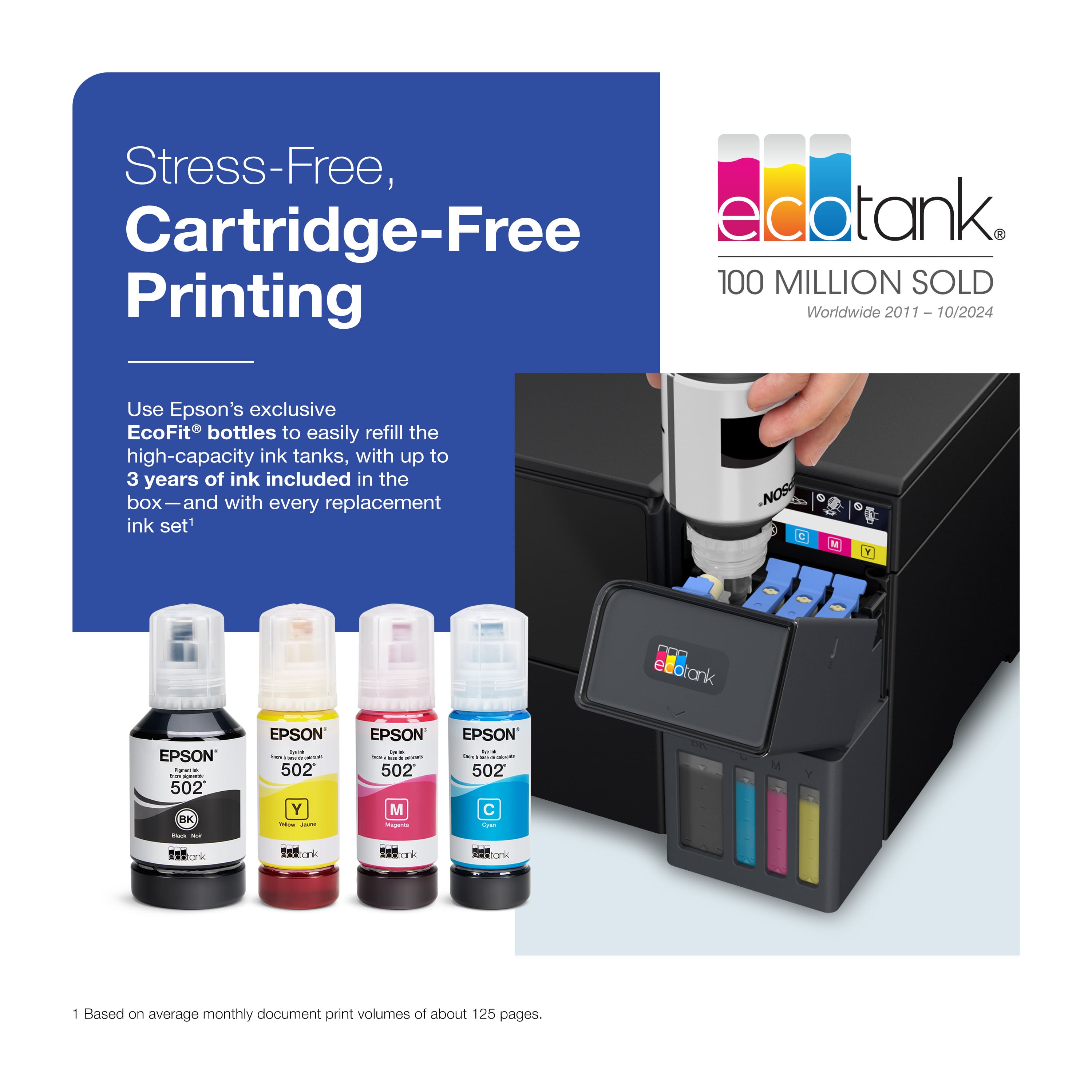
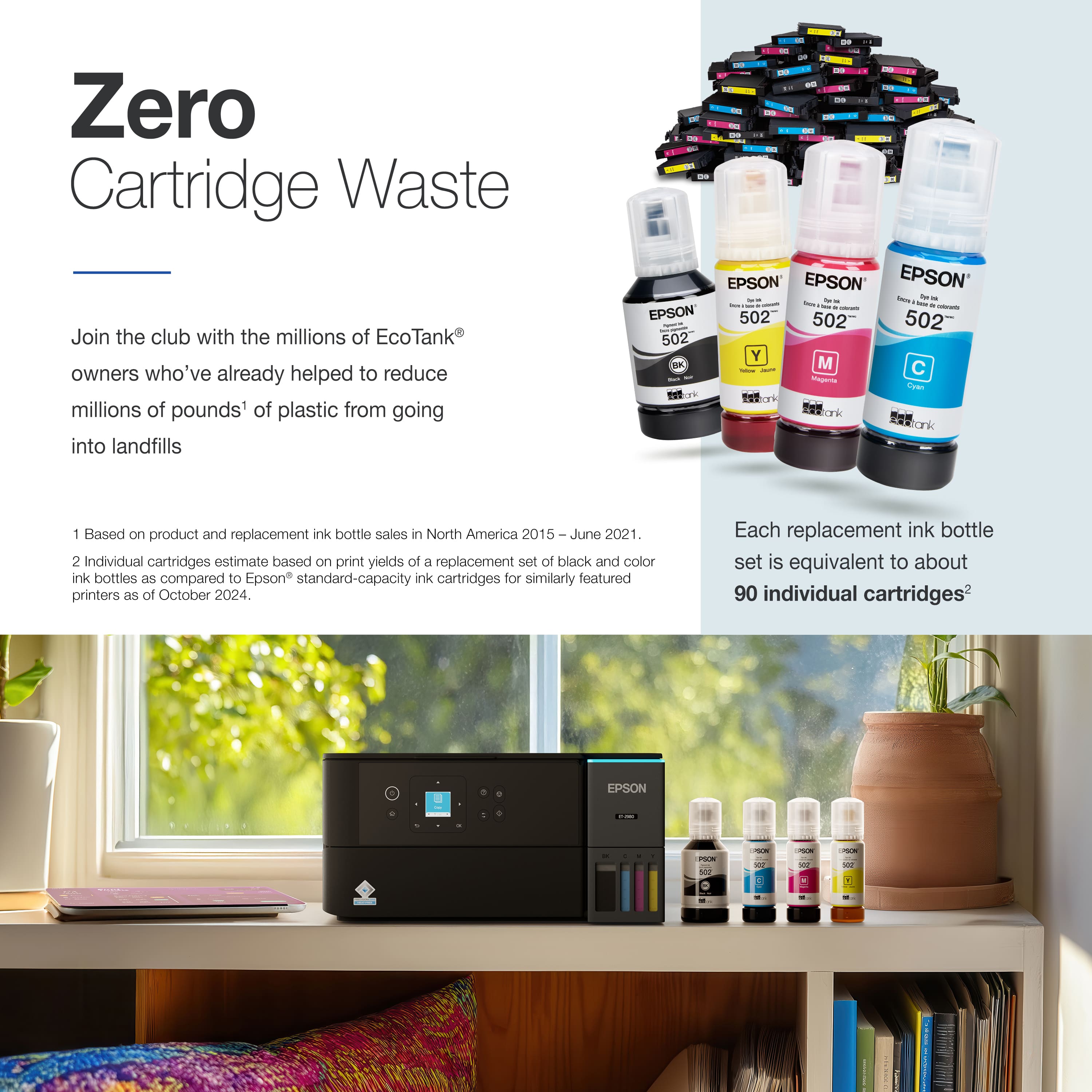
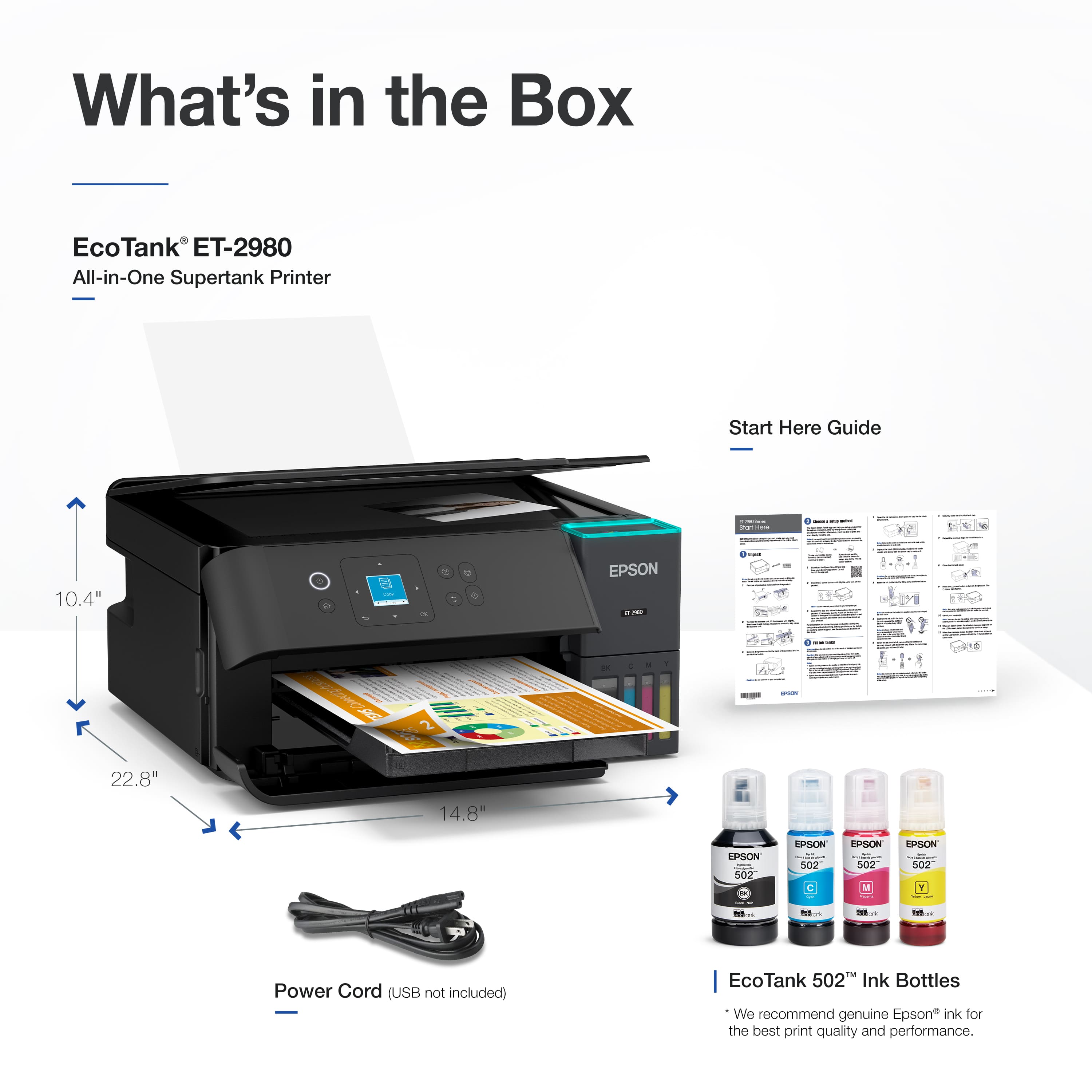
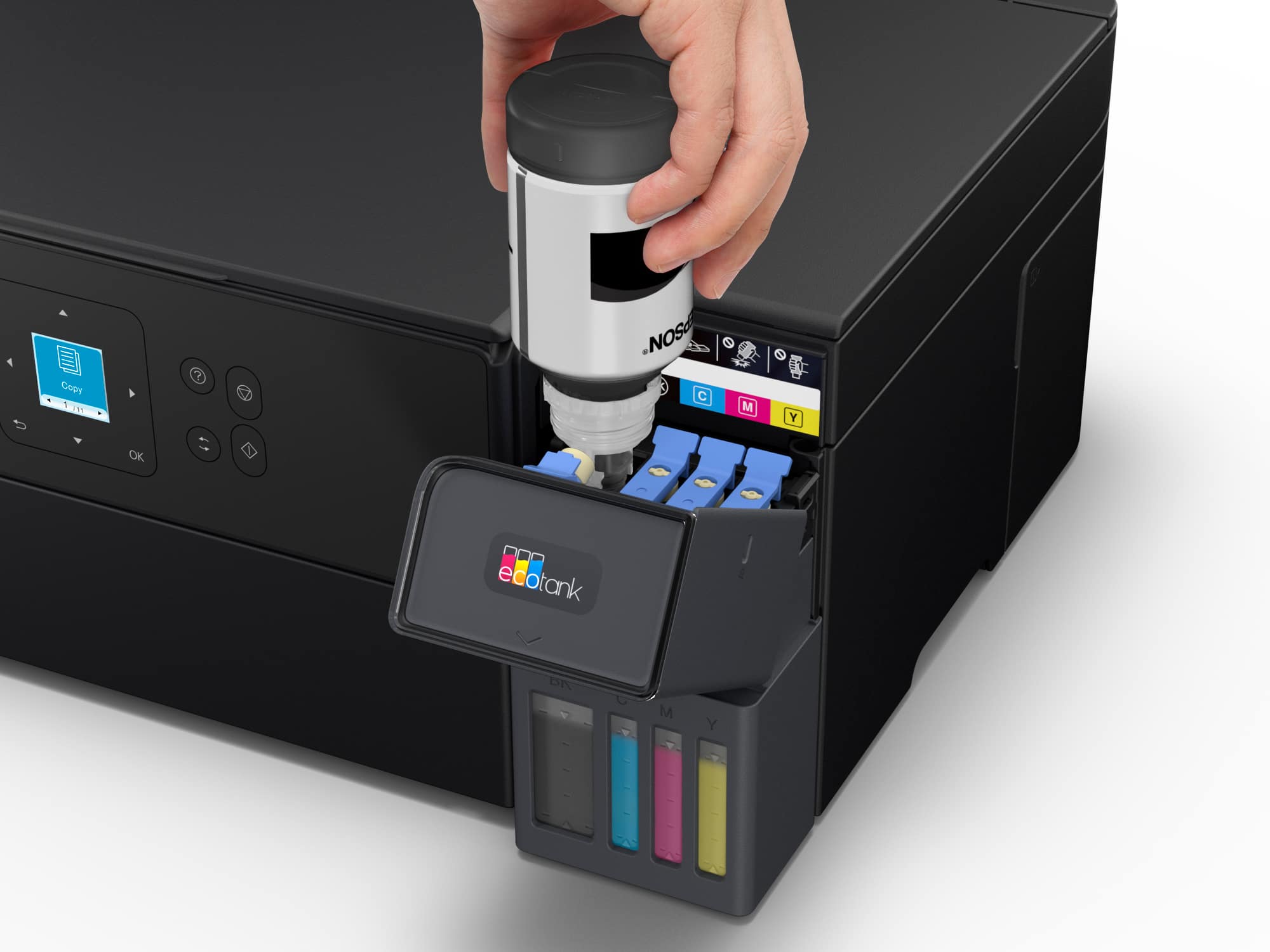
A:AnswerHello Jim. The ET-2980 uses Epson 502 Ink Bottles. For pricing, please refer to BestBuy's website as the cost can vary per color. Regards, Kevin - The Epson Team.
A:AnswerHello IY. Yes, the ET-2980 can be used with a USB "A to B" or "B to C" cable, depending on your computer's available connections. Regards, Kevin - The Epson Team.
A:AnswerHello Serene. Your results can vary based on print settings, image size, paper type, etc. The ET-2980 can print approximately 8 ISO color pages per minute. Regards, Kevin - The Epson Team.
A:AnswerHello. Yes, the ET-2980 will work with most computers running Windows 11. You can find the printer driver on our official Epson Support page. Regards, Kevin - The Epson Team.
A:AnswerI keep a large lightweight piece of plastic draped over my printer when it is not in use. This keeps dust off the paper and out of the inner part of the printer. I have been doing this for years with any printer that I own. Otherwise dust can accumulate on the paper surface and be picked up by the print heads as they move back and forth across the paper during printing. This will eventually cause fuzzy print results. A cover will prevent this from happening.
A:AnswerHello. The ET-2980 includes a 1-year limited warranty. For warranty coverage details, please visit our official Epson Support page. Regards, Kevin - The Epson Team.
A:AnswerHello. Yes, the ET-2980 can print borderless. Please be aware that borderless printing is only available when selecting specific paper types and sizes. For more details, see the "Borderless Paper Type Compatibility" section in the User Guide. Regards, Kevin - The Epson Team.
A:AnswerHello. The EcoTank ET-2980 is primarily designed for home and light-office document printing, but if you use Epson photo or photo matte paper and set it to high quality, the ET-2980 prints good photos. If you want excellent-quality photos, consider a printer from the Epson Expression line. Regards, Kevin - The Epson Team.
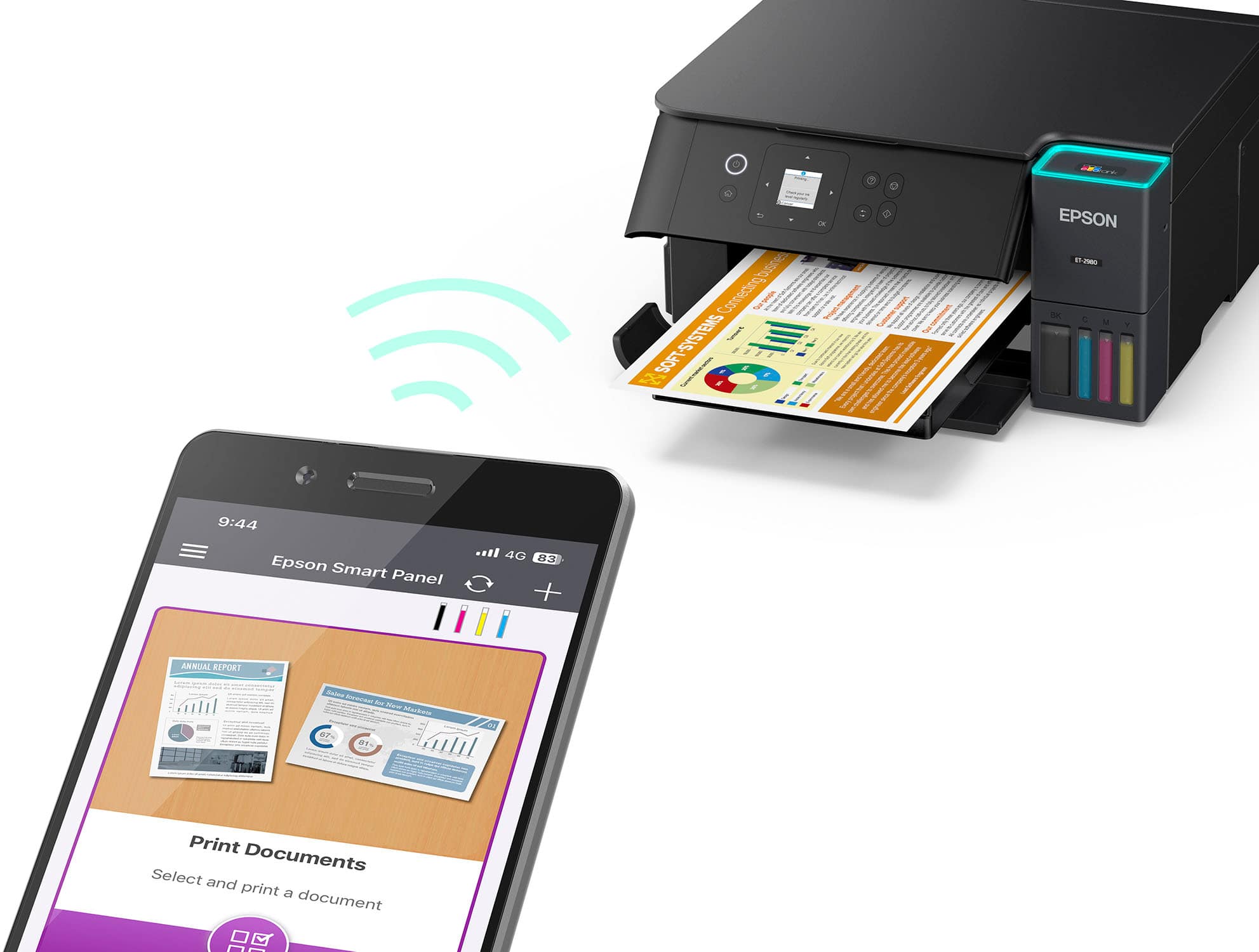
A:AnswerWe have no problem printing from our phone and the printer is 13 1/2 inches deep plus the paper holder which sticks up in the back which would add about 3 inches