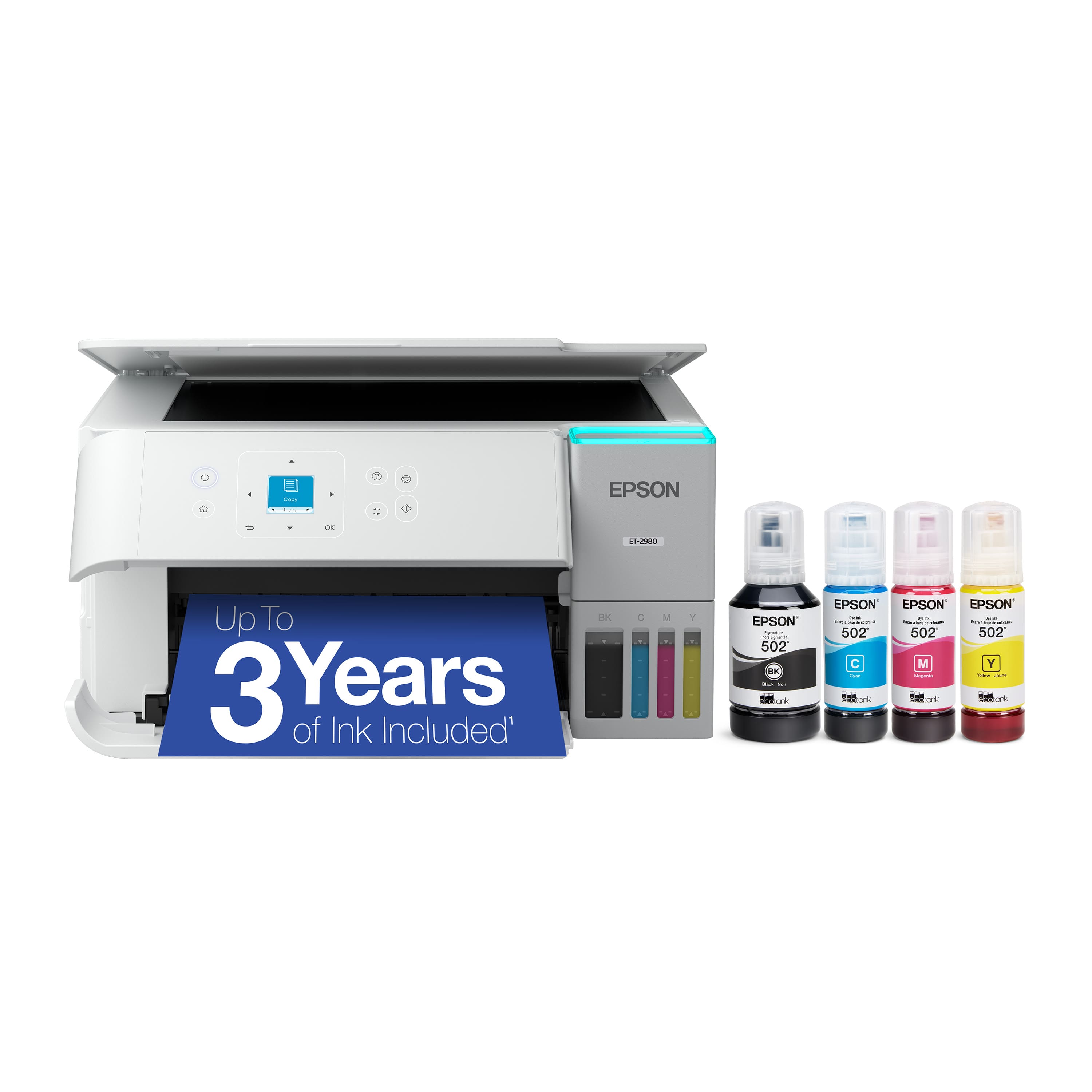
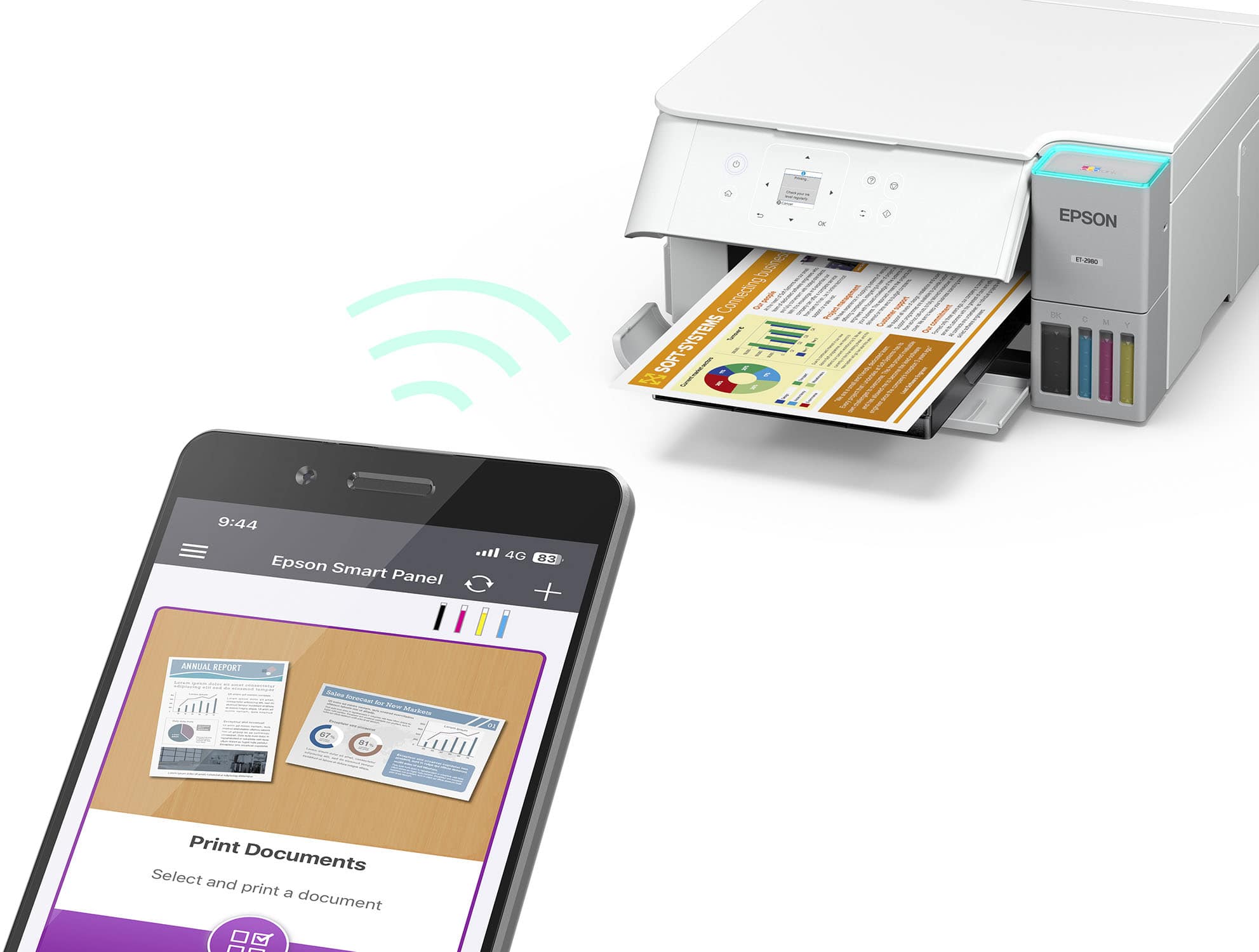
A:AnswerI just setup my new printer two days ago , and it works wirelessly with my iPhones and laptops, it was easy, takes several hours , patience, but directions were helpful. Their tech support is helpful also.
A:AnswerHello Barbar. The ET-2980 does not include fax functionality. We recommend looking at the ET-4950 if you're looking for a similar model with fax included. Regards, Kevin - The Epson Team.
A:AnswerWith my ET-2980 it appears to be about 10 feet with no obstructions between the printer and the SPECTRUM modem. Our home office is directly next to the living room where the modem is located which puts the printer about 10 feet away with a wall in between. Everything else in the office connects just fine, but this printer cannot maintain a connection which makes it kind of worthless.
A:AnswerHello. The ET‑2980 uses a mix of dye and pigment‑based inks to produce sharp, vibrant photos. Keep in mind that print quality can vary based on the source image, your print settings, and the paper you choose. If high photo quality is your main priority, we recommend exploring models from our Expression Premium line. Regards, Kevin - The Epson Team.
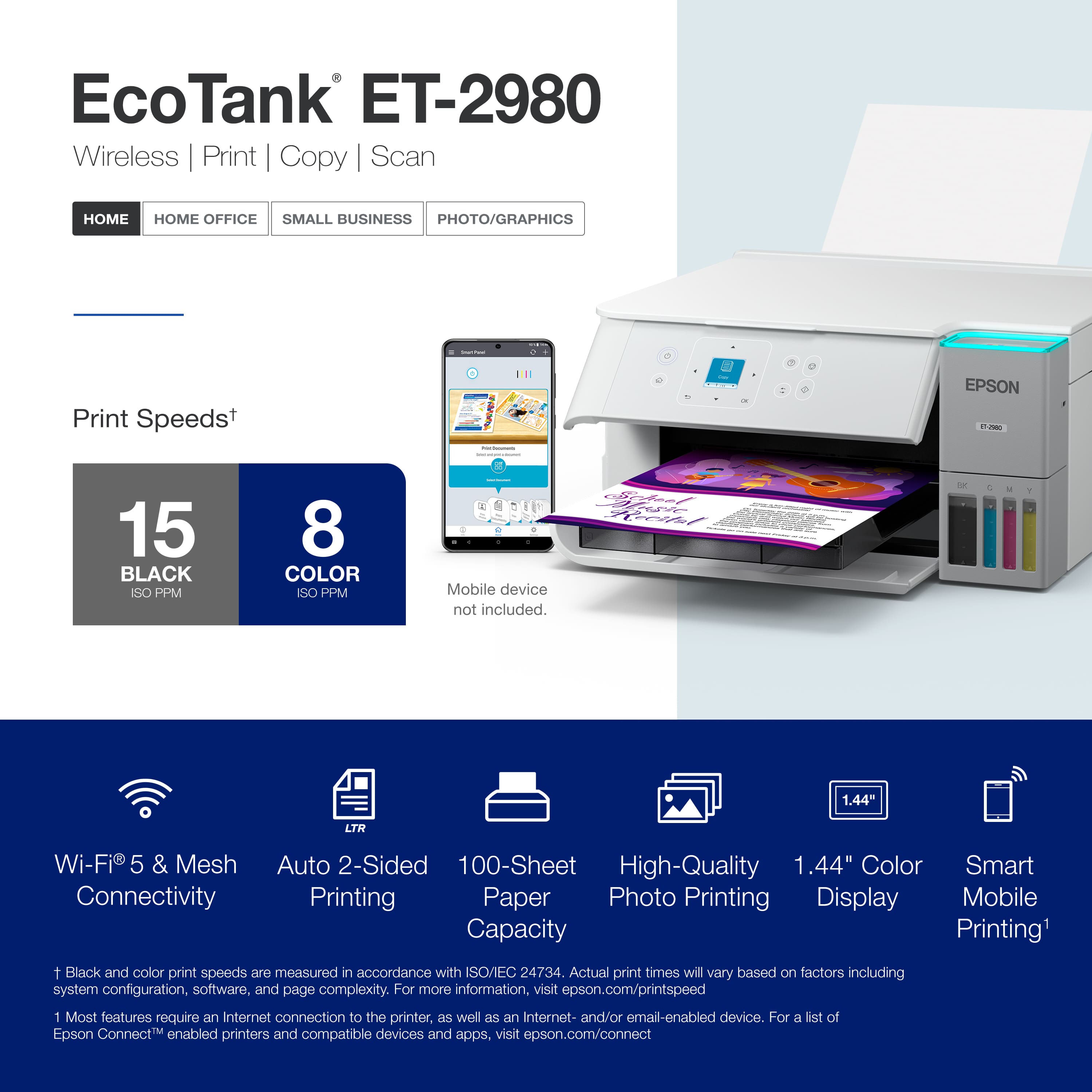
A:AnswerHello Baleriebinx. The ET-2980 can be used via Wi-Fi or a physical USB connection. If you want to use it wirelessly, you can connect the printer to a computer, smartphone, or tablet. Regards, Kevin - The Epson Team.
A:AnswerHello renee. Most image editing apps use an RGB color workspace, and while the ET‑2980 receives RGB data from your computer, it prints using CMYK inks. The printer works well with standard inkjet‑compatible label sheets, like Epson Photo Quality Self‑adhesive Sheets. Inkjet sticker paper can also be used, though results may vary when using third‑party paper. For best performance, we recommend checking with the paper manufacturer to confirm compatibility with our printers. Regards, Kevin—The Epson Team.
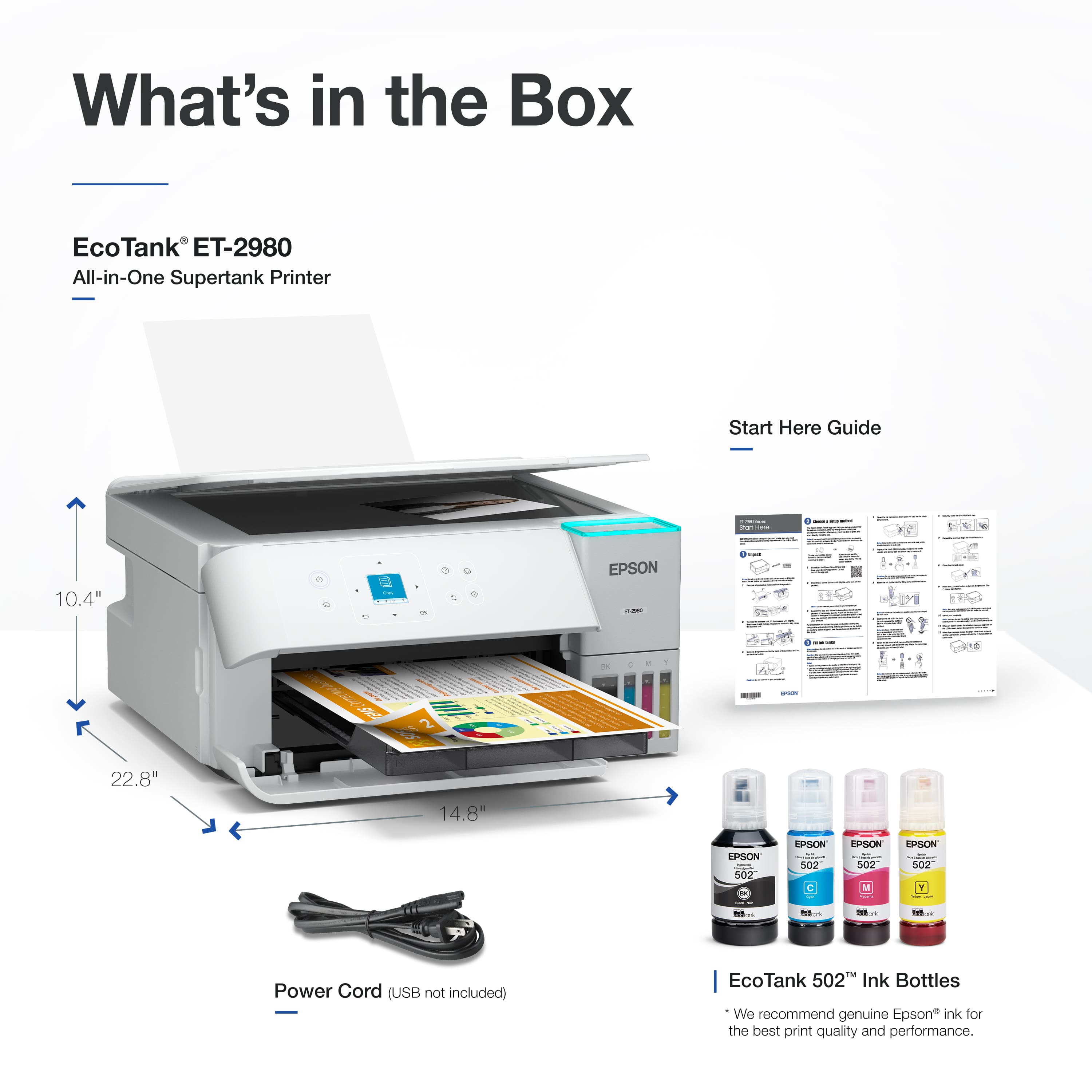
A:AnswerHello Kelsey. The ET-2980 is not designed for sublimation. Using any ink or ink-like substance other than 502 Epson Ink Bottles may damage the print head and affect warranty coverage. Regards, Kevin - The Epson Team.
A:AnswerI have been printing from my Apple MacBook Air and it prints beautifully. I have the macOS Sonoma Version 14.8 on my laptop. Intel Core i5. I hope this helps.
A:AnswerHello. The ET-2980 can print on 3" x 5" index cards. However, print quality and reliability may vary depending on the card type and thickness, and feed issues can occur. For best results, use the plain white side of the card when printing. Regards, Kevin - The Epson Team.
A:AnswerHello. The ET-2980 can print on cardstock, but feeding reliability can vary when using third-party paper based on the brand, texture, thickness, and weight. We recommend using lighter to medium-weight cardstock and testing a sample first to make sure it works well, since Epson doesn’t guarantee compatibility with all paper types. Regards, Kevin - The Epson Team.
A:AnswerHello. The Epson ET-2980 was not designed for dye-sublimation printing nor the use of non-genuine Epson ink cartridges. Regards, Kevin - The Epson Team.
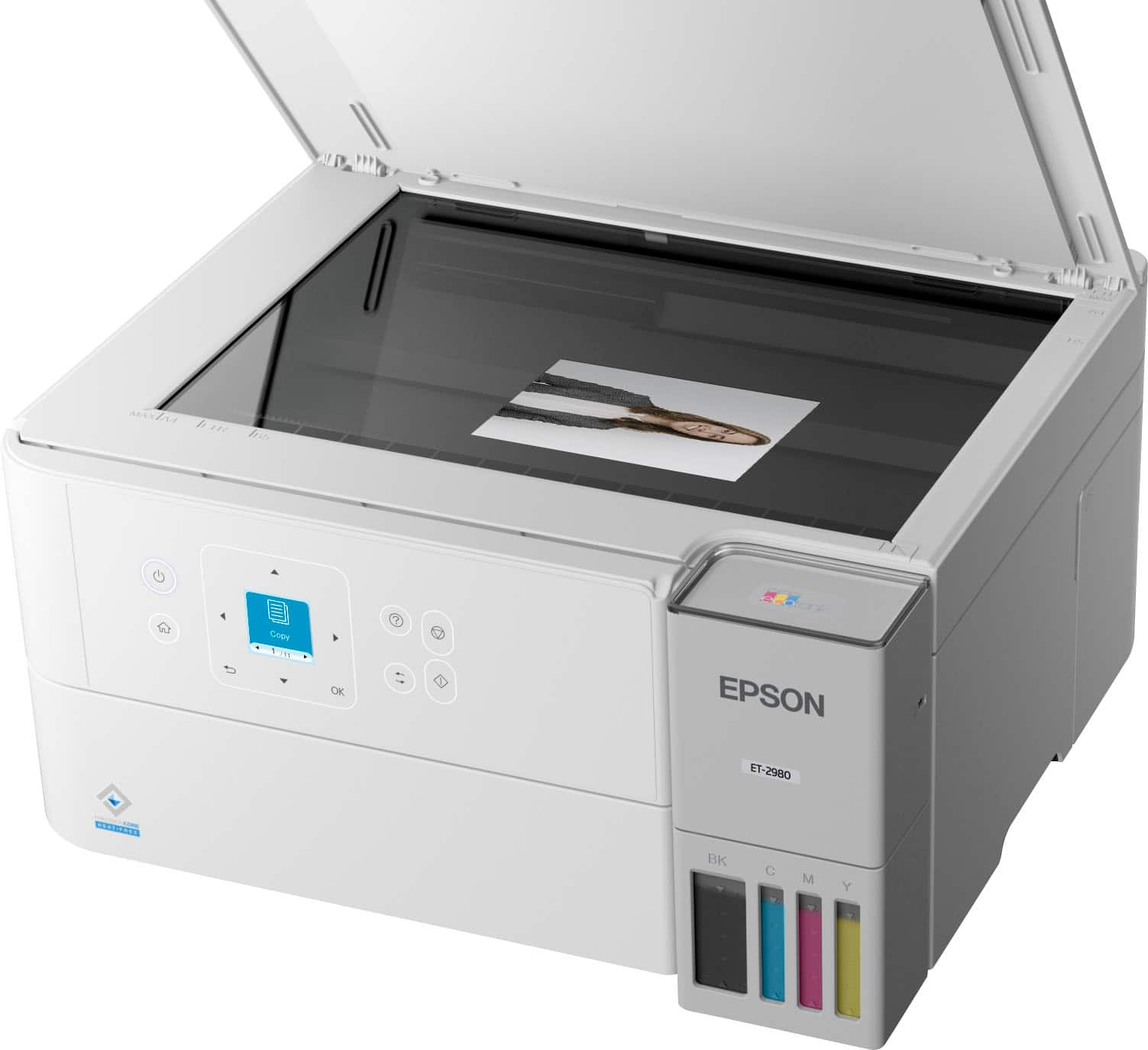
A:AnswerHello Junebug4813. The difficulty of clearing a paper jam can vary depending on the location of the jam. However, most paper jams on the ET-2980 are easy to access and clear. The printer has a top cover that opens with a view of the paper path inside the machine. Regards, Kevin - The Epson Team.
A:AnswerHello Office. Yes, the ET-2980 will work with macOS 15. You can download the latest driver from our official Epson Support page. Regards, Kevin - The Epson Team.