A:AnswerHello trenjay. The ET-2980 does not support faxing. For a similar printer with fax functionality, we recommend looking at the ET-4950. Regards, Kevin - The Epson Team.
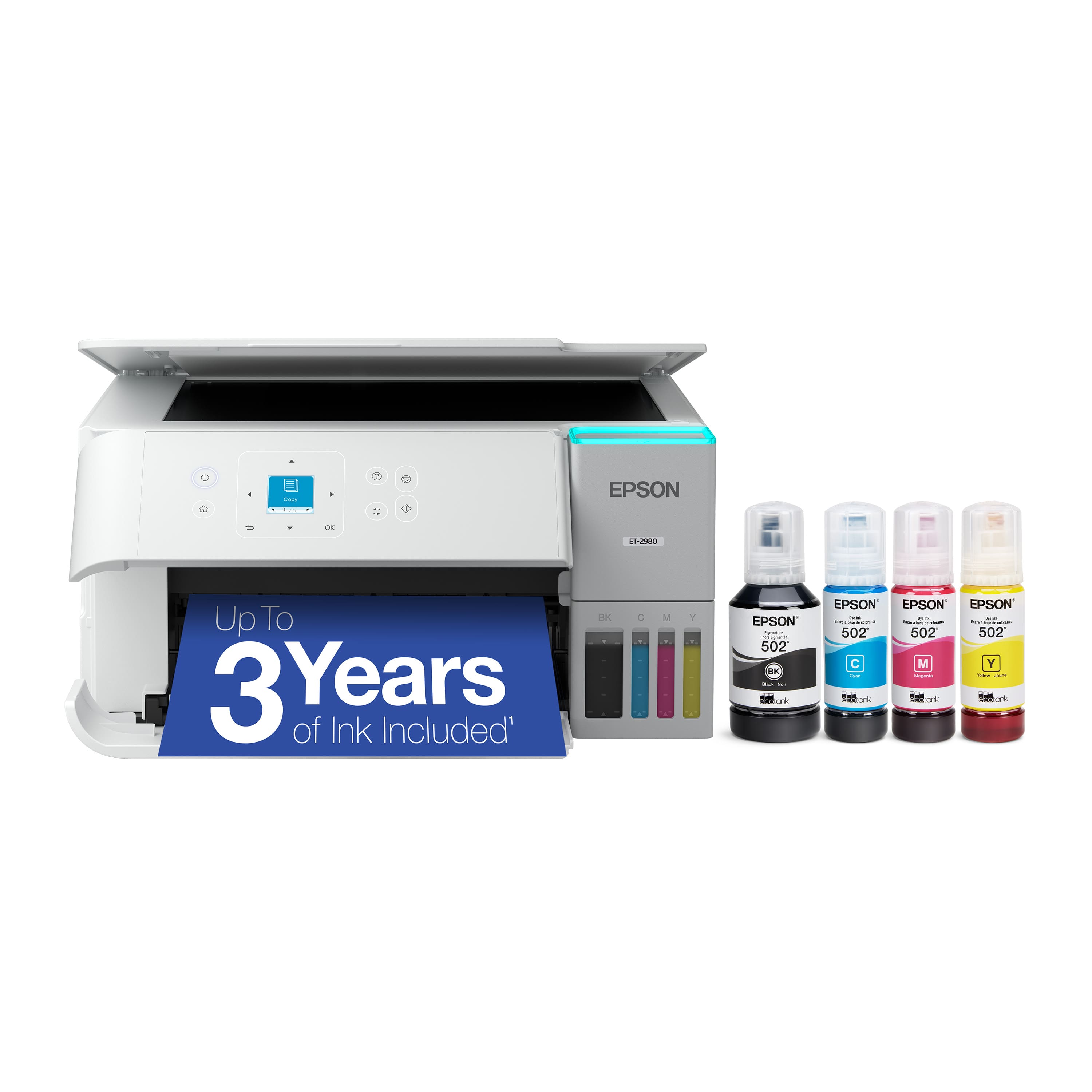
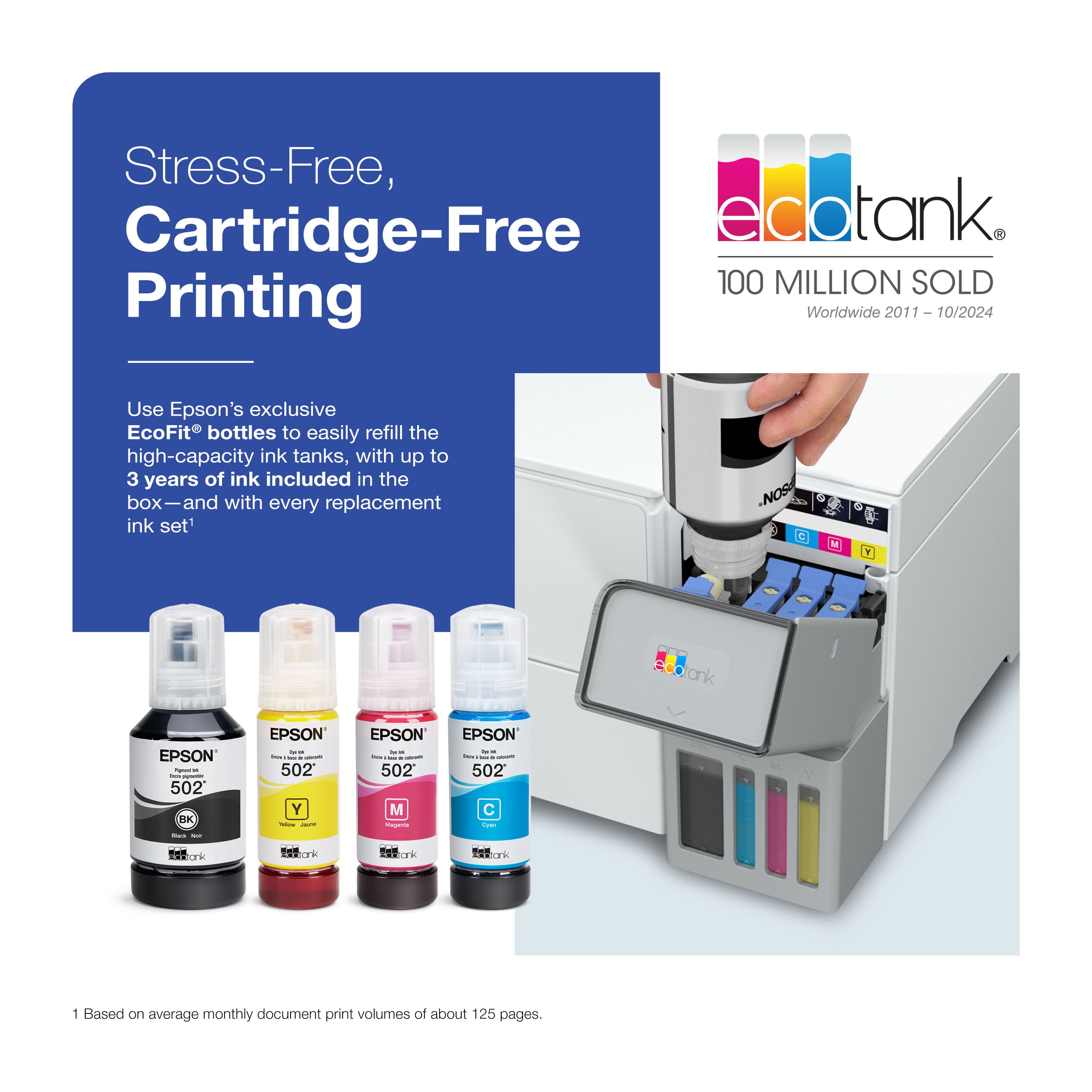
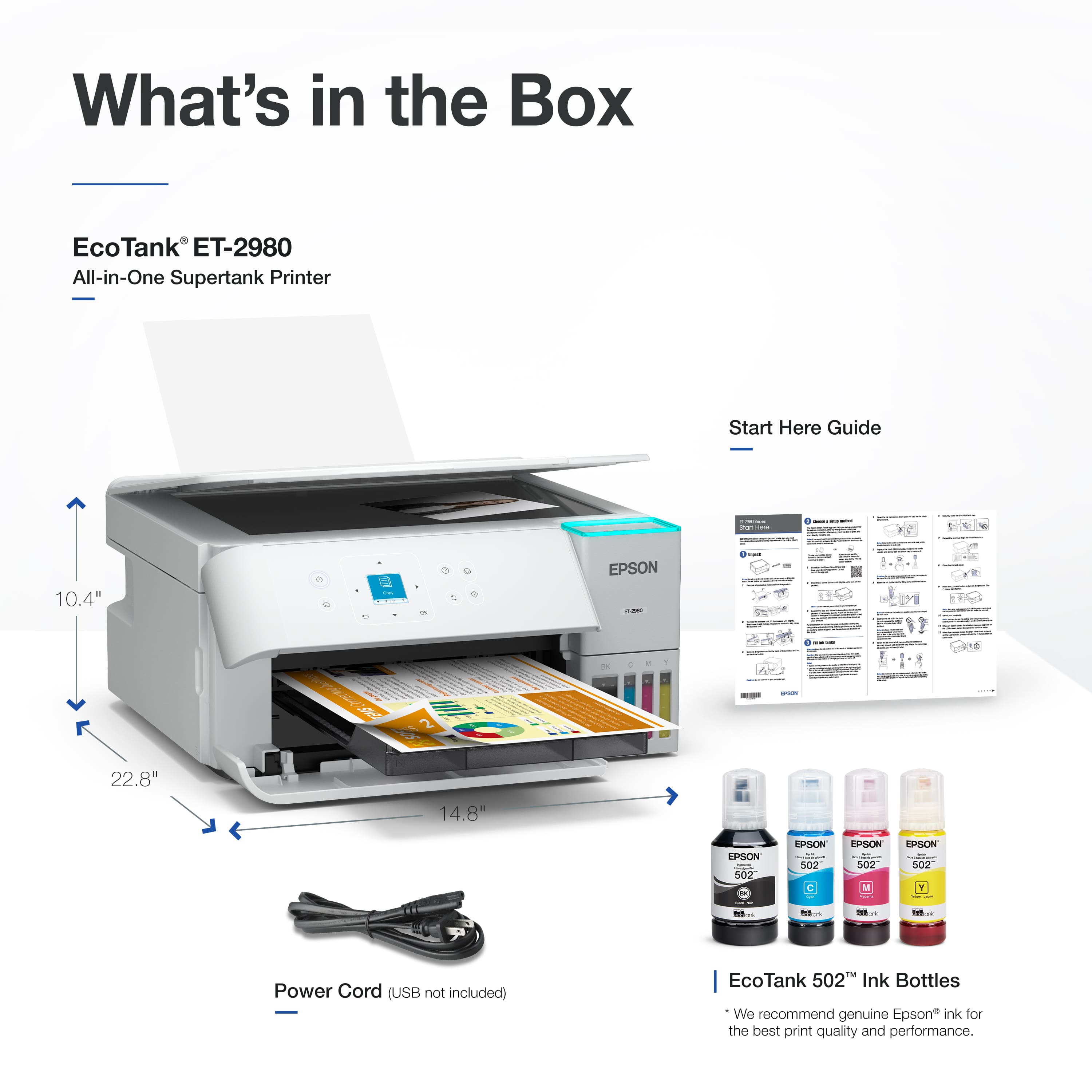
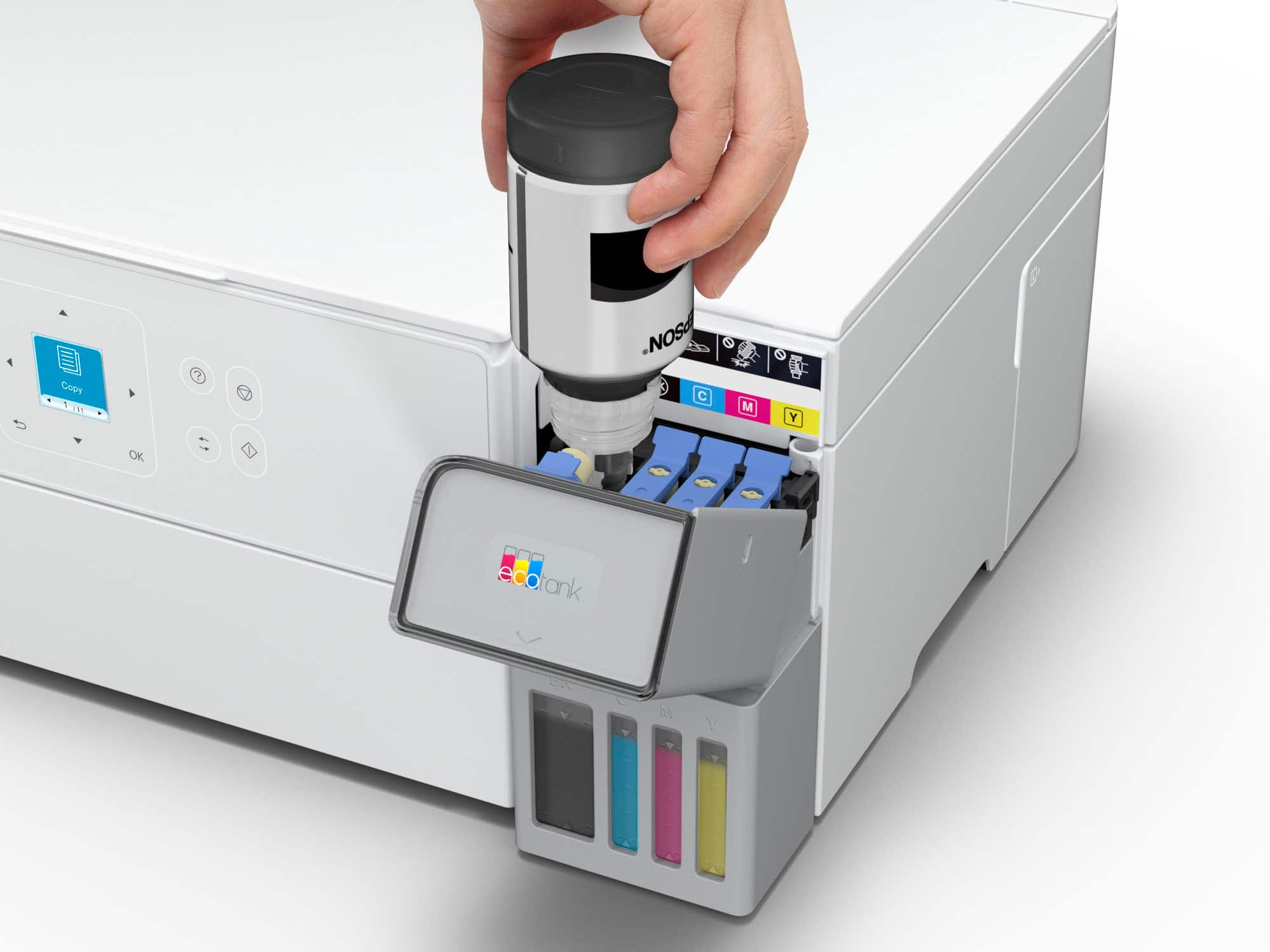
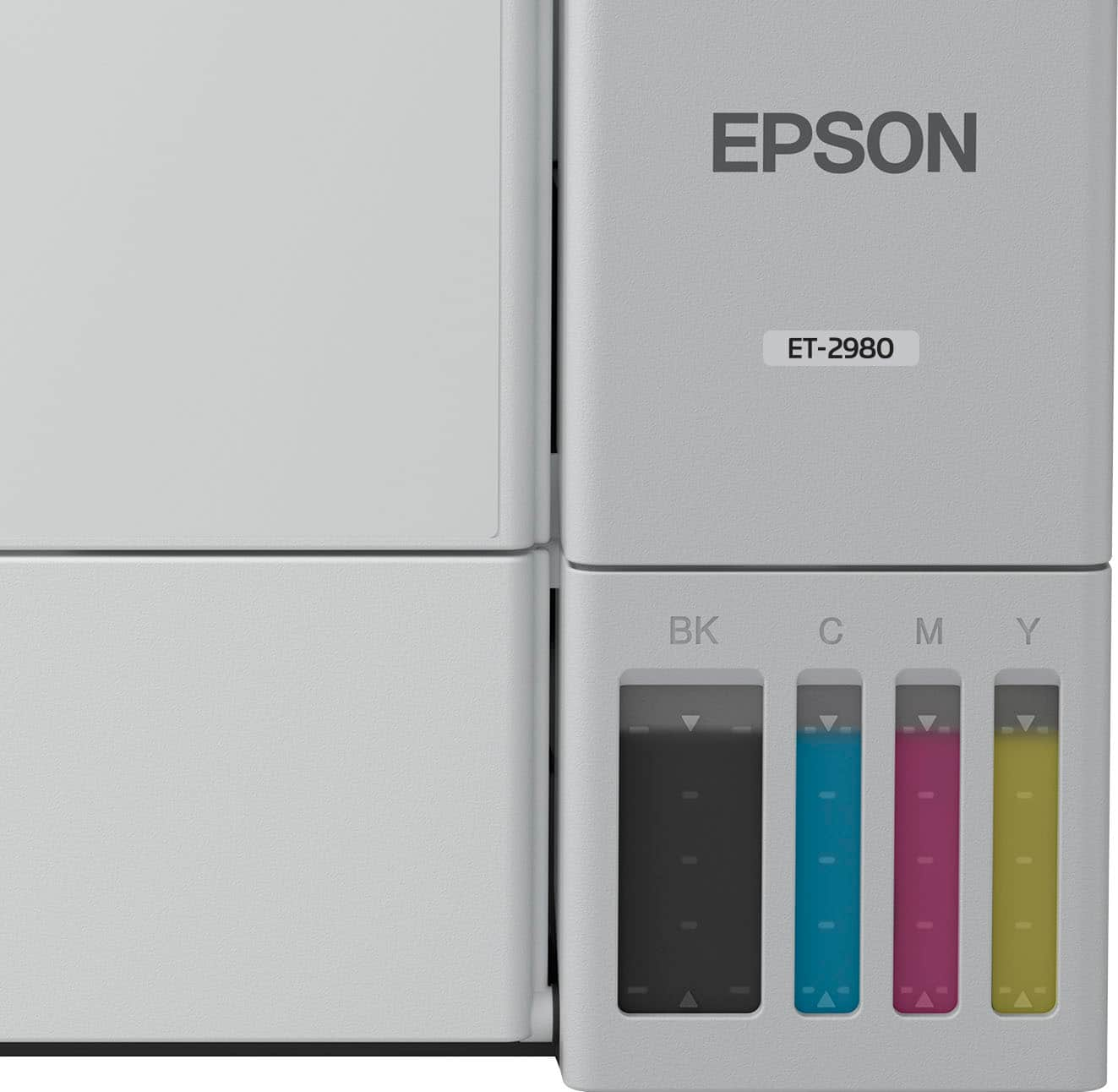
A:AnswerHello Gabb. Yes, the Epson ET-2980 includes ink bottles. Some of the ink will be used for the initial setup, and the remaining ink will be available for printing. Regards, Kevin - The Epson Team
A:AnswerHello. The ET-2980 does not include fax functionality. For a similar printer with fax included, we recommend looking at the ET-4950. Regards, Kevin - The Epson Team.
A:AnswerHell Kate. Yes, the ET-2980 can print 8" x 10" photos. The printer supports paper sizes ranging from 3.5" x 5" to 8.5" x 14". Regards, Kevin - The Epson Team.
A:AnswerHello. You can connect the printer to either a smartphone or a computer. It includes a setup guide with step-by-step instructions to help you get started, and the same information is also available on the official Epson Support website. If you need additional assistance, our Technical Support representatives are available to help over the phone. Regards, Kevin - The Epson Team.
A:AnswerHello. Yes, the ET-2980 can print on cardstock, but feeding reliability can vary when using third-party paper based on the brand, texture, thickness, and weight. We recommend using lighter to medium-weight cardstock and testing a sample first to make sure it works well, since Epson doesn’t guarantee compatibility with all paper types. Regards, Kevin - The Epson Team.
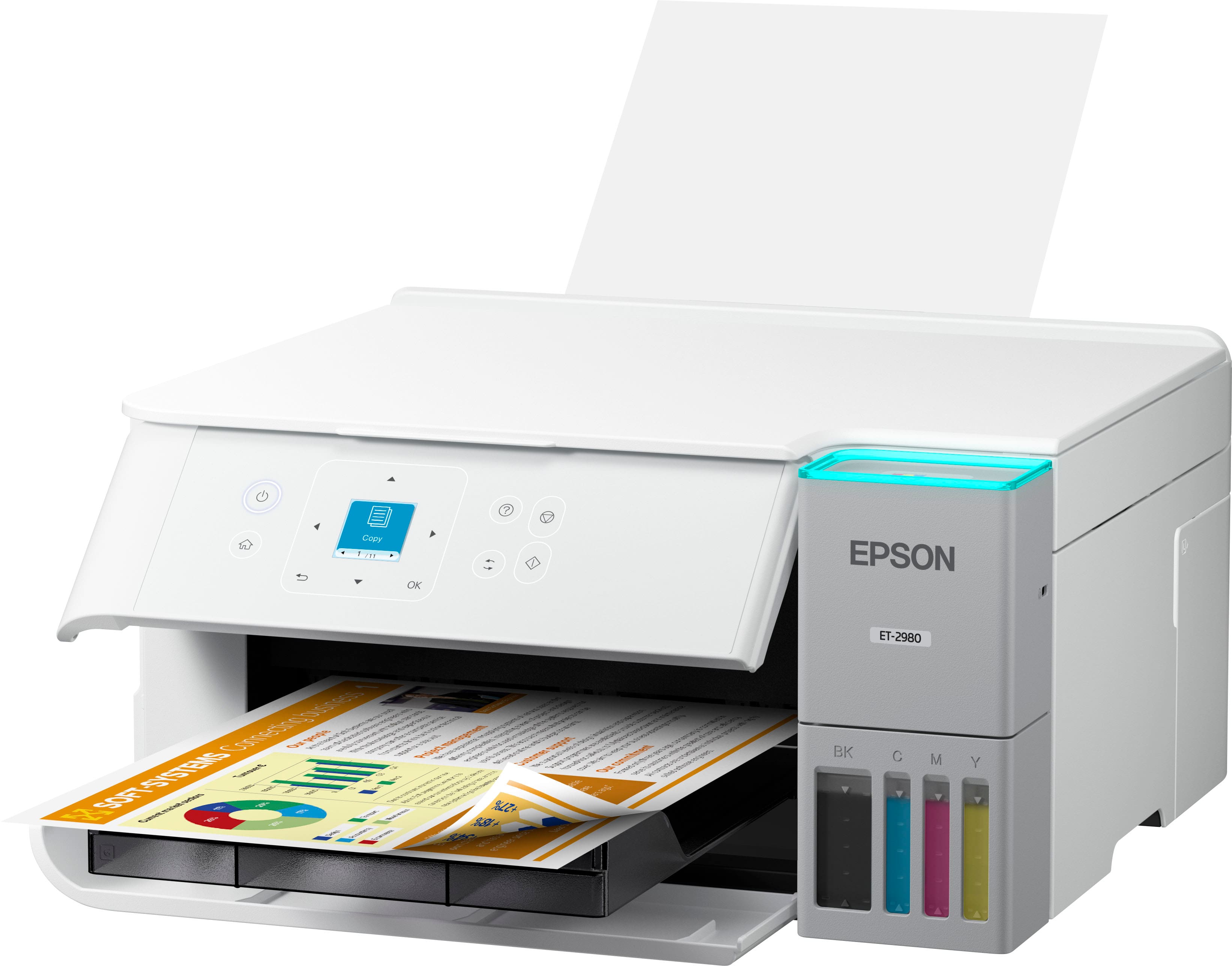
A:AnswerHello. The EcoTank ET-29800 is primarily designed for home and light-office document printing, but if you use Epson photo or photo matte paper and set it to high quality, the ET-2980 prints good photos. If you want excellent-quality photos, consider a printer from the Epson Expression line. Regards, Kevin - The Epson Team.
A:AnswerHello. Yes, you can use the printer with a Chromebook via Wi-Fi or USB without installing drivers. However, when using a Chromebook, functionality is limited to printing only. Regards, Kevin - The Epson Team.
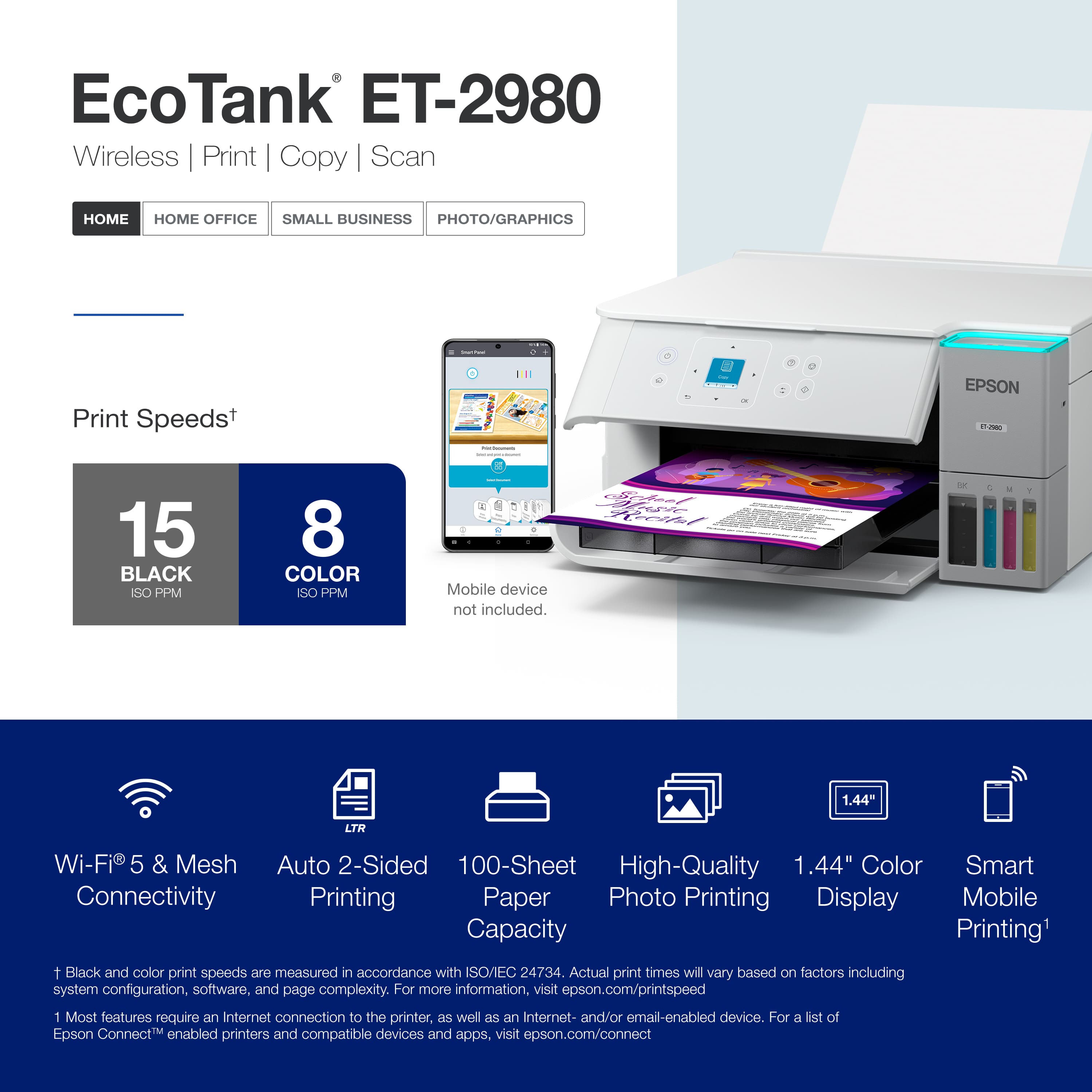
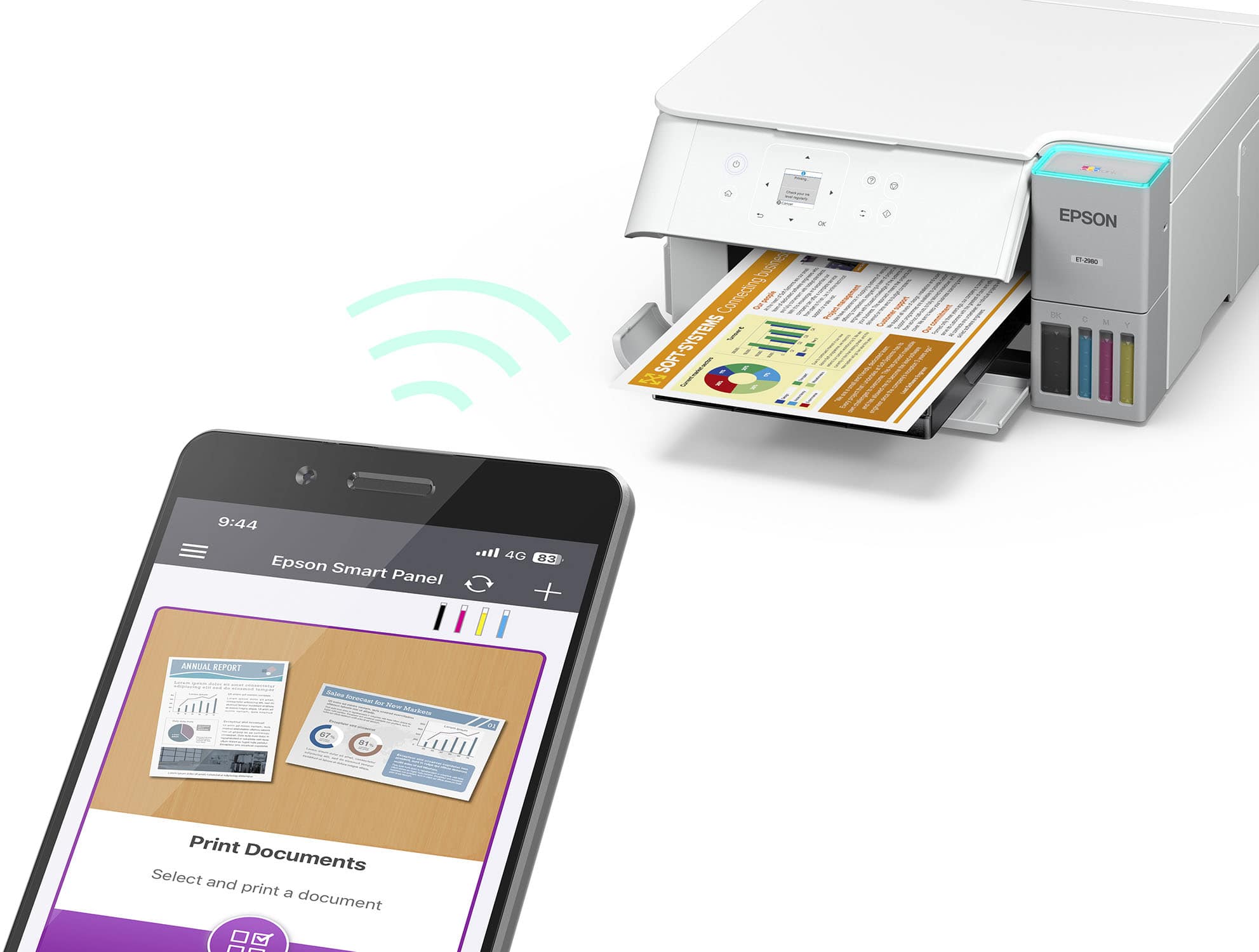
A:AnswerHello Jude. Yes, the ET-2980 works with smartphones through the Epson Smart Panel app, and a setup guide is included to help you get started. If you need additional assistance, you can also contact our Technical Support team by phone. Depending on your computer, you can connect the printer wirelessly via Wi-Fi or with a USB-A to USB-B or USB-C to USB-B cable, which is sold separately. Regards, Kevin - The Epson Team.
A:AnswerHello Ralph. Unfortunately, the ET-2980 cannot print on 11" x 17" paper. We recommend looking at our Epson Wide Format All-in-One printers if you need to print on larger sizes. Regards, Kevin - The Epson Team.
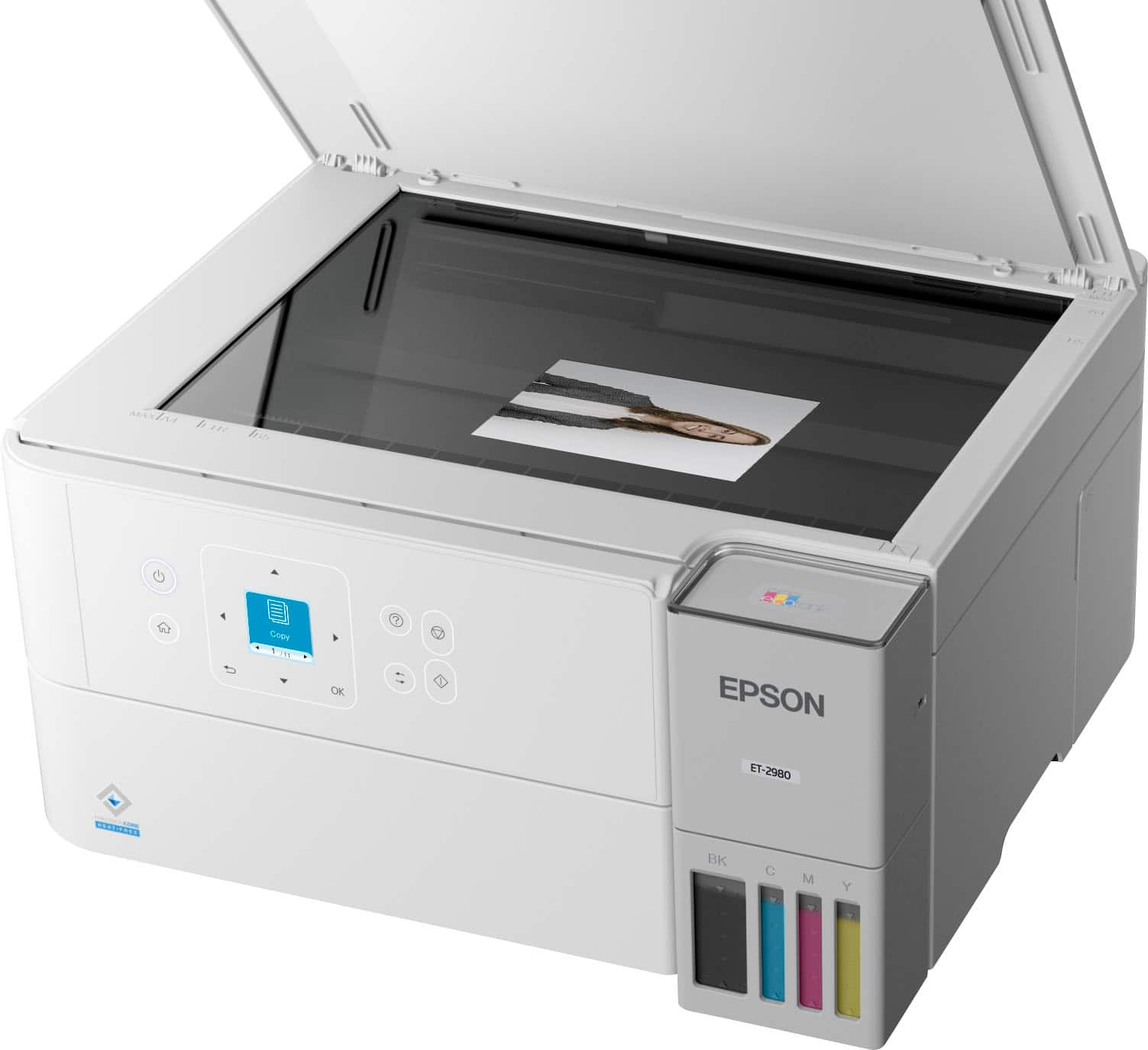
A:AnswerHello. Yes, you can use the flatbed scanner to make a copy of a photo. The ET-2980 supports various photo paper types ranging from glossy to matte. For a list of all compatible paper types, please see the User Guide on our official Epson Support page. Regards, Kevin - The Epson Team.
A:AnswerHello Hudge. The ET-2980 only uses a rear paper feed for loading paper. You can only use the flat-bed scanner to scan documents and photos. Regards, Kevin - The Epson Team.