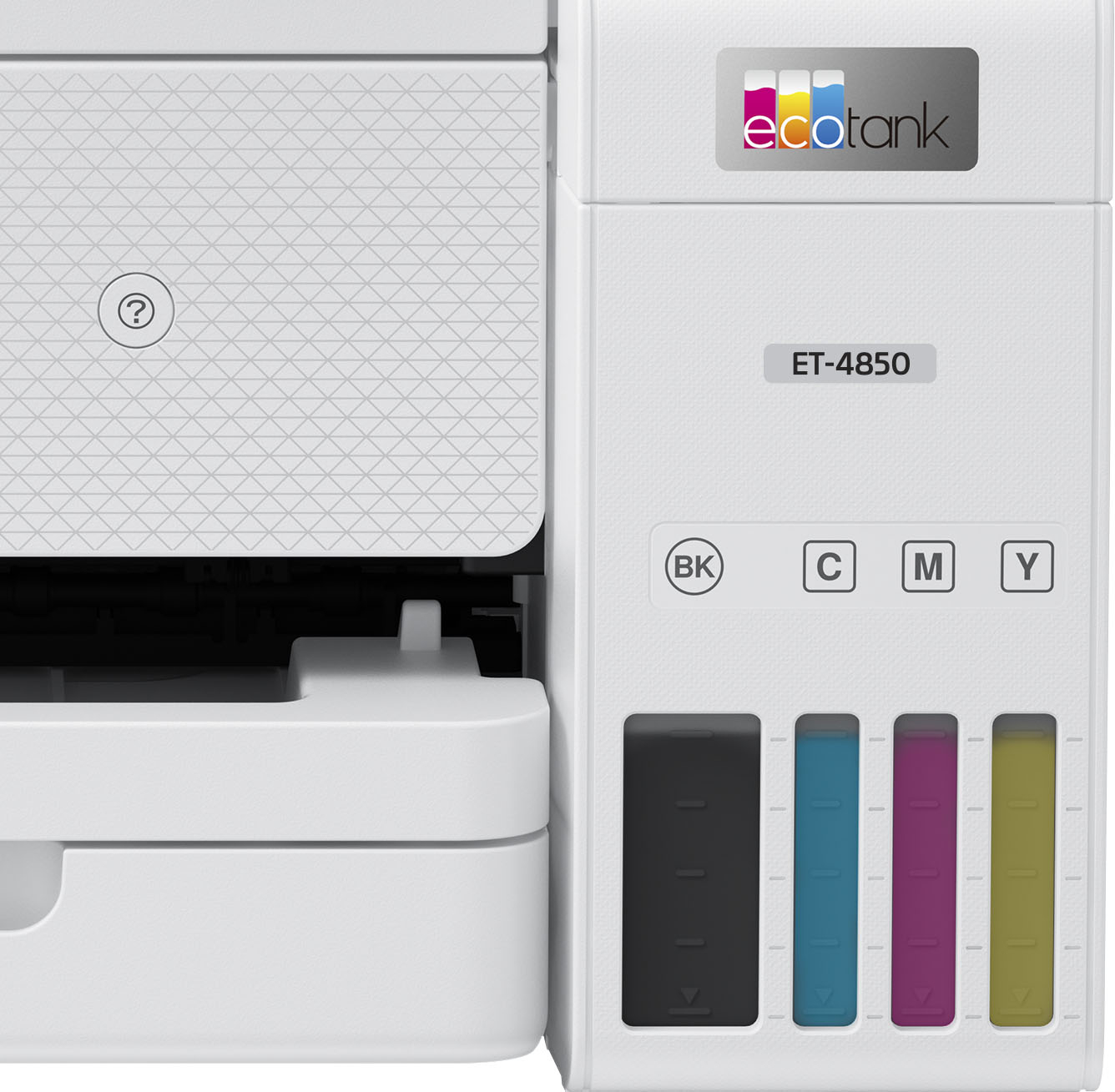
A:AnswerHi, Yes the EcoTank ET-4850 works with Mac OS 13 (Ventura). Visit the Epson support site to download Ventura drivers/ Regards, Mark - The Epson Team.
A:AnswerHello Al. The thickest paper the ET-48500 can print on is Epson Premium Photo Paper Glossy which weighs 79 lb. For cardstock, we have tested similar Epson paper that weighs around 44 lb. These recommendations are for Epson paper only, you can try a cardstock that falls between that range, but your results can vary when using other brands and heavier paper. Regards, Kevin - The Epson Team.
A:AnswerHi SusieQ, Yes, you can use the EcoTank ET-4850 with a Mac running Mac OS 12.6. Drivers are available for download at the Epson support site for the ET-4850. Regards, Mark - The Epson Team.
A:AnswerHi Dakota, Epson printer drivers, including the EcoTank ET-4850 driver, use the same paper descriptions for photo and matte paper. Premium is high quality, while Ultra Premium is extra-high quality. Double-sided is self explanatory. Regards, Mark - The Epson Team.
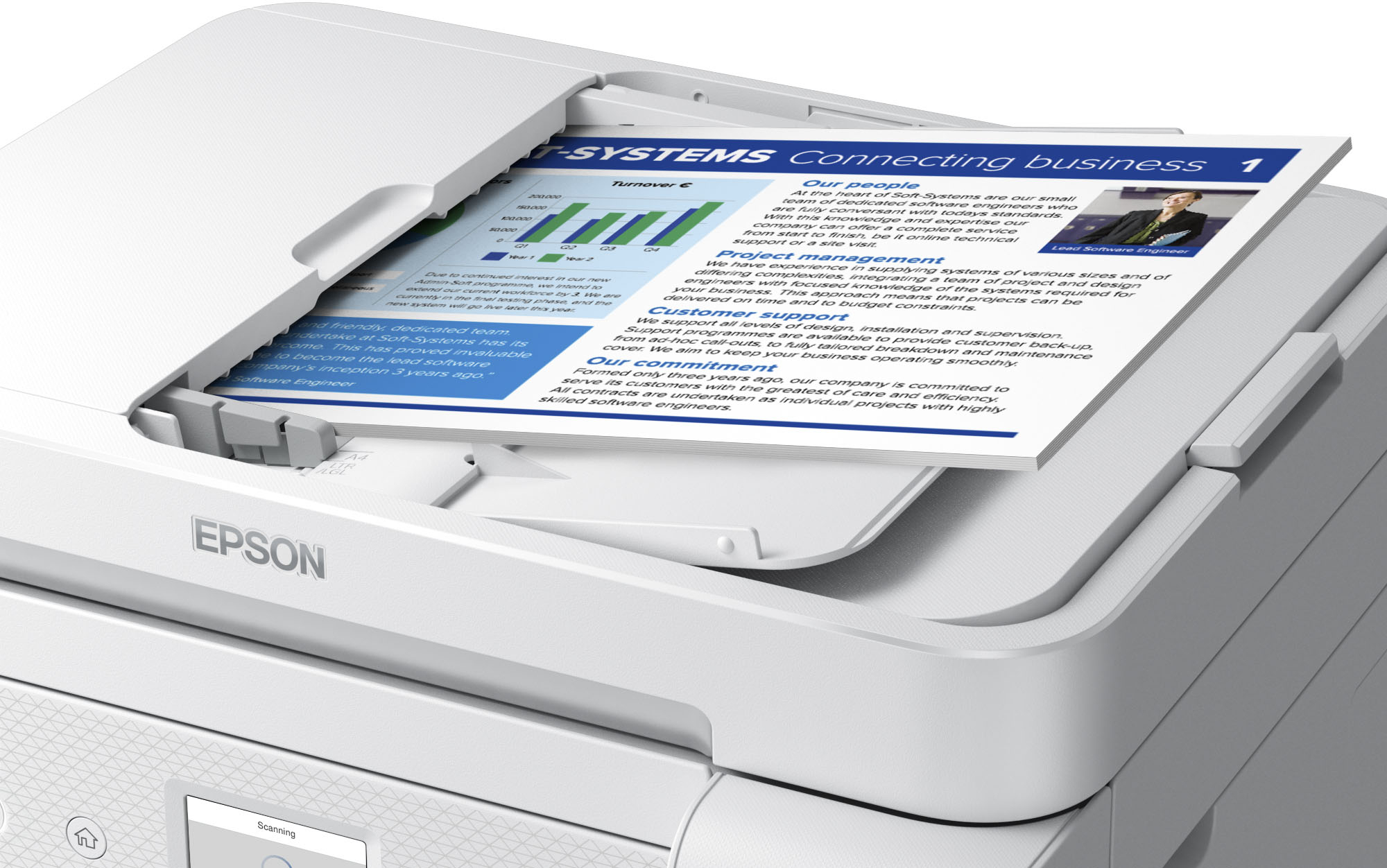
A:AnswerHello. The ET-4850 can print a double-sided copy, but you would have to manually flip the original to copy both sides first. The ET-5850 is a similar printer that offers automatic 2-sided print, copy, and scan functionality. It is currently in stock on BestBuy's website, but please note that inventory can change. Regards, Kevin - The Epson Team.
A:AnswerHello. The ET-4850 can only do 2-sided scanning manually. We recommend looking at the ET-5850 as it is a similar model with automatic 2-sided print, copy, fax, and scanning available. It is currently in stock on BestBuy's website, but inventory can change. Regards, Kevin - The Epson Team.
A:AnswerHello. The maintenance box (T04D100) used in the ET-4850 is compatible with many models, including the ET-3850. For a list of compatible printers, please visit our official Epson website. Regards, Kevin - The Epson Team.
A:AnswerHi Craftydiva, Yes, both the EcoTank ET-3850 and ET-4850 can automatically print on both sides of half letter-sized sheets. Regards, Mark - The Epson Team.
A:AnswerHello CHARLIE. Yes, the ET-4850 can be used wirelessly without needing to move the device between two computers. You want to ensure the printer is placed at a location where there is no interference and communicates with your wireless network successfully. Regards, Kevin - The Epson Team.
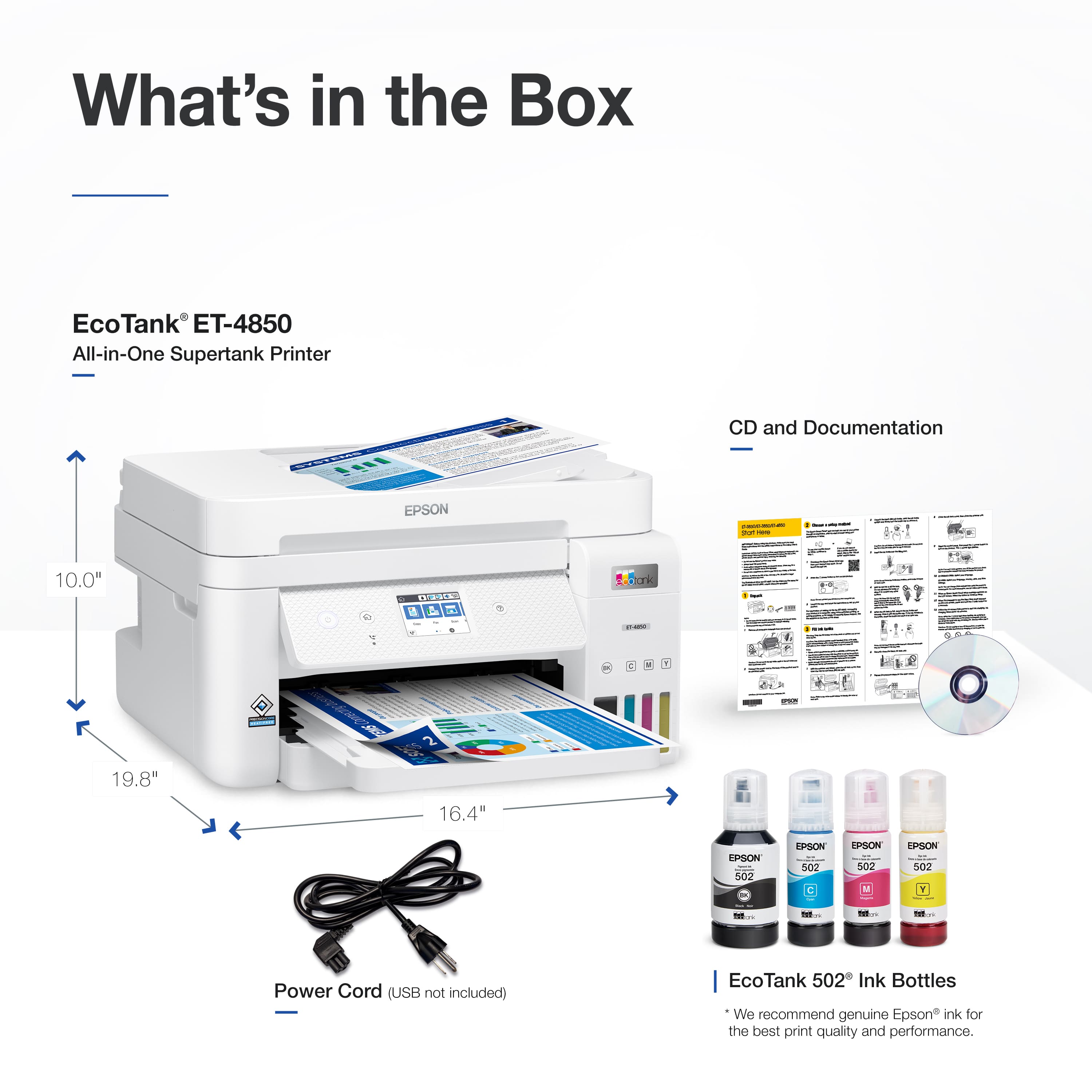
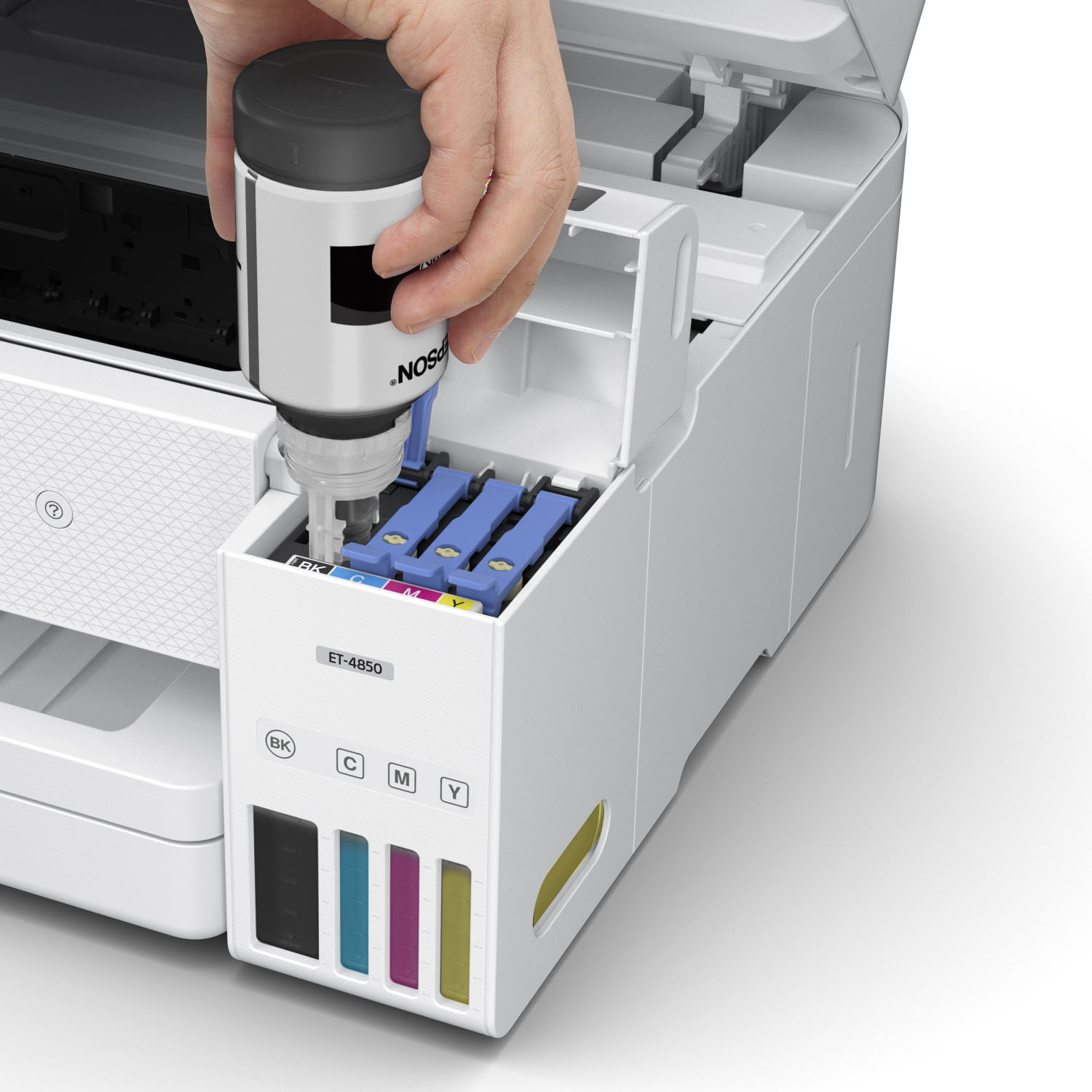
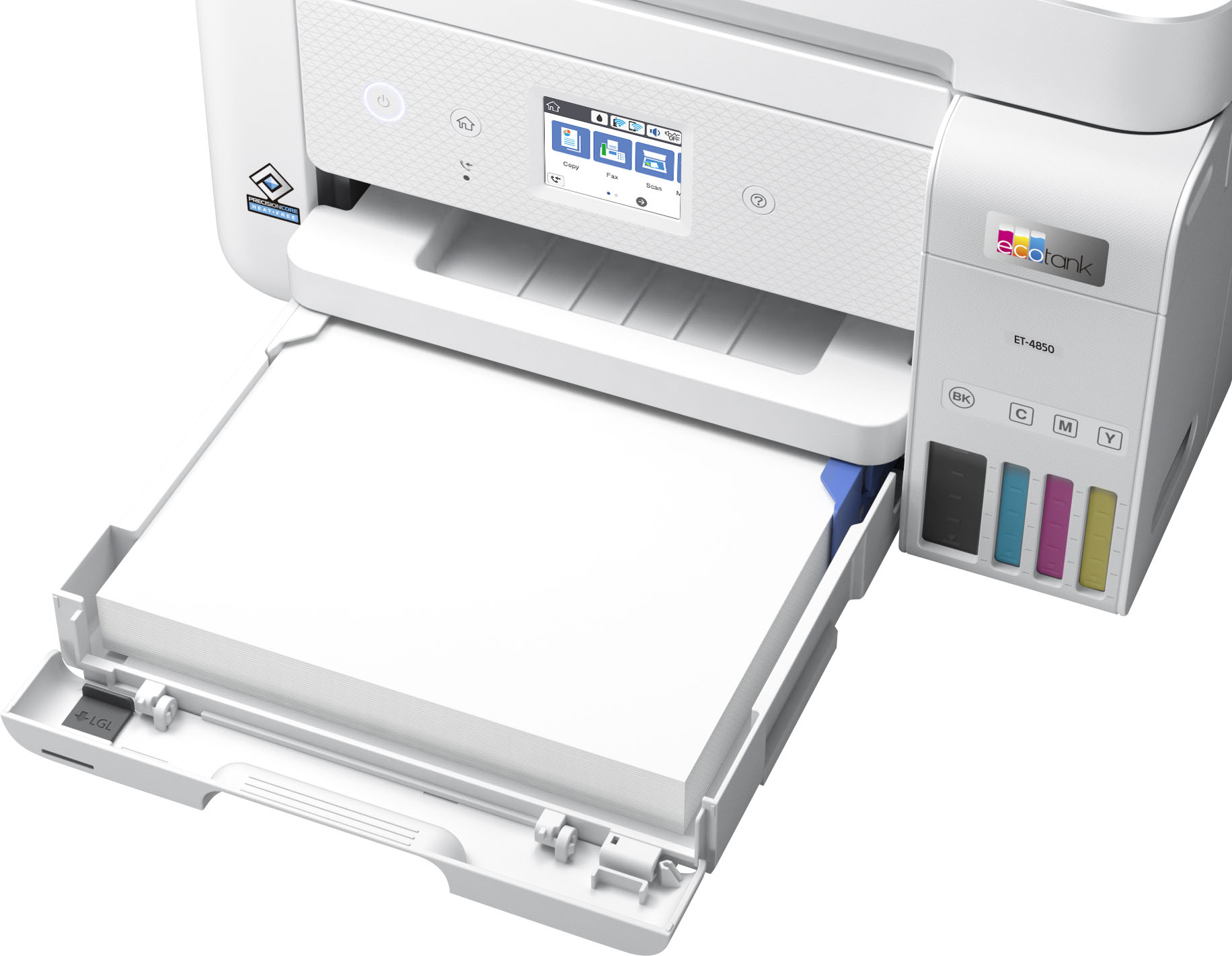
A:AnswerHi cornelius, The EcoTank ET-4850 is designed for Epson 502 ink bottles. If you use any other ink or ink-like substance in the printer you take the chance of damaging the print head and affecting warranty coverage. Regards, Mark - The Epson Team.
A:AnswerHello BB. Yes, the ET-4850 is compatible with macOS 12 & 13. You can find the latest driver software available on our official Epson Support page. Epson uses ISO/IEC 24711 tests to determine page yield. A new set of Epson 502 Ink Bottles can print approximately 7,500 Black or 6,000 Color ISO pages. Regards, Kevin - The Epson Team.
A:AnswerHi Ruthie, The EcoTank ET-4850 works on 2.4 GHz Wi-Fi. If your router runs 5 GHz and is dual-band capable, you can set to to 5 GHz/2.4 GHz so the ET4850 can connect. Regards, Mark - The Epson Team.
A:AnswerHello Sera. The ET-4850 uses a lower paper cassette tray for loading paper. Unfortunately, a rear paper feed is not available on the printer. Regards, Kevin - The Epson Team.

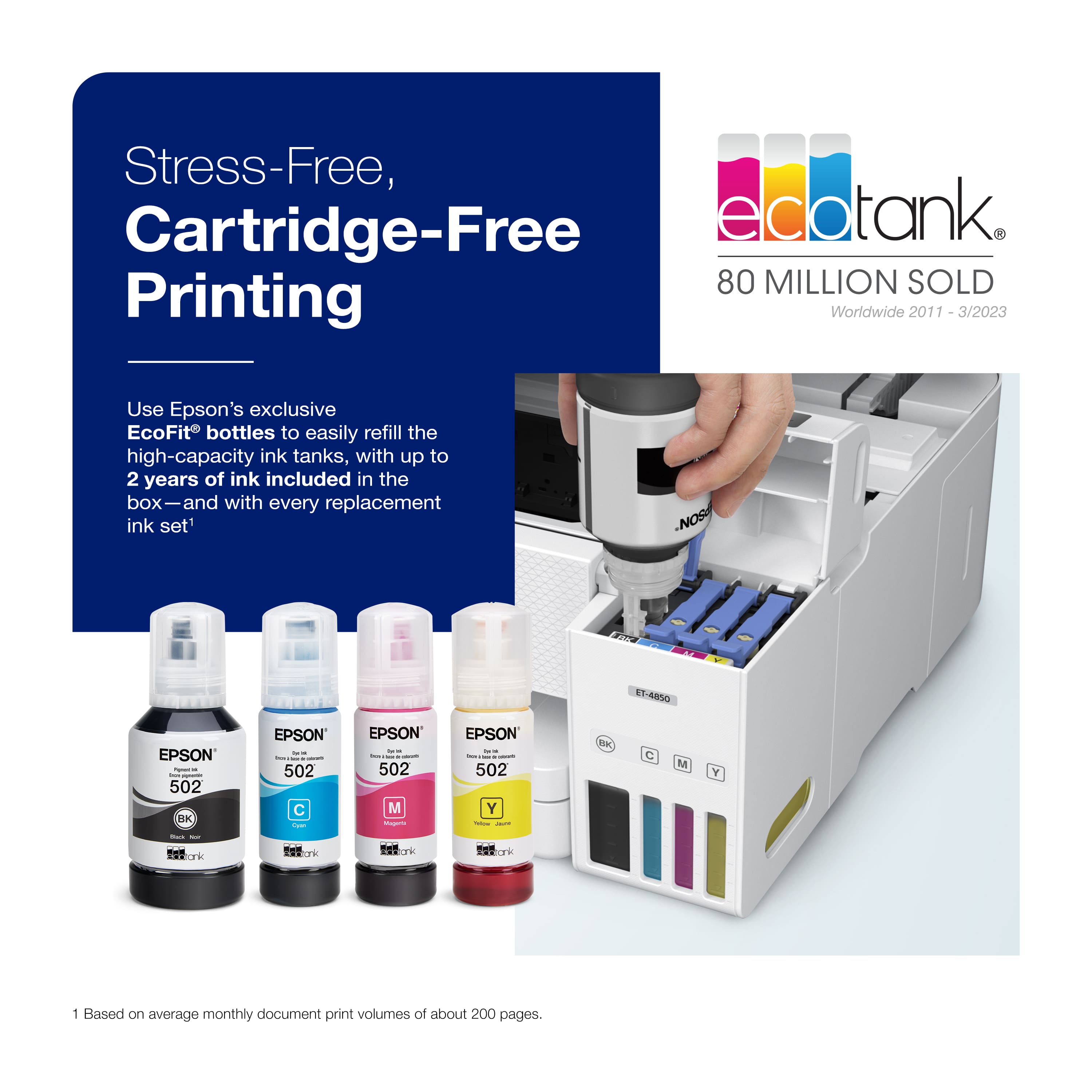
.](https://pisces.bbystatic.com/image2/BestBuy_US/images/products/e7f7b8a3-4d8b-4350-9bbd-c97539be30a7.jpg)
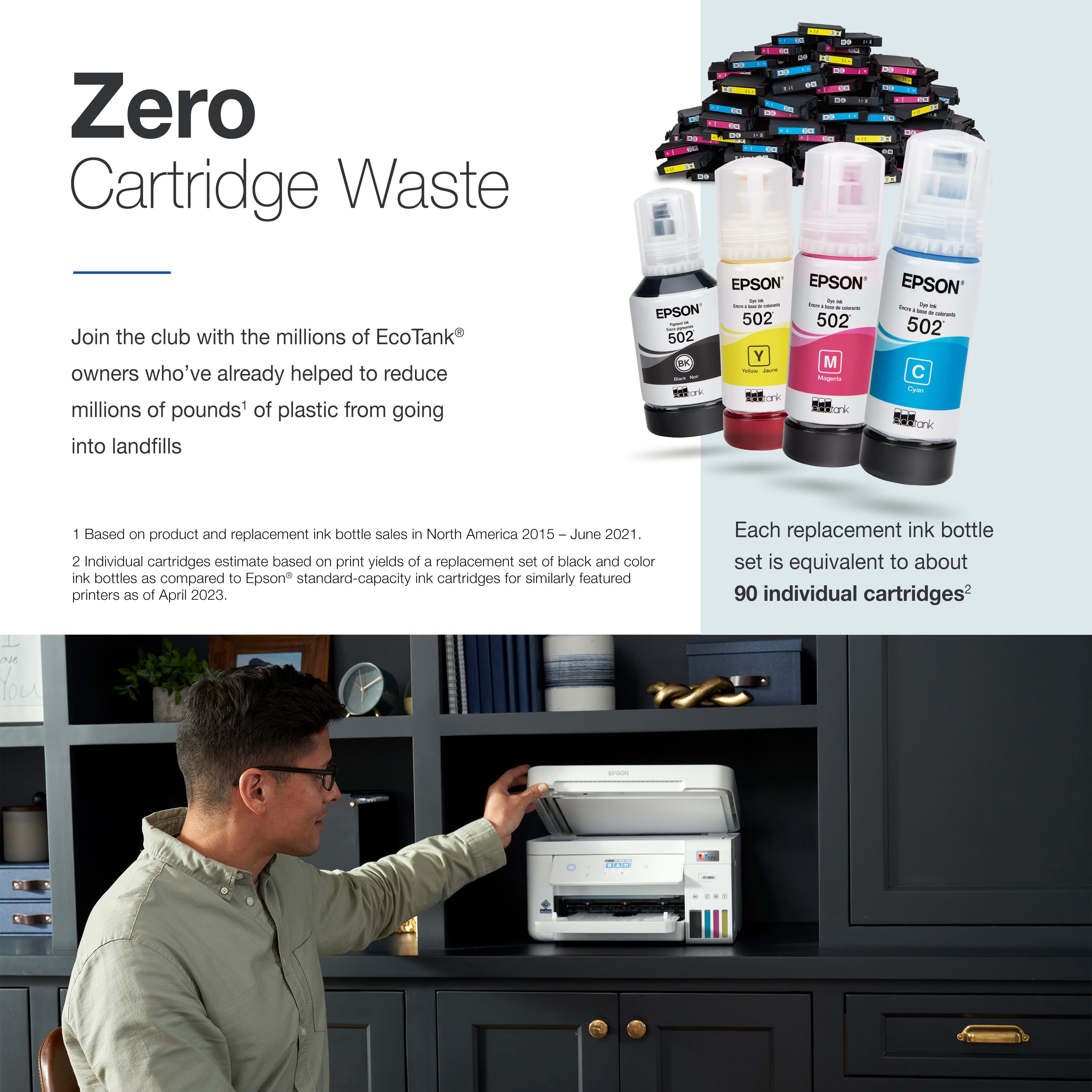
. 1 Most features require an Internet connection to the printer, as well as an Internet- and/or email-enabled device. For a list of Epson Connect enabled printers and compatible devices and apps, visit [www.epson.com/connect](http://www.epson.com/connect).](https://pisces.bbystatic.com/image2/BestBuy_US/images/products/d6e3691d-df7e-4aa7-8df7-3adddd584649.jpg)