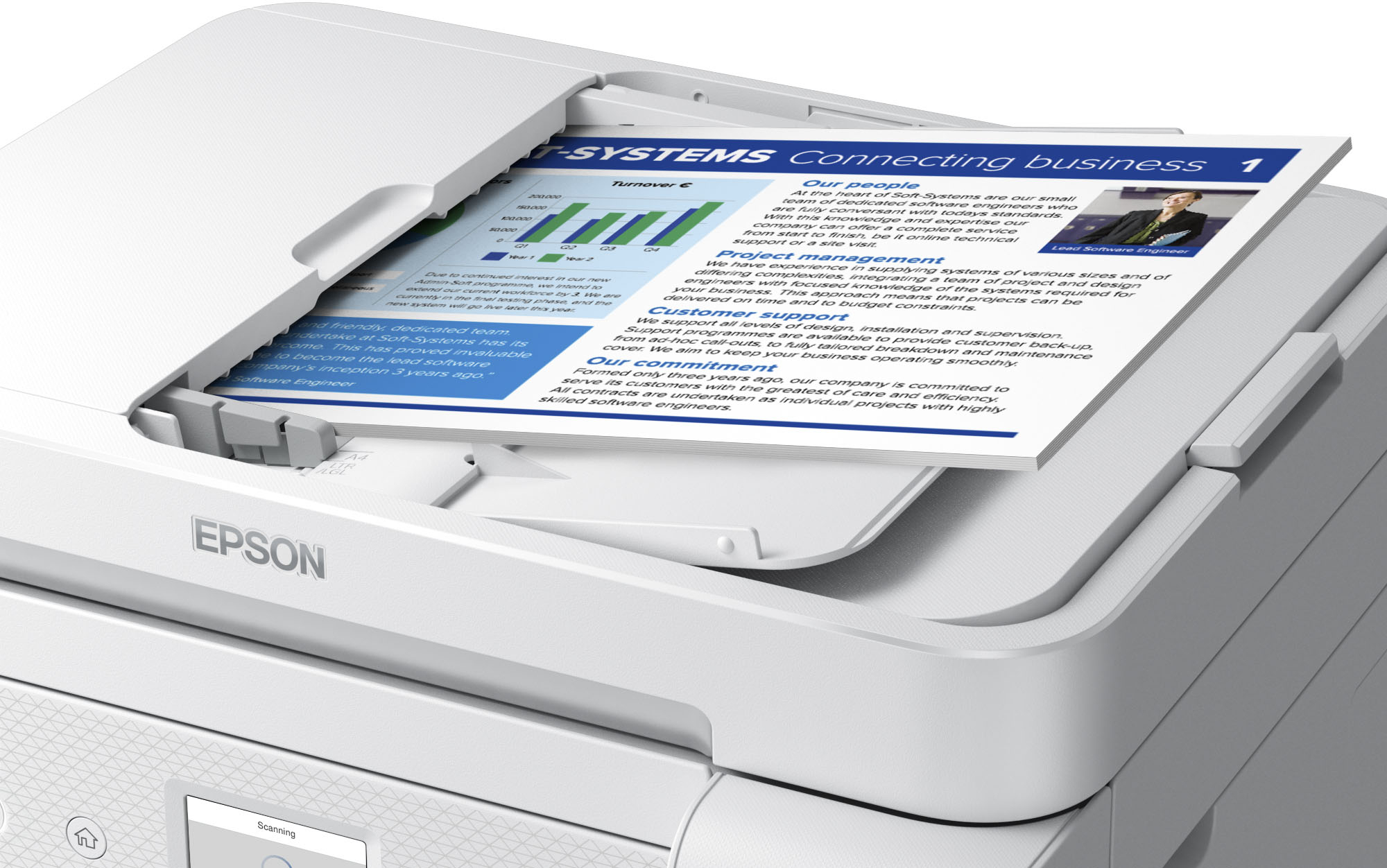
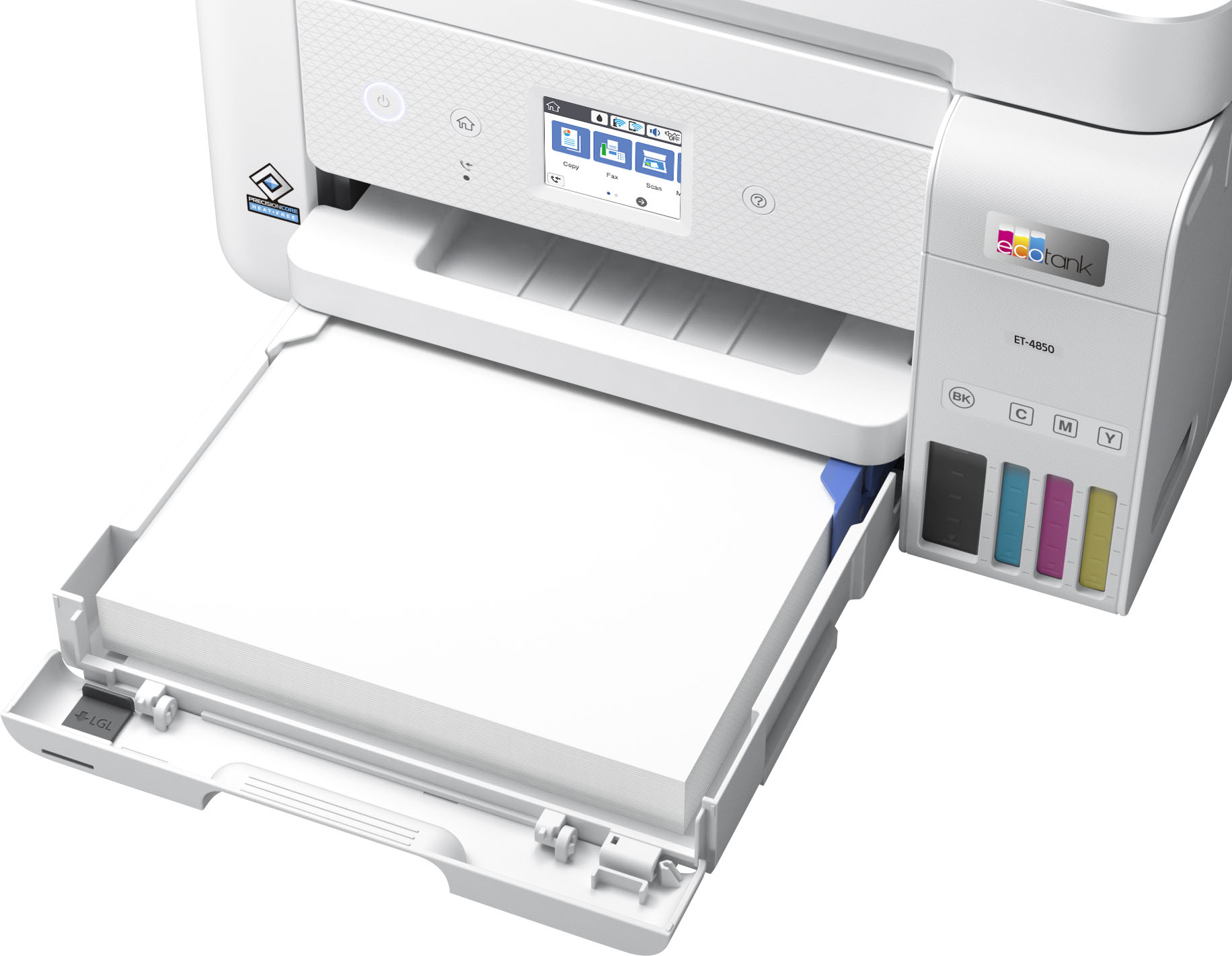
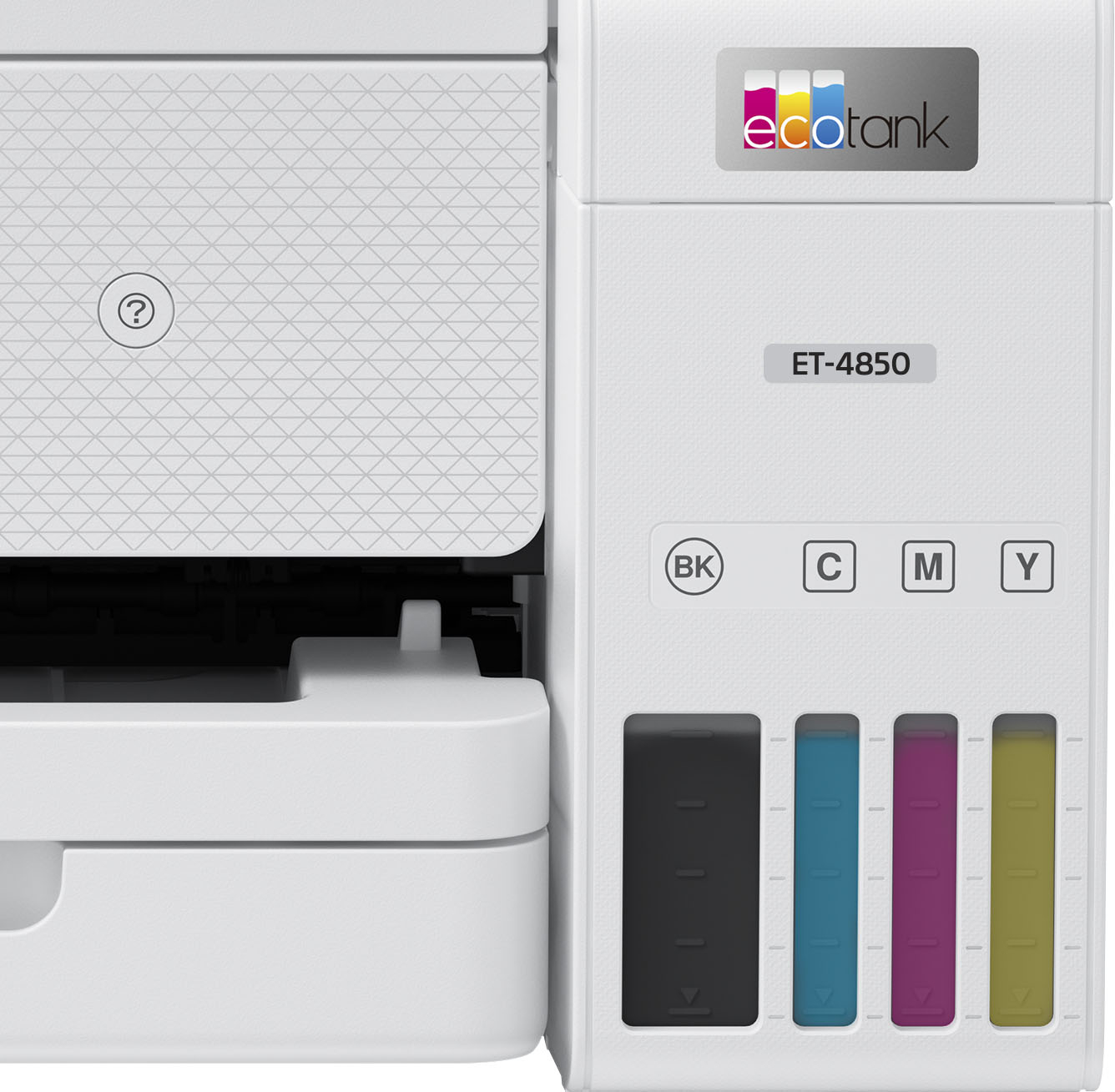
A:AnswerHello GinGottaKraft. The ET-4850 includes a lower paper cassette that can print on paper up to 79 lb. The automatic document feeder is for loading originals to scan on the printer. Regards, Kevin - The Epson Team.
A:AnswerDepending where you purchase ink cost is anywhere from $50-$60 for full replacement set of ink bottles. My printer is still fairly new so not sure how many pages you get at this point.
A:AnswerHello Mike. The ET-4850 uses inkjet technology. So if the printer sits without usage for periods, you can potentially run into issues with the print head. Therefore, we recommend doing user maintenance such as nozzle check printouts and head cleanings to help avoid ink clogging on the printer. Please see the User's Guide on our official Epson Support page for more helpful maintenance information. Regards, Kevin - The Epson Team.
A:AnswerHi, The EcoTank ET-4850 is not designed for sublimation. Sublimation inks, even if advertised to do so, may not work reliably, or may not work at all. Regards, Mark - The Epson Team.
A:AnswerHi, Yes. You can use your iPad's built in AirPrint function to print and scan with the EcoTank ET-4850. You do not need to download any apps. Regards, Mark - The Epson Team.
A:AnswerHello. The EcoTank ET-4850 is compatible with most computers running Microsoft Windows 7 - 11. If your computer uses one of these operating systems, then you can download the latest software and drivers from our official Epson Support page for use. Regards.
A:AnswerI was always an HP guy, but the document feeders didn't work well and I was doing a lot of scanning at one point. Had a Brother printer which was amazingly good. But I am sold on EPSON. No rear feed. And no USB port so you will need your computing device to feed the flash drive. Good luck.
A:AnswerHi PCLsupport, The Epson ET-4850 does not support PCL. You can use the standard Epson printer driver to print spreadsheet from Excel, so you do not need PCL for that task. Regards, Mark - The Epson Team.
A:AnswerHello Tony. Unfortunately, the ET-4850 doesn't include a memory card slot. The printer can only be used via a USB or Wi-Fi connection, so most of the features available are used on a computer, smartphone, or tablet. Regards, Kevin - The Epson Team.
A:AnswerHello Curious. Yes, the ET-4850 is compatible with macOS 11. You can find the latest driver available for download on our official Epson Support page. Regards, Kevin - The Epson Team.
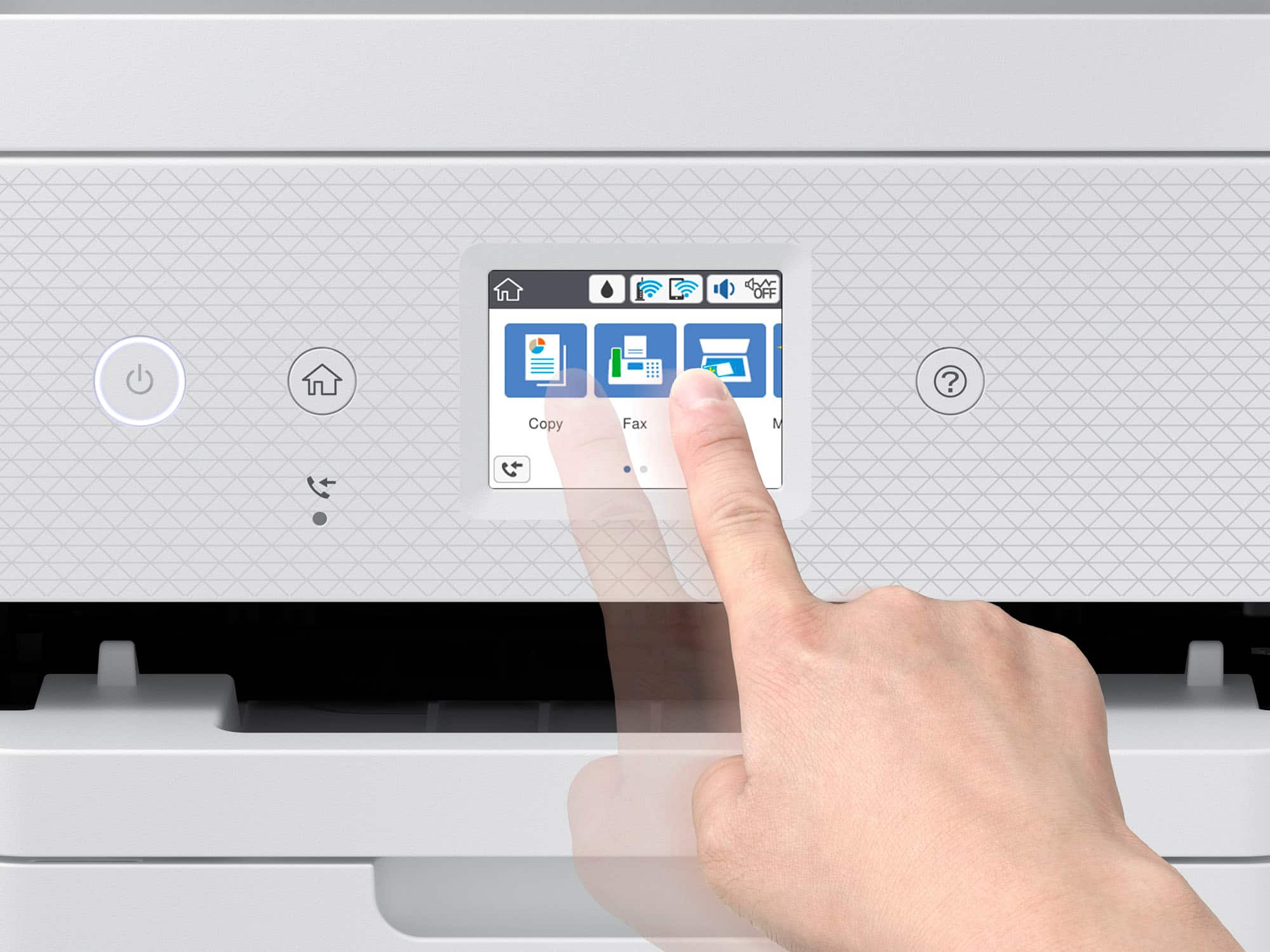
A:AnswerHello Patty. Yes, you can check the status of any faxes that were sent or received directly on the ET-4850's control panel. From the main screen, select Fax, press the icon to the right of Fax Settings and choose Transmission Log to see the status. Regards, Kevin - The Epson Team.
A:AnswerHello Sapphire. The ET-4850 uses ink-jet technology. If the printer sits without usage for some time, you can potentially have print head issues. Therefore, we recommend doing user maintenance such as nozzle check printouts and head cleanings to help avoid ink clogging on the printer. Please see the User's Guide on our official Epson Support page for more helpful maintenance information. Regards, Kevin - The Epson Team
A:AnswerHello Ron. The ET-4850 scanner has a resolution of 1200 x 2400 dpi. Automatic 2-sided scanning is not available for the machine, so you would need to flip the page manually to scan both sides. Regards, Kevin - The Epson Team.
A:AnswerHello. Yes, the ET-4850 includes a user-replaceable maintenance box. The correct part number for the item is T04D100. For details on replacing the box, please see the User's Guide available on our official Epson Support page. Regards, Kevin - The Epson Team.

.](https://pisces.bbystatic.com/image2/BestBuy_US/images/products/e7f7b8a3-4d8b-4350-9bbd-c97539be30a7.jpg)
. 1 Most features require an Internet connection to the printer, as well as an Internet- and/or email-enabled device. For a list of Epson Connect enabled printers and compatible devices and apps, visit [www.epson.com/connect](http://www.epson.com/connect).](https://pisces.bbystatic.com/image2/BestBuy_US/images/products/d6e3691d-df7e-4aa7-8df7-3adddd584649.jpg)