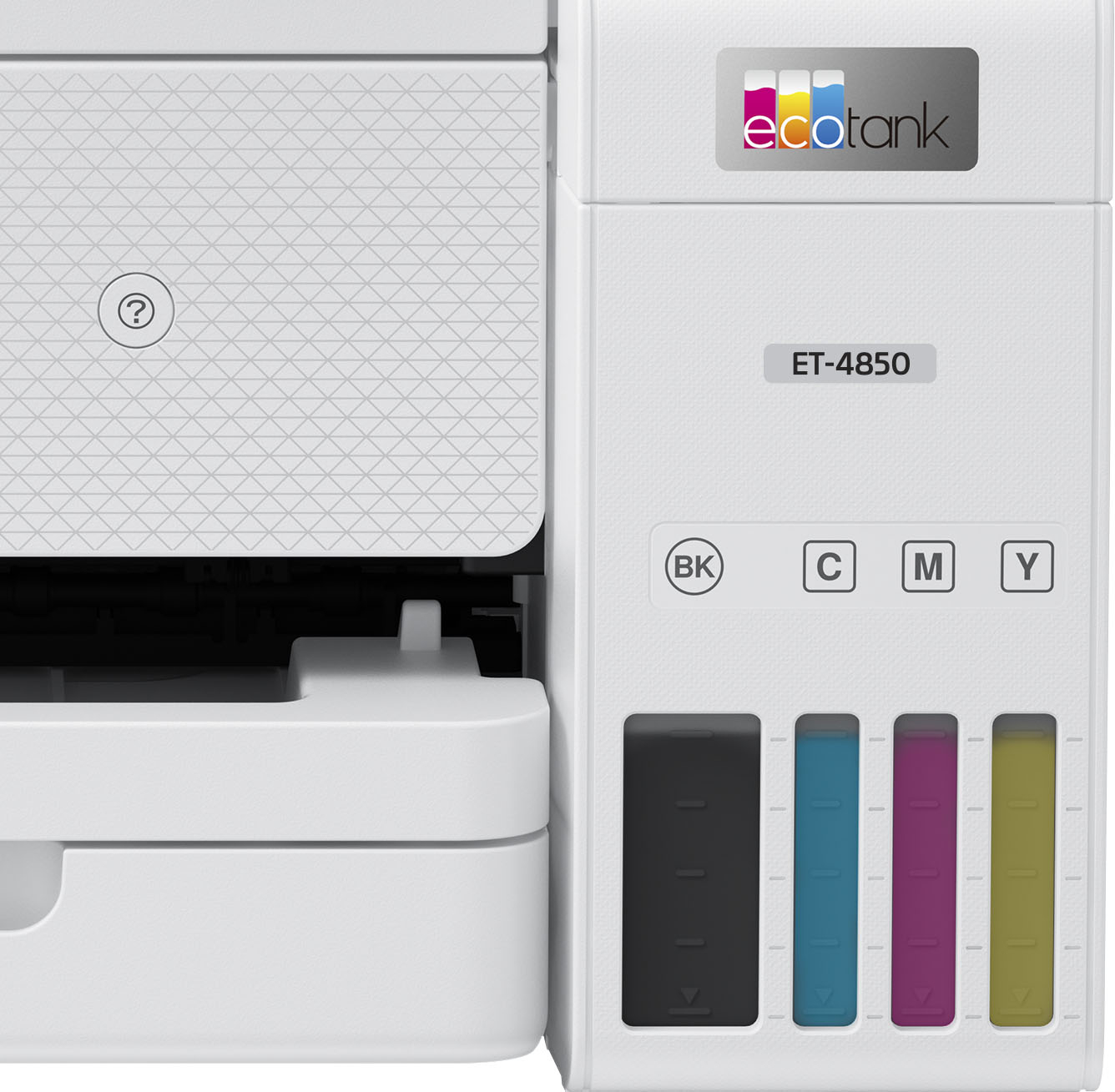
A:AnswerHello Harold. Different variables can cause a shift in color on the ET-4850. You want to make sure that you have installed the correct print driver from our official Epson Support page. Paper selection could also be an issue If you use third-party paper not tested on the machine. Lastly, we would recommend printing a nozzle check from the maintenance menu. If you have any missing segments, you can complete cleanings as necessary. If you need additional assistance, don't hesitate to contact our Technical Support team. Regards, Kevin - The Epson Team.
A:AnswerHello Inquirer. For text quality issues on the ET-4850, we recommend choosing the Black/Grayscale option under quality settings on your computer. You can also select additional options like "Emphasize Text" under Image Options and "Standard-Vivid" under print quality. There is no specific recommendation for connections as the printer supports both Ethernet and Wi-Fi connectivity and should work fine as long as there are no wireless connectivity interruptions. Regards, Kevin - The Epson Team.
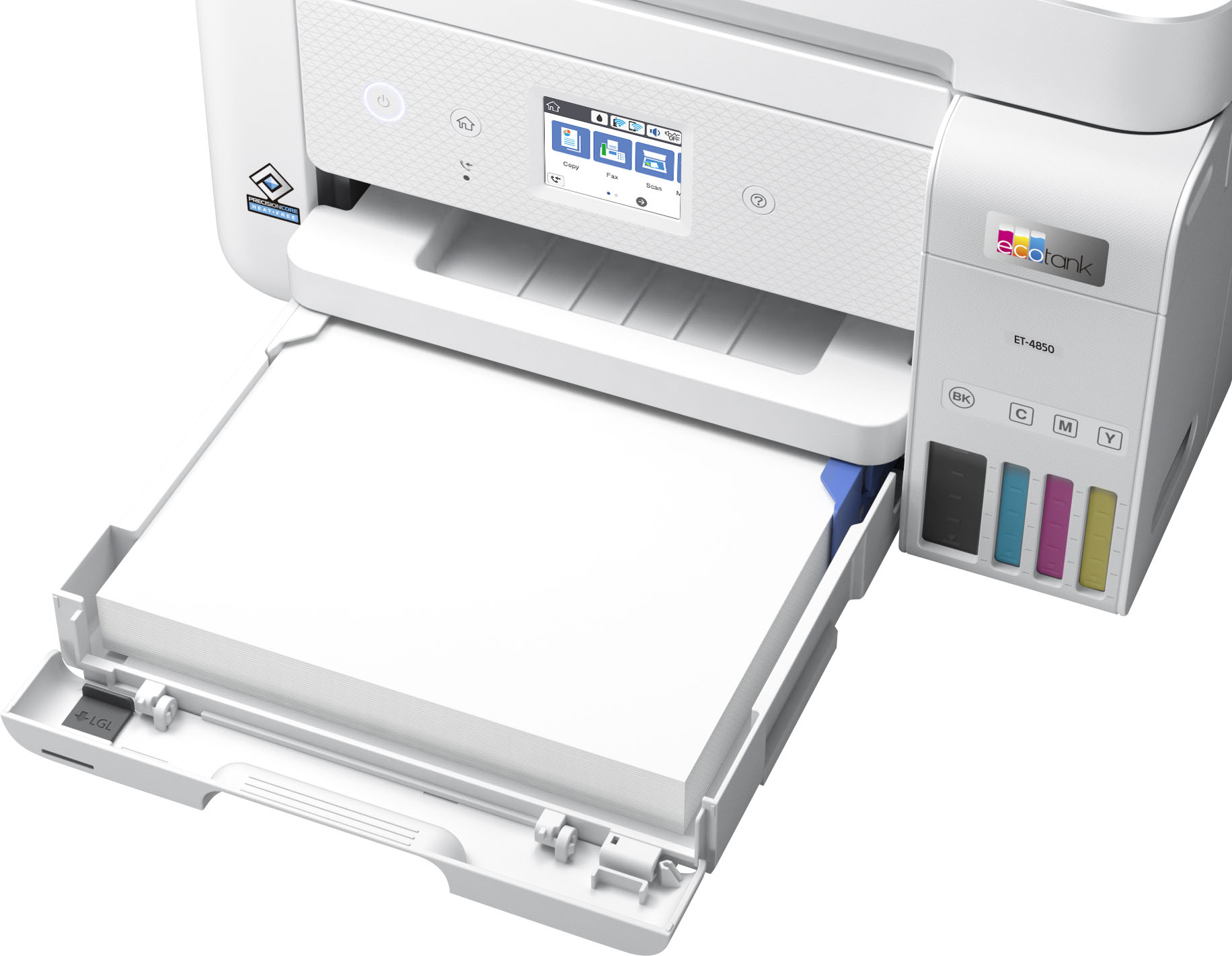
A:AnswerHello CC. The ET-4850 is not a laser printer. It uses ink-jet printer technology. You can load different sized paper in the printer's paper cassette, where you will find edge guides, and depending on the size of the paper; you can adjust them accordingly. Regards, Kevin - The Epson Team.
A:AnswerHi Nicole16, Your ET-4850 can print mirror images. Open Printing Preferences and look under the More Options tab. There is a check box for Mirror Image. Regards, Mark - The Epson Team.
A:AnswerHello Neddy105. The ET-4850 can only print on paper sizes ranging from 3.5" x 5" to 8.5" x 47". For copying and scanning, the maximum supported size is 8.5" x 14". Regards, Kevin - The Epson Team.
A:AnswerHello Bev. We would be more than happy to assist you with setting up and installing your ET-4850. We have several resources, including a Setup Guide available on our official Epson Support page. Additionally, our Support page should have the direct contact number for our Technical Support team should you have any questions. Regards, Kevin - The Epson Team.
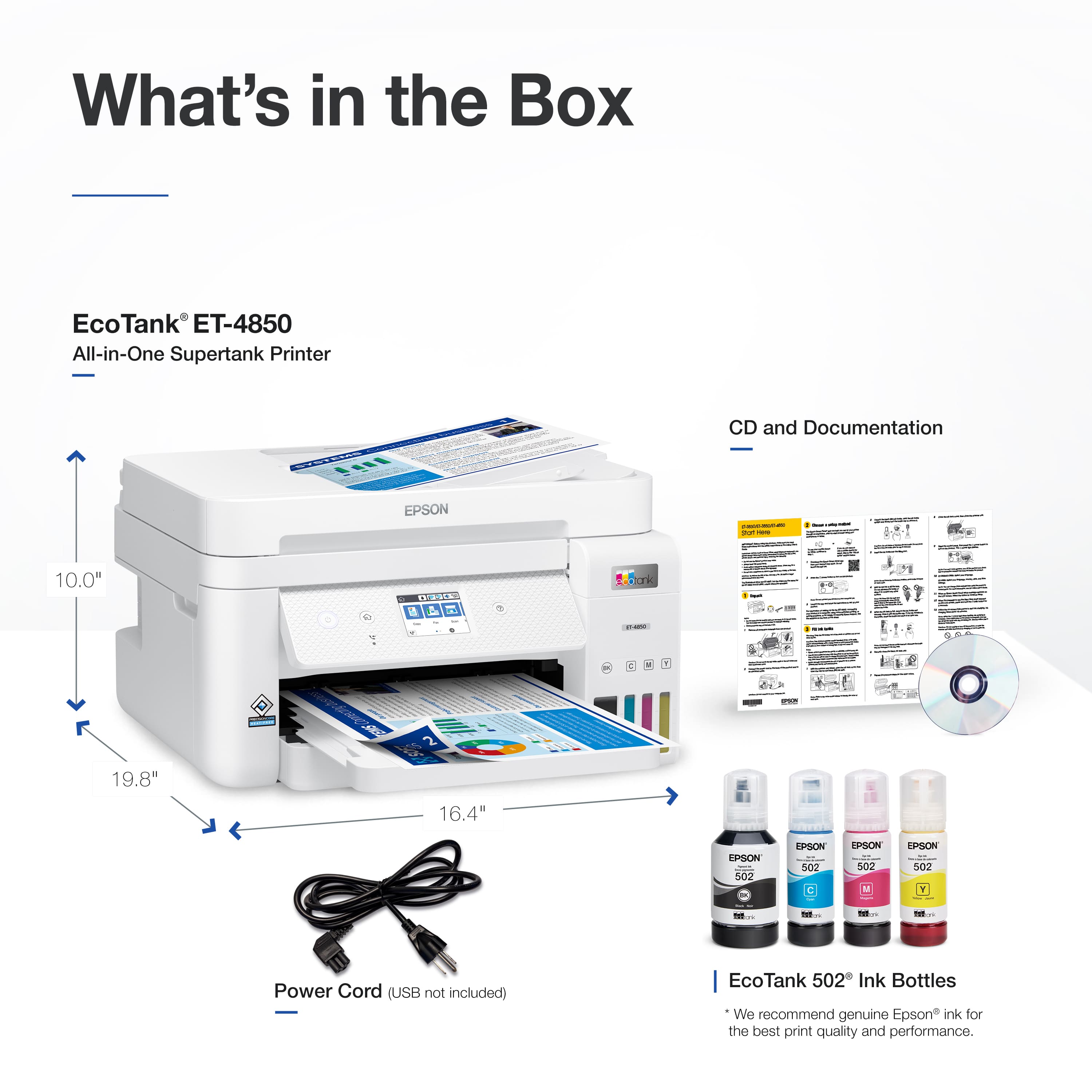
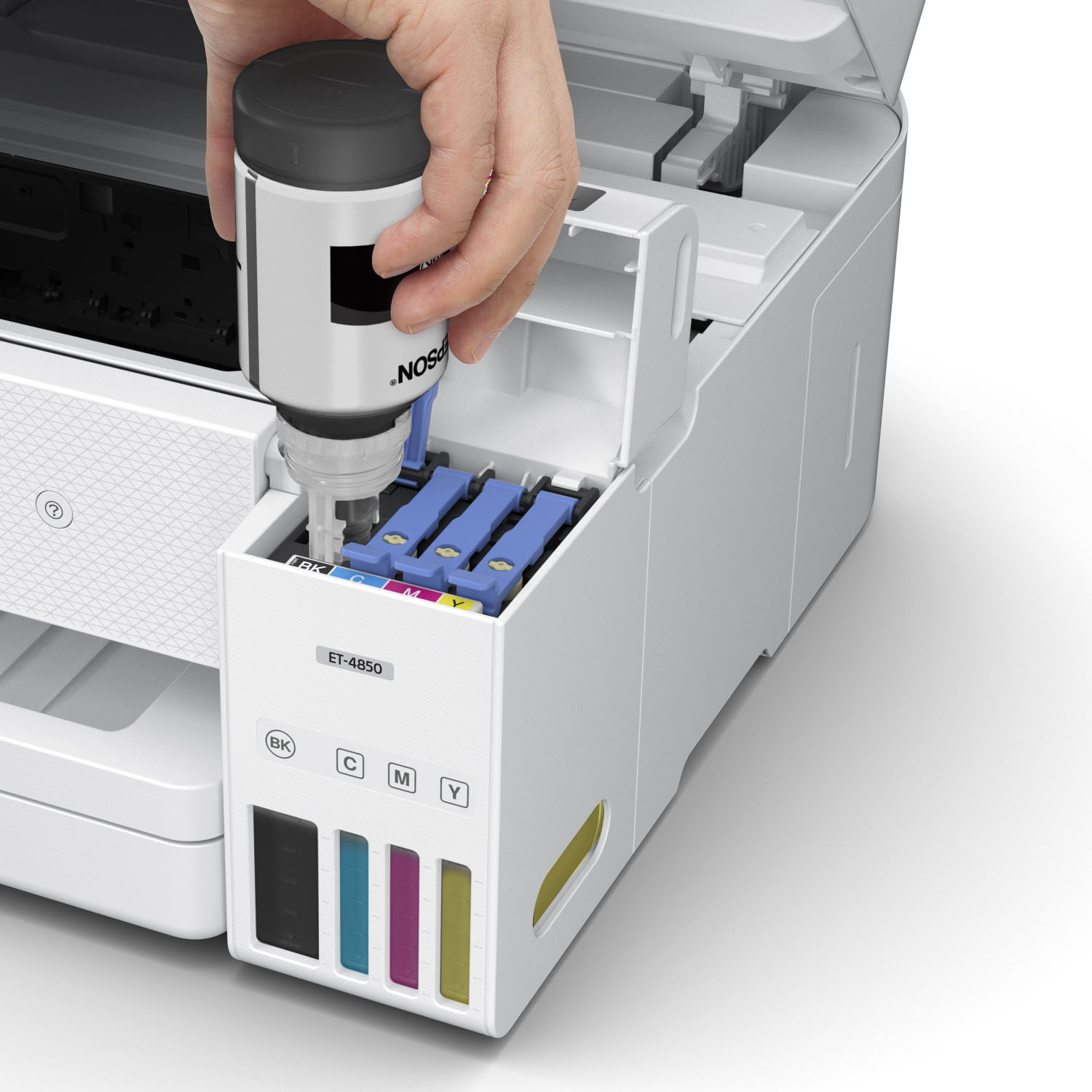
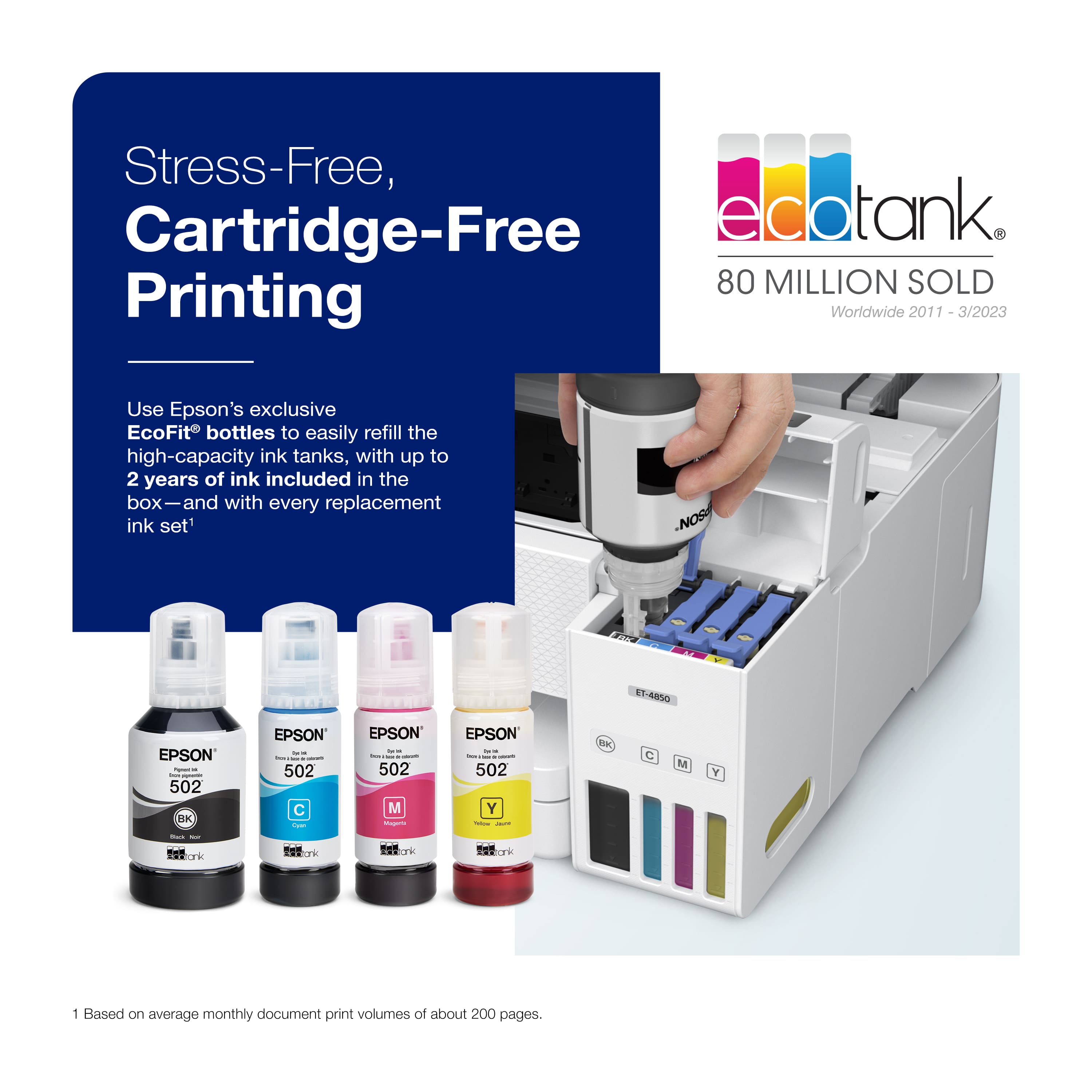
A:AnswerHello BJG. The ET-4850 is compatible with macOS 10.6 - 12. The printer is designed to only work with T502 Ink Bottles. Regards, Kevin - The Epson Team.
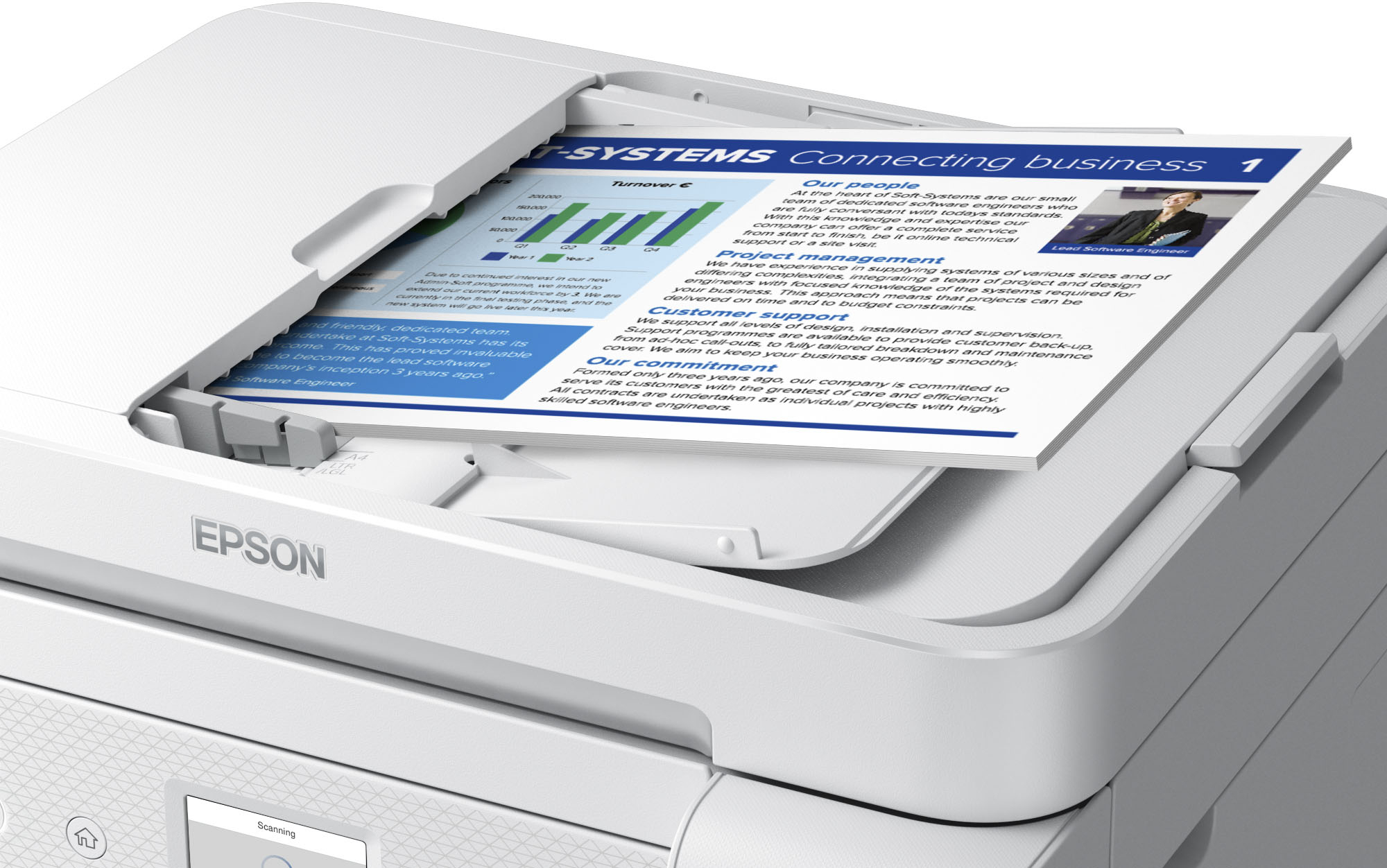
A:AnswerHello blakegg. The ET4850 can scan both sides of a document manually. Unfortunately, it does not include an automatic 2-sided scanning feature. Regards, Kevin - The Epson Team.
A:AnswerHello. Yes, the ET-4800 includes an auto document feeder to scan multiple documents at a time. The feeder can hold approximately 30 sheets of plain 8.5" x 11" paper. Regards, Kevin - The Epson Team.
A:AnswerHi Heather. The Epson ET-4850 was not designed for dye-sublimation printing nor the use of non-genuine Epson ink cartridges. Using sublimation ink in this printer could damage the print head and impact warranty coverage. Regards, Kevin - The Epson Team.
A:AnswerHello Denis. Unfortunately, we have not tested the ET-4850 with heat transfer paper, so we cannot guarantee print functionality. We recommend reaching out to the paper manufacturer to confirm compatibility with our All-In-One printers using dye and pigment-based inks. Regards, Kevin- The Epson Team.
A:AnswerHello Mike. Yes, the ET-4850 is compatible with various Epson Photo Paper types and has a maximum print resolution of 4800 x 1200 dpi. Regards, Kevin - The Epson Team.
A:AnswerHello Fresh. The ET-4850 uses a paper cassette for loading and feeding paper. We recommend looking at the ET-8550, which includes a rear paper feed to avoid bending paper. It is currently in stock on BestBuy's website, but please note that inventory can change. Regards, Kevin - The Epson Team.
A:AnswerHello Jt. The ET-4850 can be powered off when not in use. We recommend running print head nozzle checks and cleanings to help prevent ink-related issues. Regards, Kevin - The Epson Team.
A:AnswerHello Tatoeman. We recommend checking that the cable connecting your telephone wall jack to your ET-4850 Fax port is secure. Also, please verify that the telephone wall jack works by connecting a phone to it and testing it. If you need further assistance, don't hesitate to contact our Technical Support team. Regards, Kevin - The Epson Team.
A:AnswerHello Patrick. Yes, the ET-4850 will save your documents in the order scanned. You can also organize the order using the included scan software. Regards, Kevin - The Epson Team.
A:AnswerHello Doolie. The "reaction time" can vary based on different variables such as print job settings, file size, computer usage, and connection type. To get a better idea of the print speeds for the ET-4850, you can expect to print approximately 15.5 Black ISO ppm and 8.5 ISO Color ppm. Regards, Kevin - The Epson Team.

.](https://pisces.bbystatic.com/image2/BestBuy_US/images/products/e7f7b8a3-4d8b-4350-9bbd-c97539be30a7.jpg)
. 1 Most features require an Internet connection to the printer, as well as an Internet- and/or email-enabled device. For a list of Epson Connect enabled printers and compatible devices and apps, visit [www.epson.com/connect](http://www.epson.com/connect).](https://pisces.bbystatic.com/image2/BestBuy_US/images/products/d6e3691d-df7e-4aa7-8df7-3adddd584649.jpg)