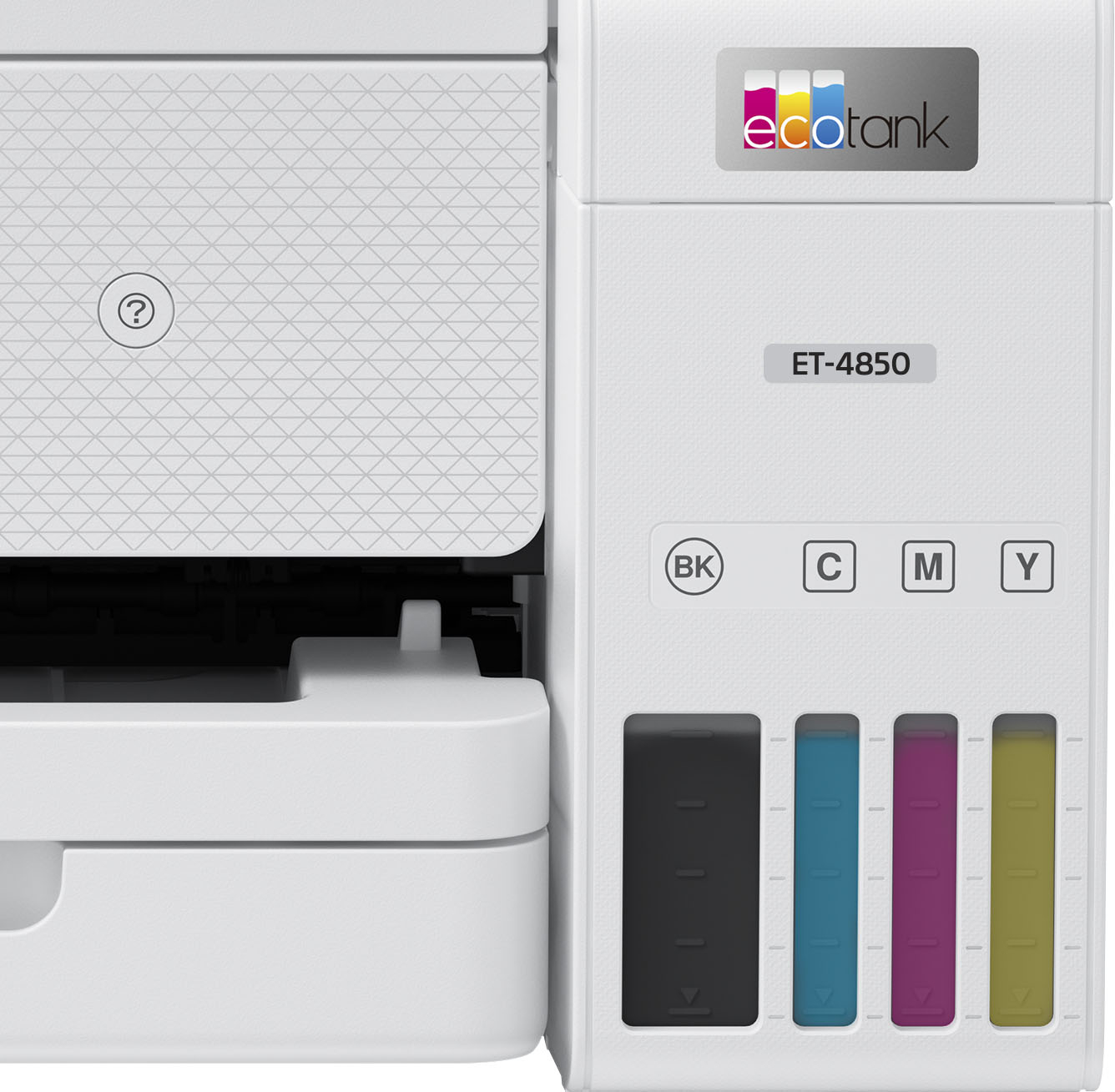
A:AnswerAccording to the details on purchasing this ET4850 it’s a one year warranty. You’ll need your invoice and take it back to the store you bought it from.
A:AnswerMake sure you download the APP on your computer and make sure you have the current software installed on the printer. I had problems connecting. Then I realized I didnt have the up to date software. I hope that helps.
A:AnswerThere is a panel on the back side of the printer. There are two "holes" in the panel. inside the holes there is a mechanism. Put your thumb in one hole and your middle finger in the other hole and squeeze the mechanisms together. This should release the back panel and allow you to lift out the panel to view paper trail and find the piece of paper.
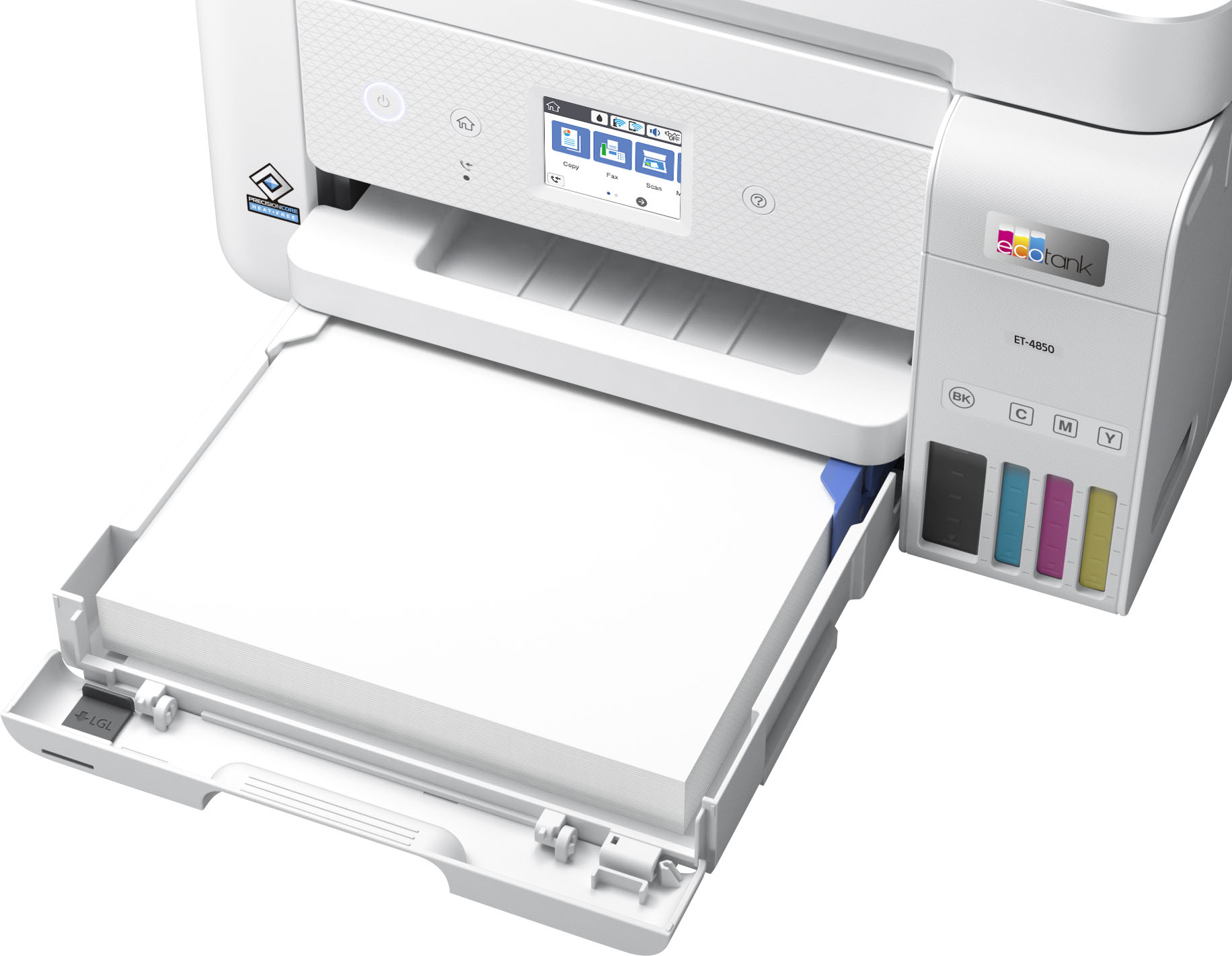
A:AnswerThis printer takes photo paper from 4X6 to 11X8.5, you do have to change the paper size each time you put a different size paper in, also the quality setting as well.
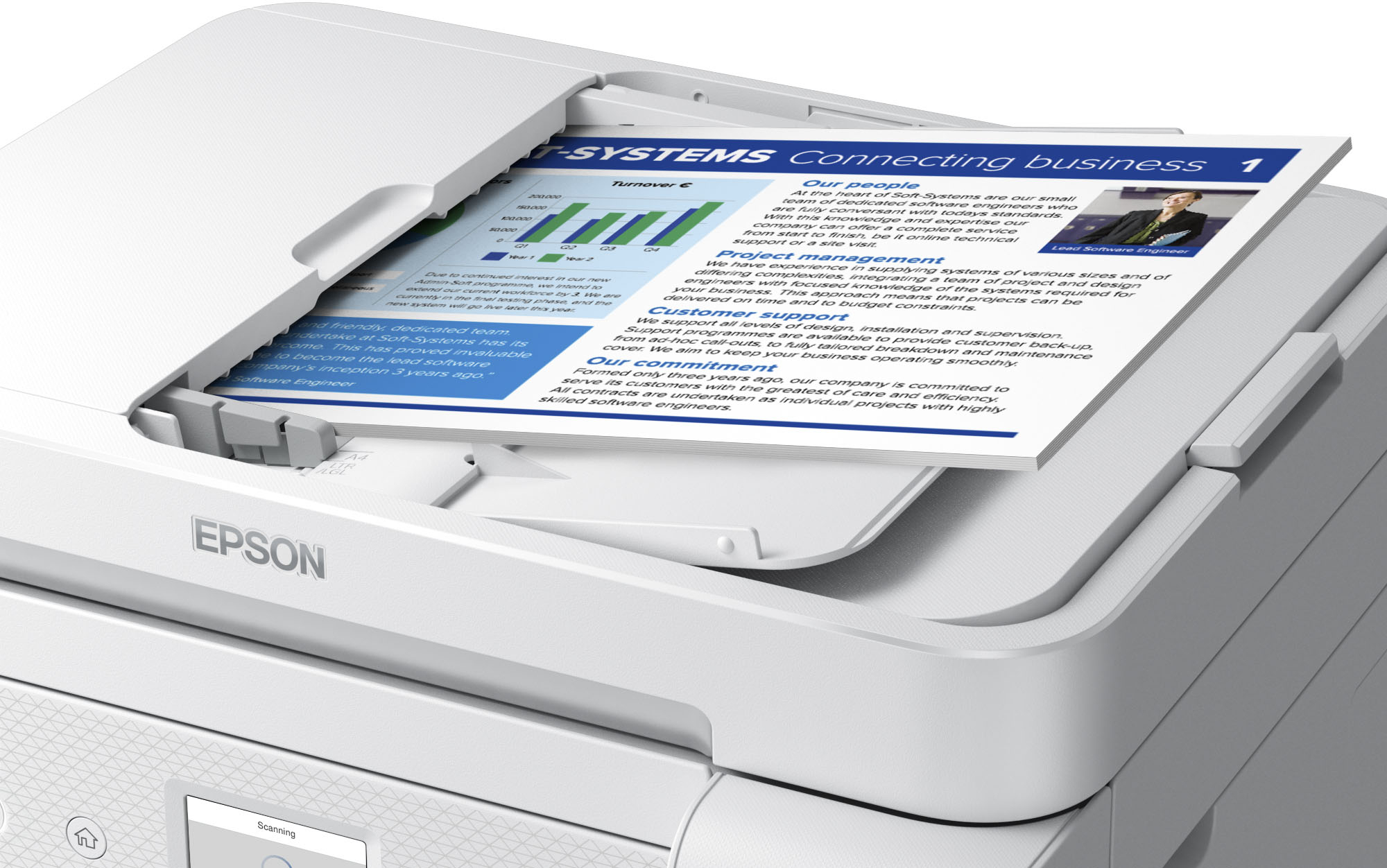
A:AnswerHello Pedro. Multi-page scanning is only supported in PDF or Multi-TIFF file formats. Before you start, please ensure you choose either option from the scanning software, and then you should be able to scan multiple pages from the document feeder on your printer. Regards, Kevin - The Epson Team.
A:AnswerHello Techgrandma. The ET-4850 only includes 2-sided printing. We recommend looking at the ET-5850 as it is a similar model with 2-sided print, copy, scan, and fax functionality. It is currently in stock on Bestbuy's website, but please be aware that inventory can change. Regards, Kevin - The Epson Team.

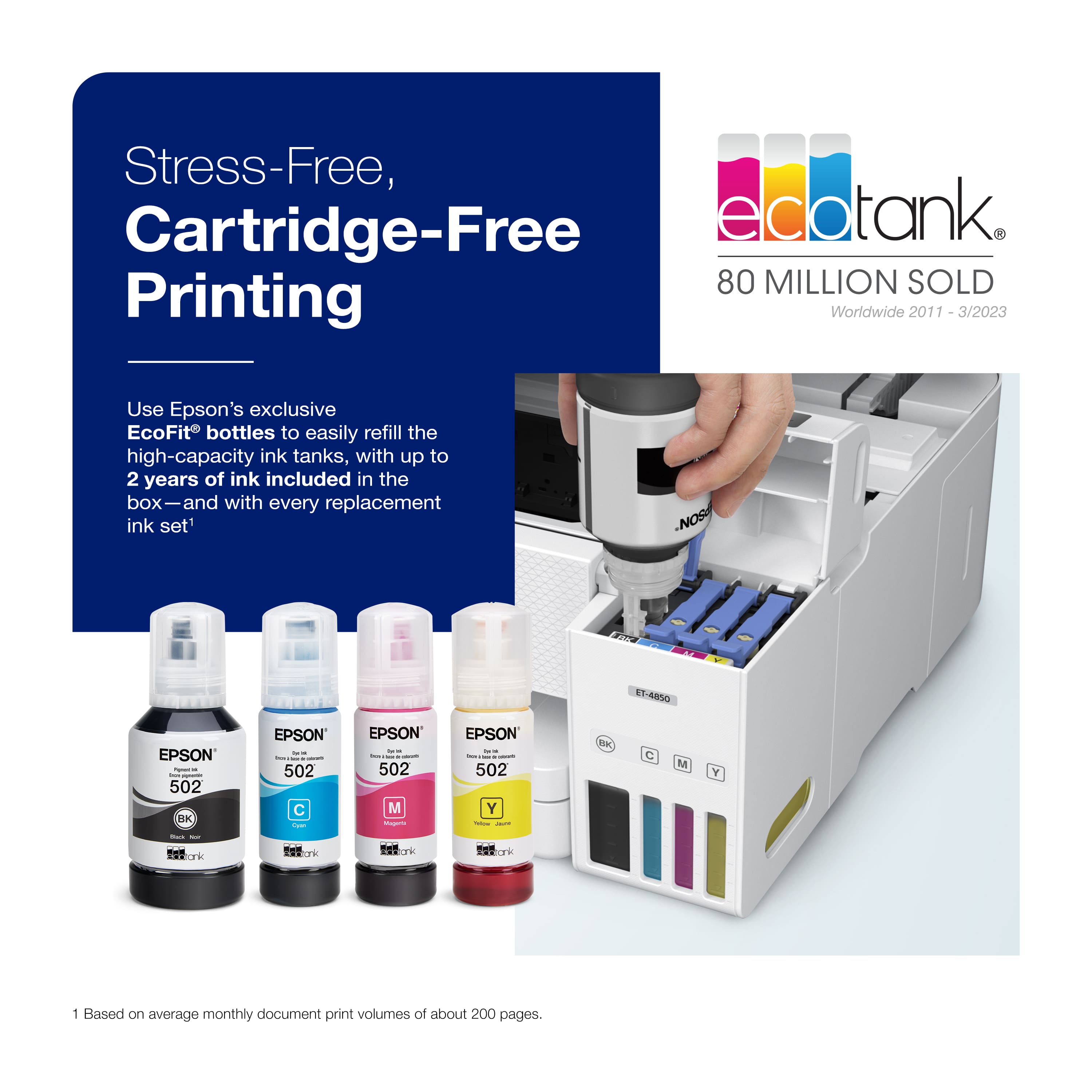
.](https://pisces.bbystatic.com/image2/BestBuy_US/images/products/e7f7b8a3-4d8b-4350-9bbd-c97539be30a7.jpg)
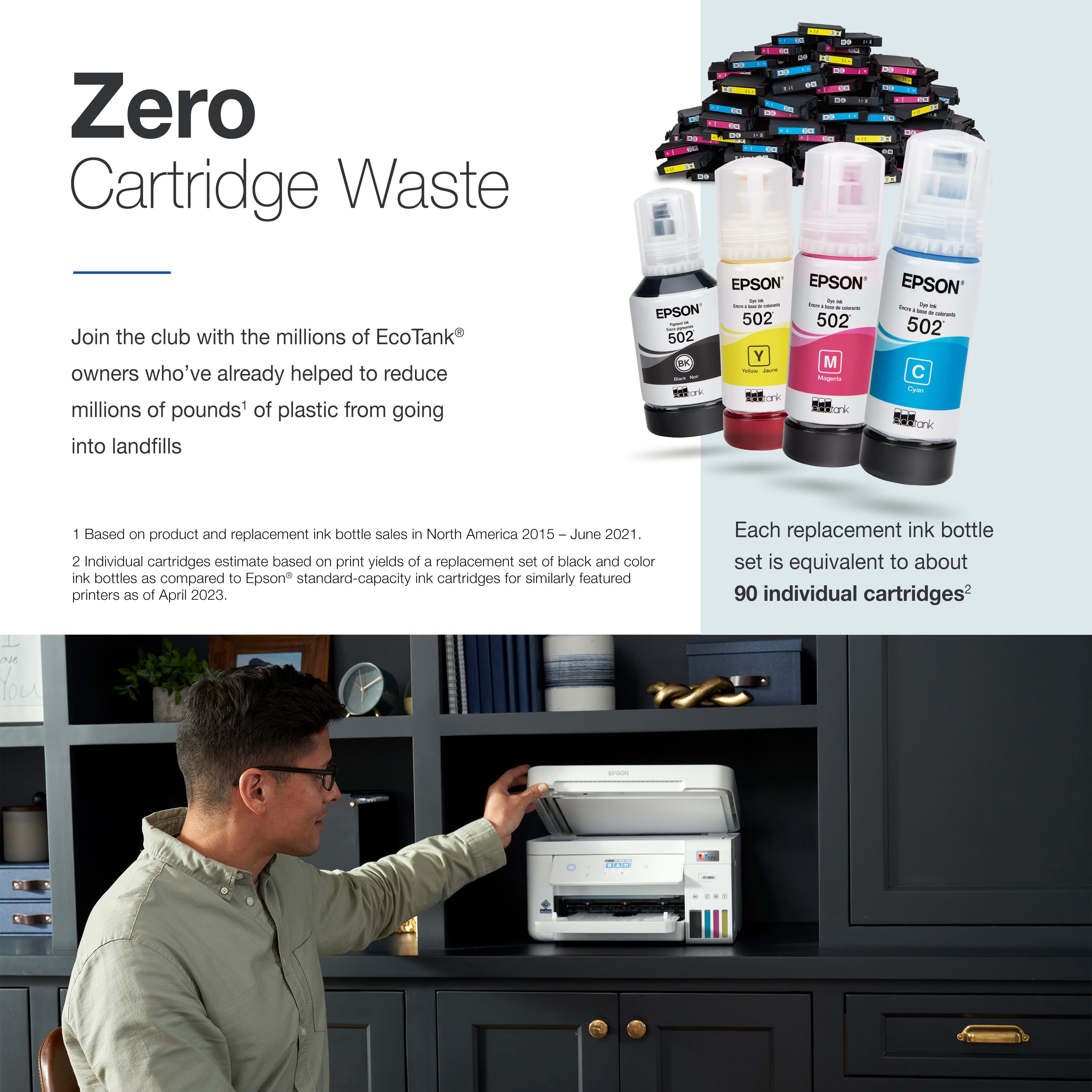
. 1 Most features require an Internet connection to the printer, as well as an Internet- and/or email-enabled device. For a list of Epson Connect enabled printers and compatible devices and apps, visit [www.epson.com/connect](http://www.epson.com/connect).](https://pisces.bbystatic.com/image2/BestBuy_US/images/products/d6e3691d-df7e-4aa7-8df7-3adddd584649.jpg)