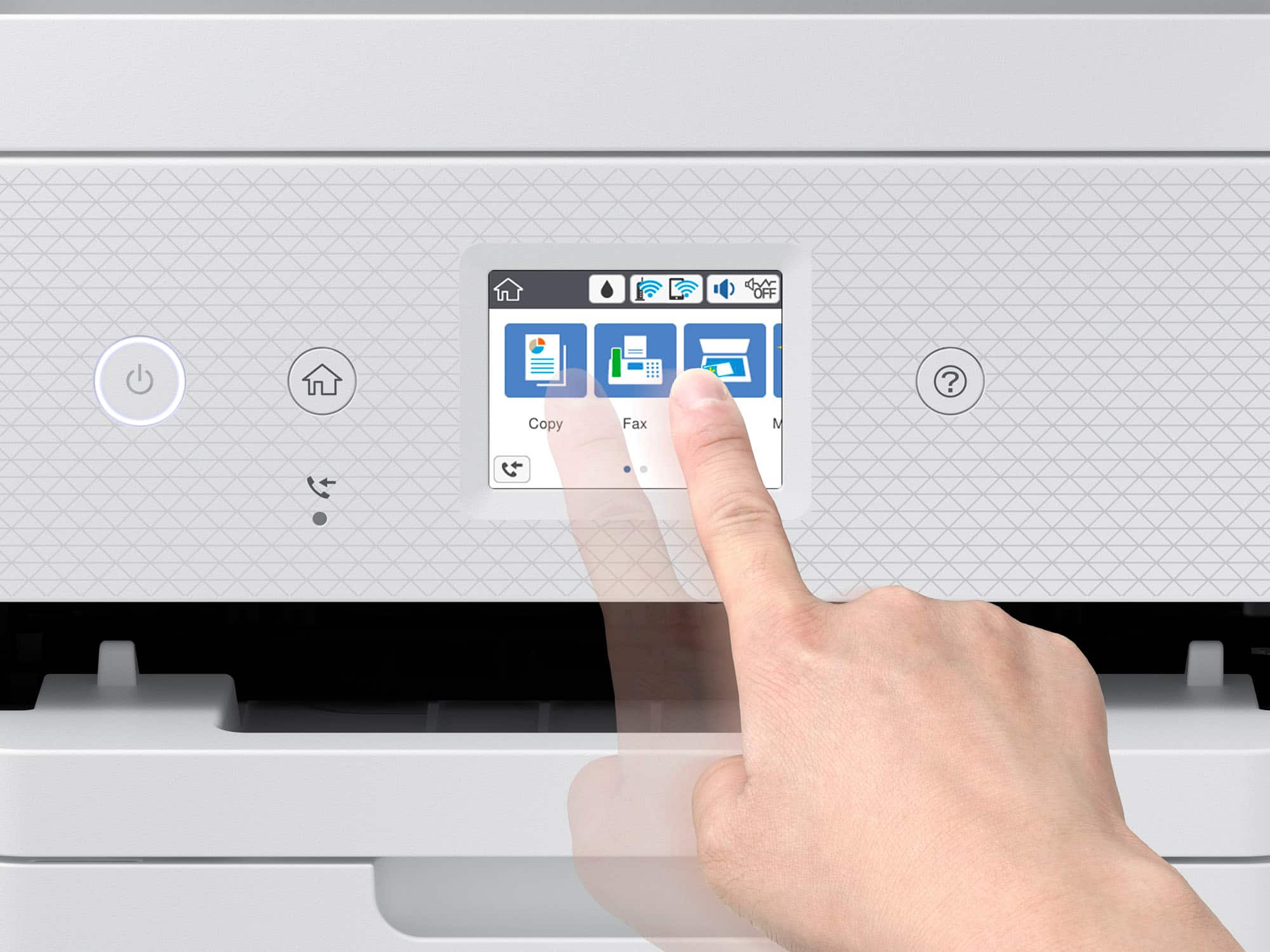
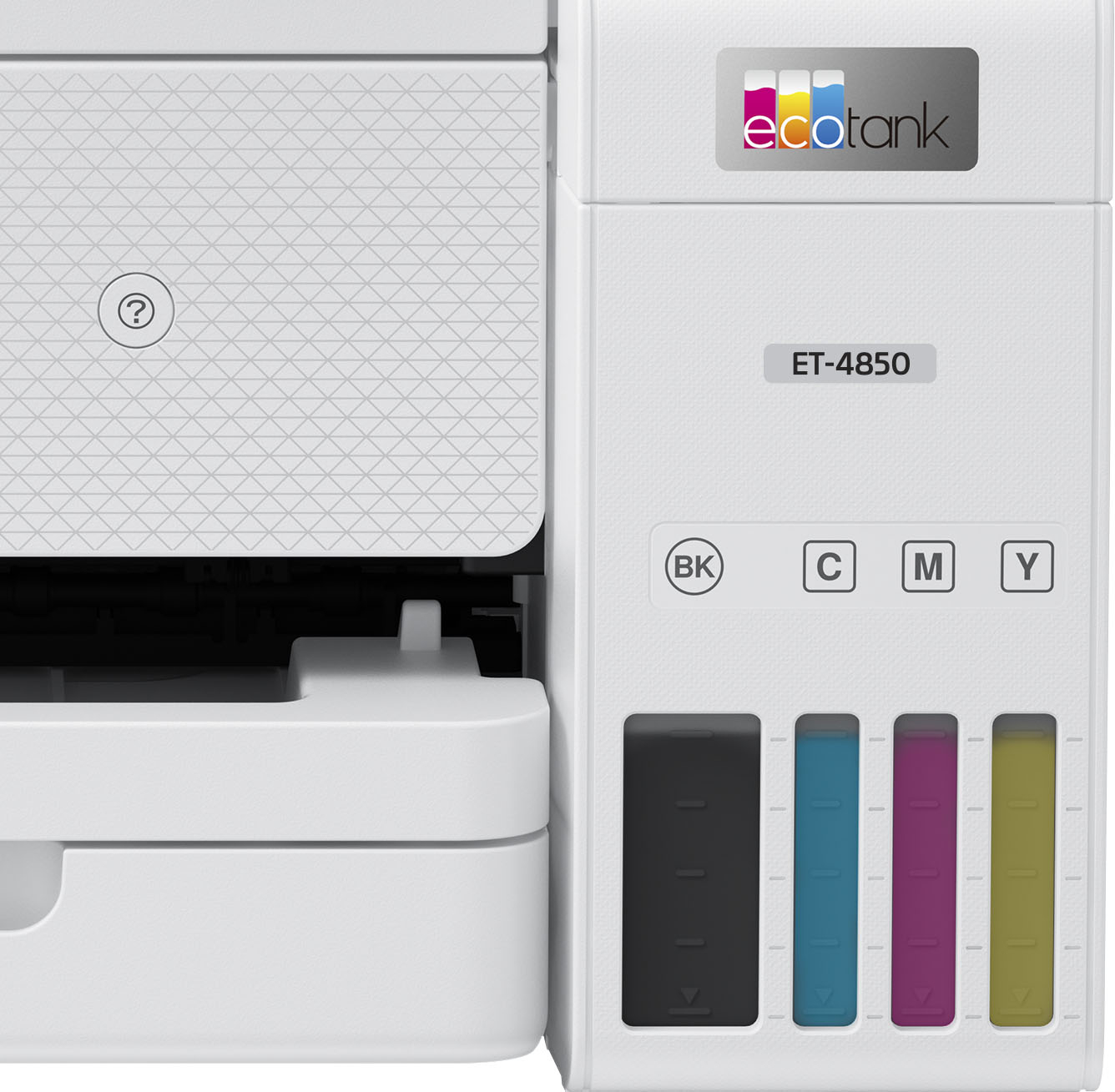
A:AnswerHello JJ. The ET-4850's control panel includes a Wi-Fi setup wizard, which provides step-by-step instructions for setting up the connection. Once you have the printer on Wi-Fi, you can print from multiple computers and other devices like smartphones or tablets. Regards, Kevin - The Epson Team.
A:AnswerNo it won't Scan to my Computer or Anywhere!!
I just bought this 1 week ago and it Won't Scan Anything!!
It's says it needs a USB Connection!!
It's WIRELESS, there is no USB Port at all!!
Extremely disappointed for a $500 Printer.
Shaq, get on these people!!!
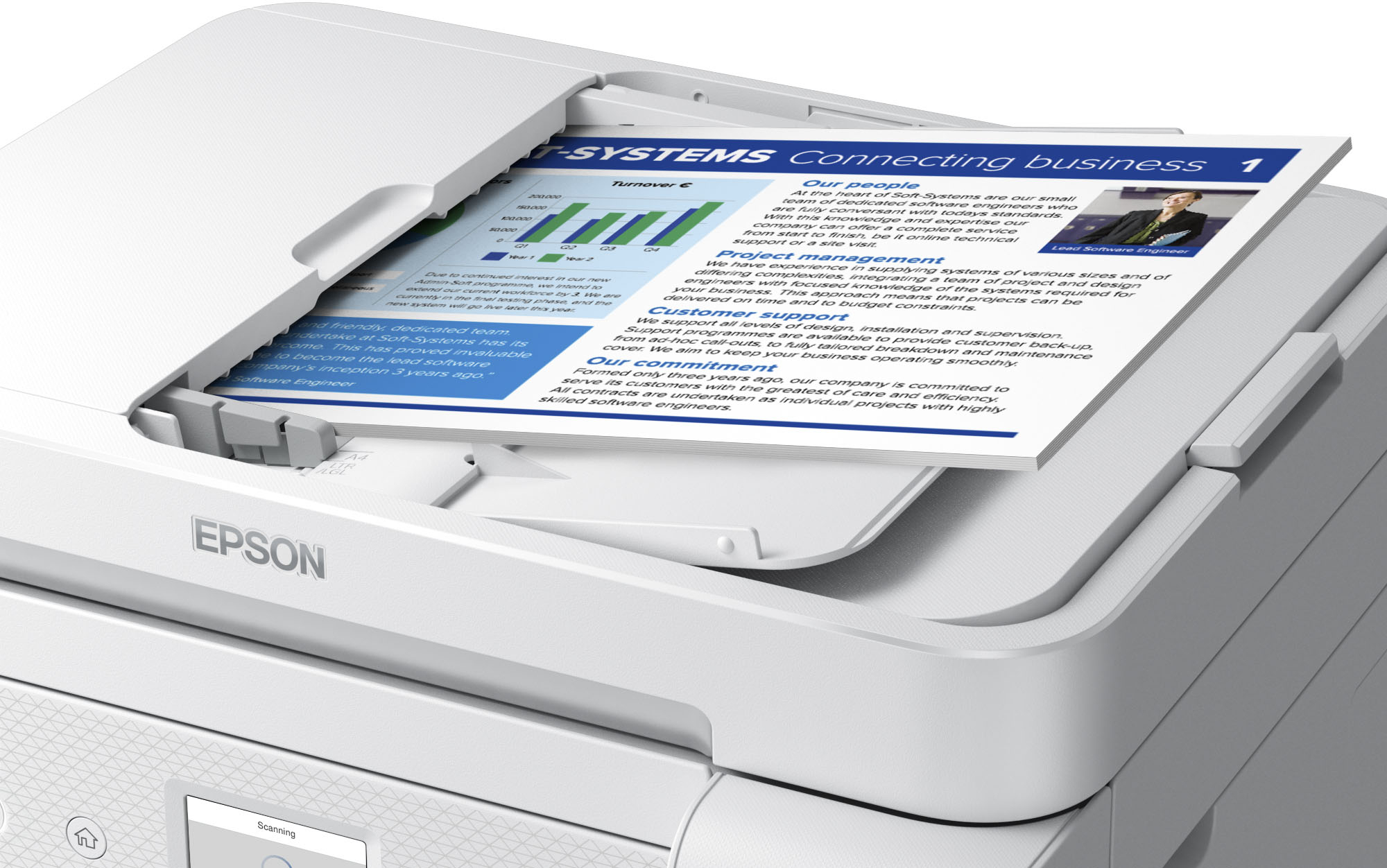
A:AnswerReturn, my Epson, automatic document feeder would not work. Manager at the Charleston, WV store would not work with me to get another printer so I went to the Huntington, WV store and the manager worked with me to correct the Charleston store manager’s incompetence and I purchased another brand of printer.
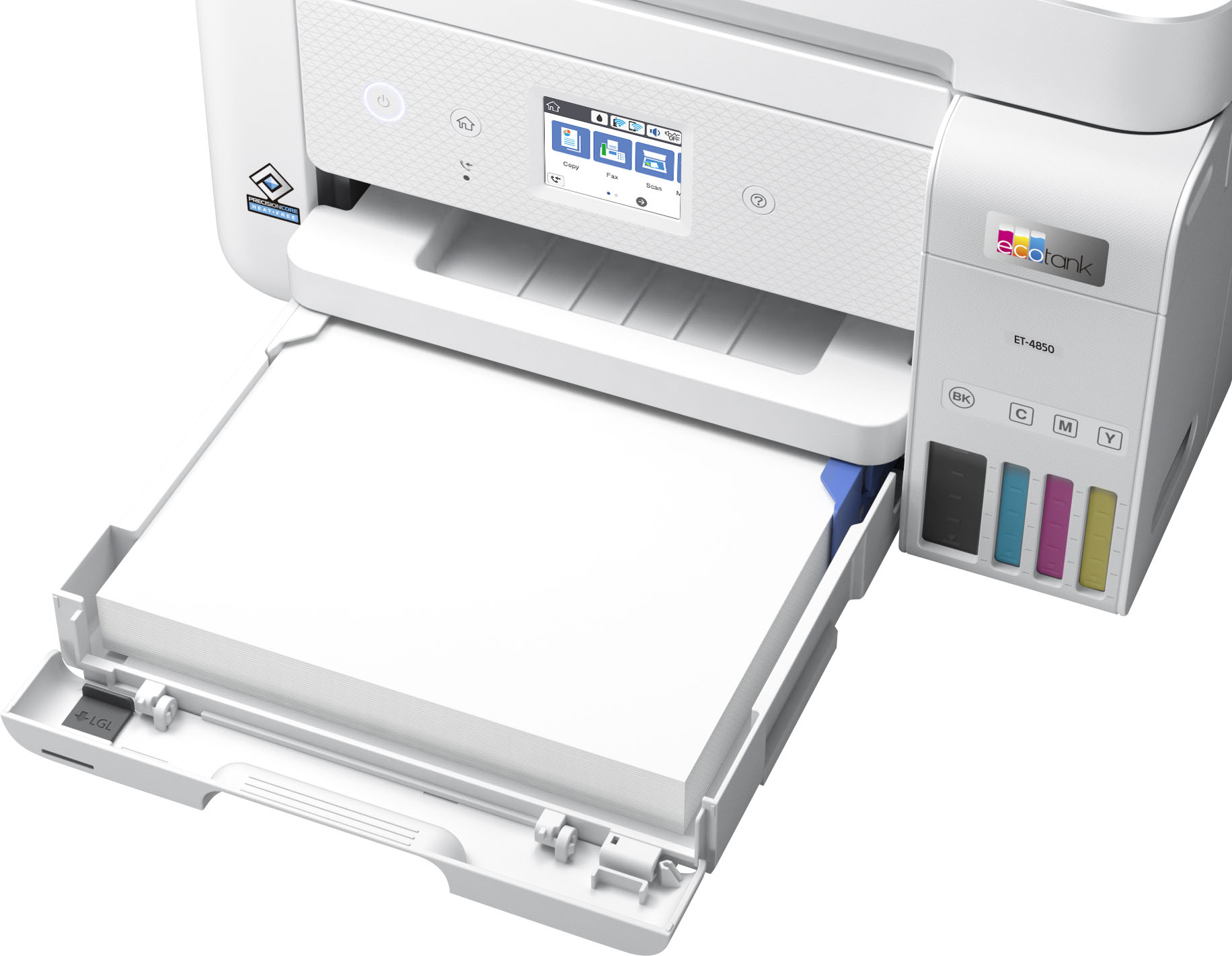
A:AnswerI do not use the printer for envelopes, so take my response with some caution. You may be able to print one envelope by placing it on top of the paper you have in the tray as long as the width of the envelope matches with that of the paper. The user guide also notes that you can only load 10 envelopes at a time in an empty tray which suggests that you may have a problem if the tray is filled with paper and the added envelope exceeds the total height of the tray. Unless your computer program sets the formatting for printing envelopes, you may also have to adjust the printer settings accordingly and then change it back for standard printing. If you commonly print envelopes and multi-sized paper, you might want a printer with dual feed. Hope this helps.

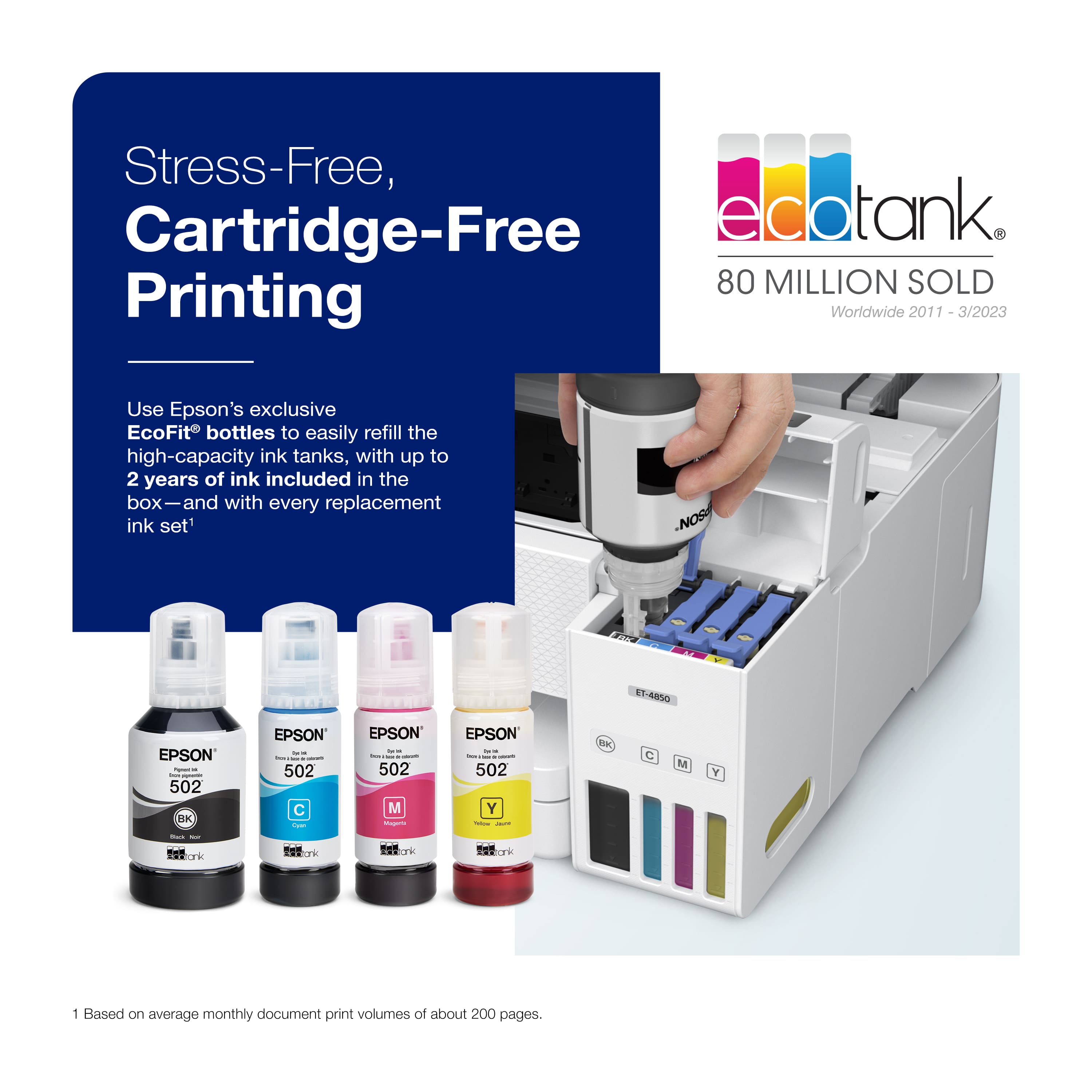
.](https://pisces.bbystatic.com/image2/BestBuy_US/images/products/e7f7b8a3-4d8b-4350-9bbd-c97539be30a7.jpg)
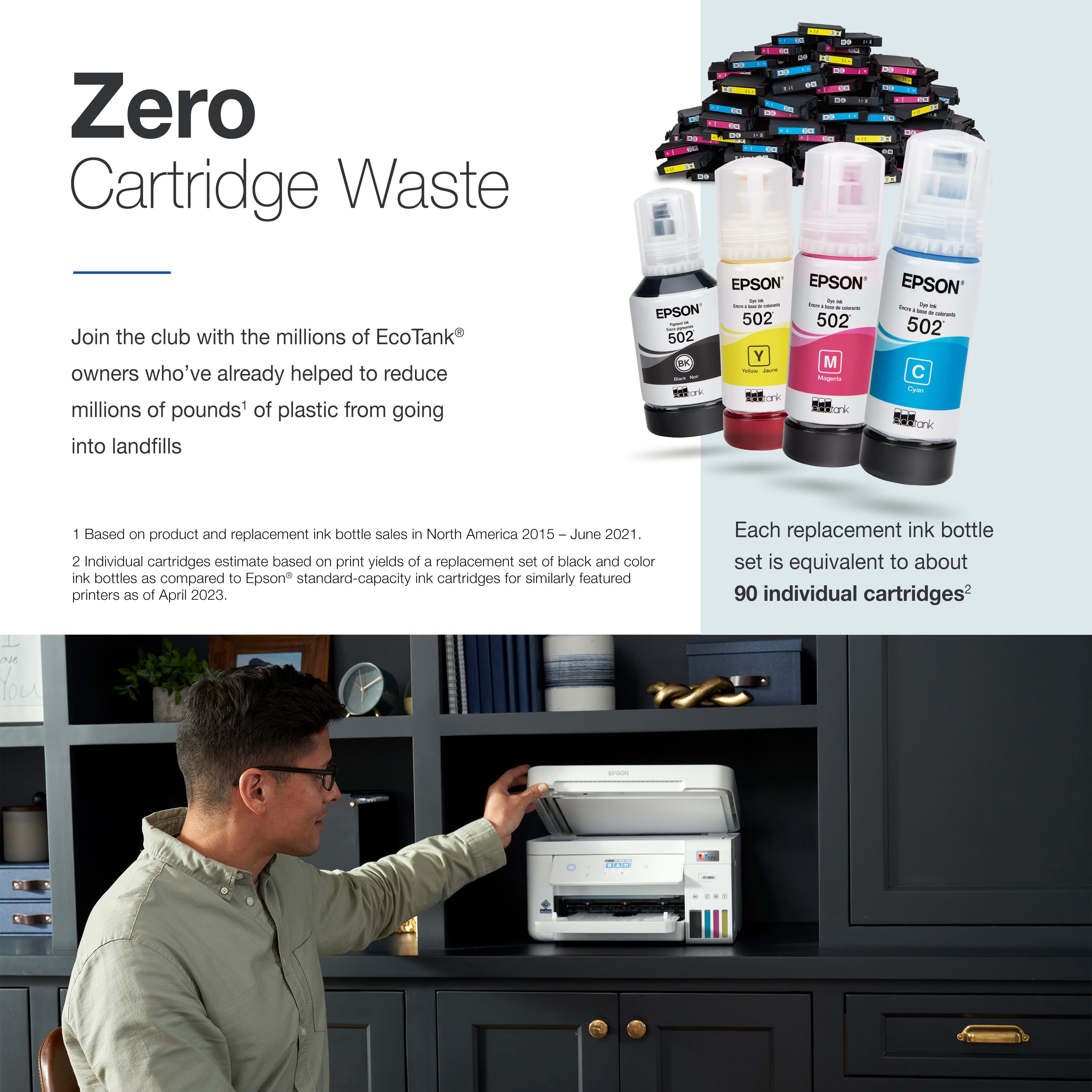
. 1 Most features require an Internet connection to the printer, as well as an Internet- and/or email-enabled device. For a list of Epson Connect enabled printers and compatible devices and apps, visit [www.epson.com/connect](http://www.epson.com/connect).](https://pisces.bbystatic.com/image2/BestBuy_US/images/products/d6e3691d-df7e-4aa7-8df7-3adddd584649.jpg)