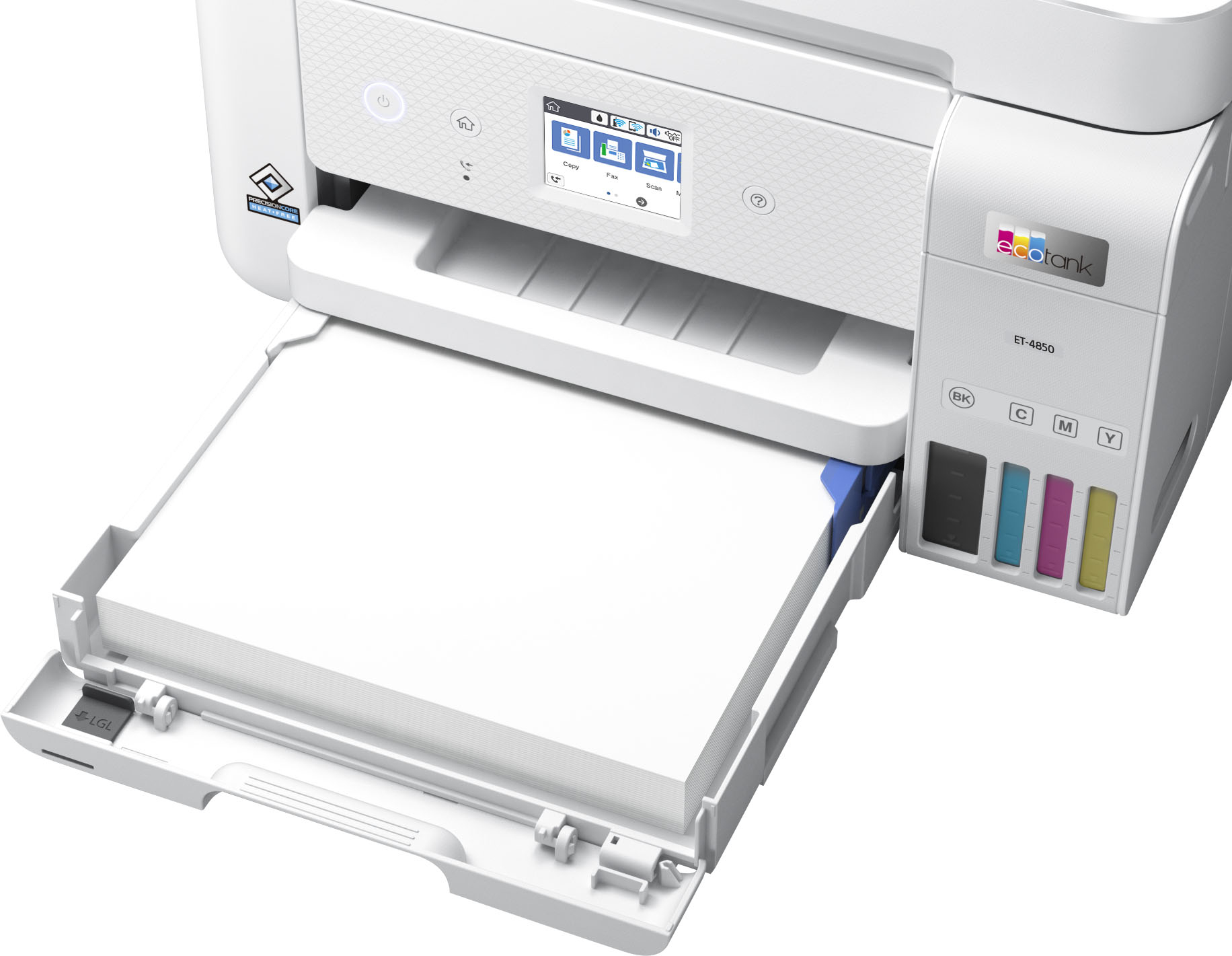
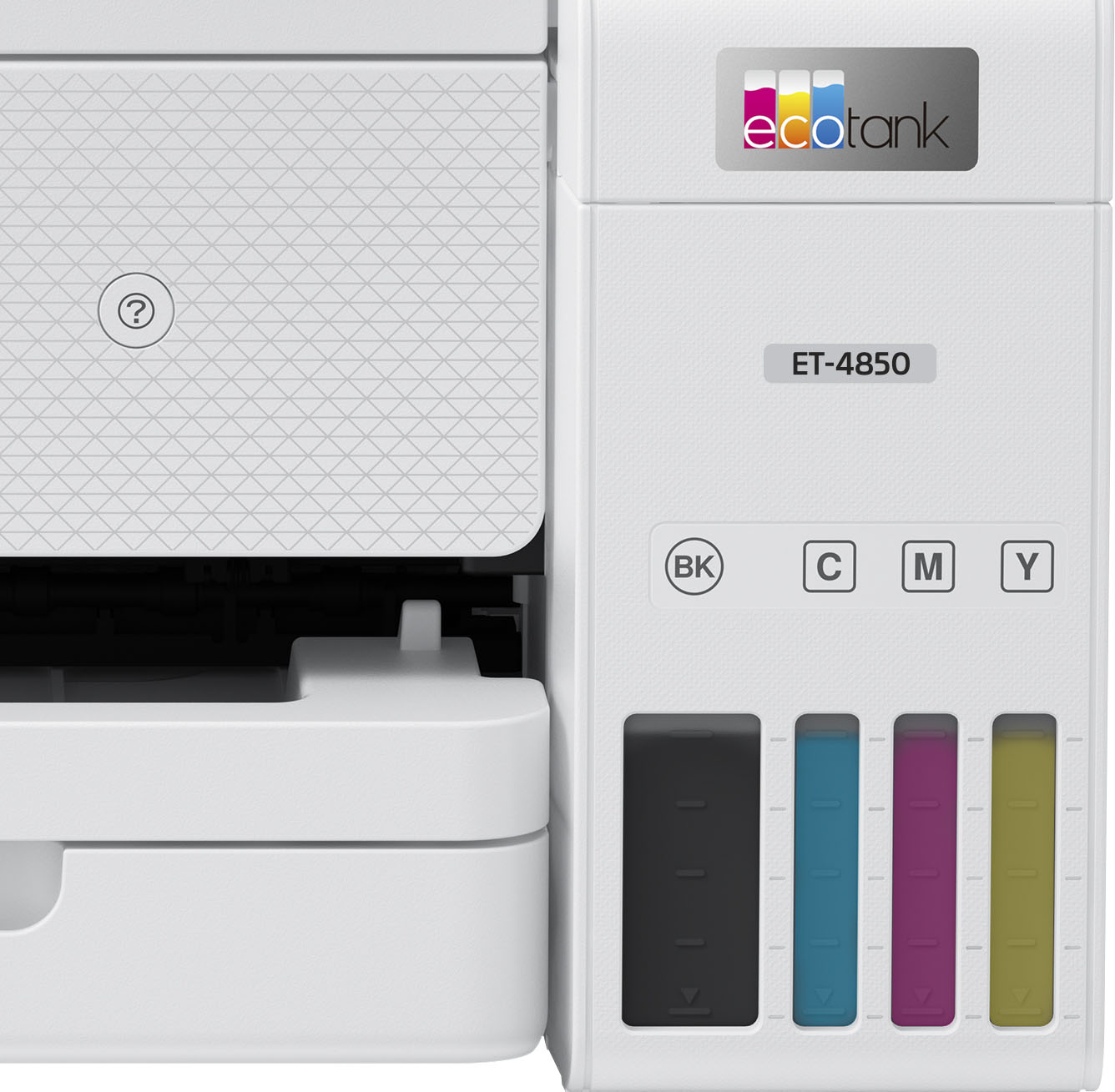
A:AnswerI do not use the printer for envelopes, so take my response with some caution. You may be able to print one envelope by placing it on top of the paper you have in the tray as long as the width of the envelope matches with that of the paper. The user guide also notes that you can only load 10 envelopes at a time in an empty tray which suggests that you may have a problem if the tray is filled with paper and the added envelope exceeds the total height of the tray. Unless your computer program sets the formatting for printing envelopes, you may also have to adjust the printer settings accordingly and then change it back for standard printing. If you commonly print envelopes and multi-sized paper, you might want a printer with dual feed. Hope this helps.
A:AnswerThe ET-4850 will not print or scan legal size documents. However, it will handle every other paper size from 8.5"x11" and down with no problem. The ET-4850 is a very nice, easy to set-up/easy to use efficient printer. It prints fast and generates nice sharp prints in Color and Black and White.
A:AnswerThis printer has both a LAN and a USB port. The USB port connection does NOT look like a normal USB cable so a connection cable with the correct configuration would probably have to be purchased.
A:AnswerWhen you select Print it gives you an option to print both sides. select that and hit the print block... it prints then pulls the paper back and does both sides.
JacjCT
A:AnswerHello Jaz. We have only tested Epson paper with the ET-4850. If you plan to use 3rd party paper, we recommend trying a small batch first to ensure it works properly and has satisfactory print quality. Regards, Kevin - The Epson Team.
A:AnswerNot sure what you are asking. However I find if you copy and paste your image or document into a document, then you need to save it. Then you can print it. I hope this answers your question.
A:AnswerI just purchased one for my mom...she loves it! Model #ET-4850. I'm not sure about the USB port but it does everything else that you're asking.

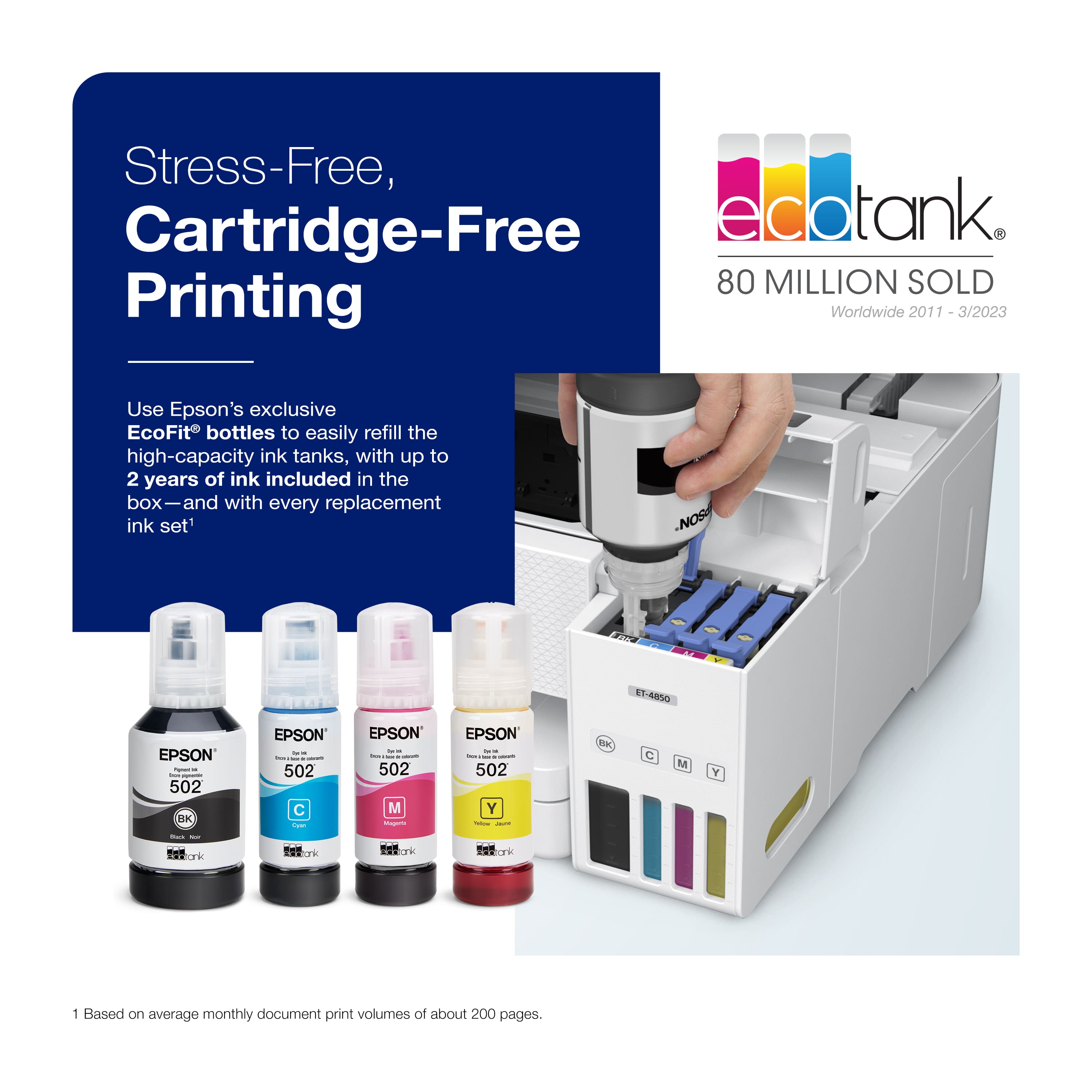
.](https://pisces.bbystatic.com/image2/BestBuy_US/images/products/e7f7b8a3-4d8b-4350-9bbd-c97539be30a7.jpg)
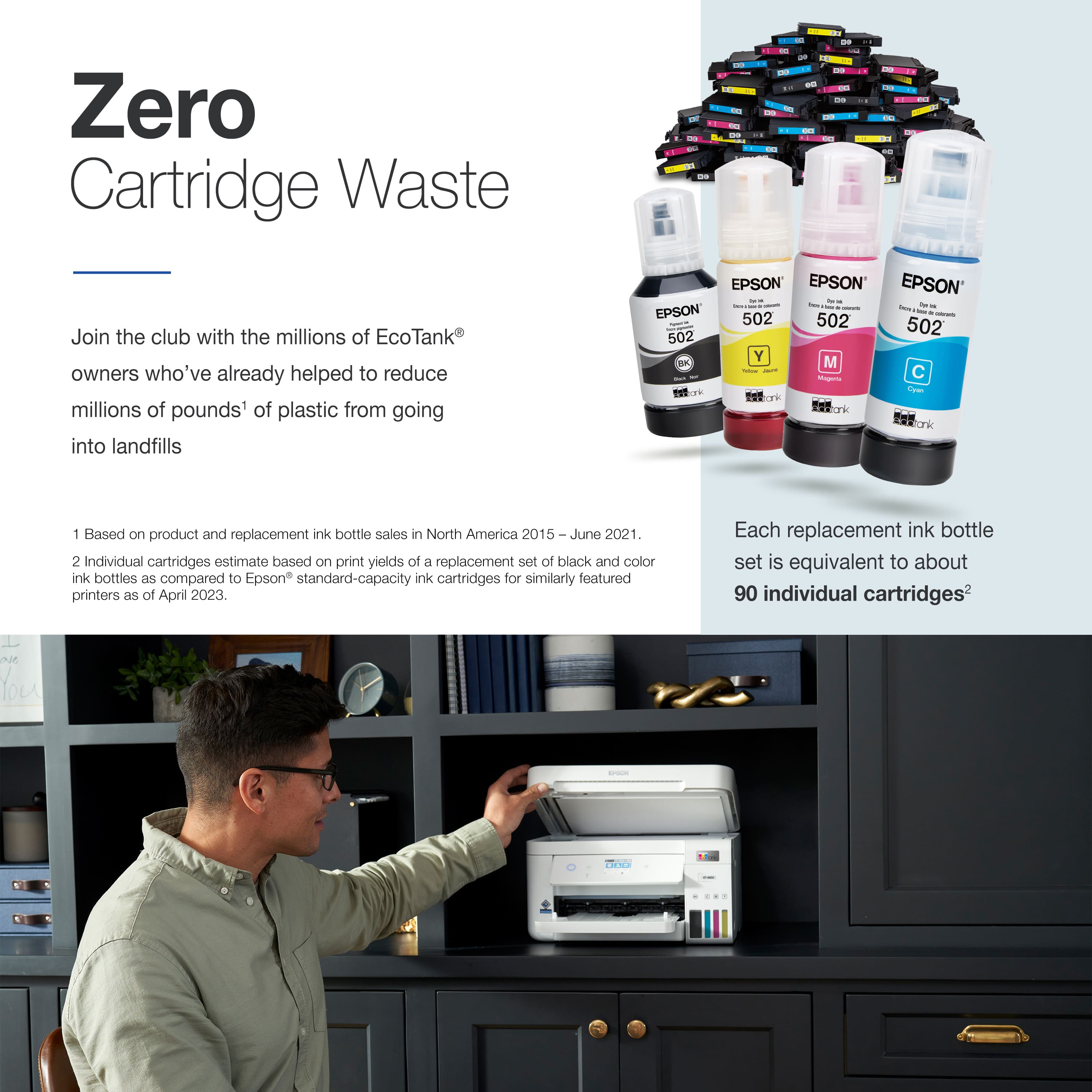
. 1 Most features require an Internet connection to the printer, as well as an Internet- and/or email-enabled device. For a list of Epson Connect enabled printers and compatible devices and apps, visit [www.epson.com/connect](http://www.epson.com/connect).](https://pisces.bbystatic.com/image2/BestBuy_US/images/products/d6e3691d-df7e-4aa7-8df7-3adddd584649.jpg)