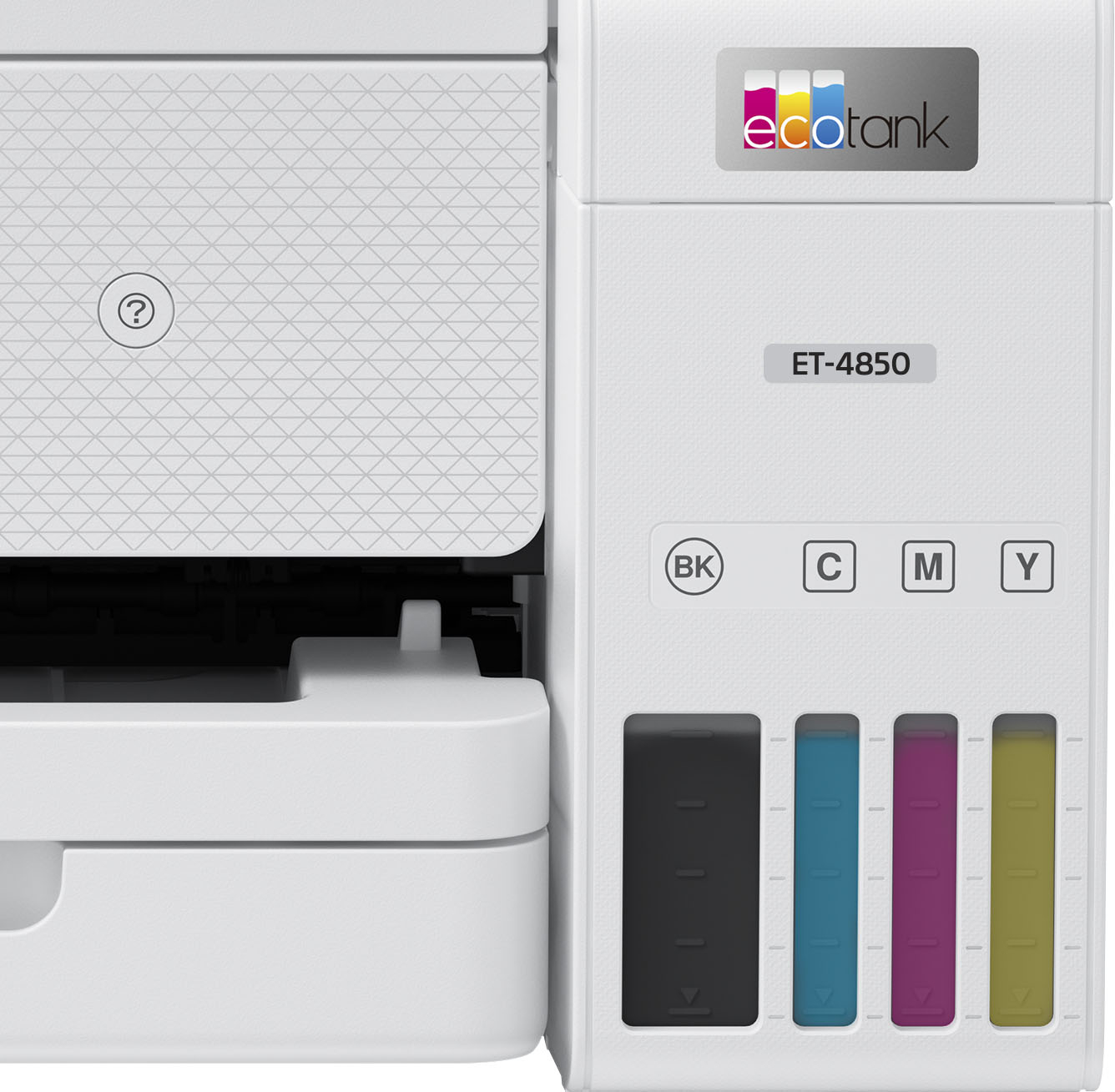
A:AnswerHello Doolie. The "reaction time" can vary based on different variables such as print job settings, file size, computer usage, and connection type. To get a better idea of the print speeds for the ET-4850, you can expect to print approximately 15.5 Black ISO ppm and 8.5 ISO Color ppm. Regards, Kevin - The Epson Team.
A:AnswerI had a Brother MFC-j4710DW that did duplex scan. That was discontinued a few years ago, unfortunately. I couldn't find any under $1,000 that did duplex scanning. But when I considered how often I used that feature, it was seldom, and I could have scanned them in succession by turning the pages over and combining scans together. With the EcoTank ink system, I like this model (4850) and it will hopefully last me a decade to make up for the high cost of acquisition. The ink is very cheap. The cheaper printers are cheap because you're subsidizing the cost of the printer with the expensive ink cartridges. Here, you're paying fair value for the printer and not much for the ink.
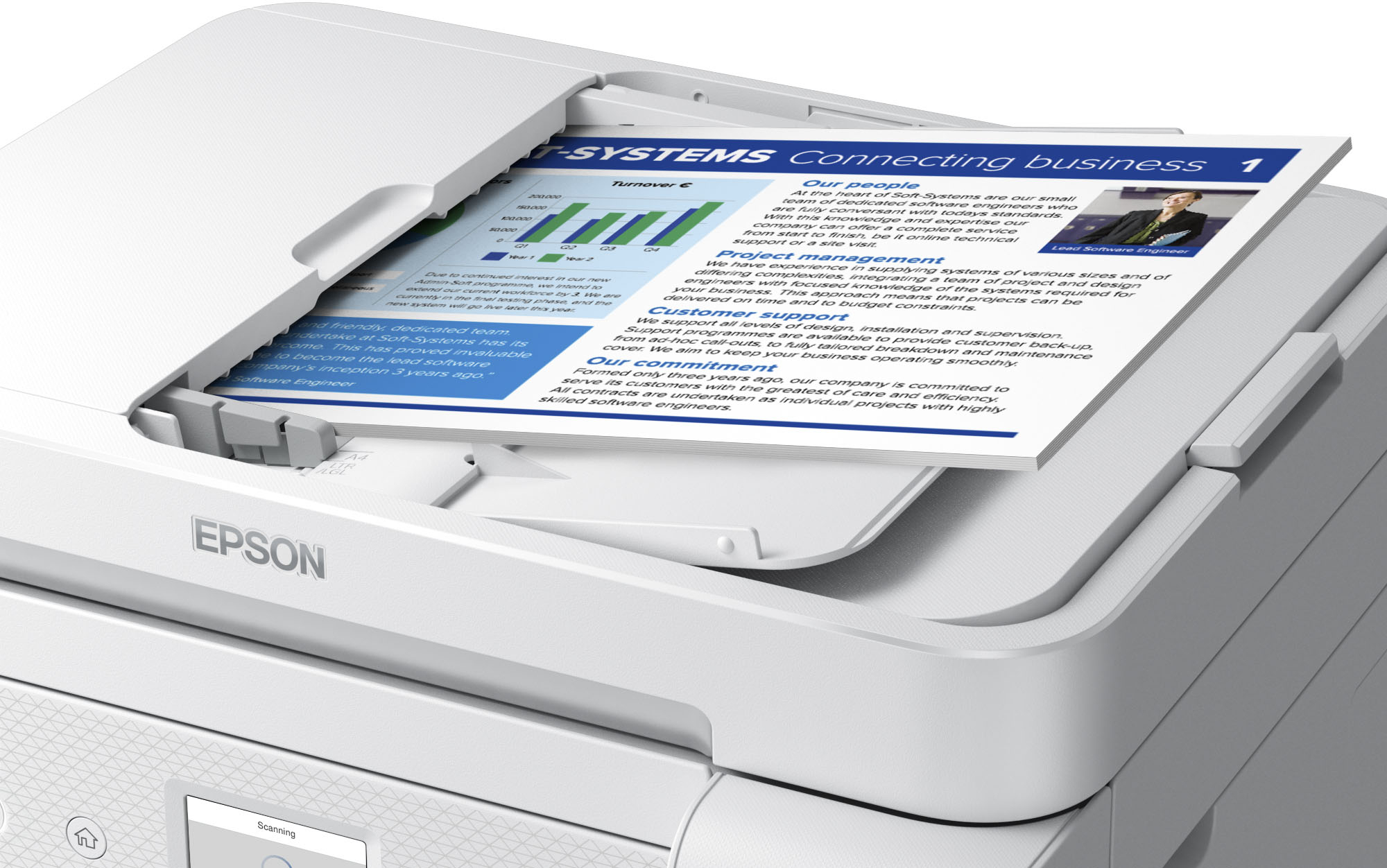
A:AnswerHi BrentB, The auto document feeder on the ET-4850 is not suitable for originals that are creased or folded, contain holes, staples, tape, or other materials that could obstruct the feeder. These types of originals can be placed on the flat bed and scanned. Regards, Mark - The Epson Team.
A:AnswerHi Raider1, Higher-end EcoTank models have this capability. Bestbuy.com has Epson WorkForce Pro WF-3820s in stock now and they have a USB port for a flash drive. (Inventory levels can change.) Regards, Mark - The Epson Team.
A:AnswerHello terri. Yes, you can find the setting under the following selections Settings > General Settings > Fax Settings > Report Settings > Attach Fax Image To Report. Regards, Kevin - The Epson Team.
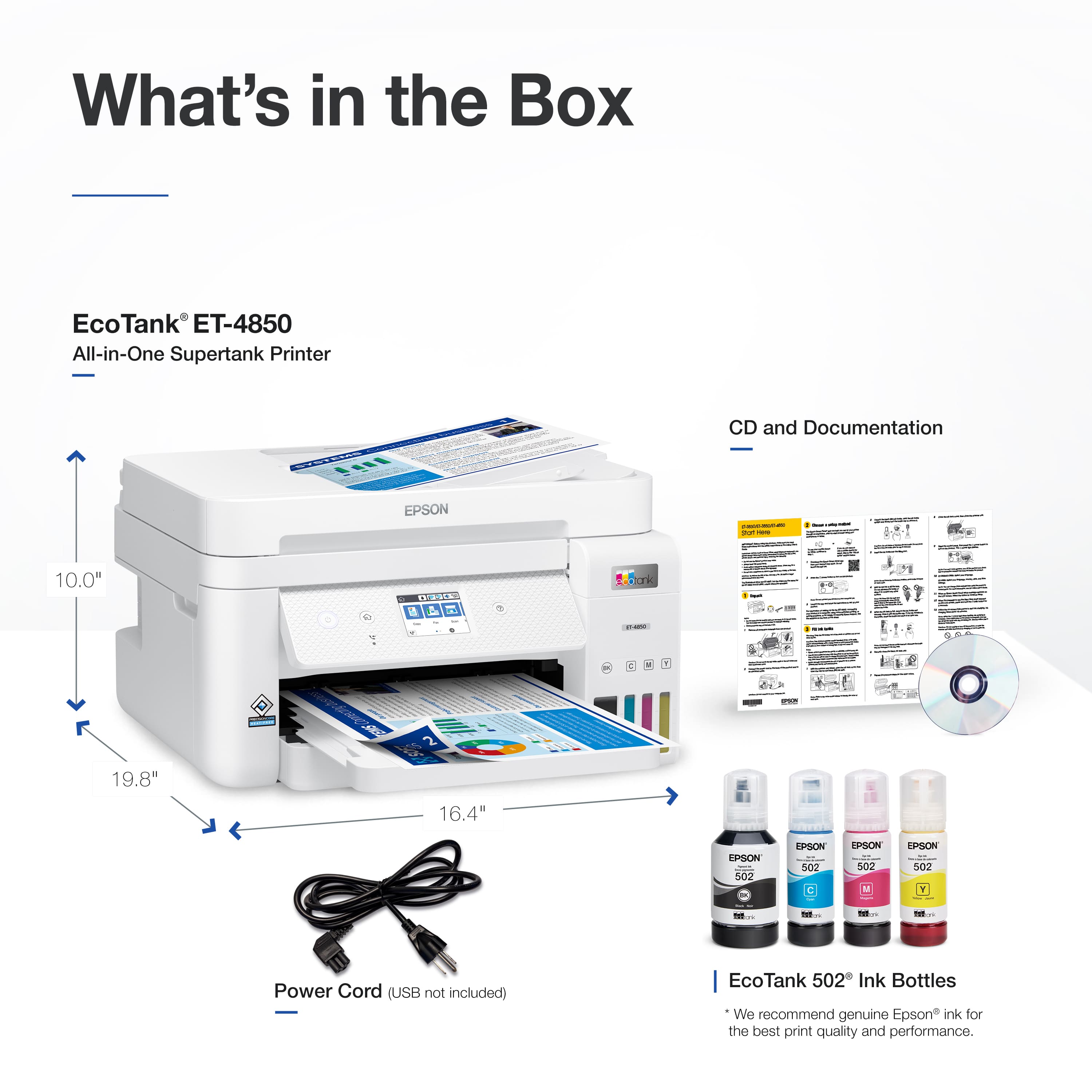
A:AnswerHello Jessica. A CD is not required to set up the ET-4850. You can download the same printer driver files used for installation on our official Epson Support page. Regards, Kevin - The Epson Team.
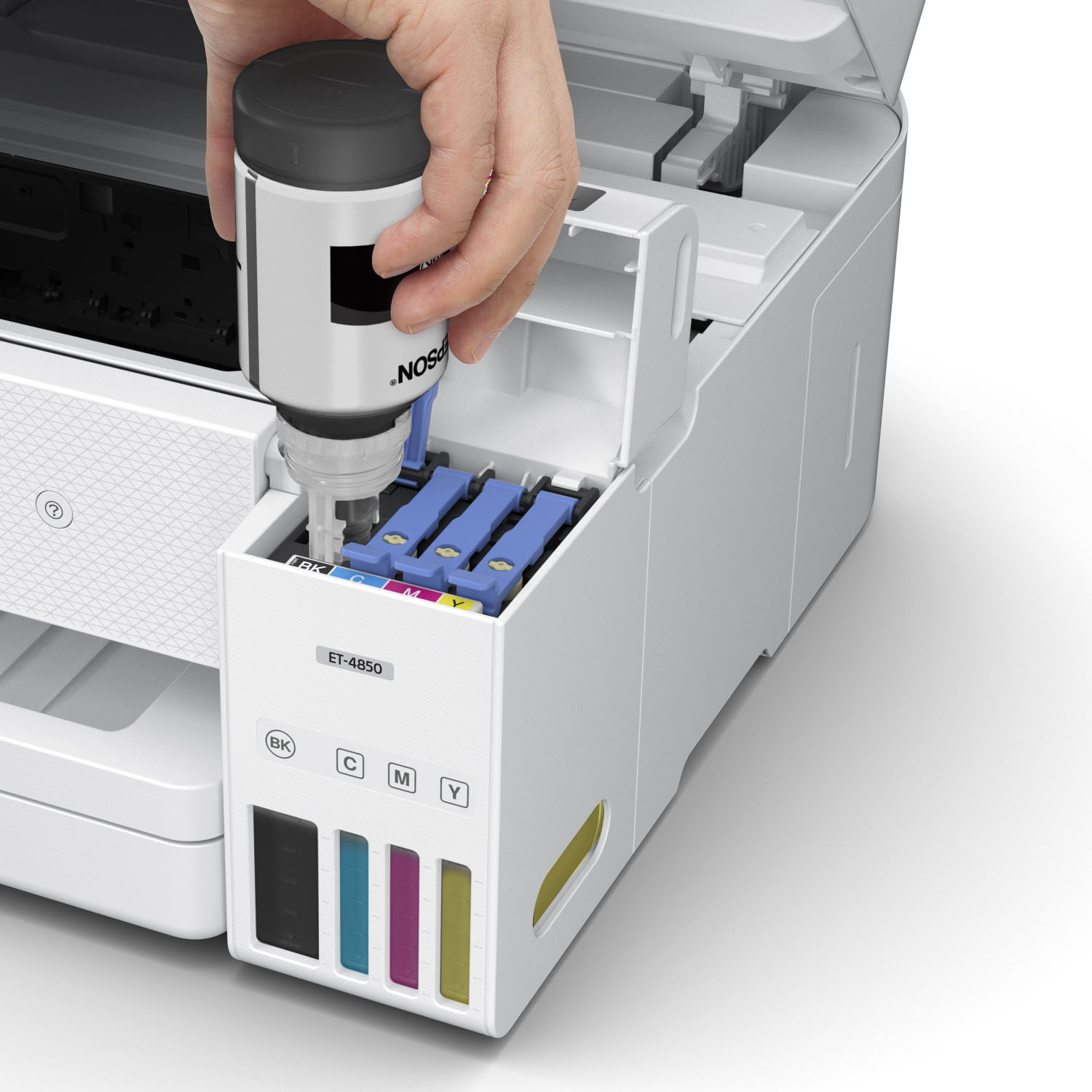
A:AnswerHello. The ET-4850 is a good option as you can expect to print approximately 7,500 black pages or 6,000 pages with a new set of ink bottles. We would also recommend looking at our WorkForce printers as they are an excellent alternative for heavy volume users. Regards, Kevin - The Epson Team.
A:AnswerThe Epson ET-4850 does not work for printing QB standard checks. It can print a full sheet (3) checks but will not feed a single (bottom) check.
A:AnswerHi dd, There is a "Reverse Order" checkbox in the EcoTank's ET-4850's printer driver. If you check the box, the page order will be reversed. Regards, Mark - The Epson Team.
A:AnswerHi Randy. The Epson ET-4850 was not designed for dye-sublimation printing nor the use of non-genuine Epson ink cartridges. Using sublimation ink in this printer could damage the print head and impact warranty coverage. Regards, Kevin - The Epson Team.
A:AnswerHi Mac, Yes it does. The EcoTank ET-4850's printer driver has a "Mirror Image" setting under the More Options tab. Regards, Mark - The Epson Team.

.](https://pisces.bbystatic.com/image2/BestBuy_US/images/products/e7f7b8a3-4d8b-4350-9bbd-c97539be30a7.jpg)
. 1 Most features require an Internet connection to the printer, as well as an Internet- and/or email-enabled device. For a list of Epson Connect enabled printers and compatible devices and apps, visit [www.epson.com/connect](http://www.epson.com/connect).](https://pisces.bbystatic.com/image2/BestBuy_US/images/products/d6e3691d-df7e-4aa7-8df7-3adddd584649.jpg)