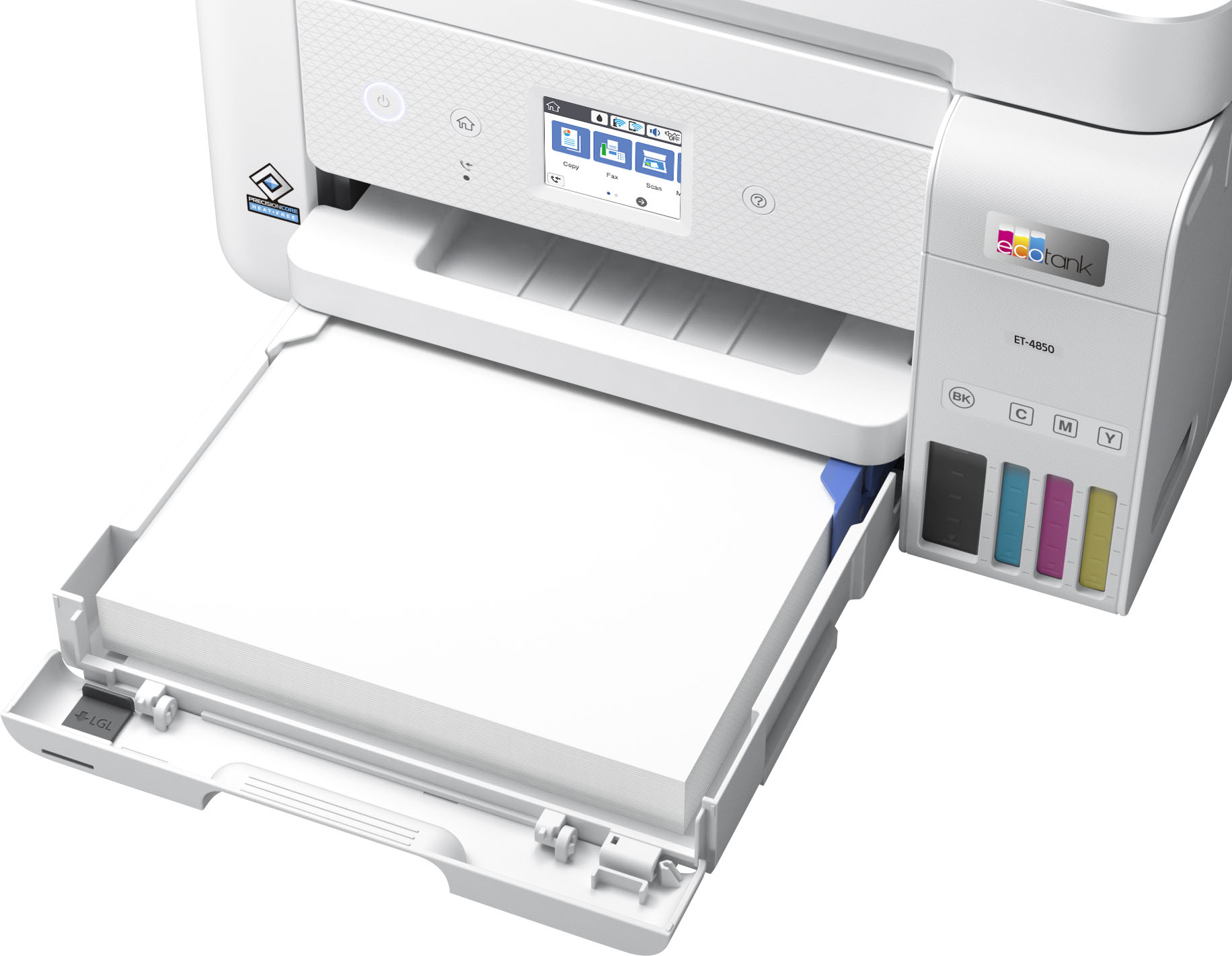
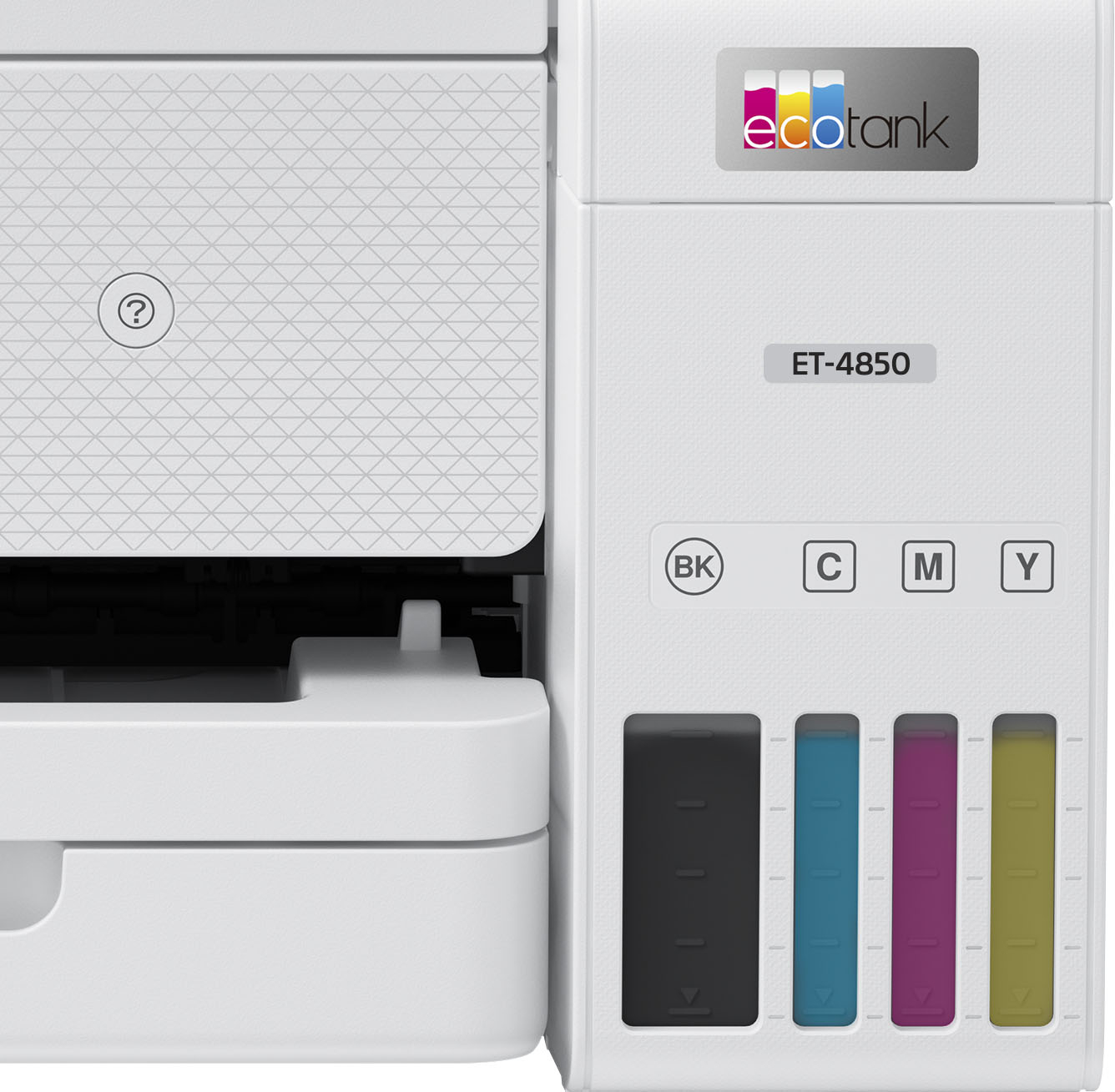
A:AnswerHello kentconn. While the ET-4850 does include Automatic 2-Sided printing. The feature is limited to 8.5" x 11" and A4 paper sizes. Regards, Kevin - The Epson team.
A:AnswerHello Ray246. Yes, the ET-4850 can print on various Epson Photo Papers and supports a maximum print resolution of 4800 x 1200 dpi. Regards, Kevin - The Epson Team.
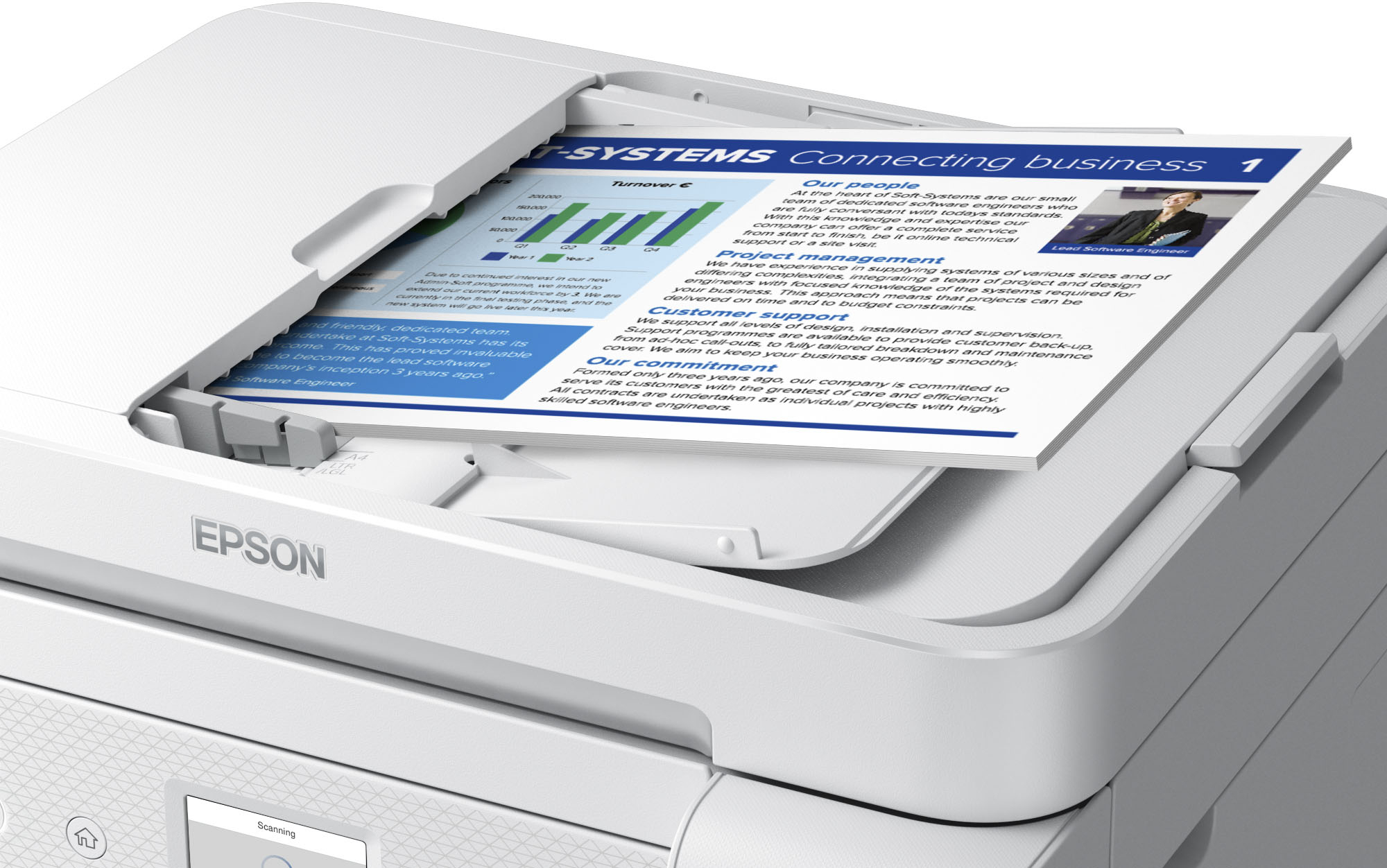
A:AnswerHello Aju. The ET-4850 includes Automatic two-sided printing. Unfortunately, it cannot automatically scan both sides of the paper, only manually. Regards, Kevin - The Epson Team.
A:AnswerHello Lom. Yes, the ET-4850 includes fax functionality. To use the fax, you can only connect to a standard landline; VOIP is not supported. Regards, Kevin - The Epson Team.
A:AnswerHello nancycat. The ET-4850 supports multiple connection types, including Wi-Fi, Hi-Speed USB cable, or Ethernet. To help better assist, we would like to confirm which connection you are using. Please visit our official Epson Support page to contact our Technical Support team for additional assistance. Regards, Kevin - The Epson Team.
A:AnswerHello Melaz. The Scan from ADF function on the ET-4850 works well. You can load approximately 30 sheets of 8.5" x 11" and A4-sized paper. We recommend following the ADF specifications found in the User's Guide for best results as this contains supported paper types and sizes. You can download the guide from our official Epson Support page. Regards, Kevin - The Epson Team.
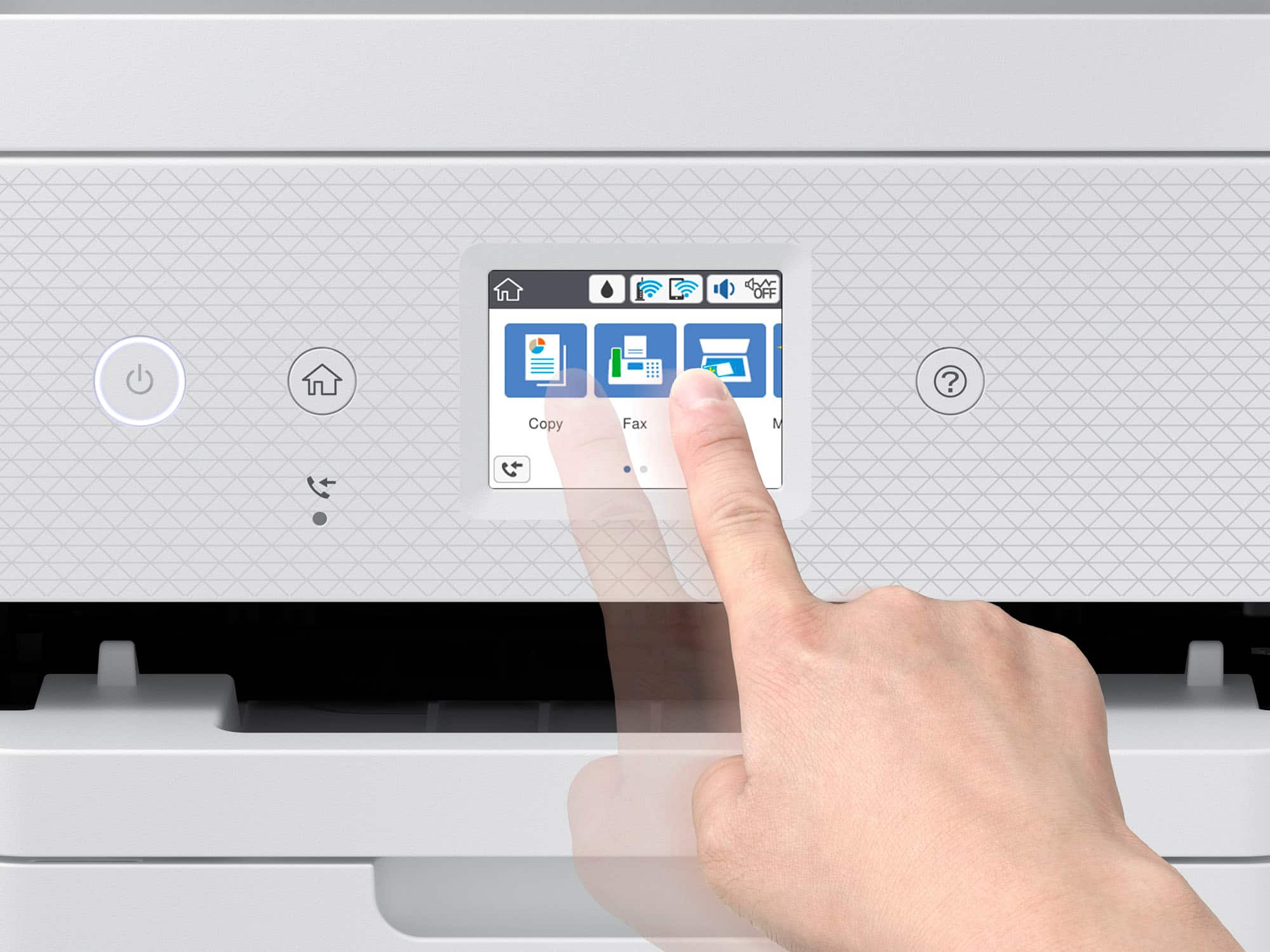
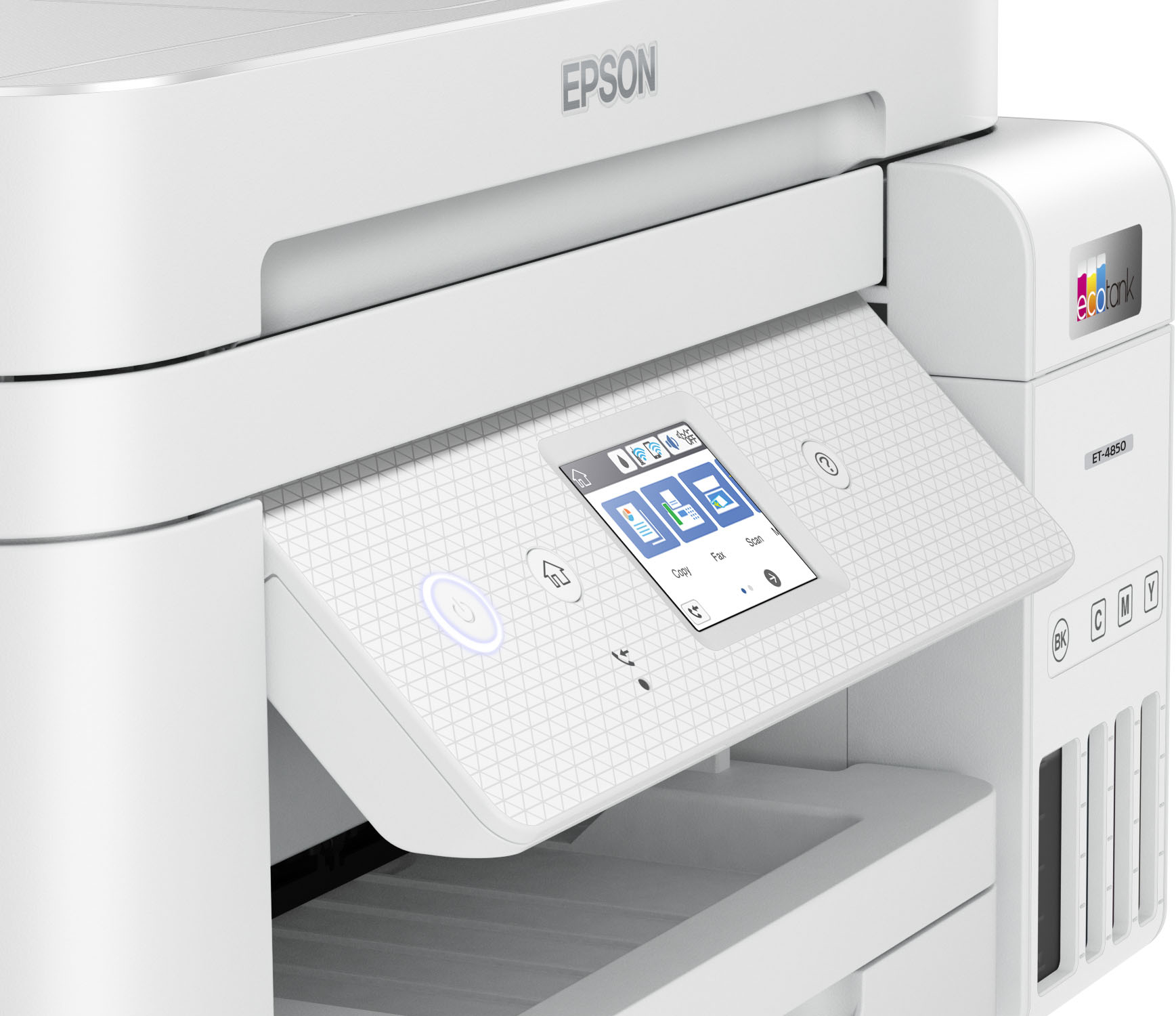
A:AnswerHello PAGUNN1. The ET-4760 and ET-4850 are very similar printers in both design and specifications. However, the ET-4850 is slightly faster in print speeds as it can print 15.5 Black ISO pages per minute vs. the ET-4760's 15 Black ISO pages per minute. Also, there is a slight cosmetic difference, as the ET-4850 has a textured control panel. Regards, Kevin - The Epson Team.
A:AnswerHello smith. The ET-4850 is compatible to work with computers running macOS 10.6 - 12. To download the latest print driver software, please visit our official Epson Support page. Regards, Kevin - The Epson Team.
A:AnswerHello Ouirmi. Unfortunately, there are no other EcoTank printers comparable to the ET-4850 that include the 2-sided scanning option. We would recommend looking at the XP-7100. It is an excellent All-In-One printer that includes automatic 2-sided scanning. At the time of this posting, that model is available on BestBuy's website; please be aware that inventory can change. Regards, Kevin - The Epson Team.
A:AnswerHello Mack. Yes, the ET-4850 can print mirrored images. To do so, you would select the "Mirror Image" under the printer settings within the software you are printing from. For more information, please see the User's Guide on our official Epson Support page. Regards, Kevin - The Epson Team.
A:AnswerHi AU6U57, The main difference is that the EcoTank ET-4850 includes automatic two-sided printing, the ET-4760 does not. Regards, Mark - The Epson Team.
A:AnswerHi AmazonDr. The ET-4850 supports compatible paper types distributed by Epson, with paper weight up to 27 lb (100 gsm). Regards, Kevin - The Epson Team
A:AnswerKevin, I did reach out to support. No solution. I added ink when i purchased and set up the printer a week ago. nozzle check is fine. printer is printing. no error messages on the printer. Just a slowly flashing light that never stops when the printer goes to sleep.

.](https://pisces.bbystatic.com/image2/BestBuy_US/images/products/e7f7b8a3-4d8b-4350-9bbd-c97539be30a7.jpg)
. 1 Most features require an Internet connection to the printer, as well as an Internet- and/or email-enabled device. For a list of Epson Connect enabled printers and compatible devices and apps, visit [www.epson.com/connect](http://www.epson.com/connect).](https://pisces.bbystatic.com/image2/BestBuy_US/images/products/d6e3691d-df7e-4aa7-8df7-3adddd584649.jpg)