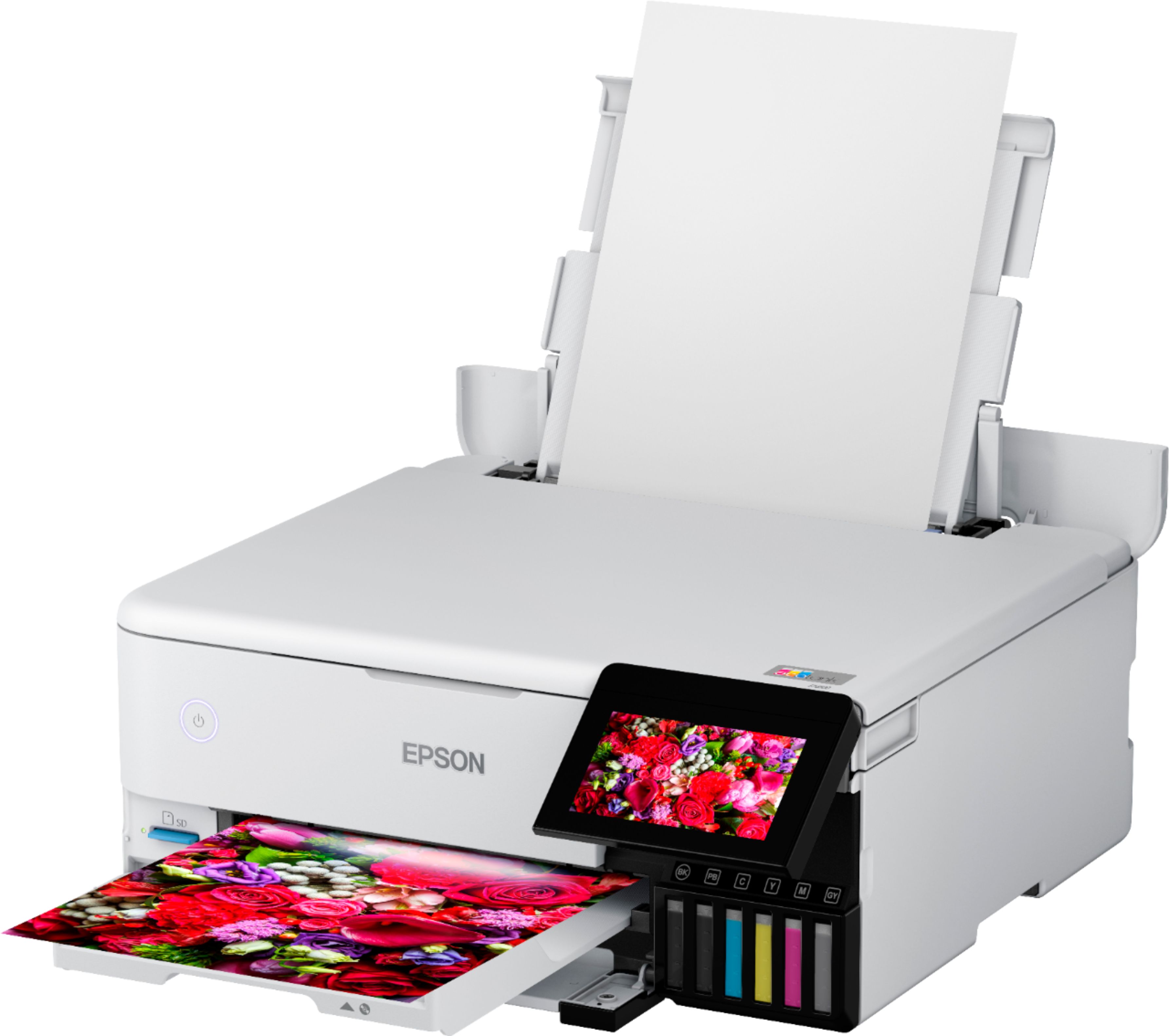
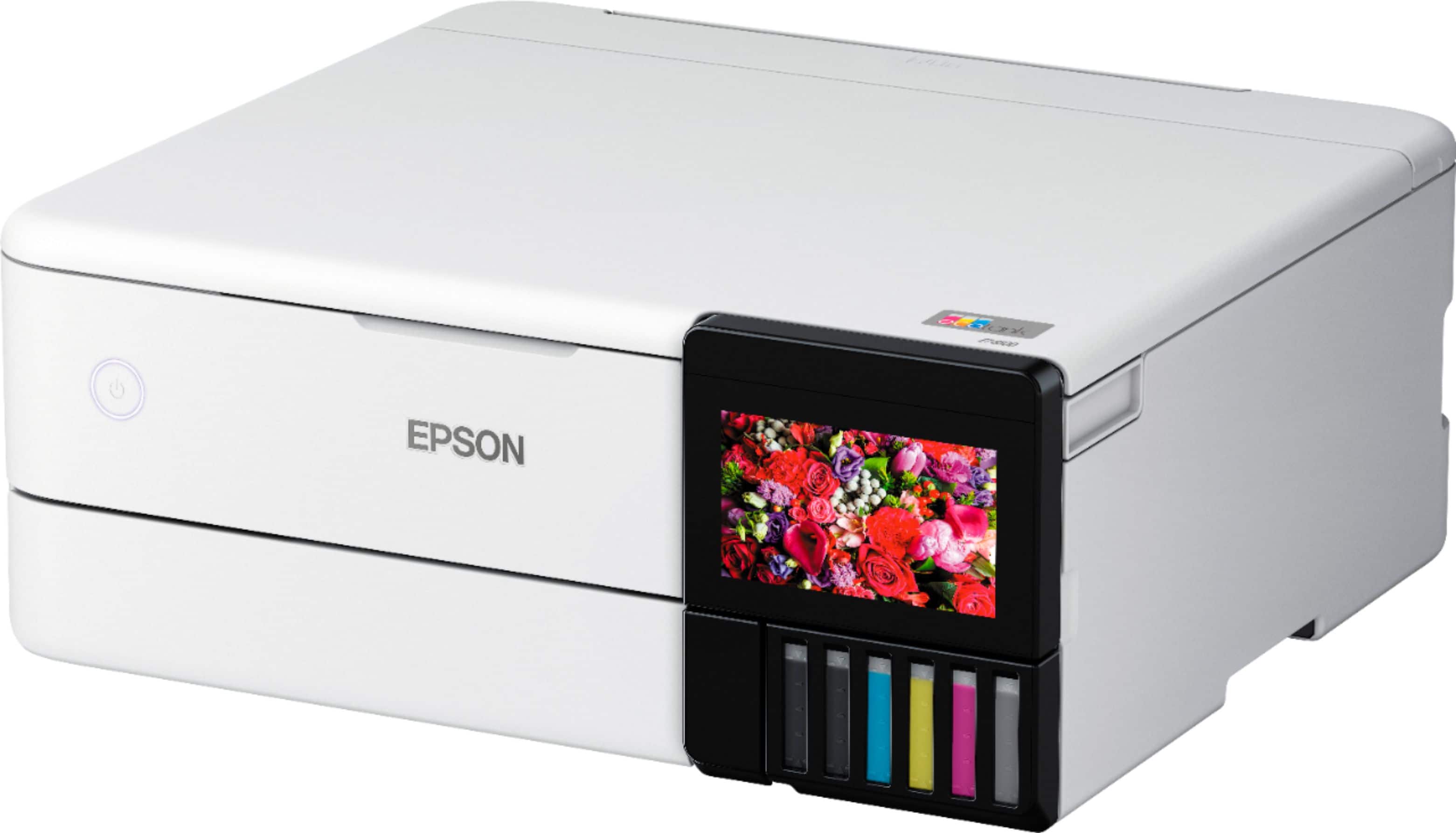
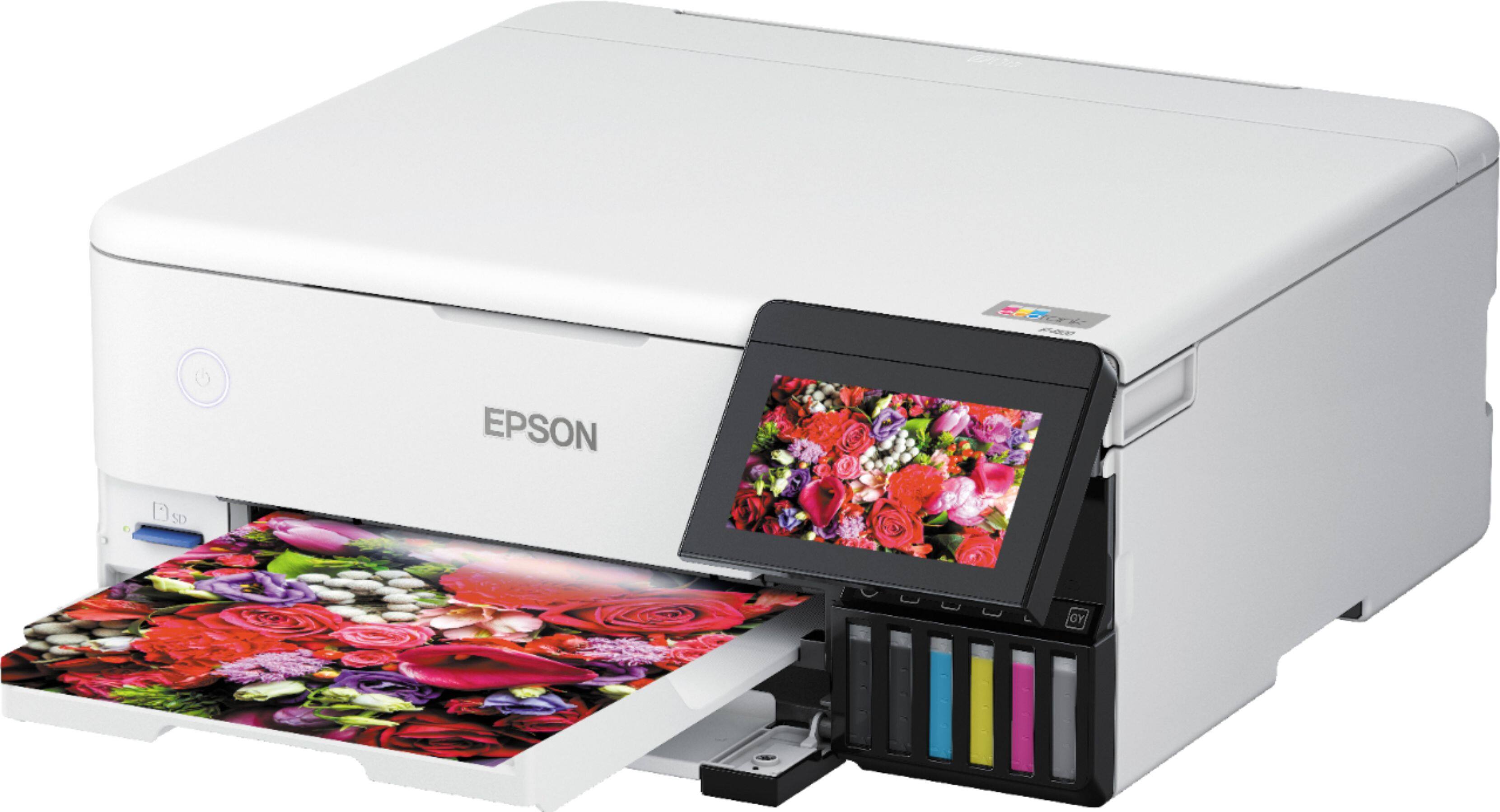
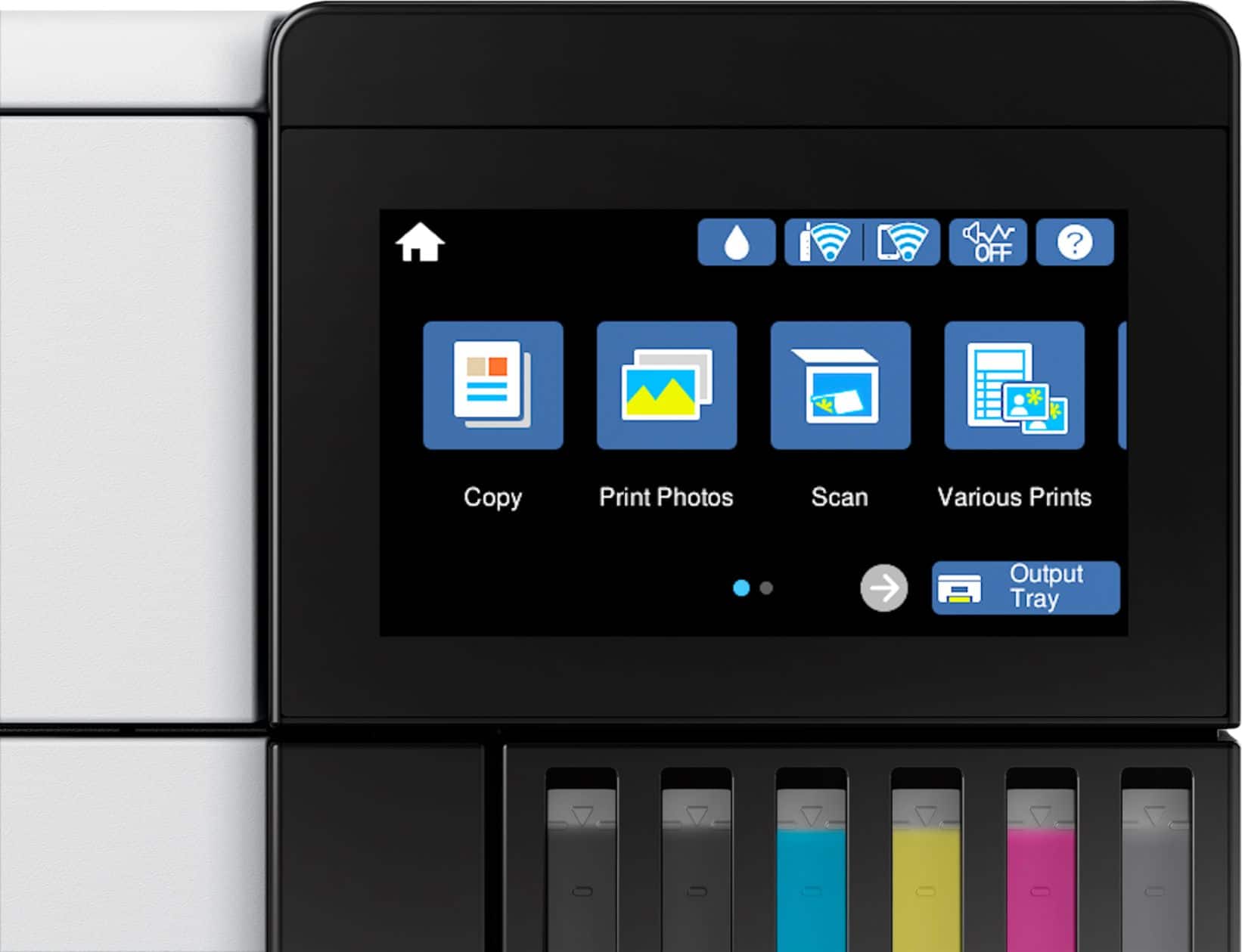
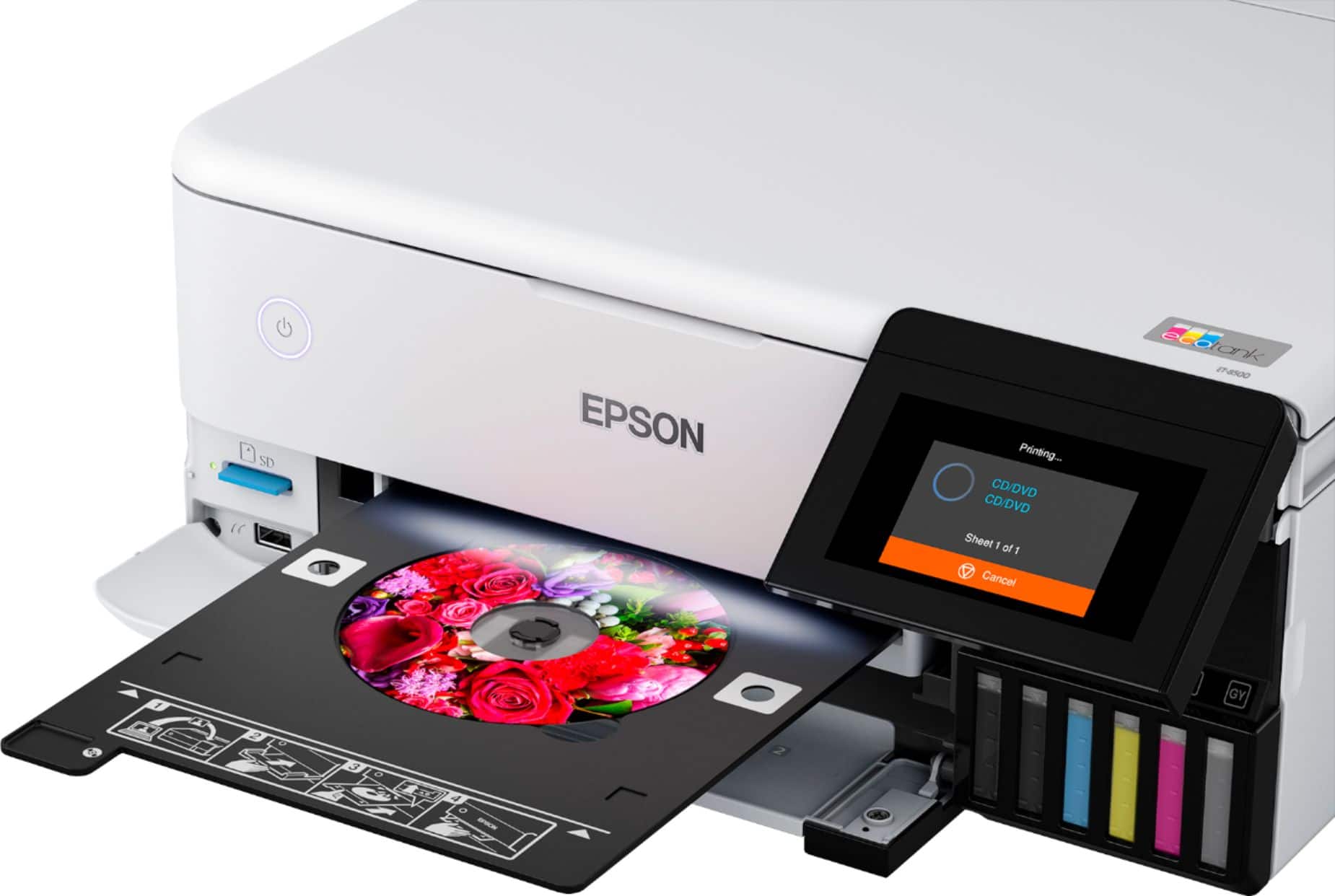
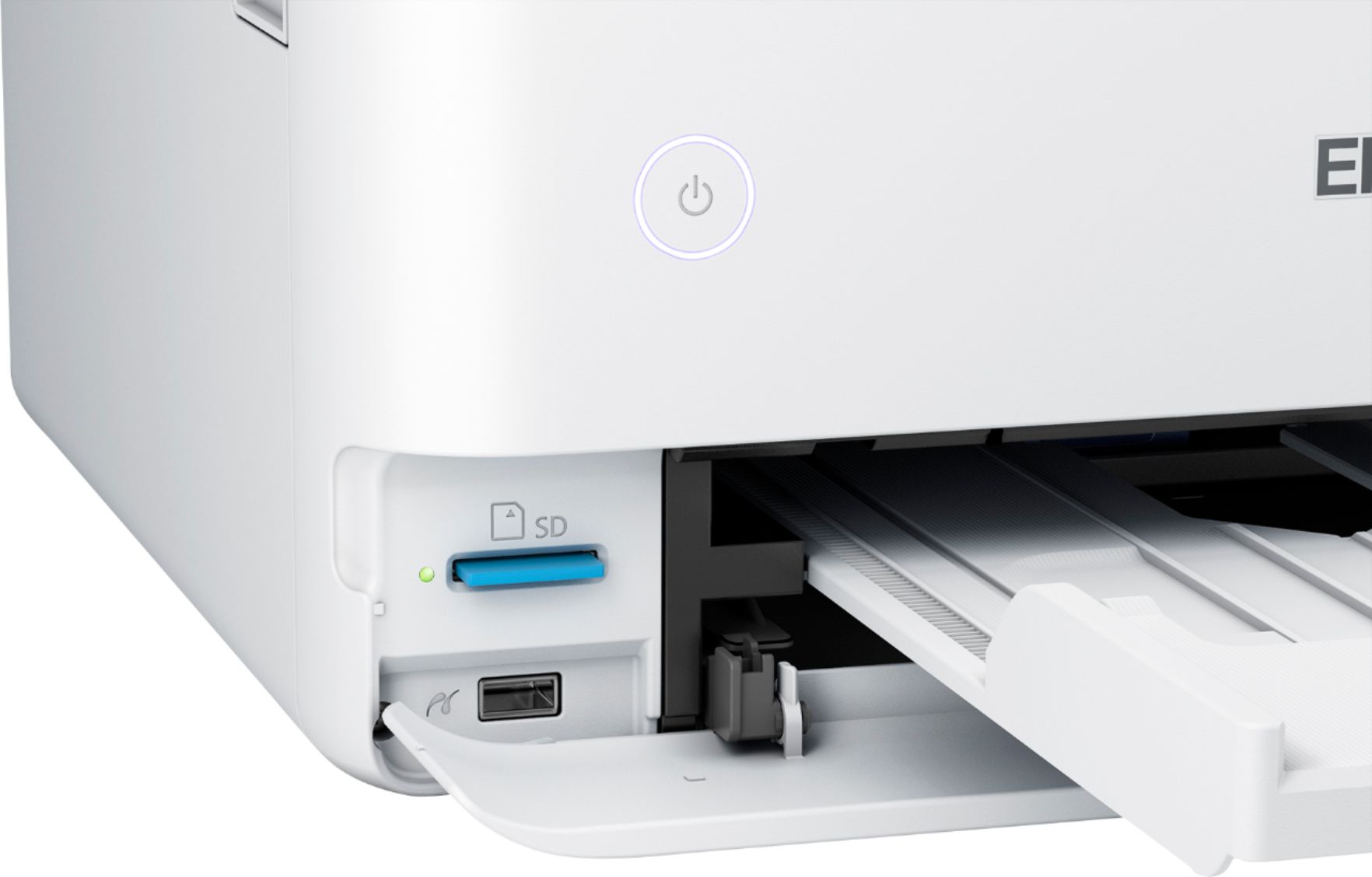
A:AnswerHello Thunder. You can print files from your SD card or USB memory device. Files are accessible from the control panel of the printer. Unfortunately, we cannot confirm compatibility with your device, as we have not tested a Nex5 Sony with the printer, so your results will vary. Regards, Kevin - The Epson Team.
A:AnswerHello Douger. Yes, the ET-8500 can be used with your Chromebook computer right out of the box, with no software or driver installation required. You can connect the printer via USB or Wi-Fi and are ready to print. Regards, Kevin - The Epson Team.
A:AnswerHello John. Unfortunately, we have not tested Canvas on the ET-8500 to confirm compatibility. Please see the User's Guide on our official Epson Support page for a list of supported Epson media. Regards, Kevin - The Epson Team.
A:AnswerHello nannerdan. The ET-8500 can connect to most Wi-Fi routers as long as a 2.4 GHz band is available. If your router uses a single network name (SSID) for both the 2.4 GHz and 5 GHz bands, we recommend giving each band its own network name (SSID) instead, such as Home Network 2.4 GHz and Home Network 5 GHz. Regards, Kevin - The Epson Team.
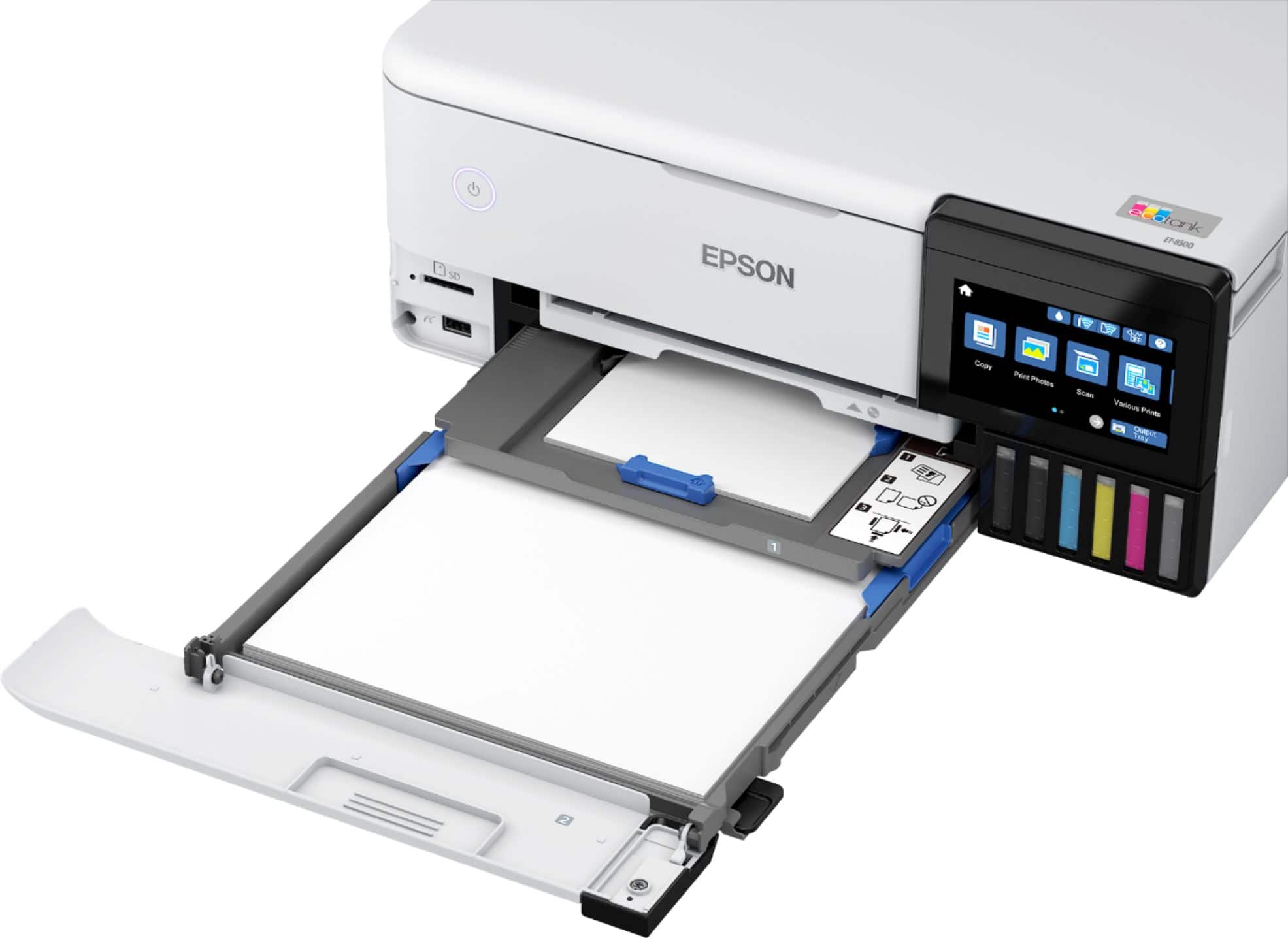
A:AnswerHello HummerBob. The list of Epson papers previously mentioned have been tested and are confirmed to work with the ET-8500. If the double-sided photo paper you want to use is not on the list, then, unfortunately, it is not supported, and your results will vary when printing. Regards, Kevin - The Epson Team.
A:AnswerHello HummerBob. Auto 2-Sided printing on the ET-8500 is limited to the following Epson paper types, which include Plain & Letterhead paper, Epson Bright White Premium Paper, Epson Bright White Pro
Paper, and Epson EcoTank Premium Paper. Regards, Kevin - The Epson Team.
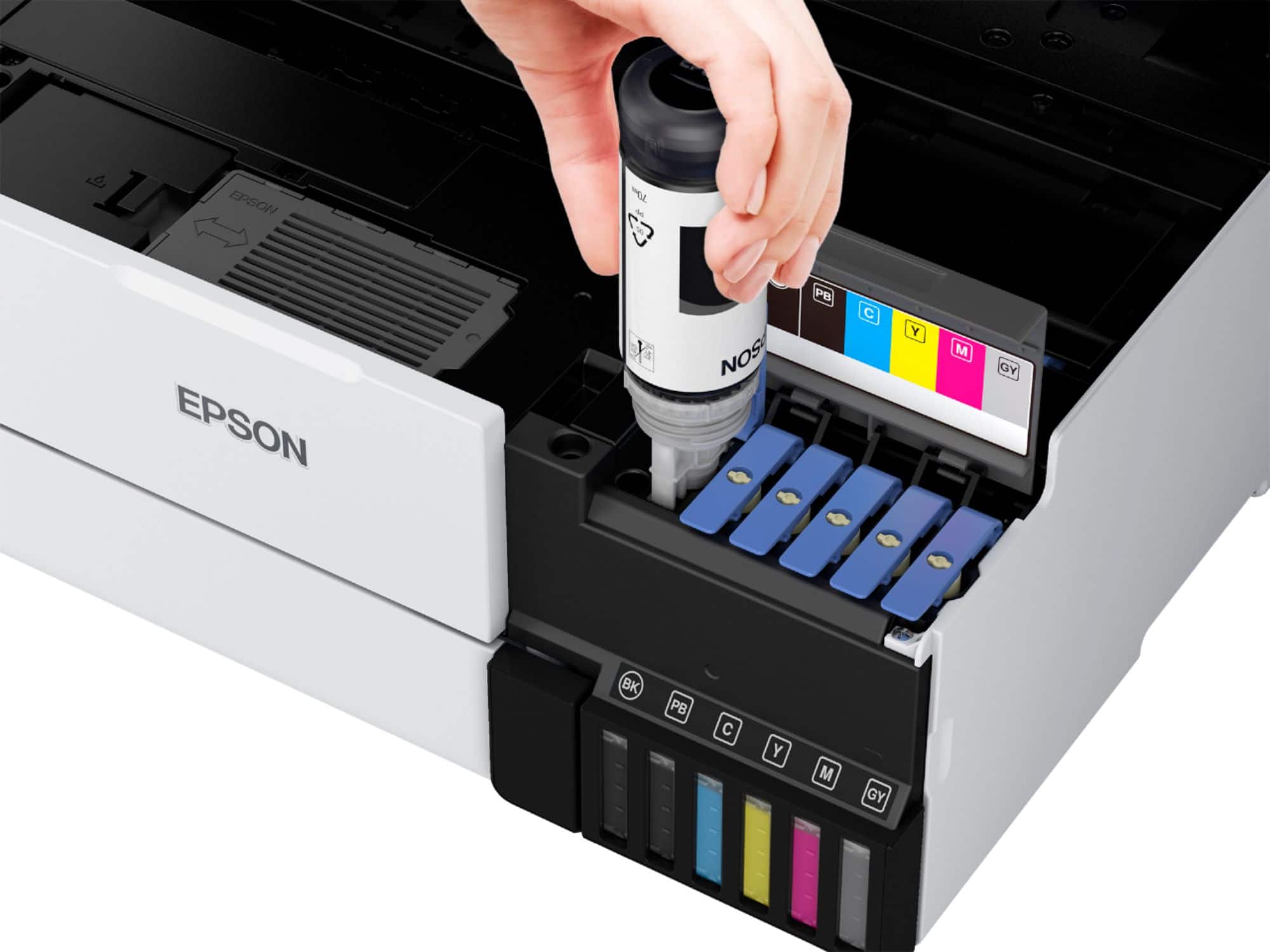
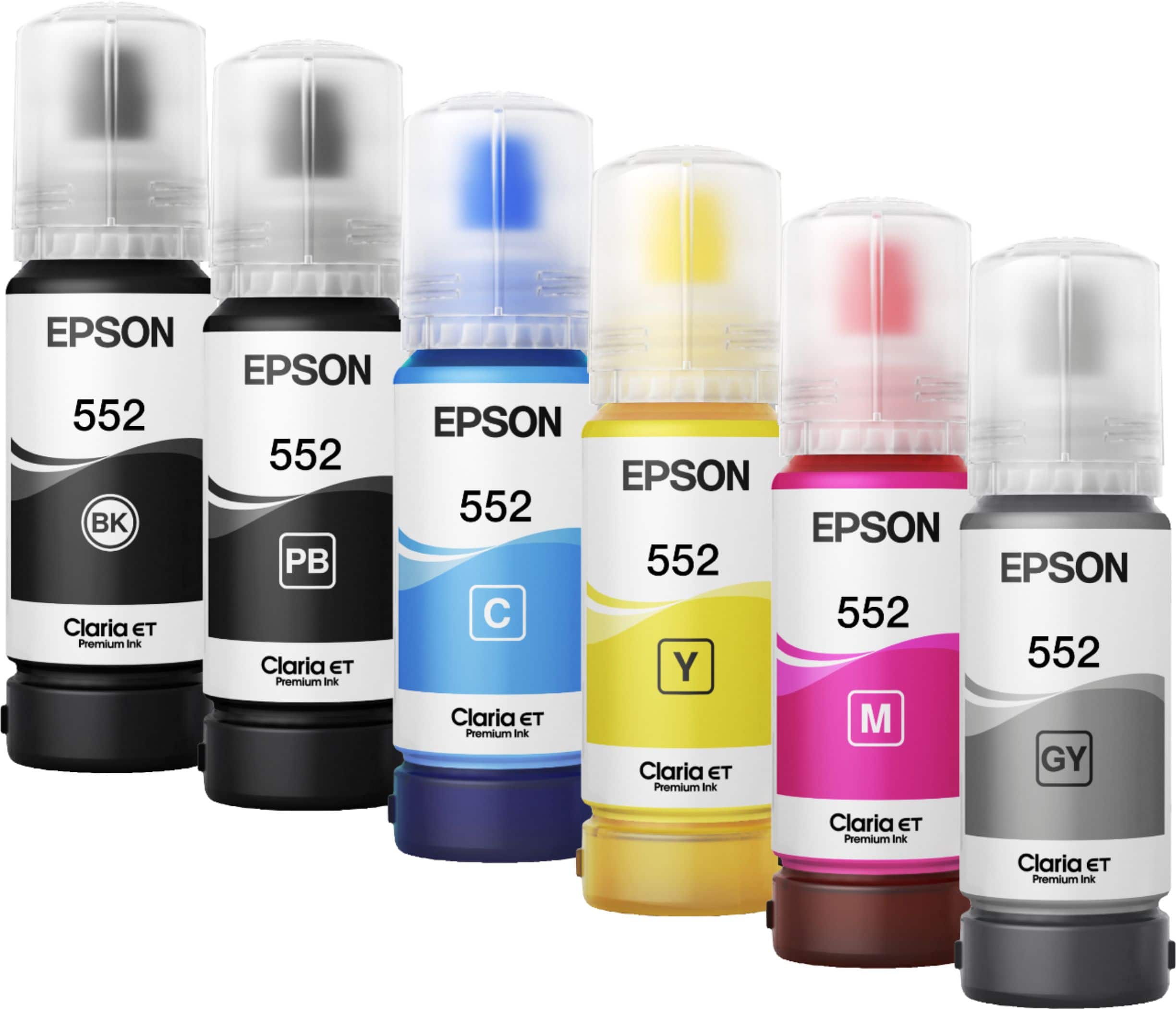
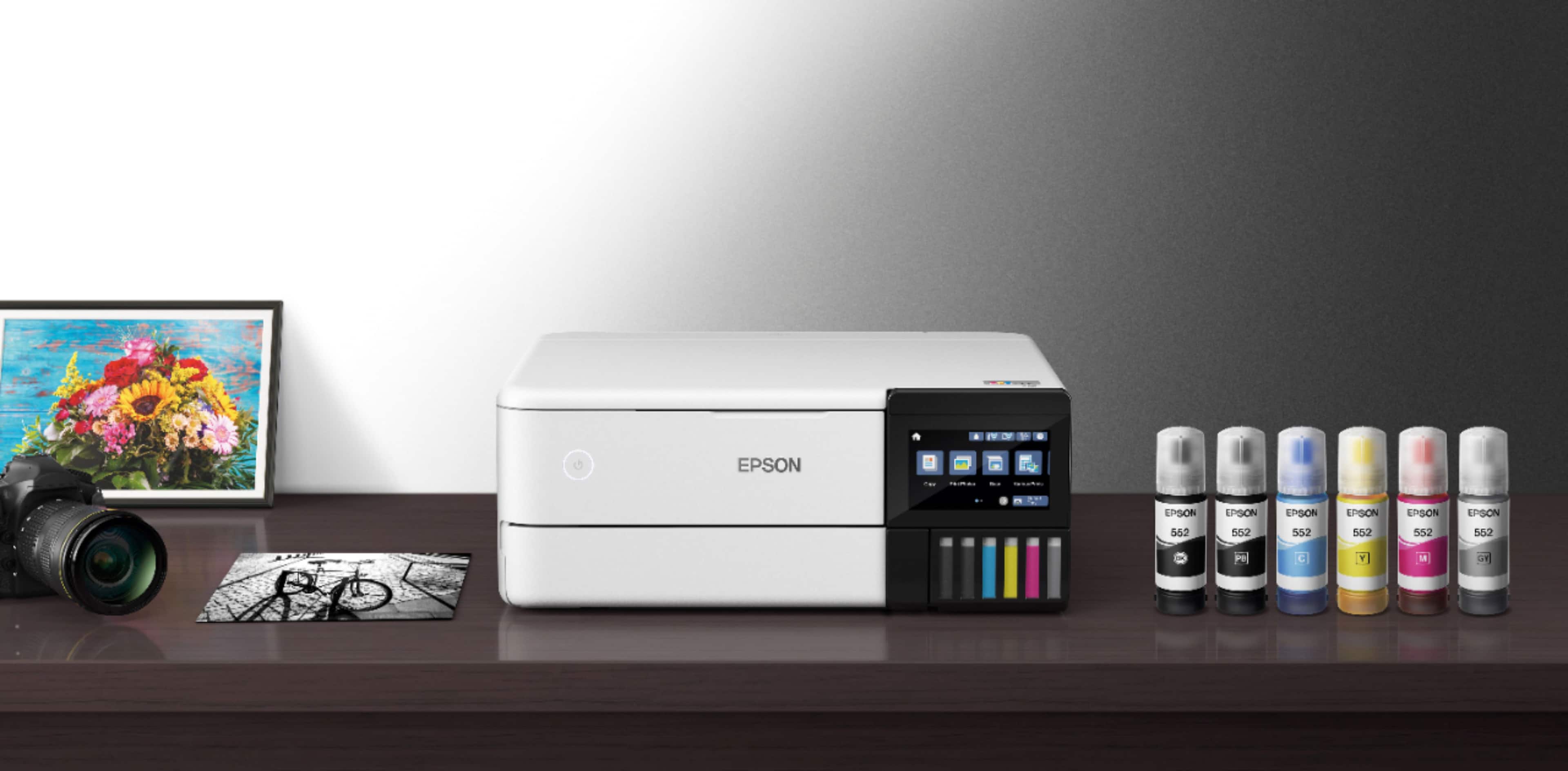
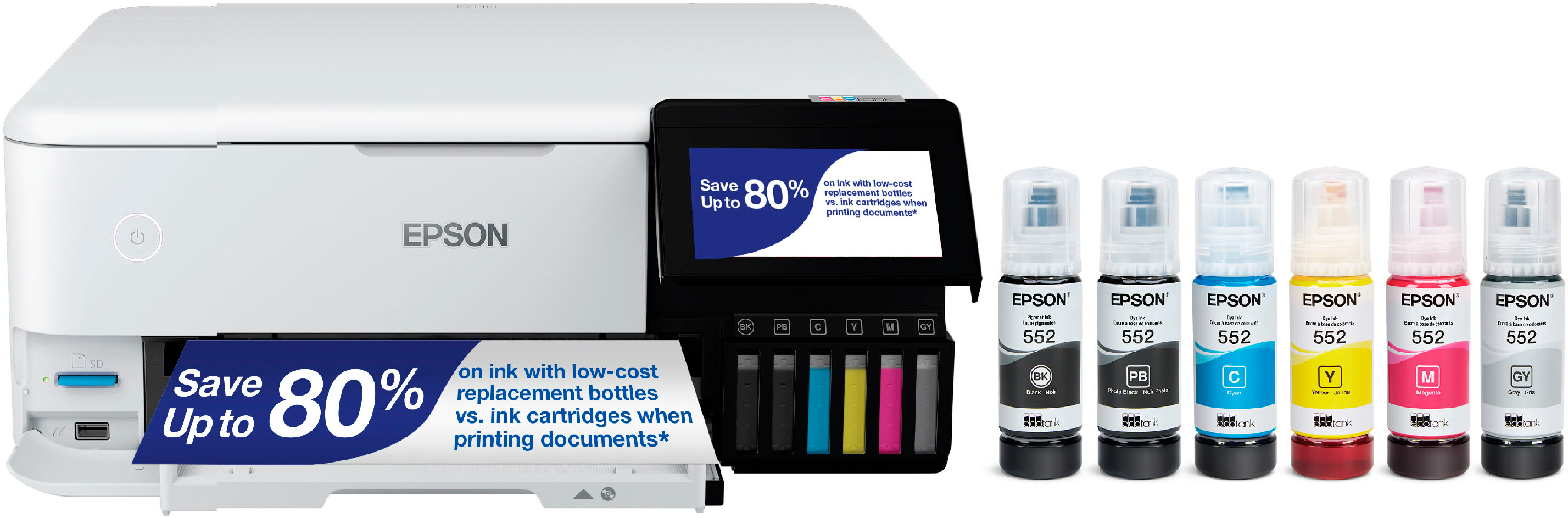
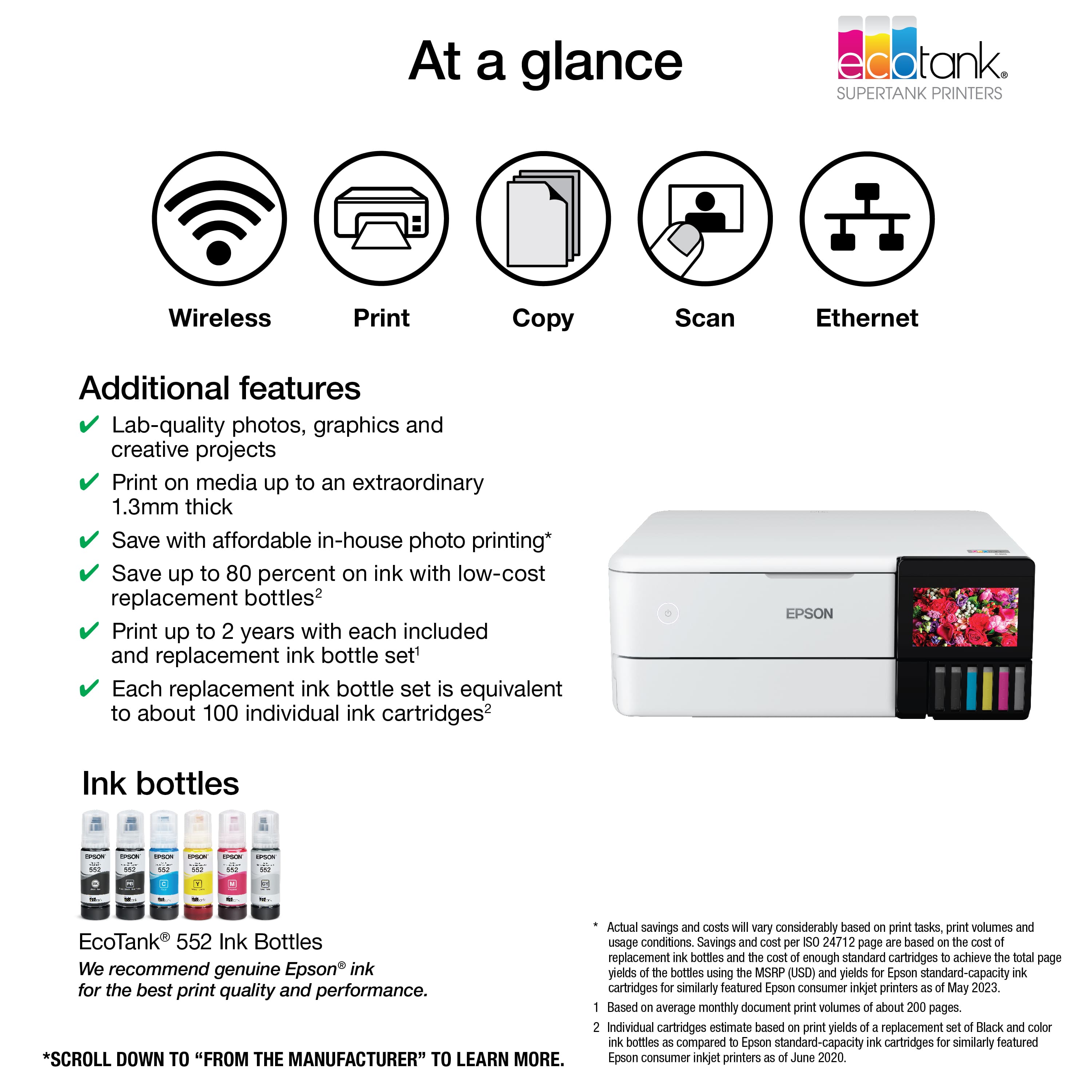
A:AnswerHello 14Turtles. The ET-8500 uses Cyan, Magenta, Yellow, and Black ink. Unfortunately, it cannot print white and black paper will not work with the machine. Regards, Kevin - The Epson Team.
A:AnswerHello LT. The ET-8500 is compatible with MacBook Pro computers running macOS 10.6 - 12. Please visit our official Epson Support page to download the latest print drivers and software. Regards, Kevin - The Epson Team.
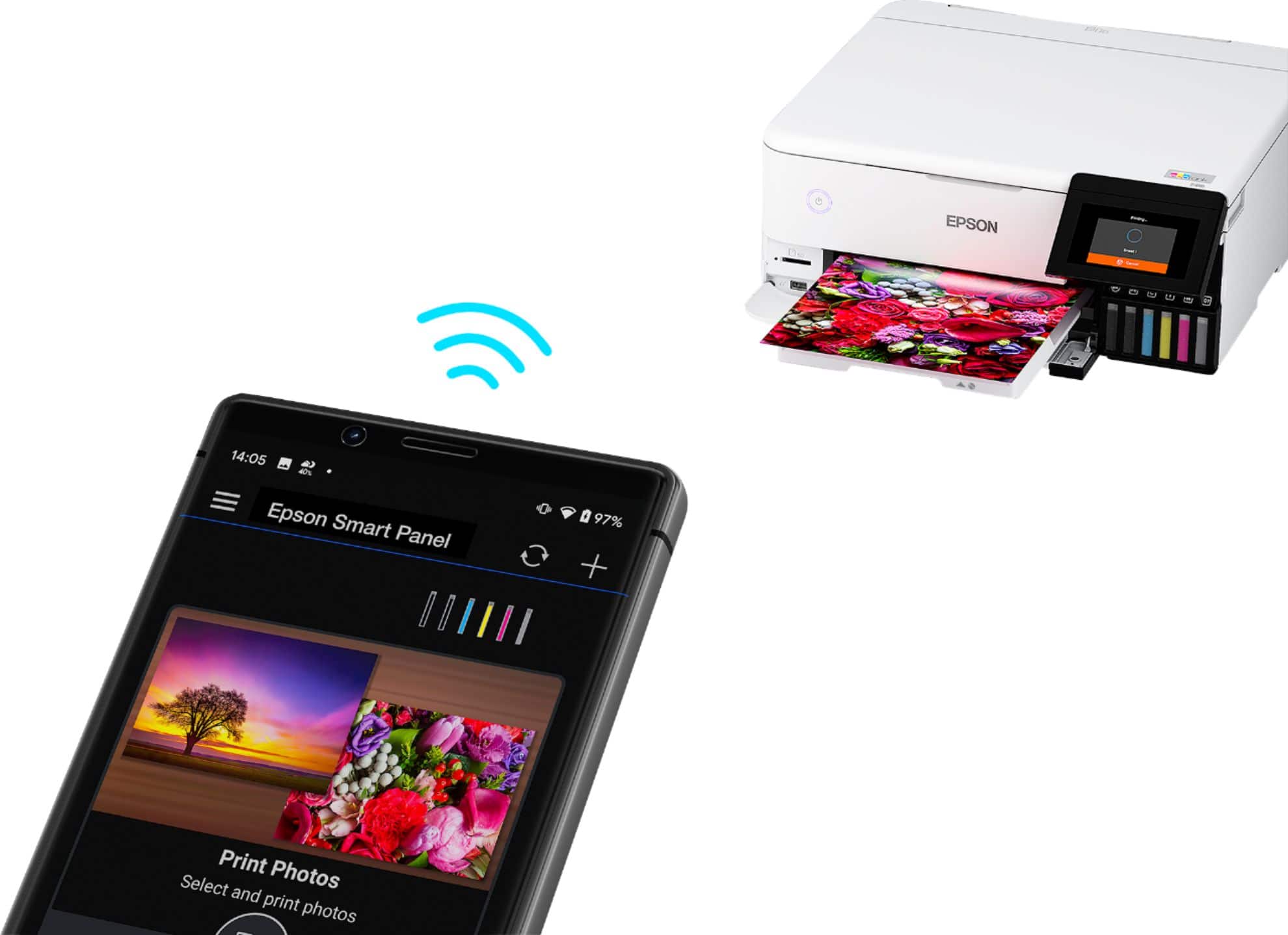
 2 Epson Smart Panel App download required. Data usage fees may apply](https://pisces.bbystatic.com/image2/BestBuy_US/images/products/9afaa04a-aec9-4227-921d-cec57841e8d6.jpg)