A:AnswerHi Geberlin7. Unfortunately, we have not tested the ET-8500 with PVC cards, so we cannot guarantee print functionality. We recommend reaching out to the PVC card manufacturer to confirm compatibility with our All-In-One inkjet printers. Regards, Kevin - The Epson Team.
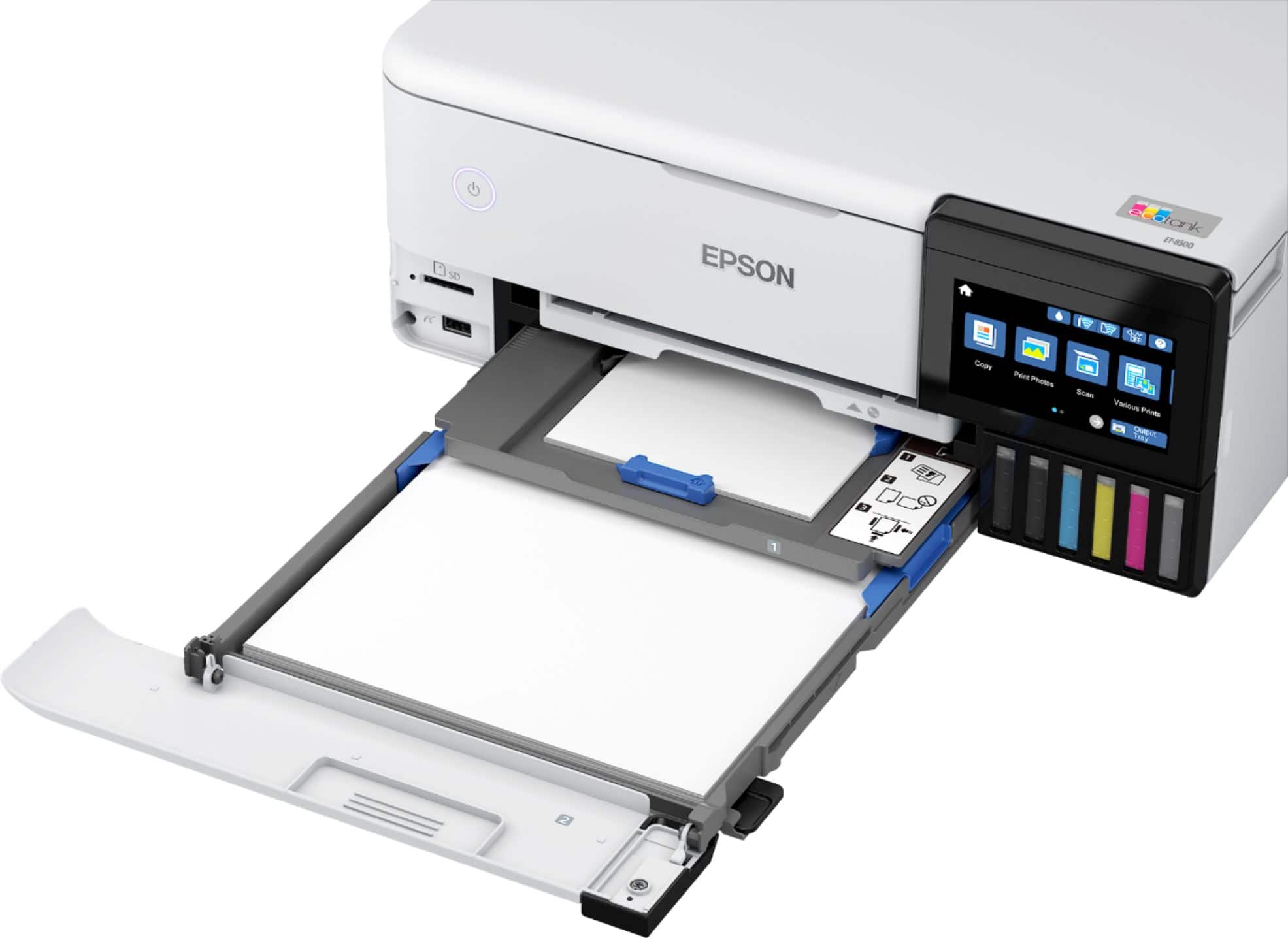
A:AnswerHello Recksie. The heaviest paper the Epson ET-2800 supports is 27 lb (100 g/m2). The printer does have a rear paper feed for loading paper. If there is another card stock you are planning on using that meets this specification, make sure it is inkjet compatible and select Thick Paper in the printer driver when printing. Regards, Kevin - The Epson Team
A:AnswerHi David, Sorry, we do not test third-party media with the ET-8500 so cannot guarantee quality. For a list of compatible Epson paper types, please visit our support site for the ET-8500. Regards, Mark - The Epson Team.
A:AnswerThe Epson rep stated in his answer that the Epson et-8500 can feed a paper sized at 11 x 17. This is incorrect. I've now purchased the et-8500 thinking that 11 x 17 was an available paper size and I'm super disappointed that a rep misrepresented the 8500.
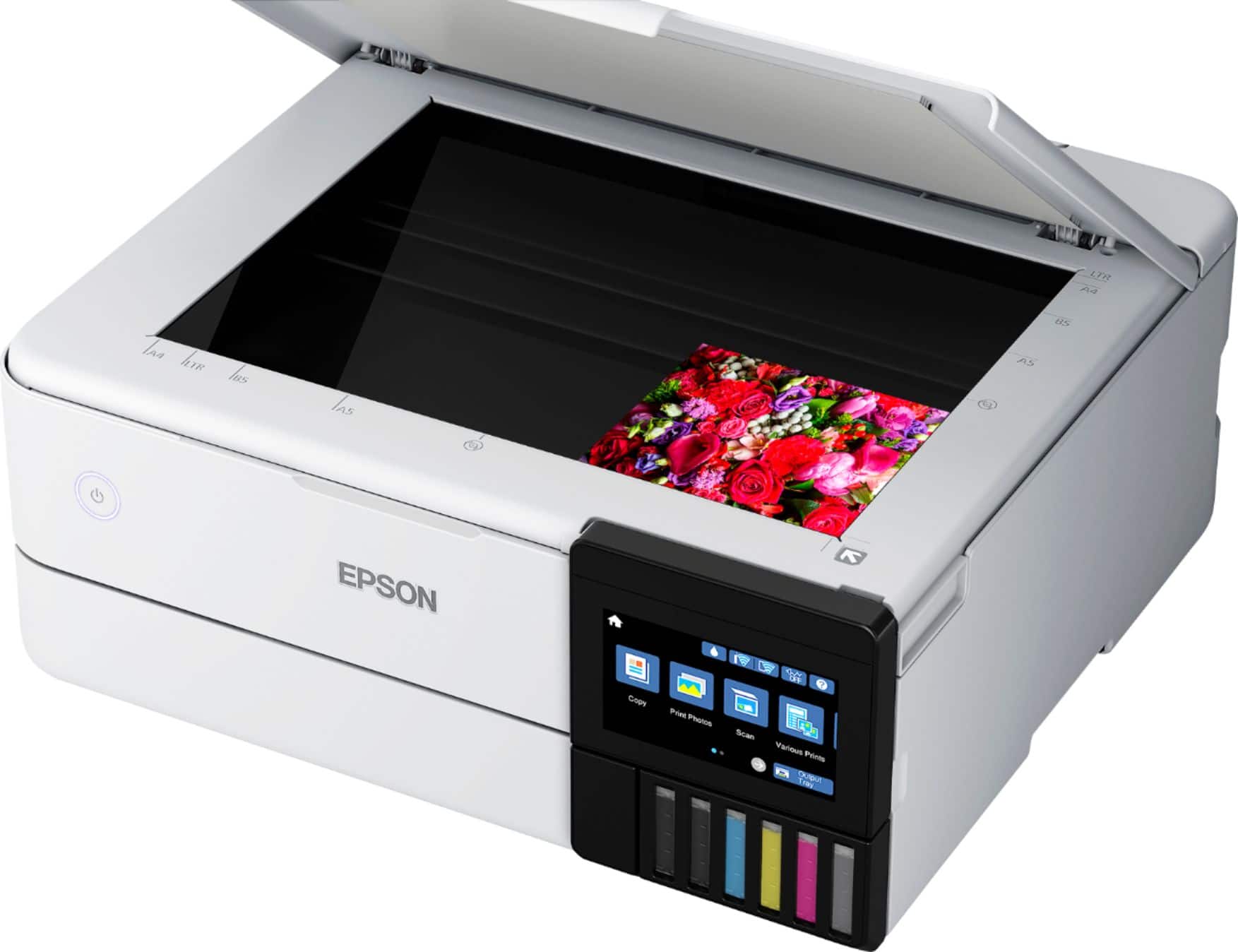
A:AnswerHello Brenda. The ET-8500 can scan both documents and photos and has a maximum resolution of 1200 x 4800 dpi. For paper handling, the maximum supported paperweight is 27 lb (100 g/m2). Regards, Kevin - The Epson Team.
A:AnswerHello Dave. With ink-jet printer technology, a printer can run into clogging issues if left without use at times. If you plan on using the ET-8500 daily, this should significantly reduce the chances of that happening. If you are not printing often, we recommend printing out a nozzle test pattern from the menu to ensure ink is still cycling through the print head. Regards, Kevin - The Epson Team.
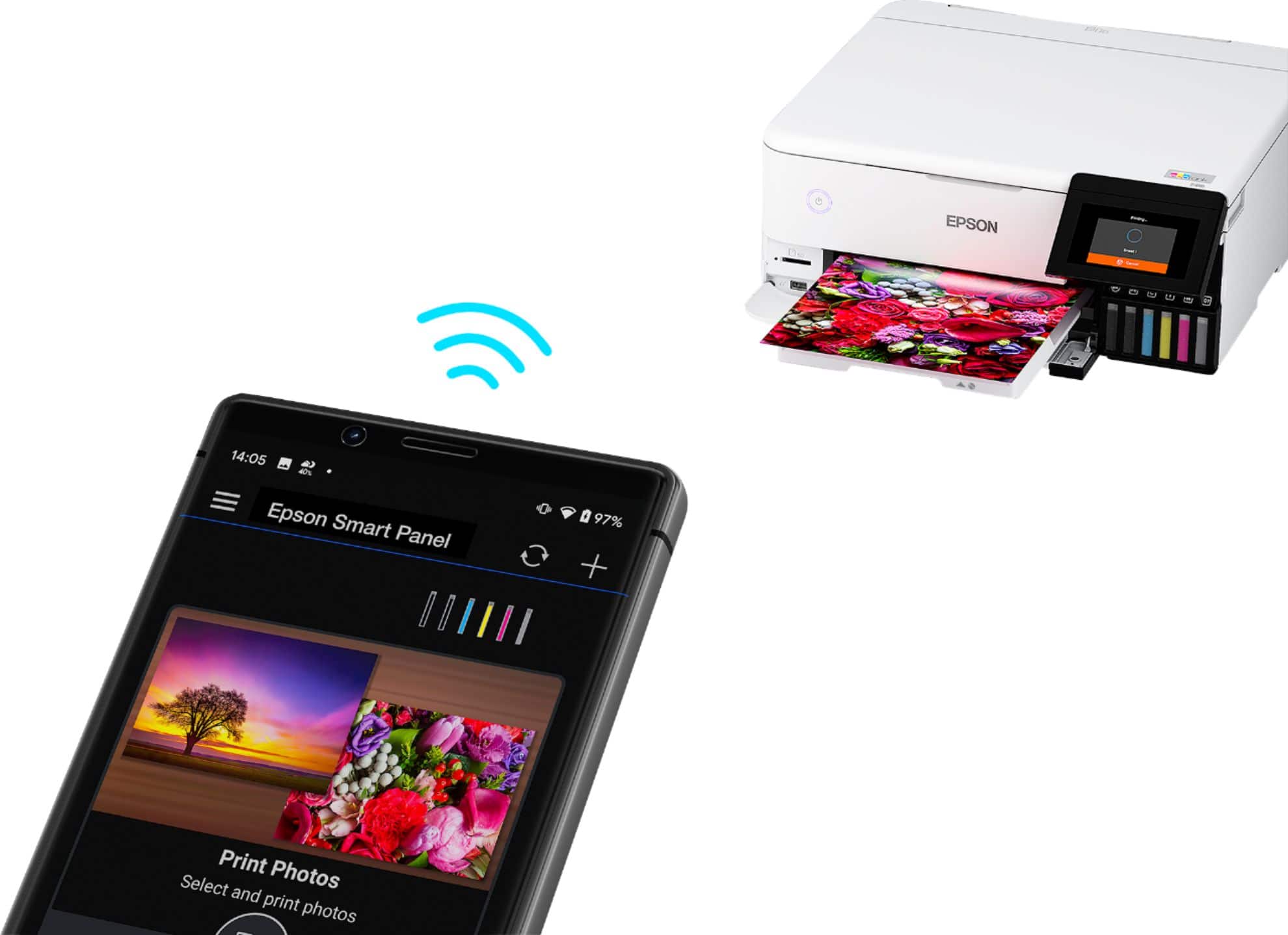
 2 Epson Smart Panel App download required. Data usage fees may apply](https://pisces.bbystatic.com/image2/BestBuy_US/images/products/9afaa04a-aec9-4227-921d-cec57841e8d6.jpg)