A:AnswerI have found that MS Word WYSIWYG print display of #10 envelopes will not print margins correctly on this printer, and is therefore not useful to me.
A:AnswerI don't think this printer uses up ink any faster than any other printer per print. The deal is that the cartridges are smaller for home use, so the ink won't dry up. so yes for pictures it will cost you more per picture.
A:AnswerI could not find any references to using sublimation type inks in the Epson XP-4200 guide book. I'm quite sure if you search, you could probably find a source that may not be officially sanctioned by Epson. Those ink cartridges would probably void the warranty though. Many people do it.
A:AnswerHello panna. Yes, the XP-4200 is compatible with macOS 11. Please visit our official Epson Support page to find the latest printer driver. Regards, Kevin - The Epson Team.
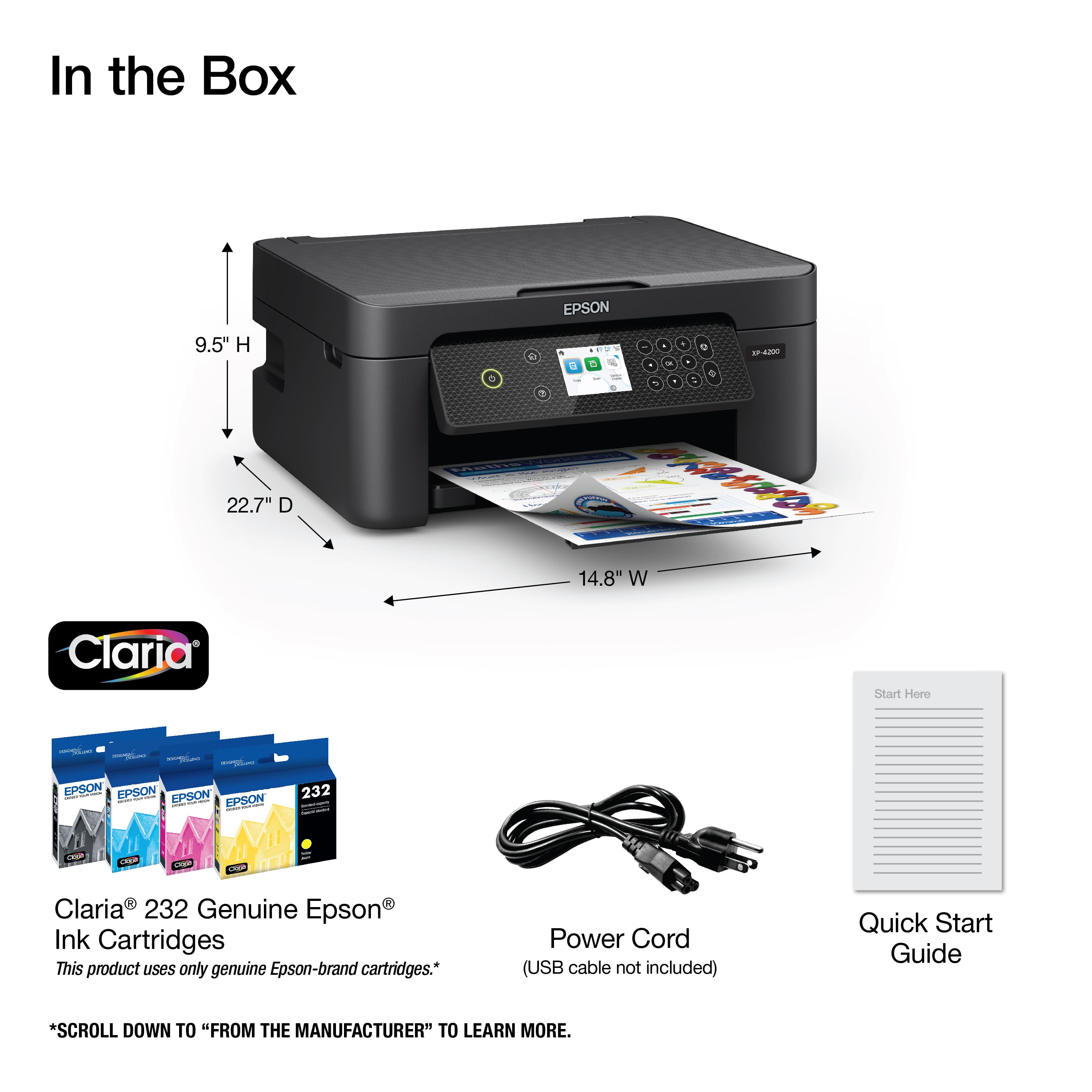
A:AnswerHi, The Expression Home XP-4200 is designed for printing photos and documents using Epson 232 and high-capacity 232XL cartridges. Other brands or types of ink supplies are not compatible and, if described as compatible, may not function properly or continuously. Regards, Mark - The Epson Team.
A:AnswerHi Bubba, The Expression Home XP-4200 is designed for printing on plain, photo or photo matte paper. The ink is not suitable for sublimation. Regards, Mark - The Epson Team.
A:AnswerThis printer does NOT have a FAX. I requested Best Buy to remove "integrated Fax" from specifications. I ordered the XP-4200 on-line and after setting up the printer and not finding Fax capability, I contacted Geek Squad for help. The agent went through the same set up process and found no Fax. Another Geek Squad agent attempted to assist by offering to send someone to my house. I called Epson while the Geek Squad agent was on the phone and confirmed that this model does NOT have Facsimile capability.
A:AnswerHello Alonzo. The XP-4200 is designed to work on a home Wi-Fi router using a 2.4 GHz band. If the Wi-Fi router you are using is a 5 GHz router, then you want to ensure that it is a dual-band router and the printer connects to the 2.4 GHz band. Regards, Kevin - The Epson Team.
A:AnswerHello Alonzo. The XP-4200 is designed to work on a home Wi-Fi router using a 2.4 GHz band. If the Wi-Fi router you are using is a 5 GHz router, then you want to ensure that it is a dual-band router and the printer connects to the 2.4 GHz band. The "5G" you are inquiring about may refer to the network connection on a mobile device like a tablet or a smartphone which would be entirely separate. However, if you are trying to connect this printer to a tablet or mobile device, it will work over a Wi-Fi connection, and you can use it by downloading the Epson iPrint application. Regards, Kevin - The Epson.
A:AnswerHi Heather, The Expression Home XP-4200 is designed for Epson cartridges only. Other types or brands of ink supplies are not compatible and, if described as compatible, may not function properly or continuously. Regards, Mark - The Epson Team.
A:AnswerHi JohnM. The XP-4200 can print on standard inkjet-compatible label sheets like Epson Photo Quality Self-Adhesive Sheets. File folders and 3rd party labels have not been tested by Epson. We recommend contacting the label manufacturer to confirm compatibility with our All-In-One printers. Regards, Kevin - The Epson Team.
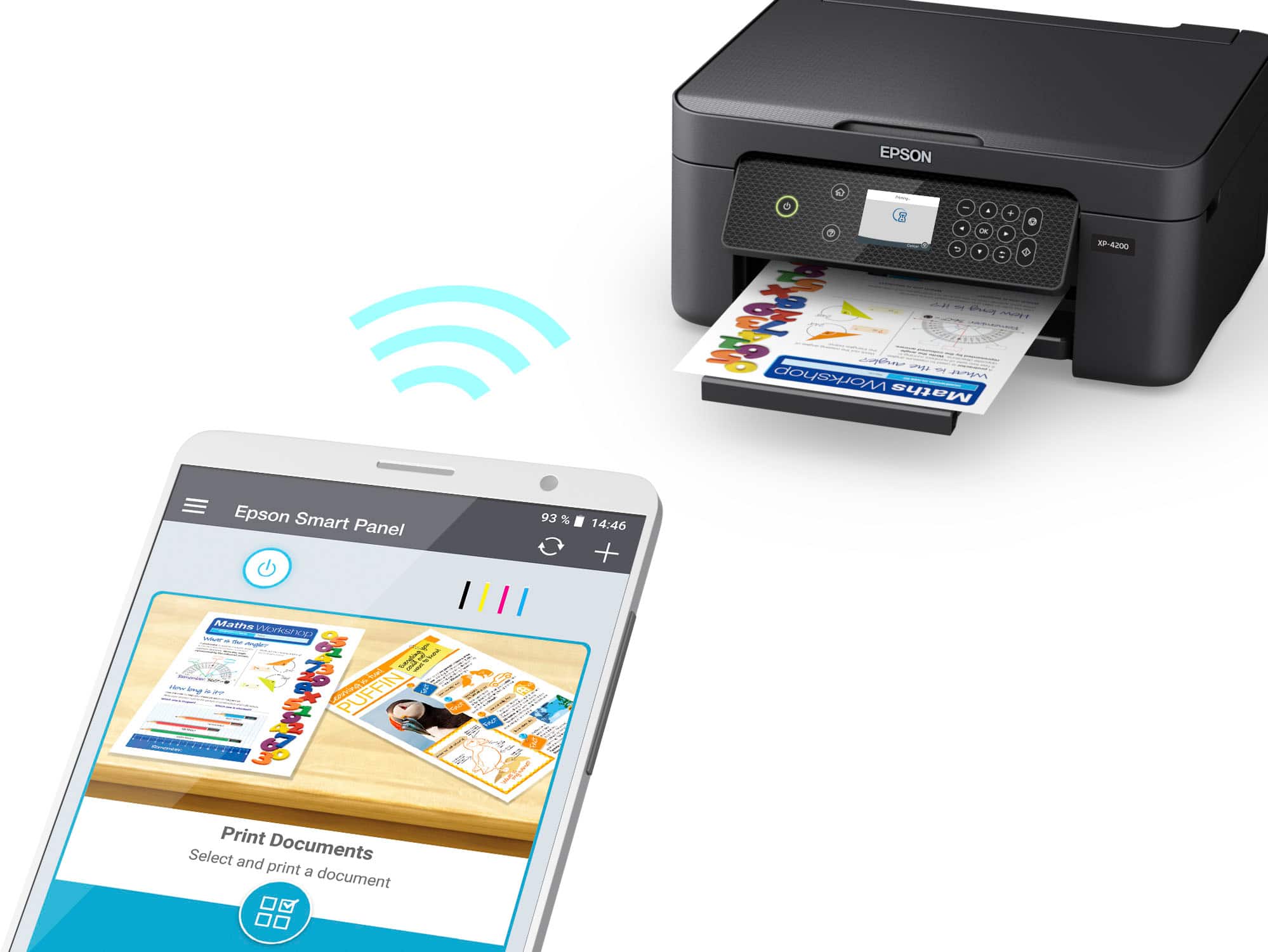
A:AnswerHi duck, The salesman is correct, you can print photos or documents from Apple or Android phones or tablets. The Expression Home XP-4200 must be connected to the same 2.4 GHz Wi-Fi network as your smart phone. Once it is connected, sending things to the printer is easy using the phone's built-in print feature or you can download the Epson Smart Panel app for more options. Regards, Mark - The Epson Team.
A:AnswerHello Tay. The XP-4200 works with Epson Iron-on Cool Peel Transfer paper, which can be used with t-shirts. Please note we have not tested other brands of transfer paper with the machine. If you plan to use 3rd party paper, we recommend trying a small batch first to ensure it works properly and has satisfactory image quality. Regards, Kevin - The Epson Team.