A:AnswerI have this printer & don’t have any problem printing multiple pages. When you first select the printer, you have the option of printing all pages or certain pages (I.e. page
1-1,, 1-9 or all pages. This is also the screen that you can tell it to print in black & white only or color. You will have to reset these each time you have a print job,
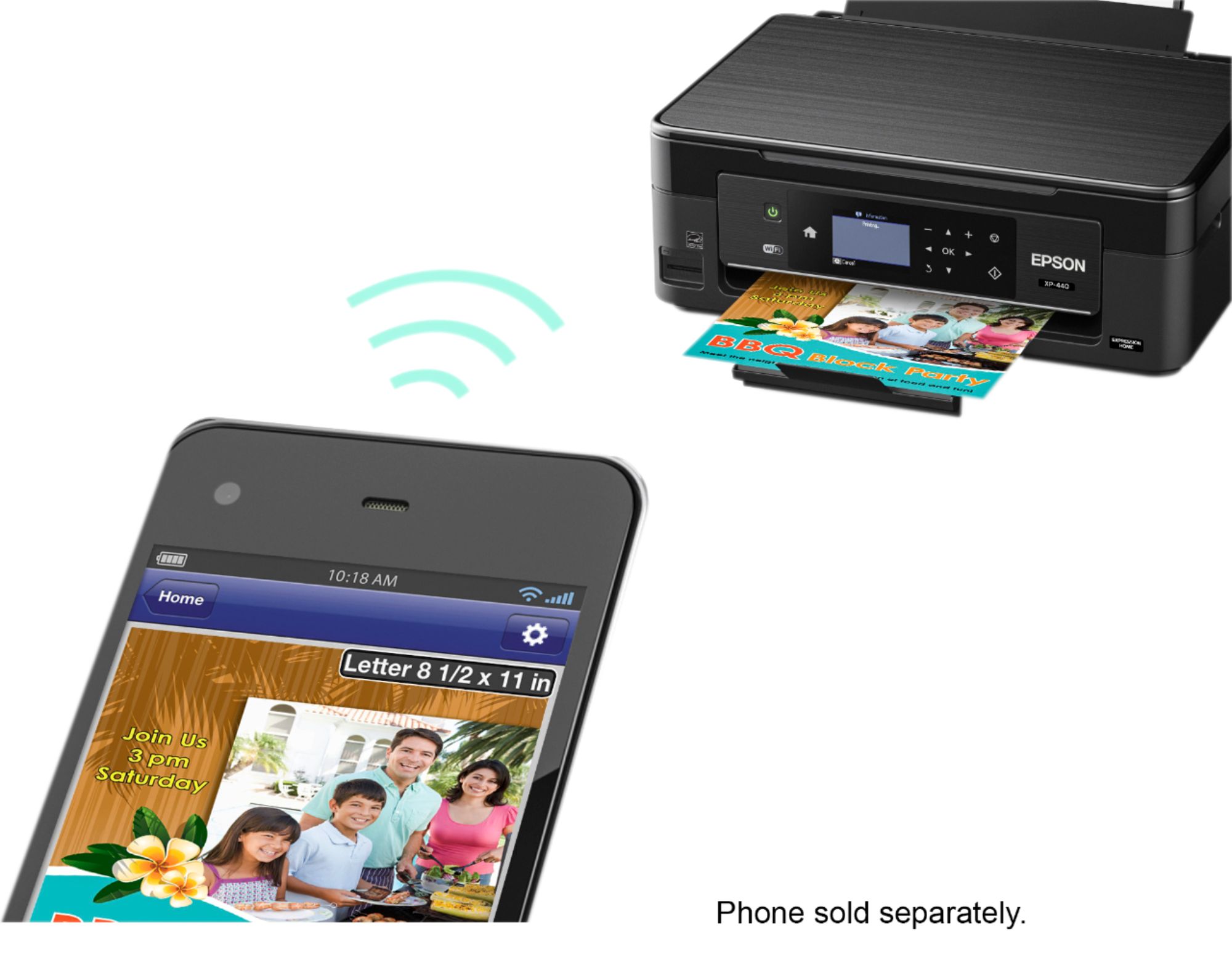
A:AnswerYes it should, as long as your on the same network and are connected on both devices it should work fine. There is an app that let's you the status of the ink levels and all that too.
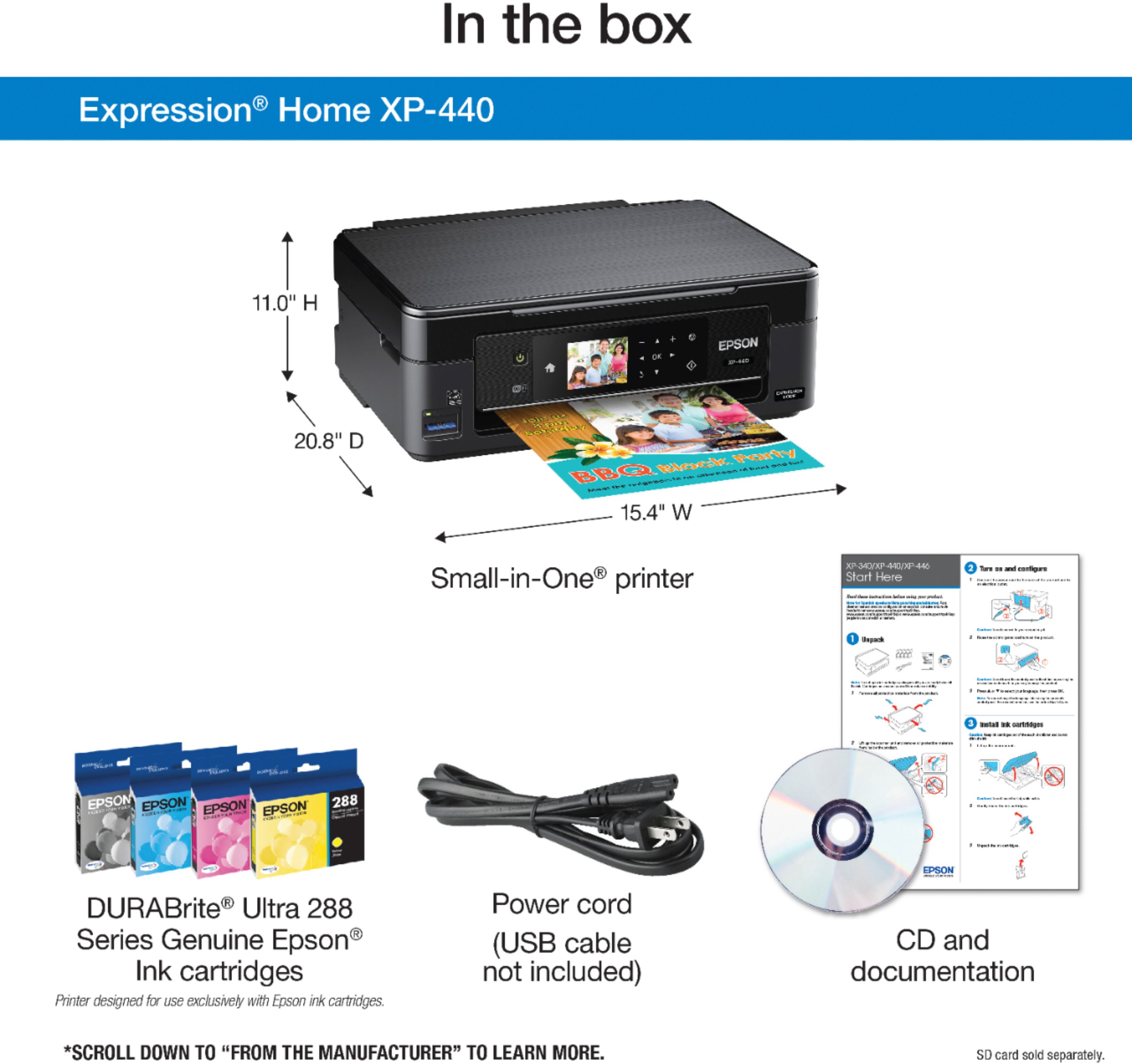
A:AnswerHi Hailes. I can’t see if anyone answered your question or not, so in case no one did here it goes. With a cable running from your computer to this printer, you will not need WiFi to use it. The cable was not included in the box and will be an additional purchase.
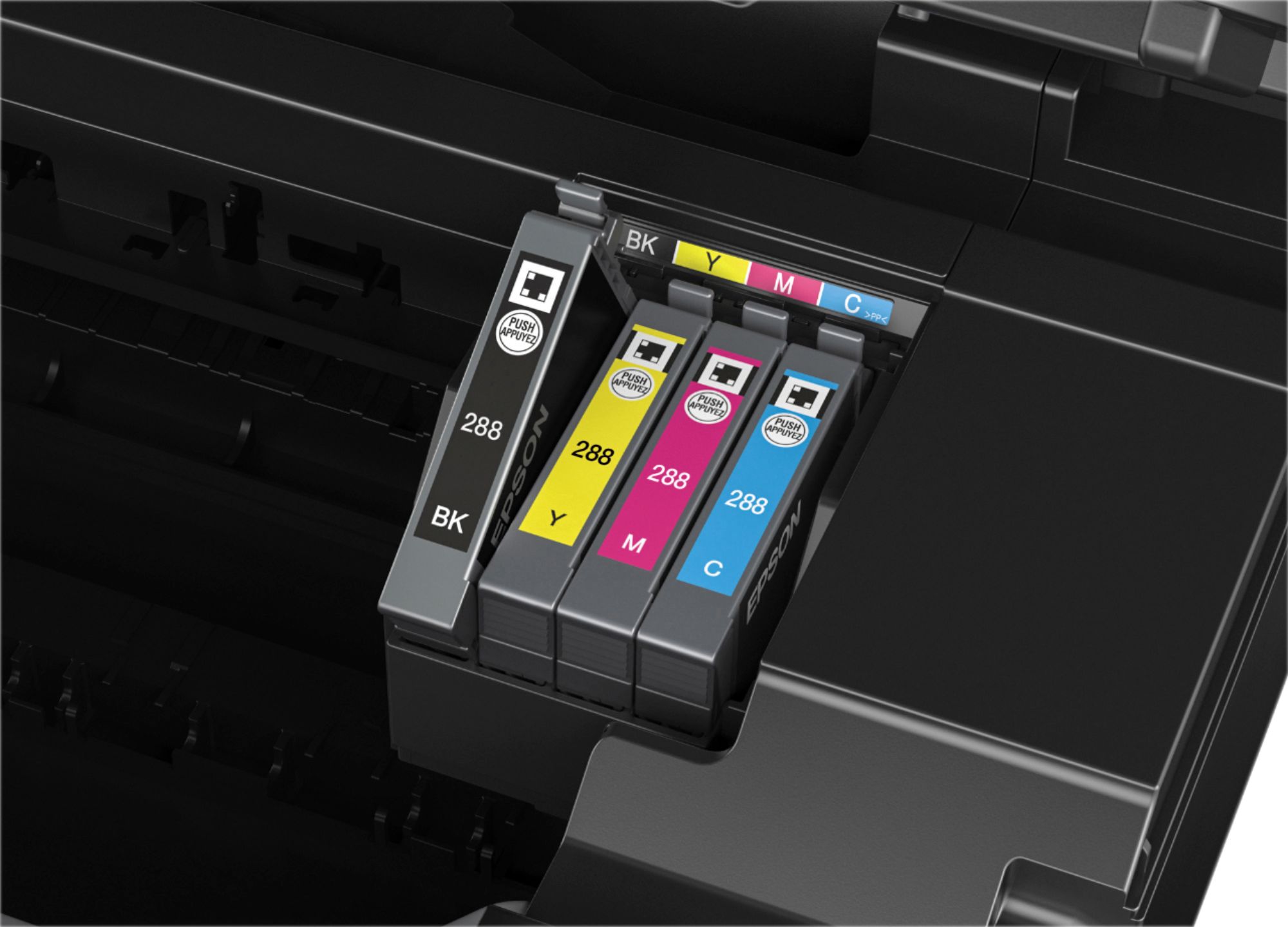
A:AnswerThis printer does include 4 ink cartridges and they are very easy to install. There is info in your box that shows step by step how to handle the cartridges and insert them read carefully. I had no problem and I just love this printer it's great! I installed the software to my tablet from the play store I did call the 800 number for that they were super friendly and helpful