A:AnswerThat’s not something I would try. I would check with Epson on that. It does great photos, good color. Pleased with the printing I have done. I miss the scanner and copier capability.
A:AnswerYou can only use plastisol ink for vynil printing... I would recommend buying ink jet transfer sheets for white and dark . you can youse thise with this printer and its great quality too .. Abd amazeing for printing fotos on shirts too
A:AnswerI'm not sure ... I make custom t-shirts also but I don't use the printer for transparent printing I'm guessing so you can make you'r prints for the screens... I use it for print transfer paper.. and photos.. works great... I'm sure it would work for transparent printing because there is a setting on the printer that you can change to print thicker or thinner media... And it says you can print different types of media.. I won't be useing it for that but hey give it a try..
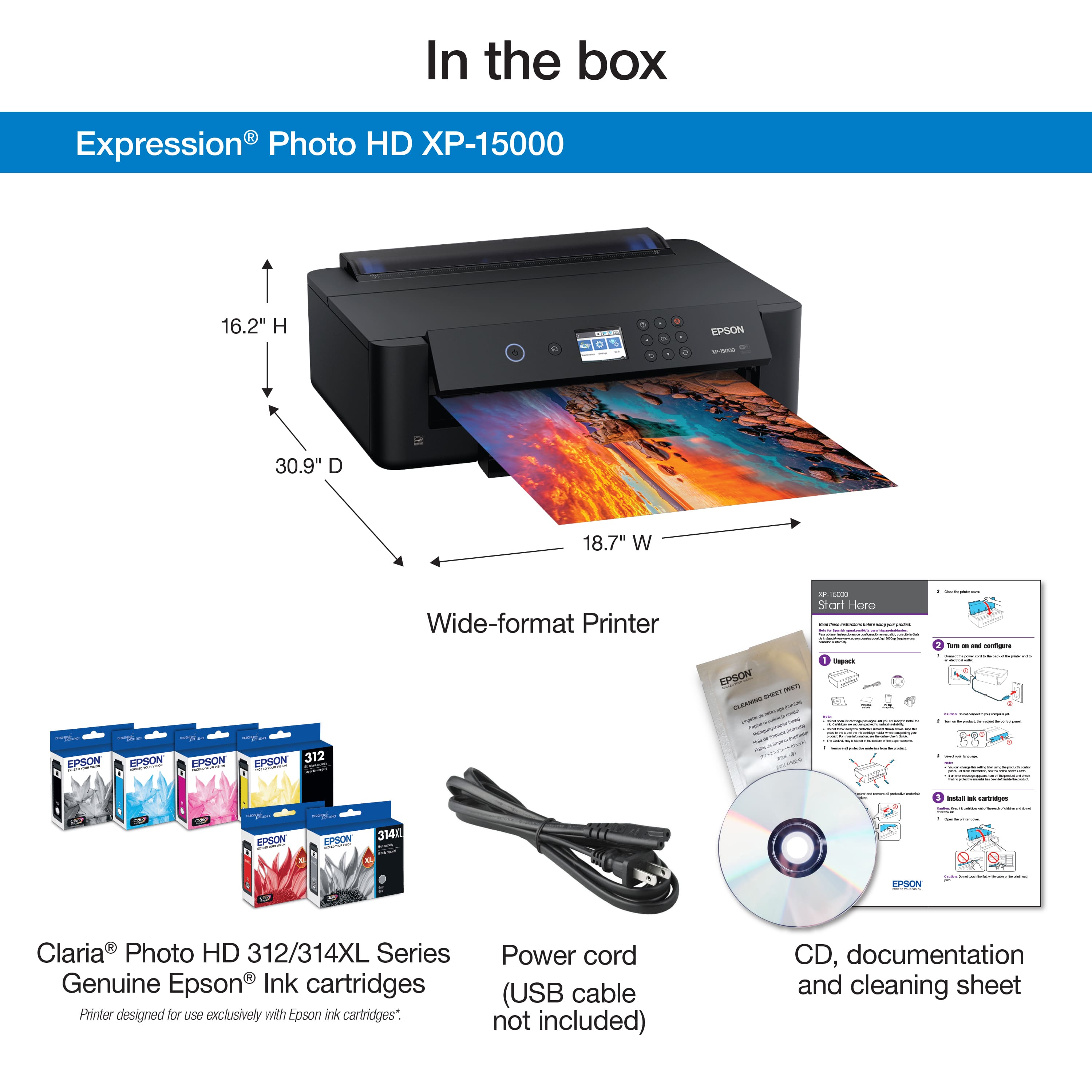
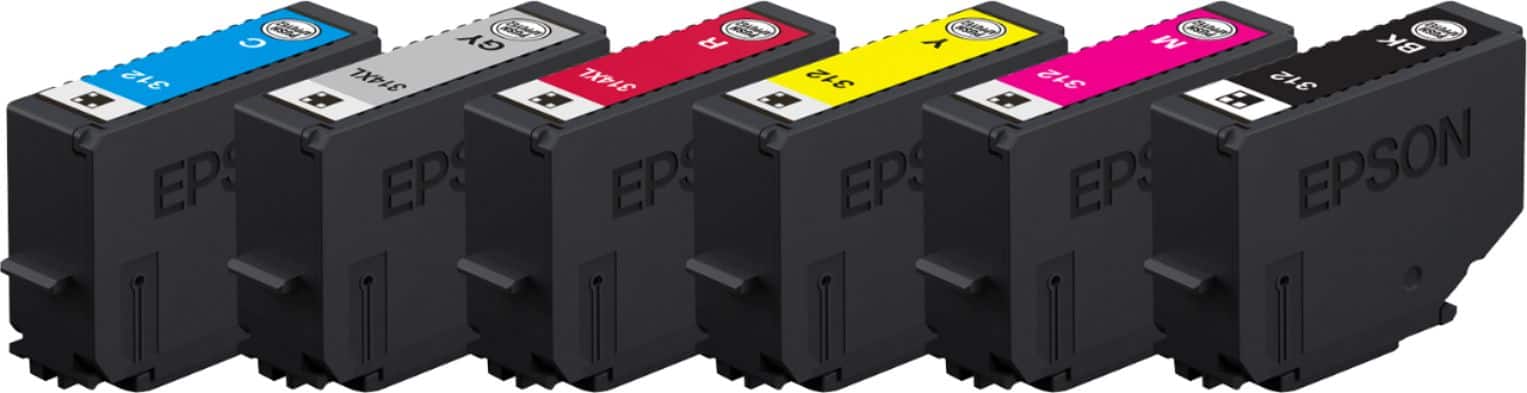
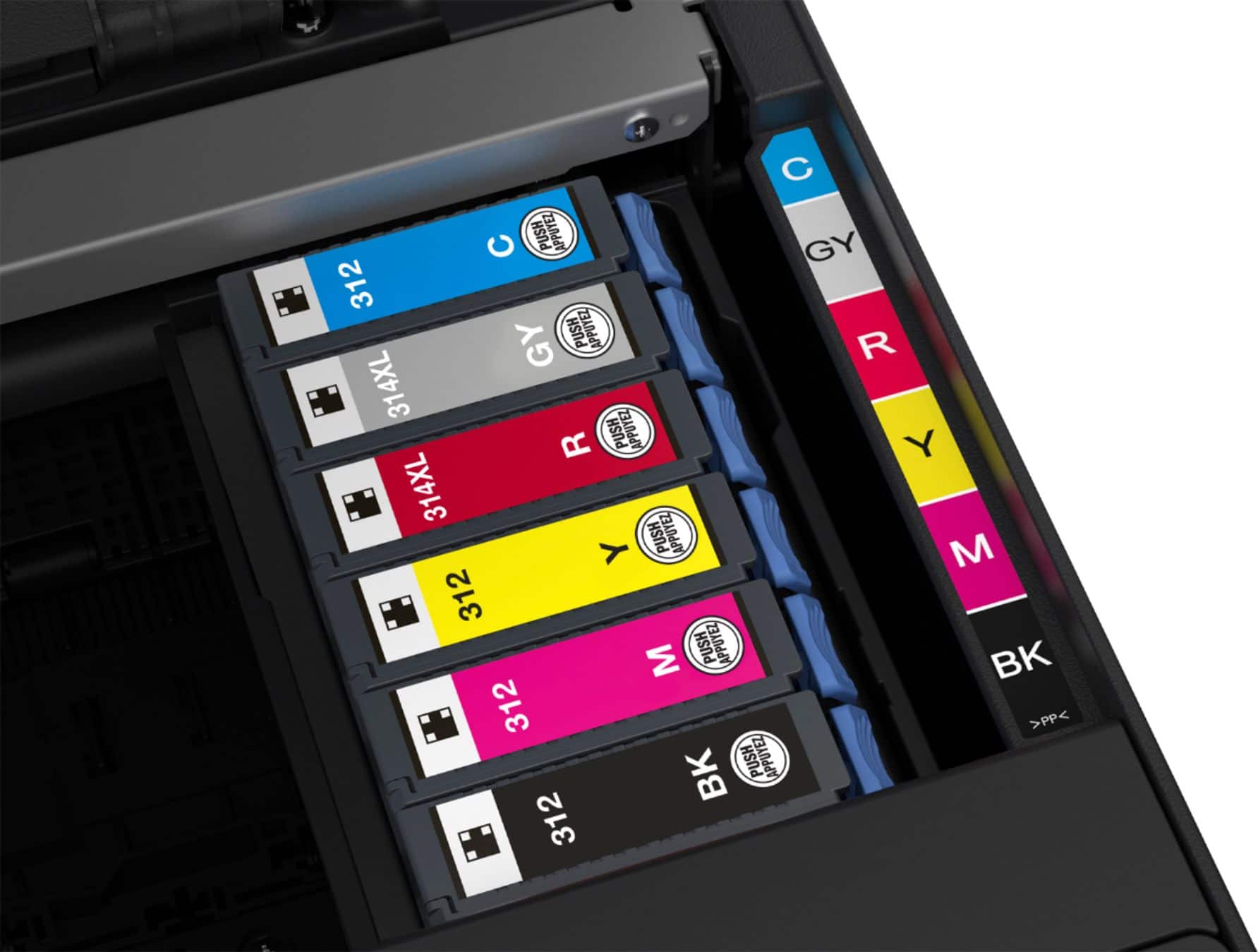
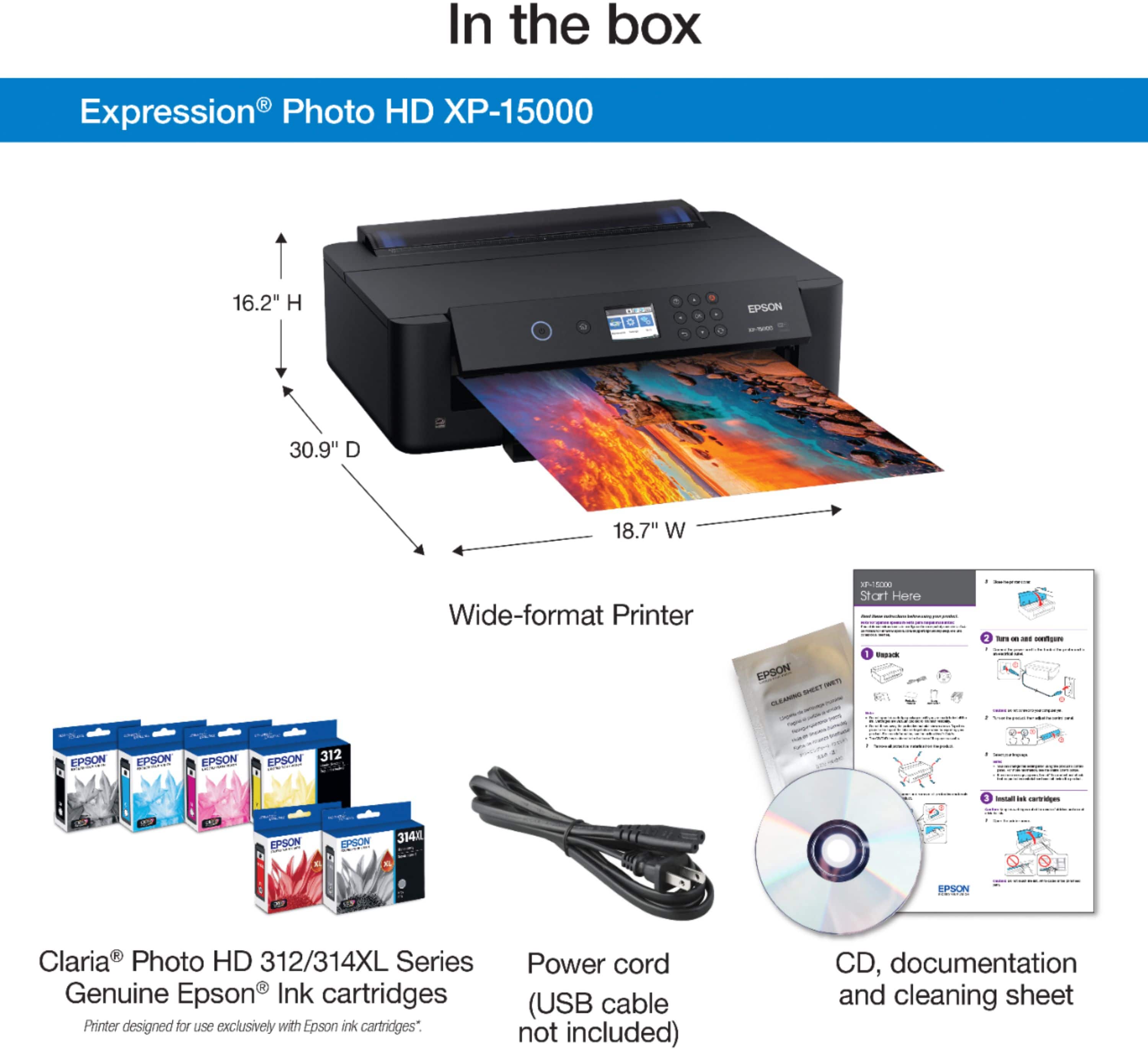
A:AnswerWith original package of innk believe it or not it comes with a full set... And after installation and calibration you pretty much still have a full set of ink... I printed about 100 pages full of colors photo pictures until the magneta ran out then you will have to replace it before continuing.. they last a very long time .. especially the XL inks
A:AnswerYou should only use Epson Ink with Epson printers to keep your warranty.... That being said I don't use my printer for that but I'm sure you could..