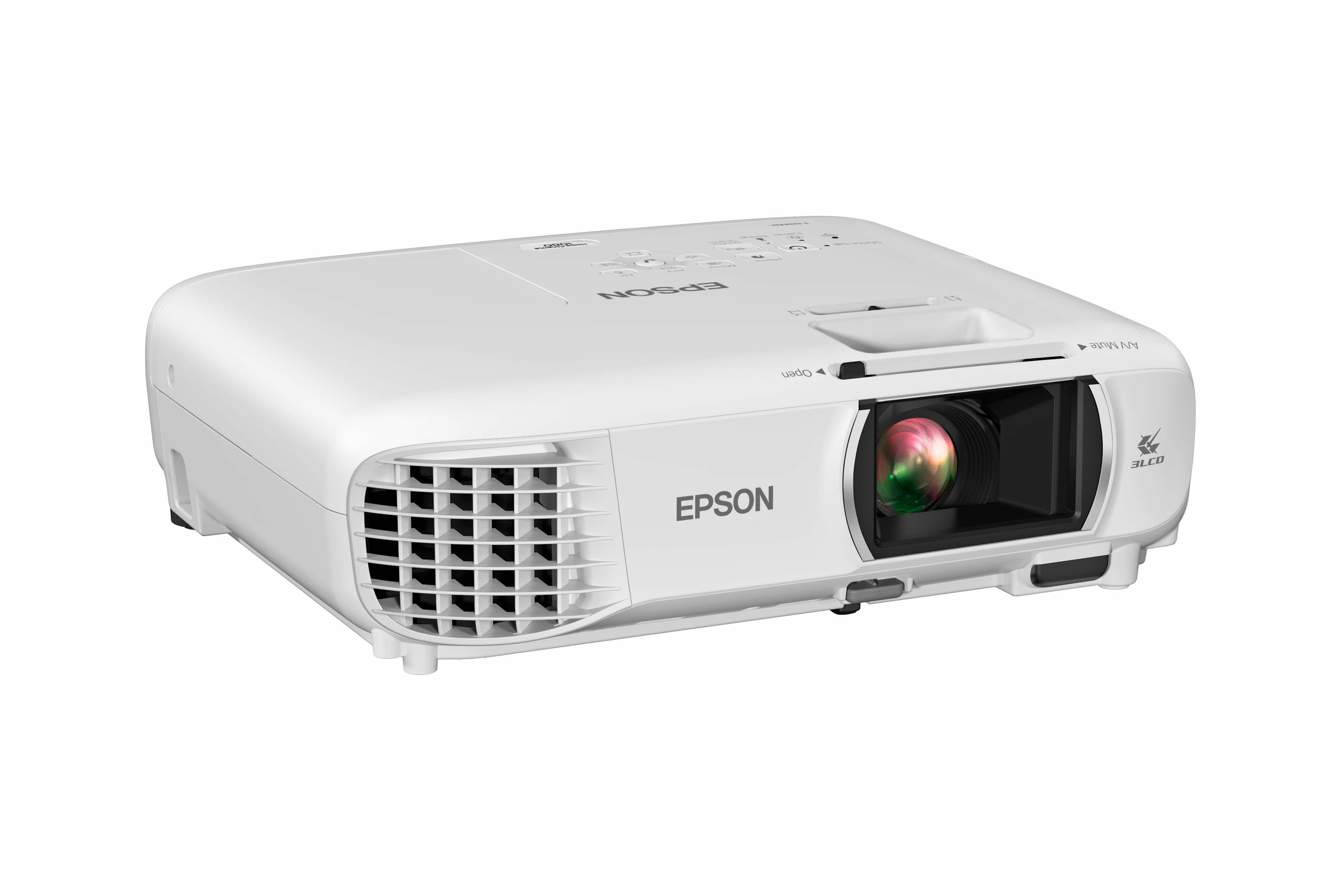
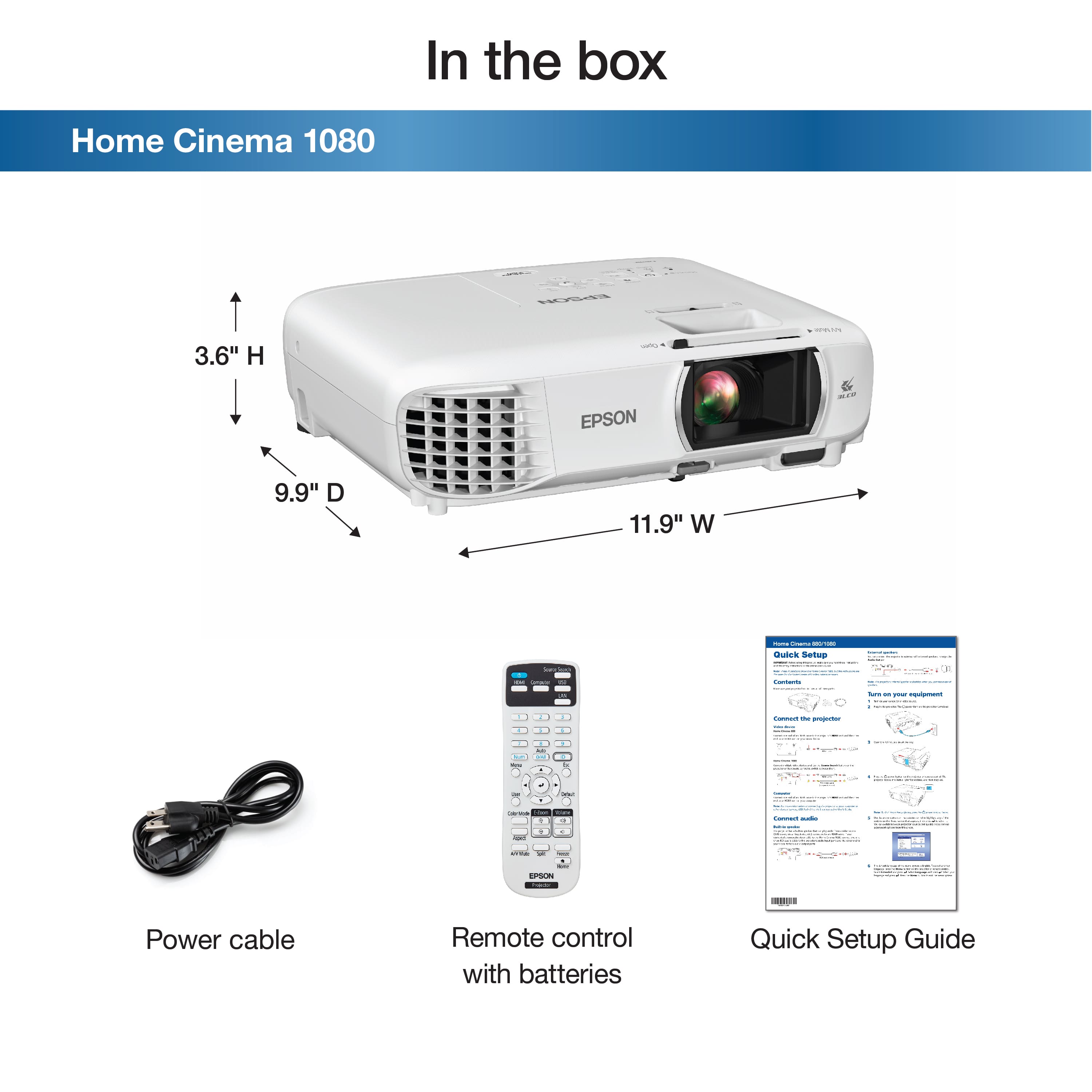
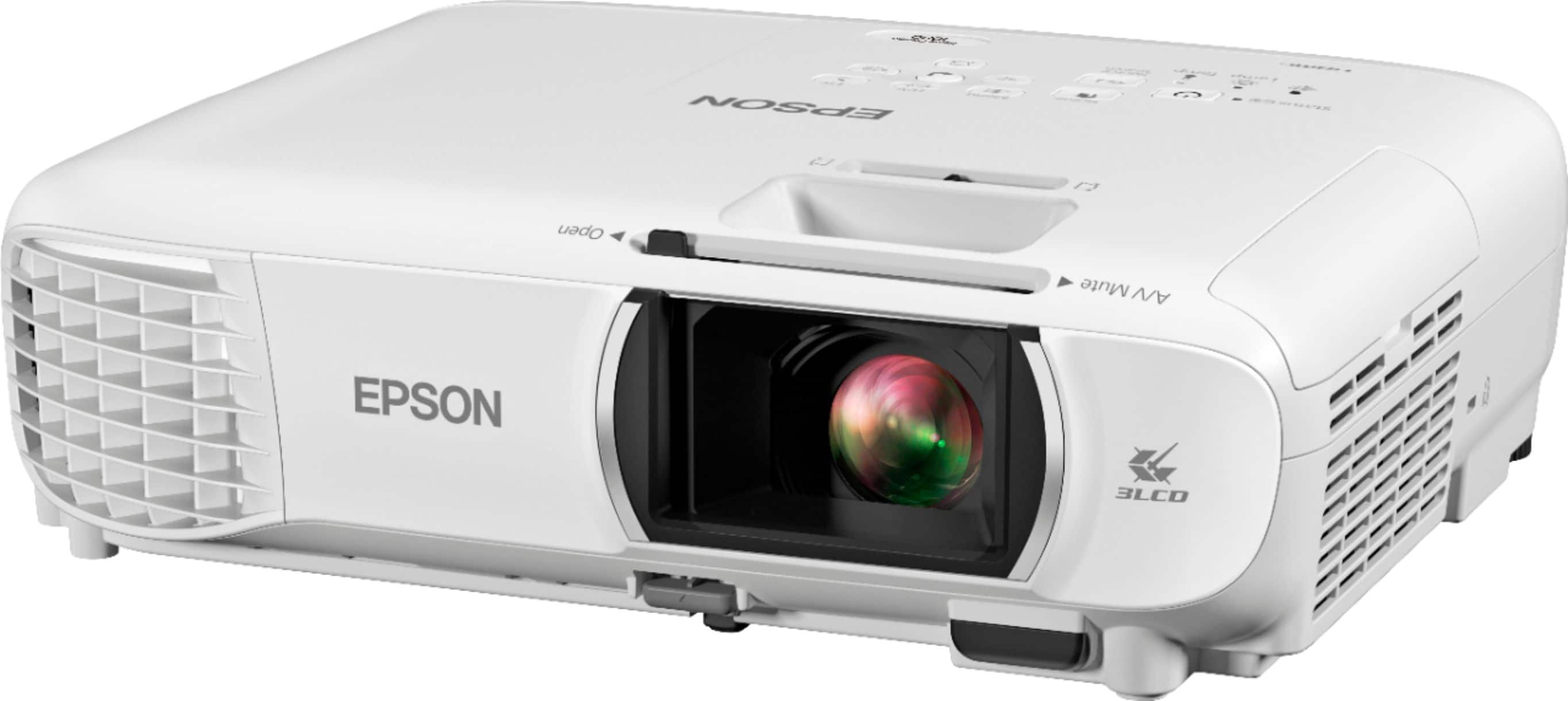
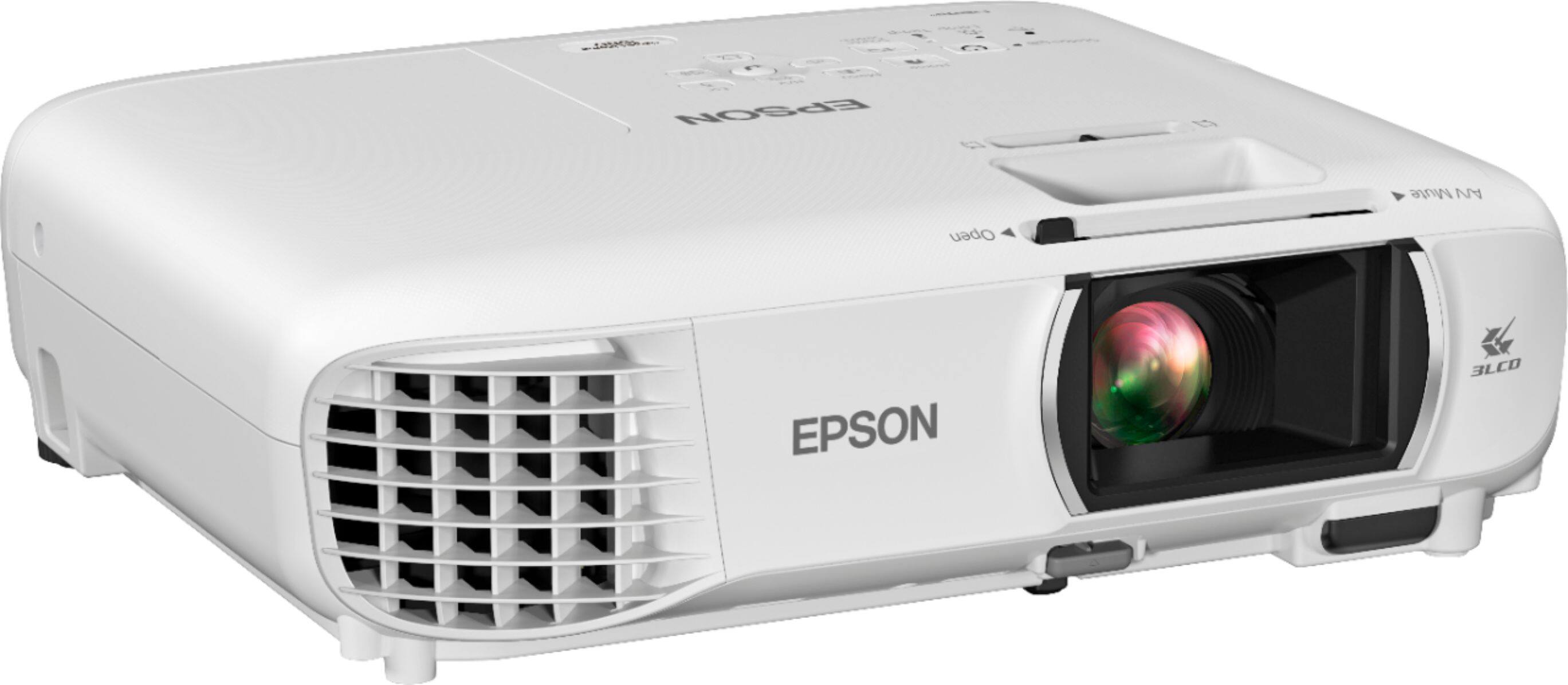
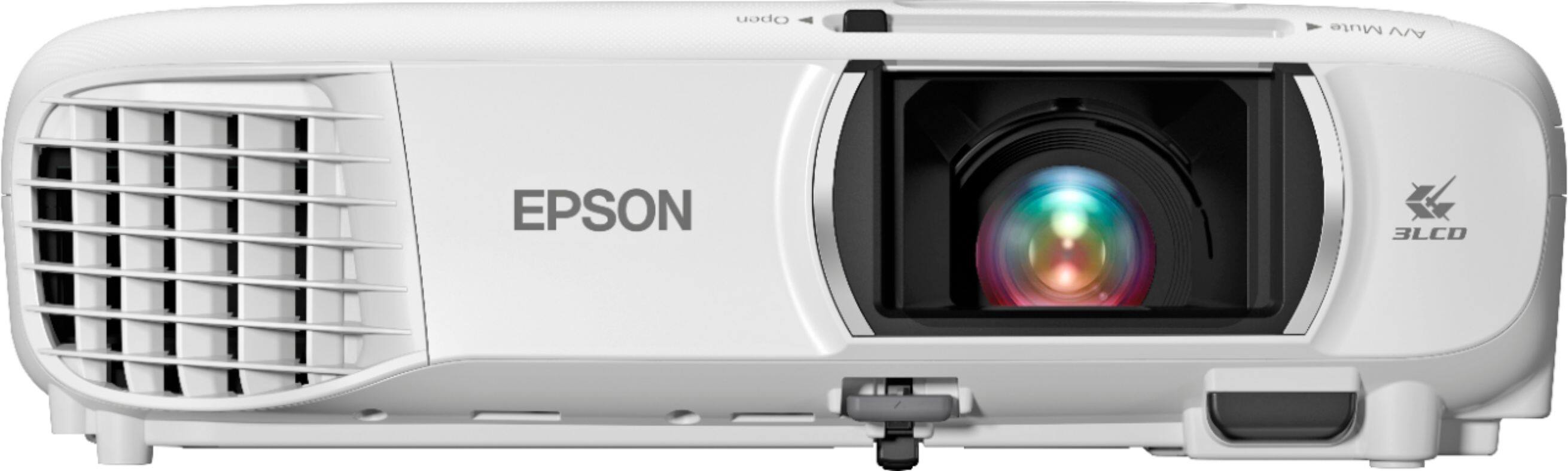
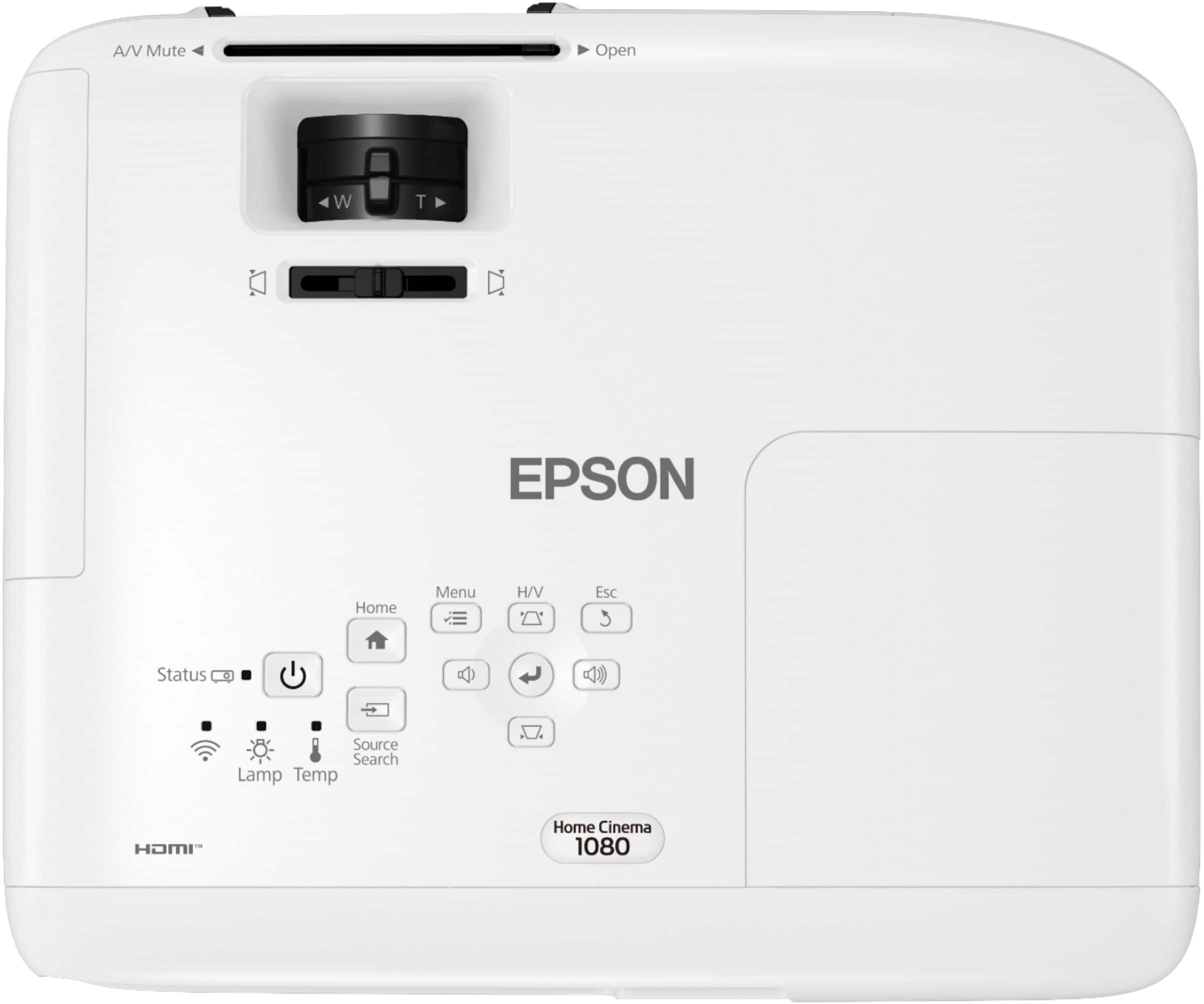
A:AnswerHi romodome, Use three M4×9mm screws to connect the Home Cinema 1080p to a ceiling mount. Please make sure your ceiling mount is capable of supporting at least 6.2 lbs. Also, please attach a safety cable, Regards, Dylan - The Epson Team.
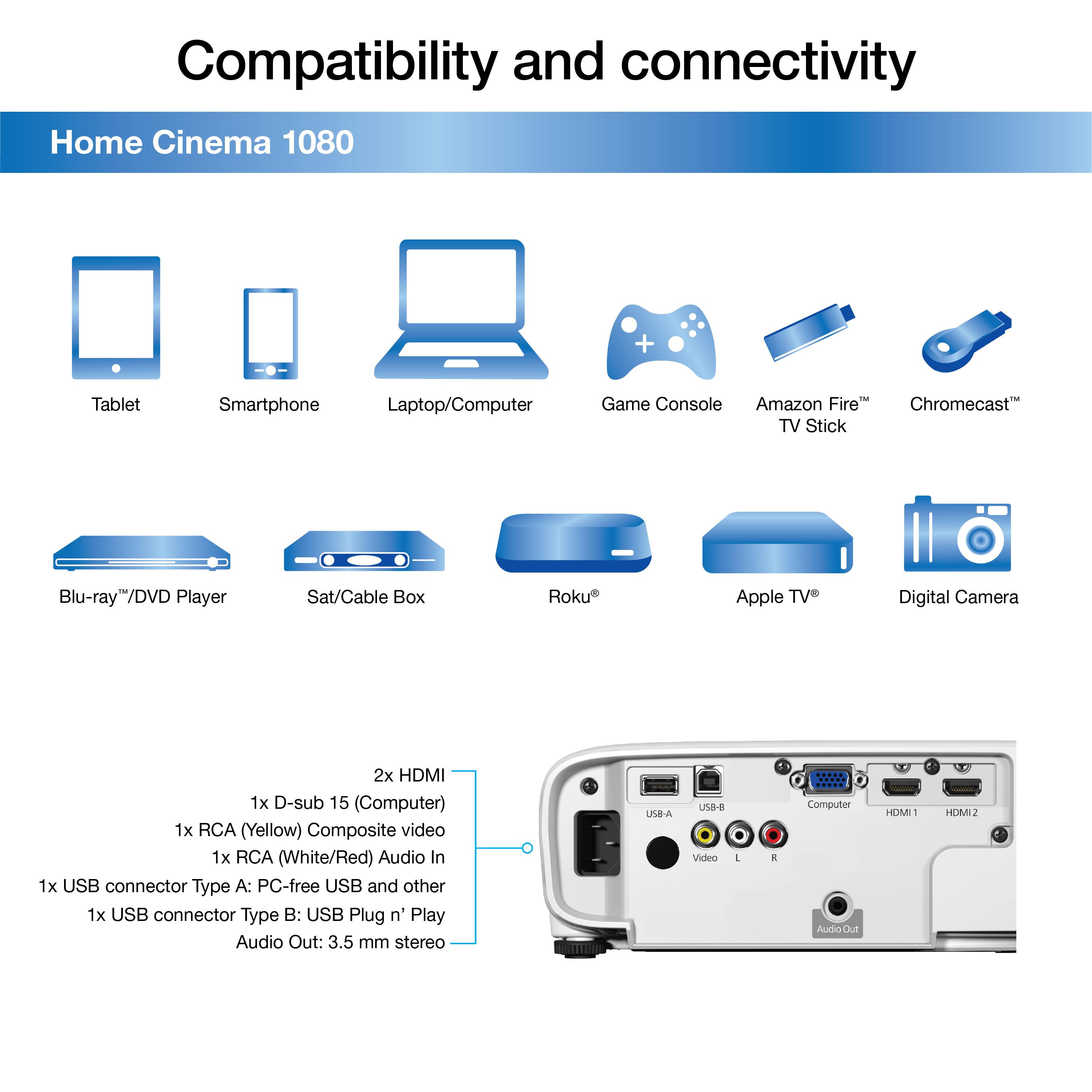
A:AnswerHi Annie, Sorry, we do not know of any shared remote codes between the Home Cinema 1080 and a Fire TV Stick. We recommend you use both controls for full functionality of both devices. Regards, Dylan - The Epson Team.
A:AnswerHello PJ. Yes, the Home Cinema 1080 includes a sleep timer. Sleep Mode can be found in Projector Setup Settings, and you can choose anywhere between 1 - 30 minutes. Regards, Kevin - The Epson Team.
A:AnswerI think it would be great for video game usage. But blacks don’t really perform well. High lumens with low contrast ratio leave a bit of a washed out image in my opinion
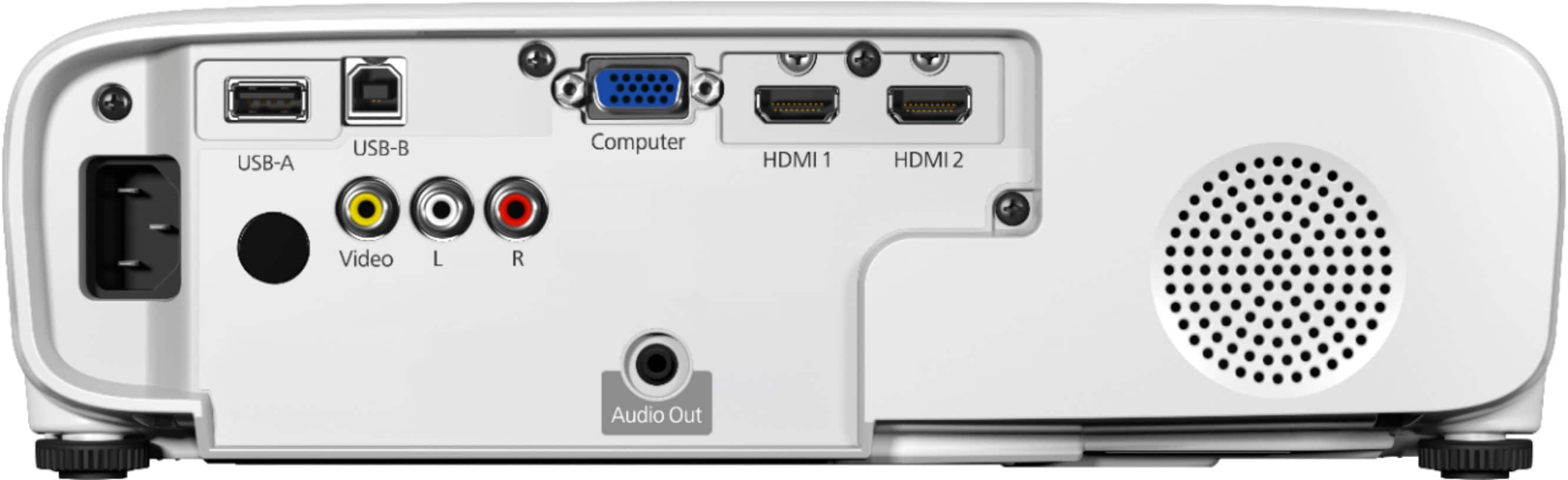
A:AnswerHello CJM0. The Home Cinema 1080 includes an Audio Out port to connect external speakers via a stereo mini-jack-to-pin jack cable. Unfortunately, Wi-Fi and Bluetooth functionality is not available for external speakers. Regards, Kevin - The Epson Team.
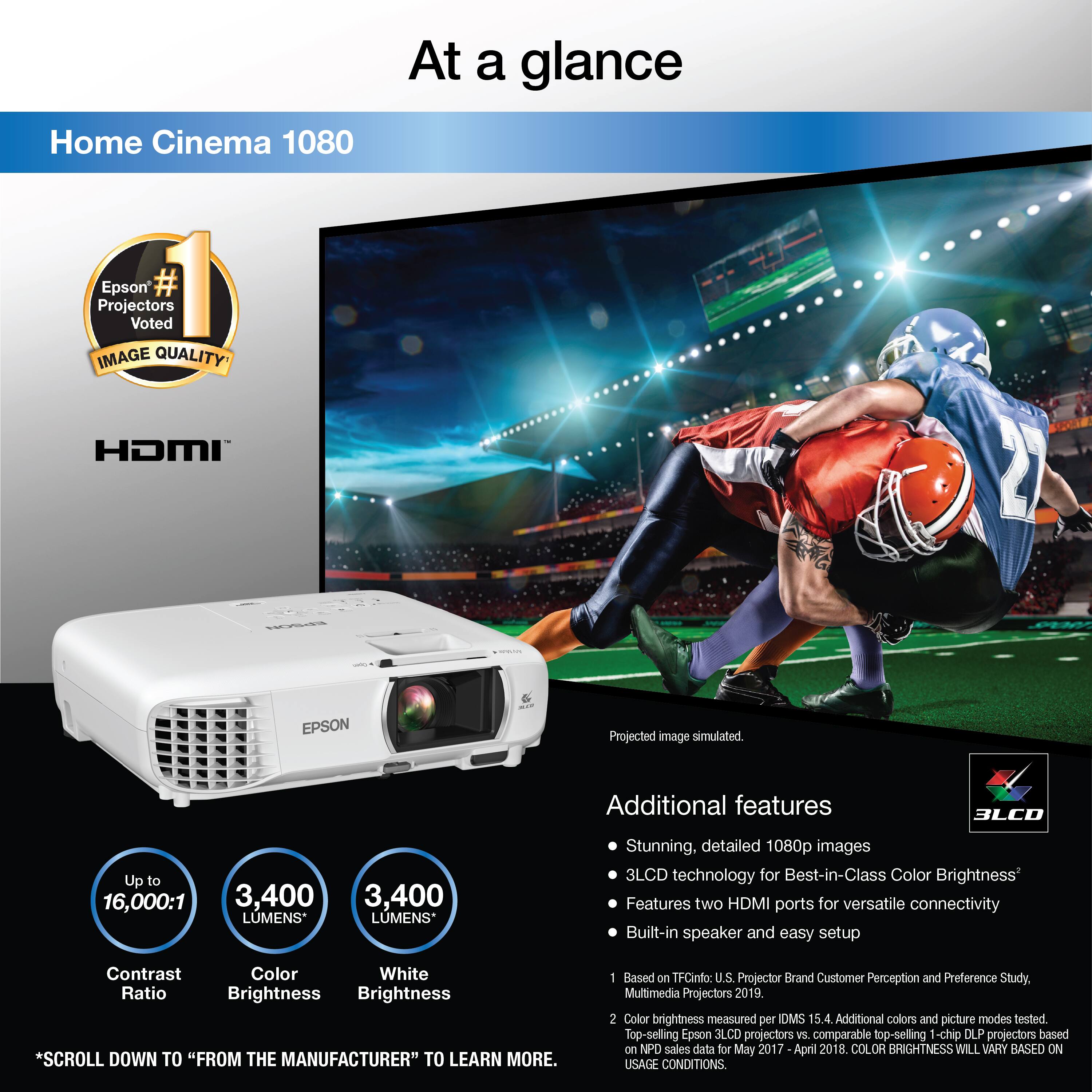
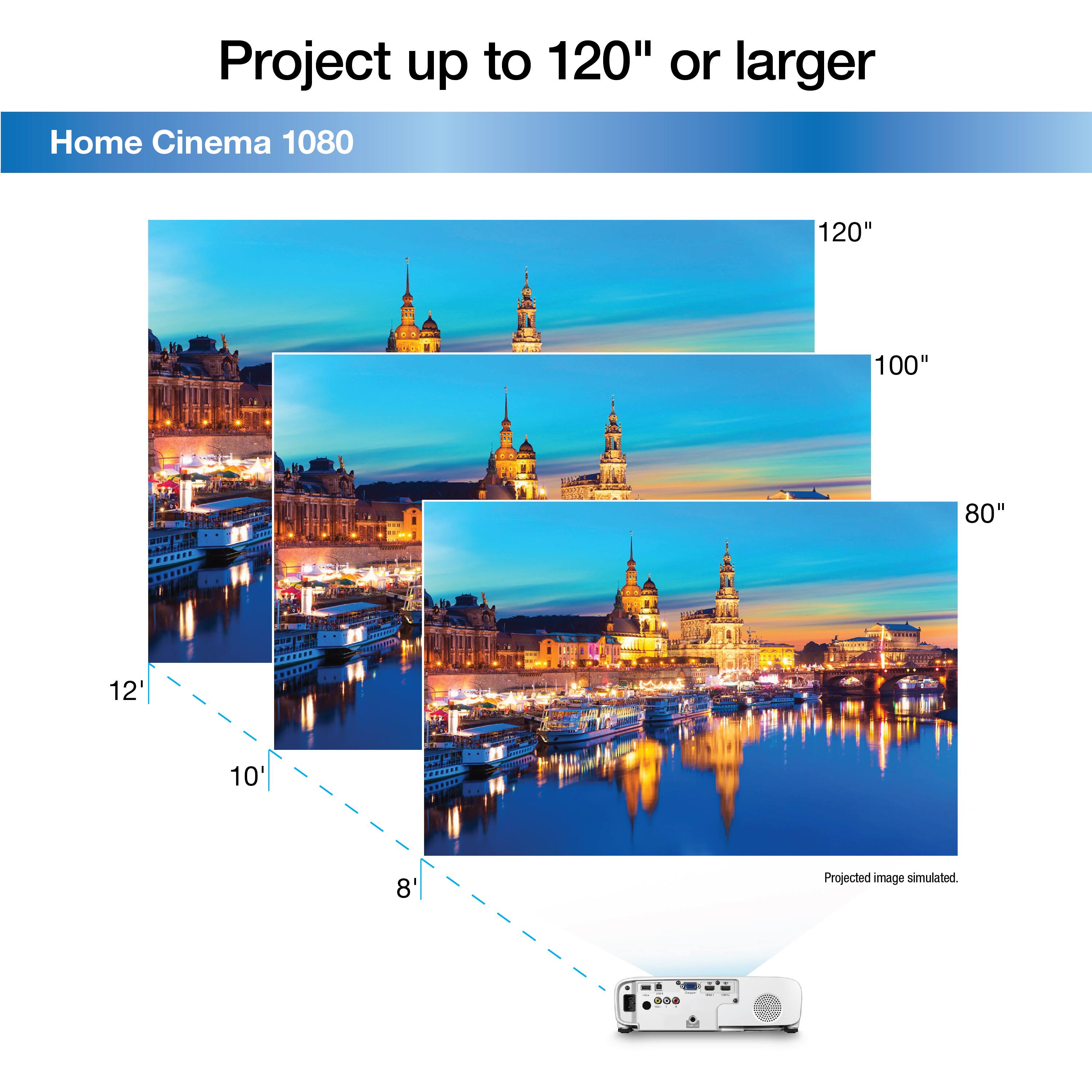
A:AnswerHello Ironworker. There are several differences between both projectors. The Home Cinema 1080 is slightly brighter using 3400 Lumens vs the 880s 3300 Lumens. In screen size, the Home Cinema 880 can project an image up to 386" in size, while the Home Cinema 1080 can project an image up to 300" in size. Both projectors include HDMI connections and USB. However, the 1080 includes 2 HDMI, a VGA, and an RCA Video port in addition. Lastly, the Home Cinema 1080 includes built-in Wi-Fi and supports Miracast Screen Mirroring technology. Regards, Kevin - The Epson Team.
A:AnswerHello mburn. Yes, the Home Cinema 1080 and the device you are using must be connected to the same wireless network. You can download the Epson iProjection app onto your device and set up the connection to screen mirror. While the app can share web pages, pictures, videos, and more, there are limitations on what content can be viewed via the app. Please visit our official Epson Support page for more details. Regards, Kevin - The Epson Team.
A:AnswerHello. The Home Cinema 1080 Projector includes a standard 2-year limited warranty. This includes a full-unit replacement and free technical phone support for the life of the product. Regards, Kevin - The Epson Team.
A:AnswerYes I was very pleasantly surprised with this projector it does everything I need GREAT PICTURE AND USB FOR FLASH DRIVE OR PORTABLE HARD DRIVE and the price was great. Hooked it up to harbinger roadtrip rt25 rechargeable portable speaker IT ROCKS VERY SATISFIED watching on white wall with lighting on SUPER. Purchased 11/26/2021 I really enjoy it NO 2ND THOUGHTS ON THIS BEST BUY no pun intended
A:AnswerHi, The Home Cinema 3800's response time varies based on resolution and refresh rate. At its native resolution of 1920 x 1080p and 60Hz refresh rate, the frame latency is 40ms. Regards, Mark - The Epson Team.
A:AnswerHello NewProjectorOwner. When setting up the power on password feature on the Home Cinema 1080, it should only prompt you once to power cycle the projector with the power cable disconnected. Since you completed this step, there might be other settings that need to be adjusted. Please visit our official Epson Support page to contact our Technical Support team for additional assistance. Regards, Kevin - The Epson Team.
A:AnswerHi NickD, The Home Cinema 1080 has three holes for attaching the projector to a ceiling mount, so you should be able to use a wall mount. Here are some general guidelines: Use M4×9mm screws for mounting the projector. Place the projector on a sturdy, level surface or install it using a compatible mount. Place the projector parallel to the screen. Leave plenty of space around and under the projector for ventilation, and do not place it on top of or next to anything that could block the vents. Regards, Mark - The Epson Team.
A:AnswerHello GroveCityGuy. The Home Cinema 2250 can only start in Home mode. Unfortunately, there are no additional options to switch to HDMI boot-up mode. Regarding your universal remote, please make sure you have successfully paired the device using our instructions which can be found on our official Epson Support page. Should you need additional assistance, please contact our Technical Support team. Regards, Kevin - The Epson Team.