A:AnswerMake sure the screen is rated for ultra short throw. Best way is go to the actual mfg. Best Buy has packages but for what ever reason screens are not always correct.
A:AnswerMake sure to place your remote in an area where it can’t be touched with your feet or hands by accident, remote is very sensitive and will turn on the screen with any minimal inputs.
A:AnswerHello jose320. While the LS800 includes ceiling mount points, the projector is designed to be placed below an Epson SilverFlex Ultra ALR screen. Unfortunately, we do not have recommendations for screens to use with a ceiling-mounted LS800. Regards, Kevin - The Epson Team.
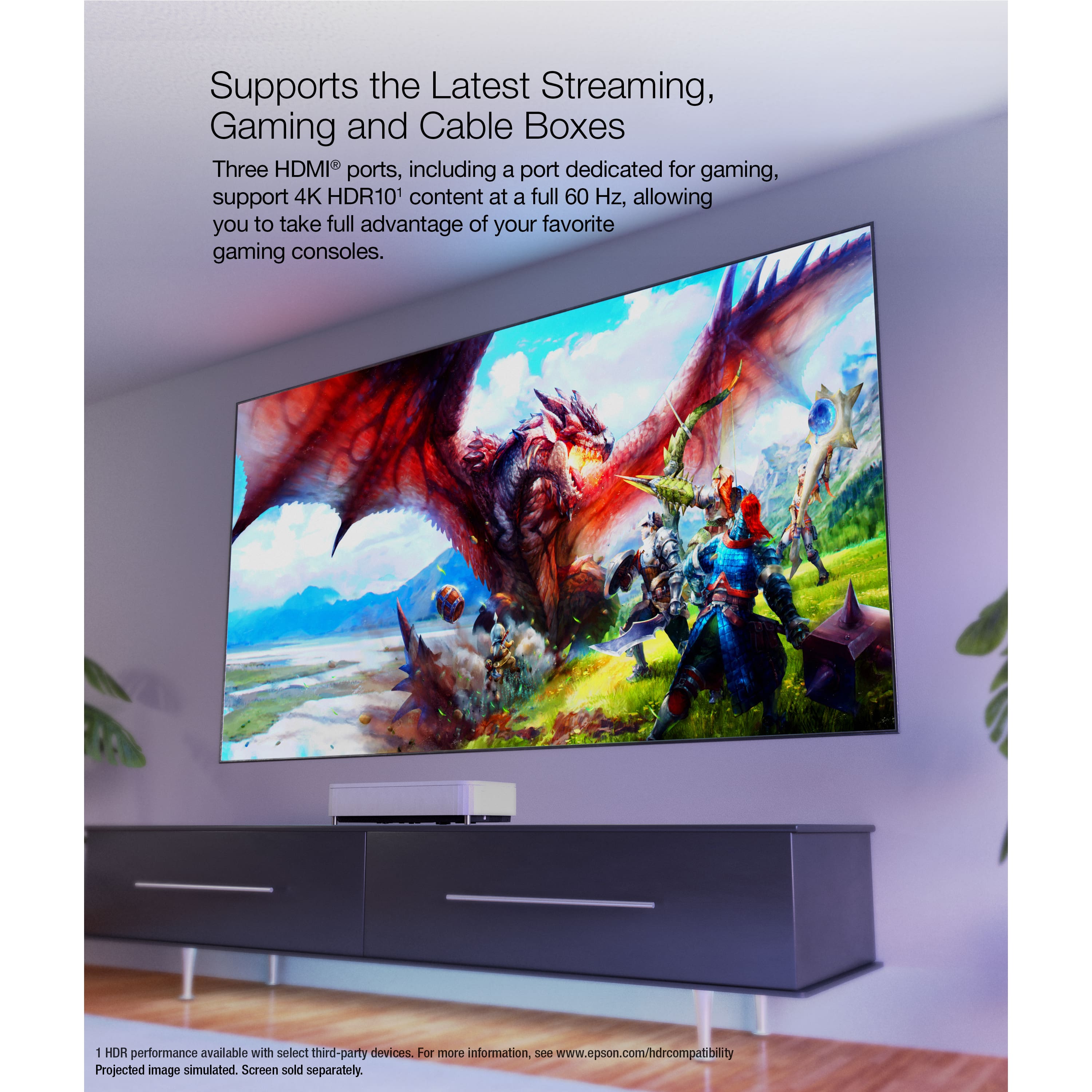
A:AnswerHello AntidemocRAT. The LS800 has 3 HDMI ports in total. The projector can display a 4K signal with a maximum refresh rate of 60 Hz. To display a 4K from a compatible video source on any of the ports, you will need an HDMI 2.0 cable or higher. Regards, Kevin - The Epson Team.
A:AnswerActually it depends on the setup
In my case,
1 - 4k for blu ray
1 - 4k extension for Chrome cast to HDMI 2
1 - optical cable to audio processor for using projector as media source (my processor doesn't have Arc)
I don't play videogames so nothing in HDMI 3
A:AnswerI used QualGear Pro-AV QG-KIT-CA-3IN-W...
Because my ceiling height is low 8' i also replaced 1.5 npt with
Anvil 8700143350, Steel Pipe Fitting It'll reduce overall height by 2.25 inches.
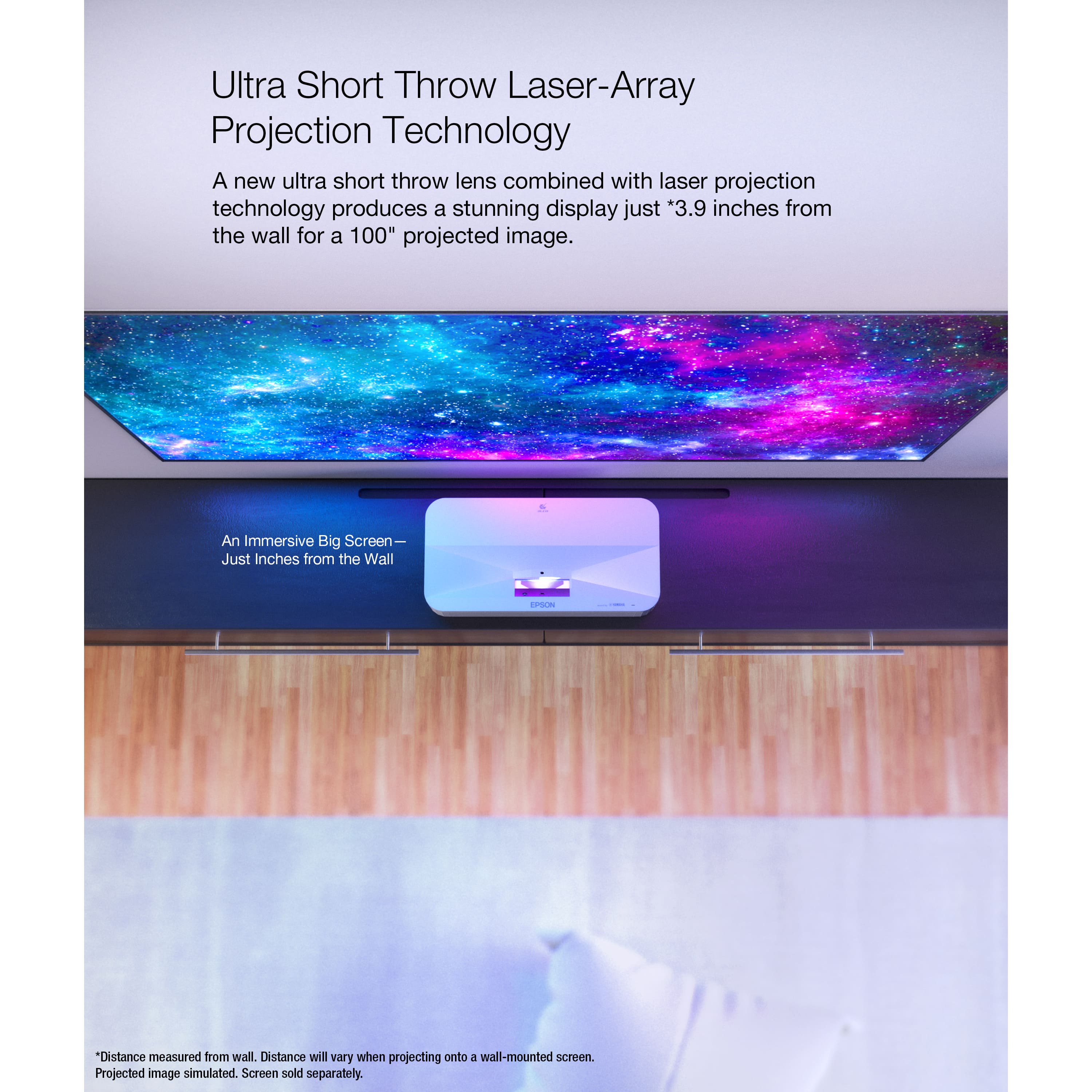
Pretty simple to install and figuring out the exact distance from the wall is not straight forward. I used 15.25 inches from the wall in my setup.
Hope this helps.
A:AnswerHello. Dolby Atmos will work by connecting your media device to the HDMI-in ports of your sound bar and HDMI-out to the projector's HDMI 1 or 2 without using ARC. You will want to disable ARC in the projector Settings→ HDMI CEC→ HDMI 2 ARC. Regards, Kevin - The Epson Team.
A:AnswerHello JDThird. The LS800 Projector has three 18 Gbps HDMI 2.0 ports. One HDMI port is ARC compatible when using the internal Android TV interface, and all ports are HDCP 2.3 compatible. Regards, Kevin - The Epson Team.
A:AnswerHello Lazer. While the LS800 includes ceiling mount points, the projector is designed to be placed below an Epson SilverFlex Ultra ALR screen. Unfortunately, we do not have installation recommendations to ceiling mount the projector. Regards, Kevin - The Epson Team.
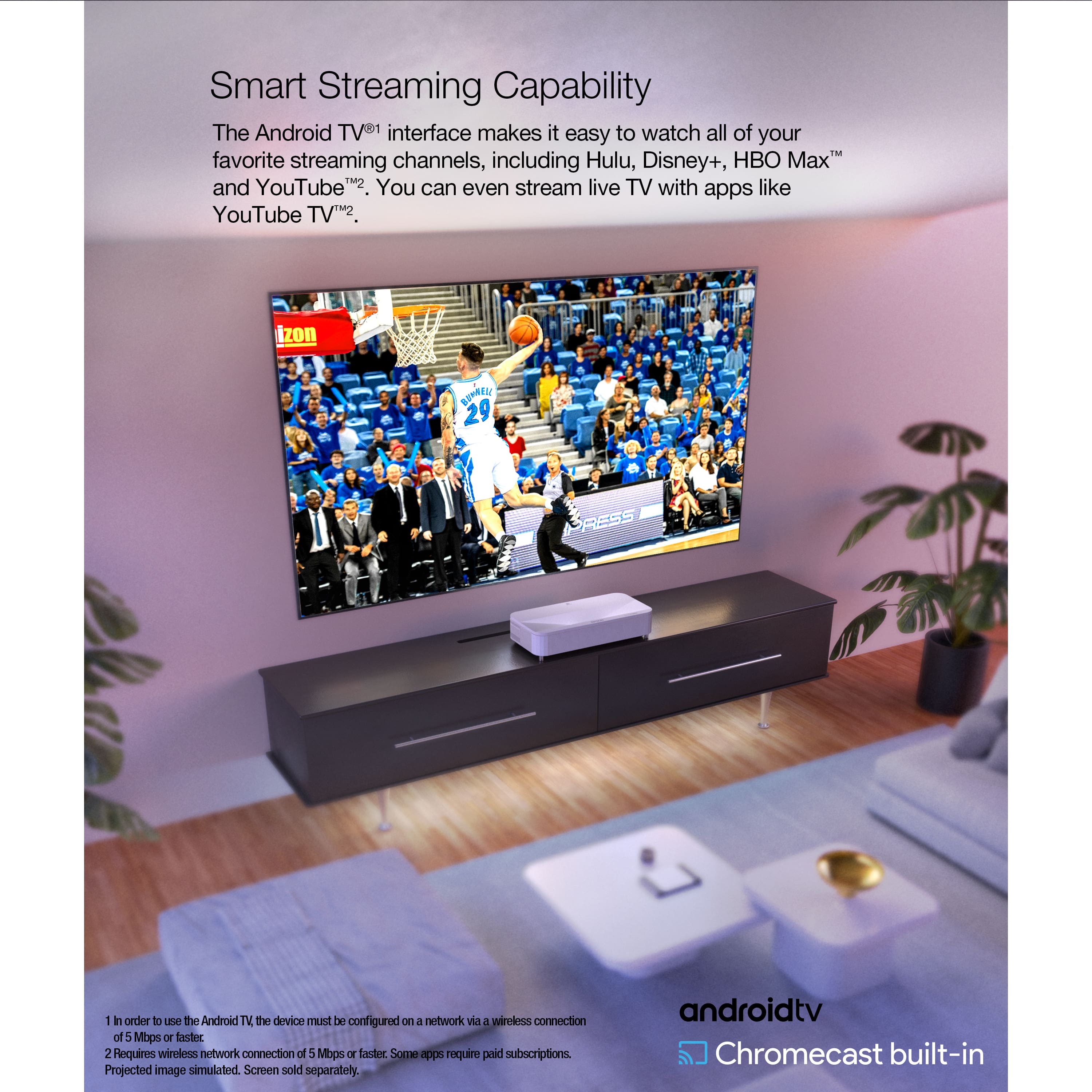
A:AnswerHello. The easiest way to view Netflix on the LS800 projector is by connecting your streaming device that supports the app. Unfortunately, at this time, the app is not available with the built-in Android TV. Regards, Kevin - The Epson Team.