A:AnswerYes. Mine is working well on it after my tech support installed it for me. I am having difficulty with finding the guides for the negative as it doesn't have for 110 or 127or other odd sized film. It does a great job of restoring faded pictures to readable state. I had a hp version about 15years ago and I find it works very similar to that one. As long as the power stays on I'm good.
A:AnswerHi Cook, Yes the Perfection V600 Photo Scanner works with Mac OS 12.1. Visit the Epson support site to download the necessary drivers. Regards, Mark - The Epson Team.
A:AnswerHi Eva, Sorry, the Epson Perfection V600 Photo Scanner requires a USB connection to a PC or Macintosh. It is not compatible with iPads. Regards, Mark - The Epson Team.
A:AnswerI just go done going through over 1500 pictures, 35 mm slides, old camera film strips, and converted them to high resolution pictures.. I used Photoshop to restore their colors, added labels to the digital image, Some pictures were from early tin type photos and/or in horrible shape. Photoshop and I restored their colors, restored missing pieces, erased cracks, spots, etc.
Depending on your numbers, you might also consider using a service to digitize the pictures. digmypics.com did a good job on the 8mm movie film I sent. I then edited with Adobe Premiere Pro.
Go to Epson website they should list the OS that it works on. I do windows 10, but I am pretty sure they were doing MAC.
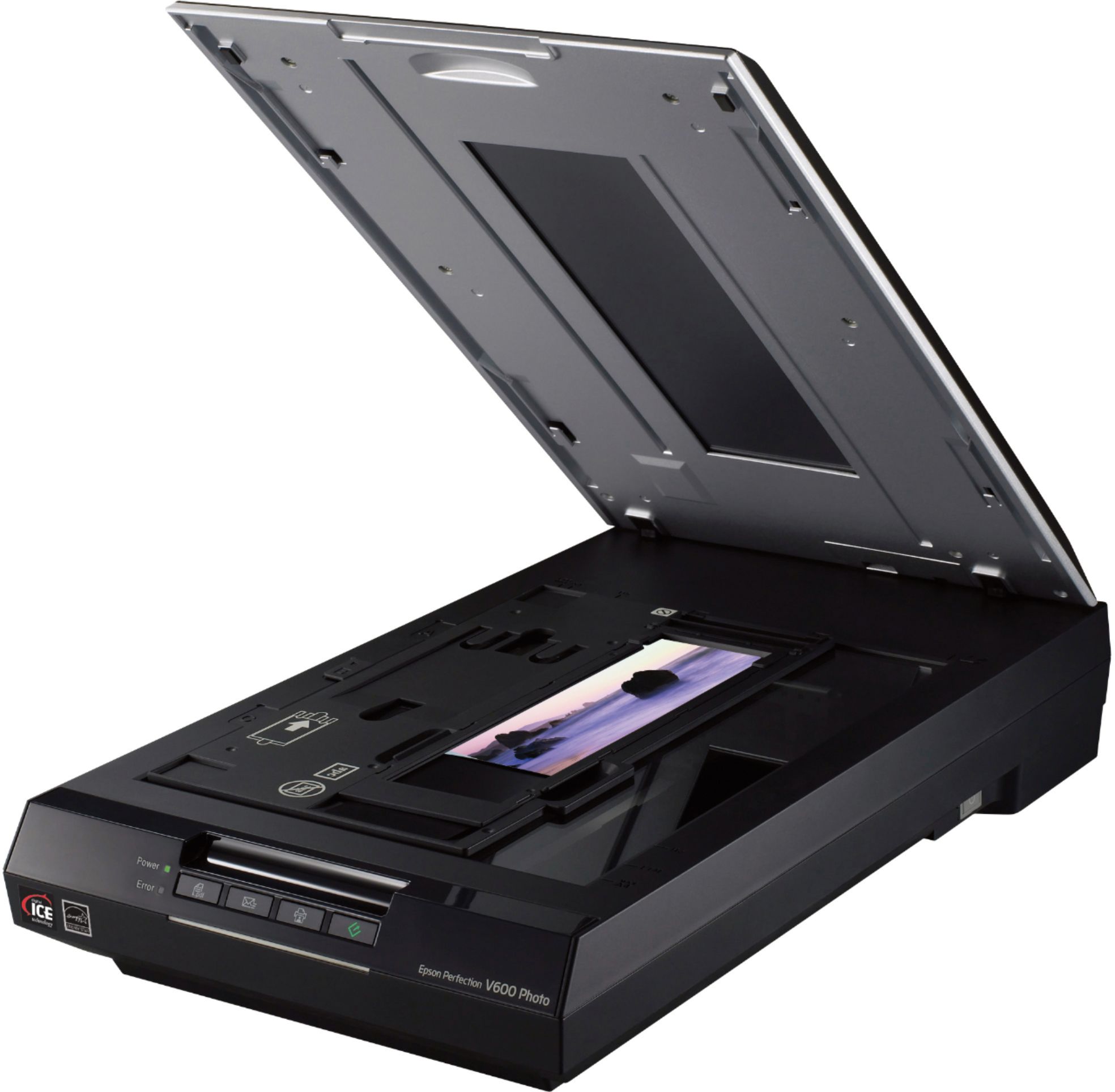
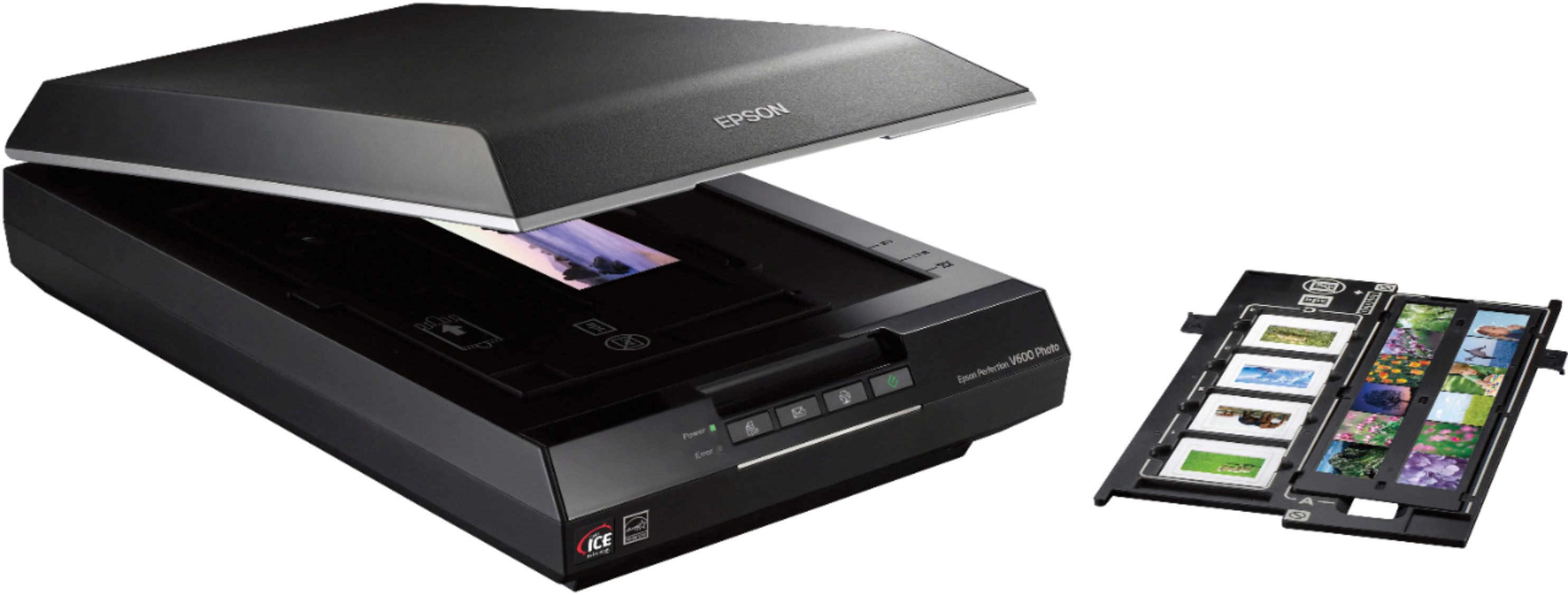
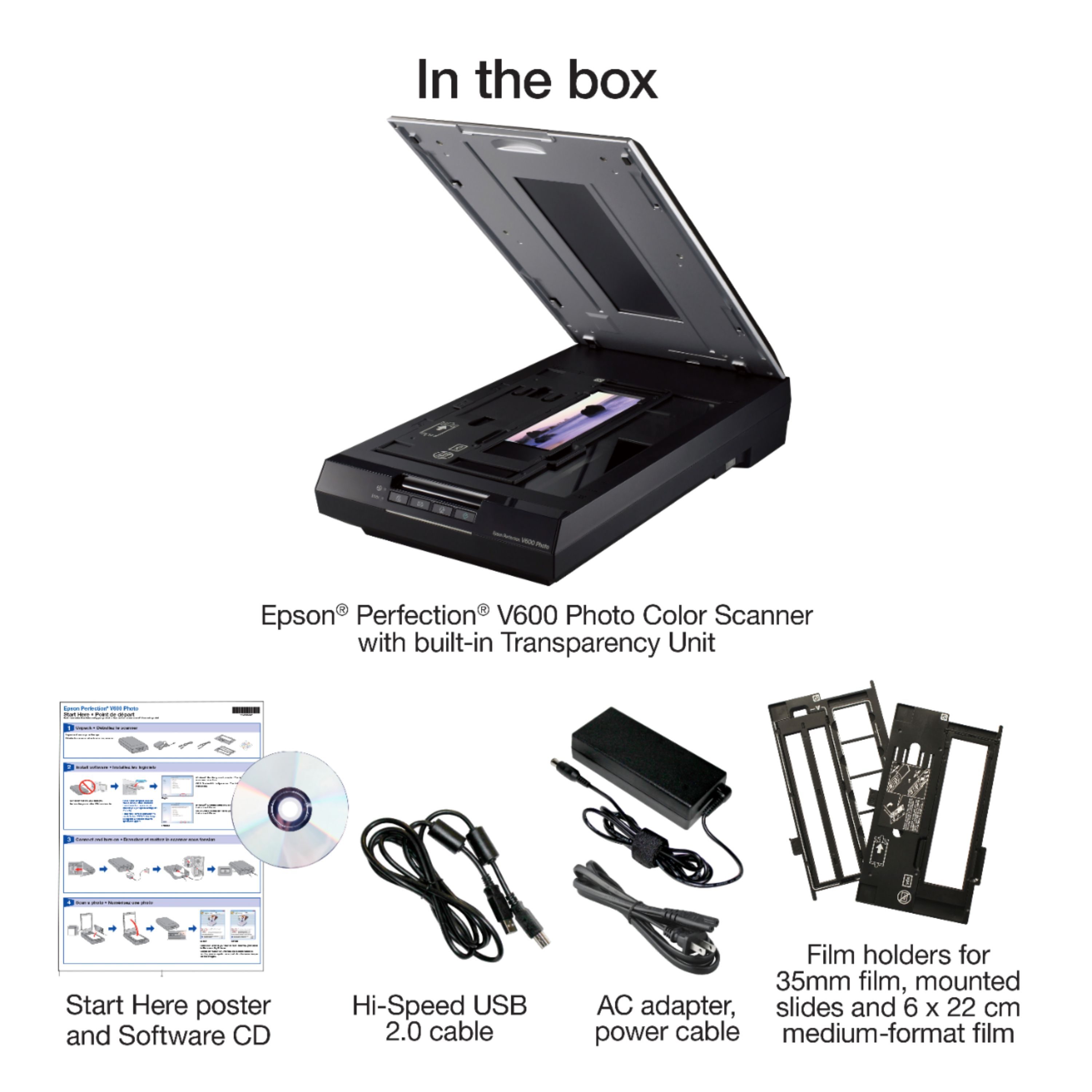
A:AnswerI also have quite a few old stereo slides, but I am not aware of any method to digitize them and still get the 3-D effect. This scanner does not come with a template for scanning mounted stereo slides, but you might be able to take them out of their mounts and scan them using the template for 35mm film strips.
A:AnswerI am on windows 10 now. The info on the site, or manufacturer should list compatible OS. This is not super new, so I would expect it to support "Legacy" ie. Windows 7 and above. As to Apple products - don't know. There are updates to the software, utilities, and firmware online at Epson. Go there read the info, ask them questions.
A:AnswerEither way. If you scan 4 photos at once, you can mark them to scan as separate files very easily. You essentially "crop" each one as you want it to be, so is handy to remove borders if you want to. You can also crop out an Ex as long as he/she is at the edge of the photo. :>)
A:AnswerI've spent hours, including on the phone with Epson, to get this scanner - brand new out of the box 36hours ago - to work with a brand new 32-thread Ryzen Windows-11 Pro machine and it cannot be made to work. The scanner on my USB HP Inkjet and TCP/IP HP Color laser printer work fine with Window-11 - and fast.