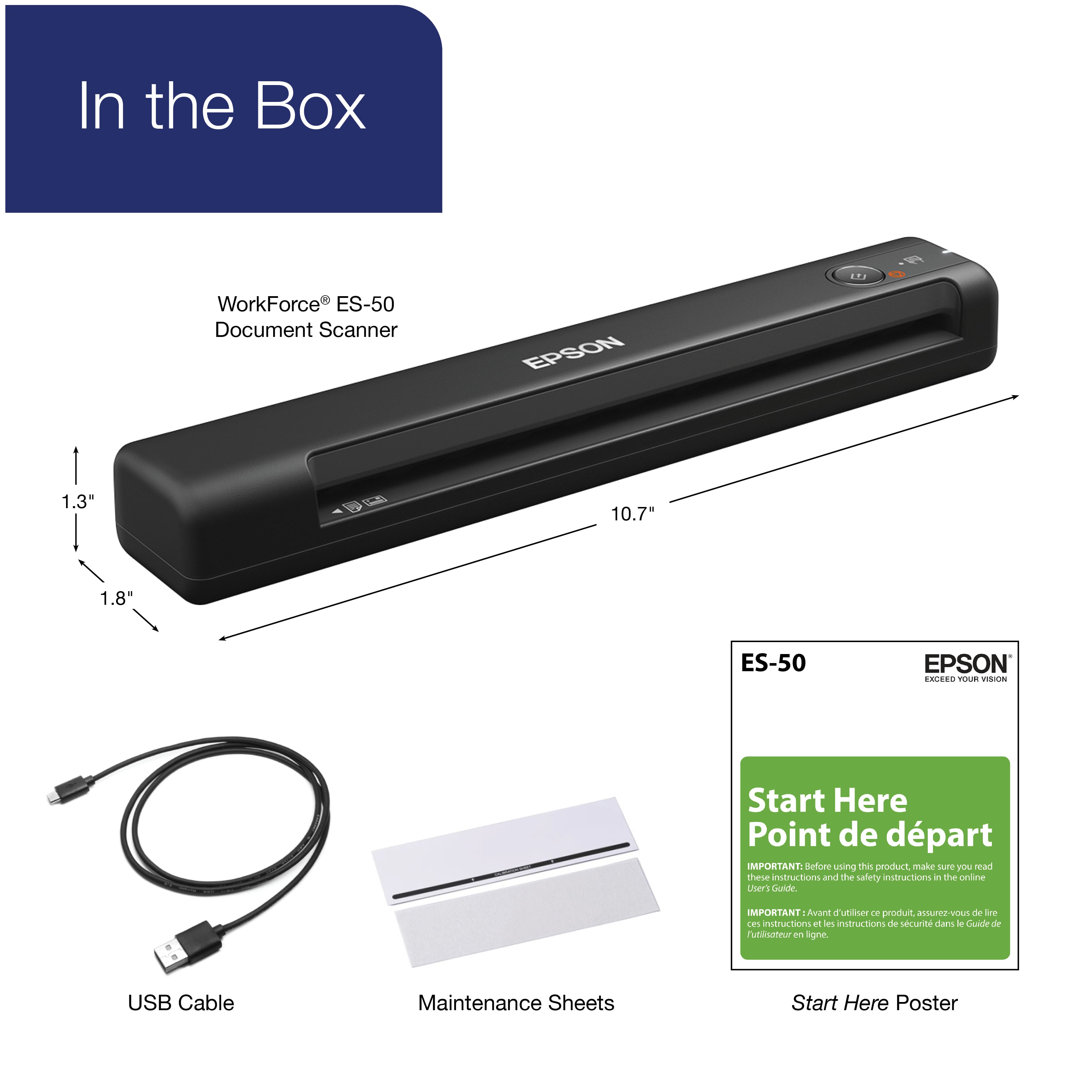
A:Answerhi kb, Sorry, no the ES-50 Mobile Color Sheetfed Document Scanner does not fax. That feature is available in some Epson's business all-in-one products, which which print, scan, copy and fax. They do not come in the small form factor of the ES-50. Regards, Mark - The Epson Team.
A:AnswerHello KB. Yes, the ES-50 Scanner is compatible with Apple computers running macOS 12. To download the latest software, please visit our official Epson Support page. Regards, Kevin - The Epson Team.
A:AnswerYes you can scan credit cards, business cards, envelopes, documents, etc. Certain items such as photos or odd-shaped items will need a thin plastic "carrier sheet" to place it in so that the machine doesn't jam. If the business cards have raised letters you may need to do this, but most should work fine. You can look up the user guide for the Epson ES 50 for more information on what can and cannot be scanned.
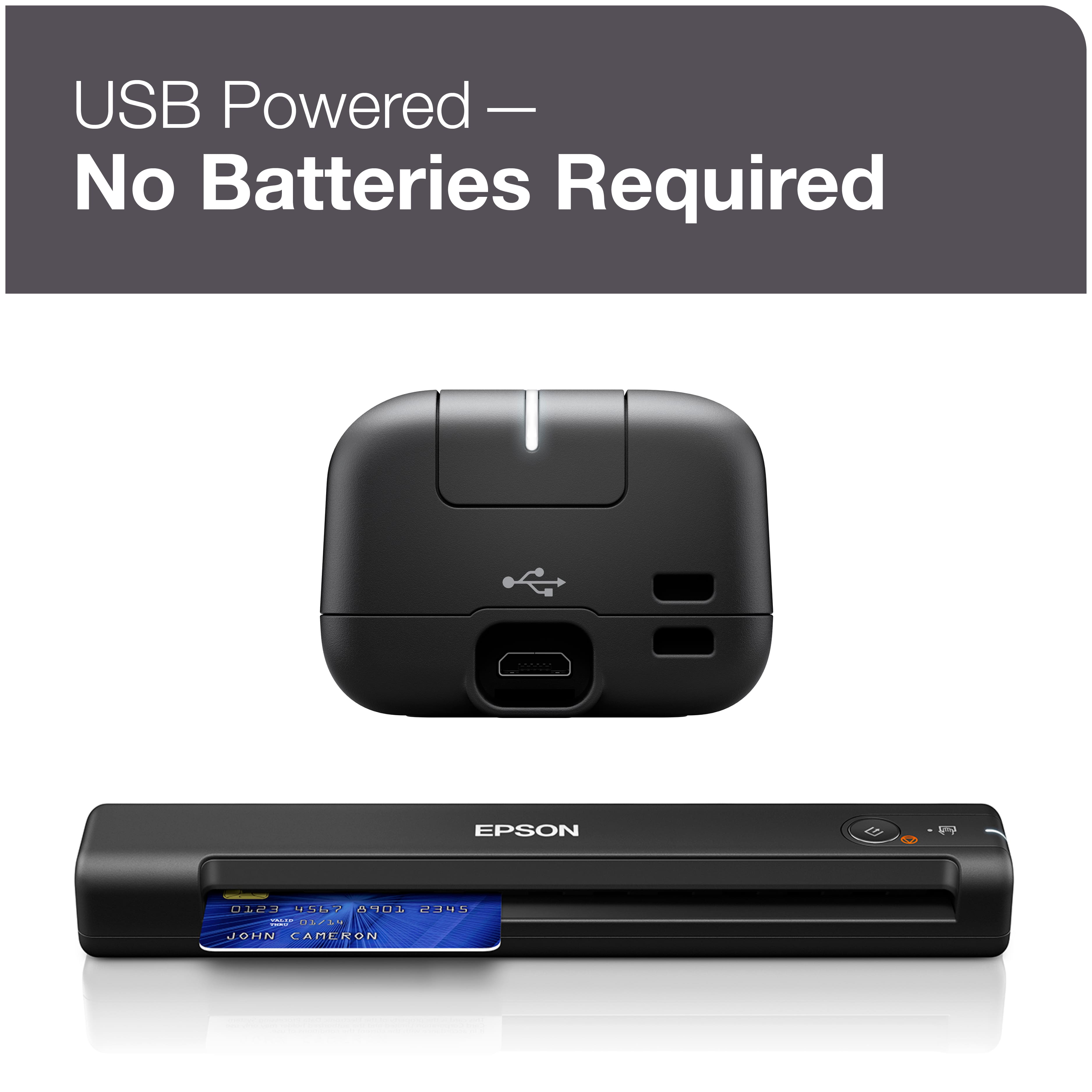
A:AnswerIf your Samsung tablet has a USB port you can download the Epson DocumentScan app to scan on your Android device. If your tablet has a USB-C port, you will need to purchase an adapter because the ES-50 has USB-A.
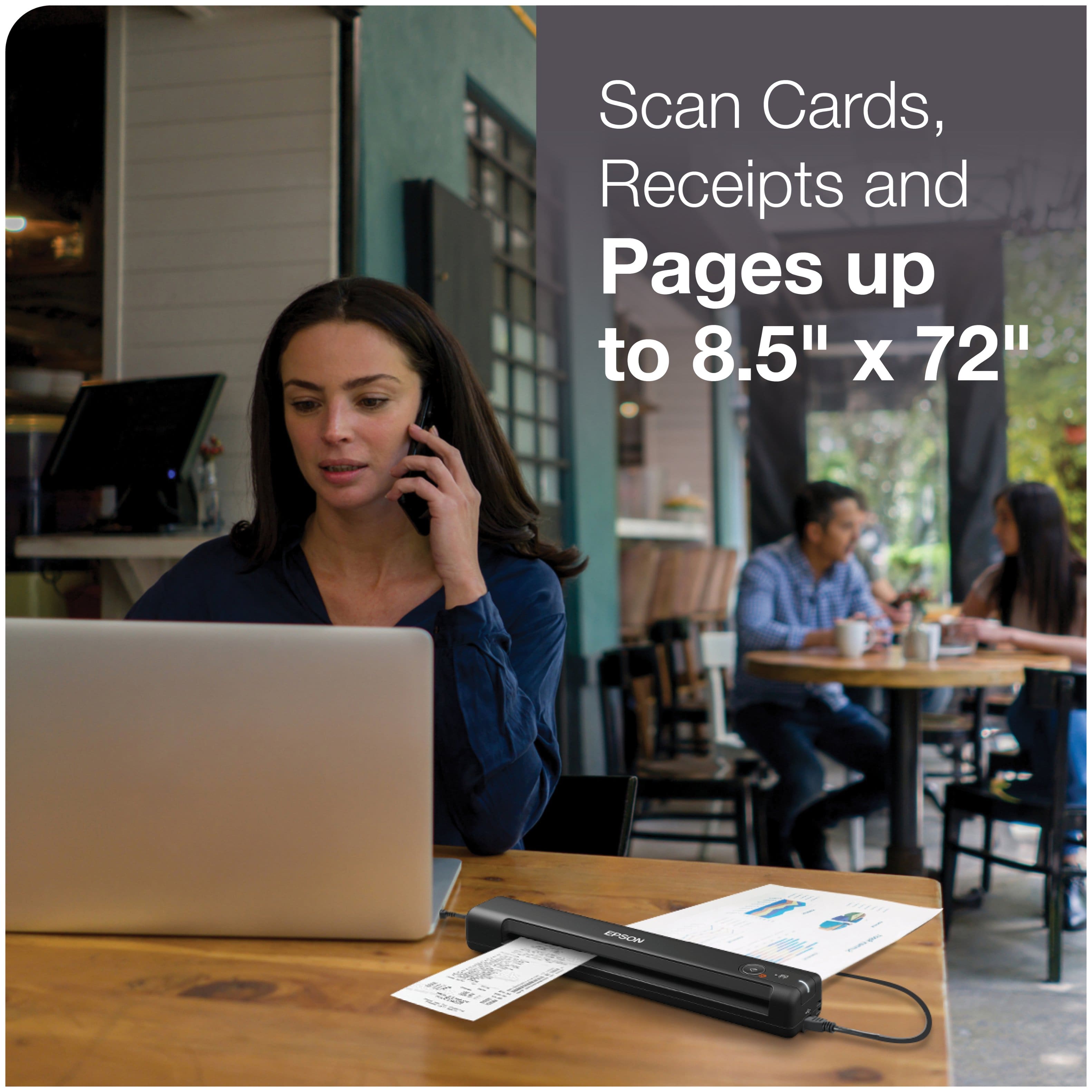
A:AnswerHere is what Epson website says about ES-50 and Excel: "With Nuance® OCR included, you can create searchable PDFs and editable Word and Excel® files. Windows® and Mac® compatible, the scanner also includes a TWAIN driver. And, no batteries or external power are required when it’s is connected to a computer via the USB port" (not USB-C, will need an adapter if device is USB-C). It will scan those really long receipts too.
A:AnswerUnless the book is loose-leaf, you can't. However, Canon also has a line of USB-powered flatbed scanners, the LiDE series. I own one (LiDE 120,) my wife has one (LiDE 110,) and we're usually using one or the other (each of our computers has drivers for ALL peripherals in the house or on the network - it ends up saving time.)
A:AnswerES-50 will work with iOS and Android devices with a downloaded app. Chromebook doesn't meet the specs of Windows or Mac which are listed in the requirements of the User's Guide. There is no mention of Chromebook OS. There are other more expensive Epson portable scanners which work with Chromebook operating system by scanning directly to Google Drive cloud based storage. I don't think I am suppose to mention other products by name but should be easy for you to find.
A:AnswerThat's a no-go for staples, carbon copies and other bulky items though it will scan credit cards and envelopes apparently though I have never tried it. Even papers with hole punches can get jammed and would need a carrier sheet.
A:AnswerScanning is 8.5x11. Takes about 5-7 seconds to scan one page, You can't scan multiple pages at one time. You can send to email or save to your computer as PDF.
A:AnswerScanned docs can be saved into Excel, Word and Power Point. In theory, Microsoft should correlate data into a worksheet or spreadsheet. Recommend reviewing with Microsoft or Epson ( 562-276-4382 www.epson.com/support ) technical service.
A:AnswerHello Deanne. Unfortunately, the ES-50 is not supported to work on a Chromebook at this time. For future updates, please visit our official Epson Support page. Regards, Kevin - The Epson Team.
A:AnswerHi Rainbow, The ES-50 can scan documents to your computer which can be loaded into QuickBooks. You also have the option of upgrading to Epson's ScanSmart Accounting Edition software which scans directly to QuickBooks. See the Epson support site for details. Regards, Kevin - The Epson Team.
A:AnswerHi BOB. The Epson ES-50 is compatible with computers running the MAC OS 11.x.x operating systems. If you need more information, please visit the official Epson Support website. Regards, Kevin - The Epson Team.