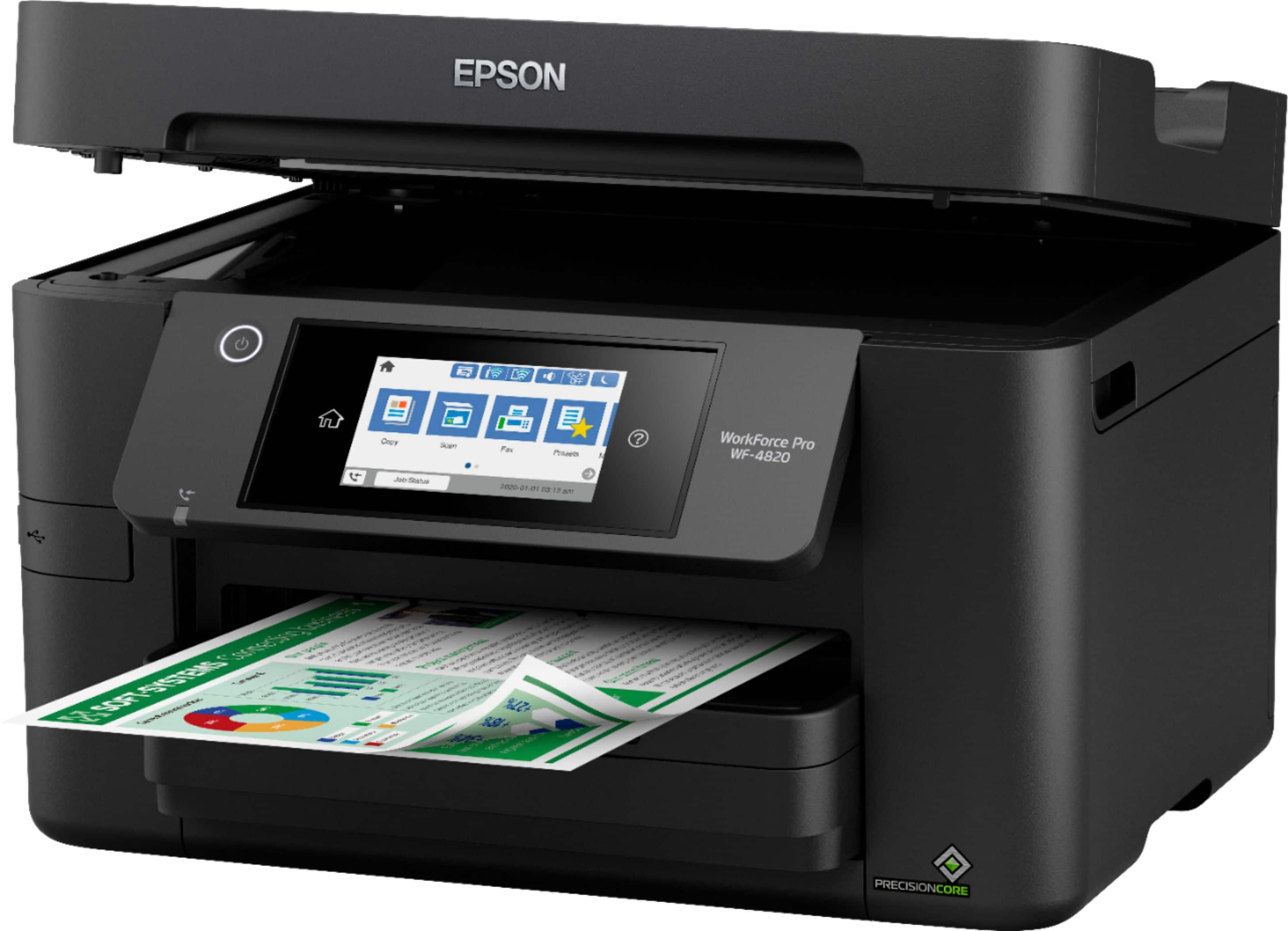
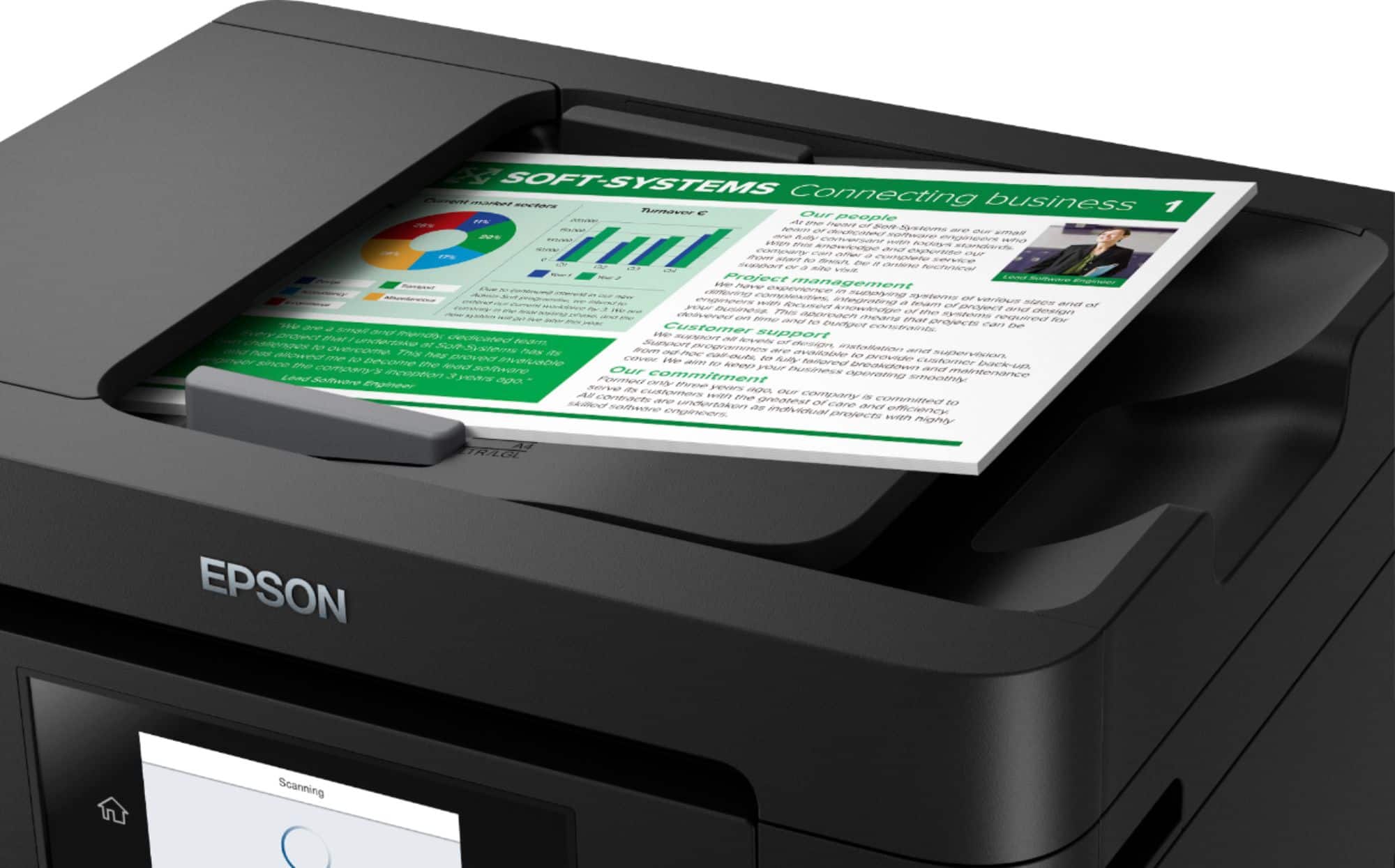
A:AnswerHi Mo, No, the WF-4820 has a single-sided ADF. To see a list of Epson all-in-ones with double-sided ADFs, please see the Epson support site. Regards, Mark - The Epson Team.
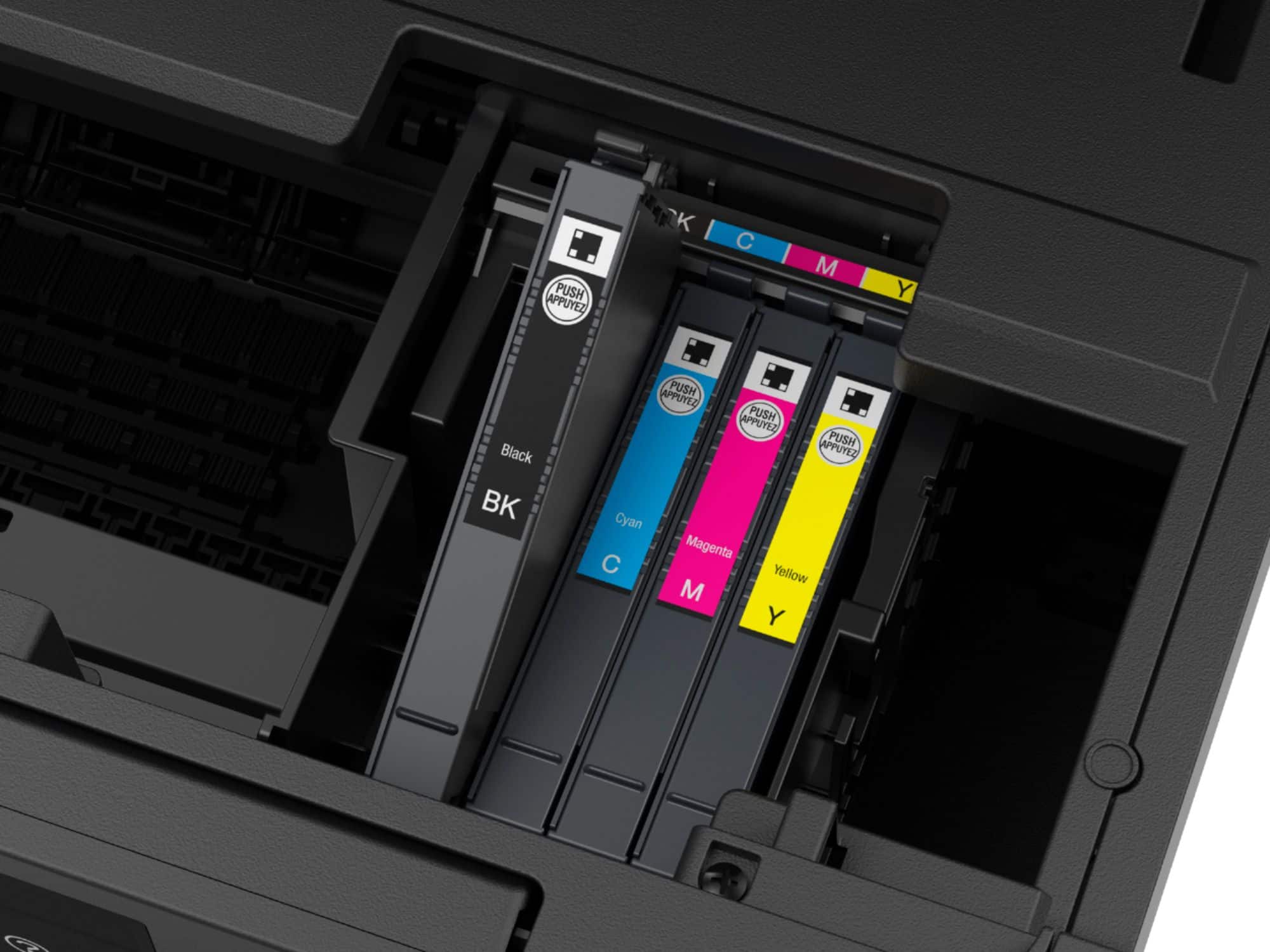
A:AnswerHello Ann. Epson 220 Ink Cartridges are compatible with several Workforce Epson models. For a full list of compatible printers, please visit the Epson Ink Finder website. Regards, Kevin - The Epson Team.
A:AnswerHello Ron. The WF-4820 does not have a user-replaceable print head. For hardware assistance, If an Epson All-in-One printer is out of warranty, we refer you to an Authorize Epson Service Center. Regards, Kevin - The Epson Team.
A:AnswerI don't know - but the last version of MacOS 10.11 was July, 2018 - 4 1/2 years ago. To continue to use MacOS 10.11 is very, very risky.
I suspect that the scanner feature which requires an App on the Mac won't work. The printer feature might work - if you can get a PDD (printer-driver-description) for it.
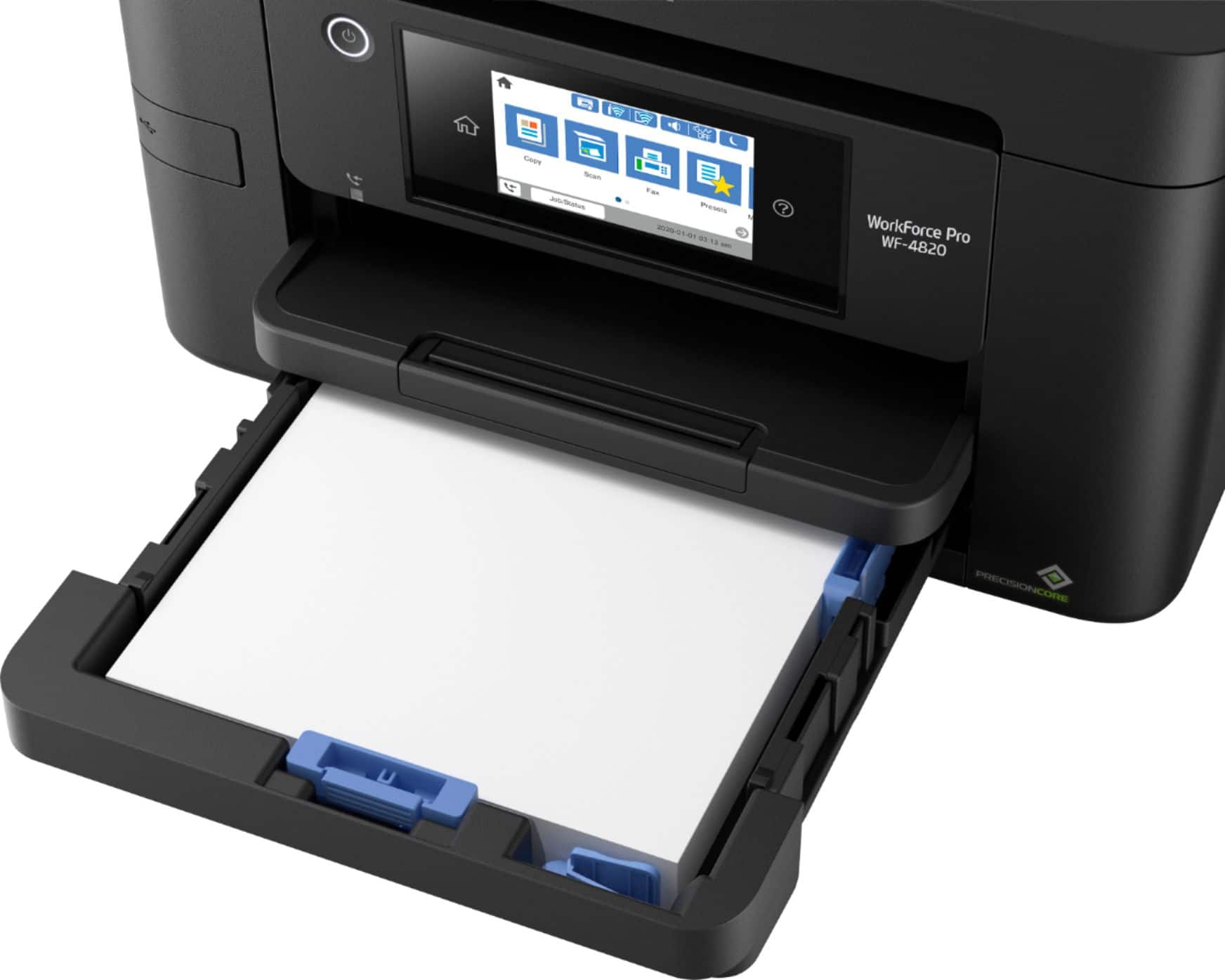
A:AnswerThere is a indention on top side, simply pull towards you. It also has on the surface of the paper catcher an extension for the paper so as not having the pages fall to floor.
A:AnswerDon't buy an epson product. They changed the firmware to disable third party ink after working fine for over a year. They are Anti-consumer company and you will regret buying any of their products.
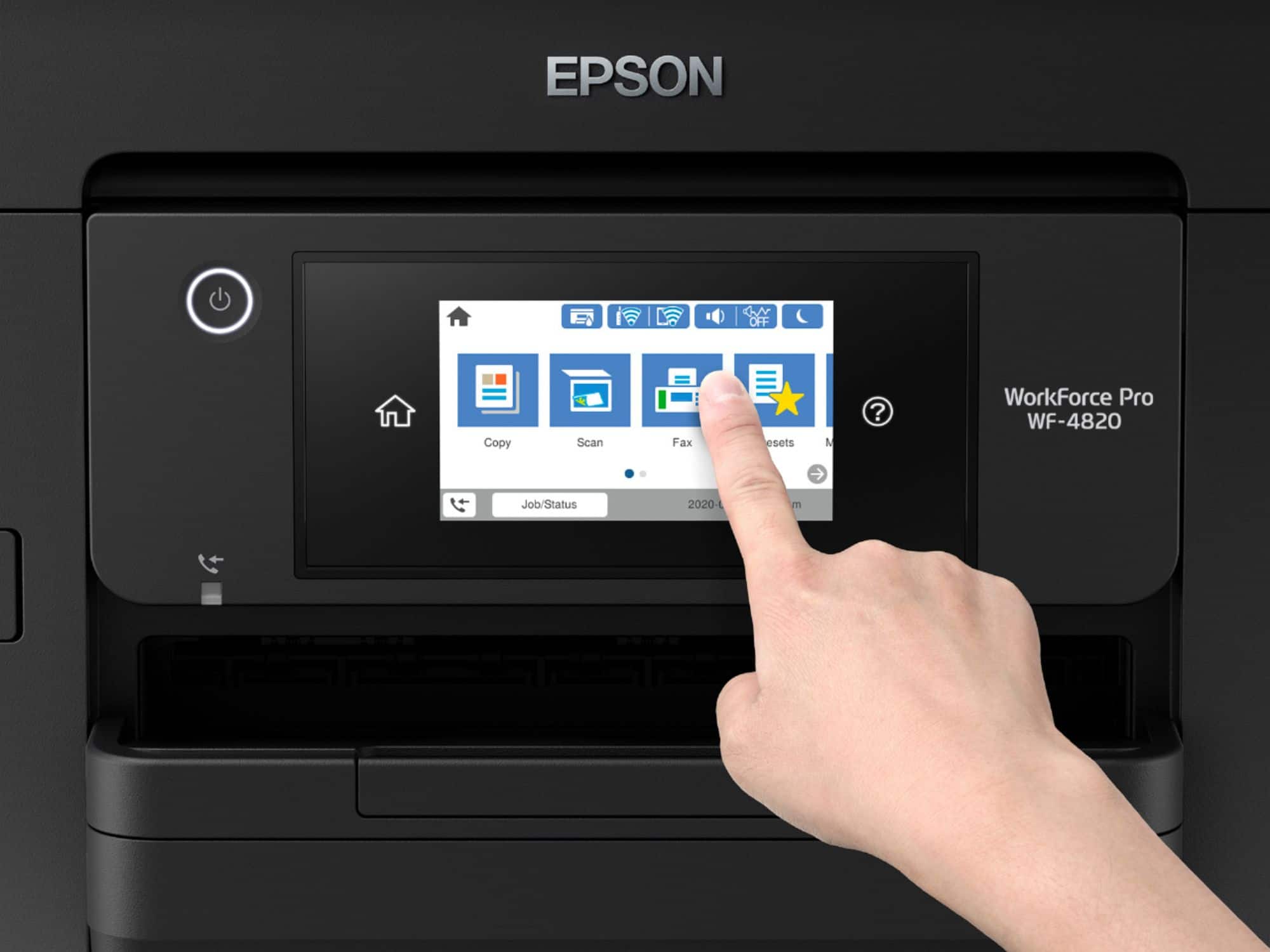
A:AnswerHello Sid. Yes, the WF-4820 can reduce and enlarge copies between 25% up to 400%. You can make changes by going into "Copy Options" and selecting "Reduce/Enlarge." Regards, Kevin - The Epson Team.
A:AnswerHi Robin, Sorry, Epson has not released ChromeBook scanner drivers for the WF-4820. ChromeBook's built-in printer driver can be used to print with the WF-4820. Regards, Mark - The Epson Team.
A:AnswerNot sure of the difference but am sure its minute. Ihad an epson 8000 or something like that and lost connectivity a lot with the 4820 have not had that problem
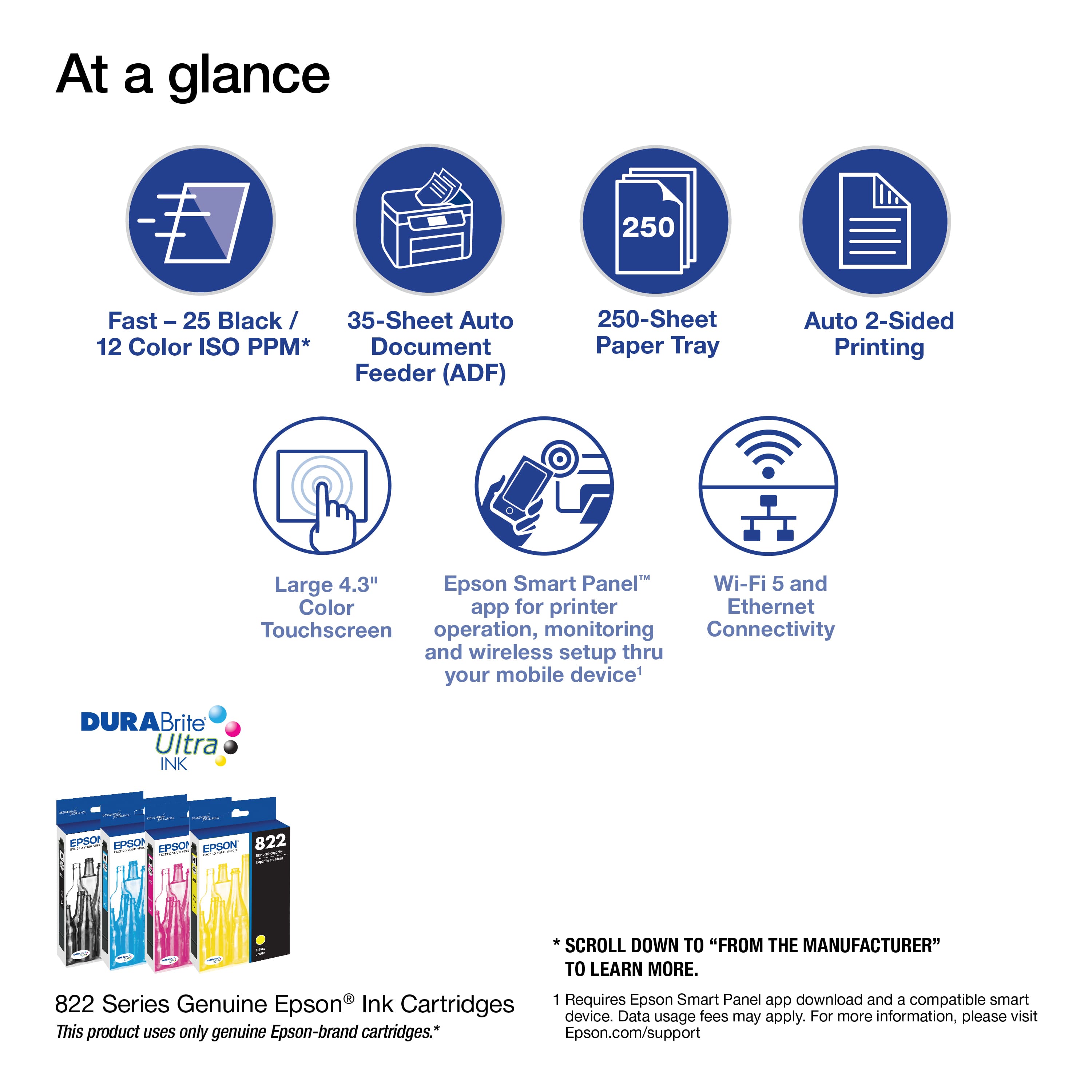
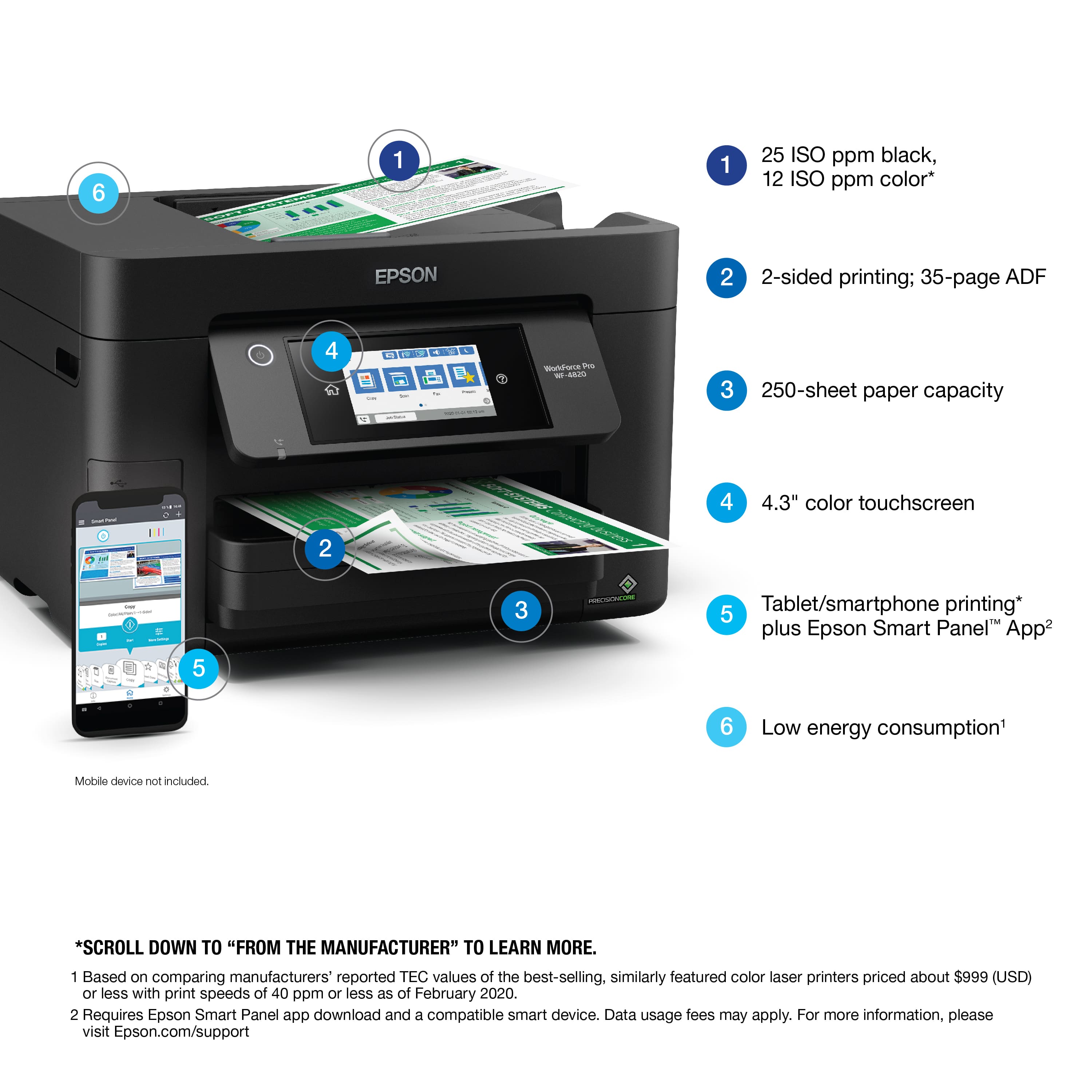
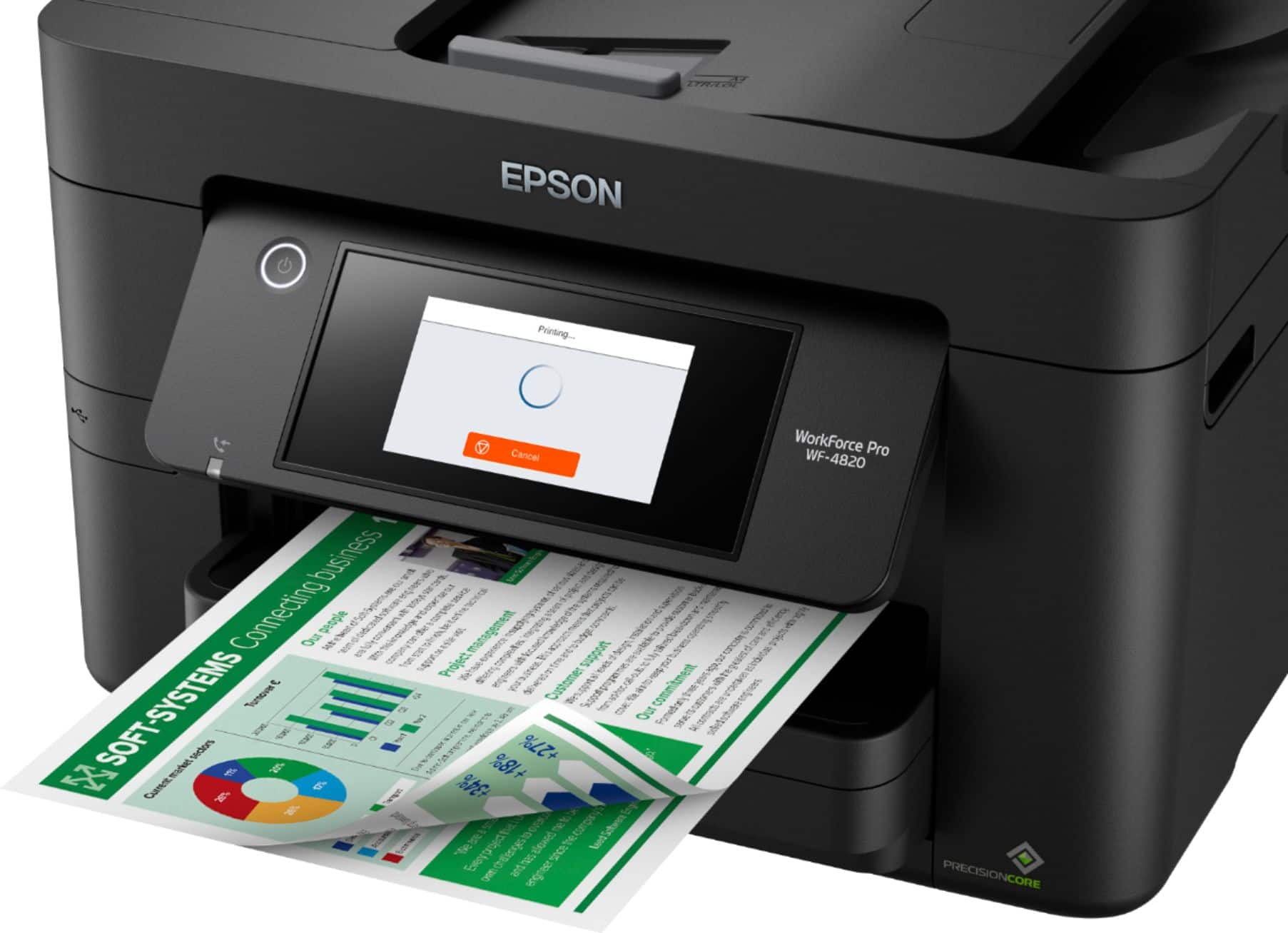
A:AnswerHi sunny, The WorkForce Pro WF-4820 features automatic two-sided printing. The ADF scans a single side, but you can scan the first side then flip the stack of paper and scan the reverse sides. Regards, Mark - The Epson Team.
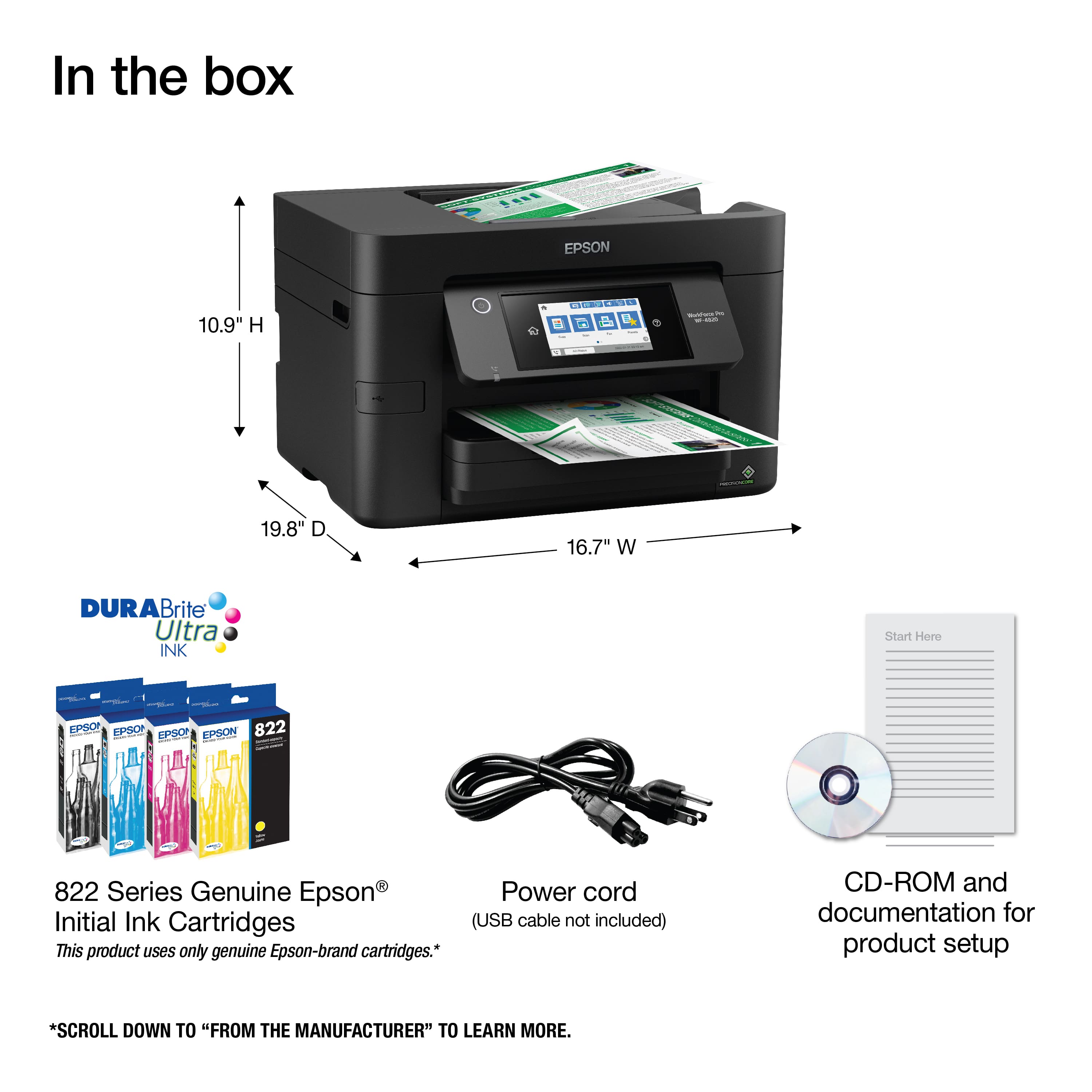
A:AnswerHi. Yes, the four ink cartridges (Black, Cyan, Yellow, and Magenta) are included with the Epson WorkForce Pro WF-4820. These initial ink cartridges are designed for initial setup only and most of this ink is used to charge the ink delivery system. Regards, Bobby - The Epson Team.