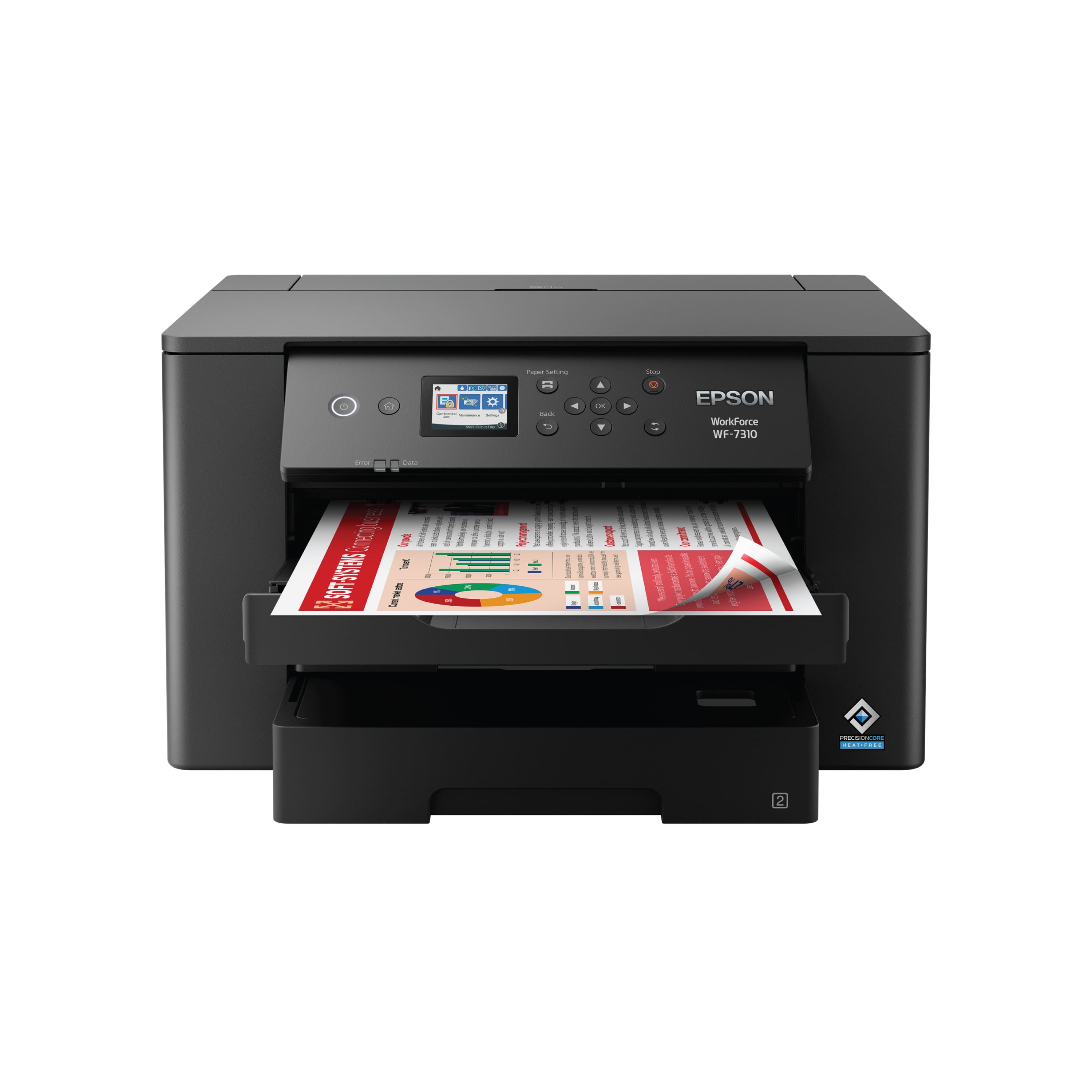
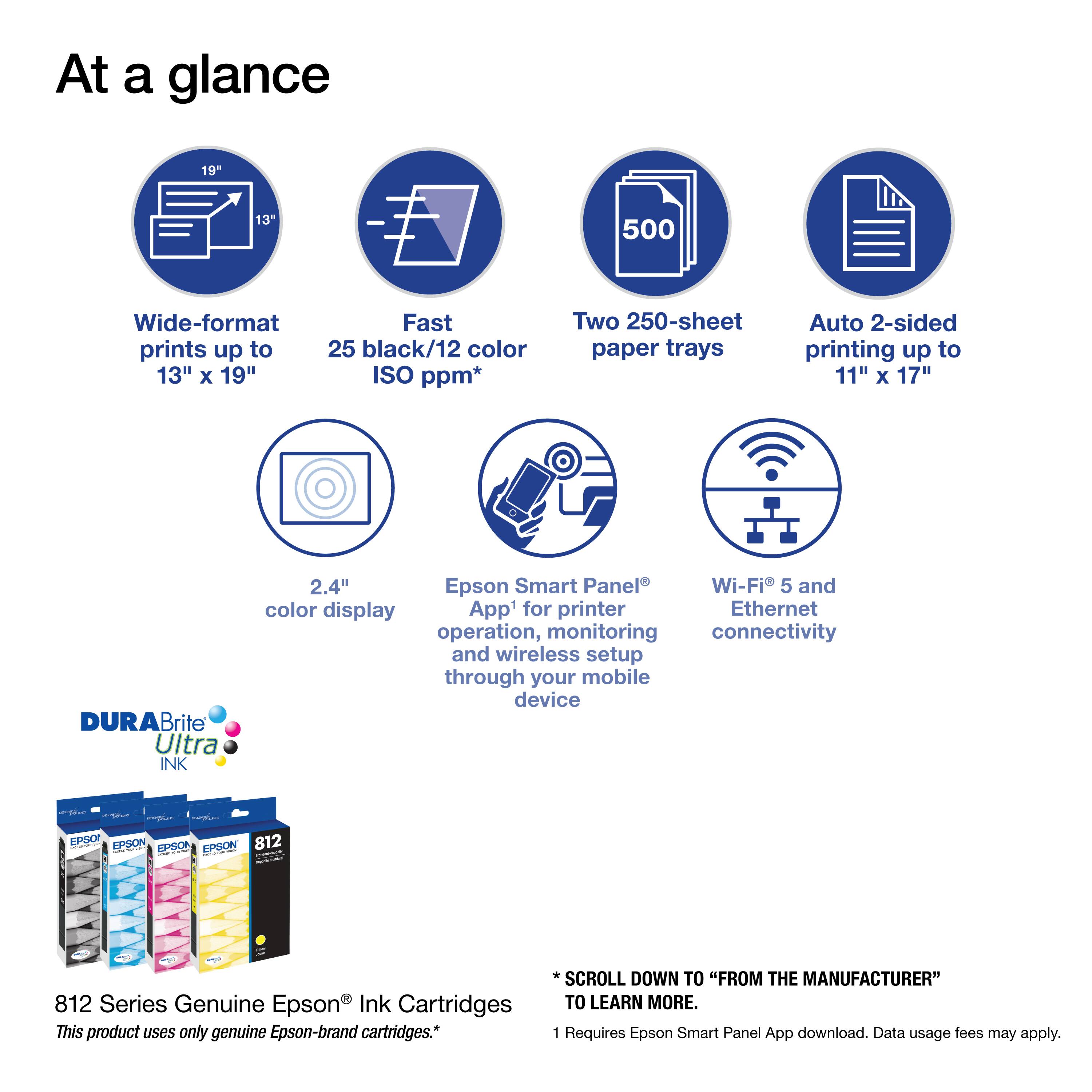
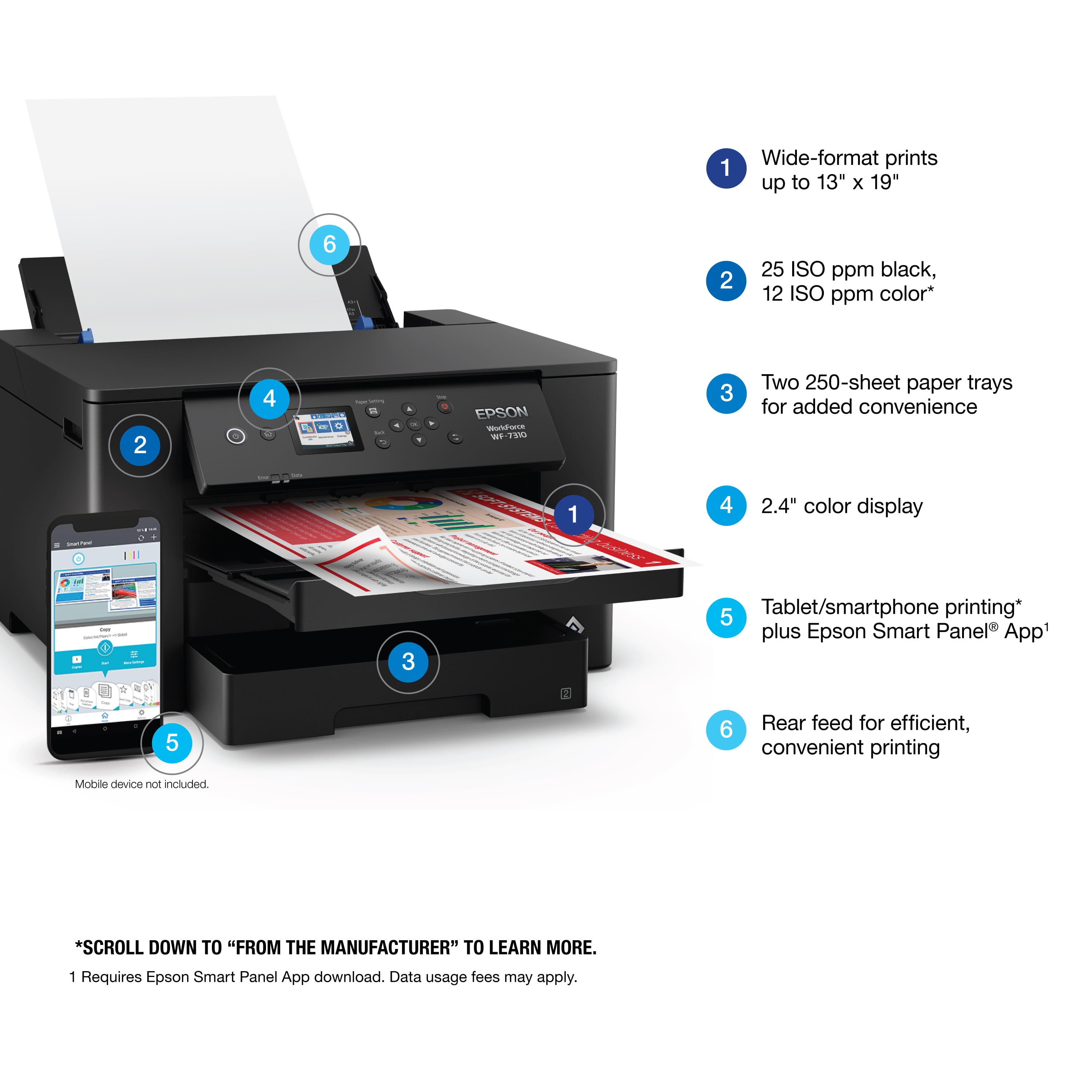
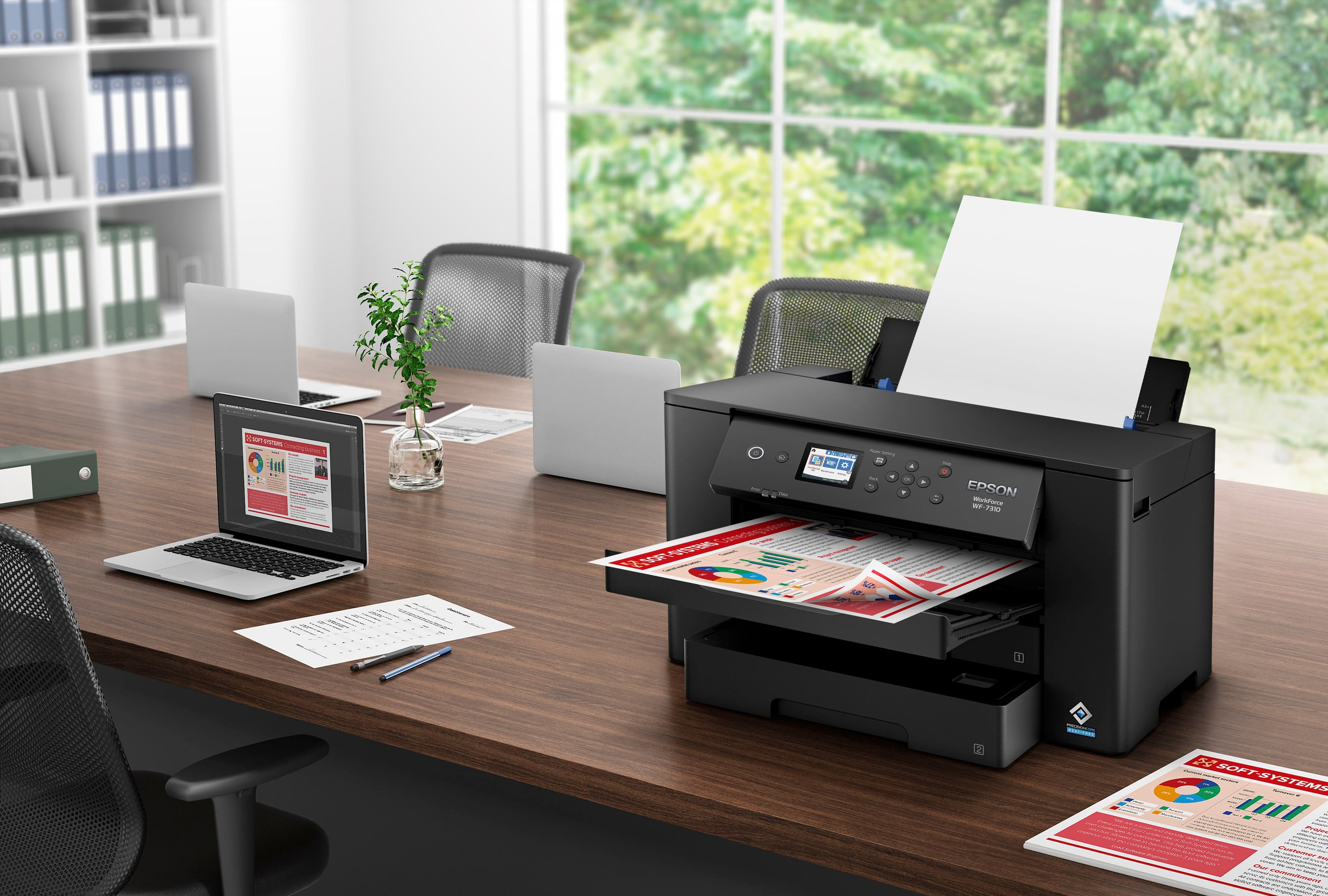
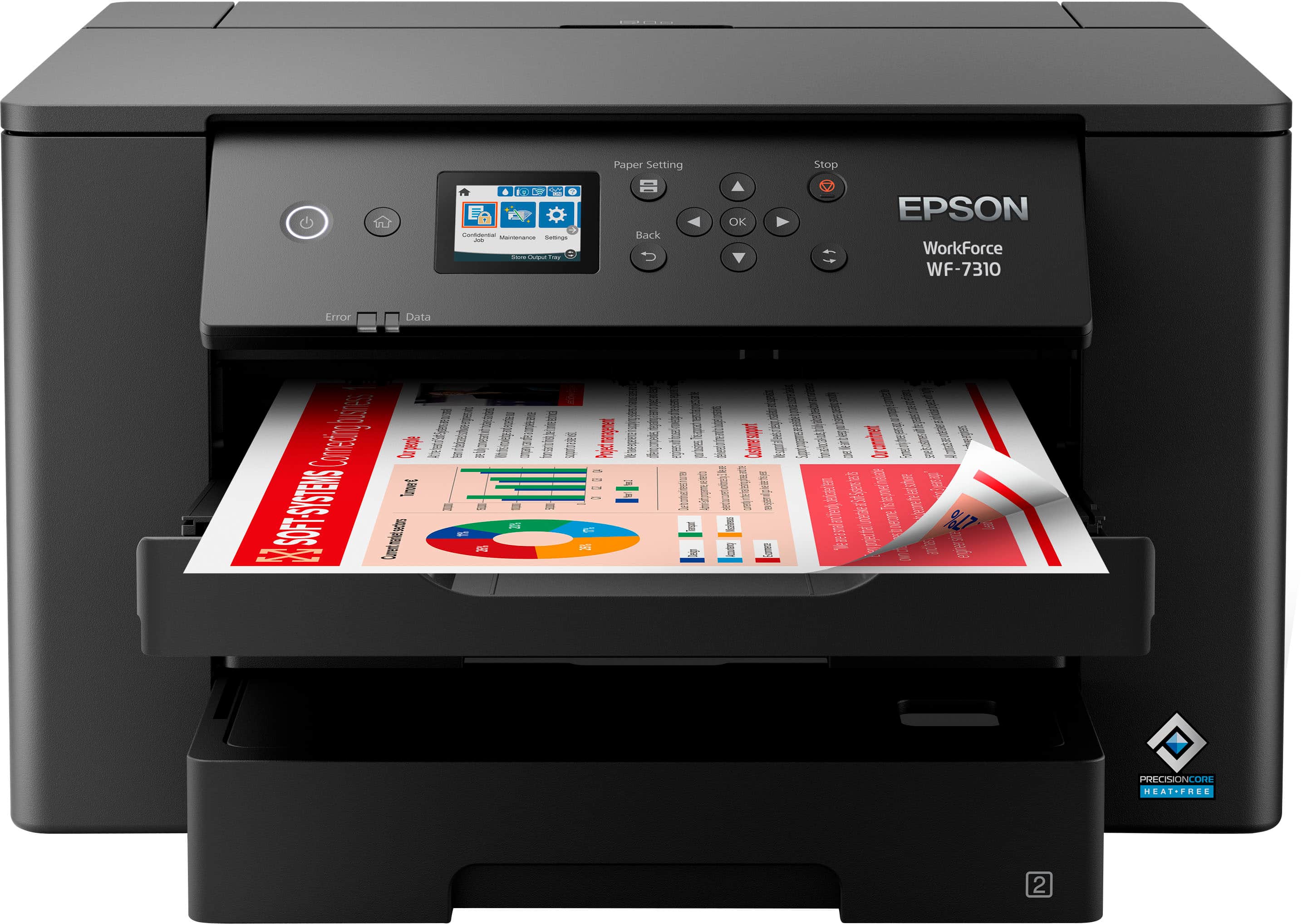
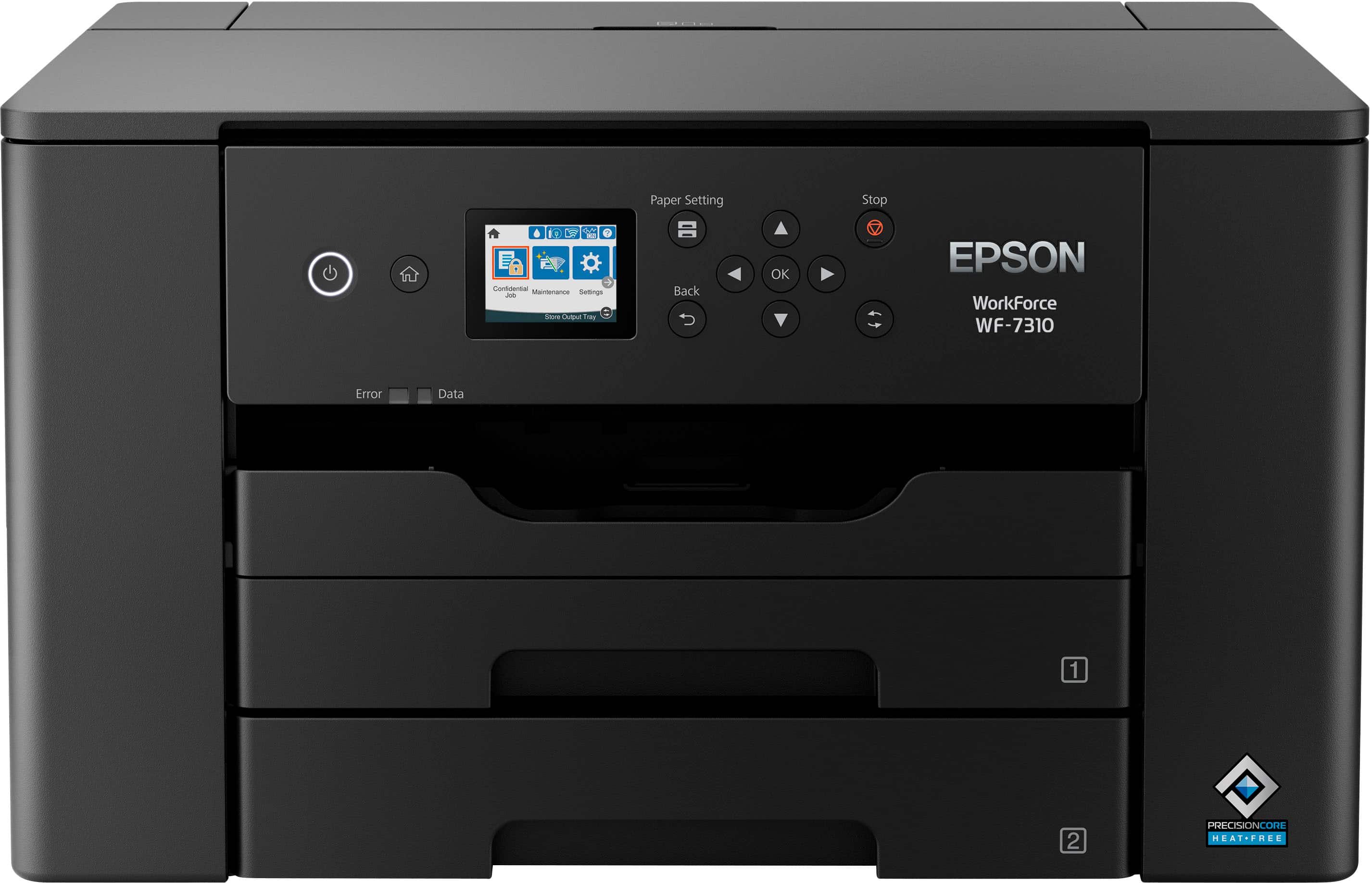
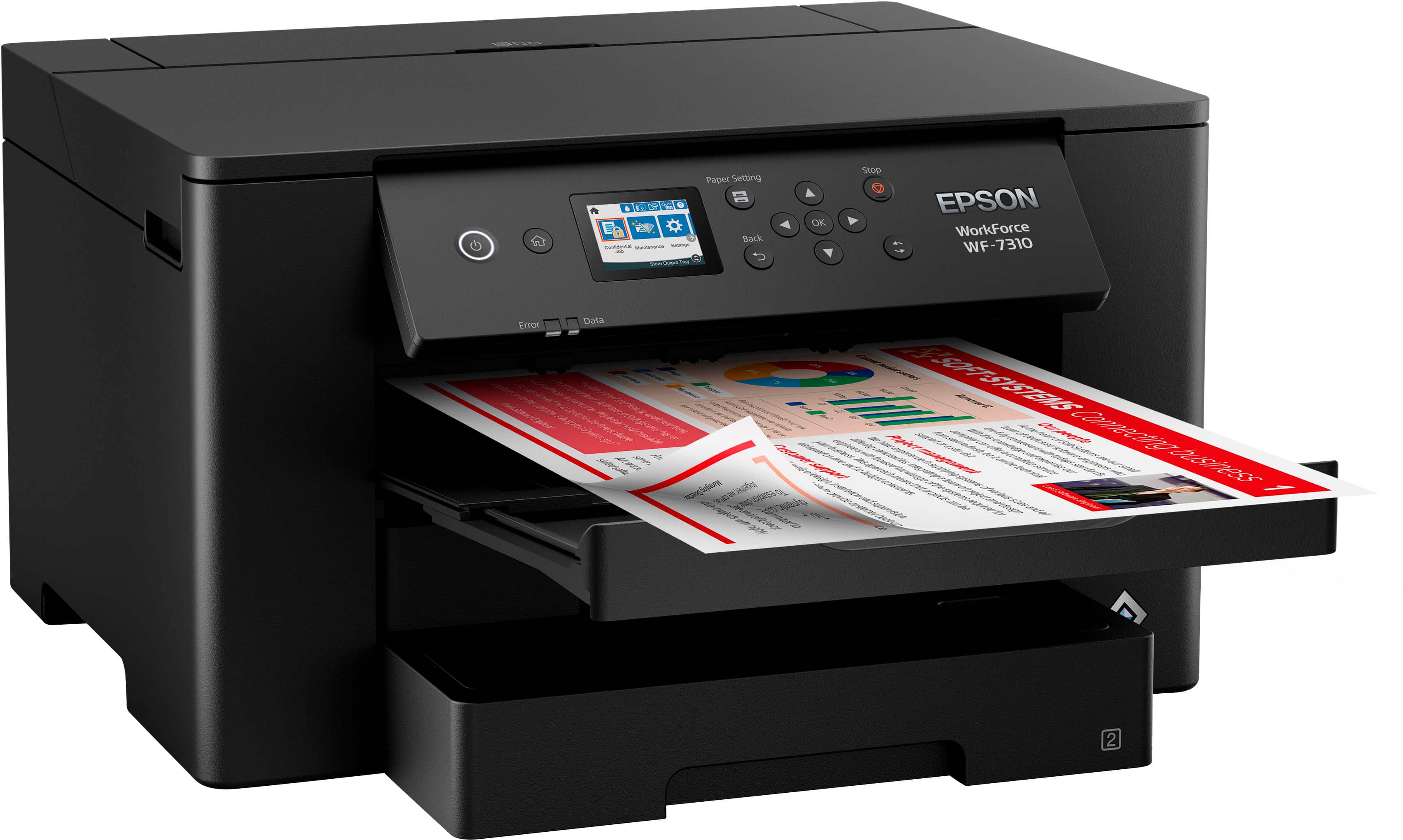
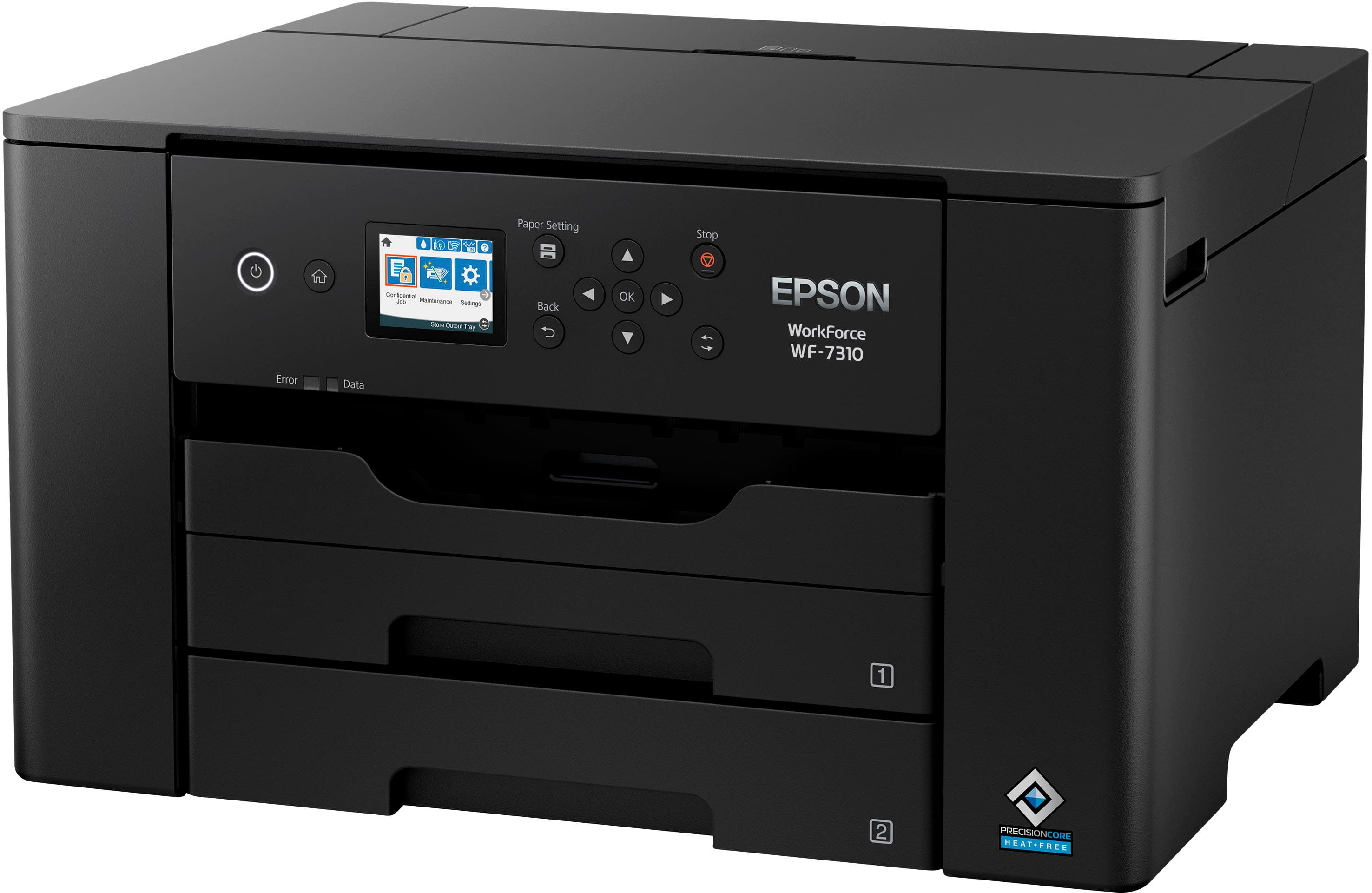
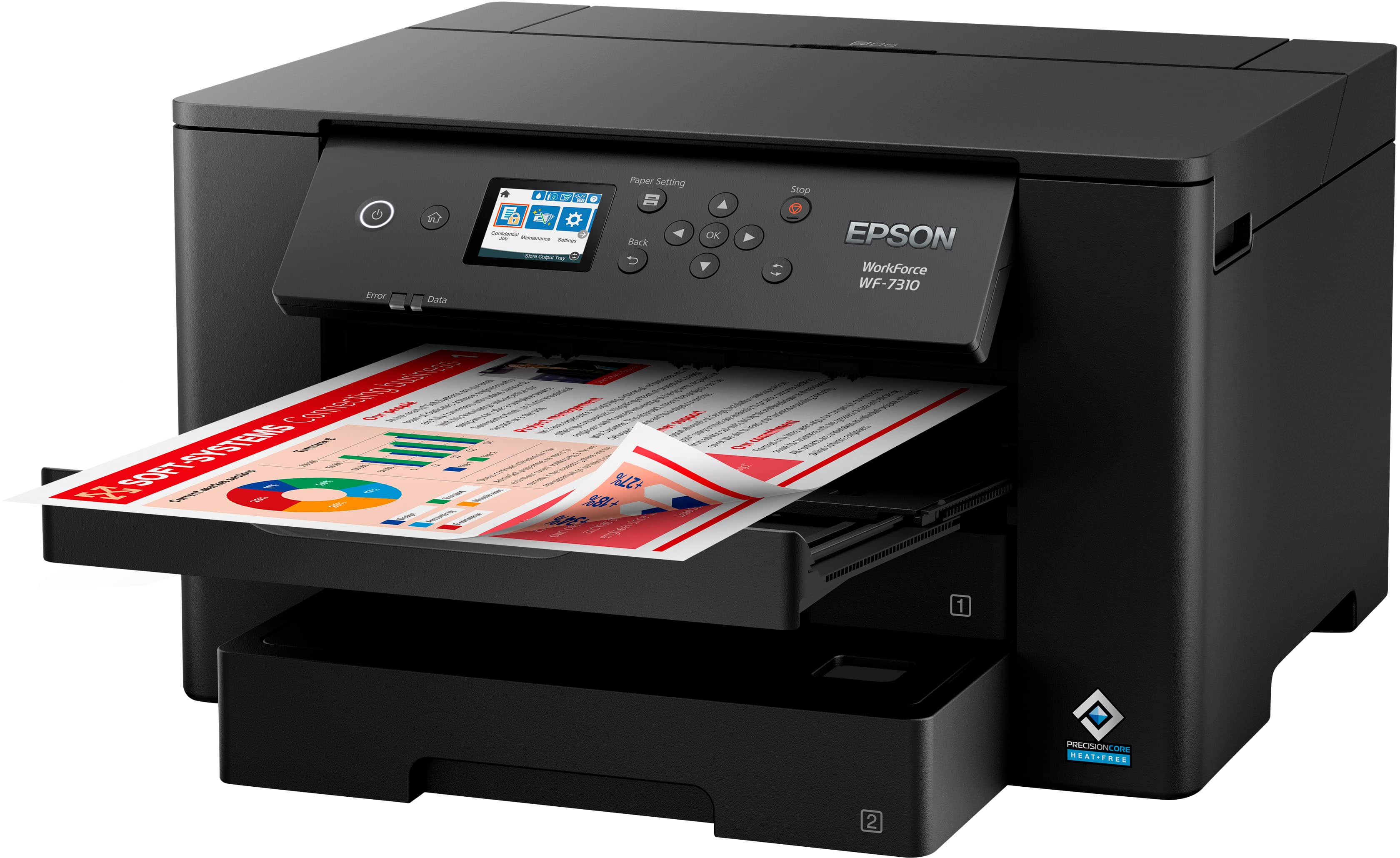
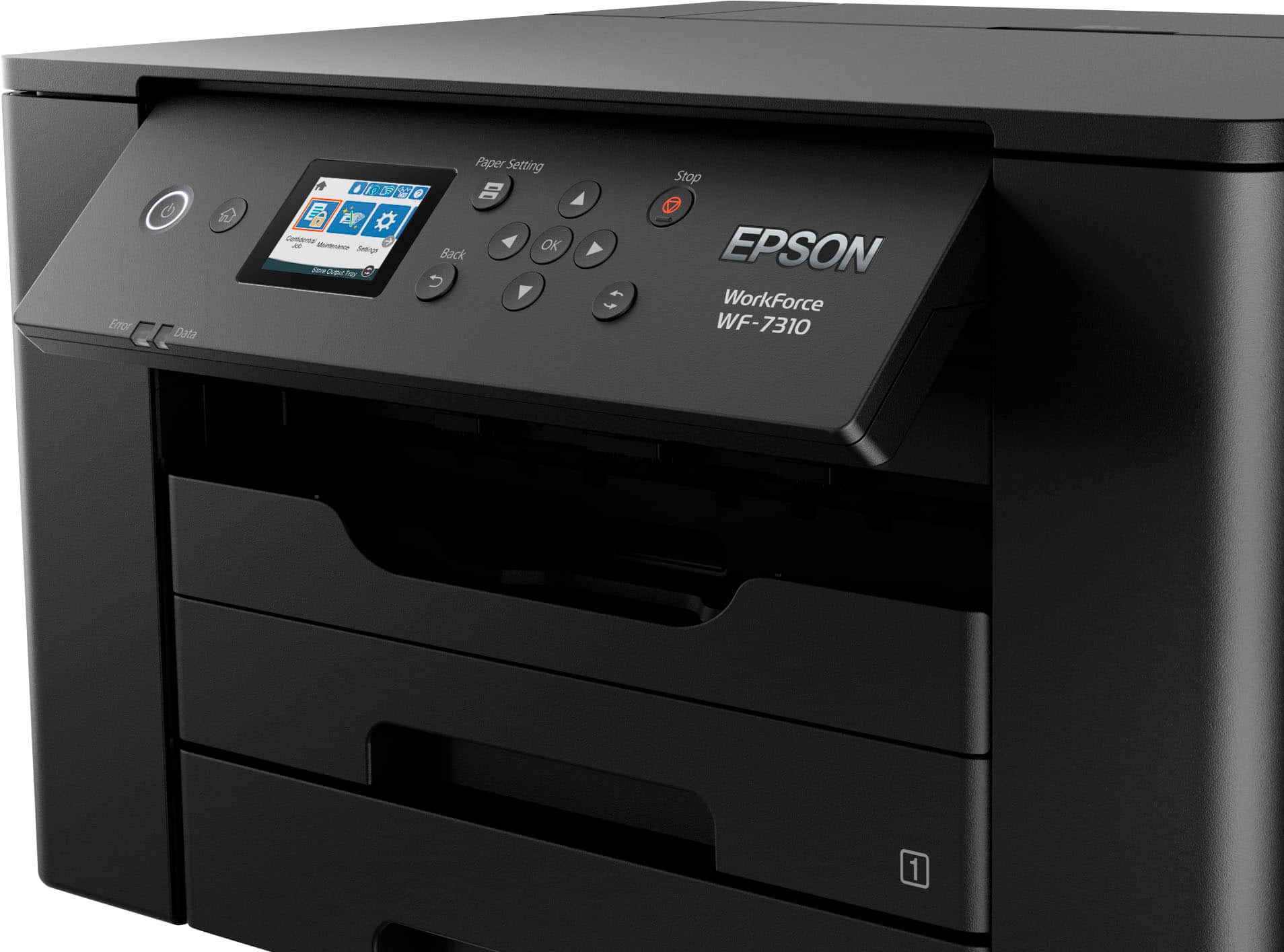
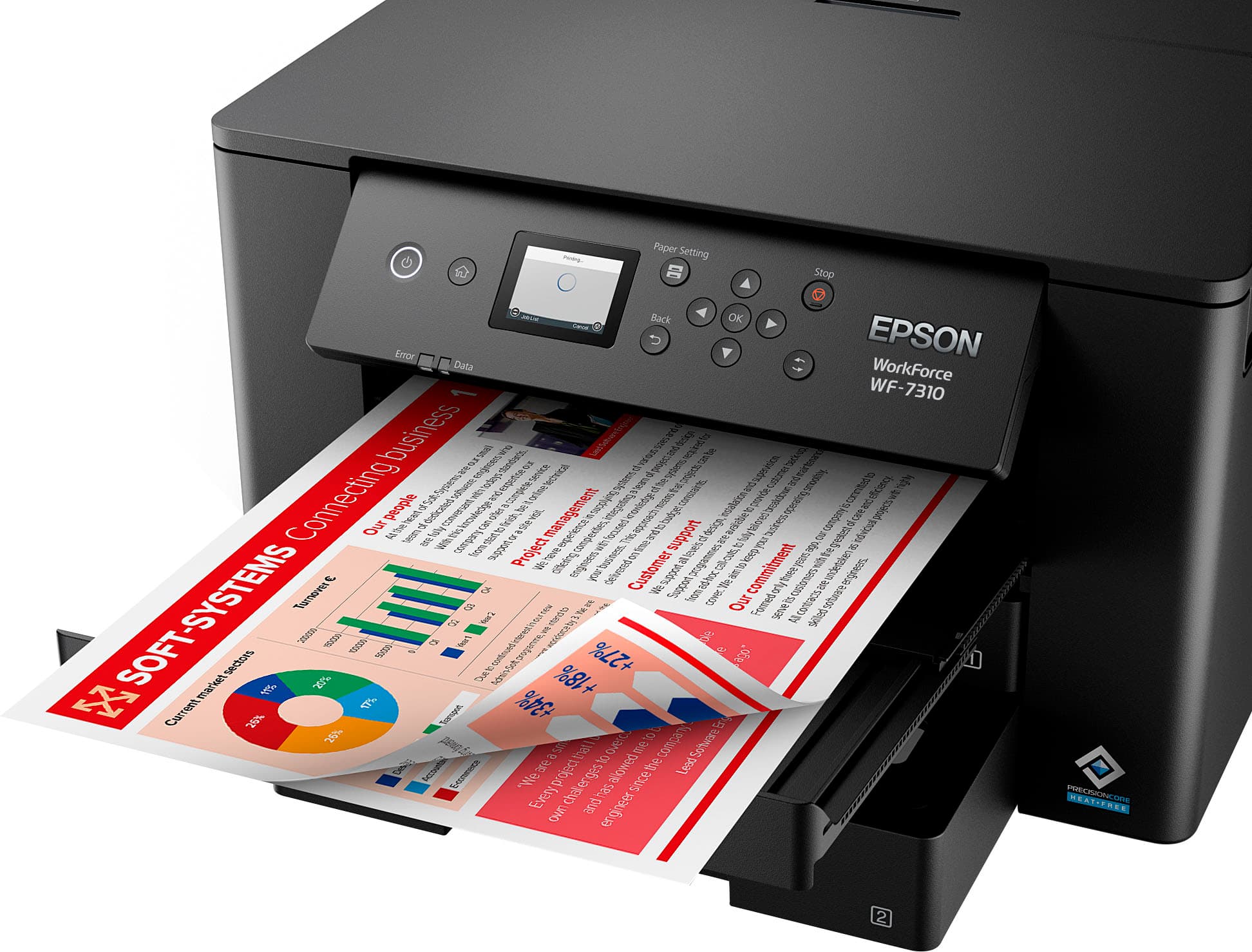
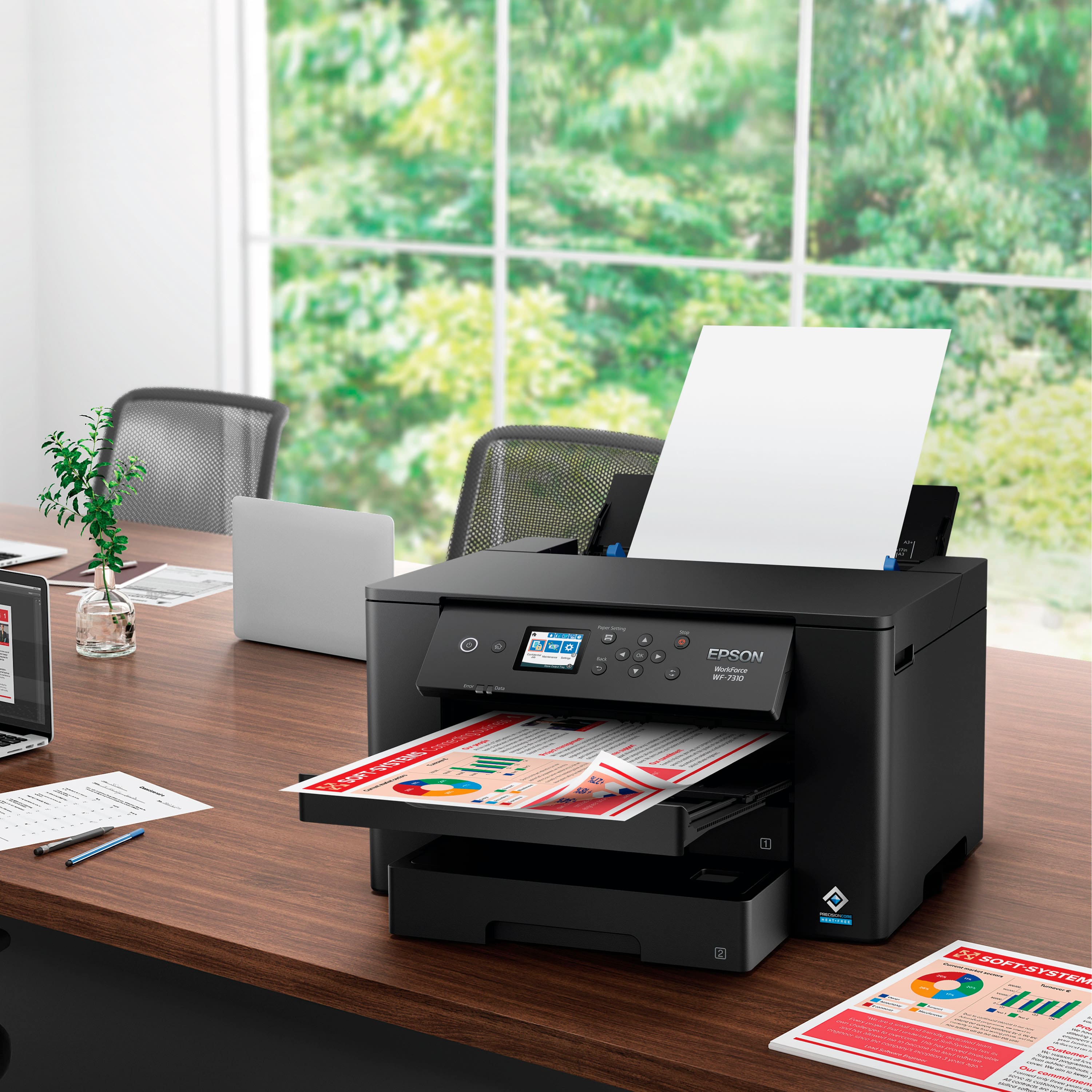
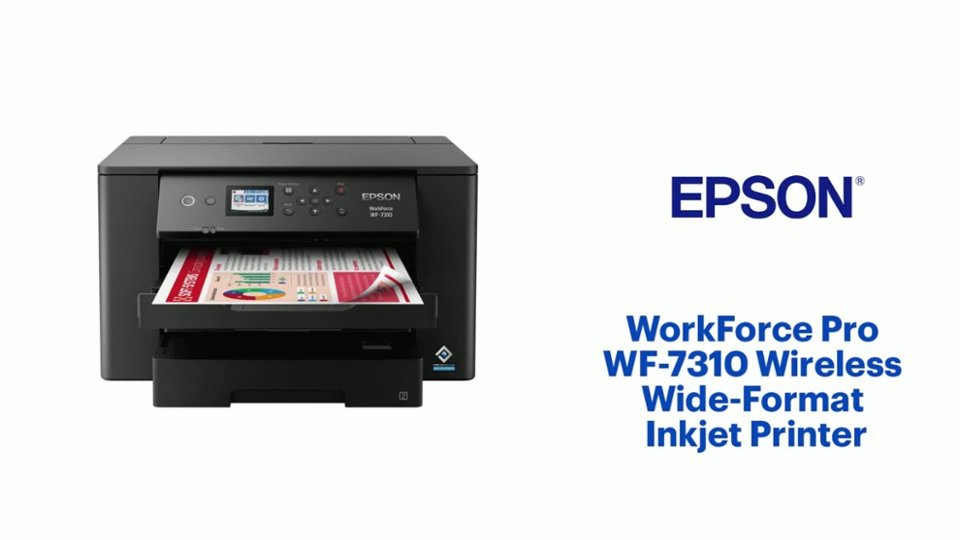
A:AnswerHello ka. The WF-7310 is a Wide-format printer, which can be ideal for blueprints. It can print up to 13" x 47" in size and 25 ISO Black pages per minute. Regards, Kevin - The Epson Team.
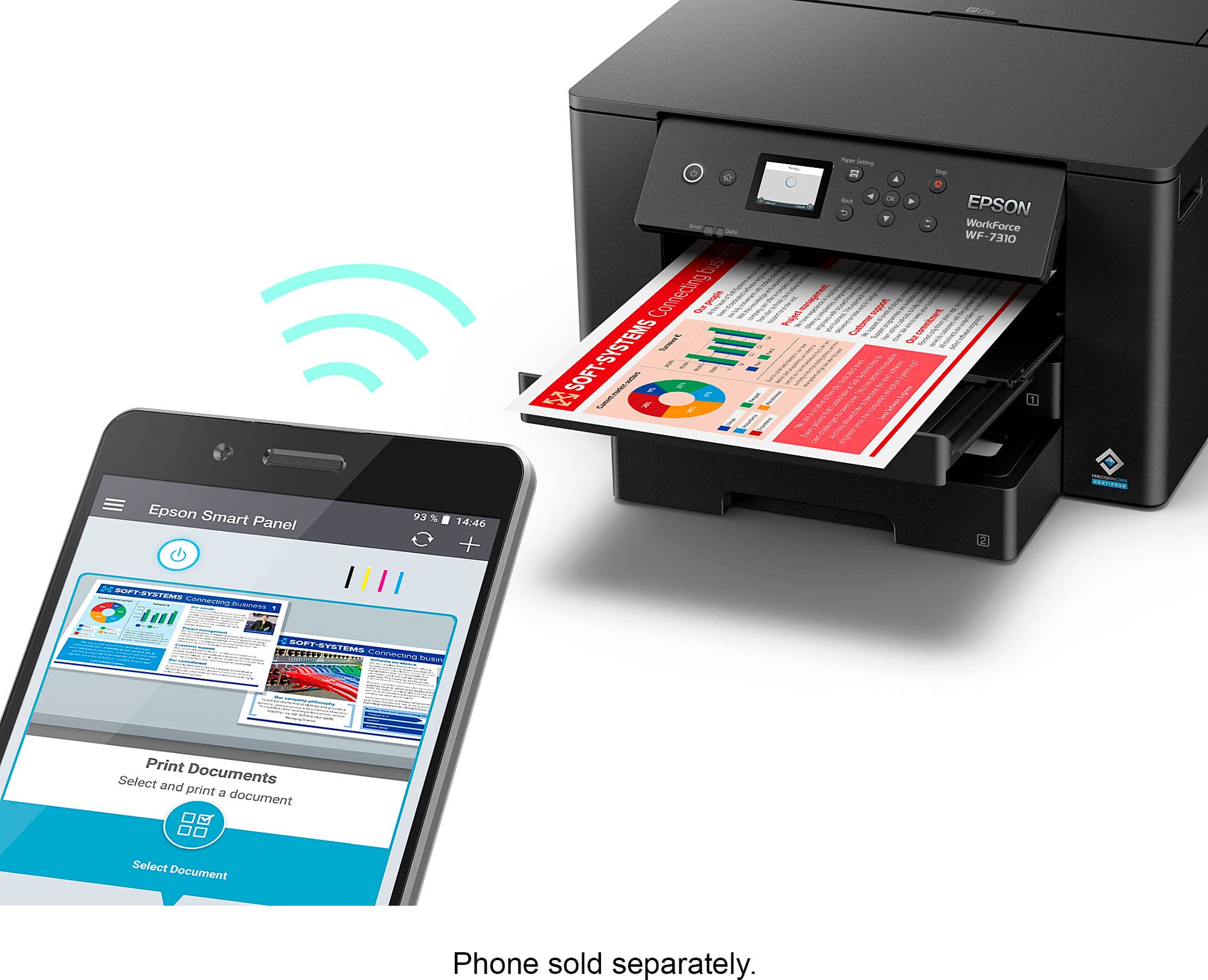
A:AnswerHello Bella. Yes, the WF-7310 can be connected to an iPhone wirelessly. It can be used via AirPrint or the Epson iPrint app. You can find the latest version of Epson iPrint available for download on the Apple App Store. Regards, Kevin - The Epson Team.
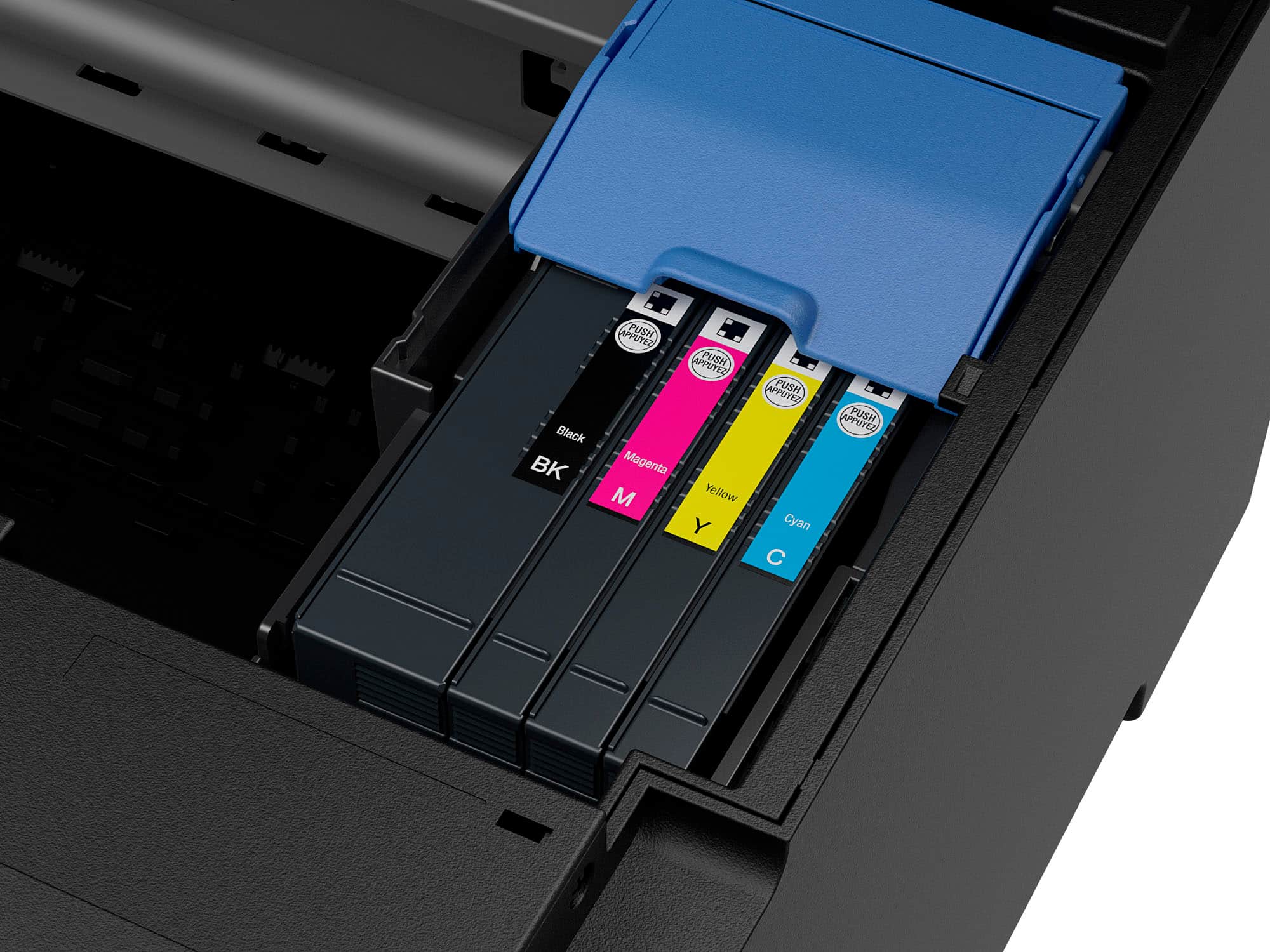
A:AnswerHello maddiebug. The WF-7310 is designed to only work with Epson T812 and T812XL Ink Cartridges. Unfortunately, Ink Bottles are not compatible with the printer. Regards, Kevin - The Epson Team.
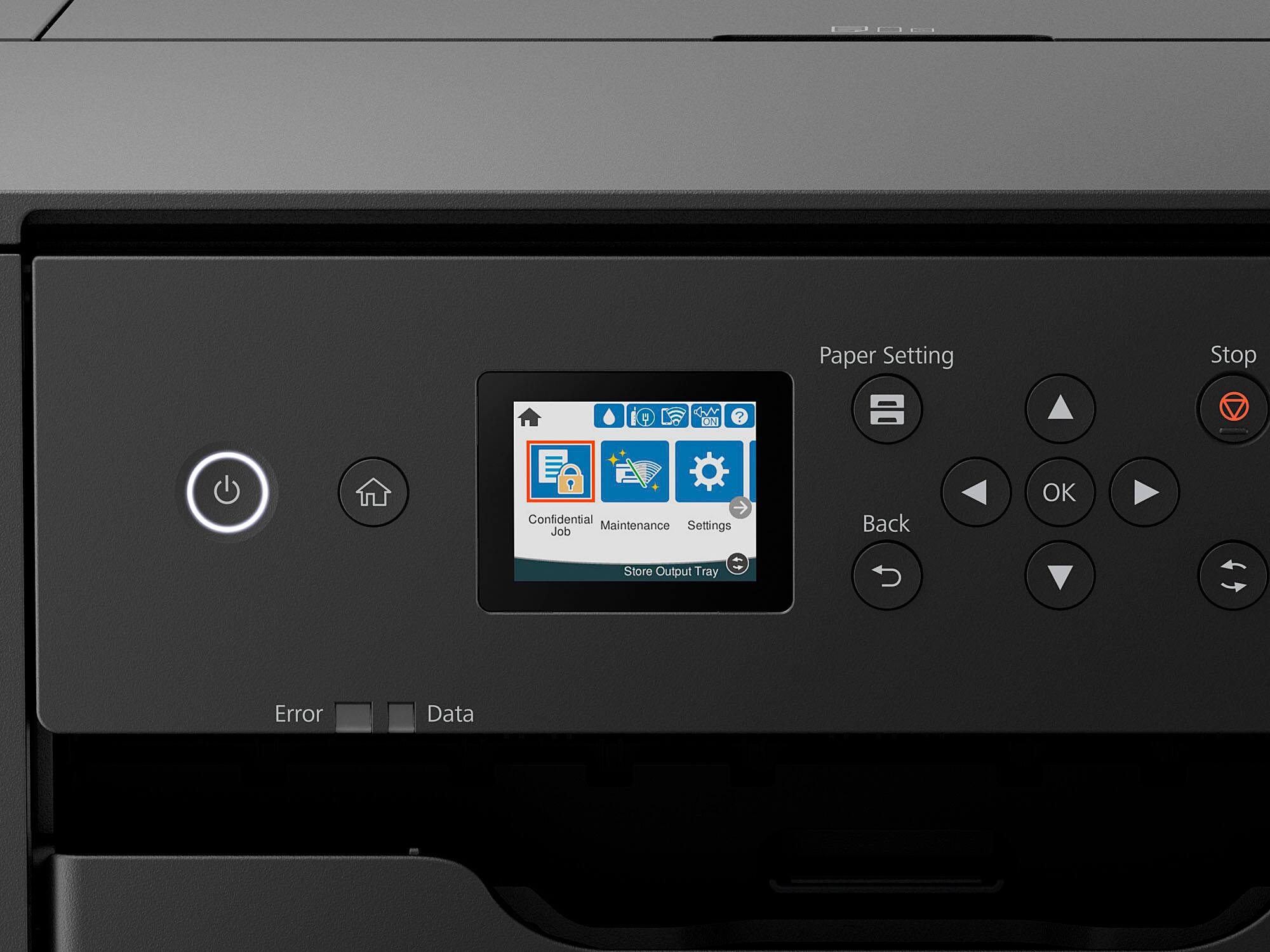
A:AnswerHello Seniorella. We recommend printing out a nozzle check from the maintenance menu to see if your print head is properly working. If you have missing segments, you can also complete cleanings from the same menu. If this is not the issue, it could be settings or paper-related. If so, please contact our Technical Support team for additional assistance. Regards, Kevin - The Epson Team.
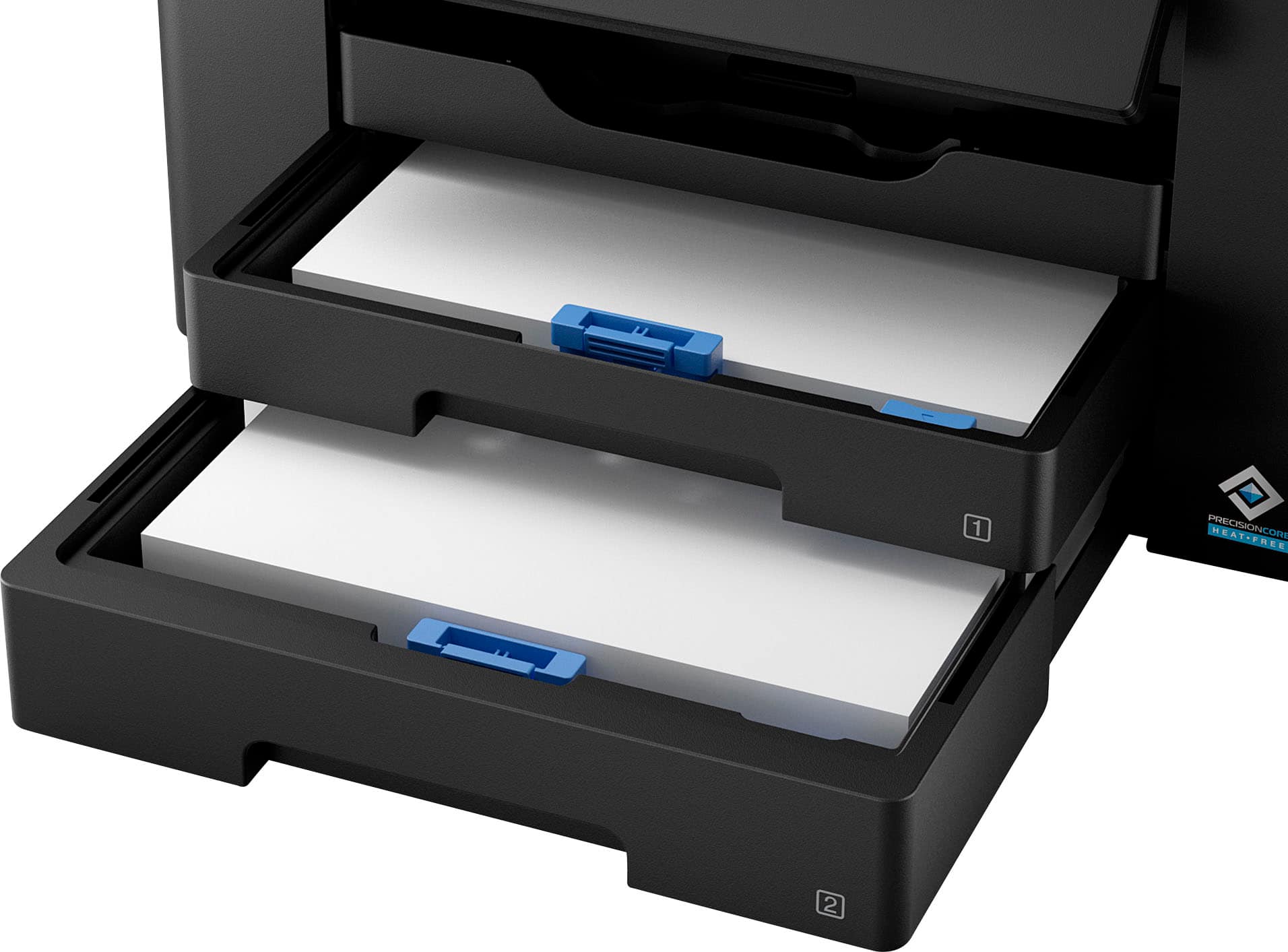
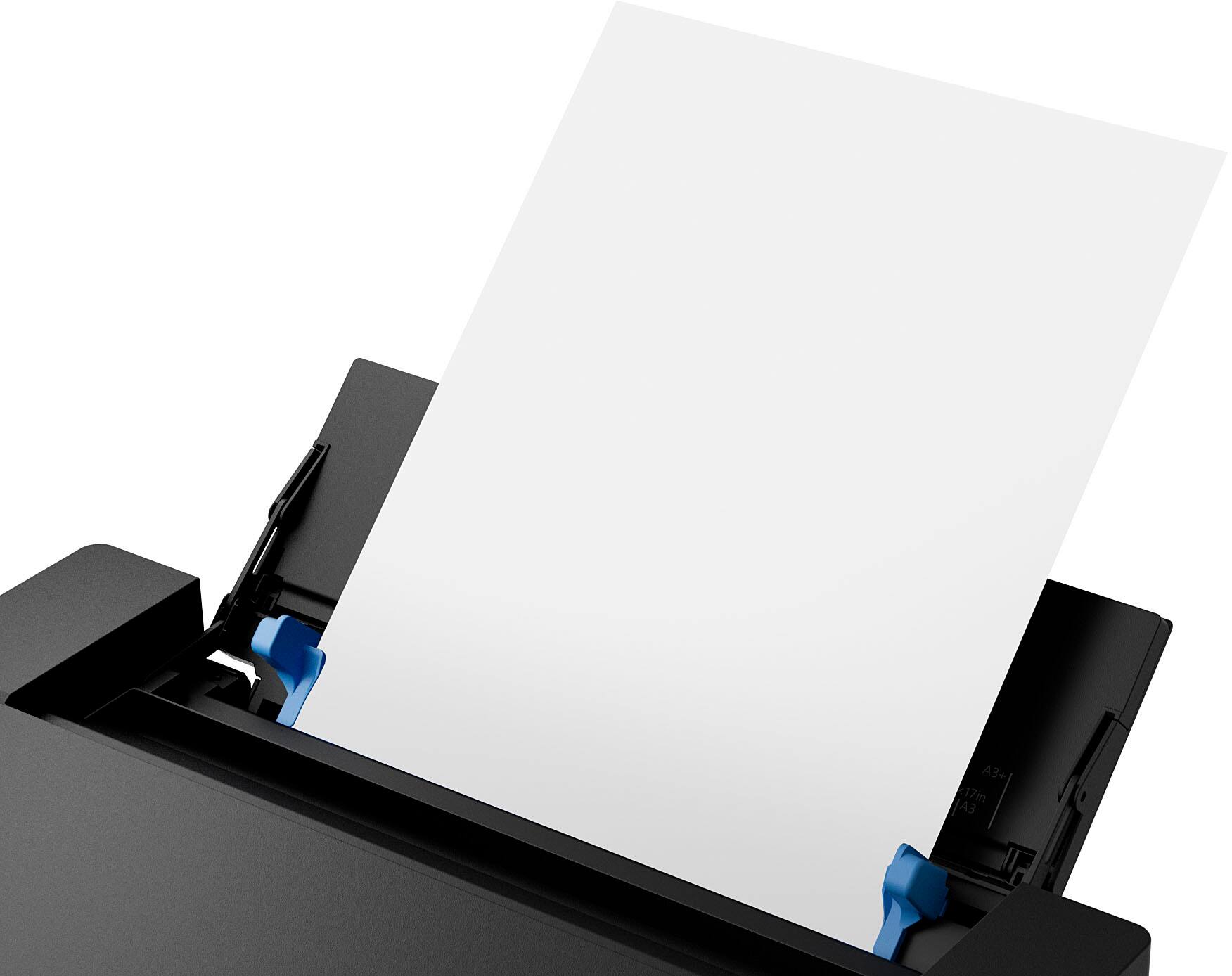
A:AnswerHello Dez. Yes, the WF-7310 can only load one sheet at a time. If you would like to load more paper, you can use the cassette tray, which can hold approximately 250 sheets of plain paper. Regards, Kevin - The Epson Team.
A:AnswerHello Harry. Yes, you can print an edited photo on the WF-7310 from your computer. However, please note editing an image would be done outside of the Epson software as the software included does not have editing features. Regards, Kevin - The Epson Team.
A:AnswerHello. Yes, the WF-7310 can be connected directly to a computer using a Printer USB cable or wirelessly via Wi-Fi. The printer is compatible with Apple computers running macOS 10.6 - 12 and PCs running Microsoft Windows 7 - 11. Regards, Kevin - The Epson Team.
A:AnswerHello Printingmonkey74. The WF-7310 can print on a variety of Photo Paper. Unfortunately, we have not tested fabric material in the printer to confirm compatibility. We recommend contacting the manufacturer to verify functionality with our All-In-One printers using pigment-based inks. Regards, Kevin - The Epson Team.
A:AnswerHello. The Epson WF-7310 was not designed for dye-sublimation printing nor the use of non-genuine Epson ink cartridges. Using sublimation ink in this printer could damage the print head and impact warranty coverage. Regards, Kevin - The Epson Team
A:AnswerThe WF-7310 does not scan and you cannot add 11x17 paper in the cassette. To print 11x17, you are confined to the 'rear' feeder tray which only allows 1 sheet at a time.
A:AnswerHello Leighmur. Yes, when printing, the WF-7310 can load a 9" x 12" sheet in the paper cassette. For reference, you can load paper up to 11" × 17" in the paper cassette and up to 13" x 19" in the rear paper feed. The printer only has a flatbed surface for scanning, so multi-page documents would have to be loaded one at a time. Regards, Kevin - The Epson Team.
A:AnswerNot quite sure why an Epson employee would answer this question so obviously incorrect. The printer definitely has copy and scan capabilities. There are 2 other similar questions that were answered by Epson employees, both saying that it does copy and scan.
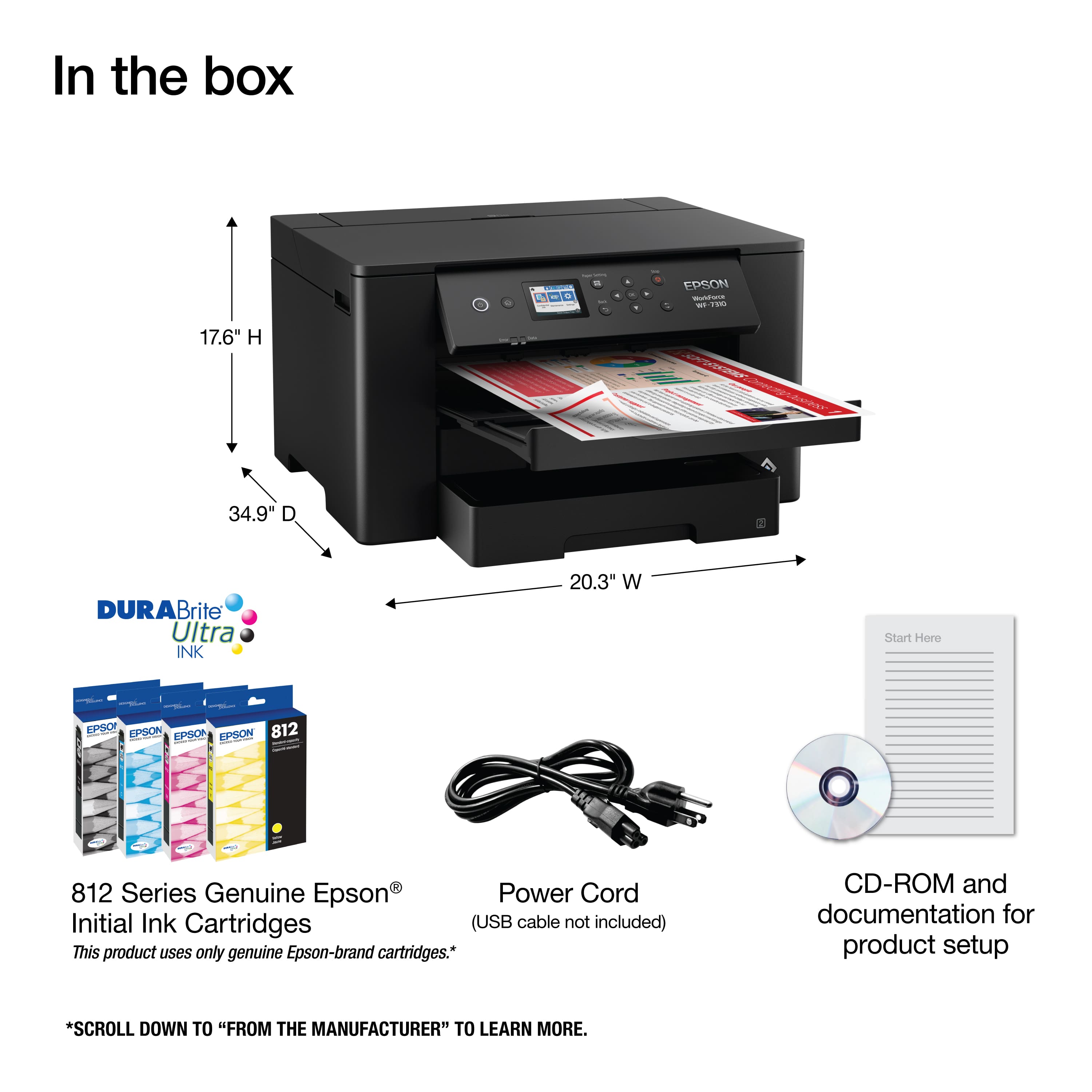
A:AnswerHello jagsfaninWy. The Epson WF-7310 comes boxed with the following items. WorkForce Pro WF-7310 Printer, Instruction Manual, CD-ROM for Product Setup, Power Cord, and 4x DURABrite Ultra Ink Cartridges (1x Black Ink Cartridge and 3x Color Ink Cartridges: 1x Cyan, 1x Magenta, 1x Yellow.) Regards, Kevin - The Epson Team.
A:AnswerHello creative. The WF-7310 is designed to work with Epson Ink Cartridges. The item numbers for the cartridges are T812 and T812XL. Regards, Kevin - The Epson Team.
A:AnswerHi Tracie, We cannot test all third-party media types with the WorkForce Pro WF-7310 so cannot guarantee print quality. Regards, Mark - The Epson Team.
A:AnswerHi Lyn. The WF-7310 can print on 11" x 17" paper. Unfortunately, we have not tested heat transfer vinyl on the machine, so we cannot guarantee print functionality. We recommend reaching out to the paper manufacturer to confirm compatibility with our printers using pigment-based inks. Regards, Kevin - The Epson Team.
A:AnswerHi Peri. Unfortunately, 140lb paper might be too thick for the WF-7310. The heaviest paper we have tested to work on the printer is 68 lb (256 g/m2). Regards, Kevin - The Epson Team