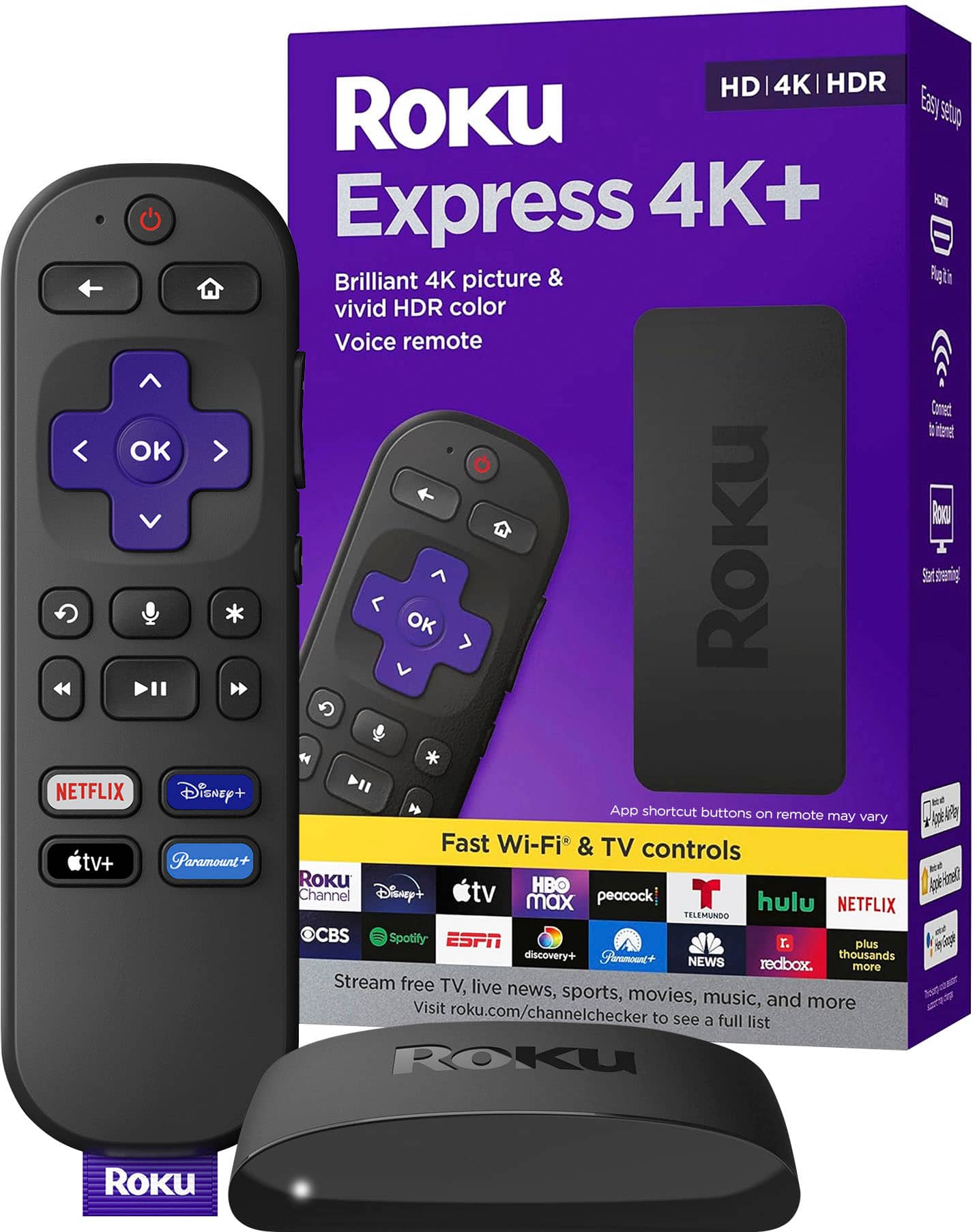
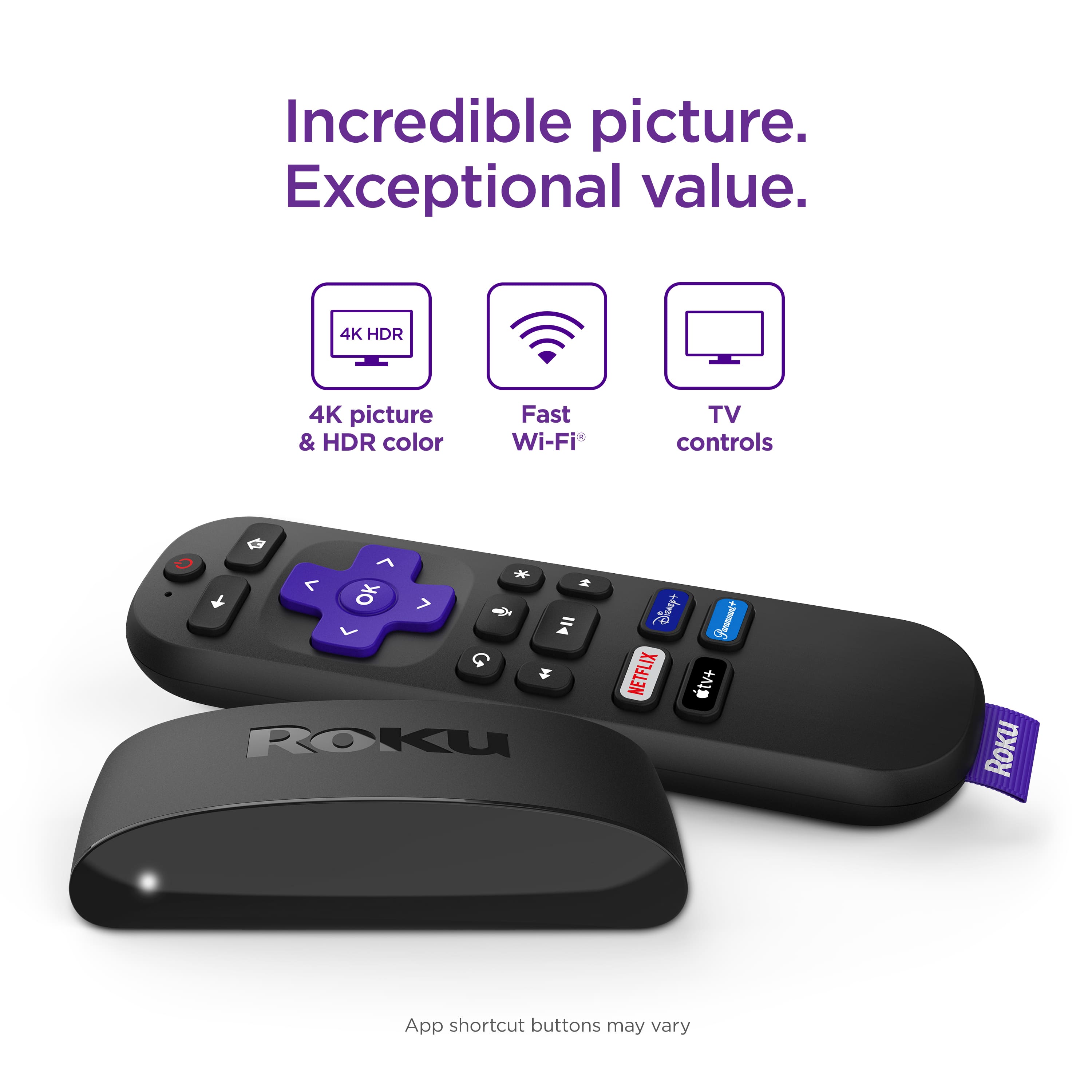
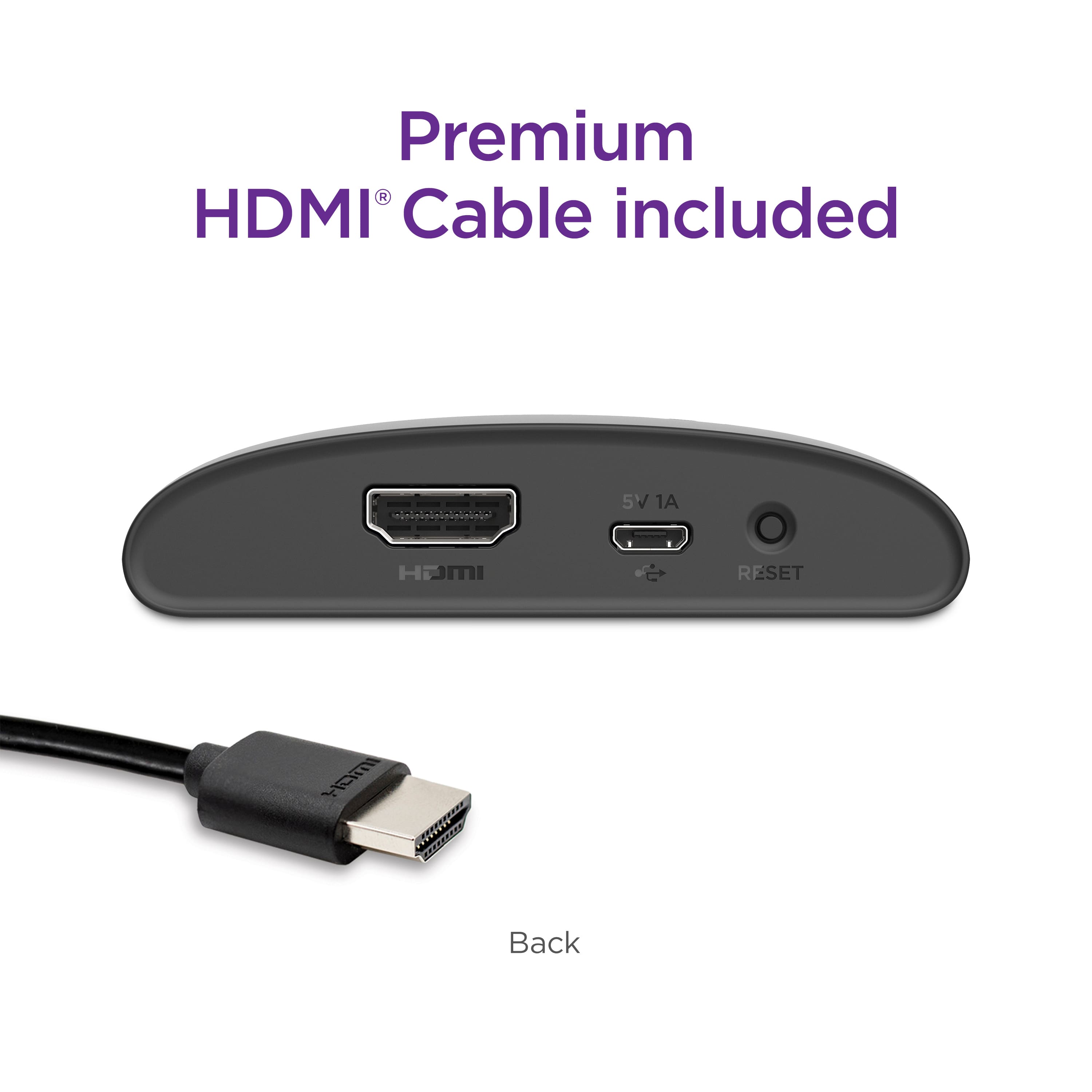
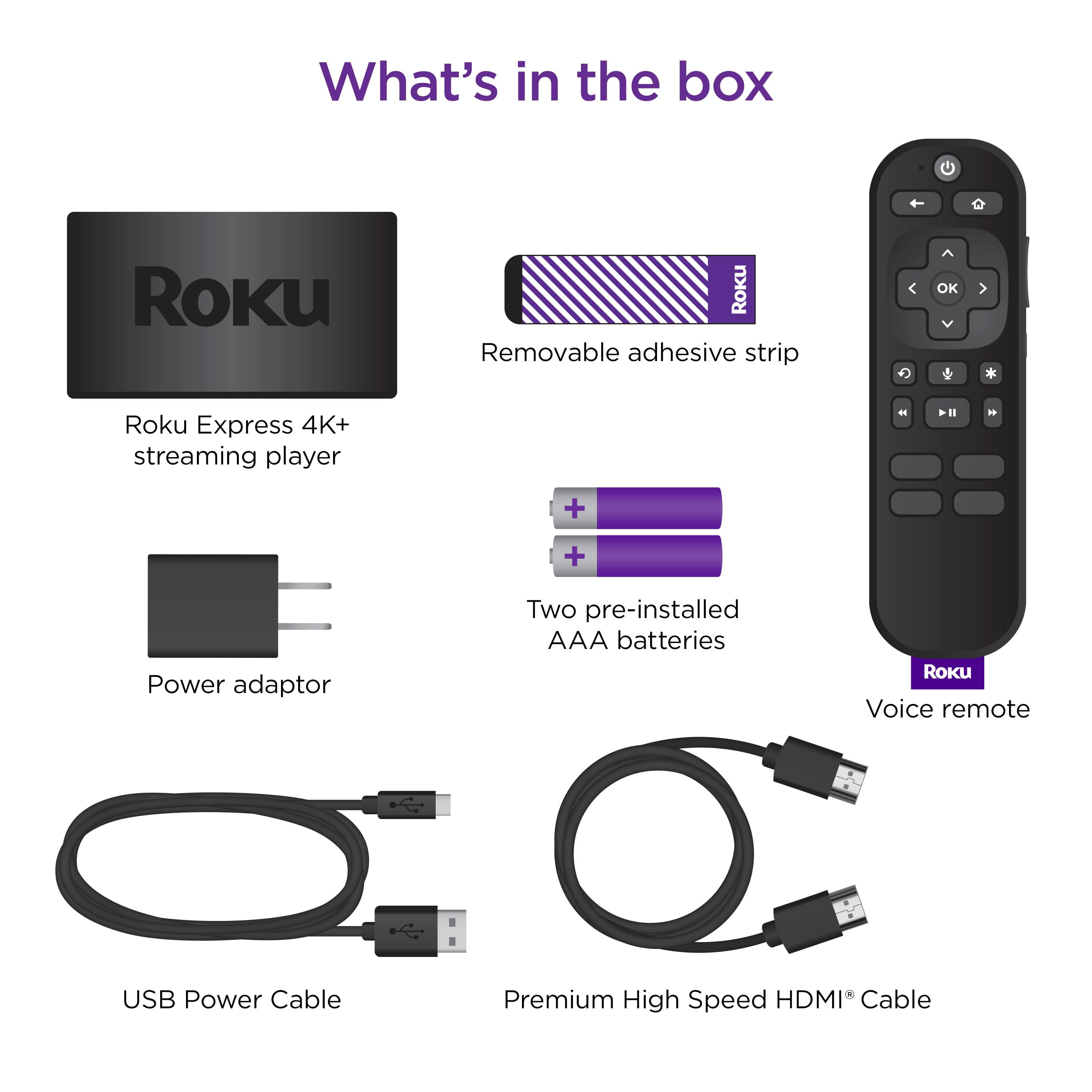
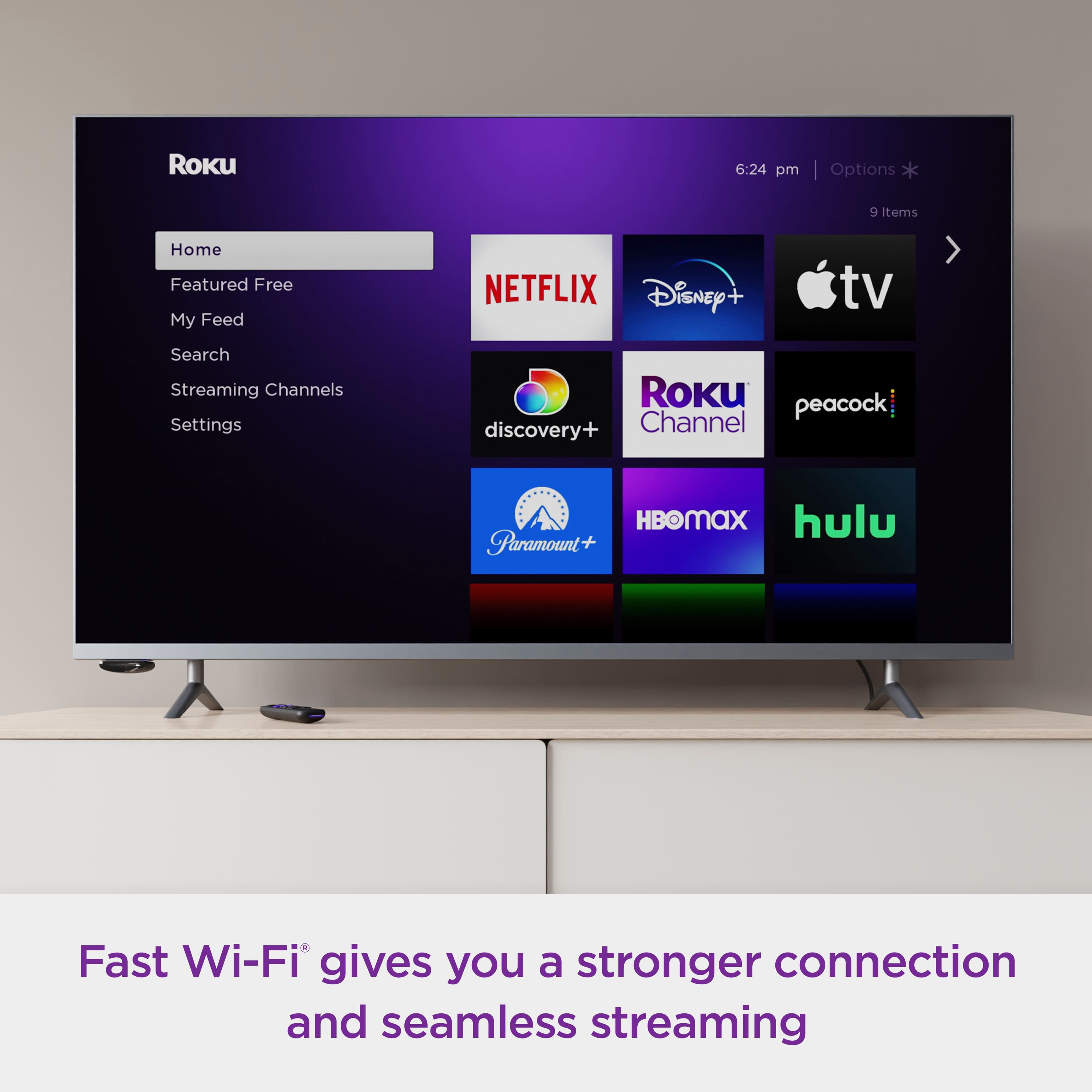
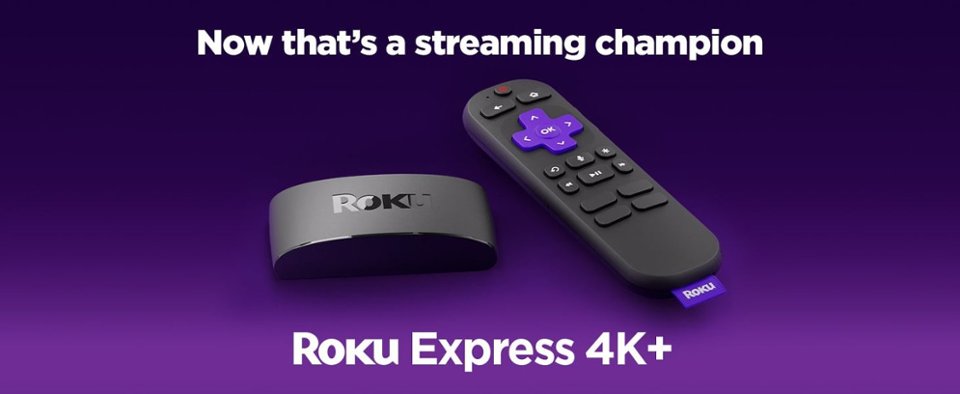
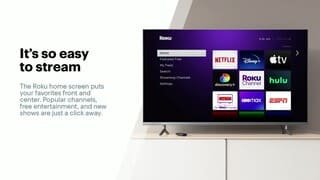
A:AnswerHi ! Roku streaming players can be connected to any TV with an HDMI connection. The Spectrum TV channel is available on The Roku Channel Store. Just like your smartphone accesses an “app store” to add new applications, your Roku Express 4K+ accesses the Roku Channel Store to add new channels.
A:AnswerHi, Annie! Roku® streaming players can be connected to any TV with an HDMI® connection. For additional information on Roku Streaming players or to compare players take a look at the Roku product page linked here: https://www.roku.com/products/players
A:AnswerIt would seem odd to buy a Roku for a Roku TV. If you're experiencing lag or crashing it could be that the internal Roku is getting dated, overheating, and/or going bad. That might be a good reason to do such a thing, or if you really really want an RF remote (at least for the Roku part) to avoid having to point.
A:AnswerYes! Spectrum TV is available for all Roku customers to download. If you're having trouble locating the channel, make sure that your device is on the newest software update.
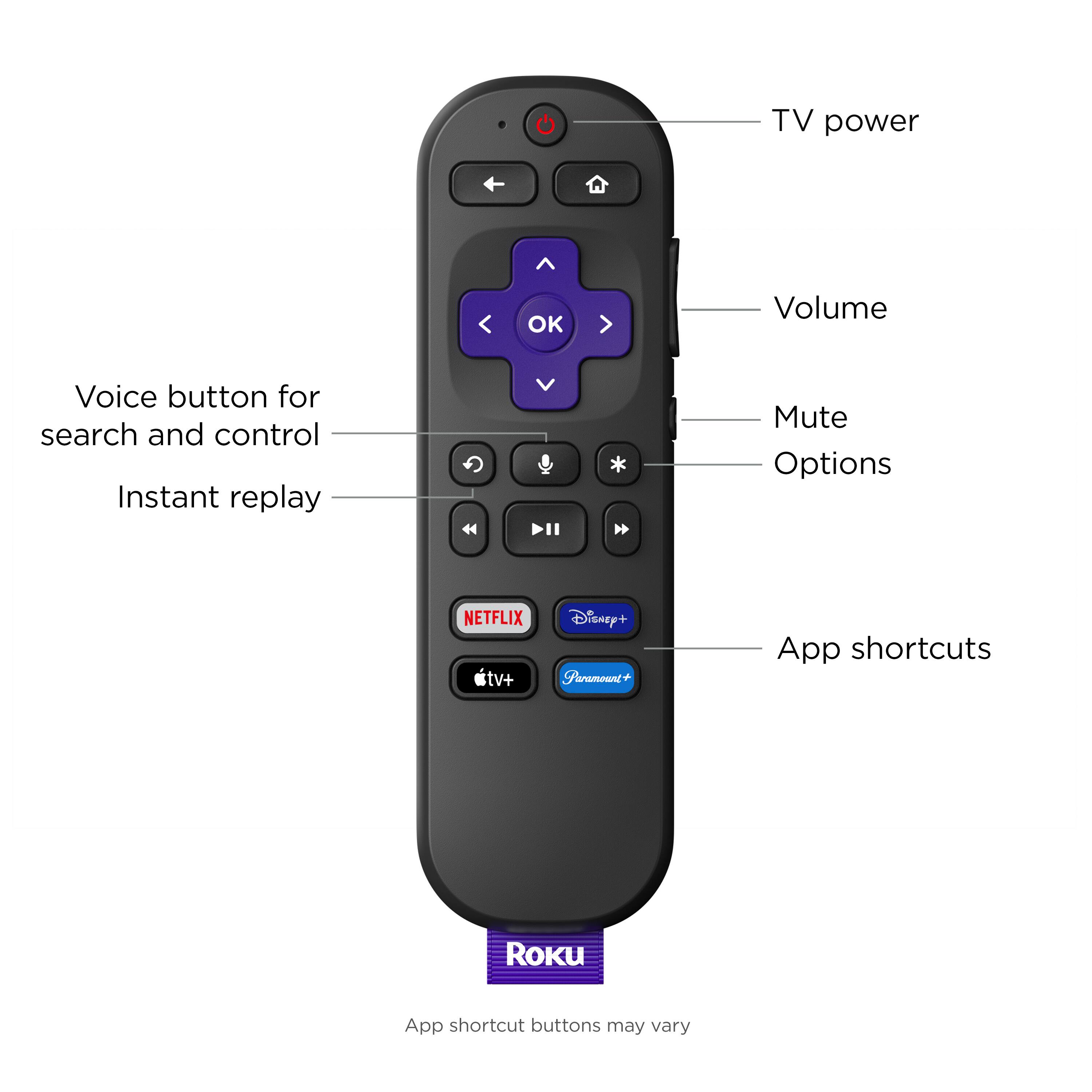
A:AnswerOn my TV, to watch off an antenna, play a game, or via cable, one merely switches SOURCE on the TV. The ROKU is an HDMI source, just like the cable is, so it does not "see" the other sources. Use your TV's remote to change sources.
A:AnswerHi Glow, at this time, YouTube TV is not a supported channel to download on a Roku device for a new Roku account user. However, YouTube TV can be accessed through the YouTube channel on your device.
A:AnswerThis device does not connect with any external hard drive or other device to record video. And the device definitely does not have any internal storage for saving video. So, it is not DVR capable.
If you are using a TV streaming service, that service may come with a "Cloud DVR" option.
And in the case of SlingTV, that is a TV streaming service that has an app that you install on the Roku, that service comes with "Cloud DVR" for most of the channels you subscribe to, and they sell an "AirTV" hardware accessory that allows you to get OTA local channels that will show within your Sling TV app for you to watch, and that hardware may even come with the option of connecting an external hard drive, or even have a built-in hard drive. And that would be for record those local channels, and that's all integrated within the Sling TV app.
There's other services like Hulu that also offer Cloud DVR features.
But that's the extent of it. No traditional DVR functionality or expansion capability.
A:AnswerHi JP! There are no monthly fees for watching free channels or for using a Roku device. You only have to pay for subscription channels like Netflix, cable-replacement services like Sling TV, or movie and TV show rentals from services like Apple TV. In order to register your device, you are required to create an account. However, this is always free of charge.
A:AnswerHi, Bill! The DirecTV NOW Channel name changed to AT&T TV. The AT&T TV channel, which also includes AT&T TV NOW (formerly DirecTV NOW) is available on all current Roku Streaming players. You can always check channel availability by browsing or searching the Roku Channel Store linked here: https://channelstore.roku.com/browse