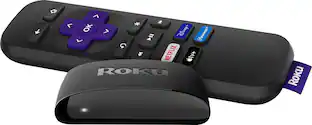
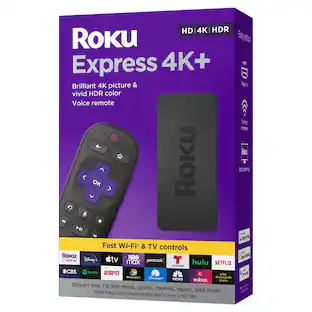
Express 4K+ | Streaming Player HD/4K/HDR with Roku Voice Remote with TV Controls, includes Premium HDMI Cable - Black
Customers are saying
Customers value the exceptional ease of use and overall performance that this device provides, making it a top choice for streaming. Users frequently praise the simple setup process, the convenience of the all-in-one remote, and the high-quality 4K capabilities. While the product is highly regarded for its speed and compact size, some users have noted minor concerns regarding battery longevity and occasional compatibility issues with certain televisions.
Brilliant 4K picture quality
Stream in HD, 4K, and HDR with sharp resolution and vivid color optimized for your TV.
Seamless wireless streaming
Enjoy a smooth streaming experience with faster wireless performance
No more juggling remotes
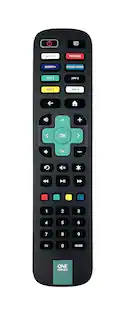
Power up your TV, adjust the volume, mute, and control your Roku device all with one remote.
Voice search & control
Quickly search, play entertainment, and control your streaming device with the voice remote
Upgrade to Roku streaming
Enjoy a customizable home screen with your channels front and center, plus automatic updates so you always have the newest features
Simple setup
It’s easy to get started with everything you need included in the box, including a Premium HDMI Cable—just plug it in and connect to the internet.
Watch what you love
Stream a massive selection of free, live, and premium TV, including 400+ free live TV channels and Emmy-nominated Roku Originals on The Roku Channel.
Works with popular voice assistants
Enjoy easy voice control with Siri, Alexa, or Hey Google.
Share it with Apple AirPlay
Effortlessly share videos, photos, music, and more from your Apple devices to your TV.
*App shortcut buttons may vary
- Featured Streaming ServicesNetflix, Apple TV, Crackle, Disney+, ESPN+, HBO Max, Hulu, Paramount+, Prime Video, SHOWTIME, Spotify, Vudu, YouTube, YouTube TVMaximum Supported Resolution2160p (4K)High Dynamic Range (HDR)YesOperating System CompatibilityNot ApplicableRemote Control IncludedYesPower SourceAC adapter
Reviews
Rating 4.7 out of 5 stars with 6305 reviews
- Ease of use (2420)
- Overall Performance (1029)
- Remote Control (416)
- Price (298)
- Streaming (224)
- Heat (39)
- Compatibility (22)
- Battery Life (16)
Customer Images
The vast majority of our reviews come from verified purchases. Reviews from customers may include My Best Buy members, employees, and Tech Insider Network members (as tagged). Select reviewers may receive discounted products, promotional considerations or entries into drawings for honest, helpful reviews.




Compare similar products
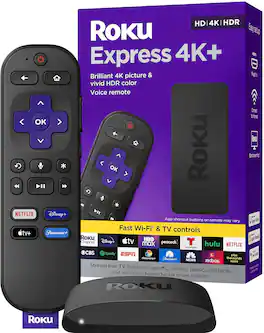
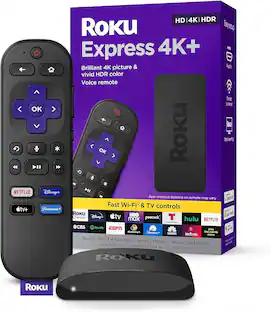
Start streaming in brilliant 4K picture and vivid HDR color with Roku Express 4K+. The fast wireless performance gives you a smooth streaming experience, even with multiple streaming devices connected to your network—it’s perfect for watching in 4K! Use the included voice remote to power up your TV, adjust the volume, and control your streaming so you don’t have to juggle remotes. Easily give voice commands to search, launch channels, turn captions on, and more in just a press. Best of all, Roku streaming gives you a massive selection of free and live TV, and a customizable home screen with your favorite channels, like Netflix, Max, Disney Plus, YouTube, Prime Video, and more, front and center. Setup is a cinch with everything you need in the box, including a Premium High Speed HDMI Cable. Roku Express 4K+ also works with popular voice assistants. Ask Alexa or Hey Google to launch channels, search for entertainment, control your streaming, and more. You can also control your TV using the Apple Home app or Siri on your Apple devices.

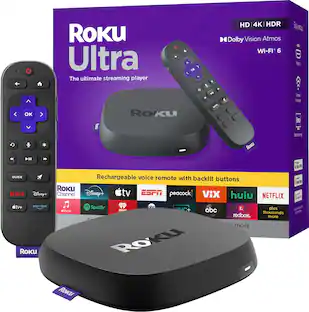
The ultimate streaming device for TV just got even better. See what your TV can really do with the fastest Roku player ever. Roku Ultra lets you enjoy all your favorite shows in spectacular 4K, HDR10+, and Dolby Vision picture plus immersive Dolby Atmos sound. Paired with our newest Roku Voice Remote Pro, you get convenient USB-C charging, backlit buttons, hands-free voice control, and even a lost remote finder for when it plays hard to get. The Roku streaming experience is made for fast, easy access to the entertainment you love with the best selection of live, trending, and free TV.
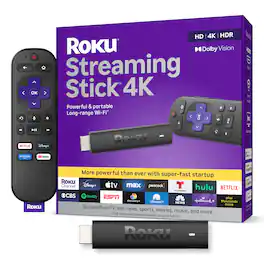
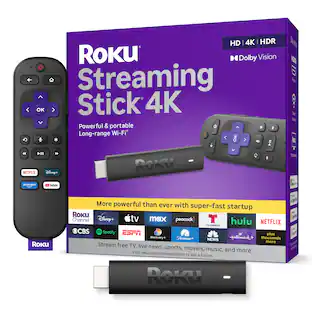
Roku Streaming Stick 4K is the easiest way to give any 4K TV the ultimate upgrade to America’s #1 TV streaming platform*. Start streaming in a snap and enjoy 500+ free TV channels with live news, weather, sports coverage, and more. Watch your favorites in stunning 4K, Dolby Vision, and rich HDR10+ colors packed into this slim Roku player with long-range Wi-Fi. The sleek, portable design won’t block neighboring HDMI ports, so you can switch from streaming to gaming with ease. Plus, it stays hidden behind your TV, keeping wires neatly out of sight. *Based on hours streamed—Hypothesis Group
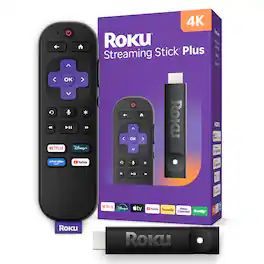
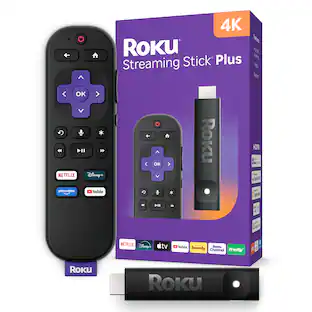
Roku Streaming Stick Plus is the easiest way to upgrade any 4K TV to America’s #1 TV streaming platform*. Start streaming in a snap and enjoy 500+ free TV channels with live news, weather, sports coverage, and more. Watch your favorites in crystal clear 4K and rich HDR colors. With its sleek, portable design, this player stays out of sight and out of the way of other HDMI ports. It powers directly from your TV—no wall outlet needed. Our handy voice remote does it all, from adjusting the volume to controlling your streaming. And with Bluetooth Headphone Mode, you can crank up the volume without waking the house. *Based on hours streamed—Hypothesis Group
| Pros for Express 4K+ | Streaming Player HD/4K/HDR with Roku Voice Remote with TV Controls, includes Premium HDMI Cable - Black | |||
|---|---|---|---|
| Ease of use, Overall Performance, Remote Control, Price, Streaming | Overall Performance, Ease of Use, Remote Control, Speed, Connectivity | Ease of use, Overall Performance, Remote Control, Setup, Wi-Fi | Overall Performance, Ease of Use, Setup, Remote Control |
| Cons for Express 4K+ | Streaming Player HD/4K/HDR with Roku Voice Remote with TV Controls, includes Premium HDMI Cable - Black | |||
| Compatibility, Battery Life, Heat | Overheating, Buffering, Dolby Atmos | Battery Life, Compatibility, Overheating | Compatibility, Connectivity, Button Layout, Heat Dissipation |
Specs
I have a Toshiba TV from 2003. I have been told that I should get Roku Express plus because it is for older TVs. Is this the same as Roku Express 4K+
Answered by Roku TeamHi, Doc! The Roku Express 4k+ is different from the Roku Express +. The Express + with composite connections was released in 2018 and has been discontinued. The Express 4k+ is one of the newest Roku® streaming players and can be connected to any TV with an HDMI® connection. If your Toshiba TV has an available HDMI connection you can use any of the Roku Streaming players with your TV. For additional information on Roku Streaming Players or to compare Roku streaming players visit the link here https://www.roku.com/products/players

I just bought a roku premier. Is this one better?
Answered by Roku TeamHI Chaz! Although the Premiere is an excellent choice, the newly released Roku Express 4K+ boasts dual-band Wi-Fi as well as an enhanced remote allowing you access to features such as voice search, power and volume control to your TV using your Roku Express 4K+ remote control.
Does this Roku device support HDR?
Yes, the Roku Express 4K+ supports HDR content.
This question and answer was generated by AI based on customer and product data.How is the picture quality of Roku Express 4K+ described?
It has sharper, brighter, and clearer picture quality.
This question and answer was generated by AI based on customer and product data.Is the Roku Express 4K+ compatible with Apple AirPlay?
Yes, you can share content from your Apple devices to your TV using Apple AirPlay.
This question and answer was generated by AI based on customer and product data.
Customers often buy these together
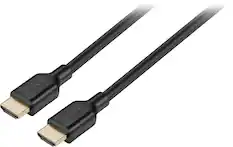
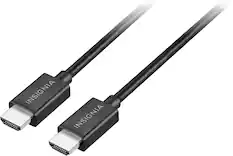
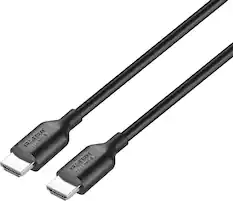
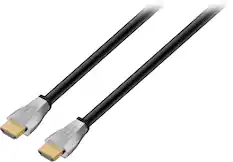
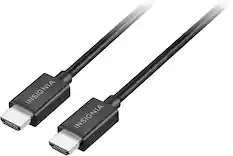
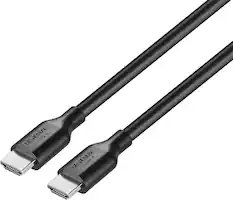
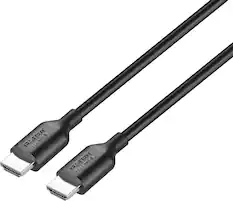
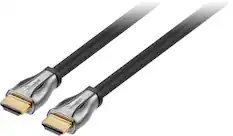
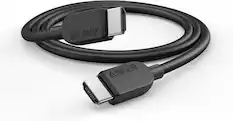
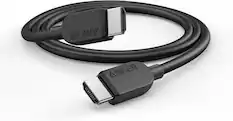
4K HDMI (2.0) Cables


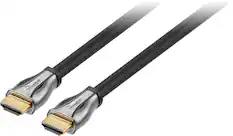
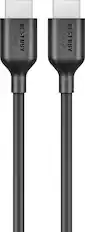
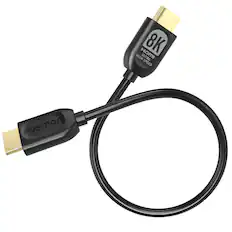
8K HDMI (2.1) Cables






Customers ultimately bought
 $49.99The price was $59.99
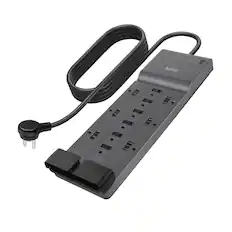
Elevate your entertainment Sponsored
 Top Deal$15.99The price was $39.99