A:AnswerA Roku or any other streaming device does allow you to get rid of all your cable boxes that you now rent for $10 a month. But I don't think you can access your Xfinity TV stations through their streaming app unless you have a Xfinity TV subscription. I have a cable TV subscription on my main tv's in the house and stream all of my cable tv channels on the other TV's via the Xfinity streaming app. You would have to contact Xfinity to find out what they say in regards to what you will still need to be able stream onthe Xfinity Streaming app.
A:AnswerHello, Dave! Absolutely. You can add YouTube and YouTube TV via the Roku device Homescreen, the Roku Mobile App, or online at channelstore.roku.com - Happy Streaming!
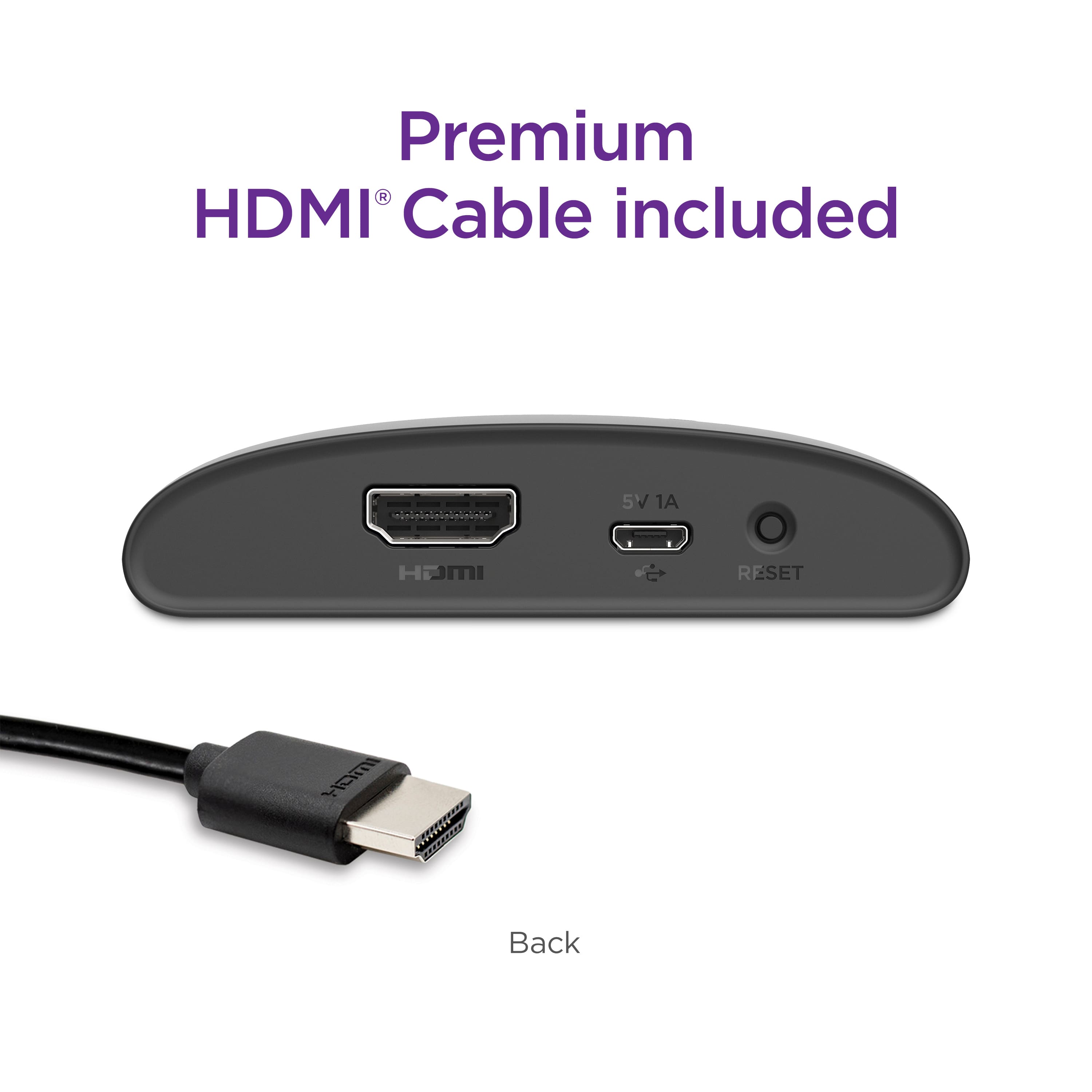
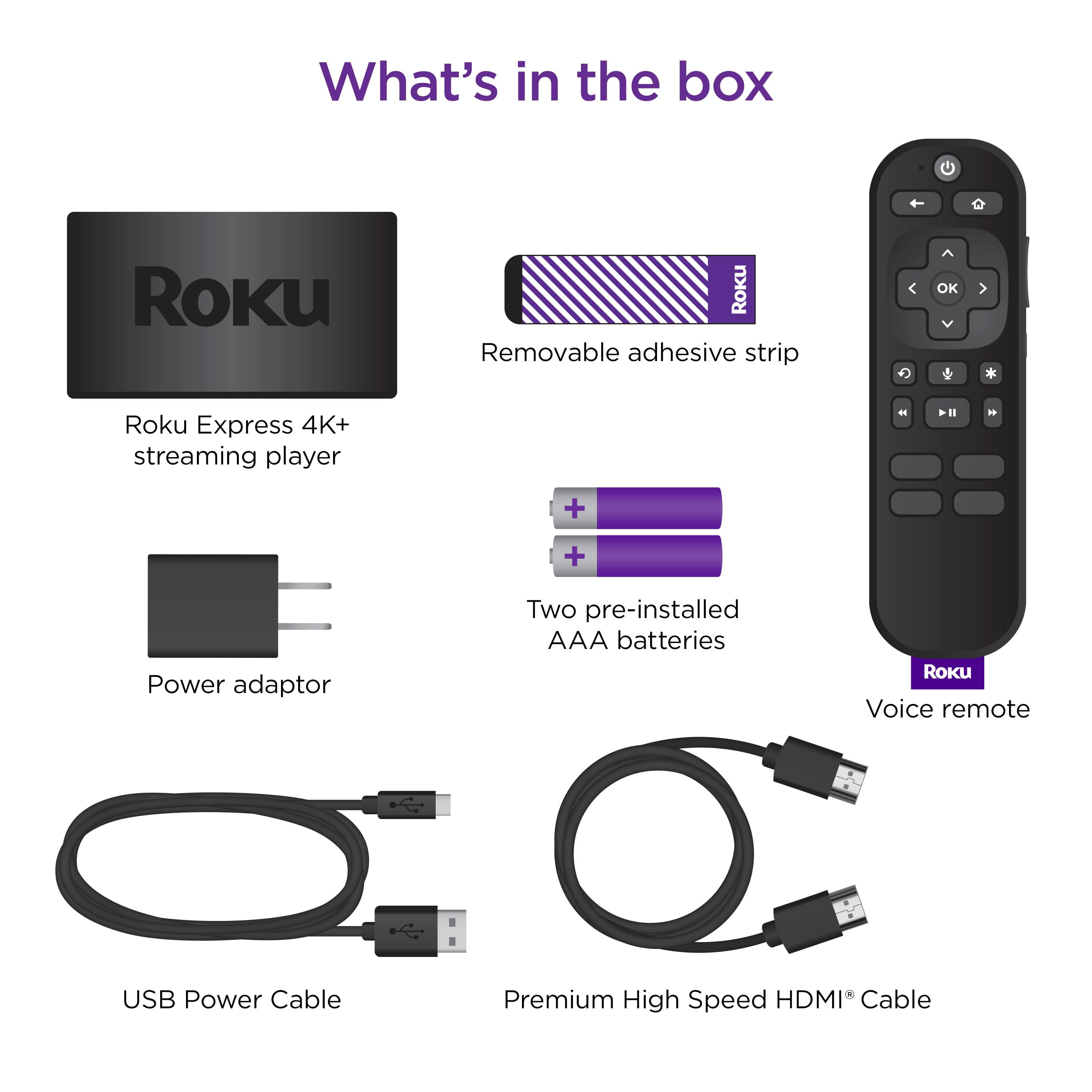
A:AnswerHello, DeanMcCool! Yes, all you will need is that TV with an available HDMI port and a reliable broadband internet connection. Please note: Everything you need to set up is included in the box.
A:AnswerHello, riff! Without knowing the specific requirements of your son's dorm, any of our current Roku Streaming players will meet your need of being a 2nd generation or newer.
A:AnswerHello, Donnie! Yes, Peloton is available and is one of many top-rated channels under the Health & Wellness category on the Roku Platform. Check out Peloton and other Fitness channels at: https://channelstore.roku.com/browse/health-and-wellness
A:AnswerOn our old roku express, yes, so I’m sure this one does too! We don’t have this one yet, but the mlb app is in the roku store and you can add the channel/app to your Home Screen, and then enter your mlb tv subscription credentials! We are going to get this new one today for another room. We love our Rokus!!
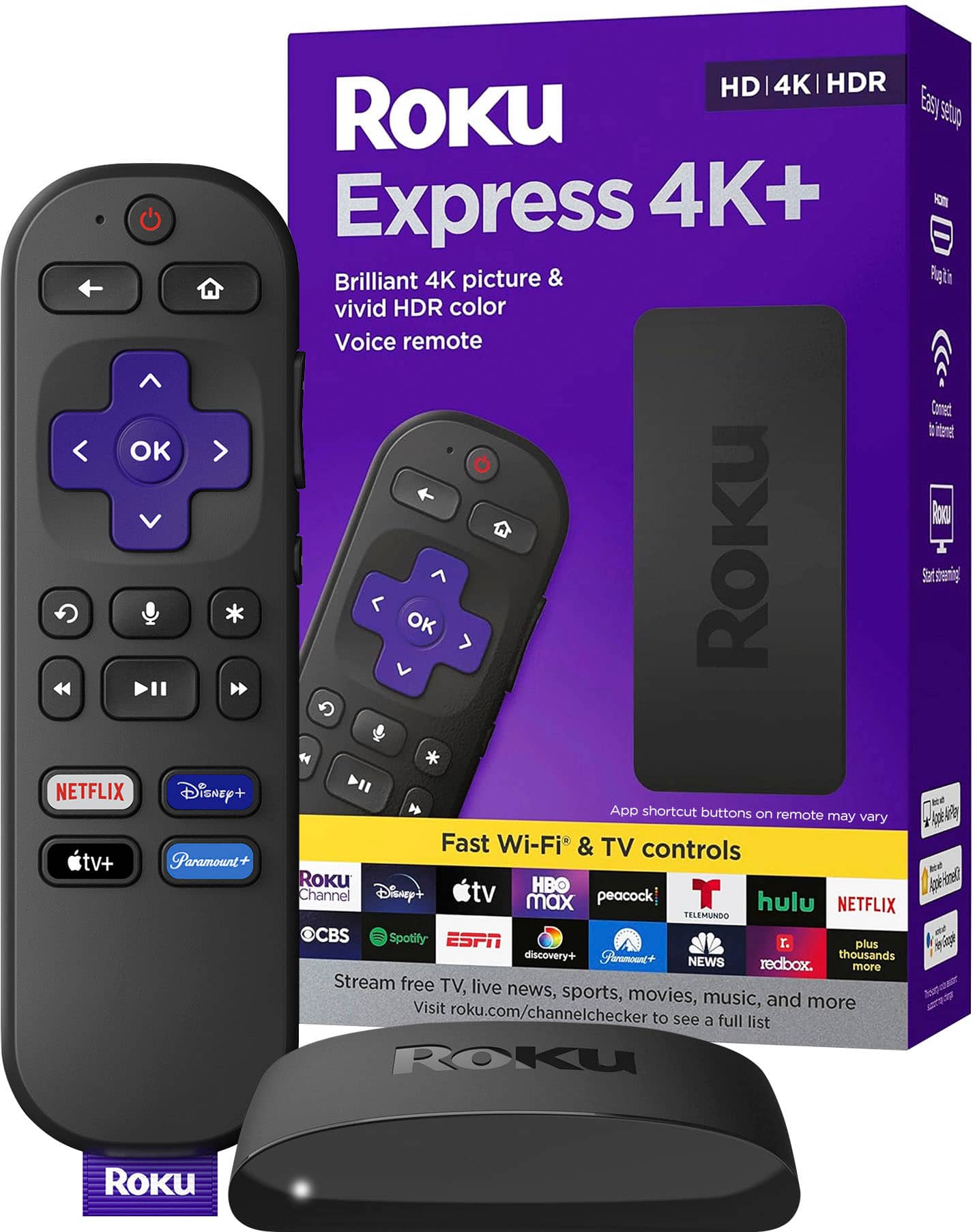
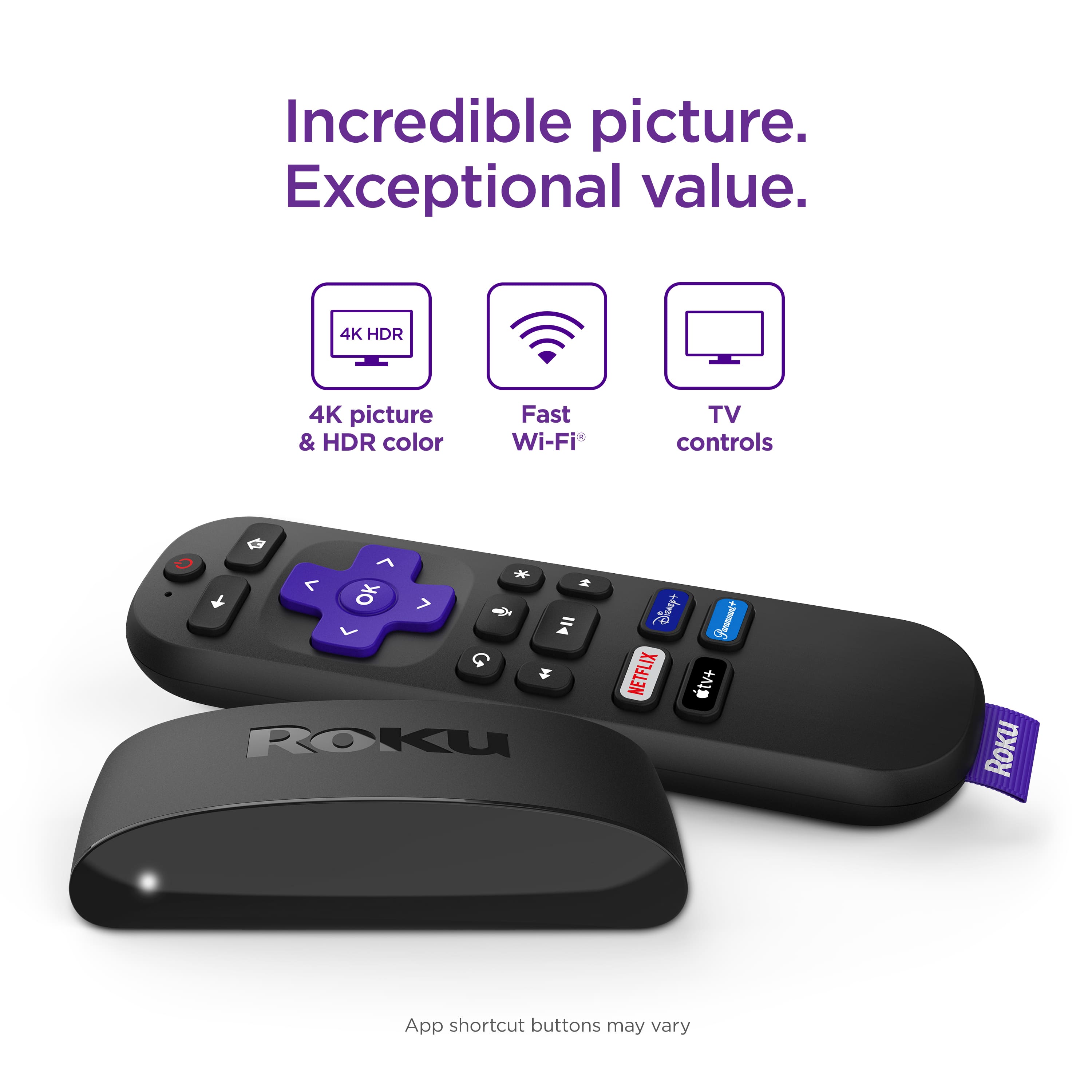
A:AnswerHi! Blackbrush , The Roku - Express 4K+ (2021) is currently available for pre-order on Roku.com and is expected to ship May 16th, 2021. To pre-order The Roku - Express 4K+ (2021) take a look at the product page linked here :https://www.roku.com/products/roku-express-4k-plus
A:AnswerHi Djacs! With Spectrum Cloud DVR (cDVR) and Cloud DVR Plus (cDVR Plus) allows you to record TV programs and view them remotely from your devices. You can access cDVR or cDVR Plus recordings on SpectrumTV.net or through the Spectrum TV app on Roku. For more about Spectrums DVR packages please visit this link
https://www.spectrum.net/support/tv/how-record-and-view-programs-cloud-dvr/
A:AnswerHi! With each Roku player offering its own special features, it can be difficult to pick just one! For an easy comparison to find the device best suited to meet your specific needs, check out https://www.roku.com/products/compare
A:AnswerThe Roku device itself is connected to the tv via the hdmi cable. Therefore the distance is dictated by the length of the cable you are using. The one that comes with it is very short - barely reached to the top of my 42” tv!
A:AnswerHi, gloriat543! Roku® streaming players can be connected to any TV with an HDMI® connection. Ideally you would want to have a Roku streaming player connected to each TV that you want to use Roku on. When you activate a Roku streaming player or Roku TV™, you have the choice to add, or link it to your existing Roku account, or you can create a new account. When you link multiple Roku devices to a single Roku account, the channels and purchases will be the same on each device. When a channel is added or removed on one device, the channel is automatically added or removed on all devices linked to that account that support the channel. Please note there is NEVER a charge to create a Roku account. Additionally each Roku device may only be linked to one Roku account at a time.