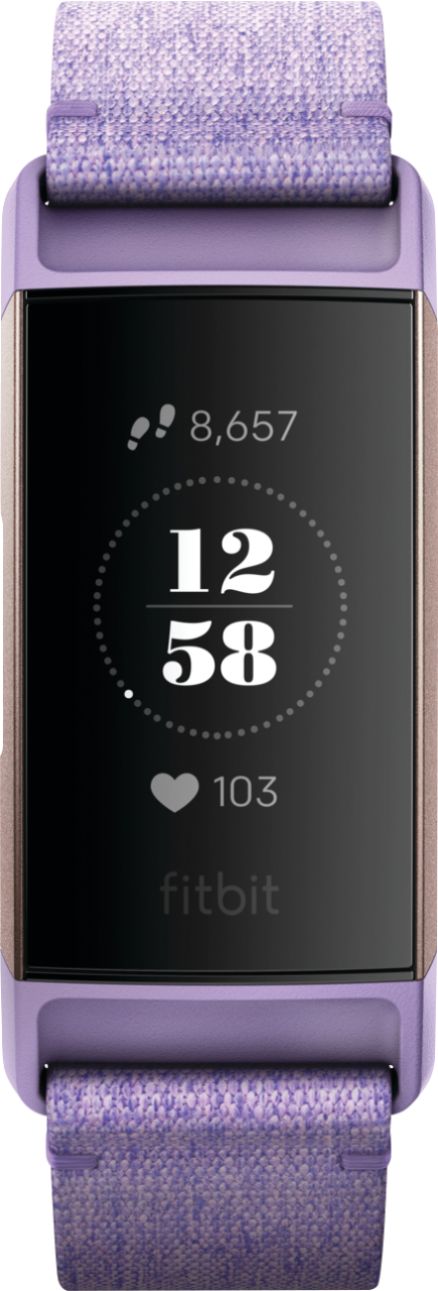
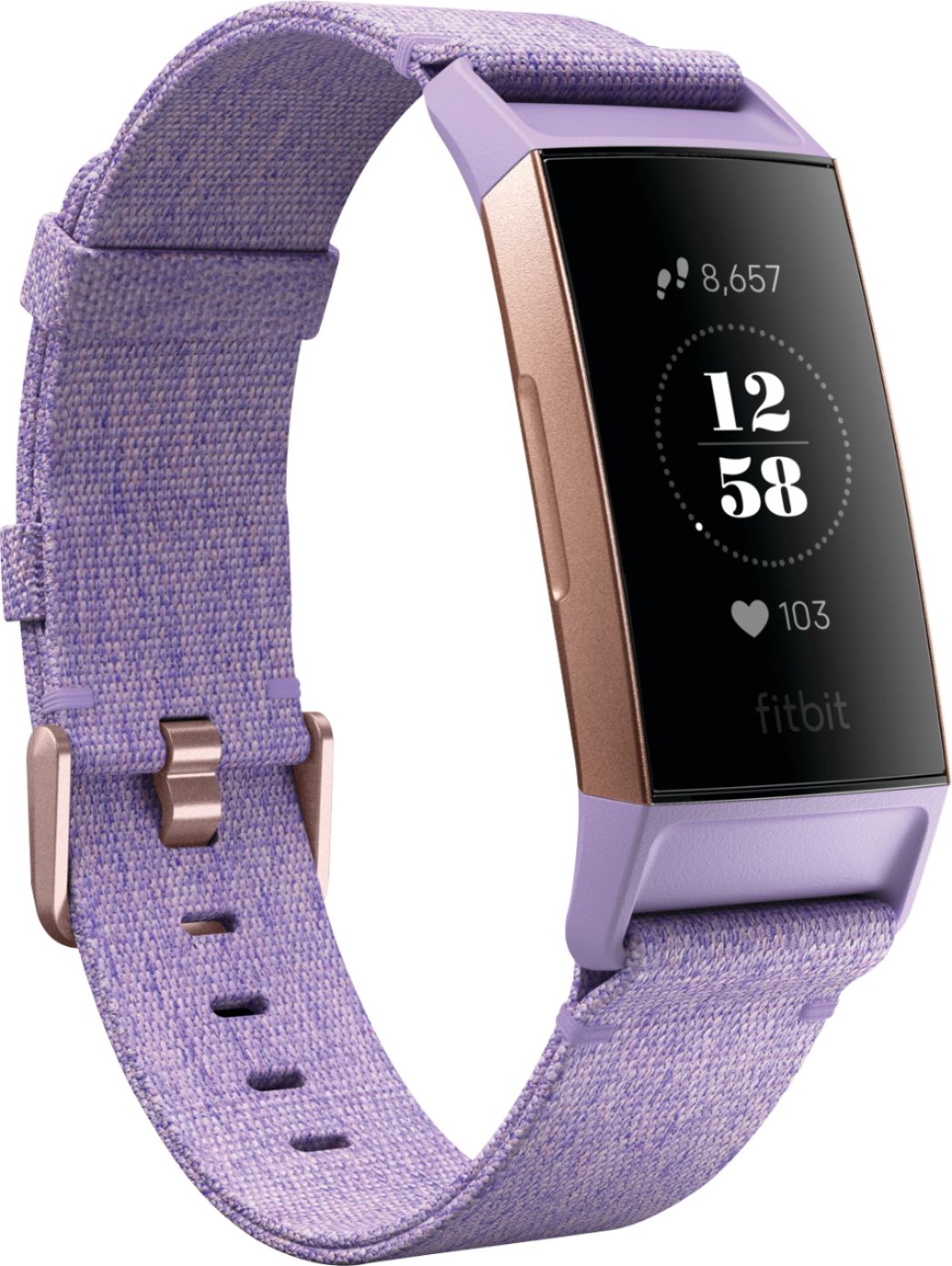
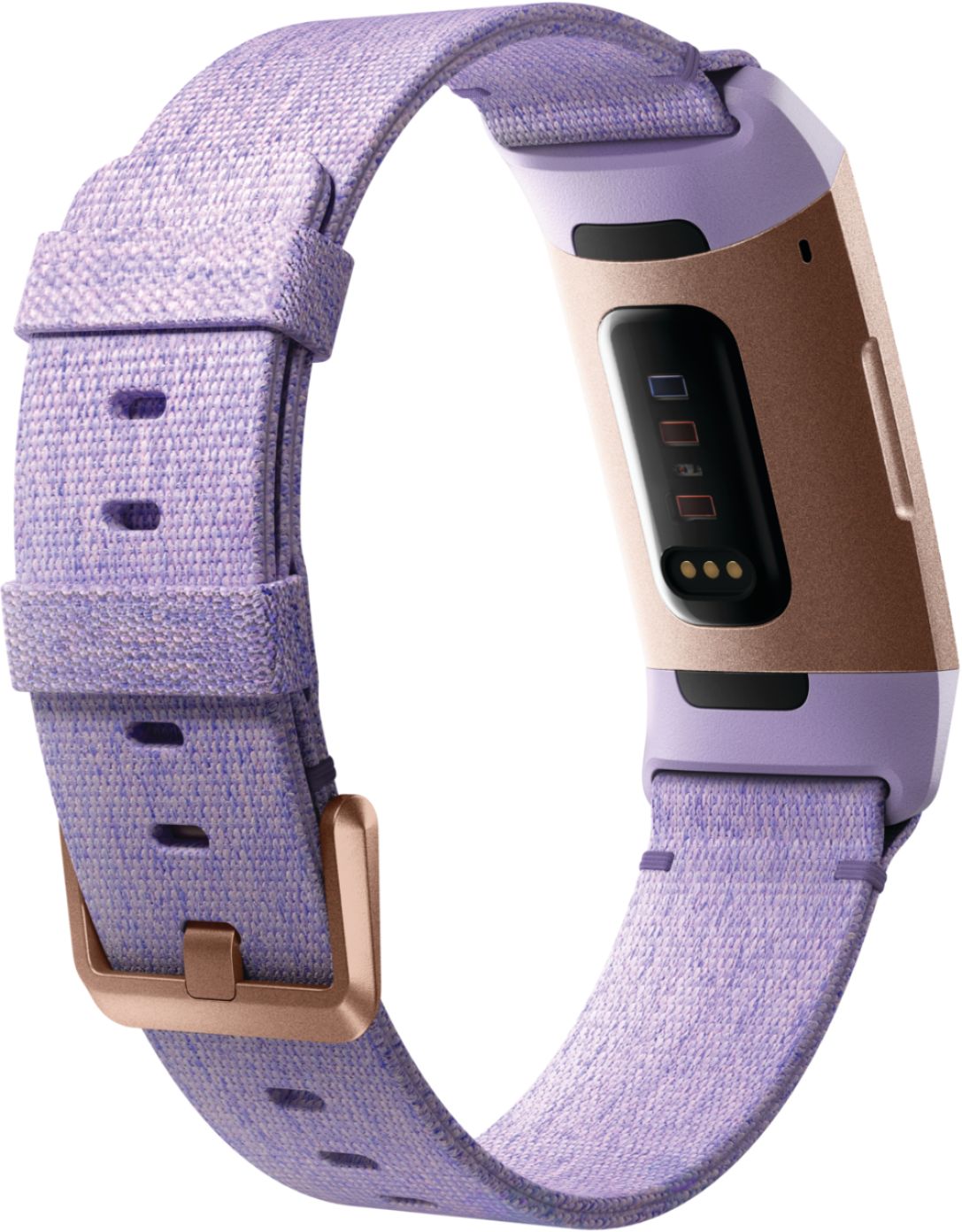
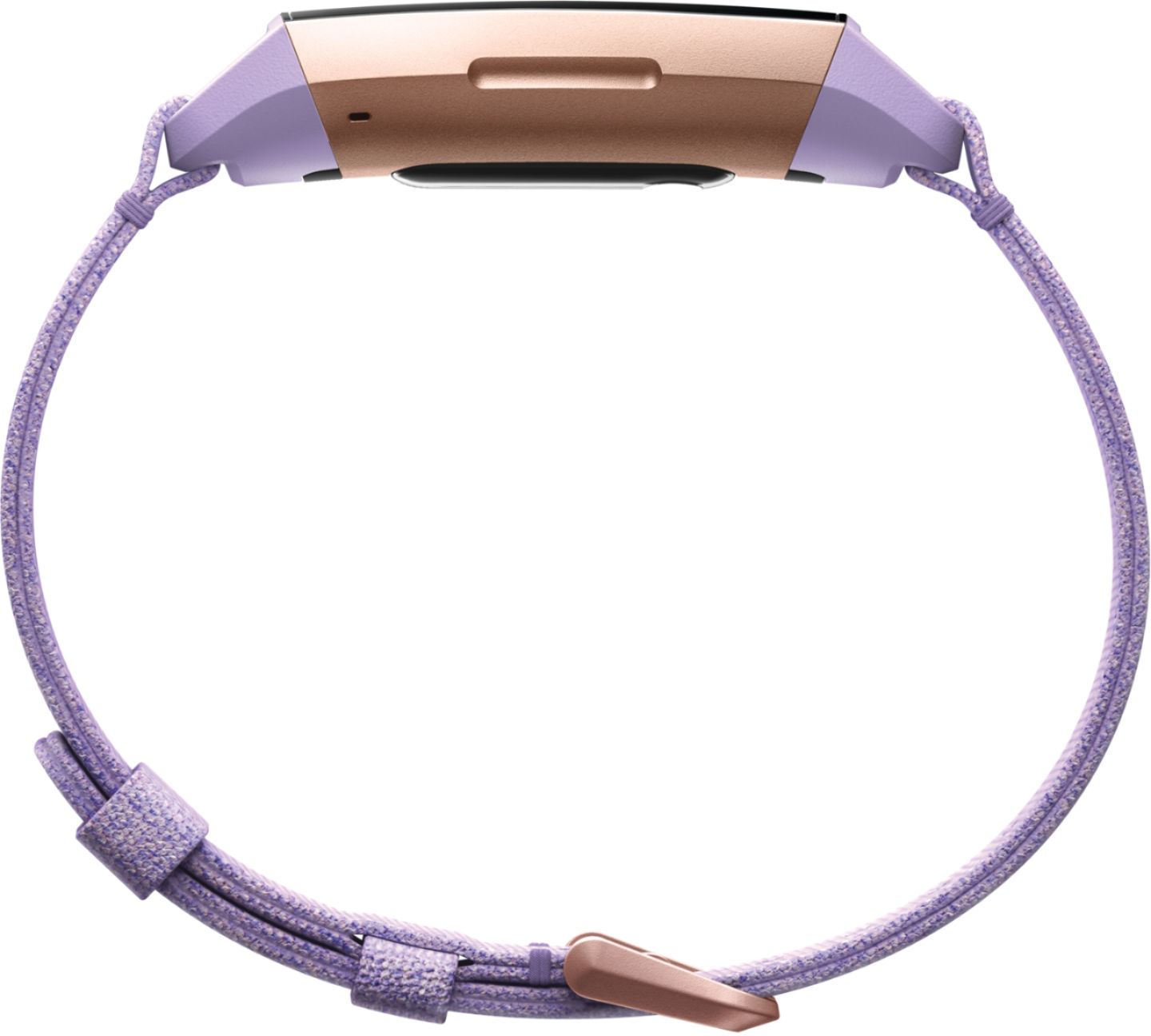
A:Answerthey come with two size options only. both are included with the purchase of the fitbit charge 3, not sure about the other models, you just switch the band that works according to your wrist size..Best buy had a sizing line at there fitbit display to give you an idea of which band would work for your wrist circumference.
A:AnswerYou should contact Fitbit customer support. They are easy to work with and are solution oriented. I think you’ll have better success calling them than this forum. Try resetting your Fitbit. Connect it to the charge port and hold down the function key for 6 seconds. Hopefully you then get the smiley face. Good luck.
A:Answeryes, if you leave it with the factory settings. Changing the face setup requires a high $ level Samsung Android, or an Apple. Then, you can go back to your Android J7.
A:AnswerI have only owned my Charge 3 for a few weeks and I have the sport band, the one that has holes all through it. My wristband seems very sturdy, so that kind might help. But also the instructions specifically note to wear the band loosely. Could you be wearing it too tightly? I hope this helps. And there are all kinds of bands available. Good luck
A:AnswerYes. The Charge 3 automatically tracks certain exercises. You can customize which exercises show on the actual tracker and you can start your activity on the Charge 3 itself.