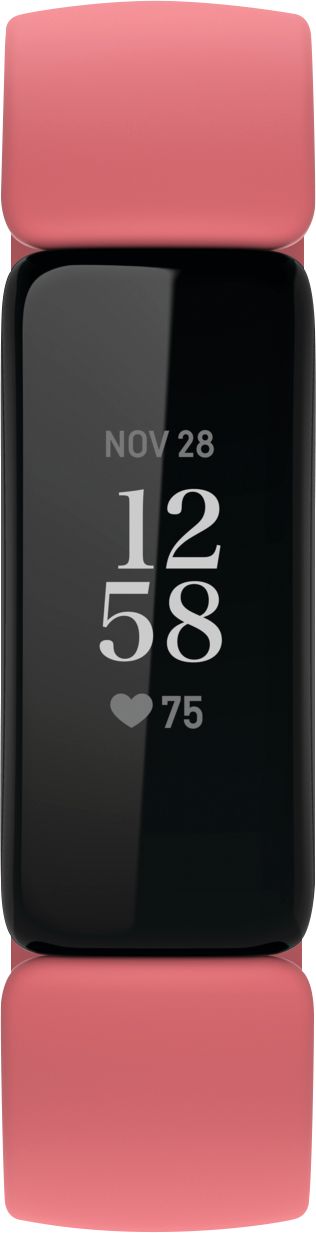
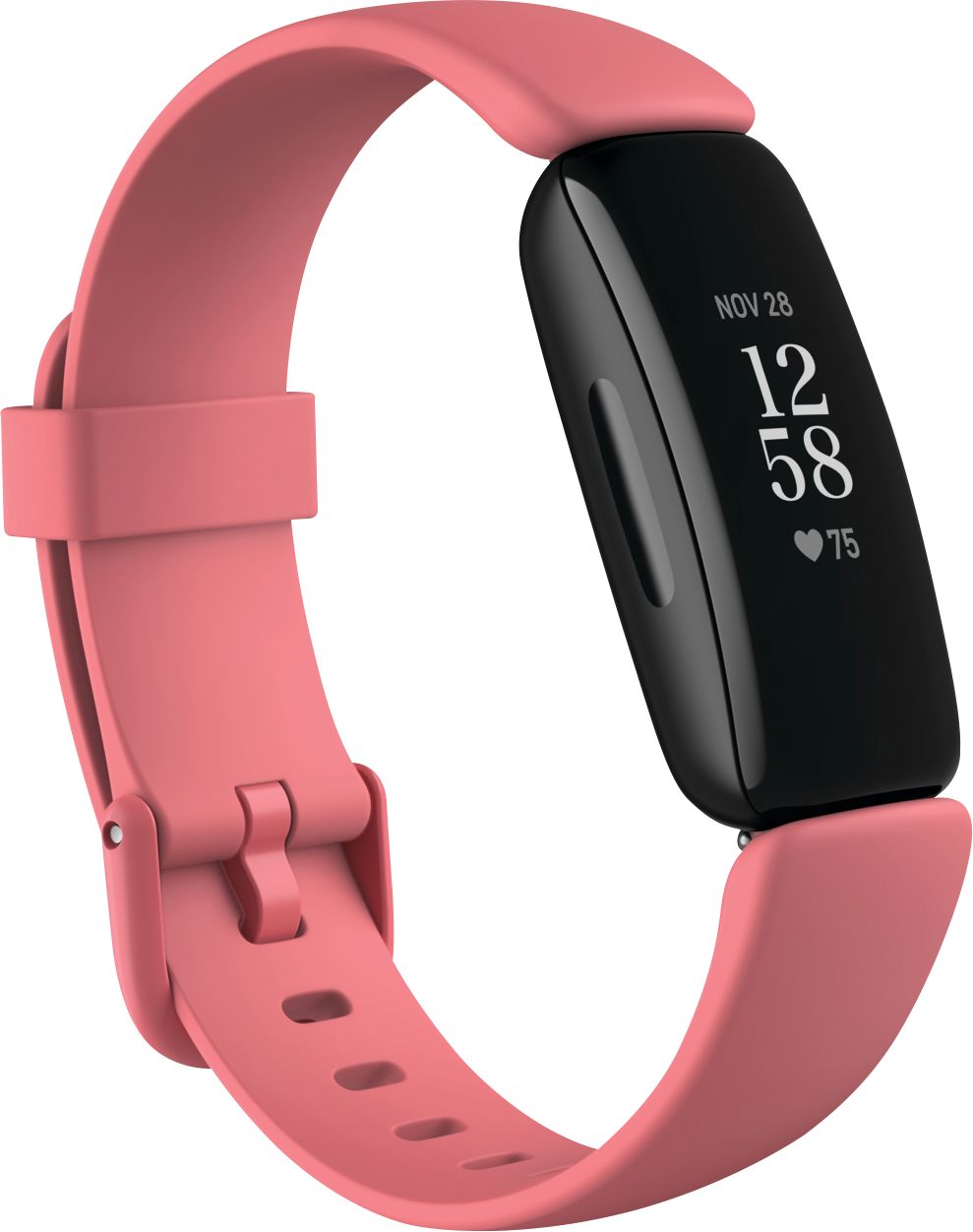
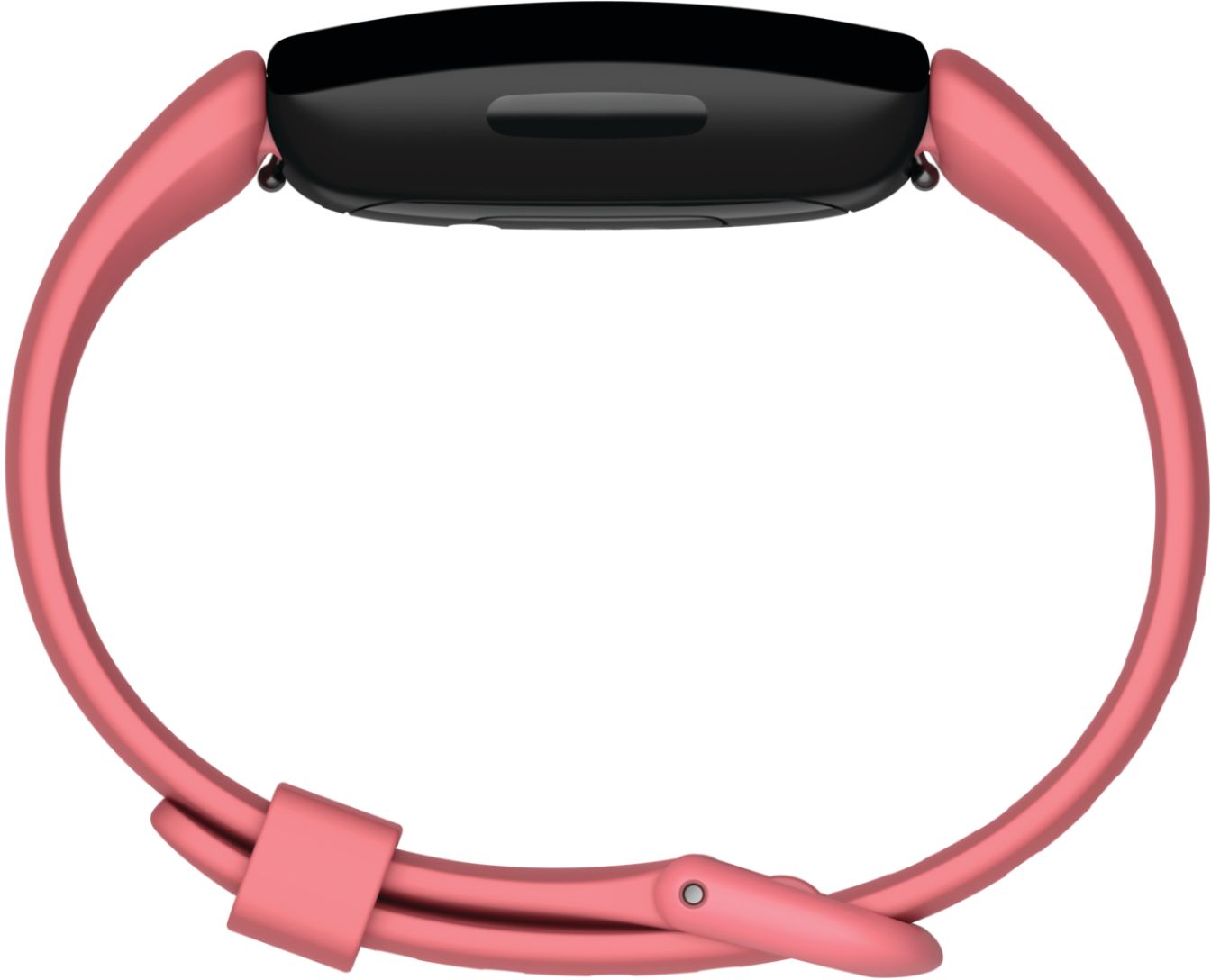
A:AnswerThe tracker allows you to view your steps, heart rate, miles, calories, notifications, select exercise category before you start, select relaxation, timer, alarms, tile tracking and the trackers settings.
You however need the app to set up the tracker and to do updates. It also allows you to gain access to a host of other information and features that the tracker does not. I would therefore say that not connecting it to your phone would be pointless.
A:AnswerBy “red lines” are you referring to the graphics of your sleep tract? If so, the Inspire 2 can detect those times during sleep where you are “awake”. Your concern is merited. If you still feel like you need more sleep, the red lines tells you that you need to figure out how you can be more in REM sleep, deep or light sleep as opposed to being awake.
A:AnswerYoutube videos are a great help to finding the answers, but Fitbit.com has a chat site with a representative that can help you with your questions. It is more difficult to control some of the icons that come up on the watch than the Charger 3, but raising the brightness may not help if you are using it in direct sunlight. I have found this is the one option that is difficult to control. Mine is on optimum brightness but I still cannot read it in daylight. These has been the case with the last two that I have owned.
A:AnswerYes it can. On the application it will tell you when you were awake and asleep. As long as you wear your tracker to bed and have Bluetooth on. While on the Fitbit app you have to determine you are going to sleep and want to “begin sleep now.” I get interrupted sleep almost every night. The FitBit Inspire 2 shows you at what times and how many times you had interrupted sleep. It determines it though your heart rate.
Hopefully that answers your question!
A:AnswerThe Fitbit will work on its own. Once you're near your phone again, if you go into the fitbit app, you can sync your watch data with your phone and upload your watch data that way.