A:AnswerHi blmnp.
Thanks for asking. If you would like to manually turn the lights on or off and override the motion detection settings, you can do so through the Ring app. The light toggle for your device is located on your device dashboard in the Ring app, above the Motion Alerts toggle. Toggle this control to manually turn the floodlights on (blue) and off (white).
We invite you to reach out to our Community if any additional information is needed regarding your question. The Ring Community is our first peer-to-peer community forum, giving our customers the ability to help one another by sharing their feedback and experiences with each other.
All the best,
Nicole from Ring.
A:AnswerHi Nataliep.
Thank you for reaching out. The Ring Floodlight Cam Wired Pro is compatible with 802.11 b/g/n wifi connections at 2.4 GHz and 5.0 GHz. Follow these steps to update your wifi or reconnect your device:
Open the Ring app.
Tap the menu (≡) in the top left.
Tap Devices and select the camera you'd like to reconnect.
Tap the Device Health tile.
Under Network, tap Change Network.
Tap Change Wifi Network, then follow the steps in the app.
You can choose to use Movement or the Setup Button to reconnect.
If your camera is too high to easily access the button, choosing Movement will reconnect your device to wifi by using the camera's motion detection.
Tap Continue and follow the prompts in the app to reconnect.
Allow some time for your device to fully reconnect to the network, then check your wifi signal strength in Device Health to confirm it has successfully reconnected.
Visit our support center for more information.
We invite you to reach out to our Community if any additional information is needed regarding your question. The Ring Community is our first peer-to-peer community forum, giving our customers the ability to help one another by sharing their feedback and experiences with each other.
All the best,
Nicole from Ring.
A:AnswerHi Fast.
Good question. No, the Ring Floodlight Cam Wired Pro alarm can be toggled on manually through the Ring app. However, if you are looking for automatic announcements to visitors, you can enable the motion warning feature. Motion Warning is a voice announcement feature that can play when motion is detected on select doorbells and cameras, letting visitors know your home is protected by Ring. Visit our support center for more information.
We invite you to reach out to our Community if any additional information is needed regarding your question. The Ring Community is our first peer-to-peer community forum, giving our customers the ability to help one another by sharing their feedback and experiences with each other.
All the best,
Nicole from Ring.
A:AnswerHi Vanessa562.
Great question. Yes, the Ring Protect Plus plan offers video recording for all Ring doorbells and home cameras at one location. If you have a Ring Protect subscription, you can upgrade or change your plan at any time using the following steps:
Log in to your Ring account on Ring.com.
Select Upgrade Your Plan.
Compare all plans and features on the directed page.
Select your plan and follow the on-screen instructions.
Visit our support center for more details.
We invite you to reach out to our Community if any additional information is needed regarding your question. The Ring Community is our first peer-to-peer community forum, giving our customers the ability to help one another by sharing their feedback and experiences with each other.
All the best,
Nicole from Ring.
A:AnswerHi Chas.
Thanks for asking. Yes, you can set up and manage all of your Ring devices through the same Ring account. There is an optional Ring Protect Plan that gives you access to paid features for Ring devices. With a Ring Protect Plan, you can save, review, and share video recordings from your Ring devices to your Ring account.
Without a Ring Protect Plan, you can still view real-time video for Ring doorbells and cameras and answer doorbell notifications when they happen, but you don’t get video recordings of those events.
We invite you to reach out to our Community if any additional information is needed regarding your question. The Ring Community is our first peer-to-peer community forum, giving our customers the ability to help one another by sharing their feedback and experiences with each other.
All the best,
Nicole from Ring.
A:AnswerHi Garrett.
Good question. No, the Ring Floodlight Cam Wired Pro does not work with Ethernet or LAN wire. It connects to your home's wifi network and is compatible with 2.4 GHz or 5 GHz 802.11 ac networks.
We invite you to reach out to our Community if any additional information is needed regarding your question. The Ring Community is our first peer-to-peer community forum, giving our customers the ability to help one another by sharing their feedback and experiences with each other.
All the best,
Nicole from Ring.
A:AnswerHi Dave.
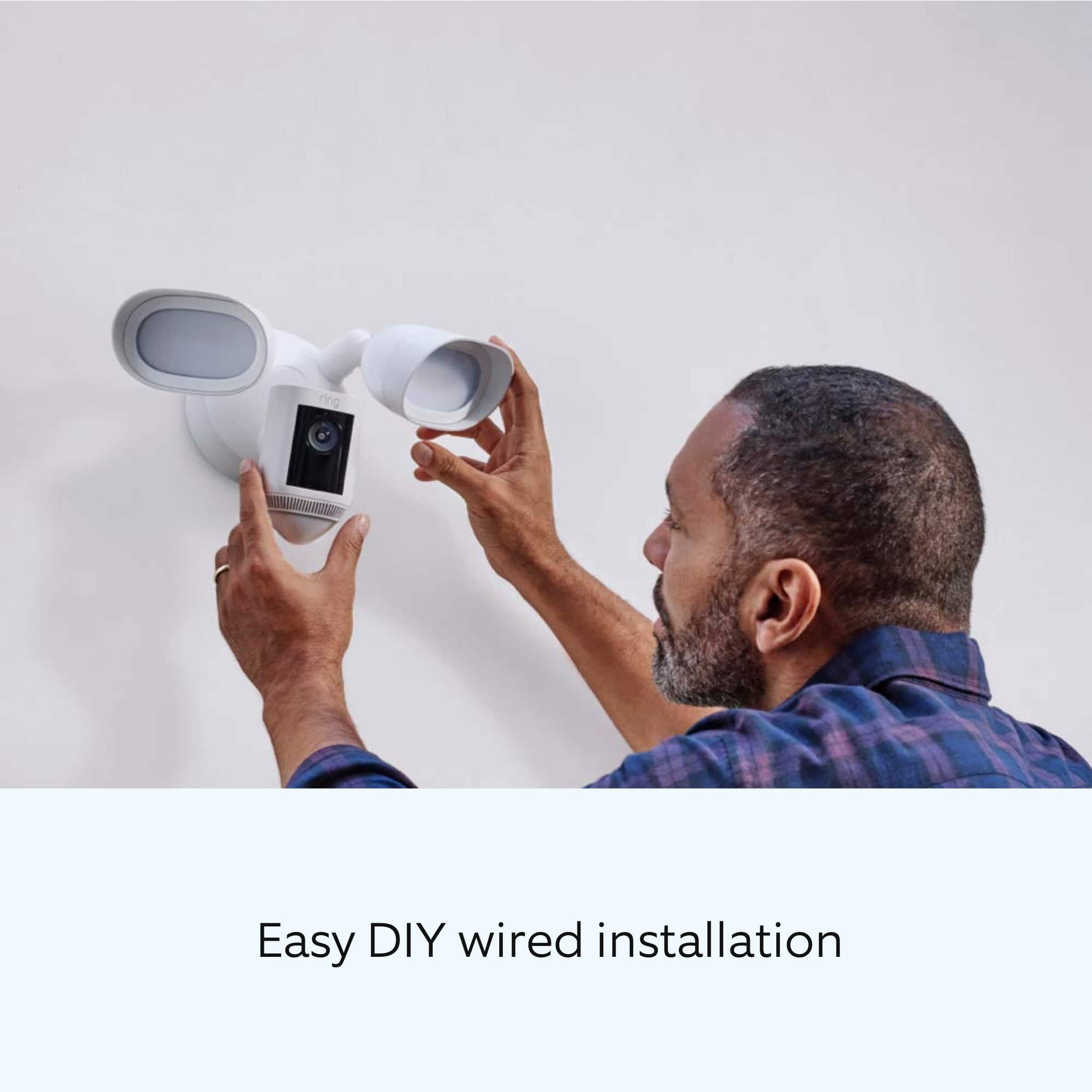
Thanks for asking. The base/mounting bracket of the Ring Floodlight Wired Pro is 4.7 inches (12 cm) in diameter. Your Floodlight Cam Wired Pro must be installed on a 4“ round UL-listed weatherproof electrical box. Visit our support center for additional details.
We invite you to reach out to our Community if any additional information is needed regarding your question. The Ring Community is our first peer-to-peer community forum, giving our customers the ability to help one another by sharing their feedback and experiences with each other.
All the best,
Nicole from Ring.
A:AnswerHi.
Great question. Yes, the Ring Floodlight Cam Wired Pro is compatible with 802.11 b/g/n wifi connections at 2.4 GHz and 5.0 GHz. The Ring Floodlight Cam Wired Pro is our most advanced outdoor camera with next-level security features.
We invite you to reach out to our Community if any additional information is needed regarding your question. The Ring Community is our first peer-to-peer community forum, giving our customers the ability to help one another by sharing their feedback and experiences with each other.
All the best,
Nicole from Ring.
A:AnswerLucky you, an ideal situation is to have the Ring Spotlight to work off of a separate switch or circuit.
There are times when you may wish to turn it off.
A:AnswerHi Juan.
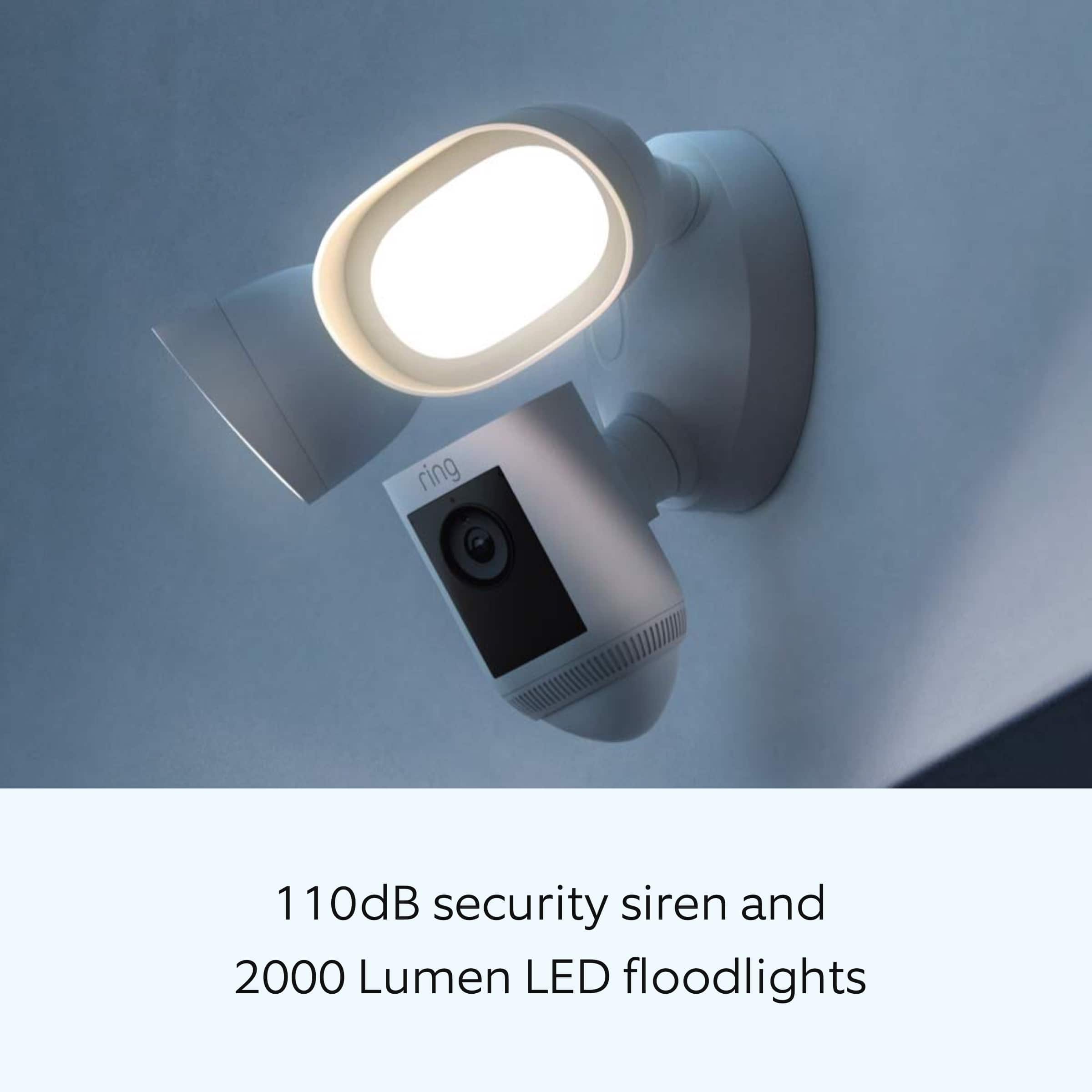
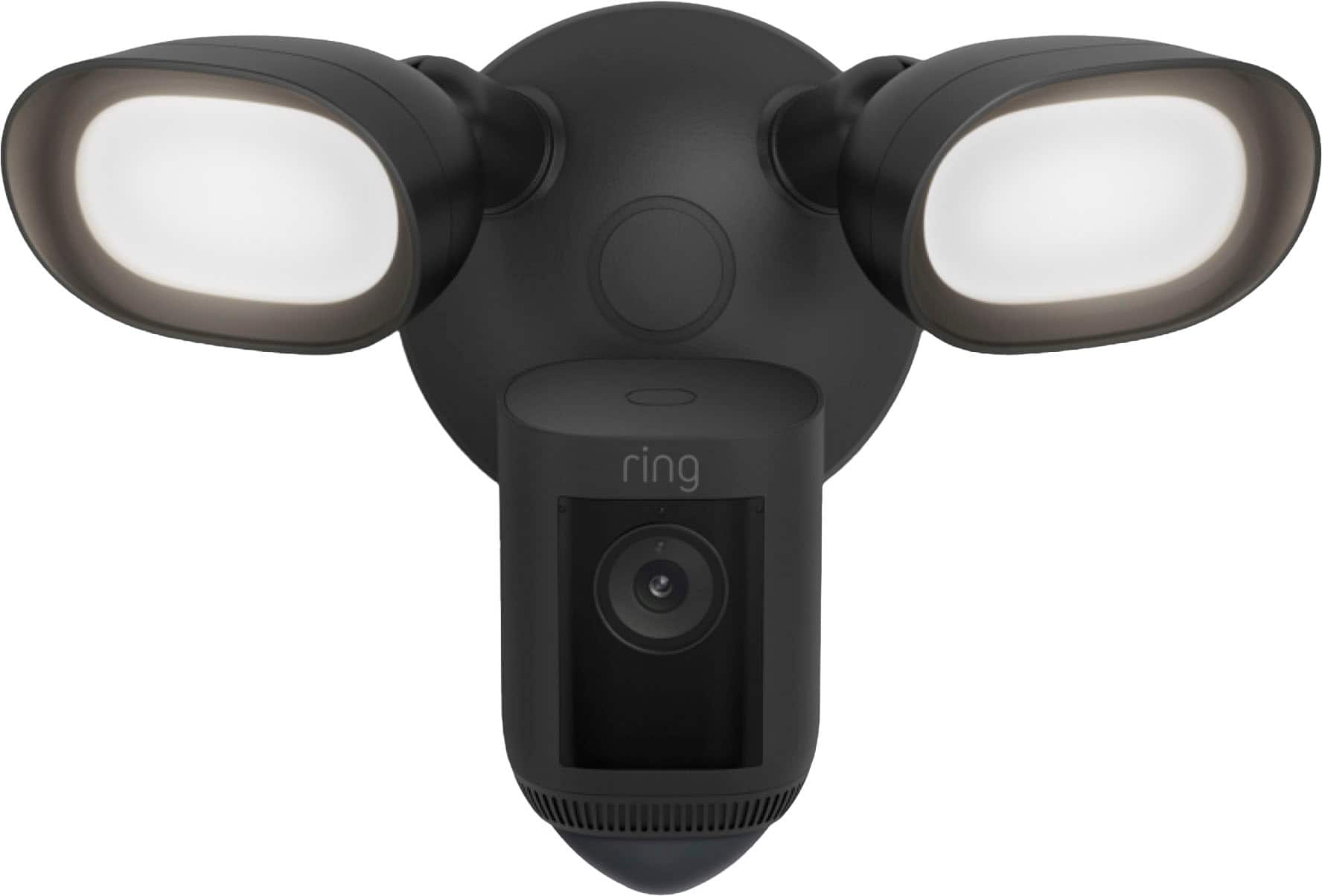
Good question! No, the bulbs cannot be replaced in the Ring Floodlight Camera Wired Pro. The device has two ultra-bright LED 3000° Kelvin lights with 2000 lumens. Yes. Through the Ring app, you can control your lights, create a custom light schedule, dim the lights, and more.
If any additional information is needed regarding your Ring question, please reach out to our Community. Ring Community is our first peer-to-peer community forum, giving our customers the ability to help one another and share their feedback and experiences directly with Ring.
All the best,
Nicole from Ring.
A:AnswerIt will go back up on its own. We had our internet and power go out here once and all of our stuff went on battery back up mode. It wasn’t out long but it continued to work while down. Also, there’s a subscription that allows it to have emergency WiFi in the case of an internet outage.